
 15
15presentation
College Essay Thesis Builder Slides
Build stronger academic arguments with a college essay thesis builder featuring guided examples, revision prompts, and editable PowerPoint and Google Slides.
Google SlidesPowerPoint
presentation · English
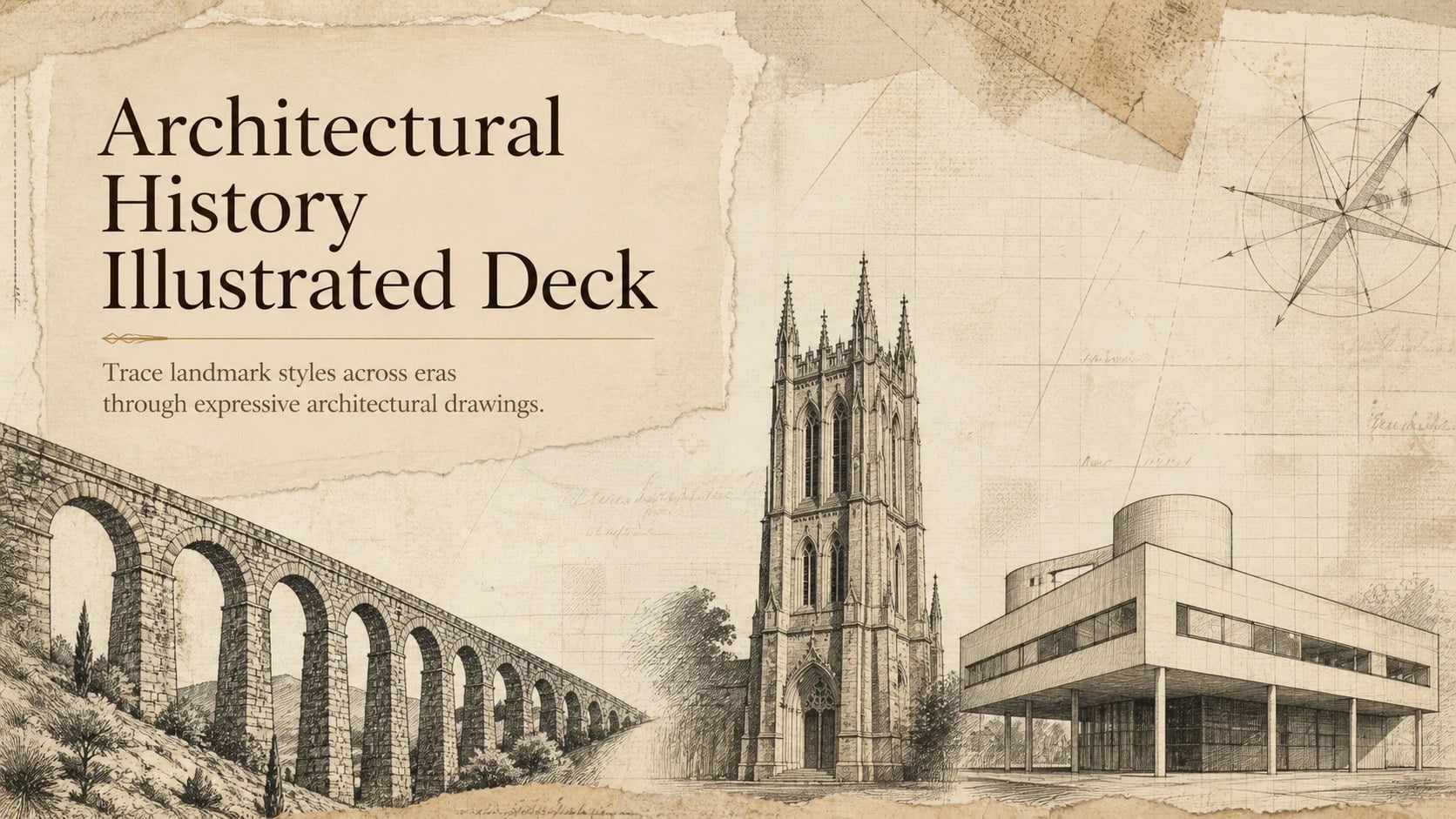
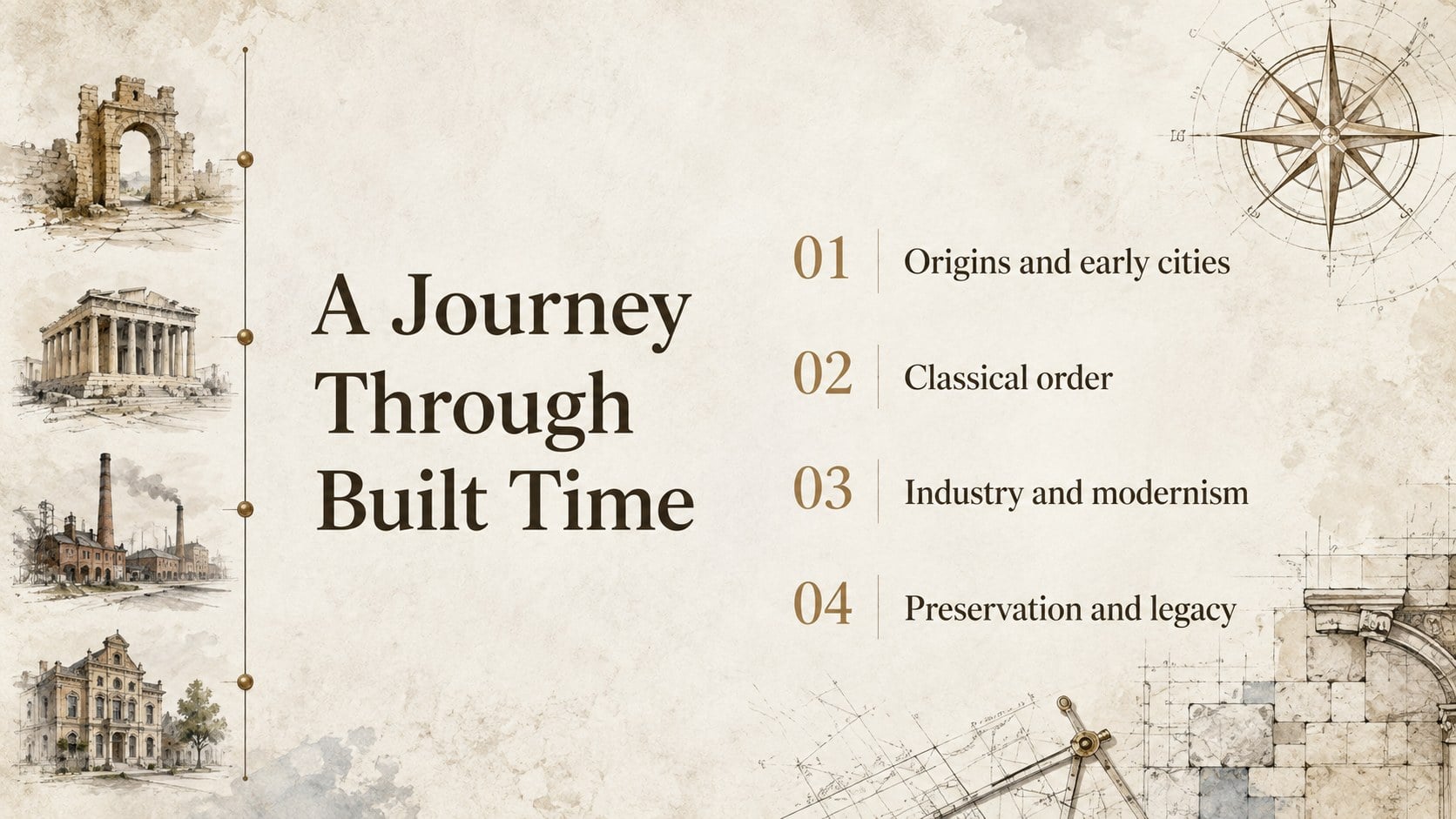
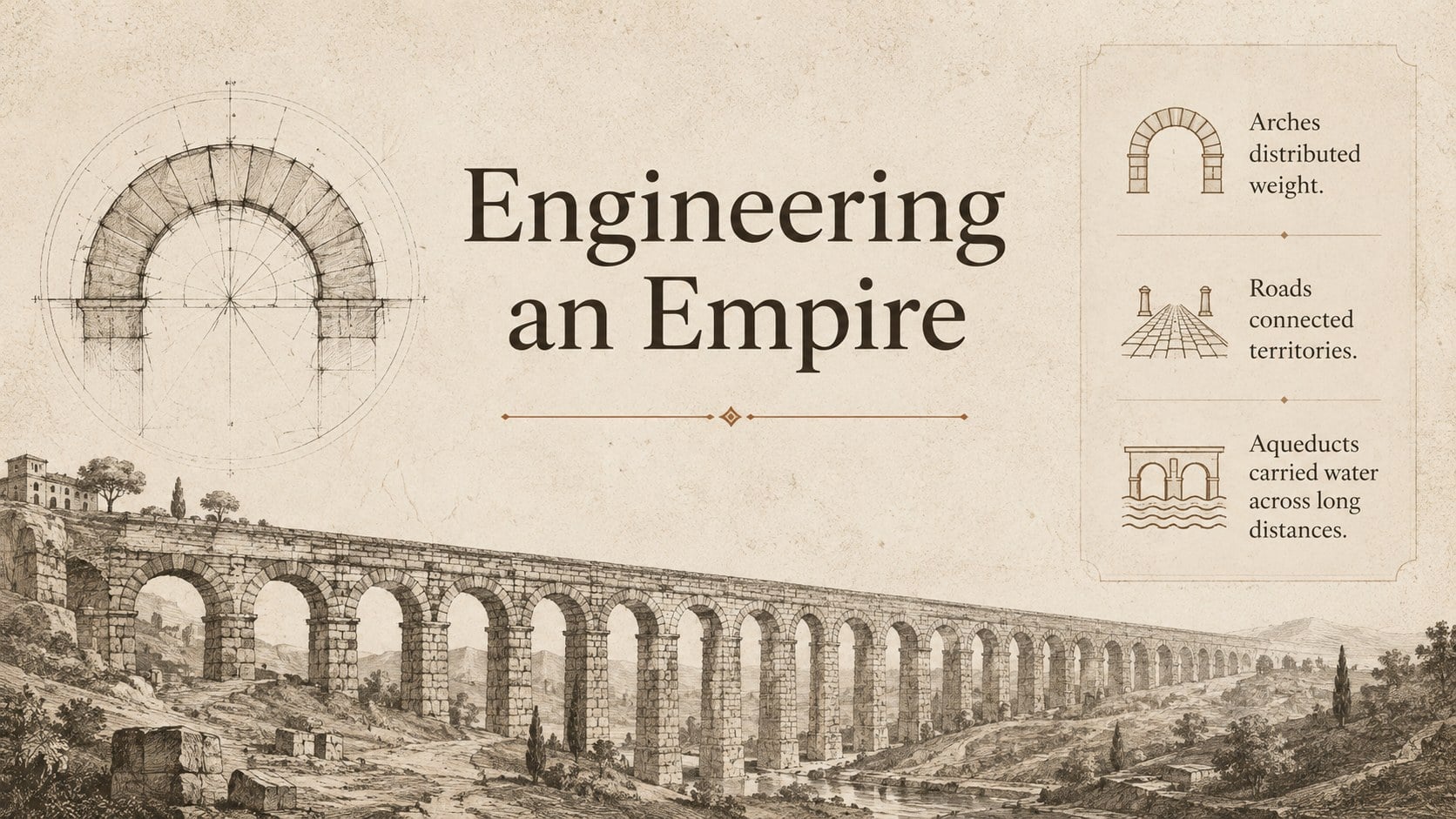
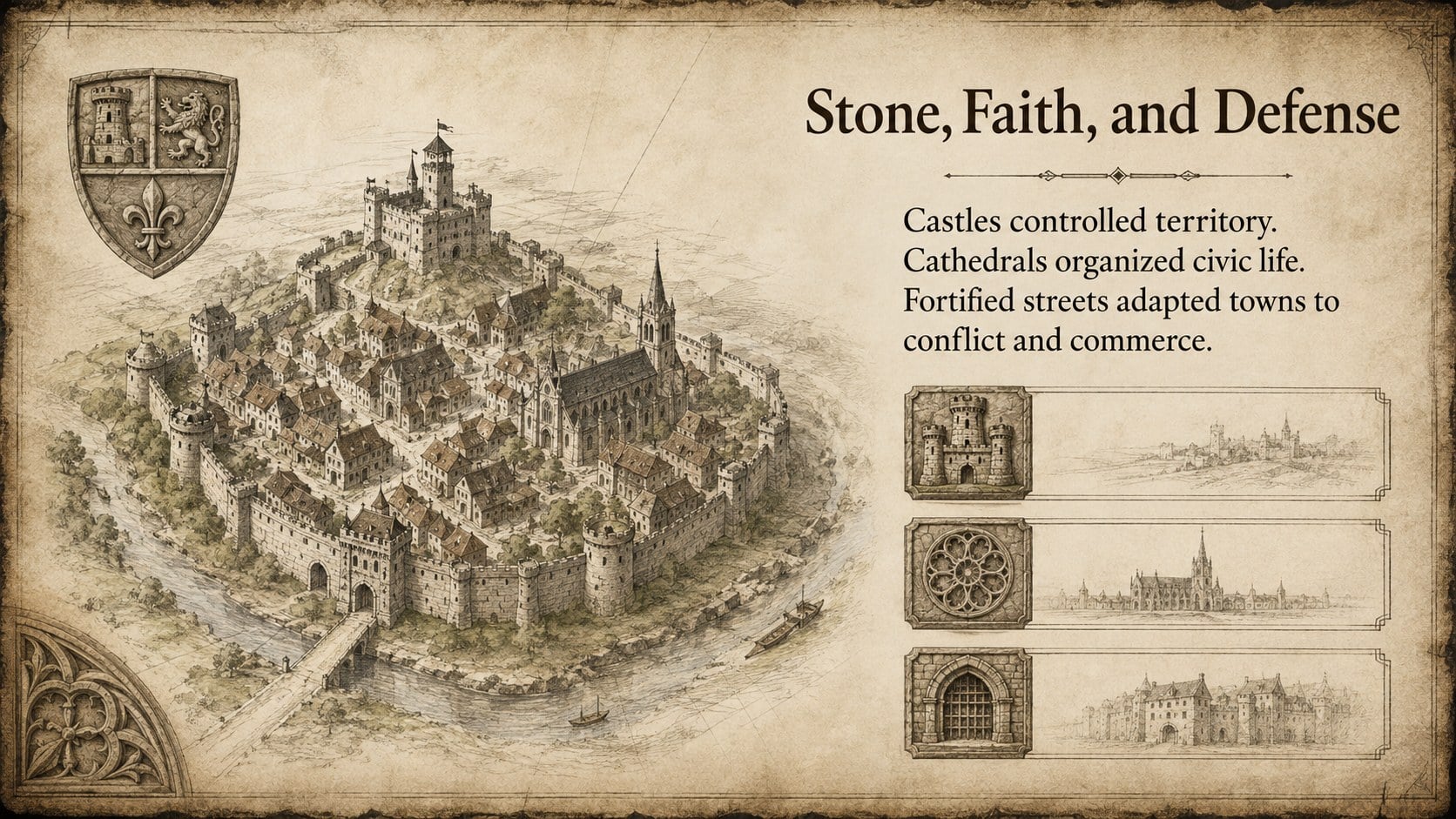
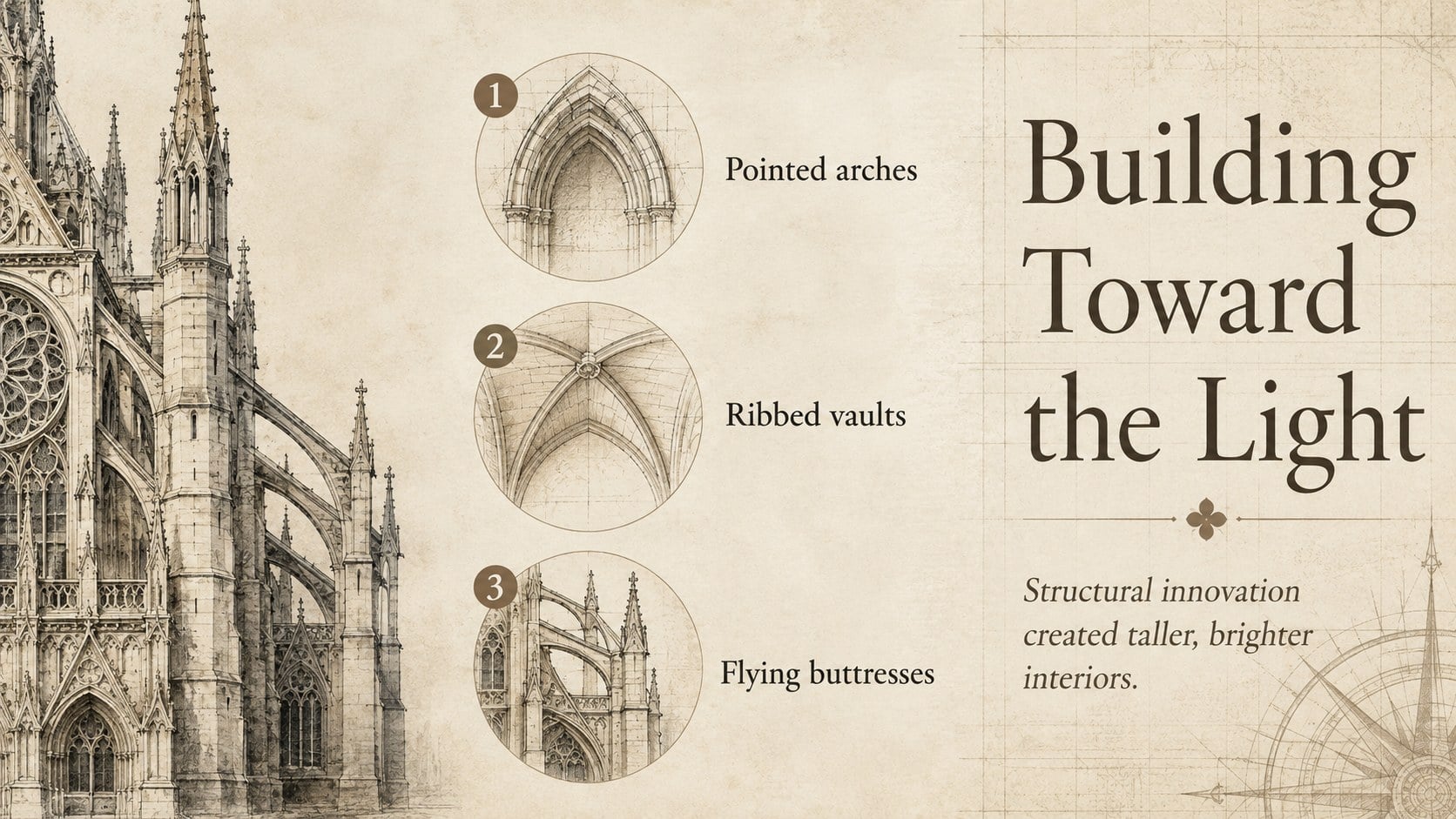
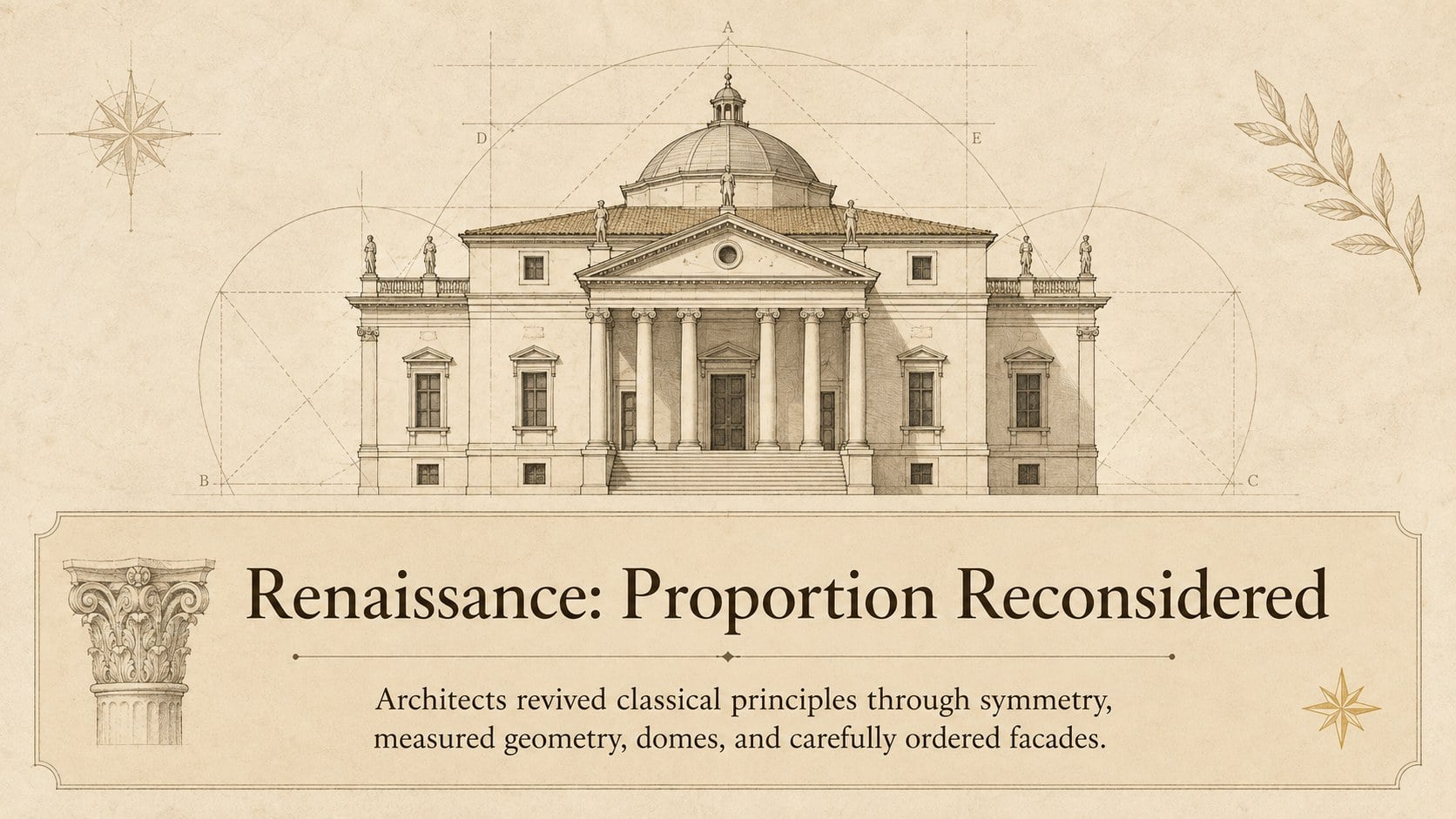
Use this architectural history illustrated deck to compare landmark styles across eras with textured paper, refined type, and editable diagrams for class.
Design notes
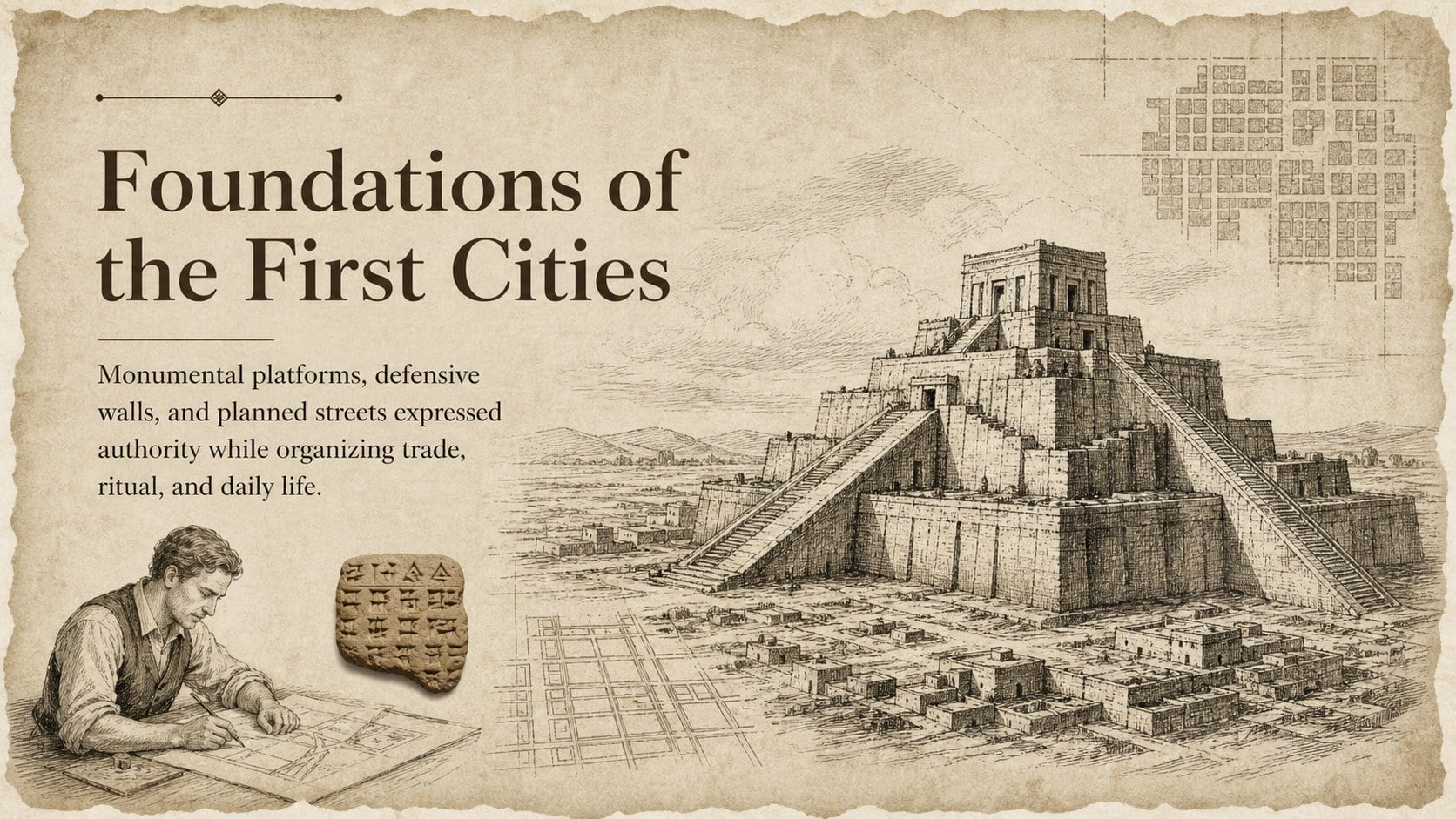
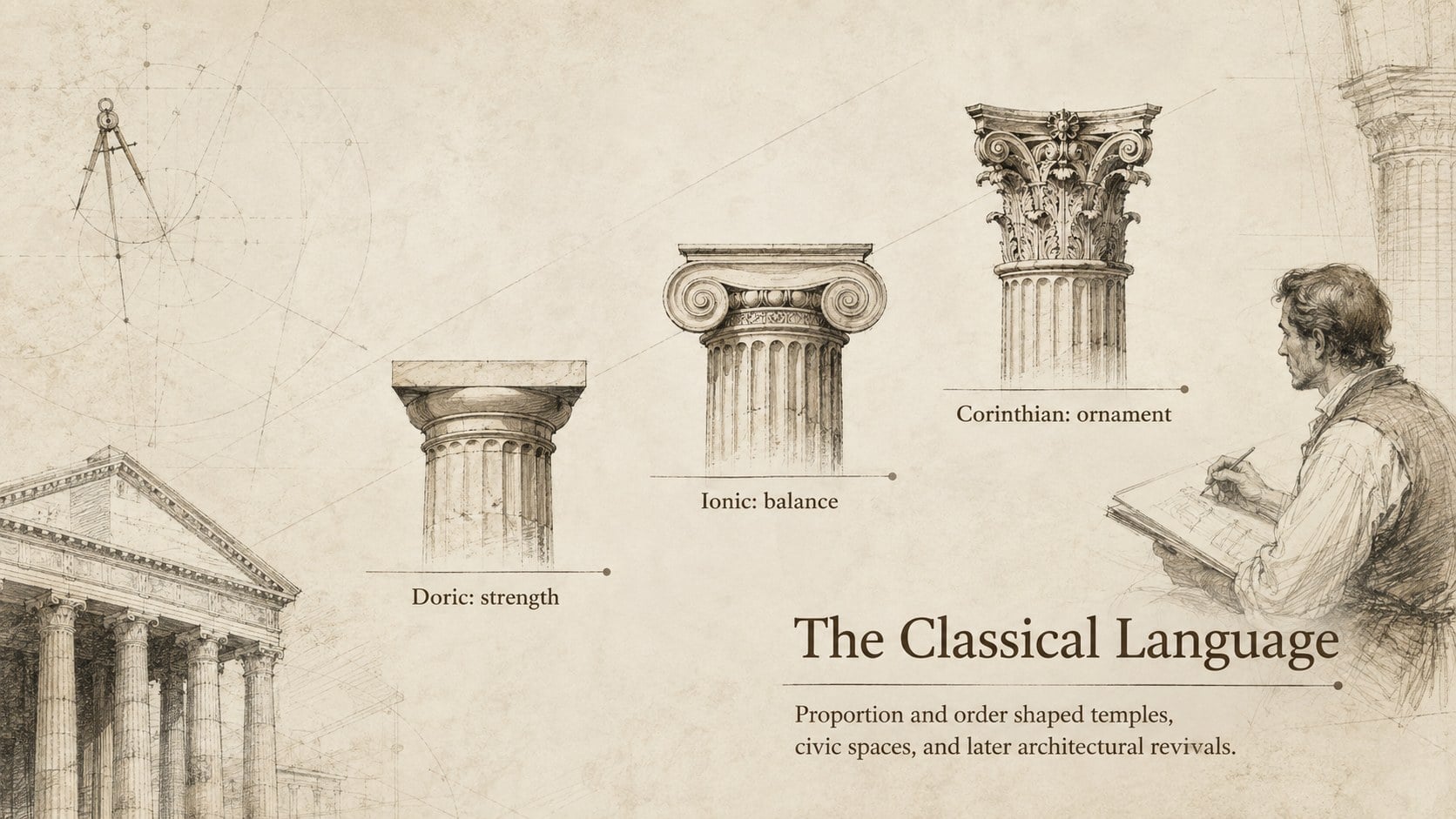
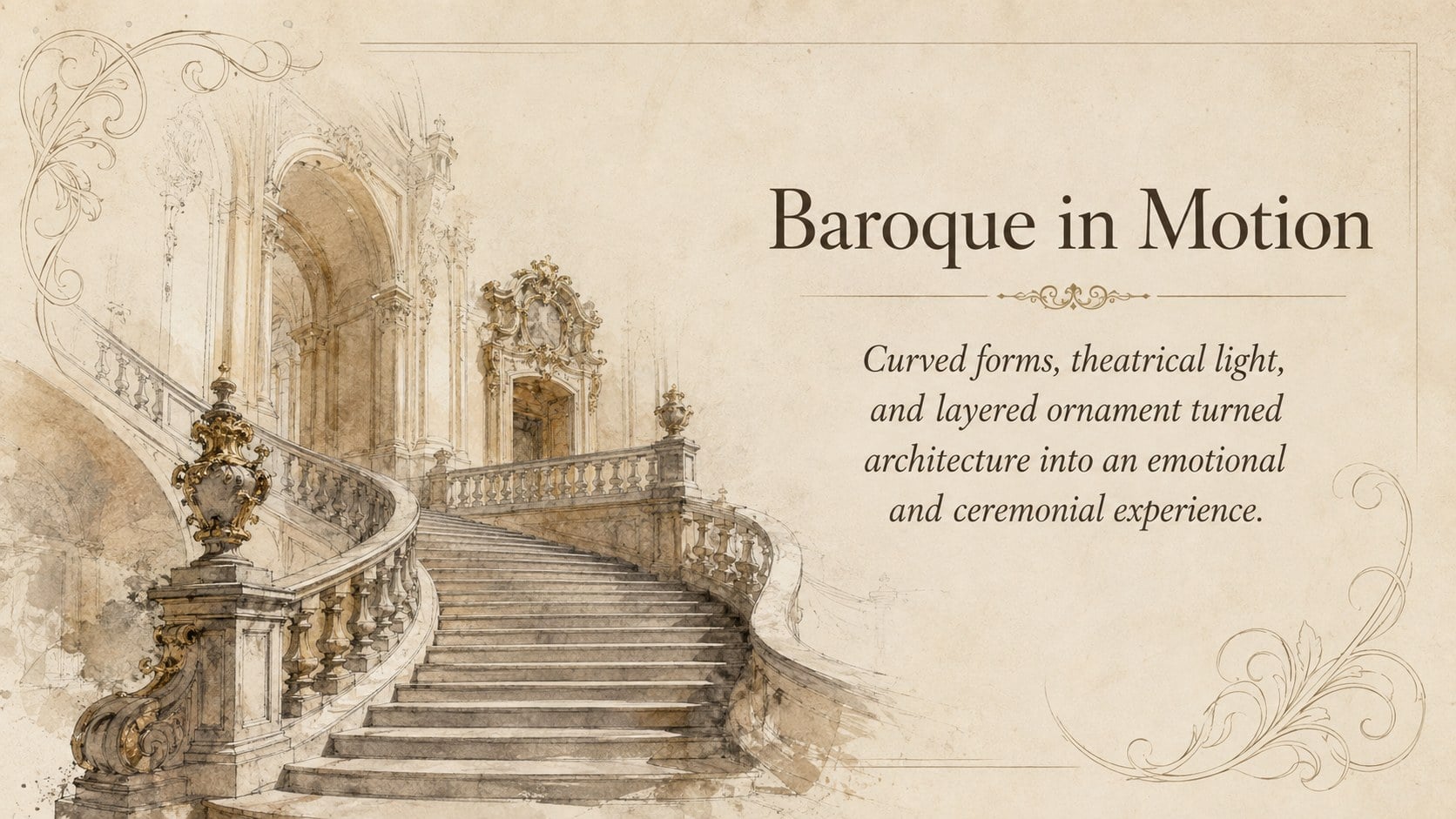
The architectural history illustrated deck turns centuries of design into a clear visual narrative. Textured paper, carefully drawn structures, and classical typography establish a scholarly atmosphere without making the slides feel formal or crowded. Use it to connect architecture with art, engineering, geography, or social history.
Inside, you will find adaptable layouts for introductions, period timelines, landmark comparisons, building case studies, maps, diagrams, charts, quotations, and closing summaries. The visual sequence supports an ancient to modern architecture lesson, while editable text and graphics let you focus on a particular civilization, movement, architect, or region. Rearrange pages, adjust colors, replace illustrations, and add photographs to create historic building styles PowerPoint content or a polished Google Slides lecture.
This illustrated architecture lecture template works especially well for teachers, university students, museum educators, preservation groups, researchers, and conference speakers. Its widescreen format gives plans, elevations, and historical context room to breathe. Use the deck for classroom instruction, an architectural case study, a heritage presentation, or a guided comparison of how materials and cultural priorities shaped the built environment. Every layout is designed for straightforward editing in PowerPoint and Google Slides, with flexible visual elements that can also support project proposals and academic presentations.
Perfect for: architectural history lecture; historic building case study; classroom timeline lesson; cultural heritage conference; museum education talk; architecture student presentation.
Frequently asked questions
Can I edit the architectural drawings and colors? Yes. The text, colors, diagrams, and supporting graphics can be customized to fit a specific period, region, or course topic. Architectural images may also be replaced with your own photographs, plans, or illustrations.
Practical details
Yes. The text, colors, diagrams, and supporting graphics can be customized to fit a specific period, region, or course topic. Architectural images may also be replaced with your own photographs, plans, or illustrations.
The deck is designed for Microsoft PowerPoint and Google Slides. After editing, you can export the finished presentation to formats such as PDF or image files using the options provided by either platform.
Yes. Delete, duplicate, or reorder layouts to create a brief overview or a detailed chronological lecture. The modular structure also makes it easy to focus on one movement or building type.
Yes. Its restrained typography, comparison layouts, timelines, and case study pages can support academic citations and detailed analysis. It can also be simplified for secondary-school history or art classes.
Keep exploring
15Build stronger academic arguments with a college essay thesis builder featuring guided examples, revision prompts, and editable PowerPoint and Google Slides.
 15
15Build an engaging World UFO Day session with this flying saucer history lesson deck, featuring retro green-and-brown slides for PowerPoint and Google Slides.
 14
14Plan a memorable Lunar New Year campaign with the 2036 Dragon Year Celebration Theme, featuring bold red-and-yellow slides for lessons and events.
 15
15Build a thoughtful classroom discussion with this interfaith awareness lesson deck, featuring editable blue-and-white slides for PowerPoint and Google Slides.
 15
15Use this environmental awareness lesson deck to teach climate action through illustrated activities, discussion prompts, and ready-to-edit visuals.
 15
15Build playful lessons and party stories with a kid-friendly zombie celebration theme in purple, green and pastel blue for PowerPoint and Google Slides.
 15
15Build eerie lessons, campaigns, and story pitches with an undead survival scenario theme featuring editable slides for PowerPoint and Google Slides.
 16
16Turn environmental research into a clear story with a Watercolor Ecology Presentation Theme for PowerPoint and Google Slides in calming green and blue.