
 15
15presentation
College Essay Thesis Builder Slides
Build stronger academic arguments with a college essay thesis builder featuring guided examples, revision prompts, and editable PowerPoint and Google Slides.
Google SlidesPowerPoint
presentation · English
Plan a memorable tree-focused event with the Arbor Day Tree Celebration Deck, featuring editable green botanical slides for lessons and community programs.
Design notes
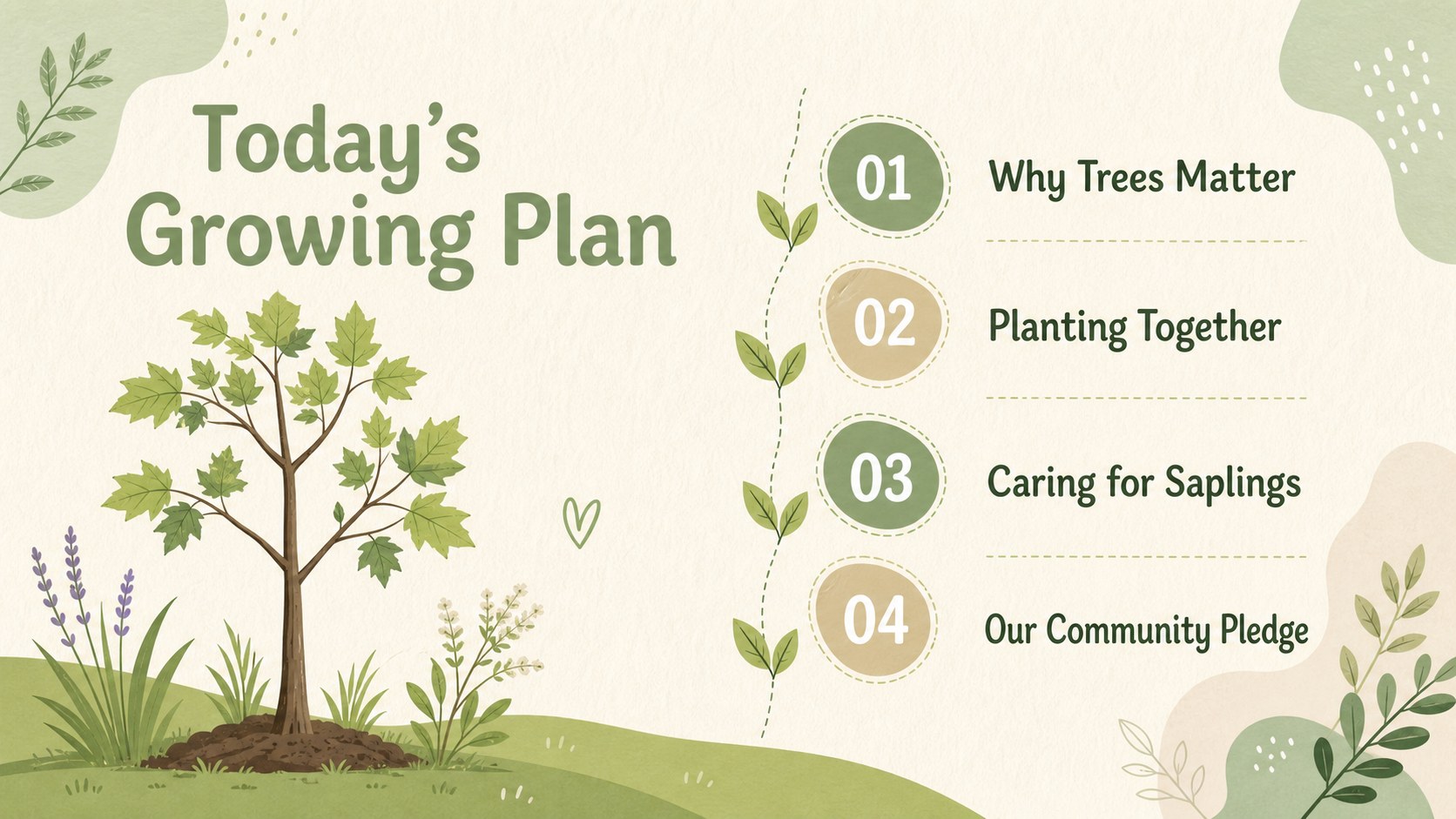
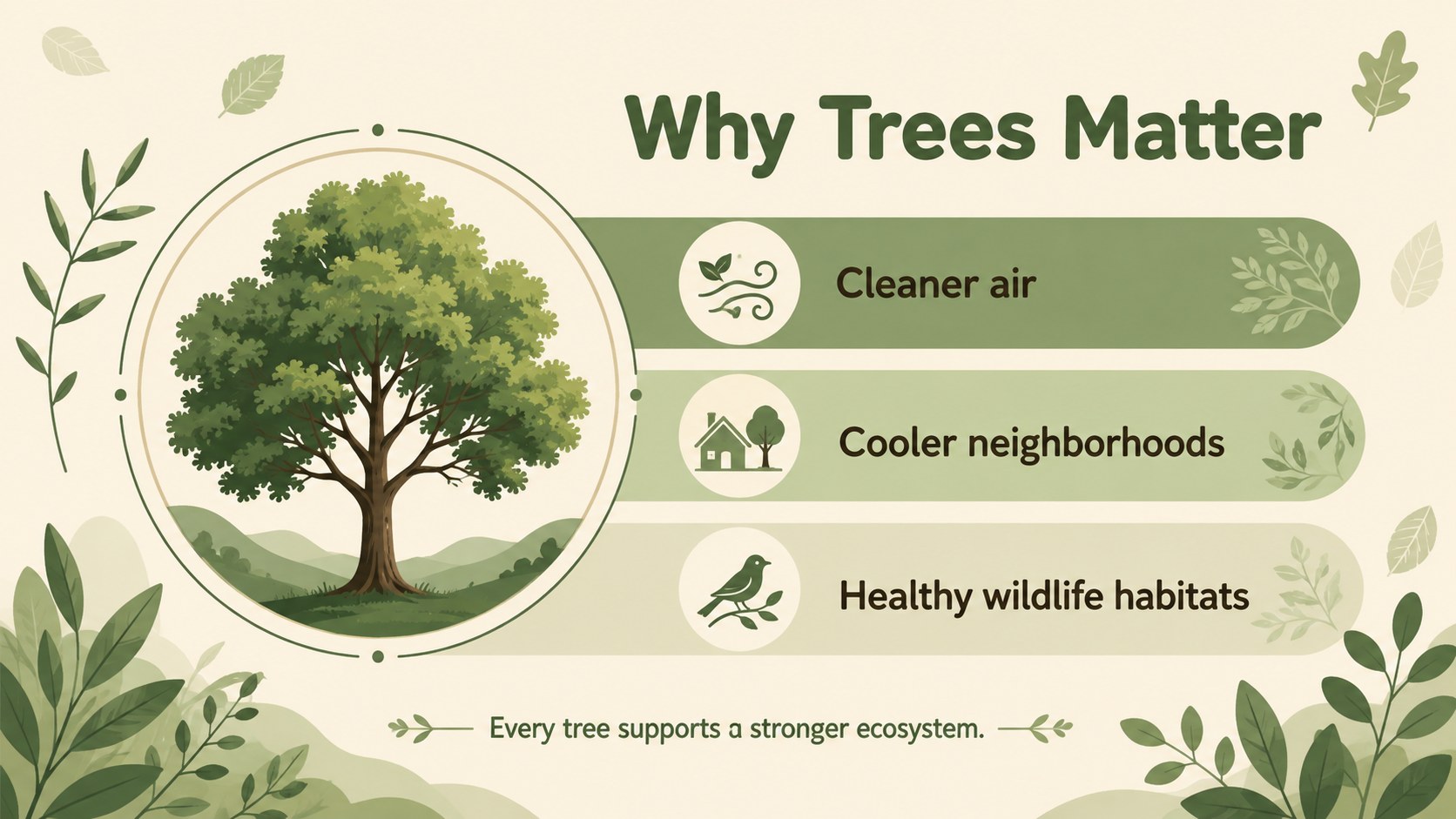
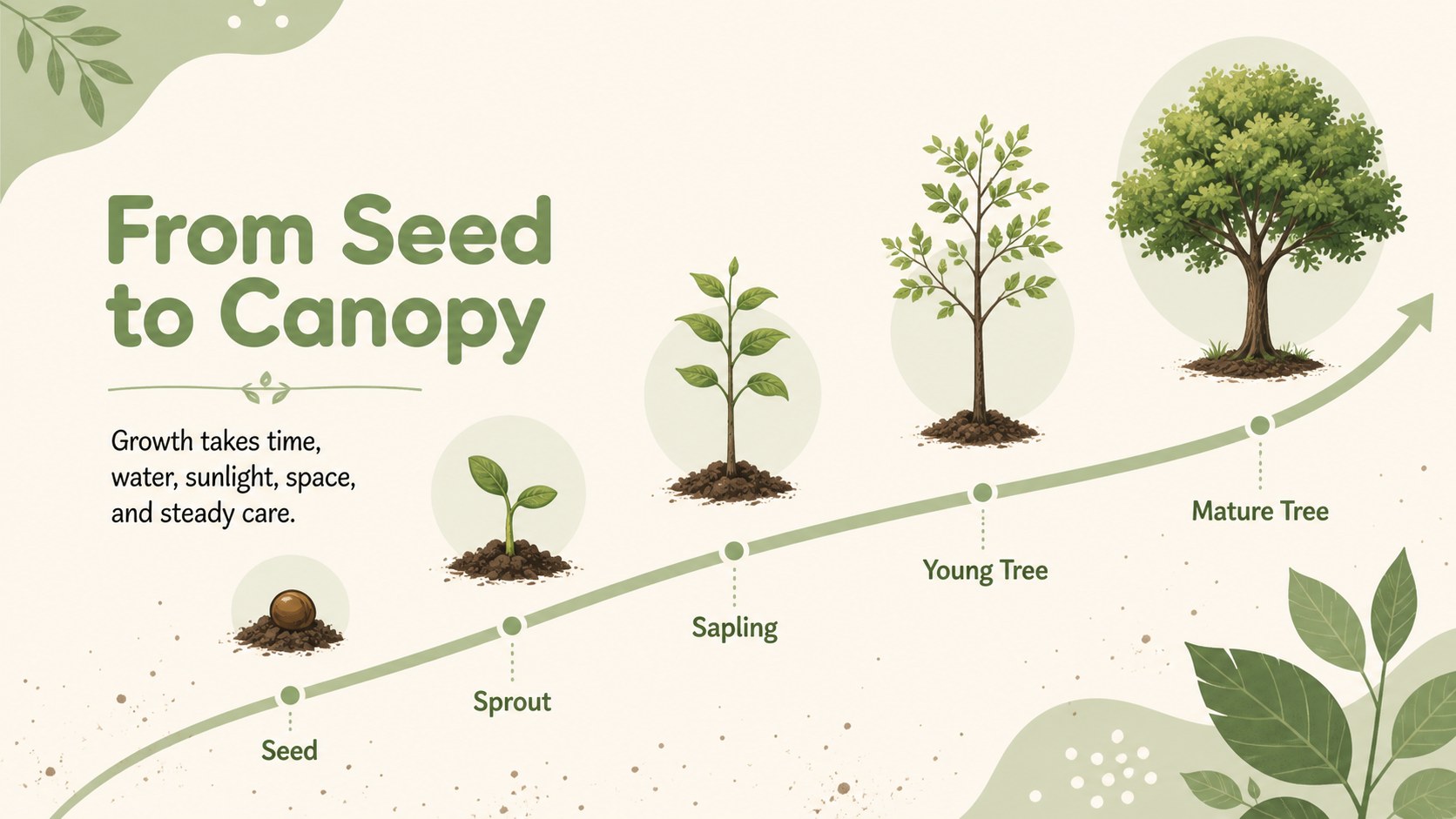
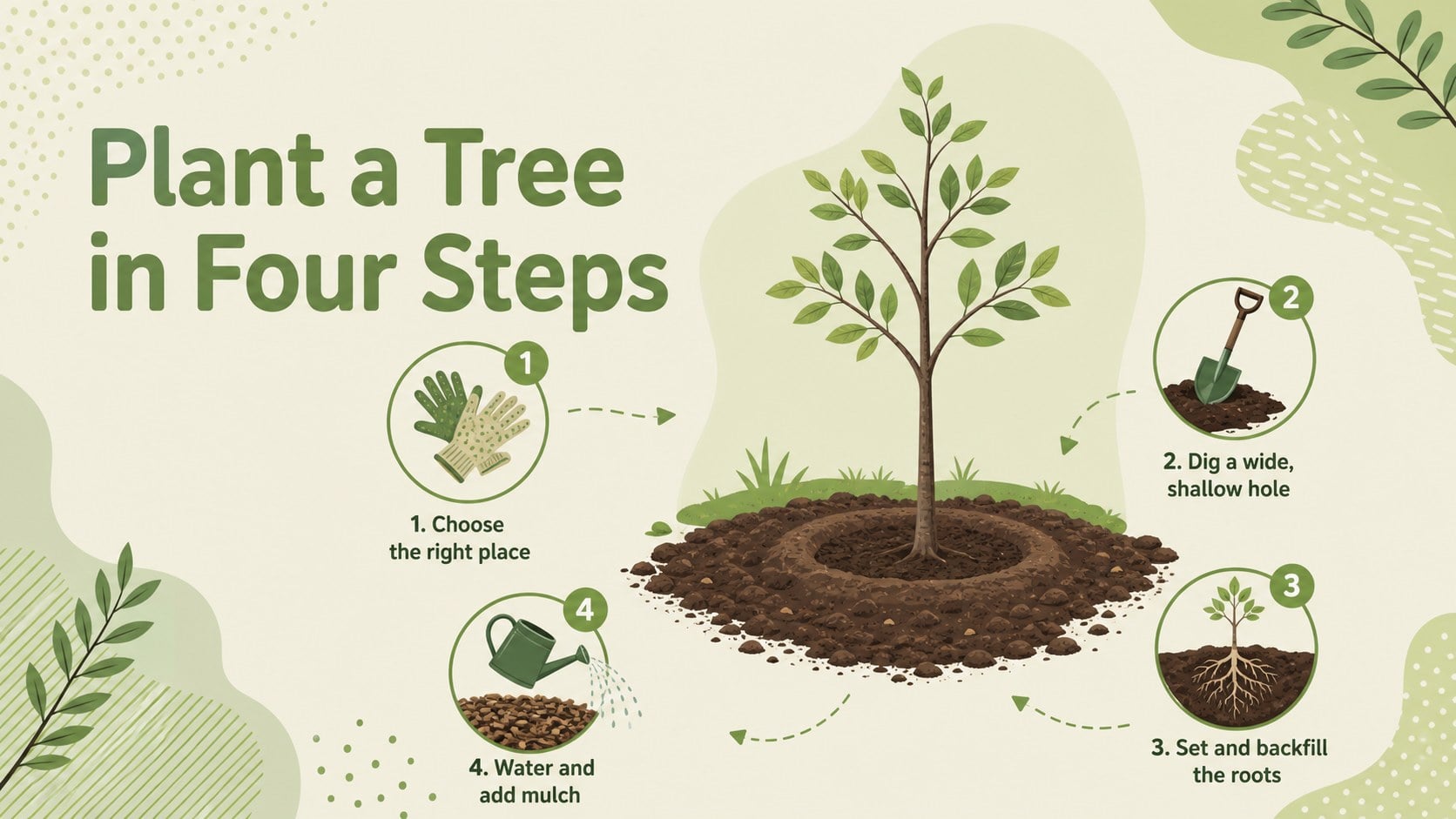
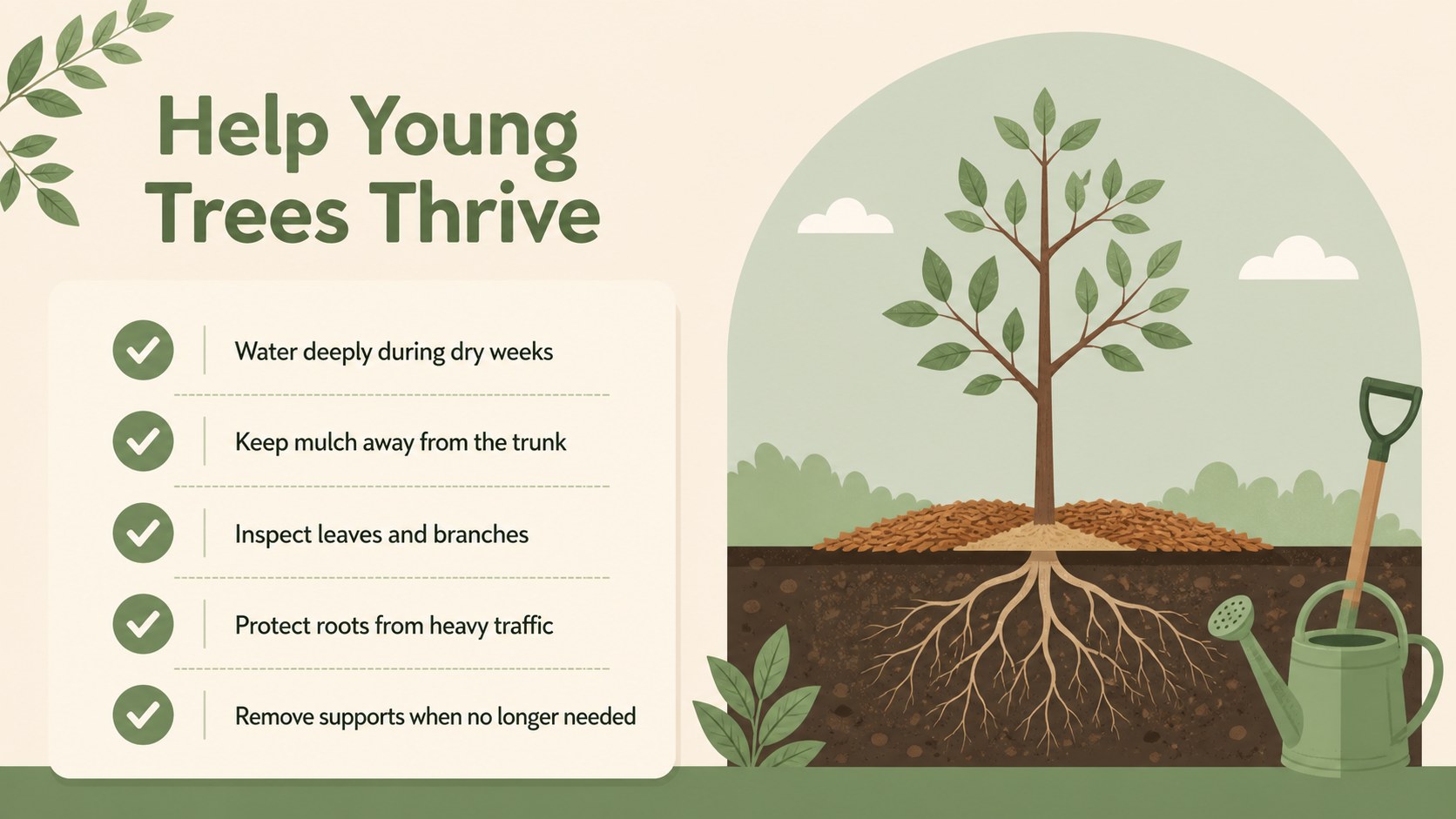
Bring tree education and environmental action together with the Arbor Day Tree Celebration Deck. This cheerful presentation uses soft green and nude tones, hand-drawn botanical details, and approachable layouts to help audiences understand why trees matter. Use it as an Arbor Day classroom presentation, a community event guide, or an introduction to a local planting initiative in PowerPoint or Google Slides.
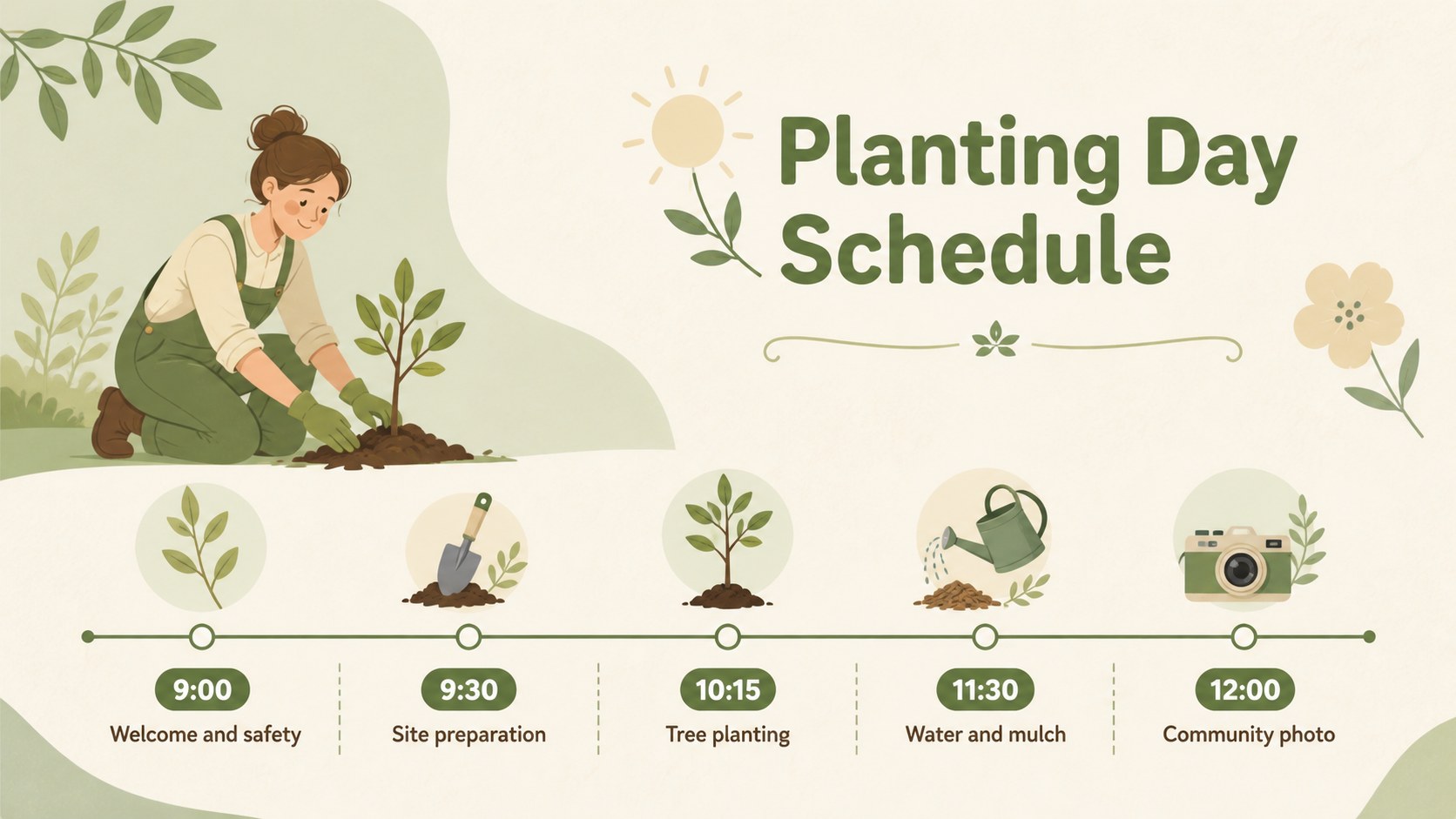
The 19 editable 16:9 layouts provide space for tree facts, event goals, planting instructions, conservation ideas, timelines, charts, image collections, and discussion prompts. Decorative leaves, branches, seedlings, garden elements, and friendly nature illustrations create a calm visual rhythm without distracting from your message. Adjust colors, typography, images, shapes, transitions, and animations to match a school, nonprofit, park, or neighborhood campaign. Lato and Oregano-inspired typography supports a balance of readability and playful character.
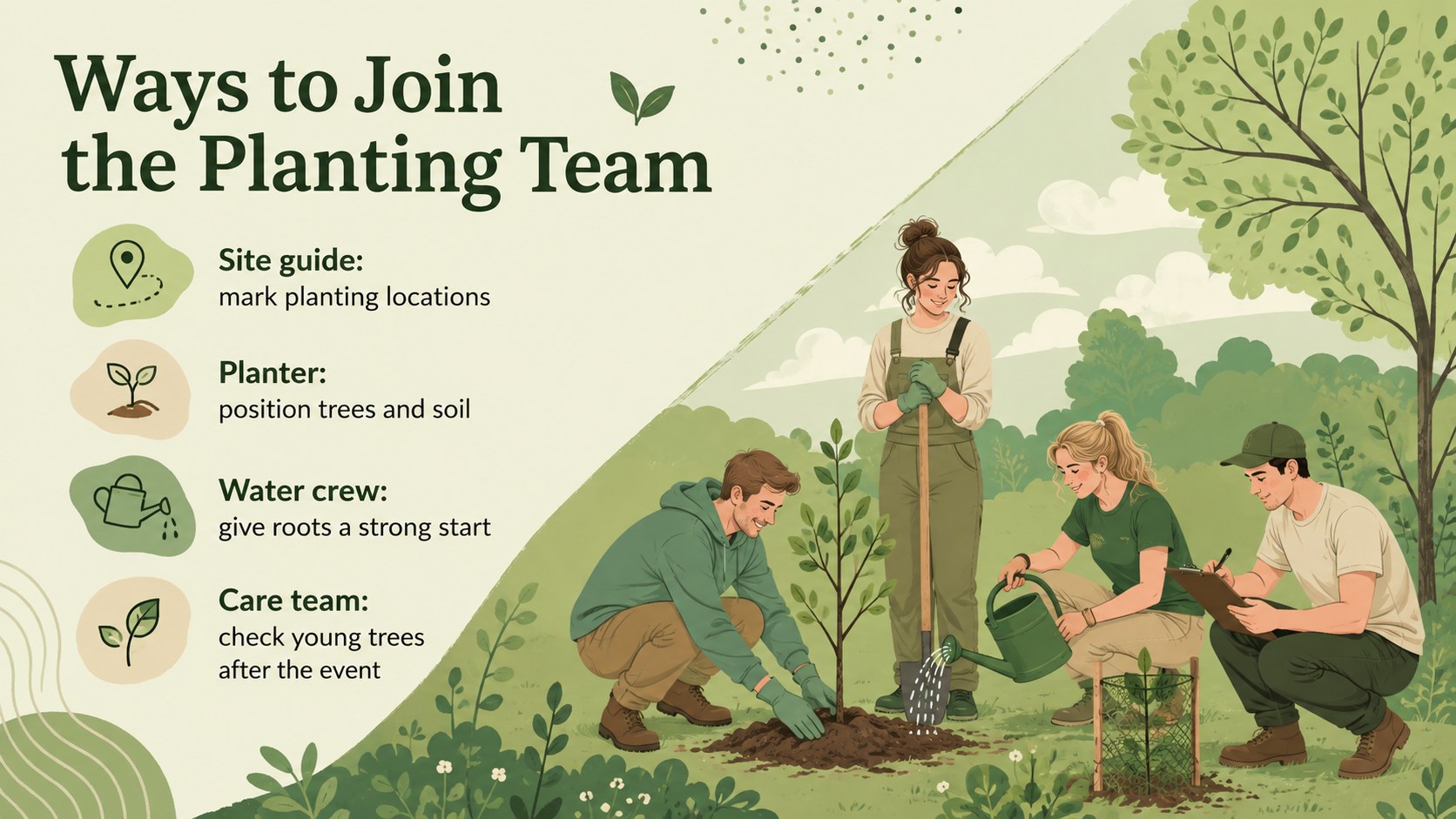
Teachers can turn the deck into a tree conservation lesson for students, while organizers can adapt it as a tree planting event slide deck for volunteers and families. Environmental clubs, municipal teams, garden groups, and youth leaders can also use the slides to share local goals, explain planting steps, recognize supporters, or invite participants to make a lasting commitment. The Arbor Day Tree Celebration Deck makes it easy to transform ecological information into a clear, welcoming story that encourages practical care for trees and shared green spaces.
Perfect for: Arbor Day classroom lesson; community tree planting event; environmental club presentation; park volunteer orientation; school conservation campaign; municipal greening program.
Frequently asked questions
Can I edit the slides in PowerPoint and Google Slides? Yes. The layouts, text, colors, illustrations, and images can be customized in PowerPoint or Google Slides. Some transitions or fonts may display slightly differently between platforms.
Practical details
Yes. The layouts, text, colors, illustrations, and images can be customized in PowerPoint or Google Slides. Some transitions or fonts may display slightly differently between platforms.
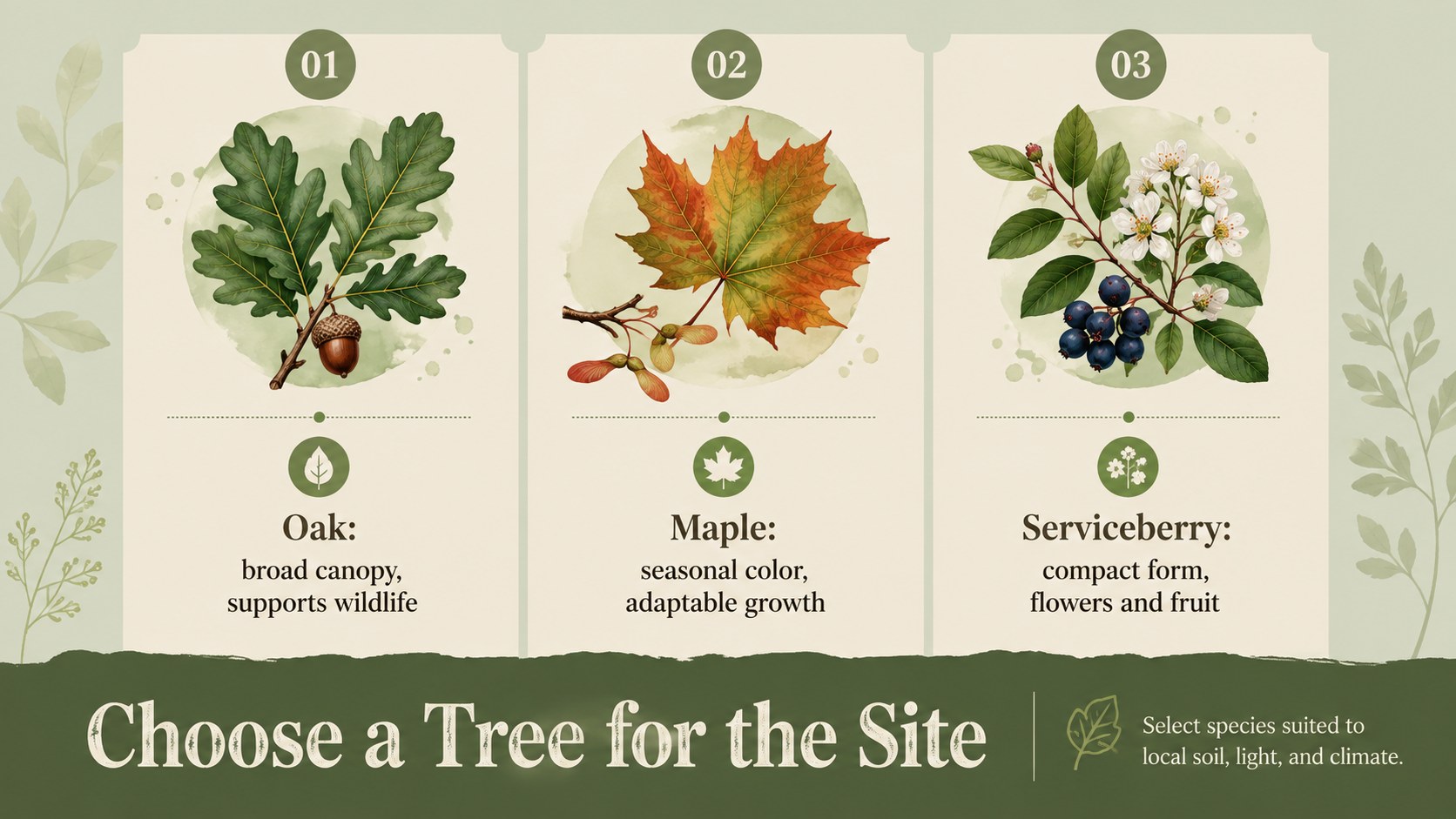
Replace the sample copy with your location, schedule, planting instructions, volunteer roles, and contact details. You can also add local tree species, sponsor information, and photographs of the planting site.
Yes. Its friendly illustrations and clear layouts work well for elementary, middle, and high school audiences. Educators can simplify the facts or add deeper ecology content to match the grade level.
Yes. Both supported presentation platforms allow you to recolor backgrounds, shapes, text, and decorative elements. Keep sufficient contrast between text and backgrounds so every slide remains easy to read.
Keep exploring
15Build stronger academic arguments with a college essay thesis builder featuring guided examples, revision prompts, and editable PowerPoint and Google Slides.
 15
15Build an engaging World UFO Day session with this flying saucer history lesson deck, featuring retro green-and-brown slides for PowerPoint and Google Slides.
 14
14Plan a memorable Lunar New Year campaign with the 2036 Dragon Year Celebration Theme, featuring bold red-and-yellow slides for lessons and events.
 15
15Build a thoughtful classroom discussion with this interfaith awareness lesson deck, featuring editable blue-and-white slides for PowerPoint and Google Slides.
 15
15Use this environmental awareness lesson deck to teach climate action through illustrated activities, discussion prompts, and ready-to-edit visuals.
 15
15Build playful lessons and party stories with a kid-friendly zombie celebration theme in purple, green and pastel blue for PowerPoint and Google Slides.
 15
15Build eerie lessons, campaigns, and story pitches with an undead survival scenario theme featuring editable slides for PowerPoint and Google Slides.
 16
16Turn environmental research into a clear story with a Watercolor Ecology Presentation Theme for PowerPoint and Google Slides in calming green and blue.