
 15
15presentation
College Essay Thesis Builder Slides
Build stronger academic arguments with a college essay thesis builder featuring guided examples, revision prompts, and editable PowerPoint and Google Slides.
Google SlidesPowerPoint
presentation · English
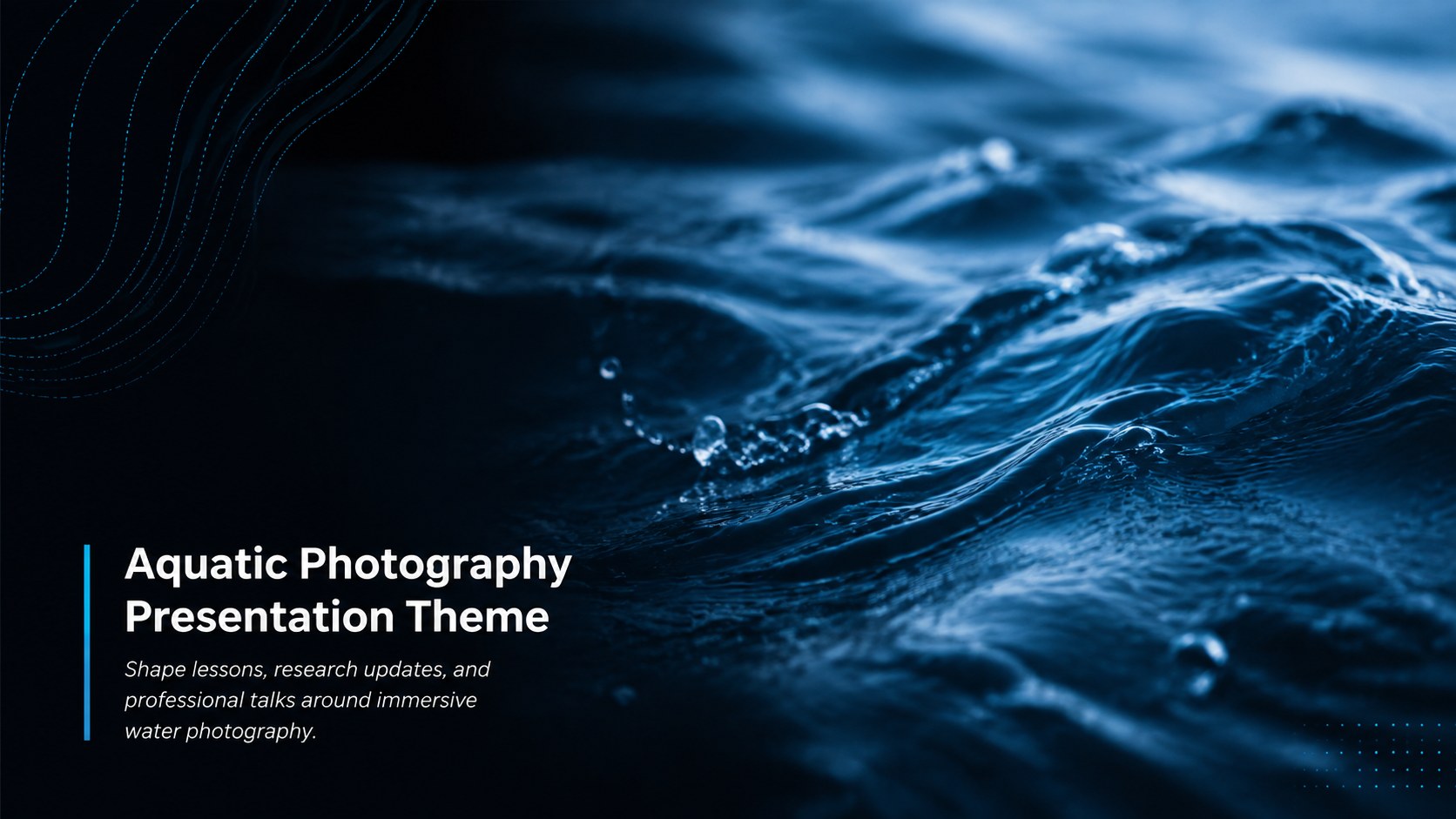
Build lessons and reports with an aquatic photography presentation theme, pairing serene blue-and-black water imagery with editable layouts.

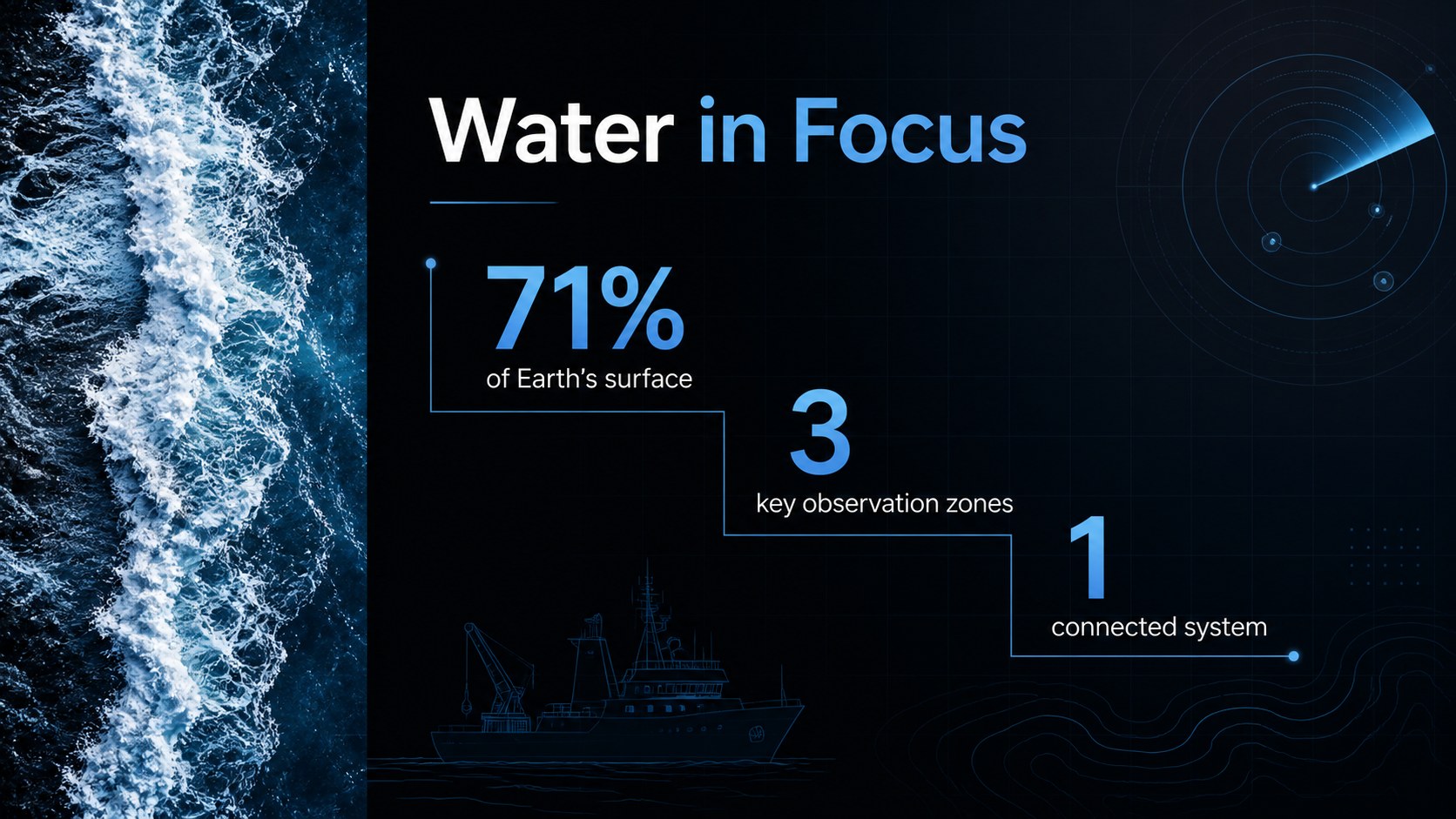
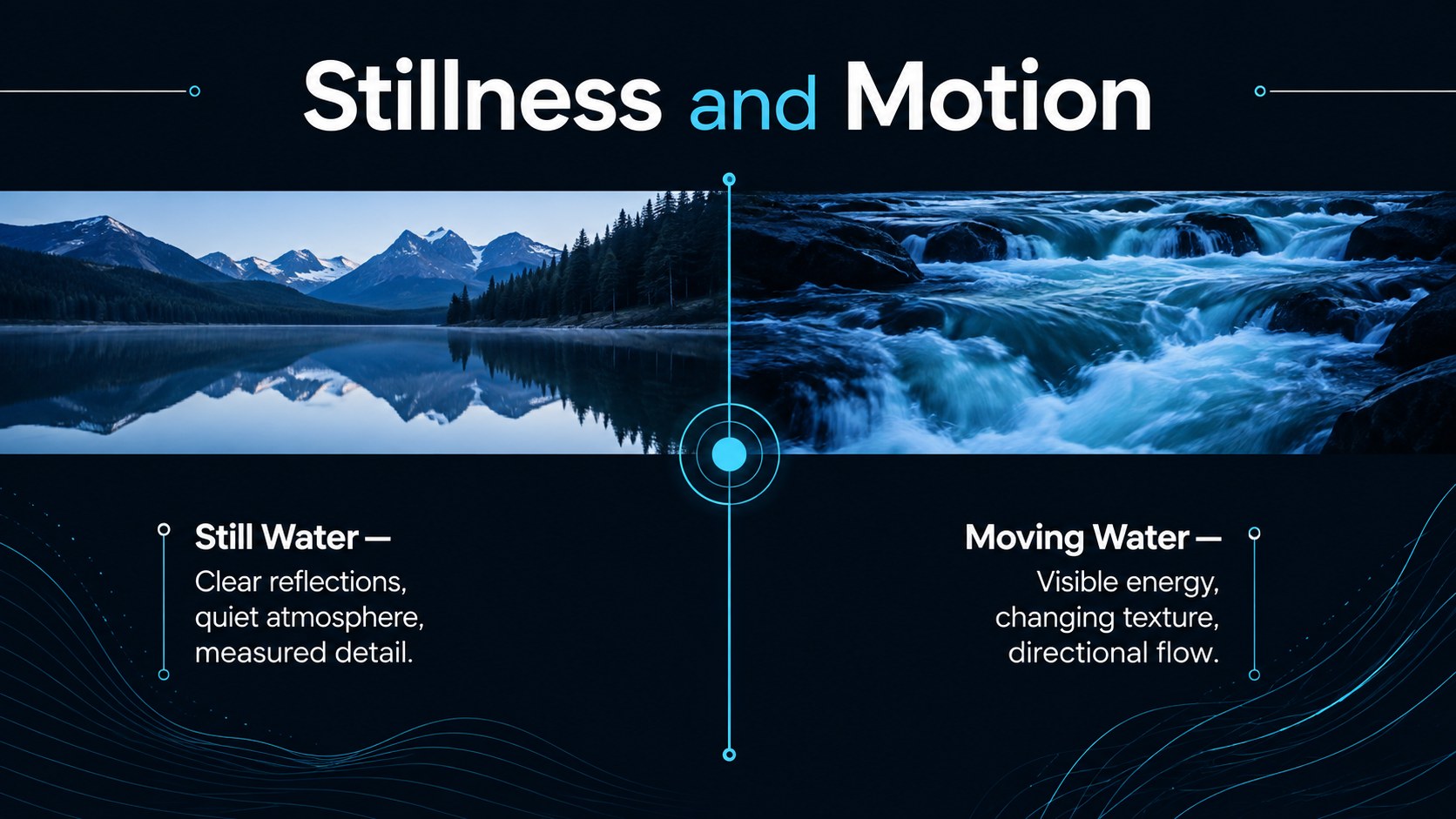
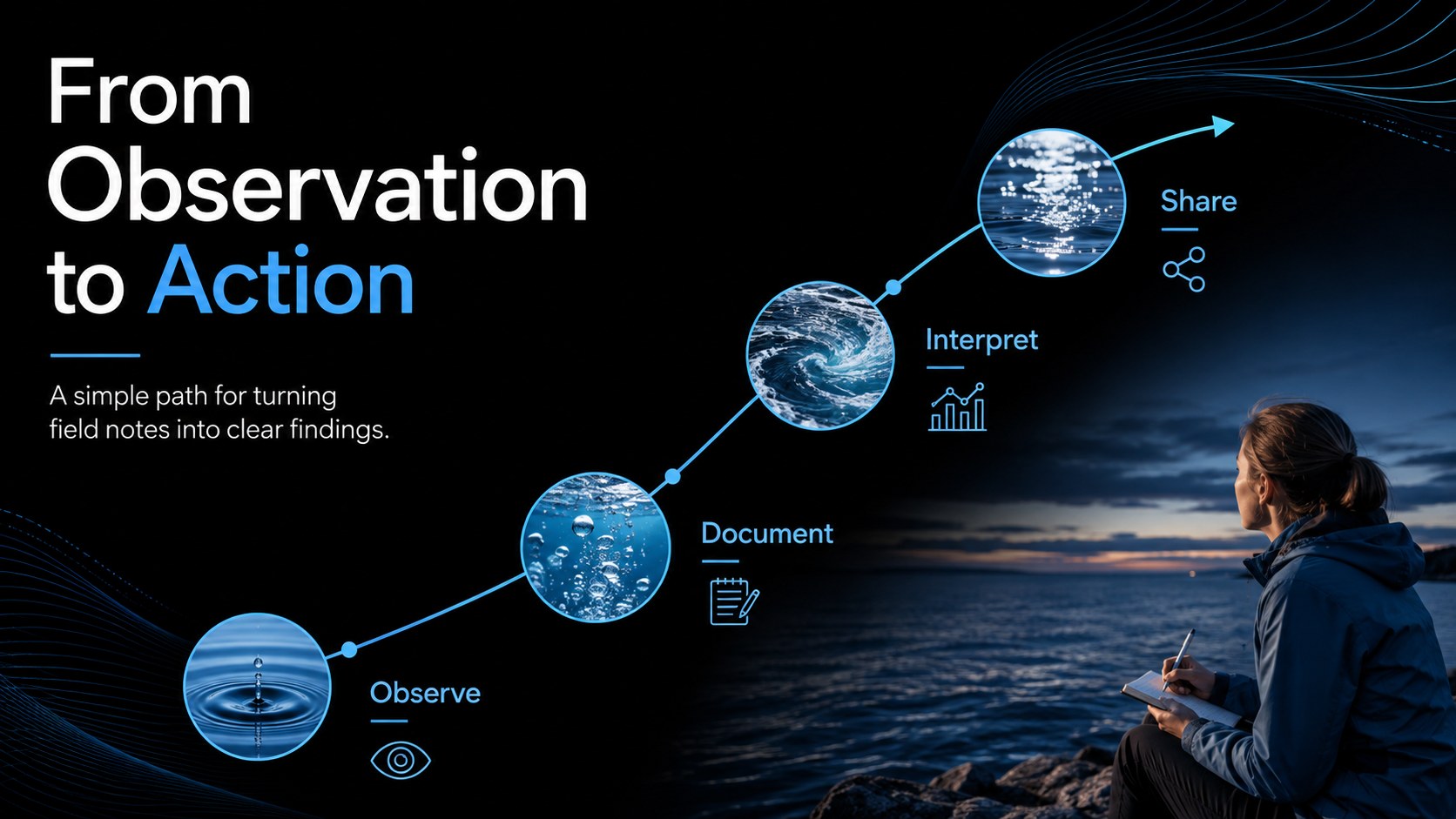
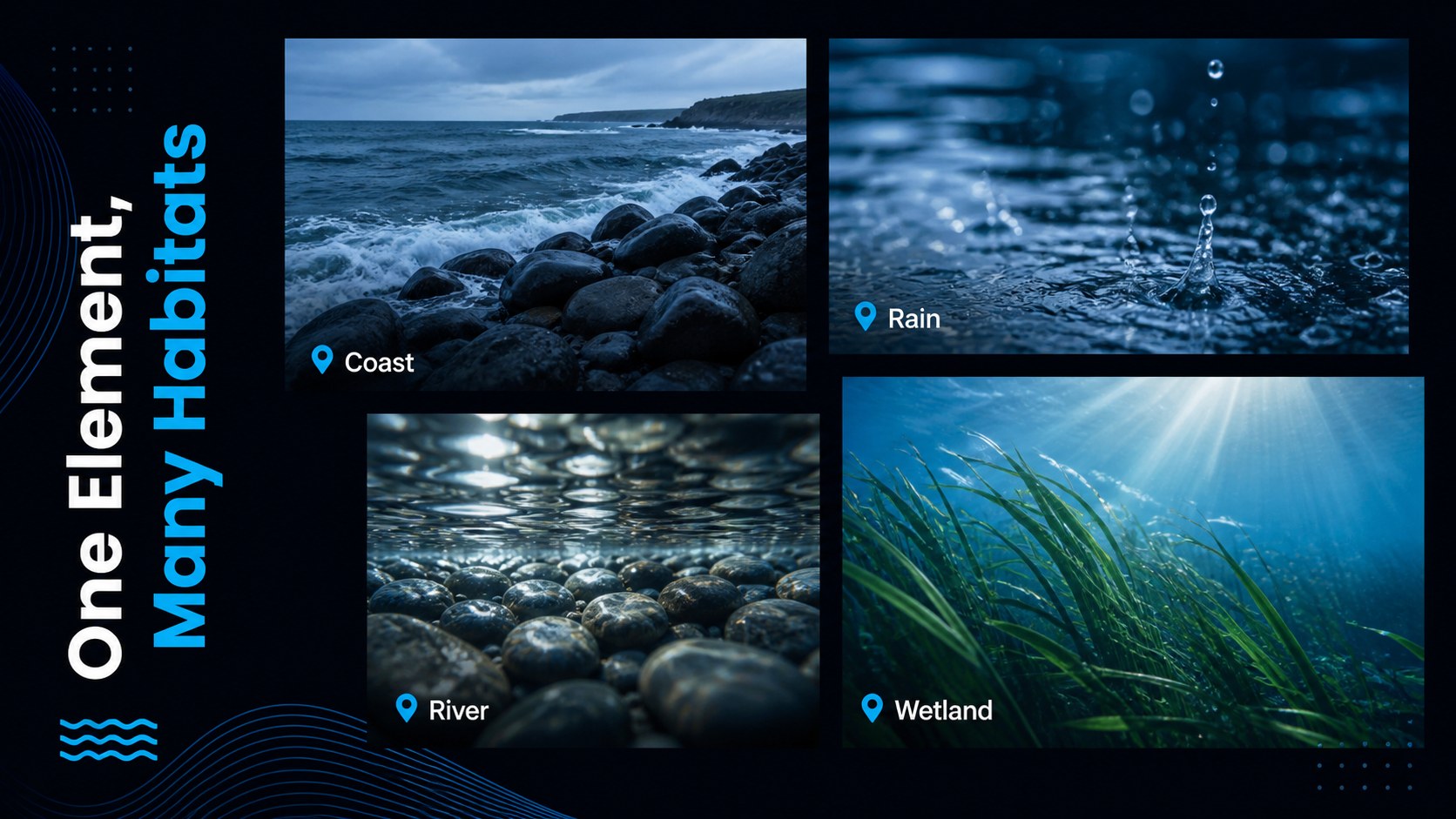
Design notes
Turn complex ideas into a focused visual story with the Aquatic Photography Presentation Theme. Expansive water images, deep black surfaces, and crisp blue accents create a calm but confident setting for educational, scientific, environmental, or professional material. This blue water photography slide theme gives each message room to breathe without losing visual impact.
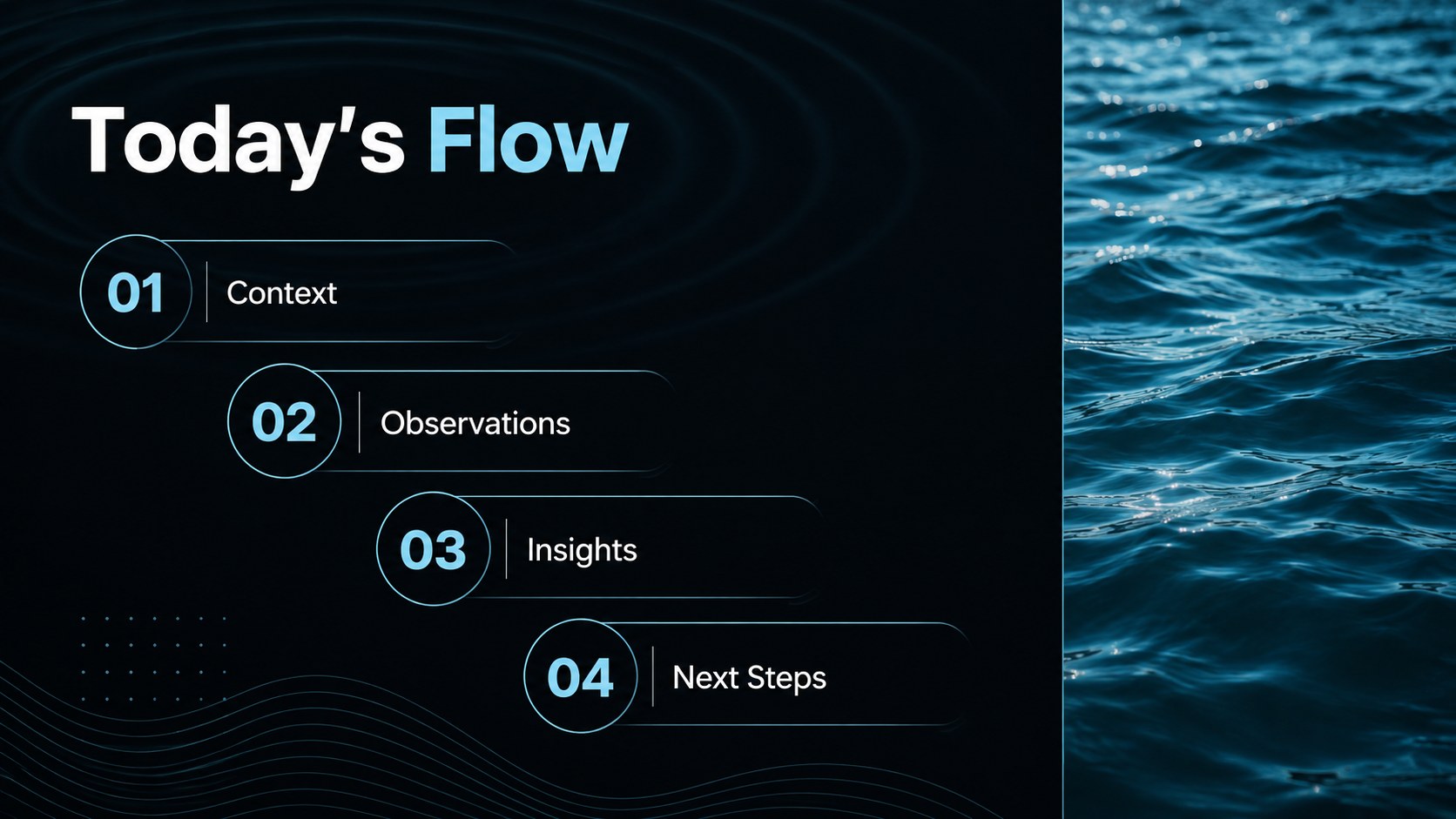
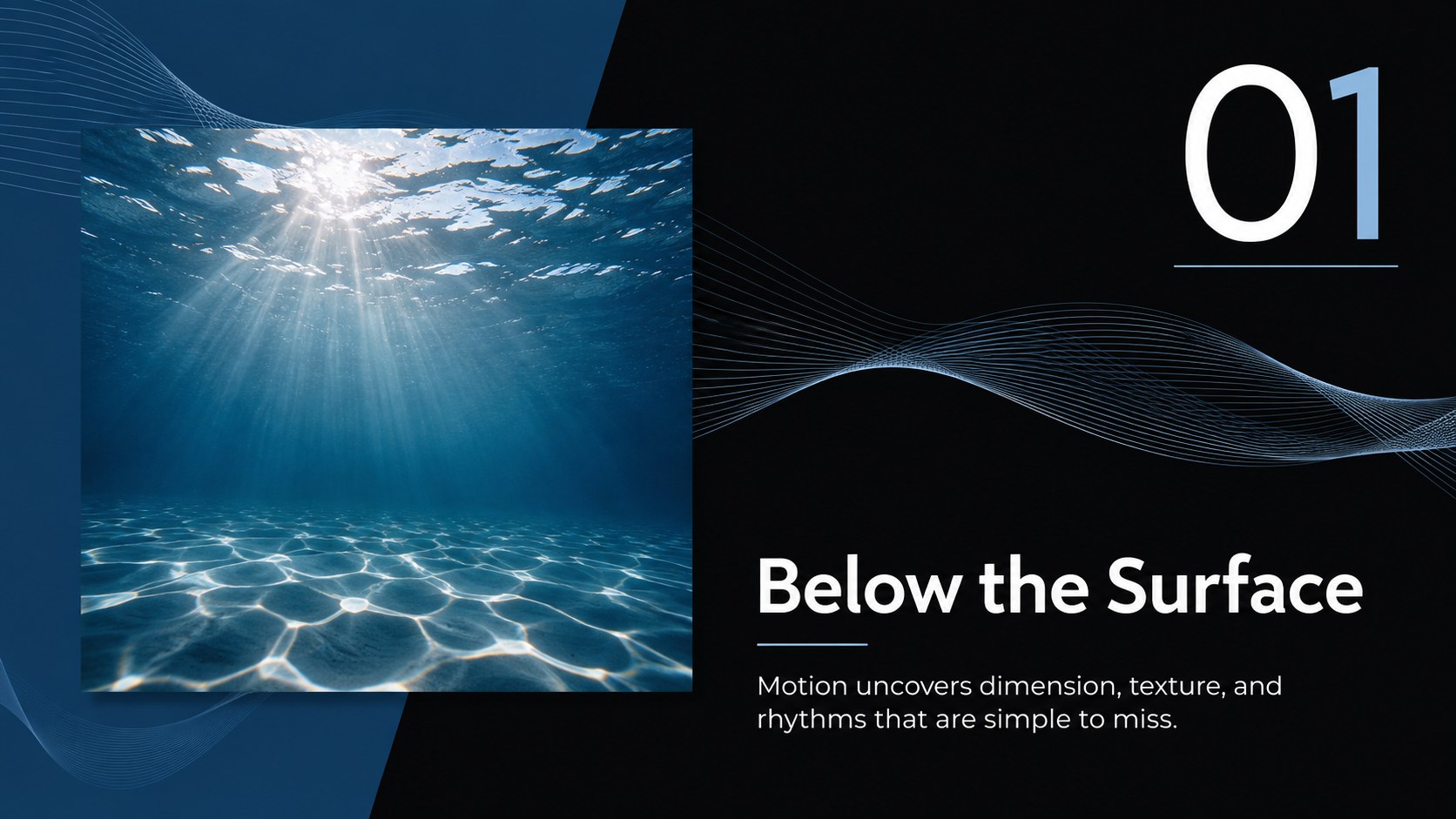
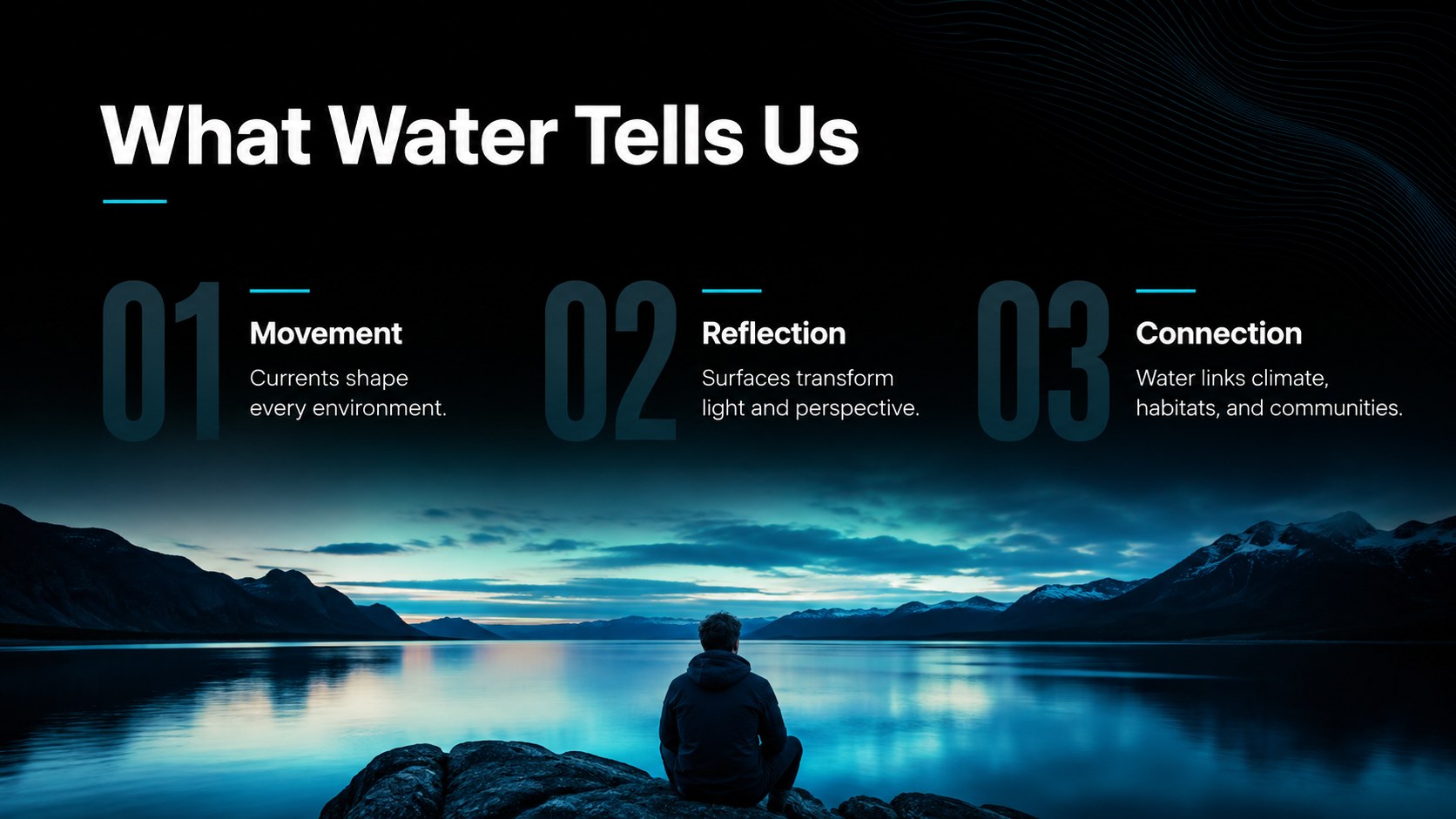
Inside, you will find coordinated layouts for an opening statement, agenda, key facts, image-led narratives, quotations, comparisons, timelines, data highlights, and final takeaways. Strong typography and flexible content areas make the theme suitable for a professional aquatic research slide deck as well as a creative nature talk. Replace the sample photographs, adjust the colors, add charts, and reorganize sections while preserving a consistent visual rhythm.
Teachers can use the deck for marine science and geography lessons, while researchers can present field observations or conservation findings. It also supports travel storytelling, wellness sessions, photography portfolios, community events, and water conservation presentation design. Every layout is built in widescreen format and can be edited in PowerPoint or Google Slides, making it straightforward to adapt the presentation for classrooms, meetings, conferences, and public programs.
Perfect for: marine science classroom lesson; aquatic research conference report; water conservation community talk; nature photography portfolio; coastal travel presentation; wellness workshop introduction.
Frequently asked questions
Can I edit this theme in PowerPoint and Google Slides? Yes. The layouts are designed for editing in both PowerPoint and Google Slides, including text, colors, photographs, shapes, and charts. Some fonts or transitions may vary slightly between the two platforms.
Practical details
Yes. The layouts are designed for editing in both PowerPoint and Google Slides, including text, colors, photographs, shapes, and charts. Some fonts or transitions may vary slightly between the two platforms.
Select an existing image placeholder and insert your own photograph using the platform's replace-image or change-picture control. Use high-resolution landscape images with clear focal points for the strongest results.
Yes. Update the theme colors to apply a new palette consistently across backgrounds, accents, charts, and text. Maintain strong contrast between copy and photography so every slide remains readable.
Yes. The theme includes layouts for statistics, comparisons, timelines, and research findings. Simplify dense datasets and label every chart clearly when presenting to a general audience.
Keep exploring
15Build stronger academic arguments with a college essay thesis builder featuring guided examples, revision prompts, and editable PowerPoint and Google Slides.
 15
15Build an engaging World UFO Day session with this flying saucer history lesson deck, featuring retro green-and-brown slides for PowerPoint and Google Slides.
 14
14Plan a memorable Lunar New Year campaign with the 2036 Dragon Year Celebration Theme, featuring bold red-and-yellow slides for lessons and events.
 15
15Build a thoughtful classroom discussion with this interfaith awareness lesson deck, featuring editable blue-and-white slides for PowerPoint and Google Slides.
 15
15Use this environmental awareness lesson deck to teach climate action through illustrated activities, discussion prompts, and ready-to-edit visuals.
 15
15Build playful lessons and party stories with a kid-friendly zombie celebration theme in purple, green and pastel blue for PowerPoint and Google Slides.
 15
15Build eerie lessons, campaigns, and story pitches with an undead survival scenario theme featuring editable slides for PowerPoint and Google Slides.
 16
16Turn environmental research into a clear story with a Watercolor Ecology Presentation Theme for PowerPoint and Google Slides in calming green and blue.