
 15
15presentation
College Essay Thesis Builder Slides
Build stronger academic arguments with a college essay thesis builder featuring guided examples, revision prompts, and editable PowerPoint and Google Slides.
Google SlidesPowerPoint
presentation · English
Build confident, practical habits with an Aquatic Accident Prevention Lesson Deck for schools, families, swim programs, and community safety workshops.
Design notes
The Aquatic Accident Prevention Lesson Deck helps presenters explain safer behavior around pools, beaches, lakes, rivers, and boats. Its blue illustrated design combines flowing lines, simple aquatic graphics, and well-structured layouts that make serious guidance approachable without weakening its importance. Every slide can be edited in PowerPoint or Google Slides to match a local program, age group, or training session.
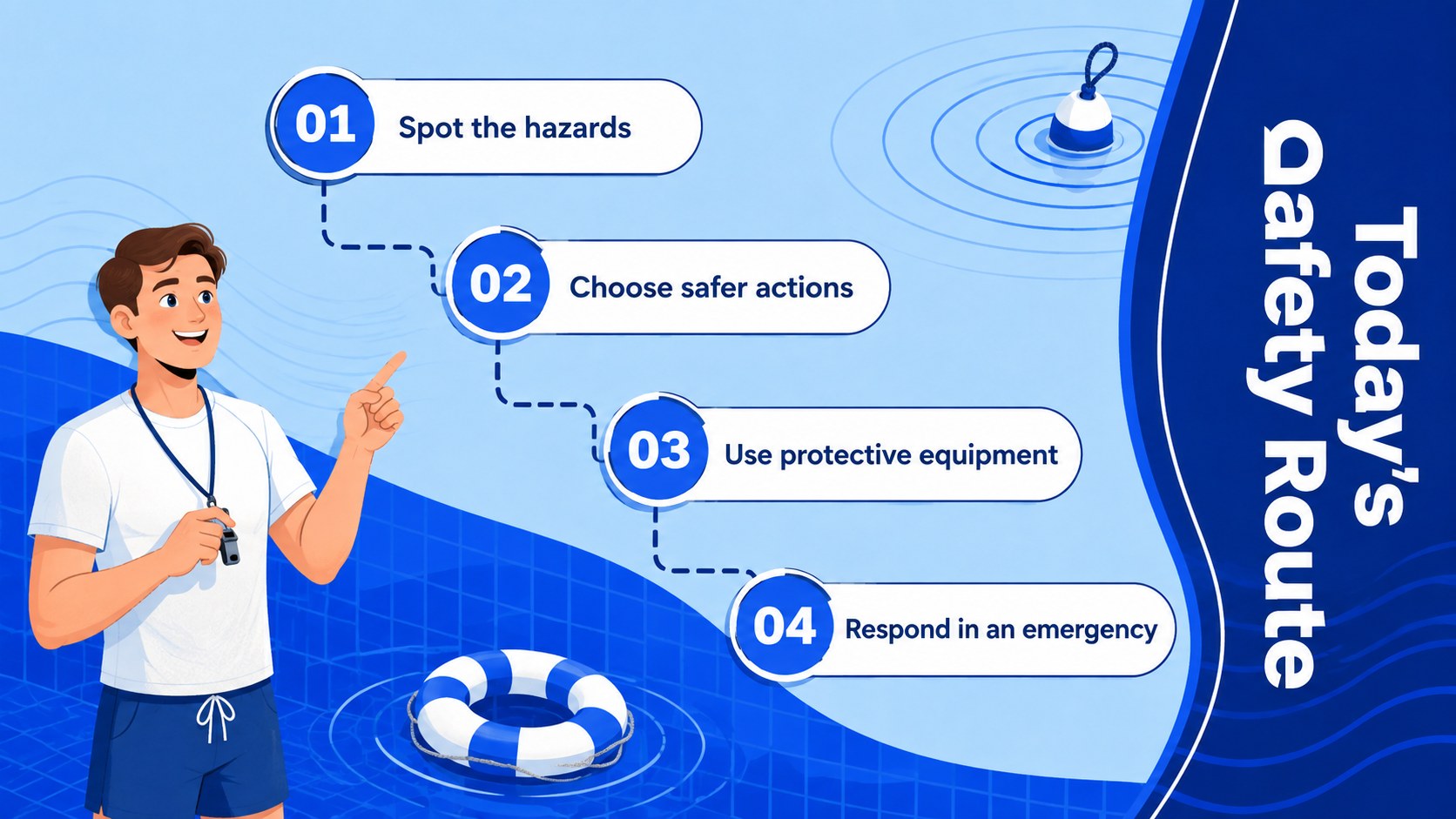
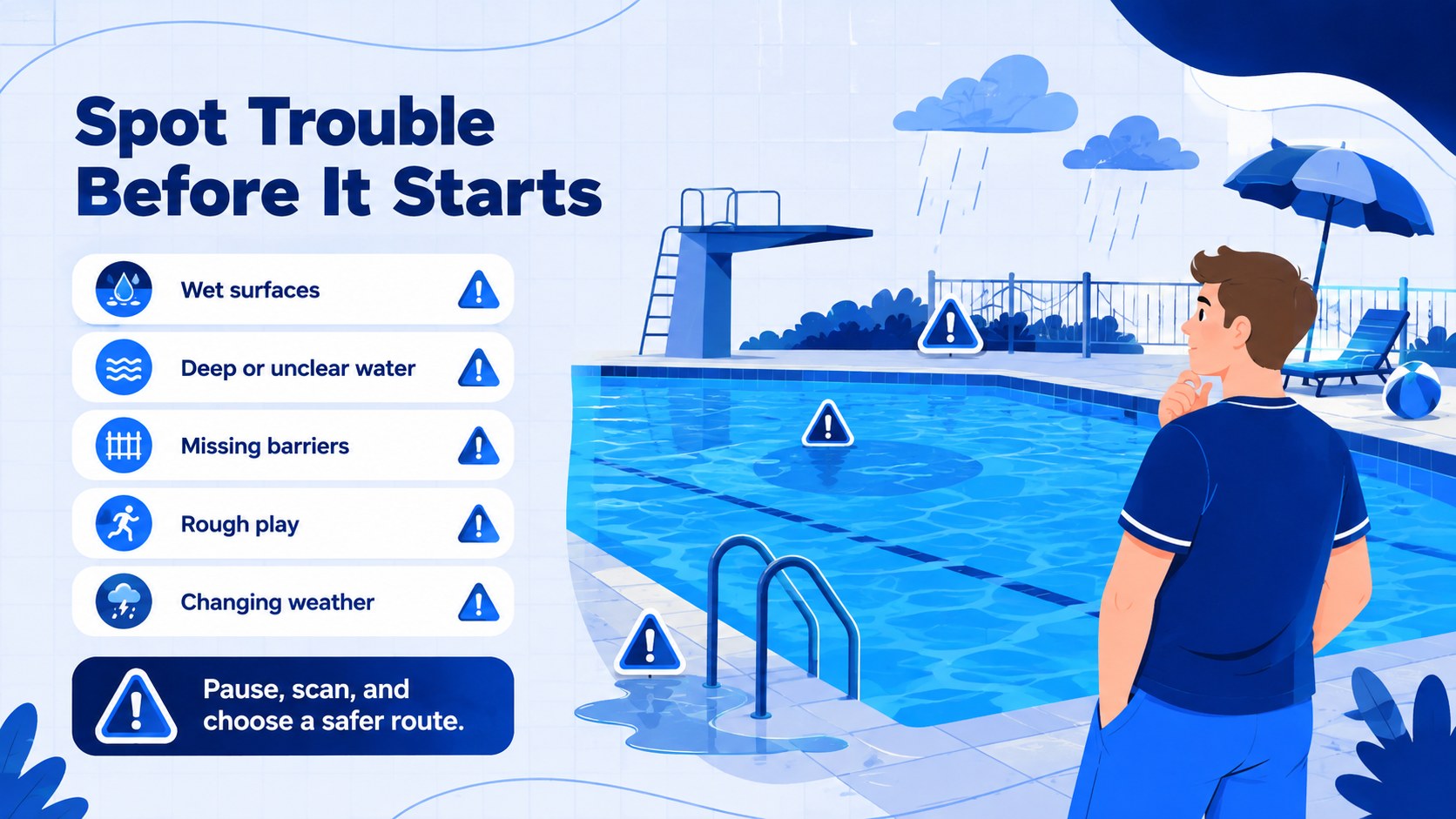
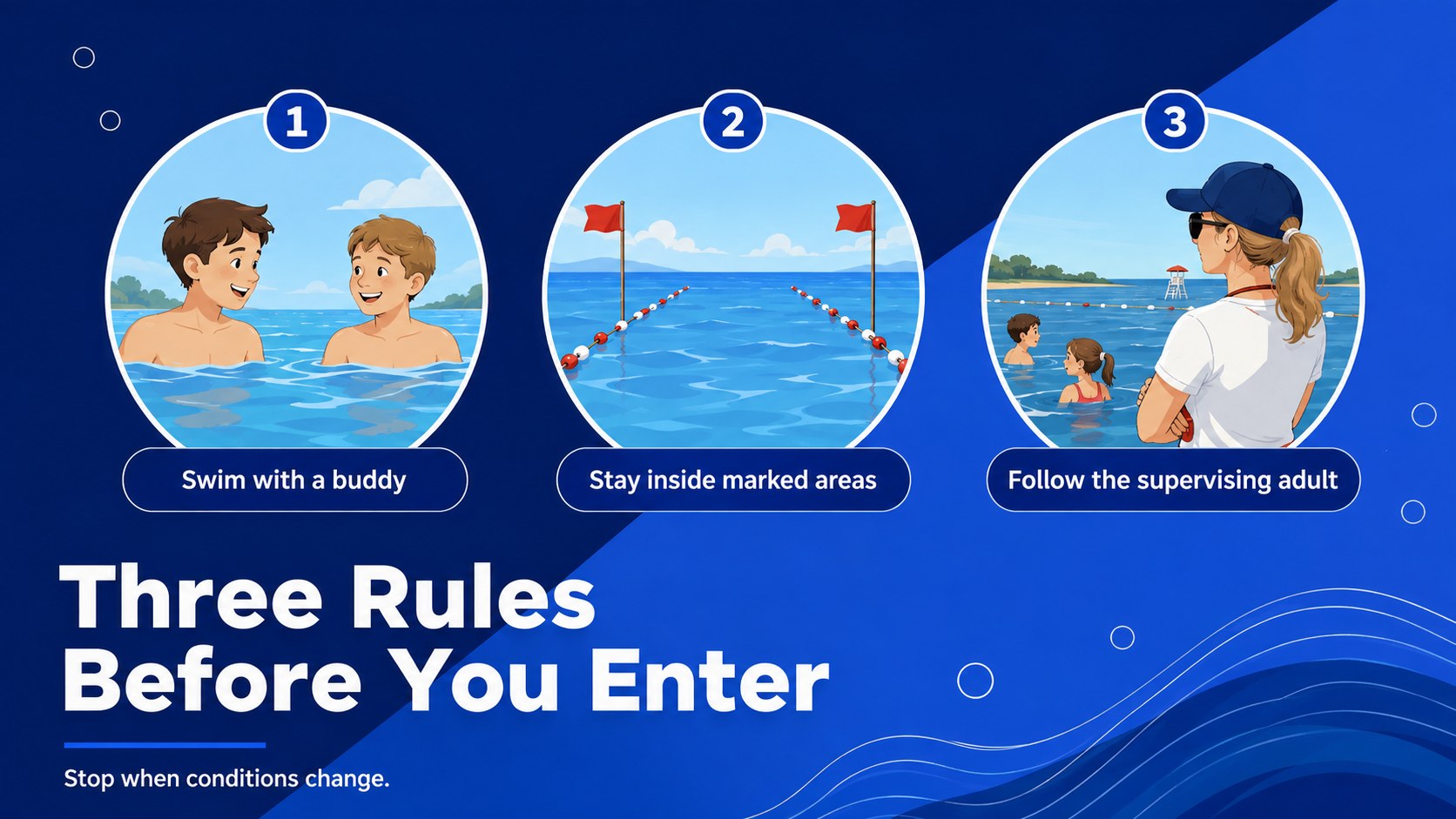
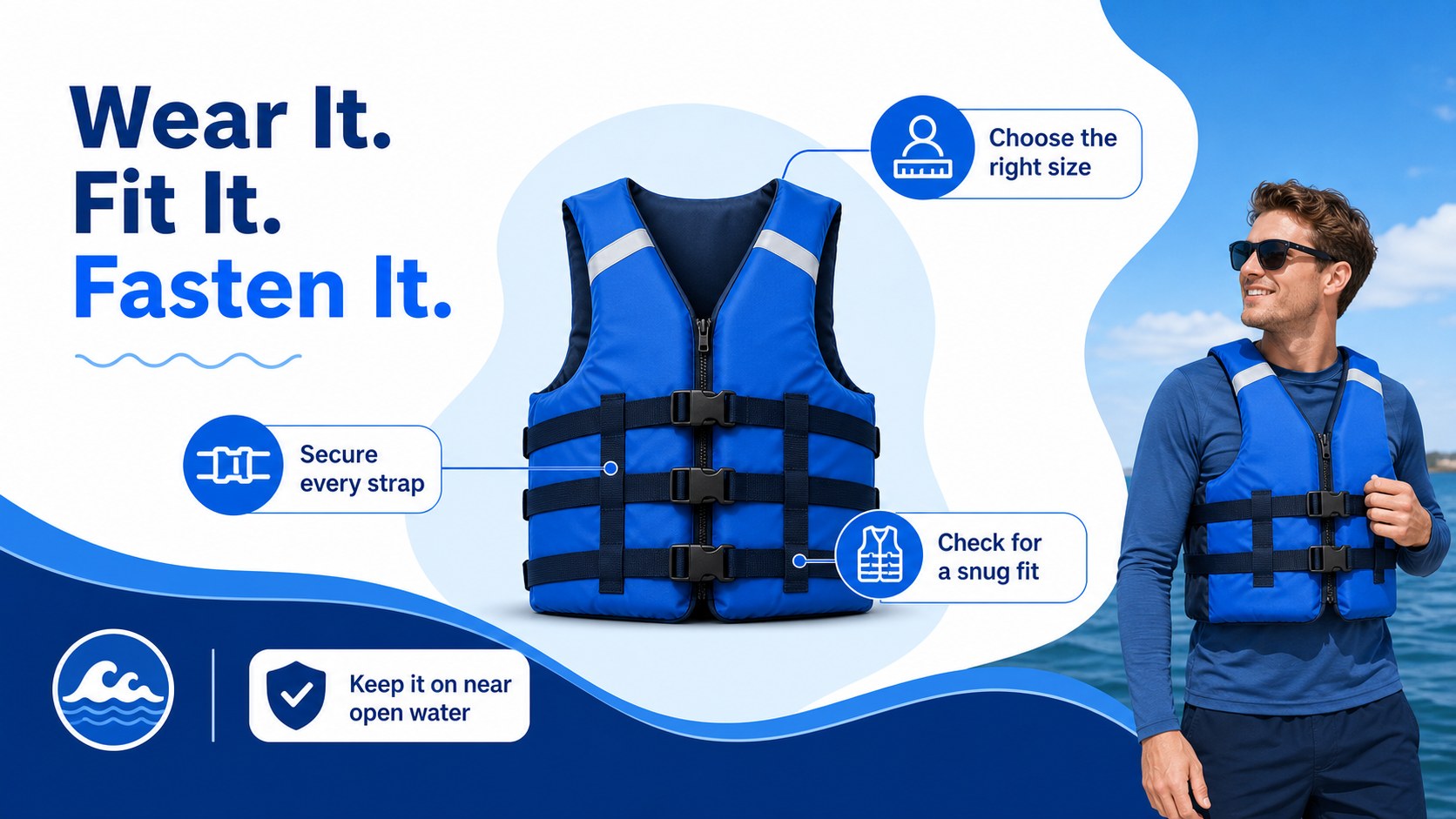
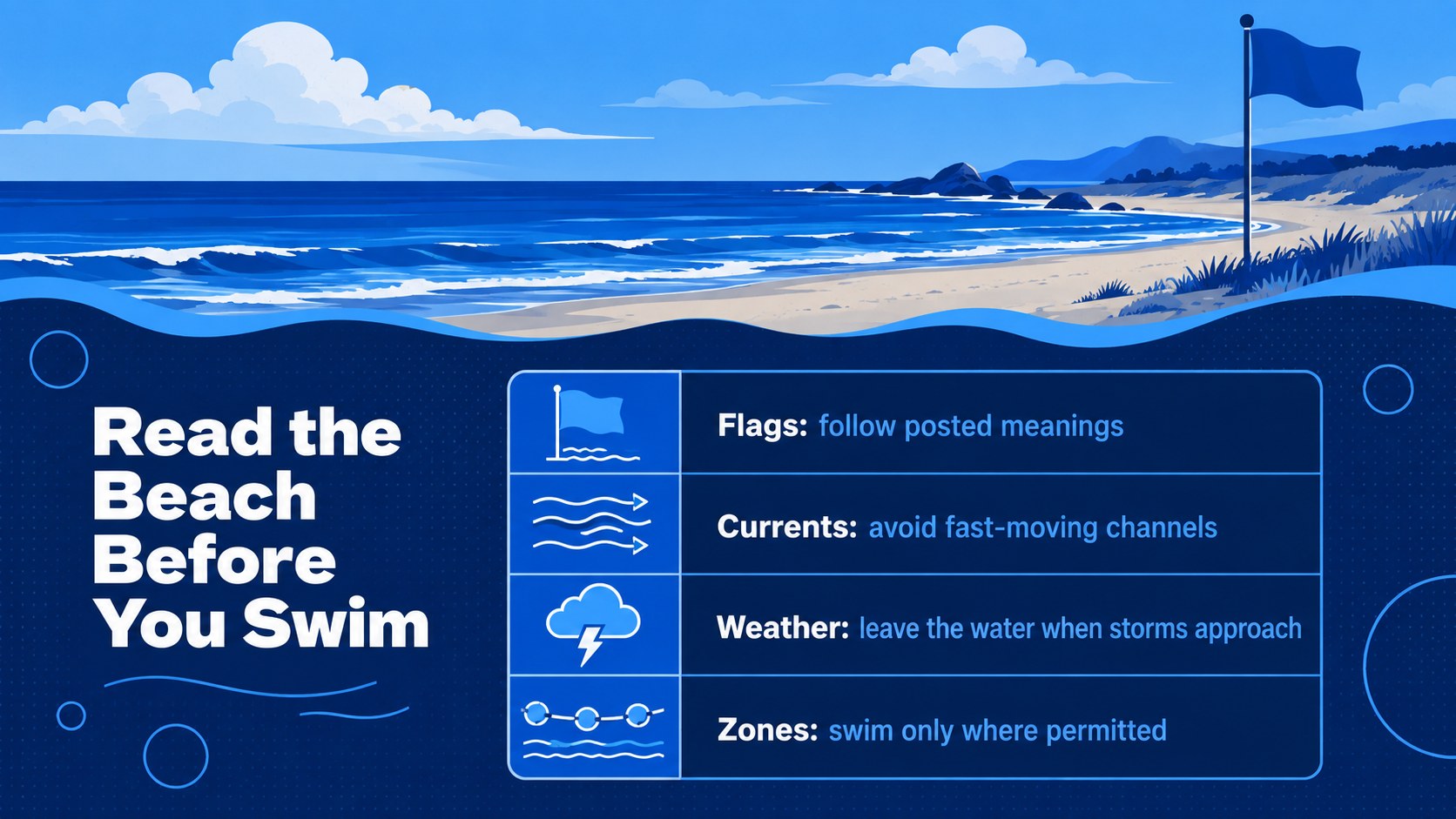
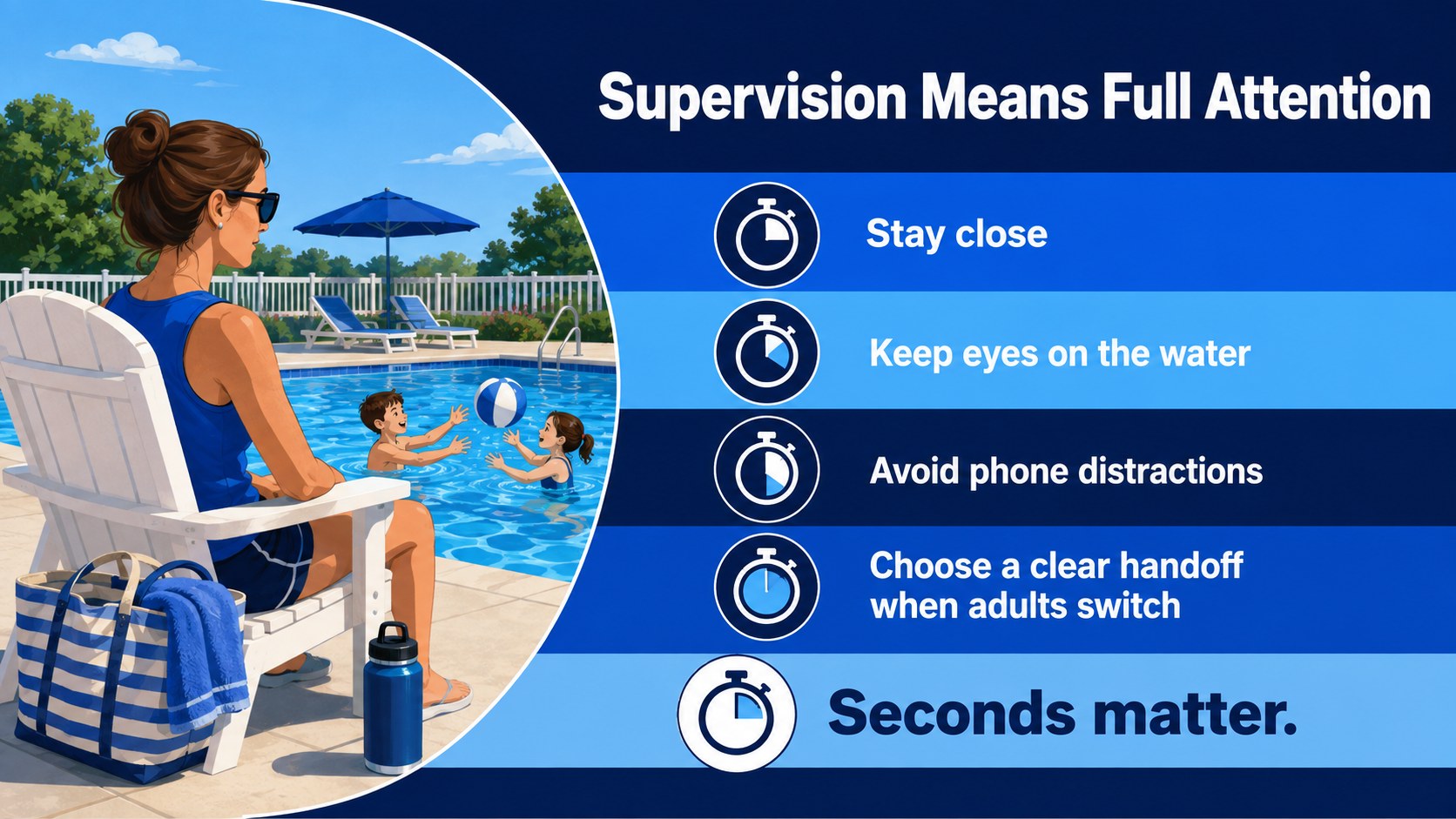
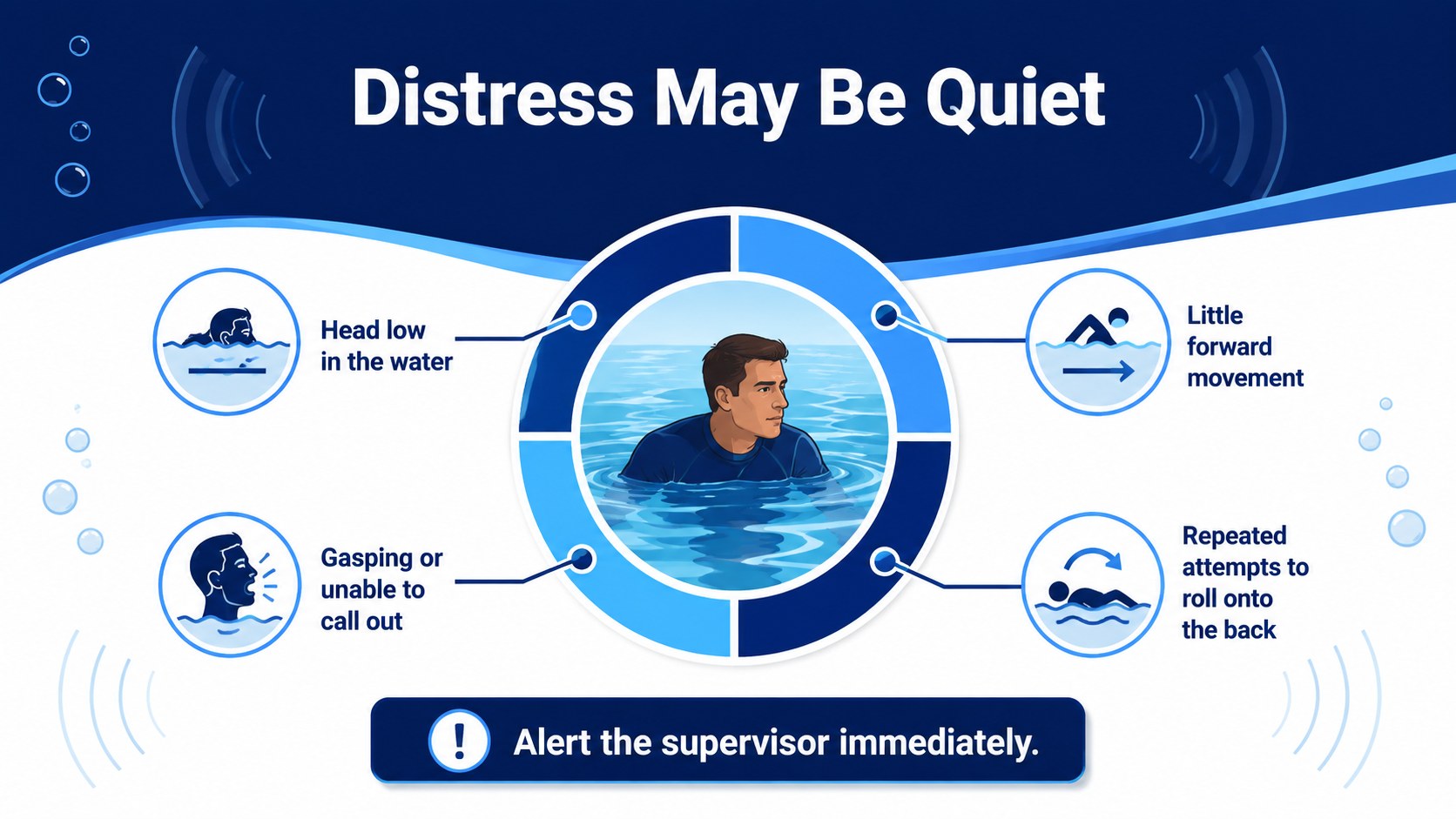
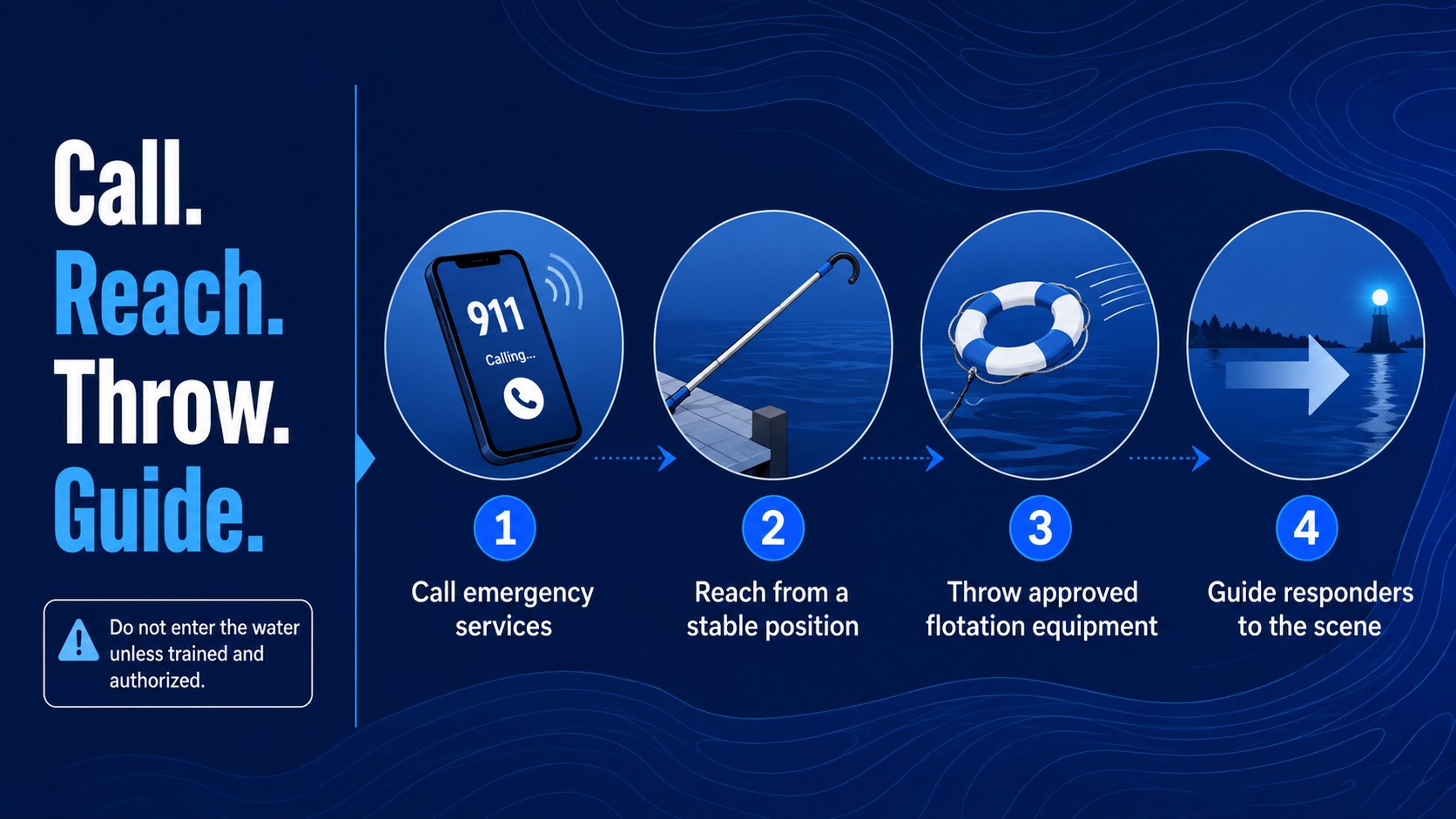
The deck includes sections for recognizing hazards, setting swimming rules, using life jackets, understanding warning signs, supervising children, and responding when someone is in trouble. A visual risk checklist, emergency action sequence, scenario discussion, and knowledge review support both instruction and audience participation. These layouts can function as a swimming pool safety presentation, a set of drowning prevention classroom slides, or a reusable resource for seasonal awareness campaigns.
Teachers can adapt the language for school lessons, while swim instructors and recreation teams can add venue-specific procedures. Parents, youth leaders, lifeguards, and public health educators can also use the template for a community water safety workshop. Replace the sample wording, adjust the blue color accents, insert local emergency contacts, and add approved photographs or diagrams. The 16:9 format is suitable for classroom screens, meeting rooms, online sessions, and shared handouts.
Perfect for: school water safety lesson; swim program orientation; parent safety workshop; lifeguard awareness training; beach safety briefing; community prevention campaign.
Frequently asked questions
Can I edit every part of this lesson deck? Yes. You can change the wording, colors, illustrations, diagrams, and slide order to fit your audience. Venue rules, emergency numbers, and local warning systems can also be added.
Practical details
Yes. You can change the wording, colors, illustrations, diagrams, and slide order to fit your audience. Venue rules, emergency numbers, and local warning systems can also be added.
The template is designed for PowerPoint and Google Slides. Both platforms support editing, presenting, duplicating layouts, and exporting the finished lesson.
Yes. Shorten the explanations, emphasize simple rules, and use the scenario slides for guided discussion. Any emergency guidance should be reviewed by a qualified local safety professional before presenting.
Replace the sample hazards and procedures with rules from the relevant venue. Add local signs, supervision policies, designated swimming areas, and the correct emergency contact information.
Keep exploring
15Build stronger academic arguments with a college essay thesis builder featuring guided examples, revision prompts, and editable PowerPoint and Google Slides.
 15
15Build an engaging World UFO Day session with this flying saucer history lesson deck, featuring retro green-and-brown slides for PowerPoint and Google Slides.
 14
14Plan a memorable Lunar New Year campaign with the 2036 Dragon Year Celebration Theme, featuring bold red-and-yellow slides for lessons and events.
 15
15Build a thoughtful classroom discussion with this interfaith awareness lesson deck, featuring editable blue-and-white slides for PowerPoint and Google Slides.
 15
15Use this environmental awareness lesson deck to teach climate action through illustrated activities, discussion prompts, and ready-to-edit visuals.
 15
15Build playful lessons and party stories with a kid-friendly zombie celebration theme in purple, green and pastel blue for PowerPoint and Google Slides.
 15
15Build eerie lessons, campaigns, and story pitches with an undead survival scenario theme featuring editable slides for PowerPoint and Google Slides.
 16
16Turn environmental research into a clear story with a Watercolor Ecology Presentation Theme for PowerPoint and Google Slides in calming green and blue.