
 15
15presentation
College Essay Thesis Builder Slides
Build stronger academic arguments with a college essay thesis builder featuring guided examples, revision prompts, and editable PowerPoint and Google Slides.
Google SlidesPowerPoint
presentation · English
Teach Apollo's myths with an Apollo mythology lesson deck featuring warm yellow illustrations, clear timelines, and editable slides for classroom use.
Design notes
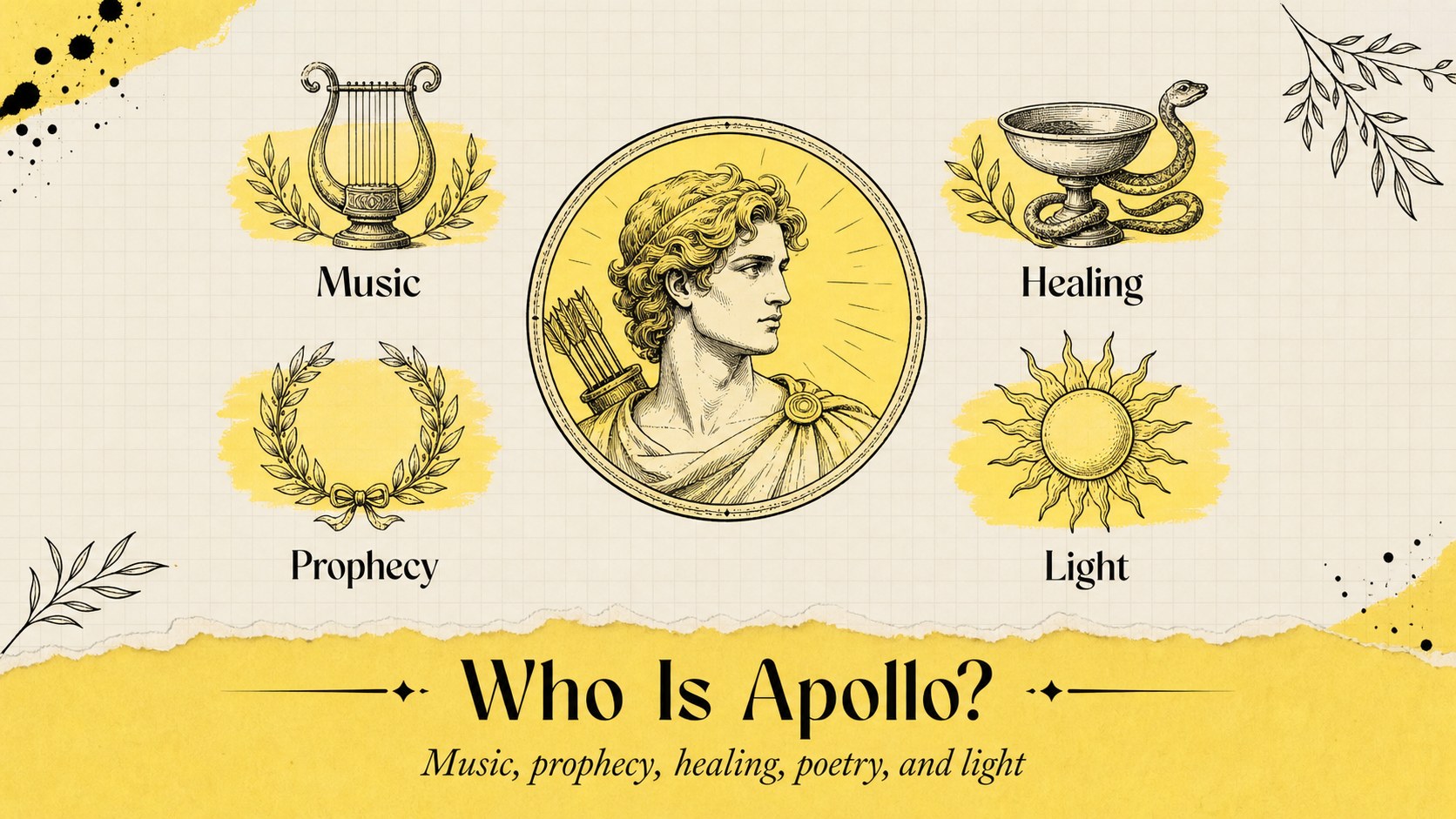
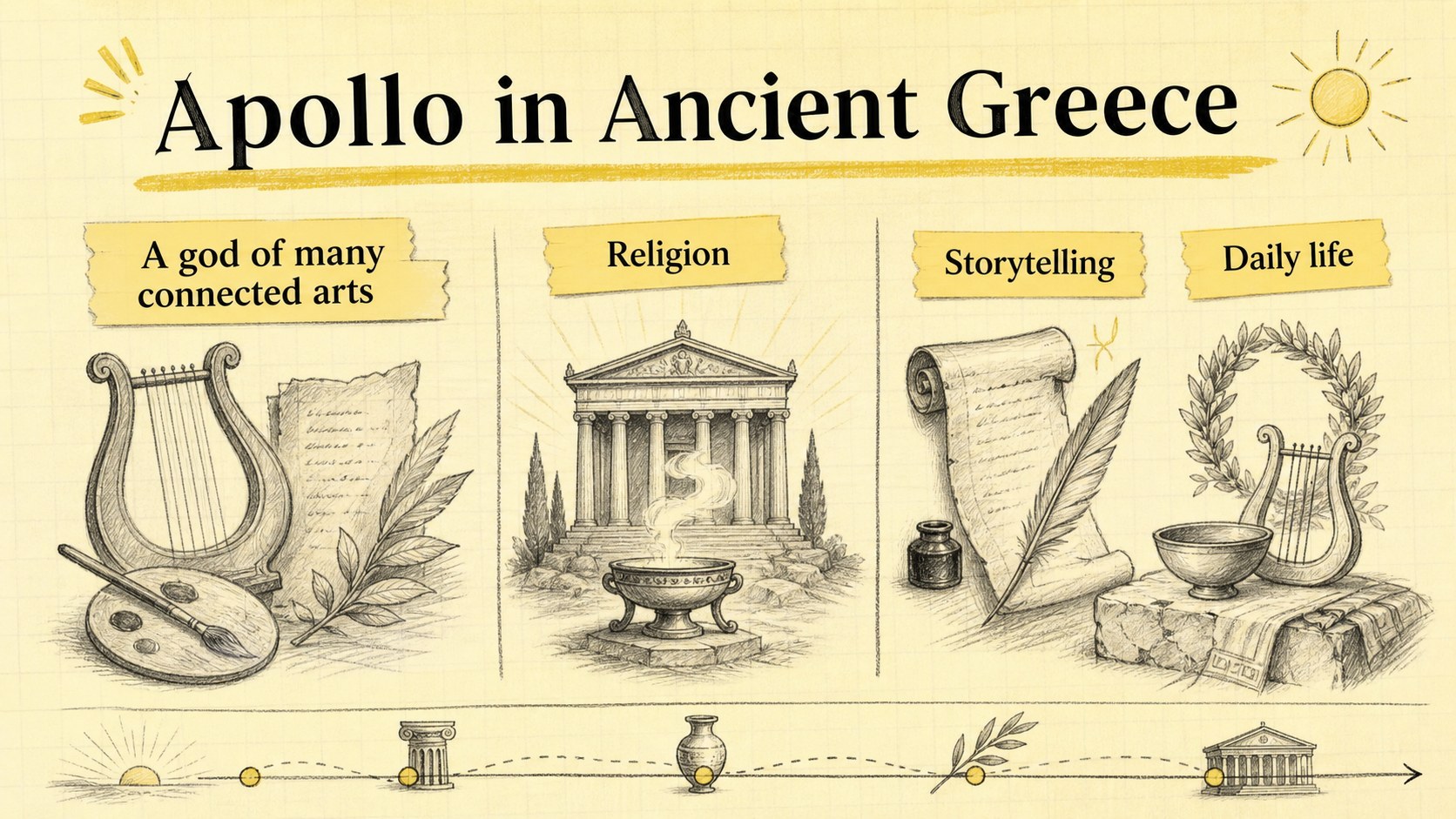
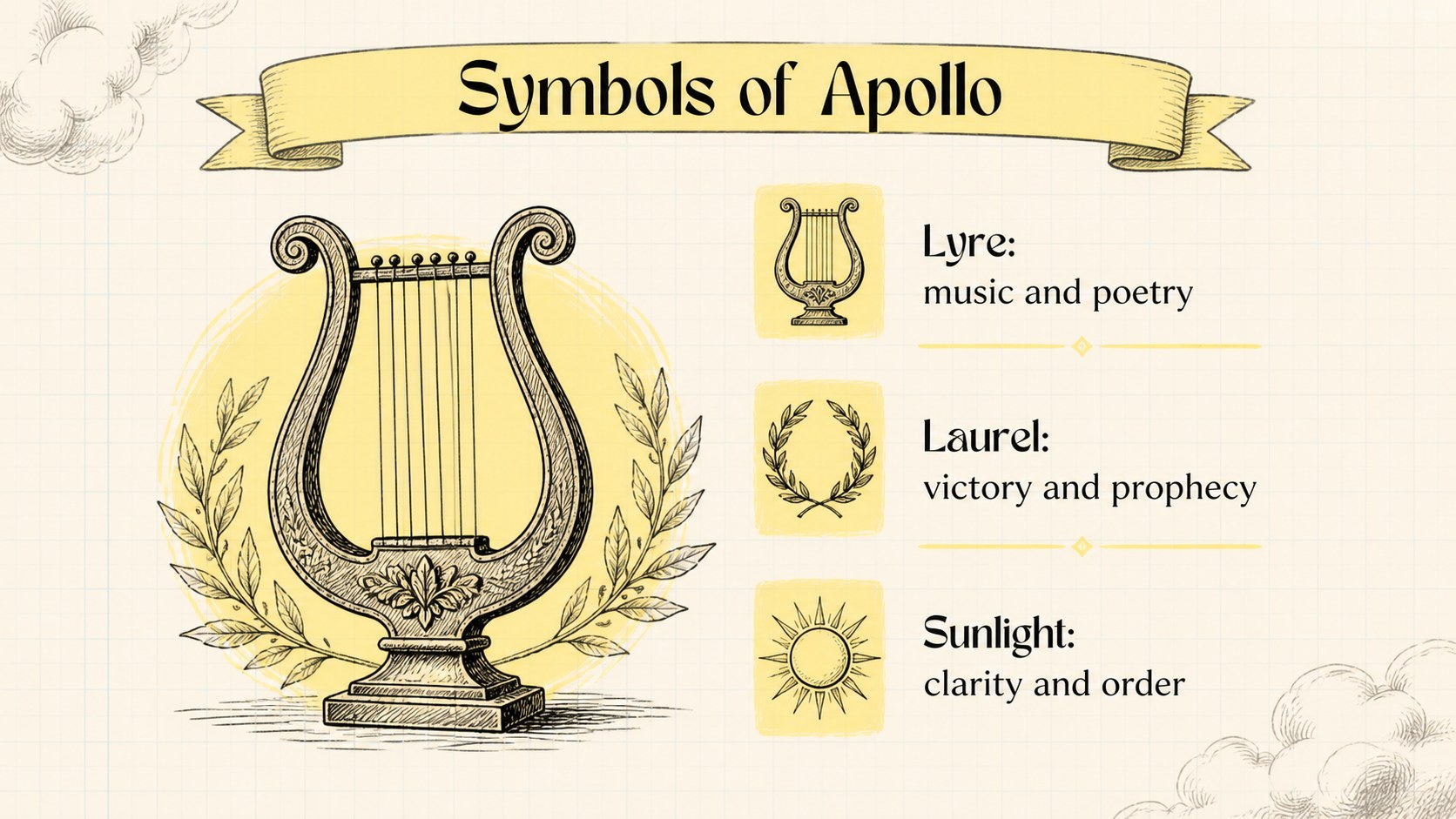
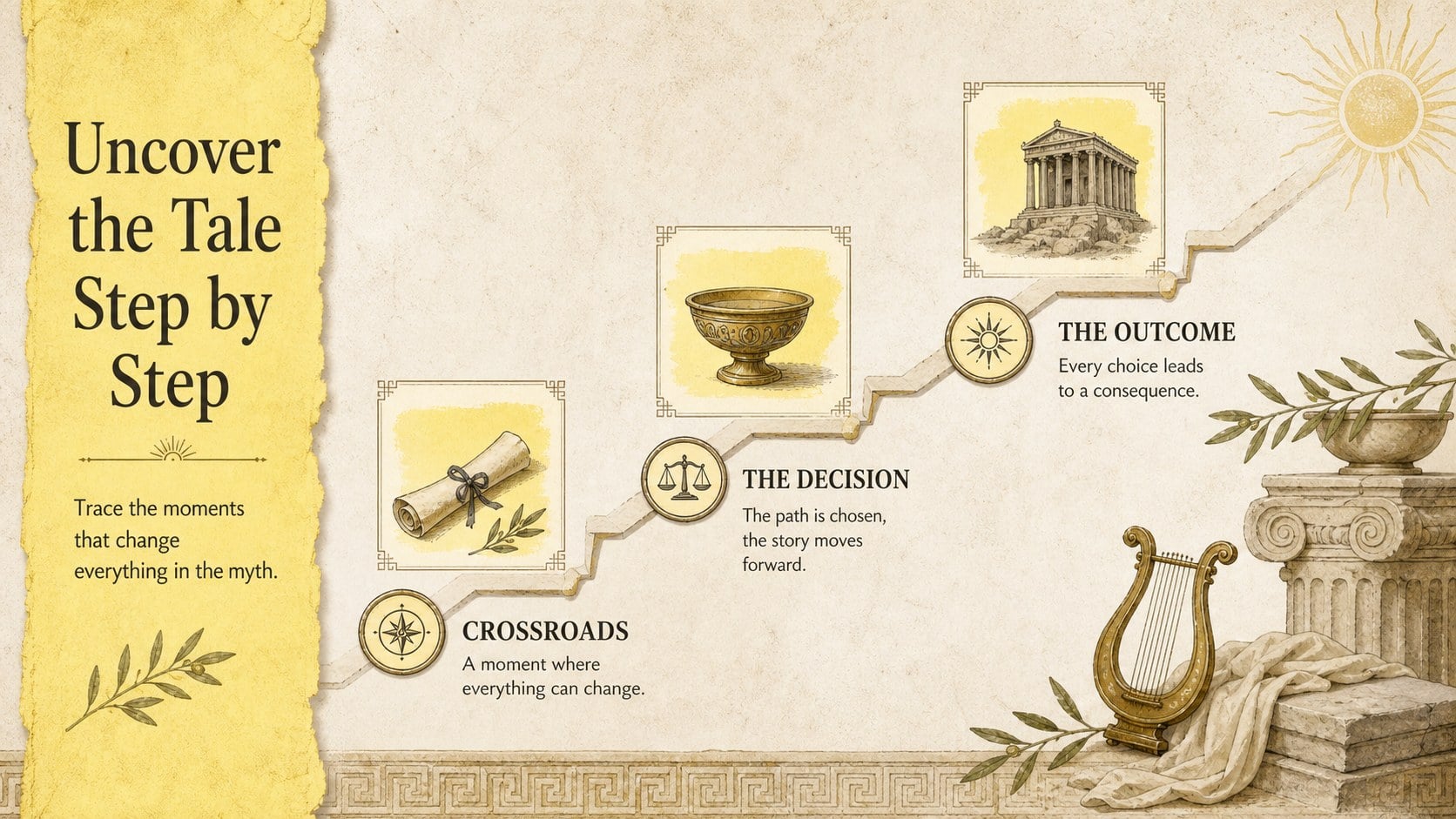
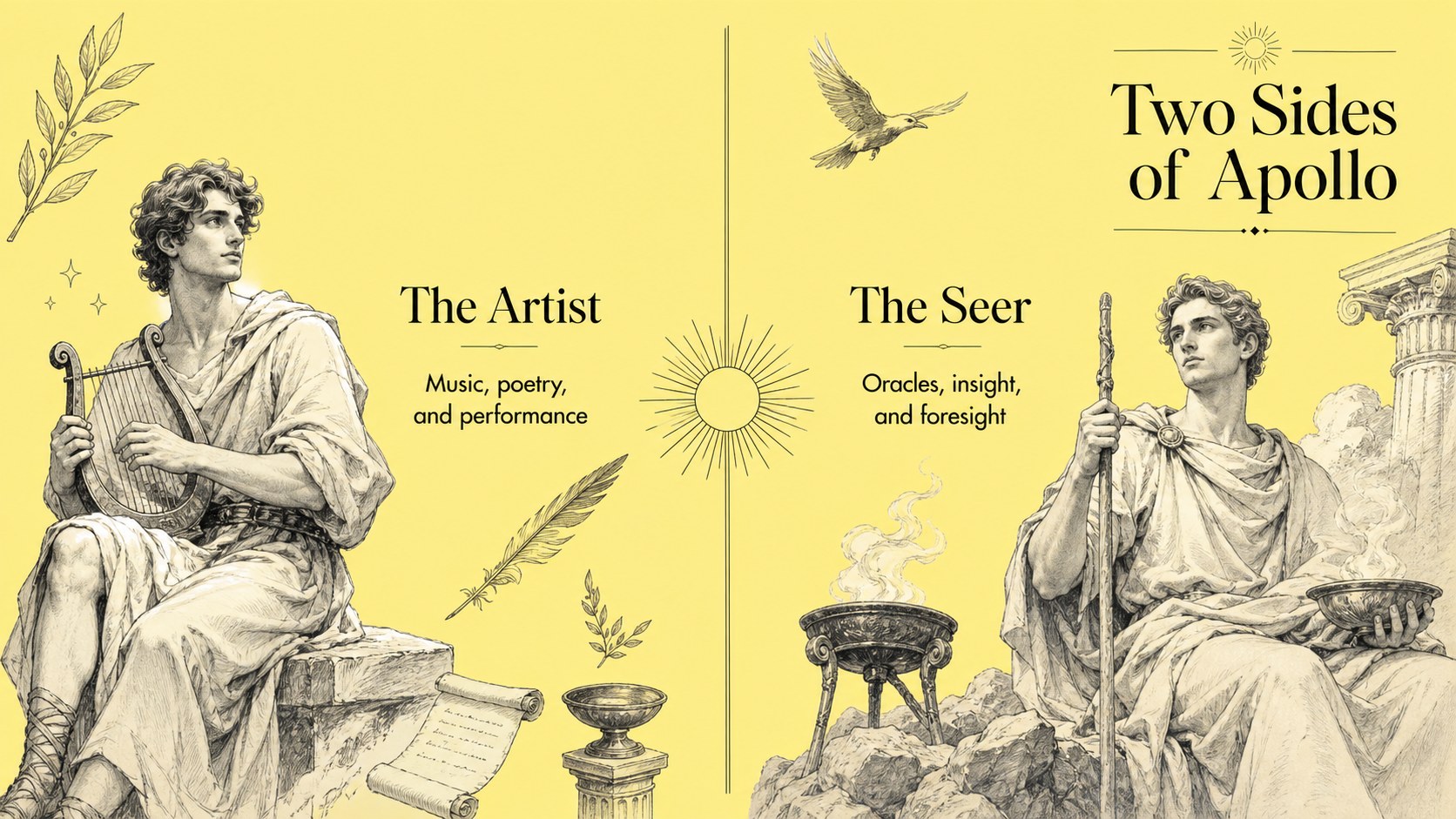
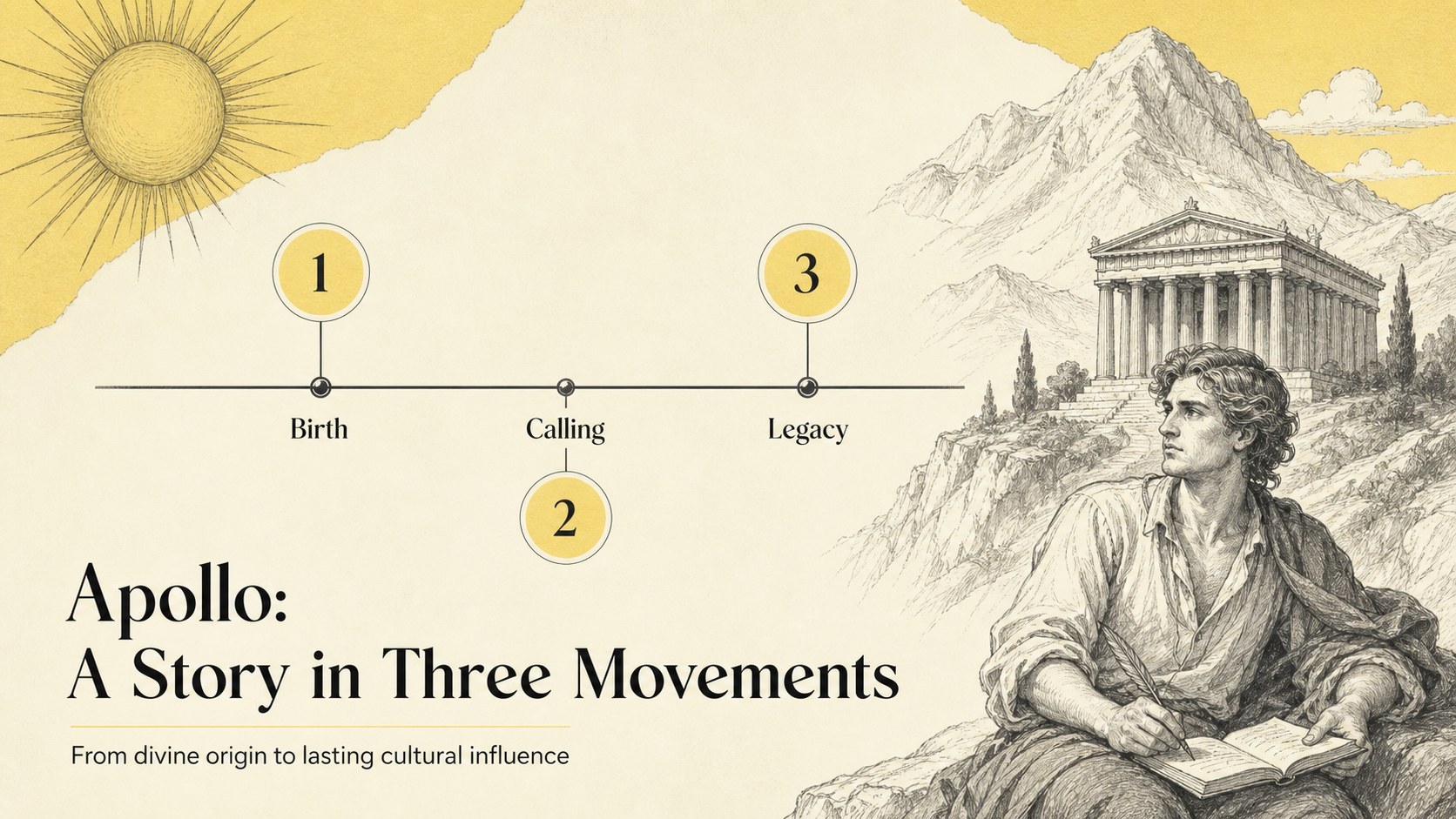
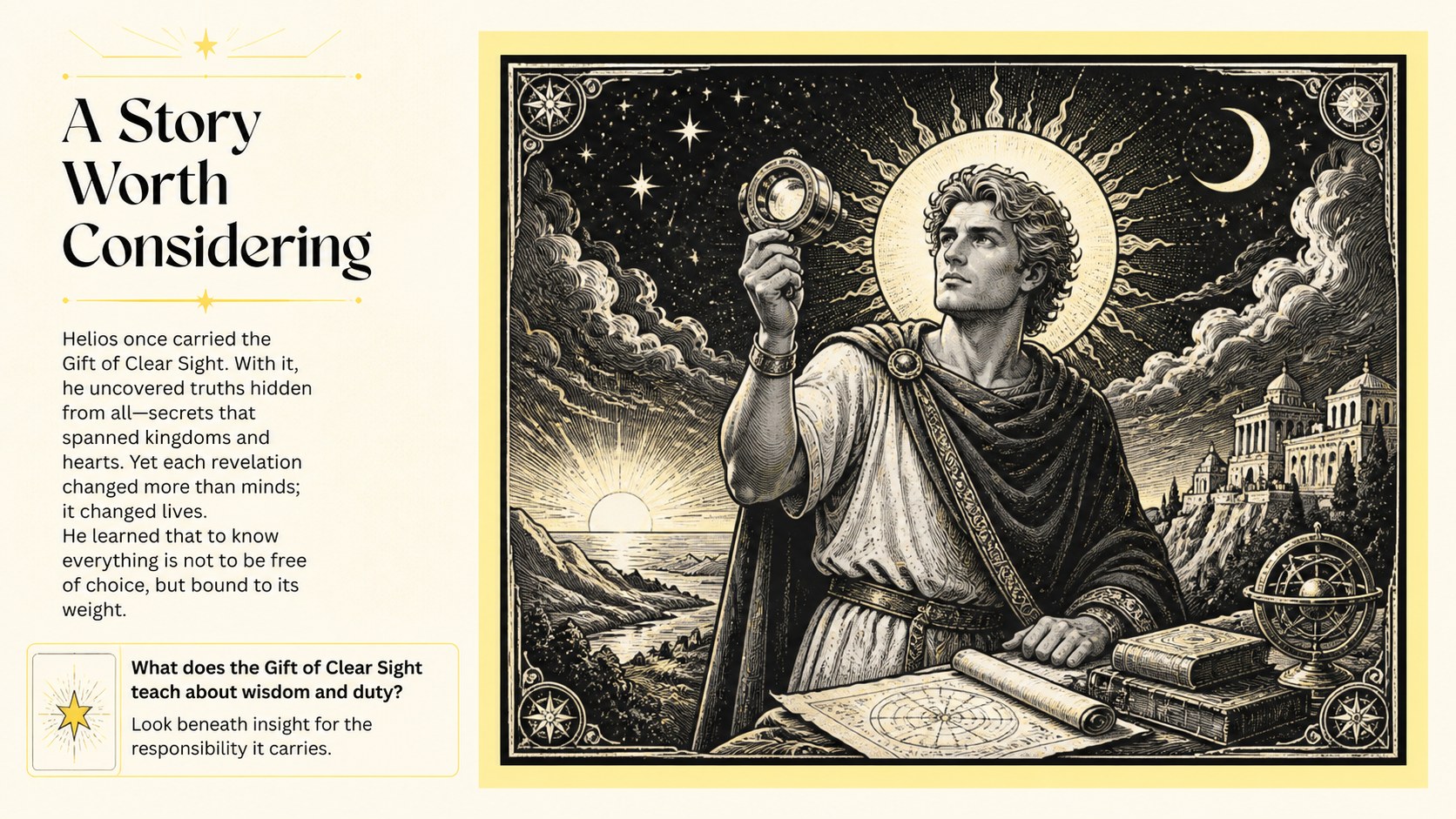
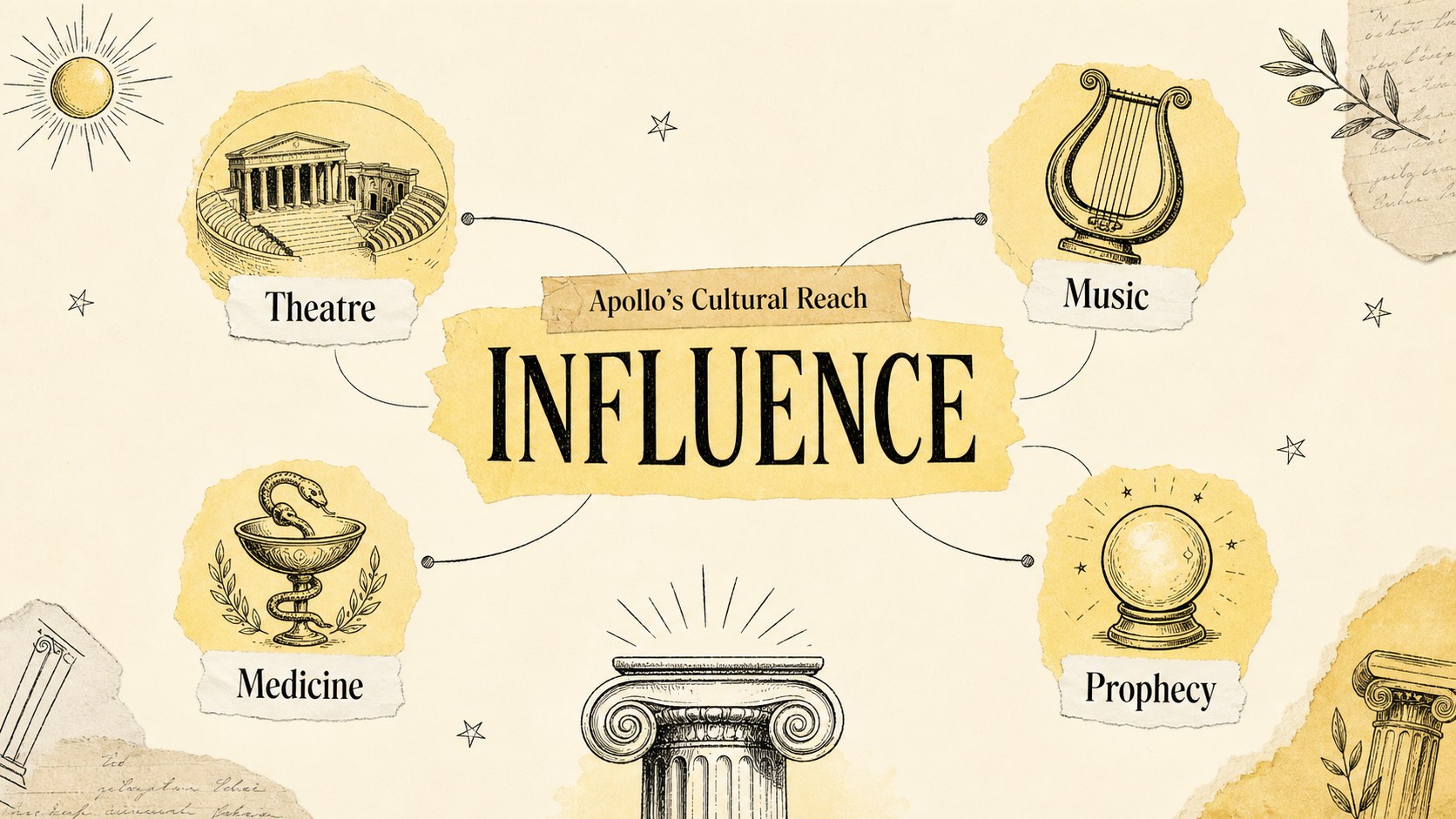
Make classical mythology easier to explore with an Apollo mythology lesson deck built for clear, engaging teaching. The warm yellow palette, paper-like textures, and hand-drawn visual language create an inviting setting for introducing Apollo as the Greek god associated with music, poetry, prophecy, healing, and the sun. Use the layouts to frame key myths, explain symbols, compare ancient ideas, and prompt thoughtful discussion.
Inside, you will find 19 editable 16:9 slides with space for lesson objectives, story summaries, character references, timelines, image-led explanations, comparison tables, charts, and closing review questions. The flexible structure also works for a Greek mythology classroom presentation, a museum education session, or a student research report. Rearrange sections, replace illustrations, adjust typography, and add your own notes to match the age group and teaching plan.
The template is designed for teachers, humanities students, museum educators, and presenters who want a polished mythology lesson without a heavy visual style. Edit it in PowerPoint or Google Slides, then present it in class or share it digitally. Its clean hierarchy keeps the focus on the story while the illustrated details make ancient subject matter more memorable.
Perfect for: middle school mythology lesson; high school classical studies class; museum education workshop; student Greek mythology report; ancient Greece history presentation.
Frequently asked questions
Can I edit this Apollo mythology lesson deck in PowerPoint? Yes. The slides are designed for editing in PowerPoint, including text, colors, illustrations, and layout elements. You can adapt the deck to different lesson lengths or student age groups.
Practical details
Yes. The slides are designed for editing in PowerPoint, including text, colors, illustrations, and layout elements. You can adapt the deck to different lesson lengths or student age groups.
Yes, you can open and edit the presentation in Google Slides. Review fonts and illustration placement after importing, since some elements may shift slightly between applications.
The layouts can support history, literature, art history, and cultural studies presentations. Replace the sample Apollo content with your own material while keeping the yellow illustrated visual system.
The presentation includes layouts for objectives, myth summaries, timelines, symbols, comparisons, visual explanations, discussion prompts, and review sections. You can reorder or duplicate slides to build a focused classroom sequence.
Keep exploring
15Build stronger academic arguments with a college essay thesis builder featuring guided examples, revision prompts, and editable PowerPoint and Google Slides.
 15
15Build an engaging World UFO Day session with this flying saucer history lesson deck, featuring retro green-and-brown slides for PowerPoint and Google Slides.
 14
14Plan a memorable Lunar New Year campaign with the 2036 Dragon Year Celebration Theme, featuring bold red-and-yellow slides for lessons and events.
 15
15Build a thoughtful classroom discussion with this interfaith awareness lesson deck, featuring editable blue-and-white slides for PowerPoint and Google Slides.
 15
15Use this environmental awareness lesson deck to teach climate action through illustrated activities, discussion prompts, and ready-to-edit visuals.
 15
15Build playful lessons and party stories with a kid-friendly zombie celebration theme in purple, green and pastel blue for PowerPoint and Google Slides.
 15
15Build eerie lessons, campaigns, and story pitches with an undead survival scenario theme featuring editable slides for PowerPoint and Google Slides.
 16
16Turn environmental research into a clear story with a Watercolor Ecology Presentation Theme for PowerPoint and Google Slides in calming green and blue.