
 15
15presentation
College Essay Thesis Builder Slides
Build stronger academic arguments with a college essay thesis builder featuring guided examples, revision prompts, and editable PowerPoint and Google Slides.
Google SlidesPowerPoint
presentation · English
Build an engaging aphrodite mythology lesson storyboard with colorful illustrated slides for Greek mythology, literature, history, classroom storytelling,…
Design notes
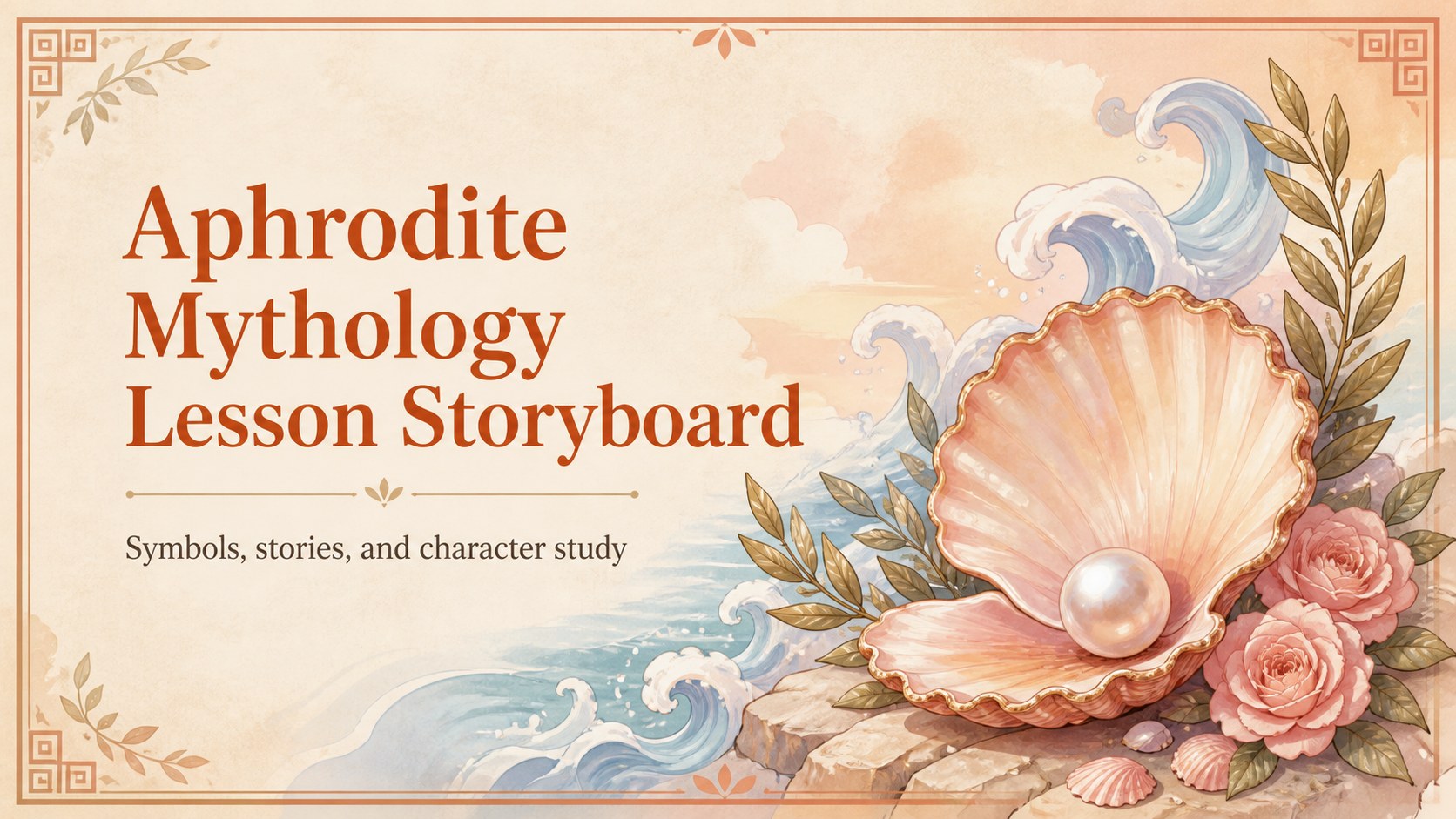
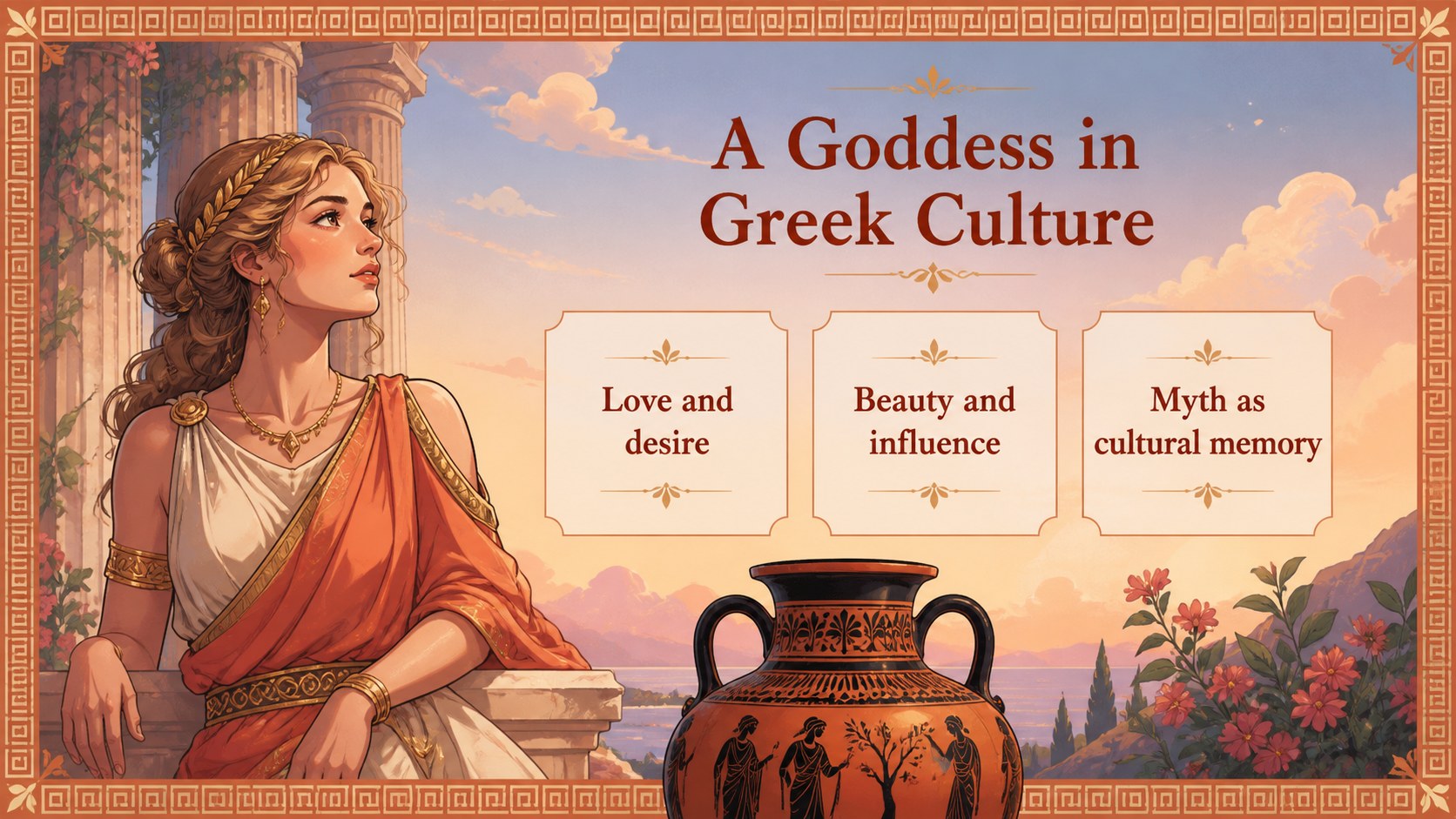
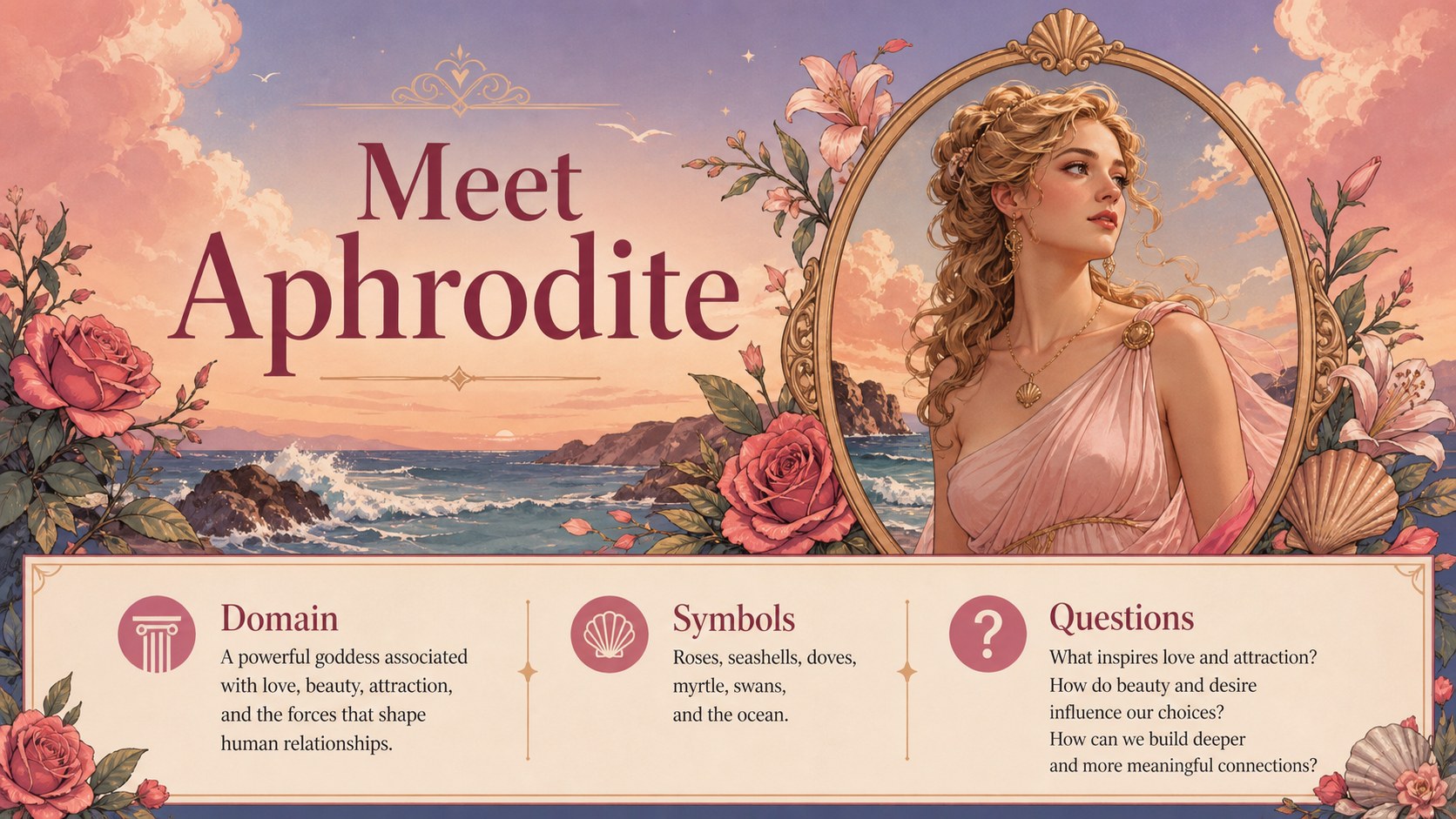
Bring the story of Aphrodite into the classroom through an aphrodite mythology lesson storyboard built for visual teaching. With a colorful, illustrative storybook style, this deck gives educators a memorable way to introduce the Greek goddess of love, beauty, desire, and social influence. The visual language keeps the lesson approachable while leaving room for historical context, literary analysis, and thoughtful discussion.
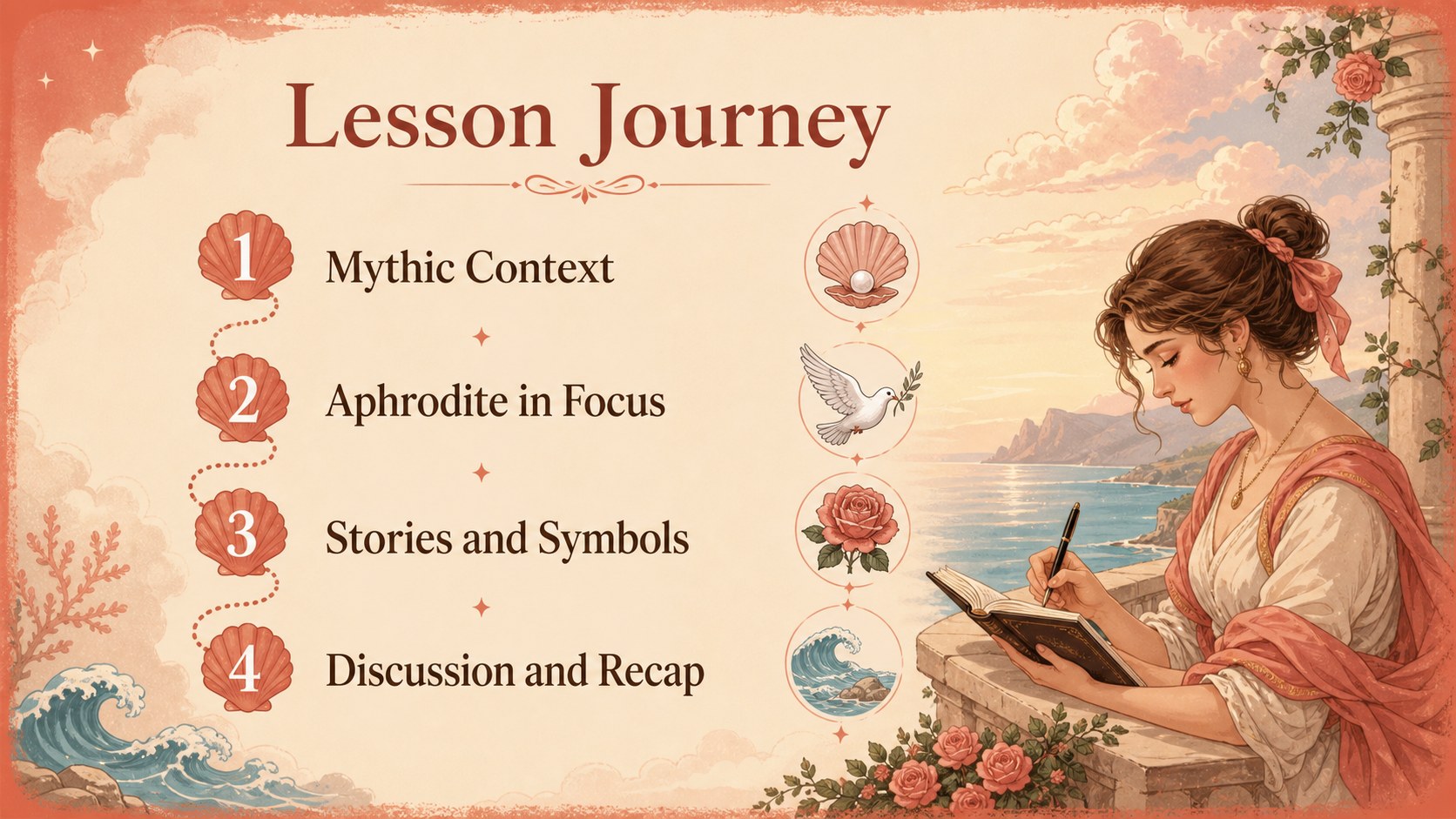
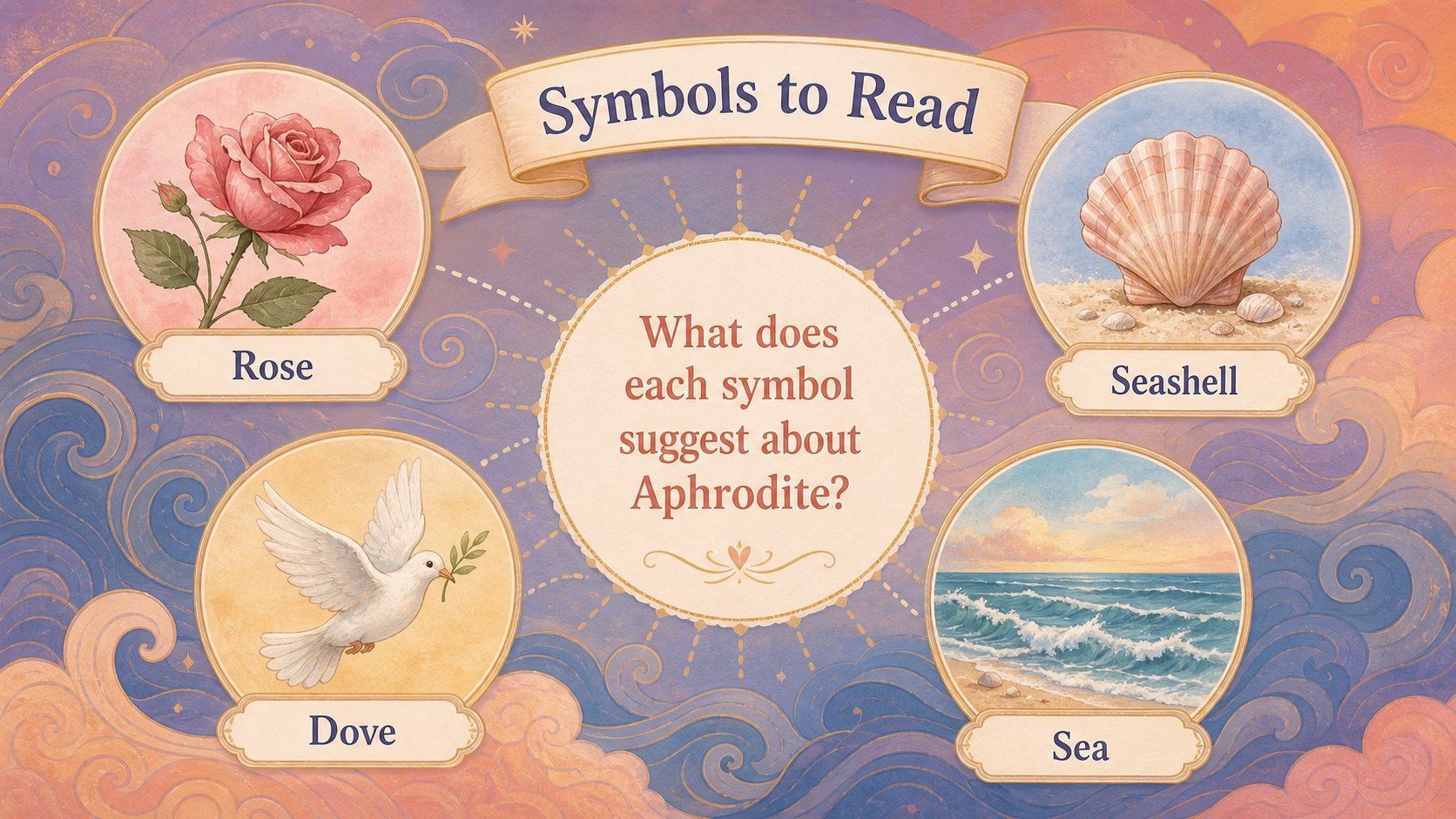
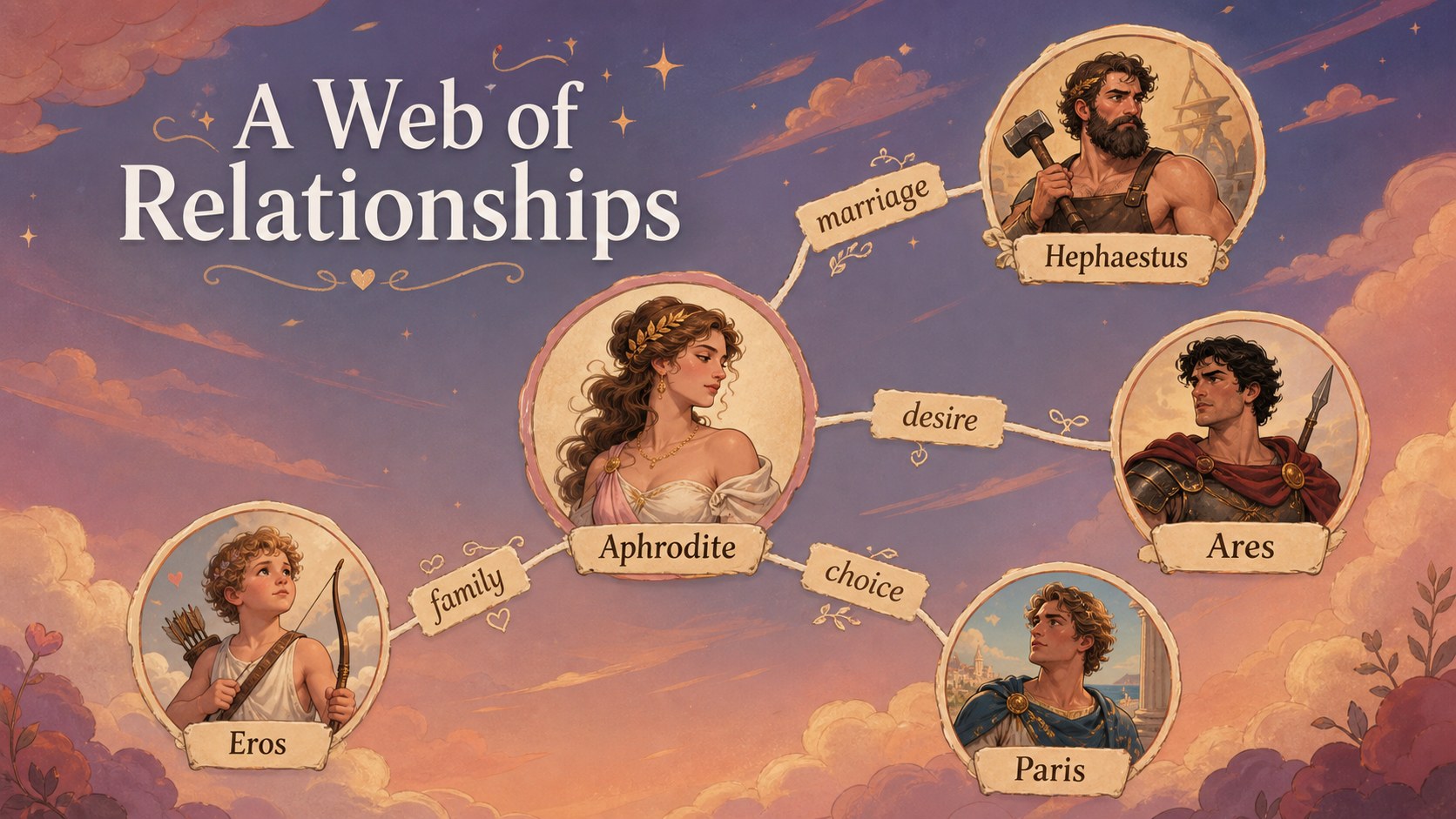
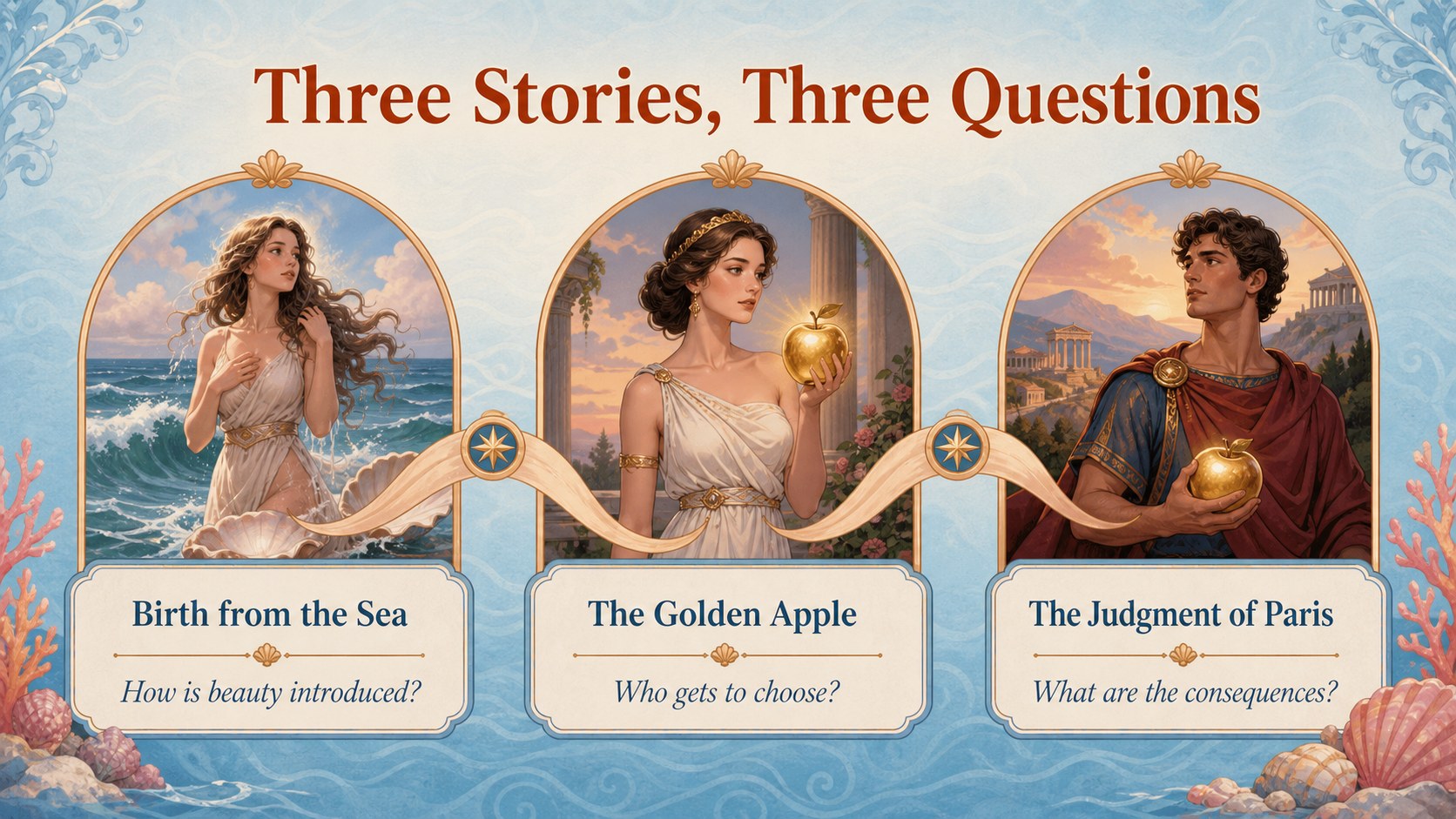
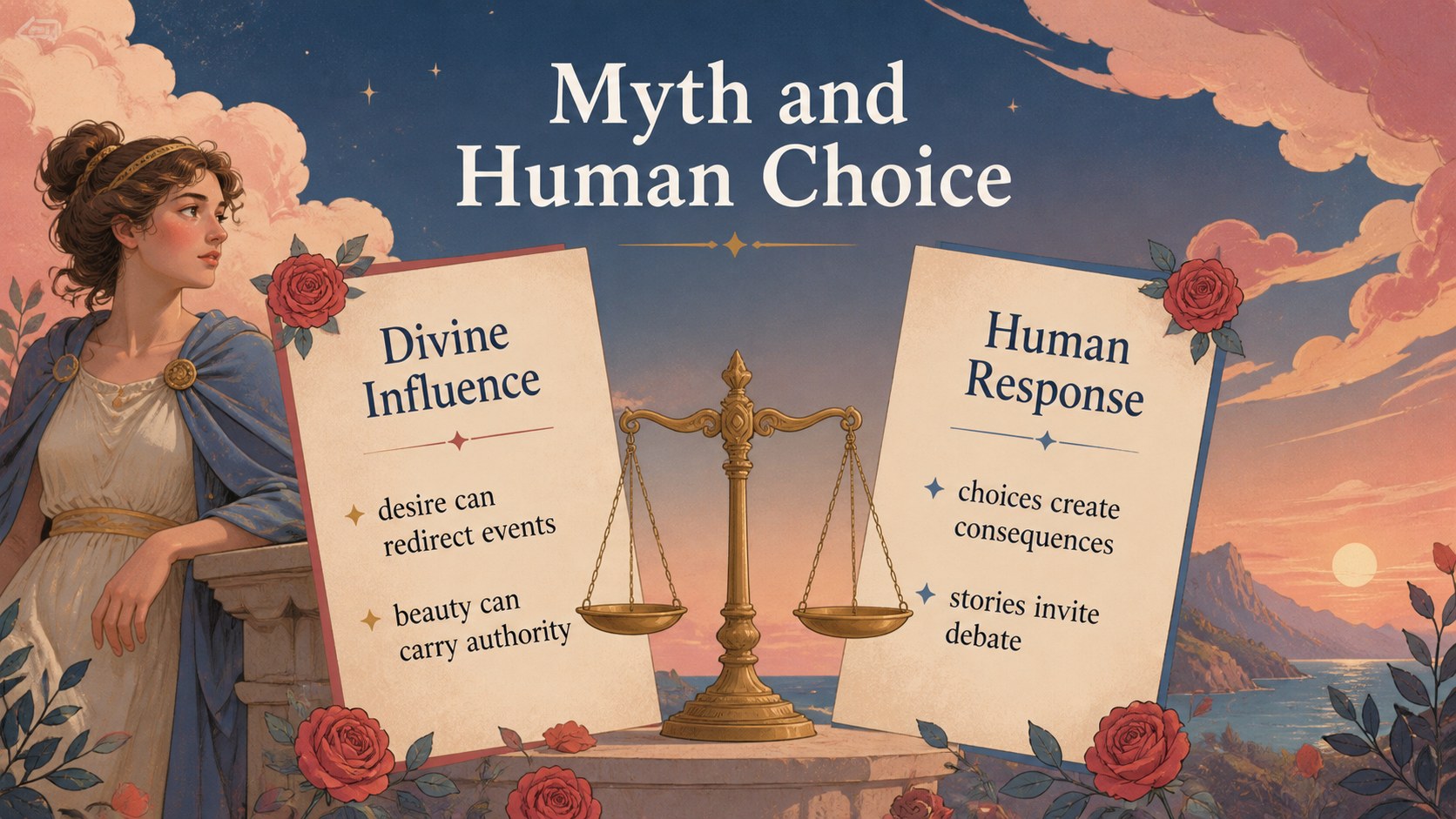
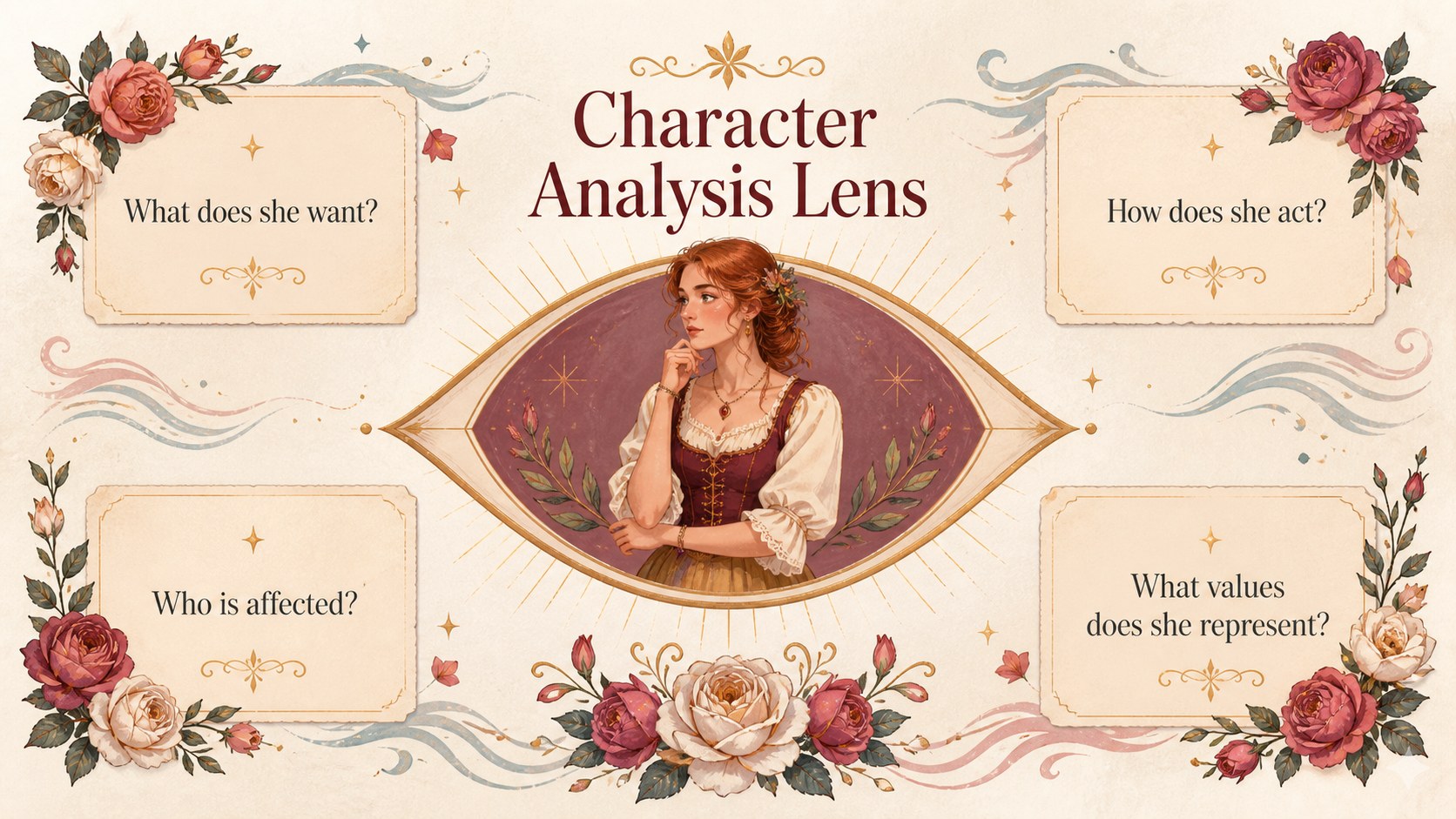
Inside, you will find a cover, lesson roadmap, mythology context, character profile, symbols and attributes, relationship map, key stories, thematic comparisons, vocabulary, discussion prompts, and a concise recap. The flexible layouts can support an aphrodite character analysis, a Greek mythology presentation, or a classroom activity about how myths reflect cultural values. Use the editable diagrams, timelines, image frames, and text areas to adapt the narrative for different age groups and teaching goals.
This template is suited to teachers, homeschool educators, literature instructors, and students preparing a visual report. Edit it in Google Slides or PowerPoint, then add quotations, artwork, source notes, or collaborative exercises. Its 16:9 format works well for classroom projection, online lessons, and student presentations.
Perfect for: Greek mythology classroom lesson; Aphrodite character analysis; Ancient Greece history presentation; Literature symbolism discussion; Student mythology visual report.
Frequently asked questions
Can I edit the Aphrodite lesson slides in Google Slides? Yes. The deck is designed for Google Slides and includes editable text, shapes, diagrams, and image areas. You can change the lesson sequence, add sources, and adapt the wording for your students.
Practical details
Yes. The deck is designed for Google Slides and includes editable text, shapes, diagrams, and image areas. You can change the lesson sequence, add sources, and adapt the wording for your students.
Yes, it is available for Google Slides and PowerPoint. Some animation or font behavior may vary between platforms, so review the presentation after importing it.
You can use the character profile, symbols, relationship map, and theme slides to structure an analysis. Add quotations, interpretation notes, or comparison points to align the deck with your assignment or curriculum.
Yes. The 16:9 layout is suitable for video calls, recorded lessons, and screen sharing. Replace image frames with approved artwork and include source information when adapting the content.
Keep exploring
15Build stronger academic arguments with a college essay thesis builder featuring guided examples, revision prompts, and editable PowerPoint and Google Slides.
 15
15Build an engaging World UFO Day session with this flying saucer history lesson deck, featuring retro green-and-brown slides for PowerPoint and Google Slides.
 14
14Plan a memorable Lunar New Year campaign with the 2036 Dragon Year Celebration Theme, featuring bold red-and-yellow slides for lessons and events.
 15
15Build a thoughtful classroom discussion with this interfaith awareness lesson deck, featuring editable blue-and-white slides for PowerPoint and Google Slides.
 15
15Use this environmental awareness lesson deck to teach climate action through illustrated activities, discussion prompts, and ready-to-edit visuals.
 15
15Build playful lessons and party stories with a kid-friendly zombie celebration theme in purple, green and pastel blue for PowerPoint and Google Slides.
 15
15Build eerie lessons, campaigns, and story pitches with an undead survival scenario theme featuring editable slides for PowerPoint and Google Slides.
 16
16Turn environmental research into a clear story with a Watercolor Ecology Presentation Theme for PowerPoint and Google Slides in calming green and blue.