
 15
15presentation
College Essay Thesis Builder Slides
Build stronger academic arguments with a college essay thesis builder featuring guided examples, revision prompts, and editable PowerPoint and Google Slides.
Google SlidesPowerPoint
document · English
Build a polished APA bibliography quickly with an editable red document layout for research papers, student projects, and organized source lists.
Design notes
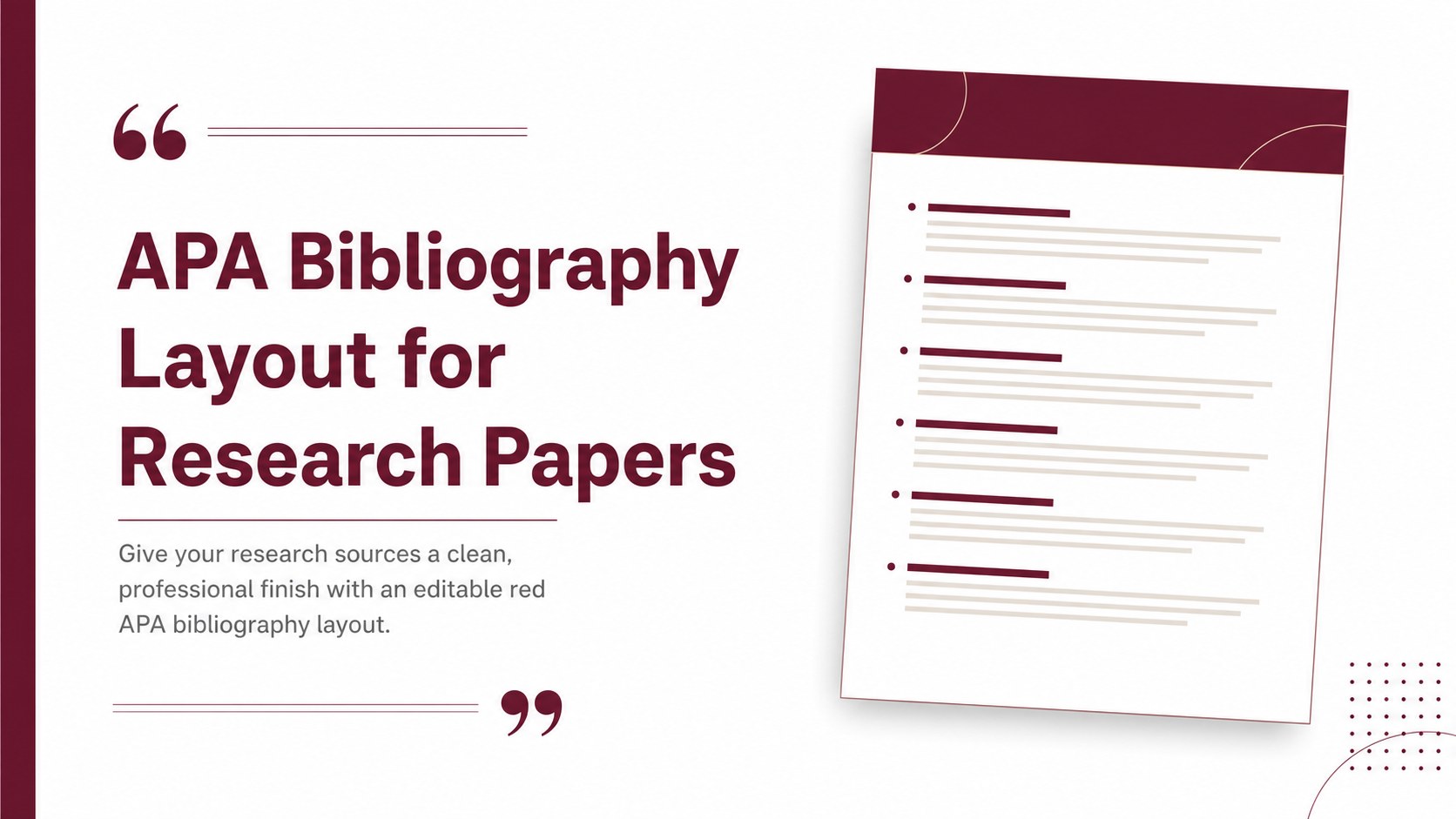
Keep your research paper sources clear, consistent, and easy to review with this APA bibliography layout for research papers. Its restrained red accents, portrait structure, and generous spacing create a polished academic document without distracting from the citation details. Students can add sources quickly while maintaining a professional presentation from the first entry to the last.
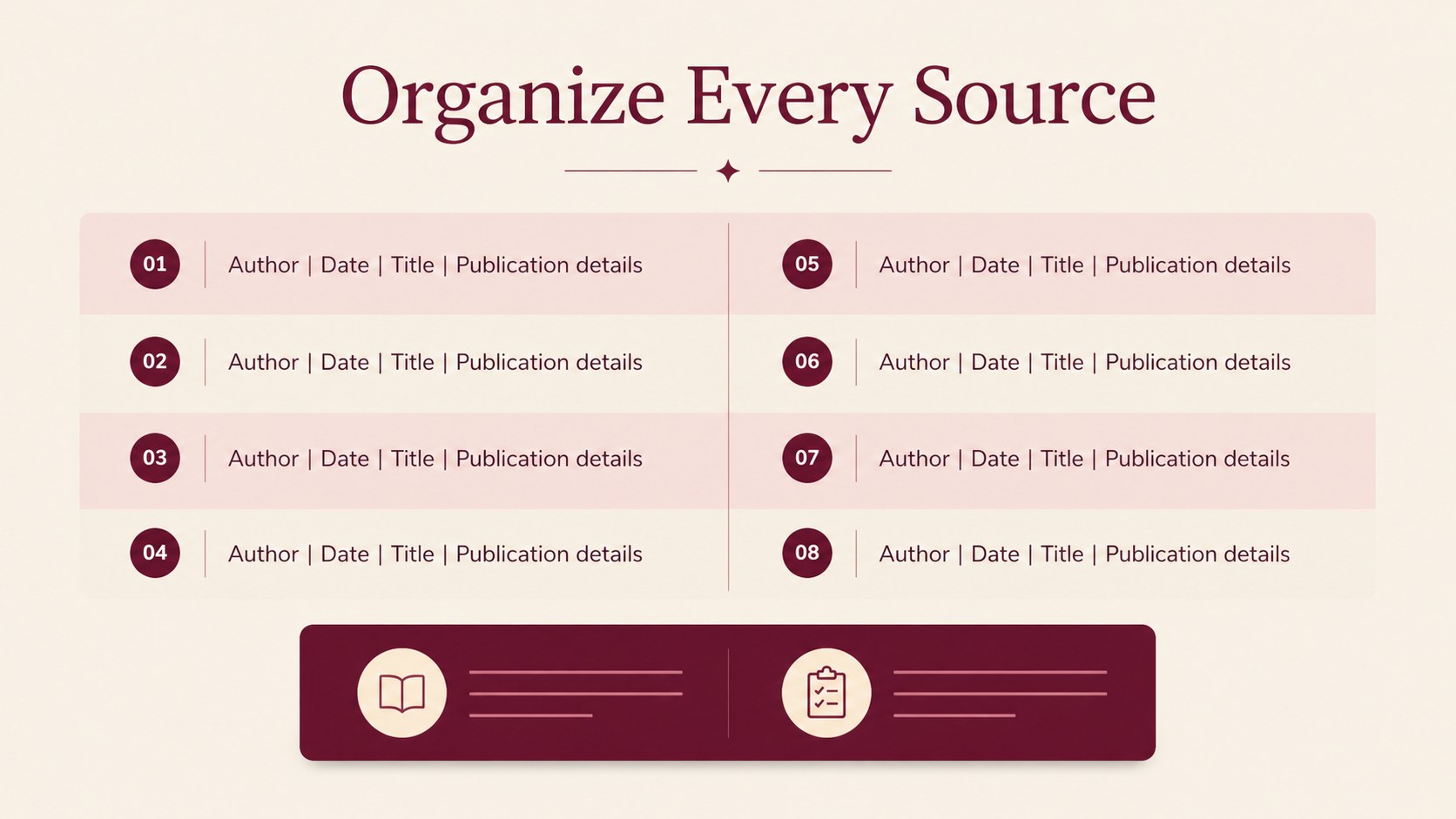
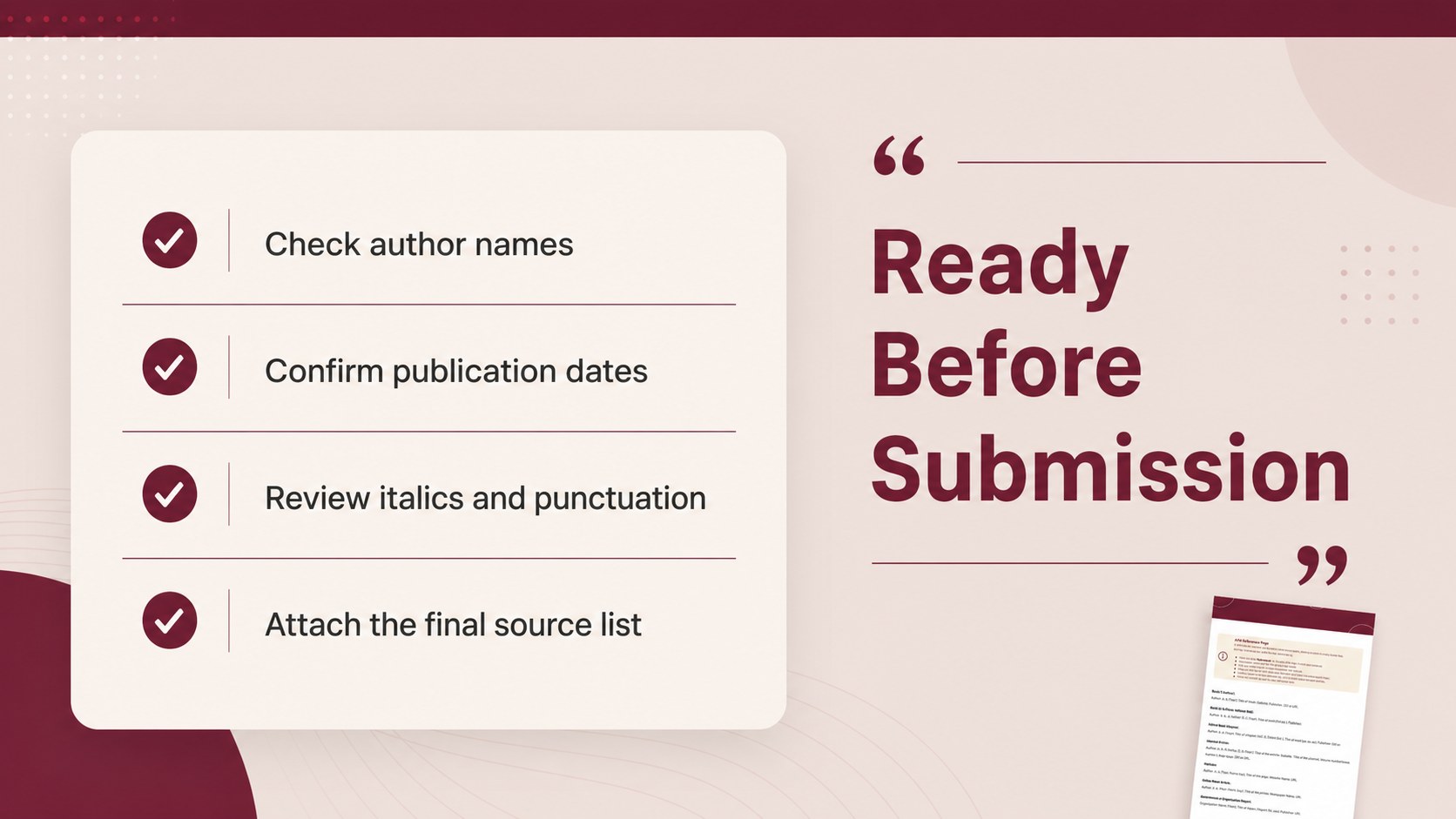
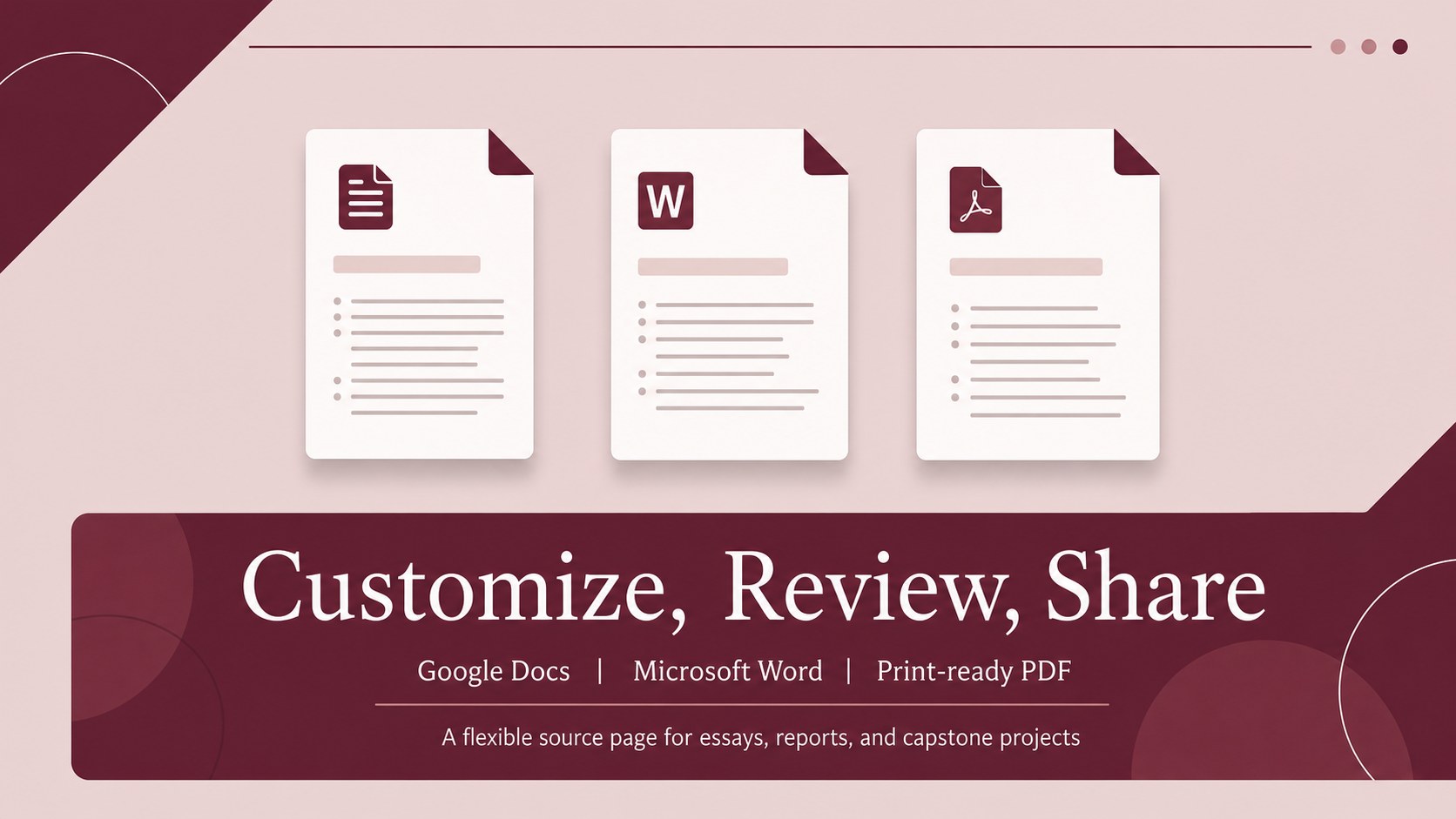
What’s inside: a ready-to-edit bibliography page, organized citation fields, clean heading areas, and flexible text blocks that can be adapted for different assignments. Use it as an APA bibliography format for Google Docs, a Word handout, or a printable source page. The layout is also useful as an editable APA citations page when you need to update publication details, add new references, or check your final list before submission.
This template is suited to high school and university students, educators preparing examples, and anyone assembling references for essays, reports, literature reviews, or capstone projects. Customize the red color treatment, typography, spacing, and page content to match your course requirements. Download it, replace the sample text, and create a tidy source list that is ready to share, print, or attach to a research paper.
Perfect for: college research paper; high school essay references; literature review source list; teacher citation example; capstone project bibliography.
Frequently asked questions
Can I edit this APA bibliography layout in Google Docs? Yes. The layout can be adapted in Google Docs by replacing the sample citation text, changing headings, and adjusting spacing. Check your instructor’s APA requirements after editing.
Practical details
Yes. The layout can be adapted in Google Docs by replacing the sample citation text, changing headings, and adjusting spacing. Check your instructor’s APA requirements after editing.
Yes, it is suitable for Microsoft Word as well as Google Docs. You can update the text, fonts, colors, and page formatting before exporting or printing.
Yes. Replace the red accents with a school color, a neutral tone, or another color that fits your project. Keep strong contrast between the citation text and the page background for readability.
No. It provides an organized, editable page for presenting your references. You should enter and verify each citation using the current APA guidelines required by your course or institution.
Keep exploring
15Build stronger academic arguments with a college essay thesis builder featuring guided examples, revision prompts, and editable PowerPoint and Google Slides.
 15
15Build an engaging World UFO Day session with this flying saucer history lesson deck, featuring retro green-and-brown slides for PowerPoint and Google Slides.
 14
14Plan a memorable Lunar New Year campaign with the 2036 Dragon Year Celebration Theme, featuring bold red-and-yellow slides for lessons and events.
 15
15Build a thoughtful classroom discussion with this interfaith awareness lesson deck, featuring editable blue-and-white slides for PowerPoint and Google Slides.
 15
15Use this environmental awareness lesson deck to teach climate action through illustrated activities, discussion prompts, and ready-to-edit visuals.
 15
15Build playful lessons and party stories with a kid-friendly zombie celebration theme in purple, green and pastel blue for PowerPoint and Google Slides.
 15
15Build eerie lessons, campaigns, and story pitches with an undead survival scenario theme featuring editable slides for PowerPoint and Google Slides.
 16
16Turn environmental research into a clear story with a Watercolor Ecology Presentation Theme for PowerPoint and Google Slides in calming green and blue.