
 15
15presentation
College Essay Thesis Builder Slides
Build stronger academic arguments with a college essay thesis builder featuring guided examples, revision prompts, and editable PowerPoint and Google Slides.
Google SlidesPowerPoint
document · English
Build an APA annotated bibliography workbook for research notes, source summaries, and citations in a clean red-accented Word or Google Docs layout.
Design notes
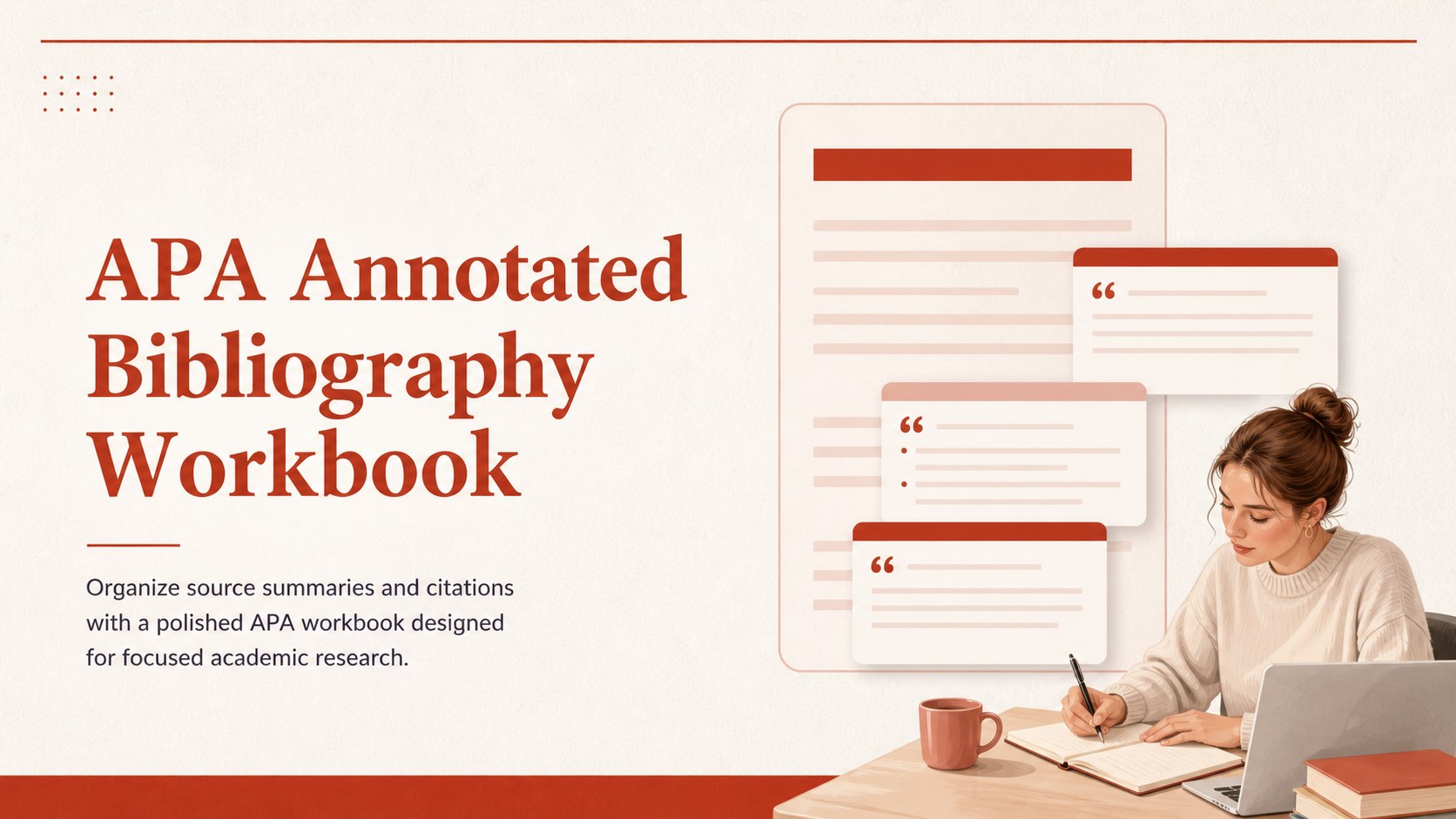
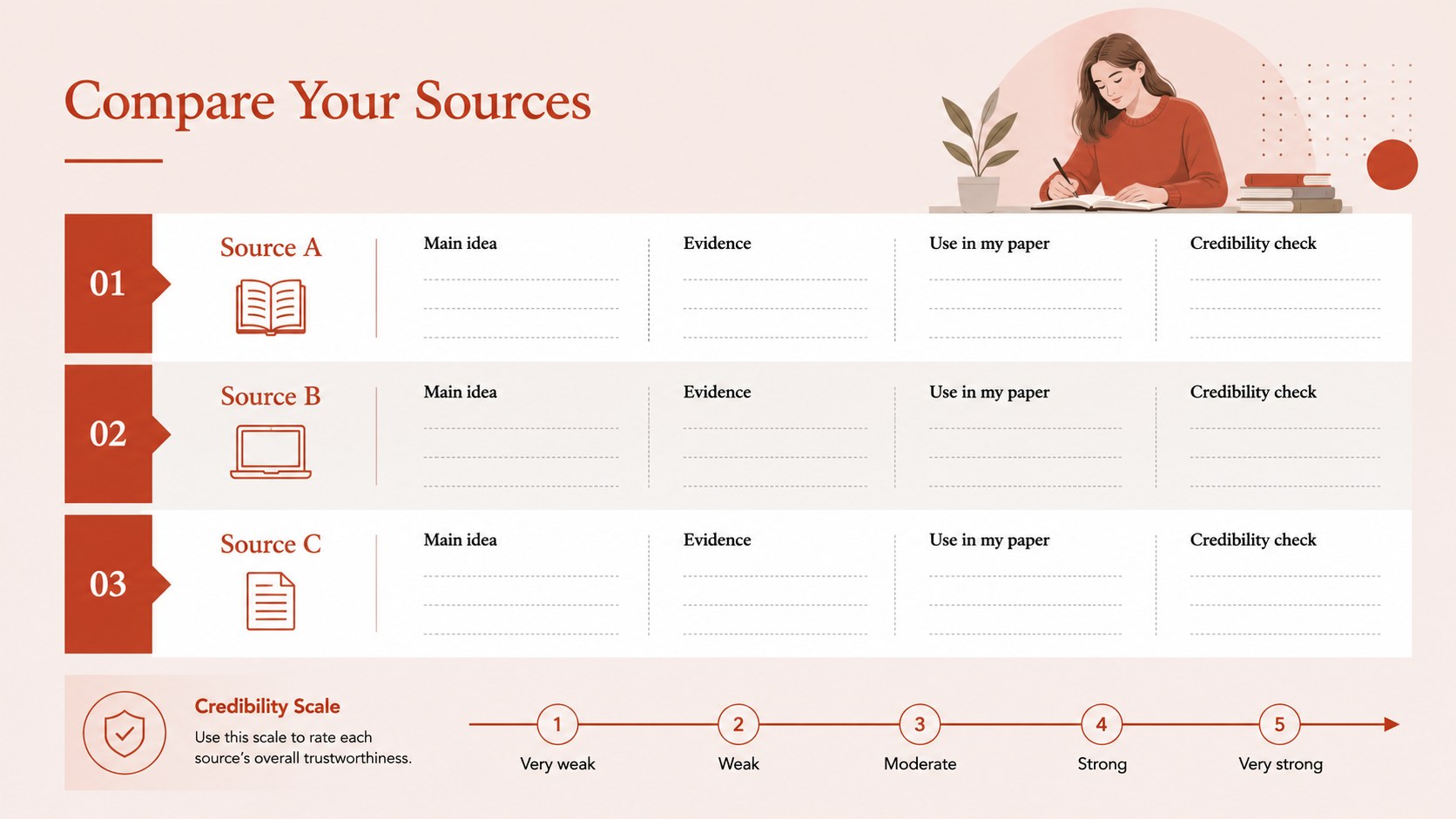
Keep every source, summary, and citation organized with this APA annotated bibliography workbook. Its structured pages give students and researchers a practical way to record publication details, evaluate references, and write concise annotations while following APA 7 style. The clean red-accented layout keeps attention on the research and makes a long bibliography easier to review.
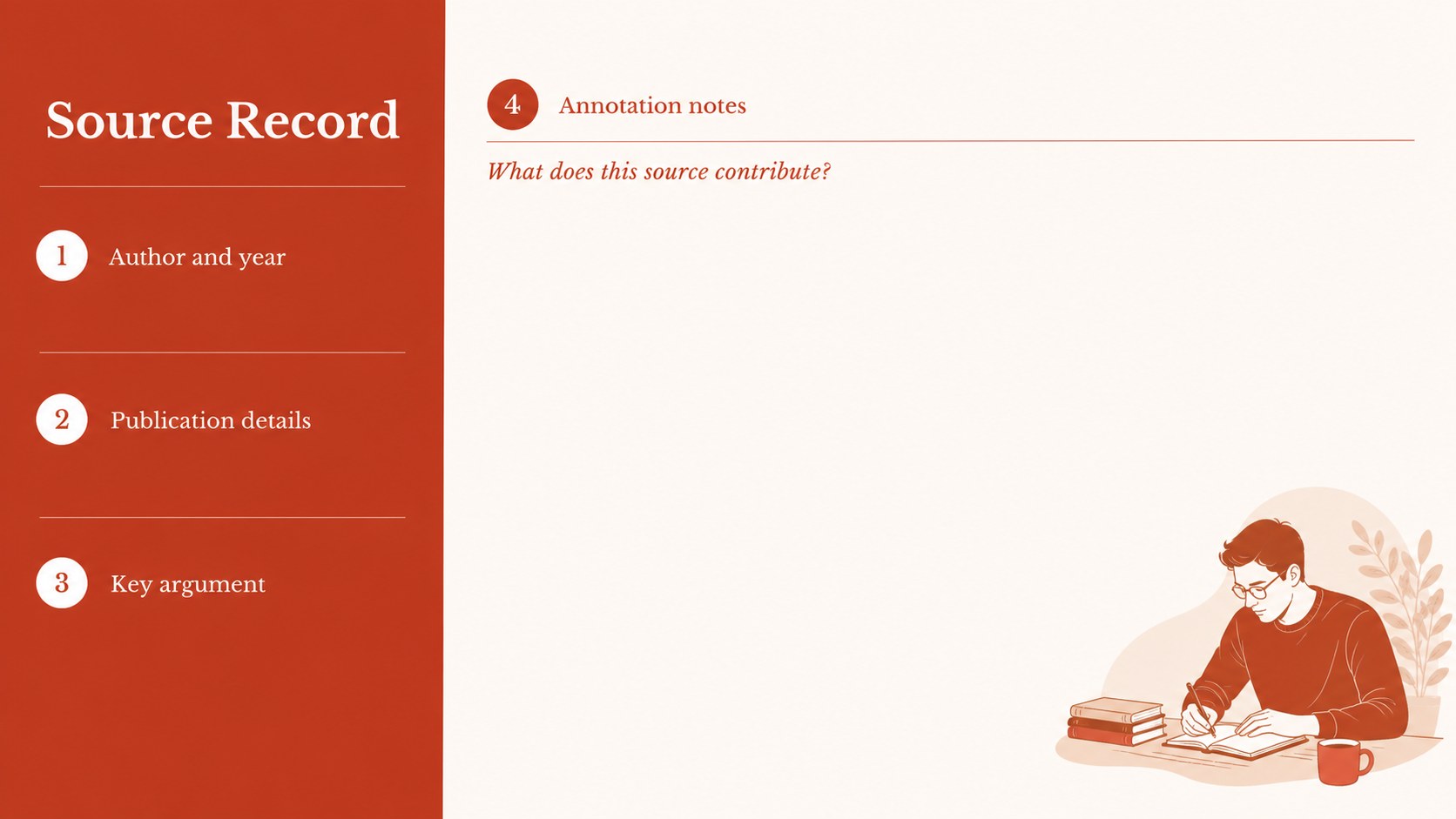
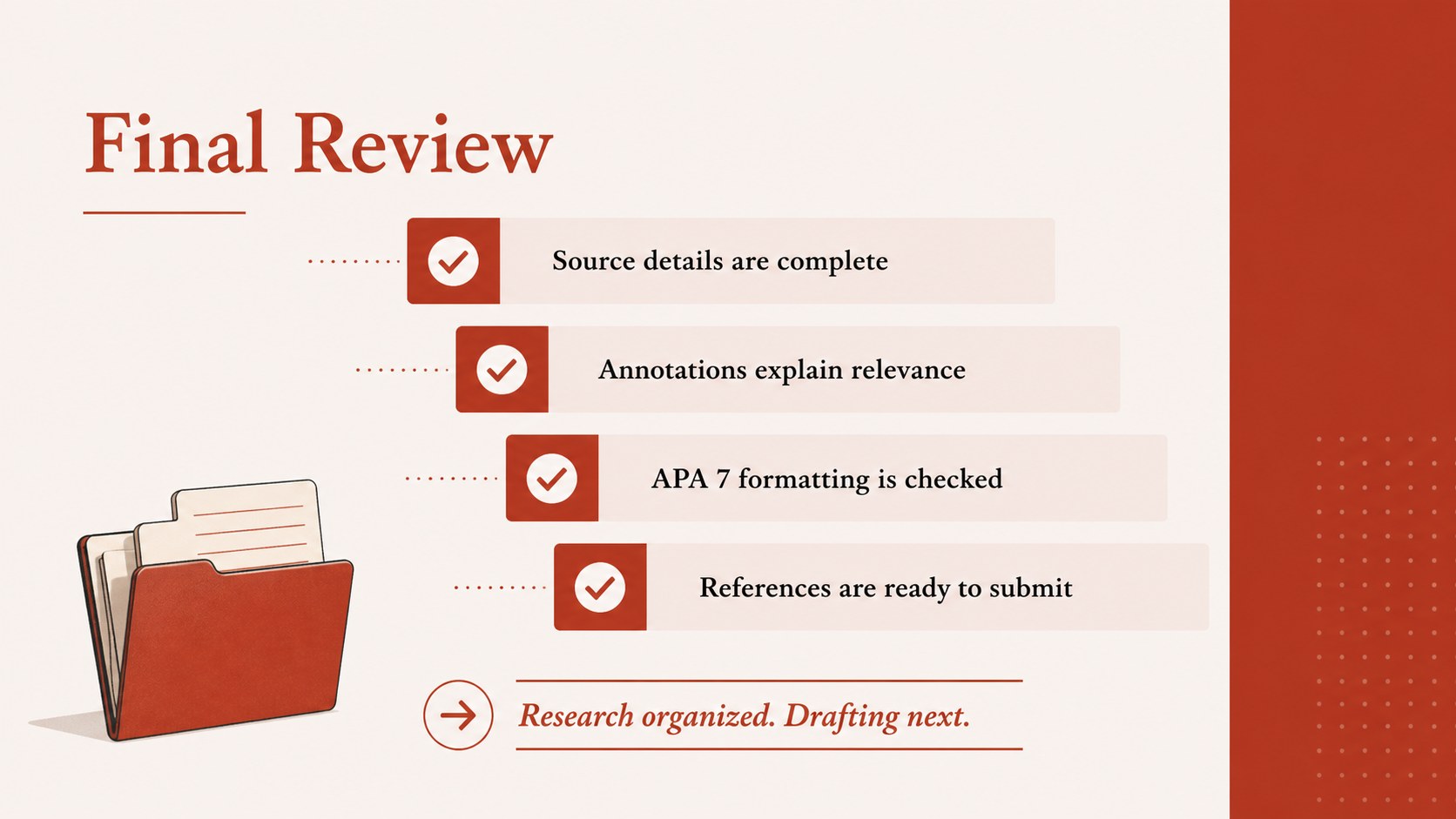
Inside, you will find a ready-to-edit cover, source tracking sections, annotation prompts, and reference-list layouts sized for standard A4 documents. Use the workbook for a research paper, literature review, thesis project, or university reading assignment. The format also works well as an APA research notes template when you need to compare sources before drafting.
Edit the document Docs or Google Docs, or download it for Microsoft Word and adjust the headings, type styles, spacing, and citation details. Add charts, frames, lines, shapes, images, or color accents when your project needs more visual organization. The template is designed for learners, educators, and academic writers who want a straightforward annotated bibliography format without rebuilding the page structure from scratch.
Perfect for: university research paper; thesis source tracking; literature review planning; student reading assignment; academic citation review.
Frequently asked questions
Can I edit this APA workbook in Google Docs? Yes. Open the Google Docs version and replace the sample headings, prompts, and source details with your own content. You can also adjust spacing and typography to match your assignment requirements.
Practical details
Yes. Open the Google Docs version and replace the sample headings, prompts, and source details with your own content. You can also adjust spacing and typography to match your assignment requirements.
Yes, the document can be downloaded and edited in Microsoft Word. Update the citation information and confirm the final references against your instructor's APA 7 requirements.
You can change the accent color, fonts, page elements, and section labels Docs or an editable document editor. The structure remains useful even if you adapt the visual style for a class or department.
No. It is an organization and writing workbook for recording sources, summaries, and annotations. Citation details should still be checked with an authoritative APA 7 guide before submission.
Keep exploring
15Build stronger academic arguments with a college essay thesis builder featuring guided examples, revision prompts, and editable PowerPoint and Google Slides.
 15
15Build an engaging World UFO Day session with this flying saucer history lesson deck, featuring retro green-and-brown slides for PowerPoint and Google Slides.
 14
14Plan a memorable Lunar New Year campaign with the 2036 Dragon Year Celebration Theme, featuring bold red-and-yellow slides for lessons and events.
 15
15Build a thoughtful classroom discussion with this interfaith awareness lesson deck, featuring editable blue-and-white slides for PowerPoint and Google Slides.
 15
15Use this environmental awareness lesson deck to teach climate action through illustrated activities, discussion prompts, and ready-to-edit visuals.
 15
15Build playful lessons and party stories with a kid-friendly zombie celebration theme in purple, green and pastel blue for PowerPoint and Google Slides.
 15
15Build eerie lessons, campaigns, and story pitches with an undead survival scenario theme featuring editable slides for PowerPoint and Google Slides.
 16
16Turn environmental research into a clear story with a Watercolor Ecology Presentation Theme for PowerPoint and Google Slides in calming green and blue.