
 15
15presentation
College Essay Thesis Builder Slides
Build stronger academic arguments with a college essay thesis builder featuring guided examples, revision prompts, and editable PowerPoint and Google Slides.
Google SlidesPowerPoint
presentation · English
Build an anxiety awareness visual guide for lessons, wellness workshops, and HR sessions with calm beige-green graphics for PowerPoint and Google Slides.
Design notes
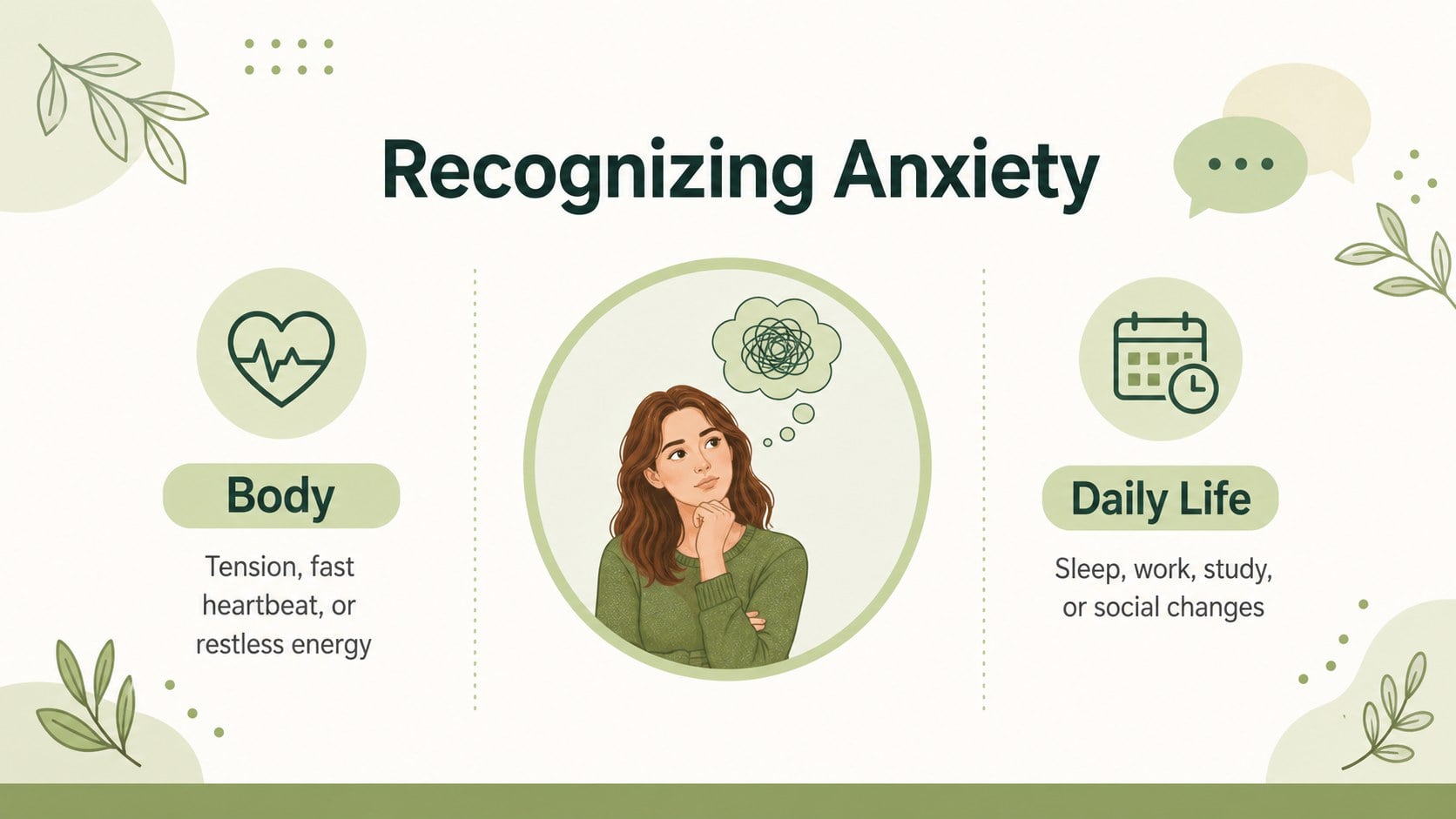
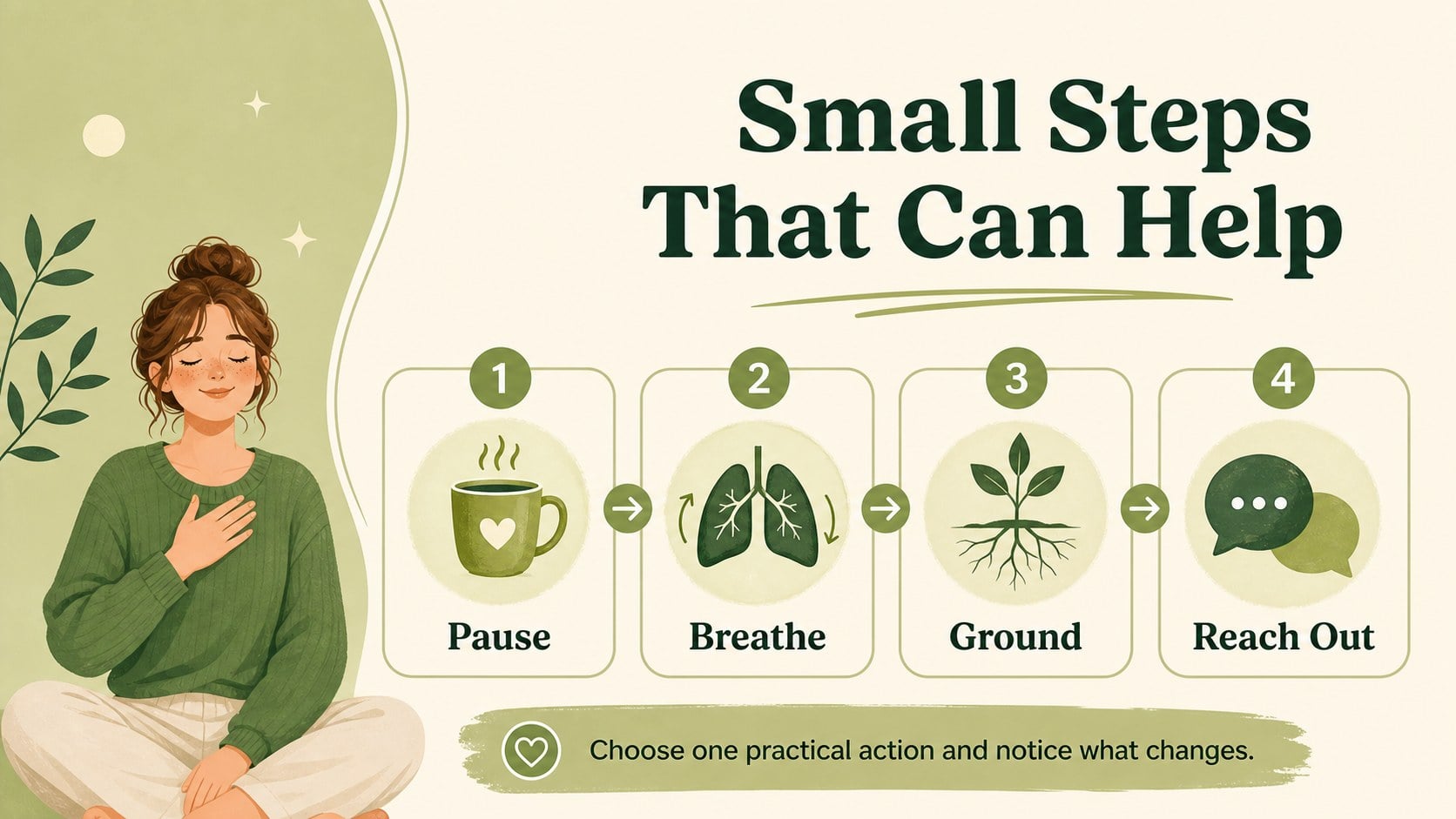
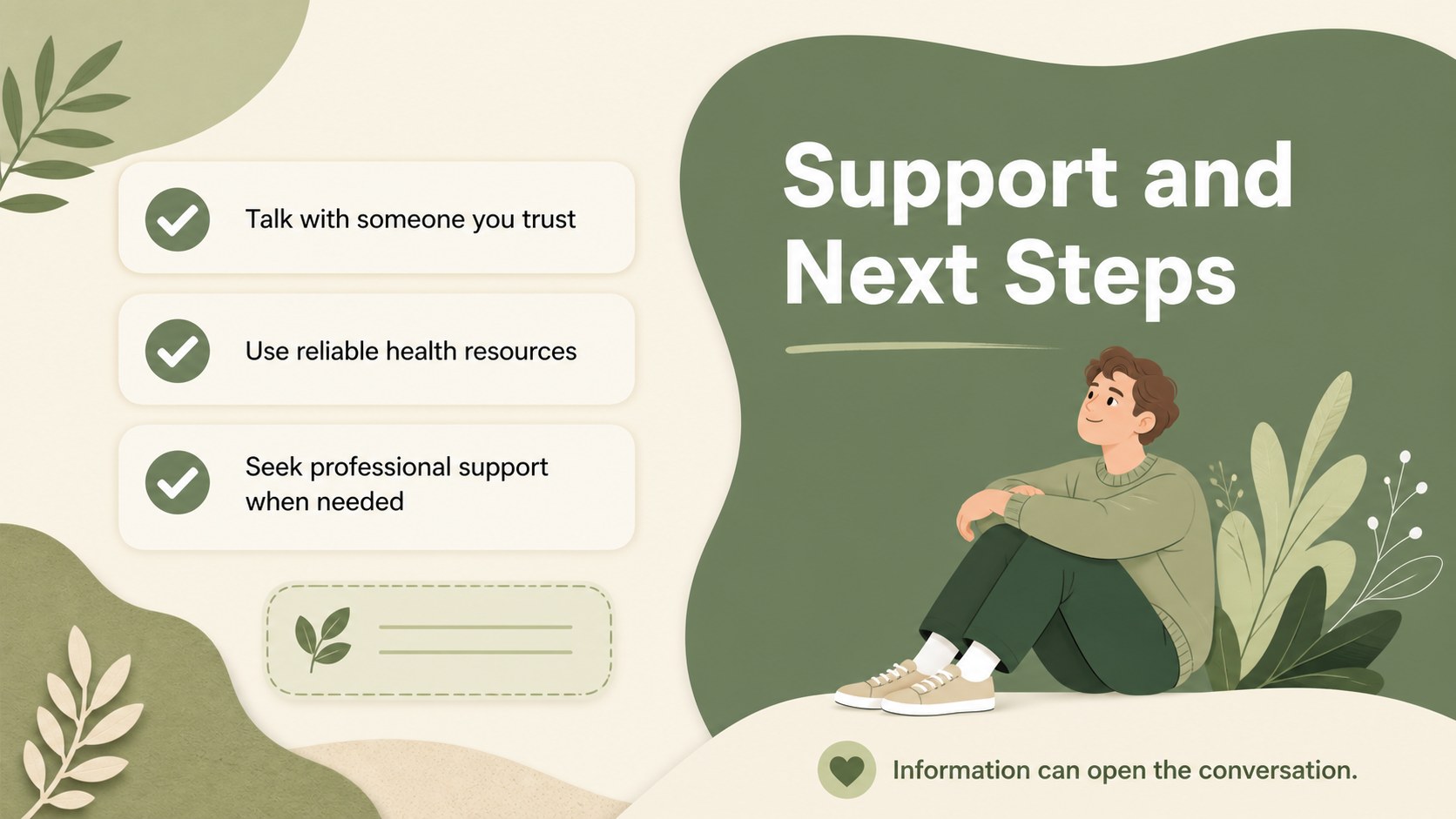
Anxiety can be difficult to explain, especially when an audience needs clear information without alarmist language. This anxiety awareness visual guide uses a gentle beige and green palette, illustrated details, and structured infographics to make sensitive topics easier to discuss. Prepare an anxiety symptoms infographic for students, introduce a workplace anxiety awareness presentation, or support a mental health workshop with a deck that feels calm and considered.
The template includes editable infographic layouts, comparison panels, statistic callouts, icon-based explanations, portrait-style A4 pages, and space for sources or support resources. Rework the wording, update figures, replace icons, adjust the palette, and add speaker notes in PowerPoint or Google Slides. The layouts can be presented on screen, exported as a PDF, or adapted for a vertical infographic presentation for wellness campaigns and social content.
This resource is designed for teachers, students, counselors, psychologists, HR teams, wellbeing coordinators, and community educators. Use it for classroom lessons, workplace briefings, counseling materials, self-care sessions, or awareness campaigns. The approachable visual system keeps the subject respectful while giving presenters a practical way to organize definitions, signs, coping ideas, and next steps.
Perfect for: school mental health lesson; workplace wellness briefing; counseling education session; self-care workshop; community awareness campaign.
Frequently asked questions
Can I edit the anxiety awareness visual guide in PowerPoint? Yes. The layouts, text, colors, icons, charts, and decorative shapes can be edited in PowerPoint. Replace the sample statistics with information from your own sources before presenting.
Practical details
Yes. The layouts, text, colors, icons, charts, and decorative shapes can be edited in PowerPoint. Replace the sample statistics with information from your own sources before presenting.
Yes, it is designed for both Google Slides and PowerPoint. You can adjust the content in either platform and present it online or export the finished deck as a PDF.
You can change the beige and green accents, update the typography, and replace visual elements to match your organization or lesson. Keep the softer contrast when presenting sensitive mental health information.
Teachers, counselors, psychologists, HR teams, and wellness coordinators can adapt it for educational or professional settings. It is suitable for lessons, briefings, workshops, and public awareness materials.
Keep exploring
15Build stronger academic arguments with a college essay thesis builder featuring guided examples, revision prompts, and editable PowerPoint and Google Slides.
 15
15Build an engaging World UFO Day session with this flying saucer history lesson deck, featuring retro green-and-brown slides for PowerPoint and Google Slides.
 14
14Plan a memorable Lunar New Year campaign with the 2036 Dragon Year Celebration Theme, featuring bold red-and-yellow slides for lessons and events.
 15
15Build a thoughtful classroom discussion with this interfaith awareness lesson deck, featuring editable blue-and-white slides for PowerPoint and Google Slides.
 15
15Use this environmental awareness lesson deck to teach climate action through illustrated activities, discussion prompts, and ready-to-edit visuals.
 15
15Build playful lessons and party stories with a kid-friendly zombie celebration theme in purple, green and pastel blue for PowerPoint and Google Slides.
 15
15Build eerie lessons, campaigns, and story pitches with an undead survival scenario theme featuring editable slides for PowerPoint and Google Slides.
 16
16Turn environmental research into a clear story with a Watercolor Ecology Presentation Theme for PowerPoint and Google Slides in calming green and blue.