
 15
15presentation
College Essay Thesis Builder Slides
Build stronger academic arguments with a college essay thesis builder featuring guided examples, revision prompts, and editable PowerPoint and Google Slides.
Google SlidesPowerPoint
presentation · English
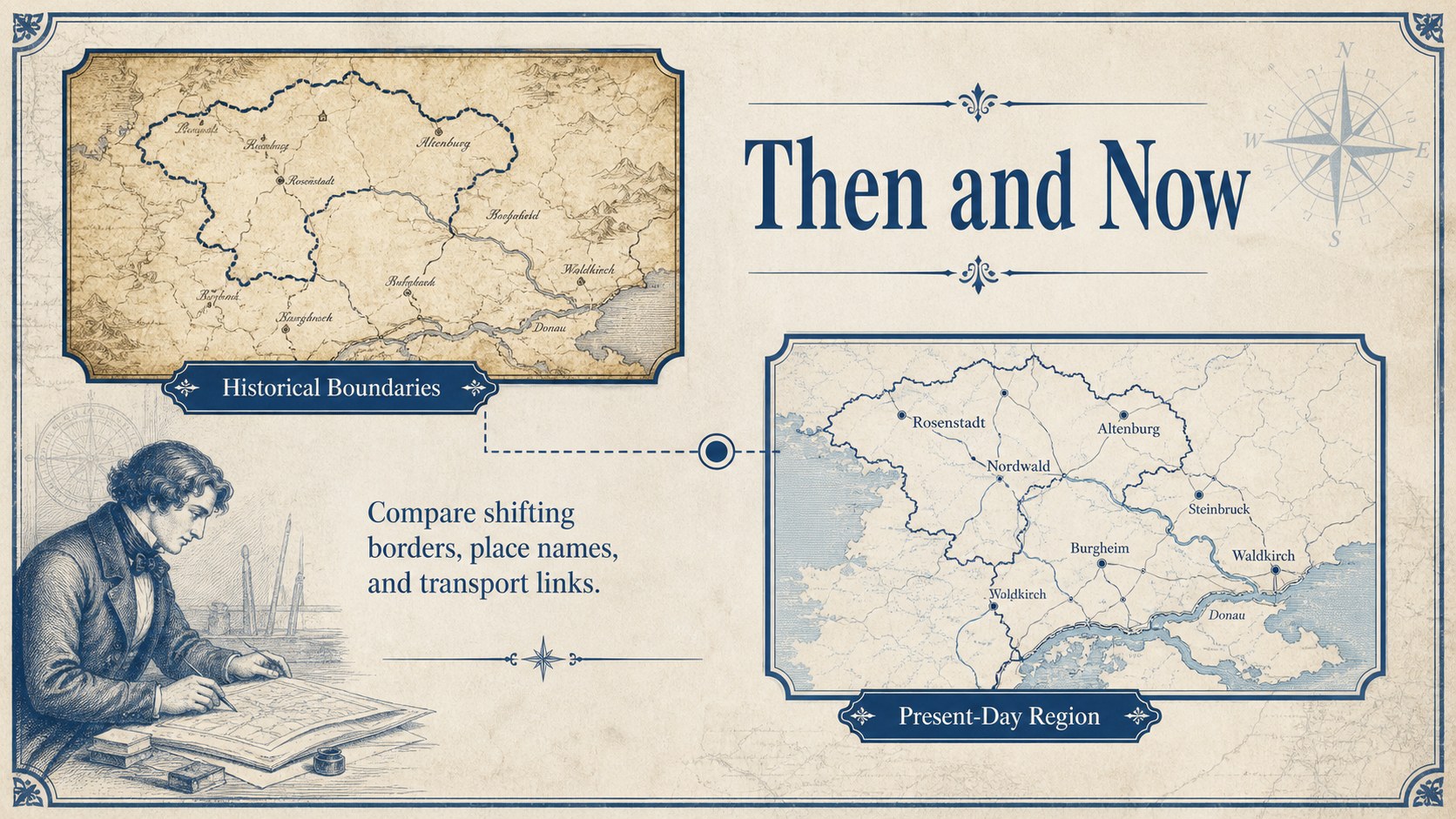
Build immersive lessons and talks with an antique map presentation theme featuring editable blue cartography layouts for PowerPoint and Google Slides.
Design notes
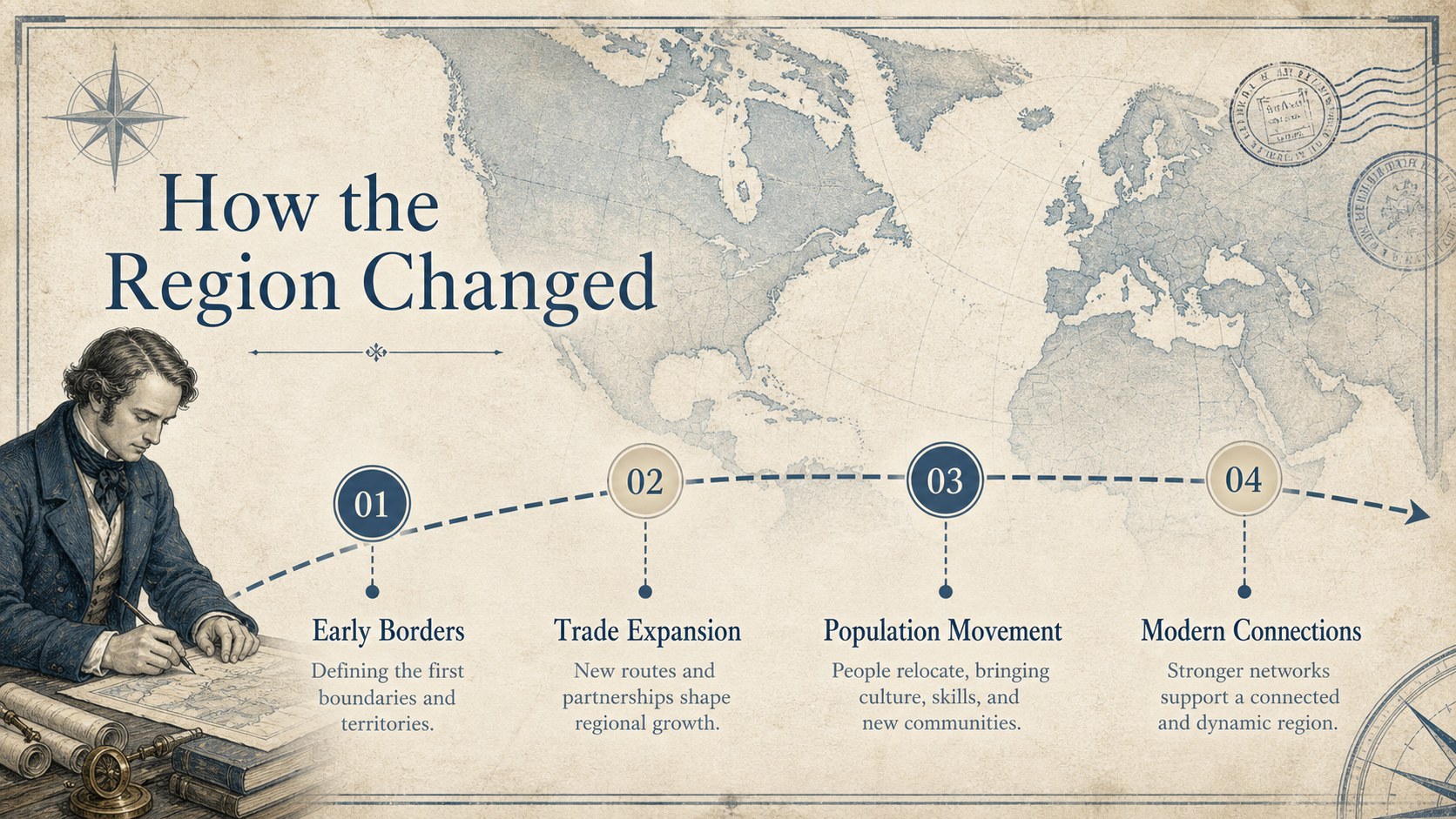
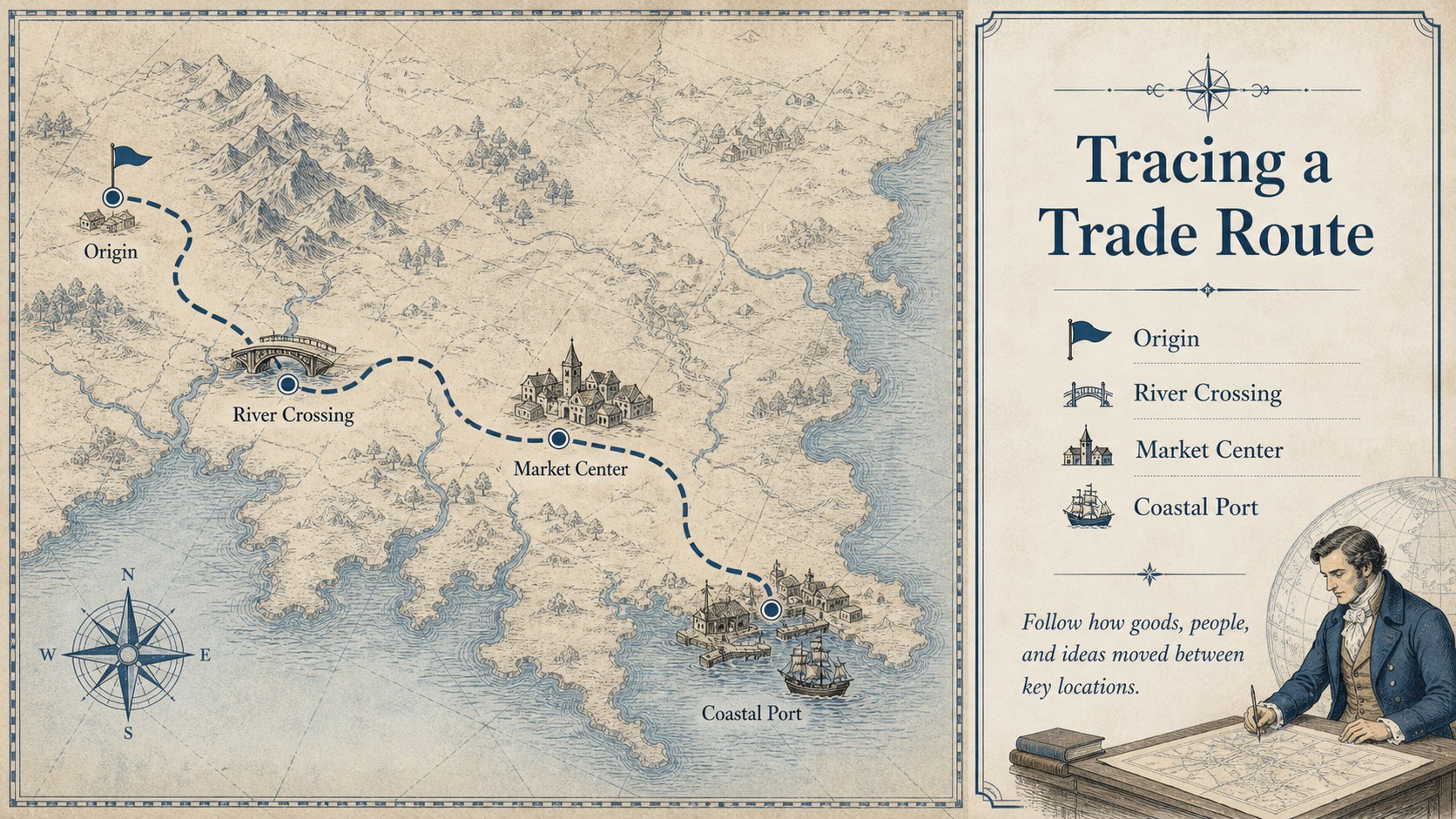
Give location-based stories a sense of discovery with this antique map presentation theme for PowerPoint and Google Slides. Layered blue cartography, aged-paper textures, refined serif typography, and archival-inspired details create a scholarly atmosphere without making information difficult to scan. Use the layouts to connect places, events, routes, and evidence in one cohesive visual narrative.
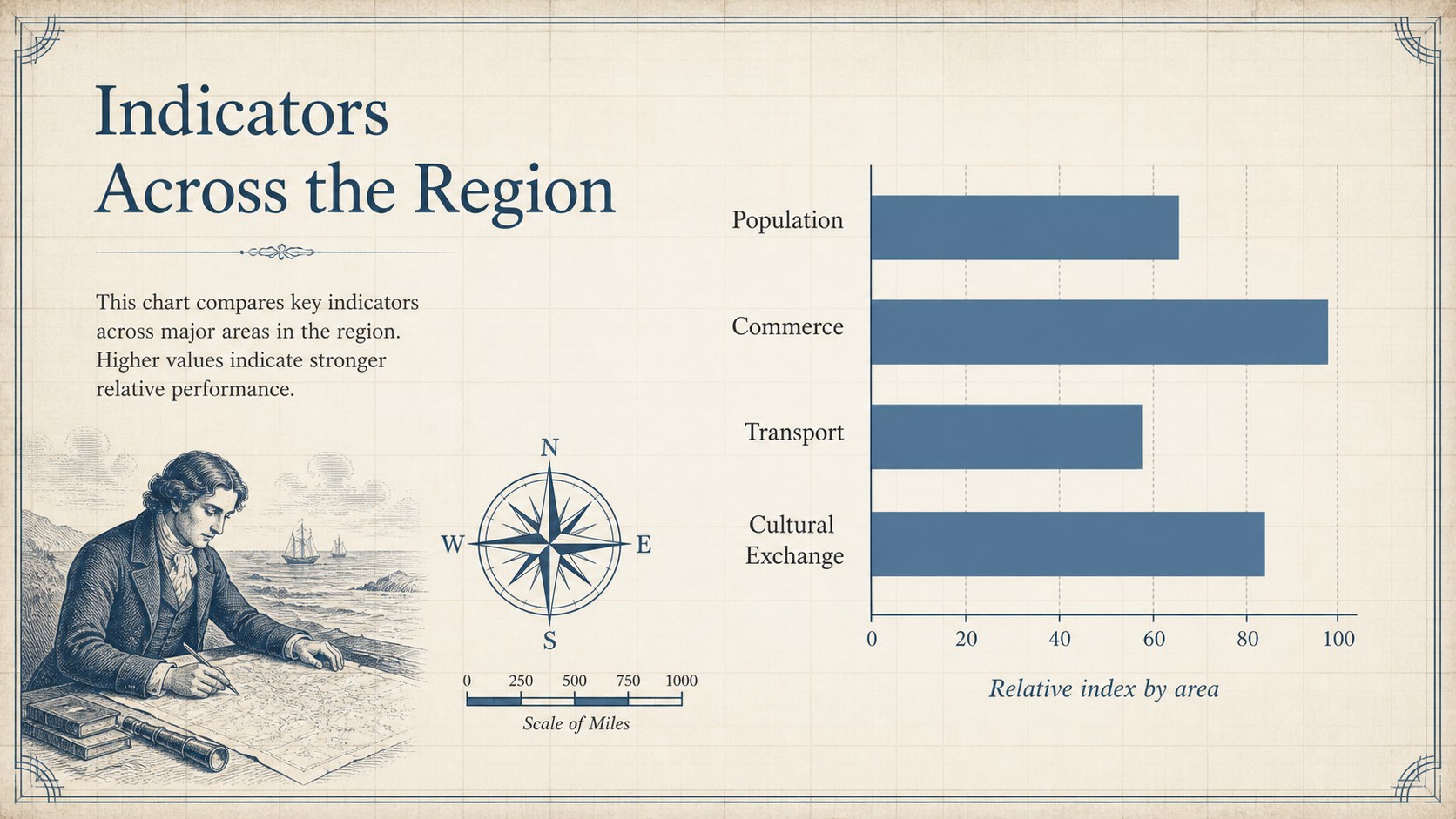
The deck includes 16:9 cover, agenda, section divider, comparison, timeline, map, quotation, data, image, and closing layouts. Editable text, colors, photos, icons, tables, and charts make it easy to adapt the design to your subject. Replace the sample cartography with regional maps, expedition routes, historical documents, or travel photography to create an editable vintage map slide deck tailored to your project.
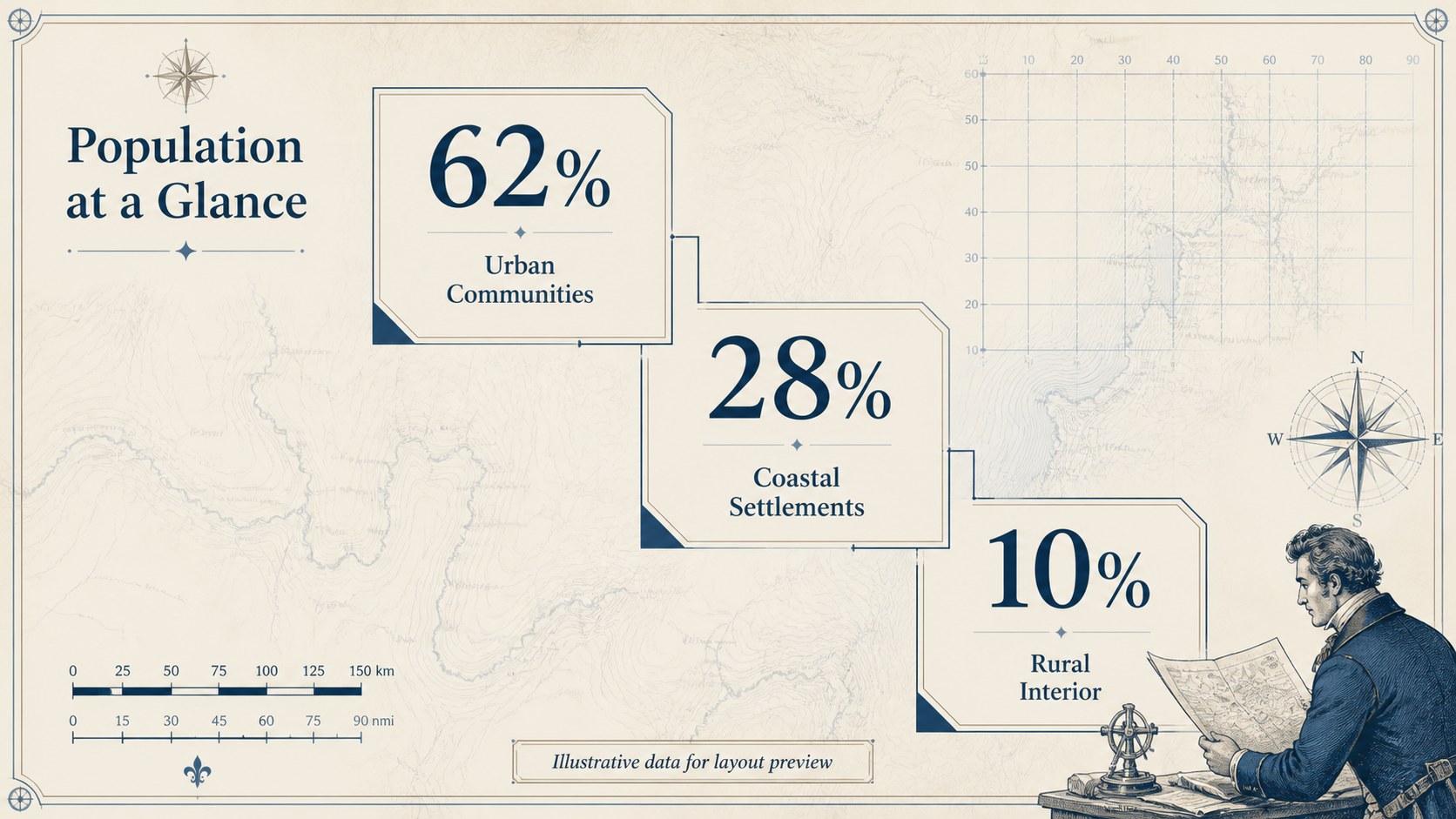
This historical geography presentation template works well for teachers, students, researchers, museum teams, policy speakers, and travel professionals. Build a classroom geography lesson with maps, explain territorial change, trace migration or trade, present demographic findings, or introduce a destination through its cultural history. The blue antique cartography slides balance classic character with practical content space, helping audiences follow detailed material while remaining immersed in the topic.
Perfect for: classroom geography lesson; historical event timeline; migration route analysis; travel destination briefing; museum research presentation; geopolitical conference talk.
Frequently asked questions
Can I replace the maps with my own regional or historical images? Yes. The map backgrounds and image areas are editable, so you can insert regional maps, archival documents, route diagrams, or photographs while retaining the overall design.
Practical details
Yes. The map backgrounds and image areas are editable, so you can insert regional maps, archival documents, route diagrams, or photographs while retaining the overall design.
The deck is designed for Microsoft PowerPoint and Google Slides. You can also export the finished presentation to PDF or common image formats when needed.
Yes. Change the theme colors, serif fonts, text styles, and graphic accents to suit a school, museum, conference, or travel brand. Check contrast after editing textured backgrounds to keep smaller text readable.
Yes. It provides layouts for charts, comparisons, statistics, timelines, routes, and mapped findings. All labels and values can be edited directly in PowerPoint or Google Slides.
Keep exploring
15Build stronger academic arguments with a college essay thesis builder featuring guided examples, revision prompts, and editable PowerPoint and Google Slides.
 15
15Build an engaging World UFO Day session with this flying saucer history lesson deck, featuring retro green-and-brown slides for PowerPoint and Google Slides.
 14
14Plan a memorable Lunar New Year campaign with the 2036 Dragon Year Celebration Theme, featuring bold red-and-yellow slides for lessons and events.
 15
15Build a thoughtful classroom discussion with this interfaith awareness lesson deck, featuring editable blue-and-white slides for PowerPoint and Google Slides.
 15
15Use this environmental awareness lesson deck to teach climate action through illustrated activities, discussion prompts, and ready-to-edit visuals.
 15
15Build playful lessons and party stories with a kid-friendly zombie celebration theme in purple, green and pastel blue for PowerPoint and Google Slides.
 15
15Build eerie lessons, campaigns, and story pitches with an undead survival scenario theme featuring editable slides for PowerPoint and Google Slides.
 16
16Turn environmental research into a clear story with a Watercolor Ecology Presentation Theme for PowerPoint and Google Slides in calming green and blue.