
 15
15presentation
College Essay Thesis Builder Slides
Build stronger academic arguments with a college essay thesis builder featuring guided examples, revision prompts, and editable PowerPoint and Google Slides.
Google SlidesPowerPoint
presentation · English
Build an annual highlights presentation deck with playful purple and yellow visuals for year-end recaps, classroom celebrations, team updates, and memory…



Design notes
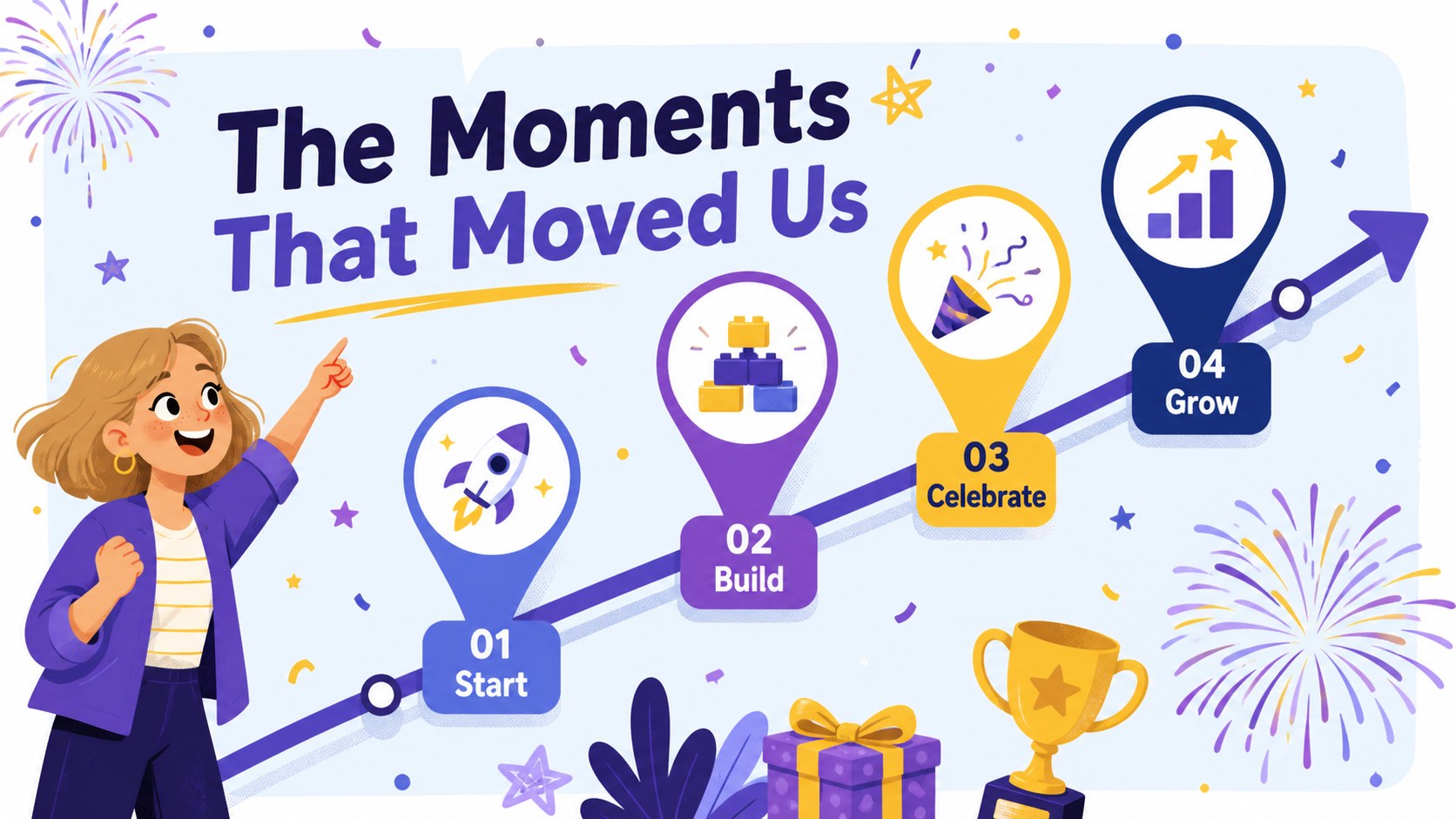
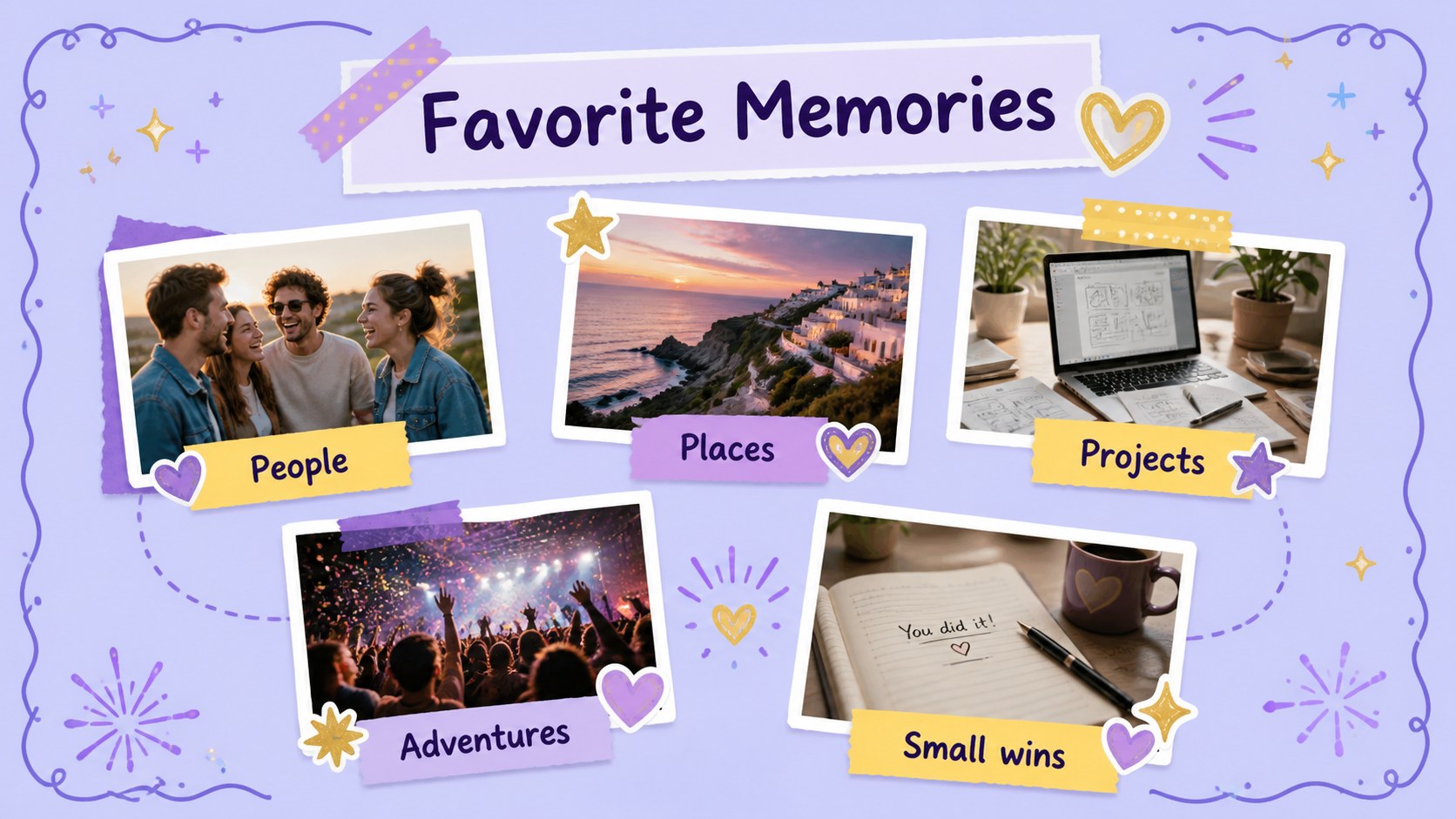
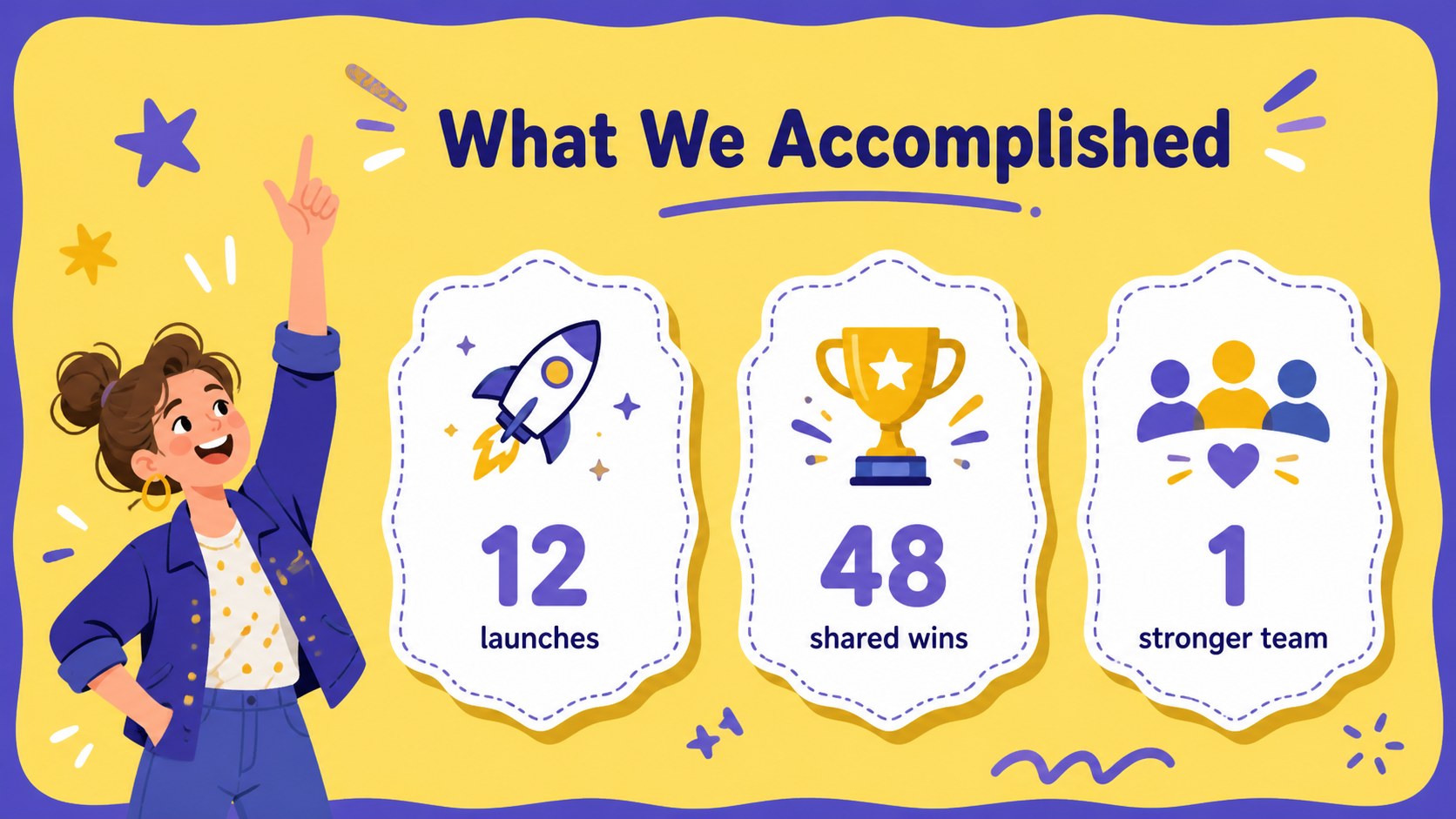
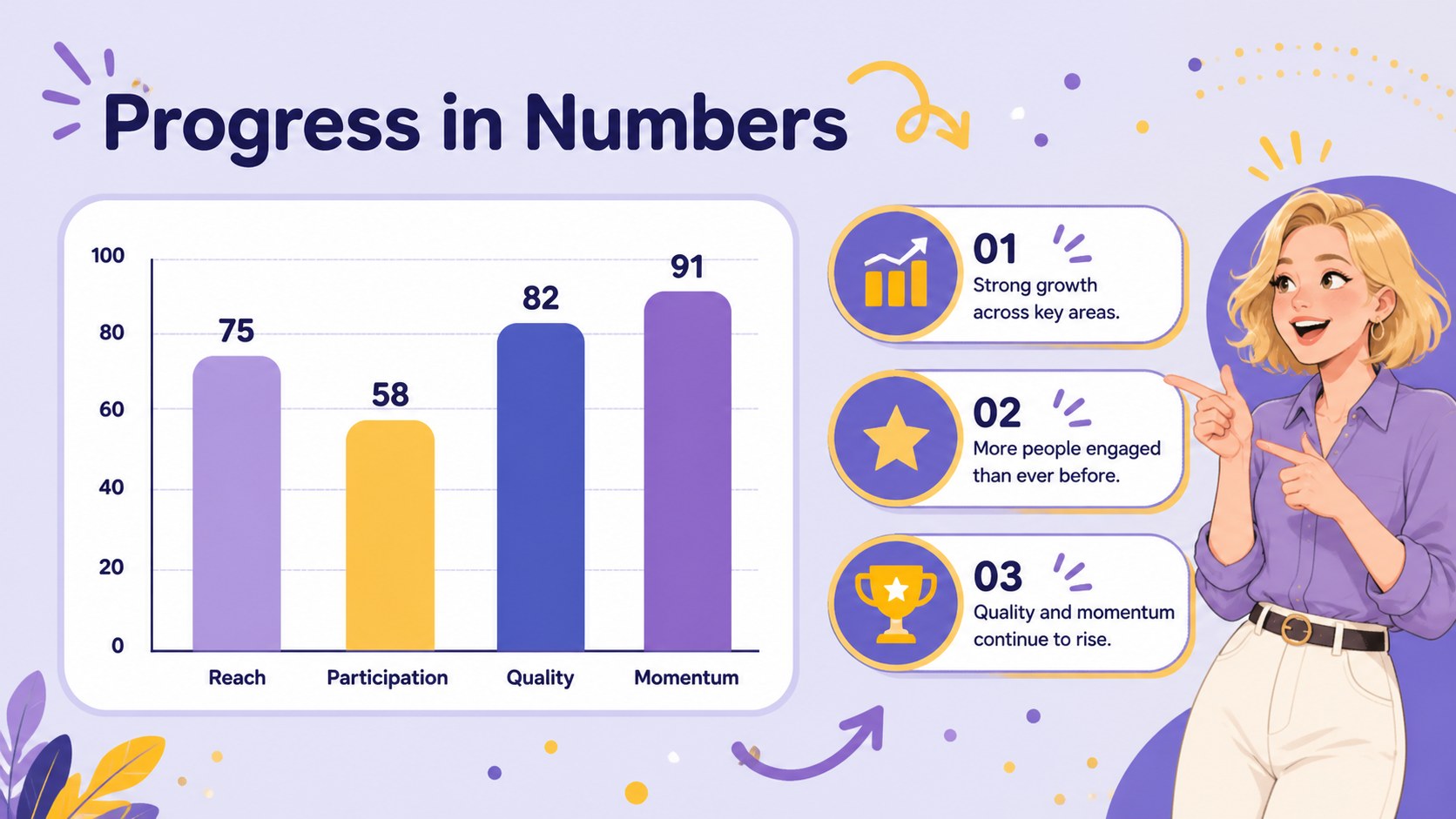
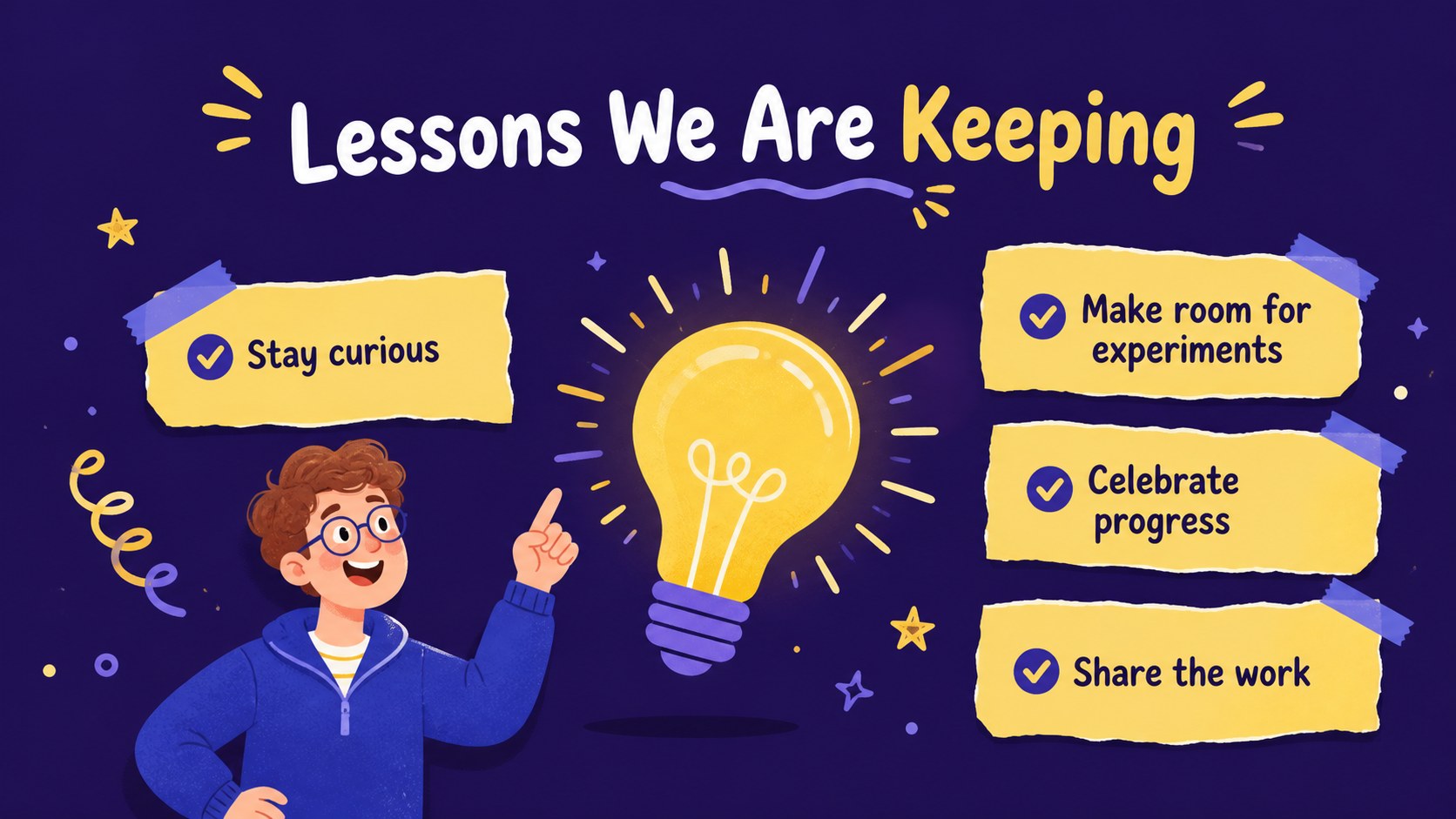
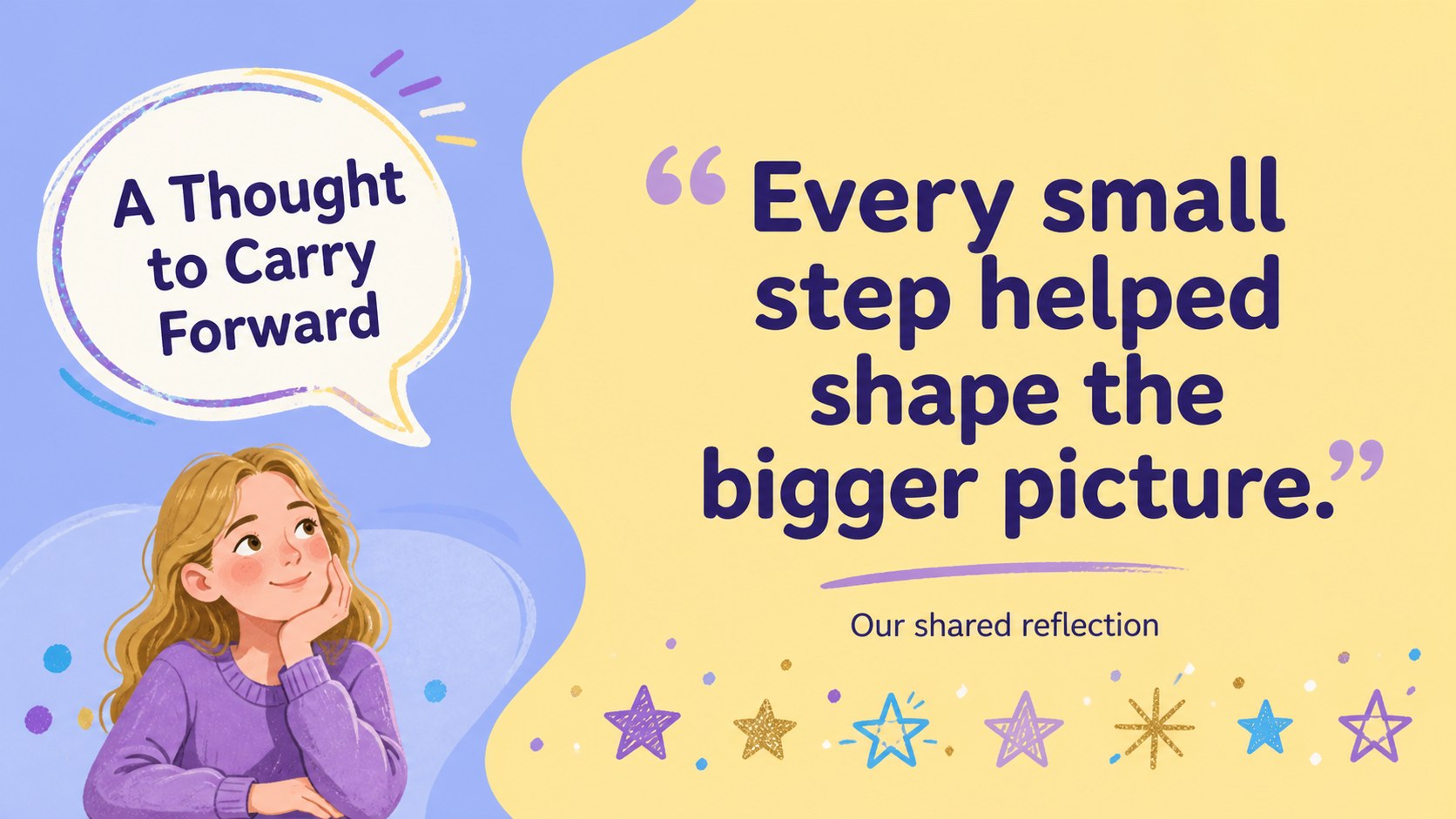
Create a lively recap of your biggest moments with this annual highlights presentation deck. Its cheerful illustrated style combines purple, yellow, blue, and gold accents with friendly layouts that make achievements, memories, and key takeaways easy to follow. Use it for a personal memory book, a classroom reflection, a team celebration, or a marketing review that needs more warmth than a standard report.
Inside, you’ll find more than 25 editable slides for opening statements, milestone timelines, photo collages, achievement summaries, comparison charts, quote pages, and closing reflections. Built-in charts, frames, lines, shapes, transitions, and animation-ready layouts make it simple to adapt the deck to your story. The design uses Lato for a consistent and approachable look across every page.
This template is made for teachers, students, creative teams, marketing professionals, and anyone preparing a year-end review presentation. Replace the sample wording, add your own photos, adjust the colors, and reorganize sections to match your audience. It works in PowerPoint and Google Slides, making it practical for both live presentations and shared digital recaps.
Perfect for: team year-end recap; classroom reflection presentation; personal memory book; marketing campaign review; student achievement showcase.
Frequently asked questions
Can I edit this deck in PowerPoint and Google Slides? Yes. The template is designed for both PowerPoint and Google Slides. You can edit the text, layouts, colors, charts, and image areas in either platform.
Practical details
Yes. The template is designed for both PowerPoint and Google Slides. You can edit the text, layouts, colors, charts, and image areas in either platform.
Yes. Replace the sample images with personal photos, team snapshots, classroom work, or campaign visuals. The photo collage and milestone layouts are structured for quick updates.
Yes. Every text area can be rewritten for a personal recap, school presentation, marketing report, or team celebration. You can also reorder or remove slides to fit the length of your story.
Yes. The purple, yellow, blue, and gold palette can be adjusted to match your project or organization. Keep the original palette for the intended cheerful illustrated style, or apply your own theme colors.
Keep exploring
15Build stronger academic arguments with a college essay thesis builder featuring guided examples, revision prompts, and editable PowerPoint and Google Slides.
 15
15Build an engaging World UFO Day session with this flying saucer history lesson deck, featuring retro green-and-brown slides for PowerPoint and Google Slides.
 14
14Plan a memorable Lunar New Year campaign with the 2036 Dragon Year Celebration Theme, featuring bold red-and-yellow slides for lessons and events.
 15
15Build a thoughtful classroom discussion with this interfaith awareness lesson deck, featuring editable blue-and-white slides for PowerPoint and Google Slides.
 15
15Use this environmental awareness lesson deck to teach climate action through illustrated activities, discussion prompts, and ready-to-edit visuals.
 15
15Build playful lessons and party stories with a kid-friendly zombie celebration theme in purple, green and pastel blue for PowerPoint and Google Slides.
 15
15Build eerie lessons, campaigns, and story pitches with an undead survival scenario theme featuring editable slides for PowerPoint and Google Slides.
 16
16Turn environmental research into a clear story with a Watercolor Ecology Presentation Theme for PowerPoint and Google Slides in calming green and blue.