
 15
15presentation
College Essay Thesis Builder Slides
Build stronger academic arguments with a college essay thesis builder featuring guided examples, revision prompts, and editable PowerPoint and Google Slides.
Google SlidesPowerPoint
presentation · English
Build a cheerful winter narrative with Animated Snowfall Holiday Story Slides, a customizable blue deck for lessons, celebrations, and family memories.

Design notes
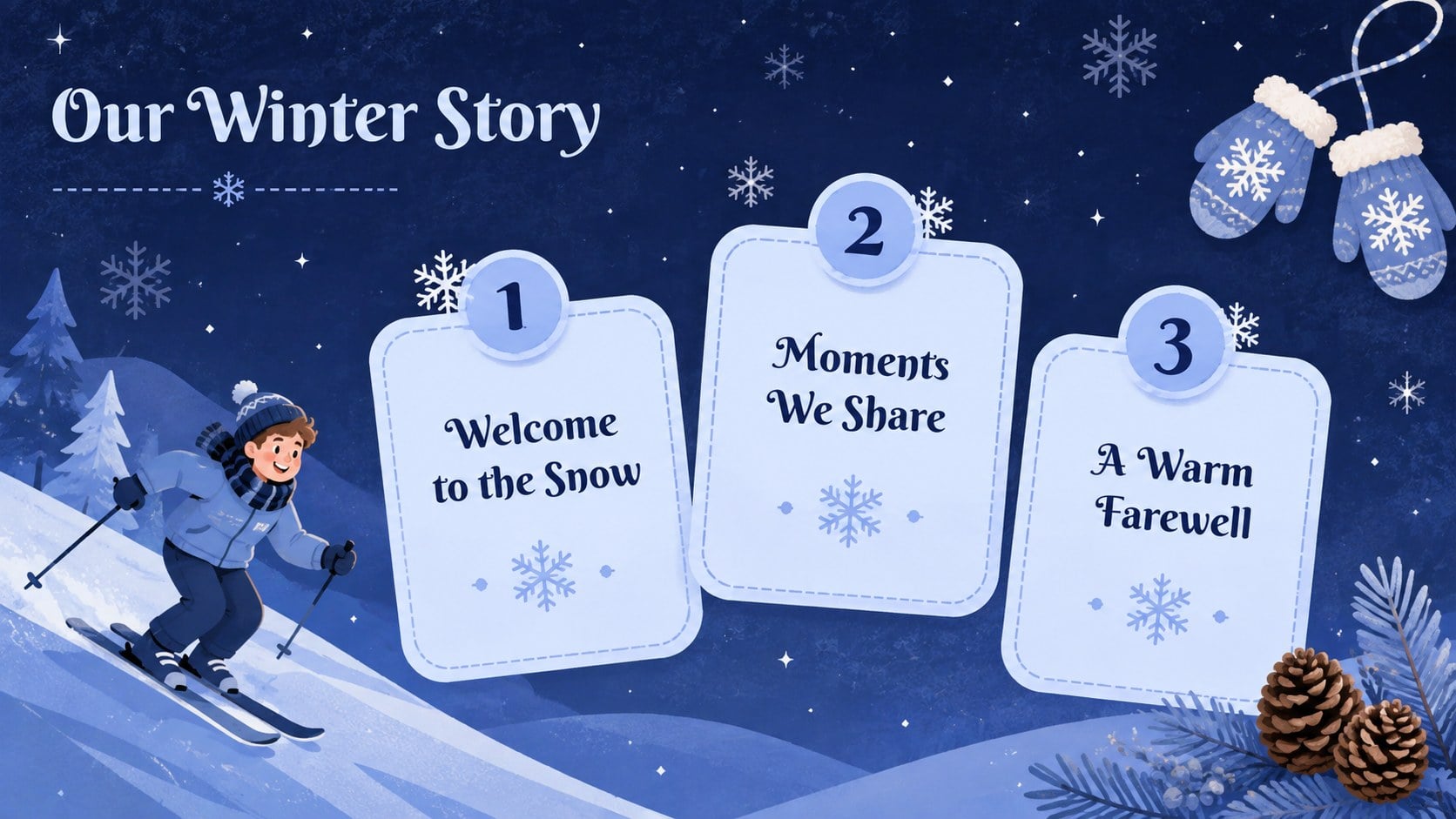
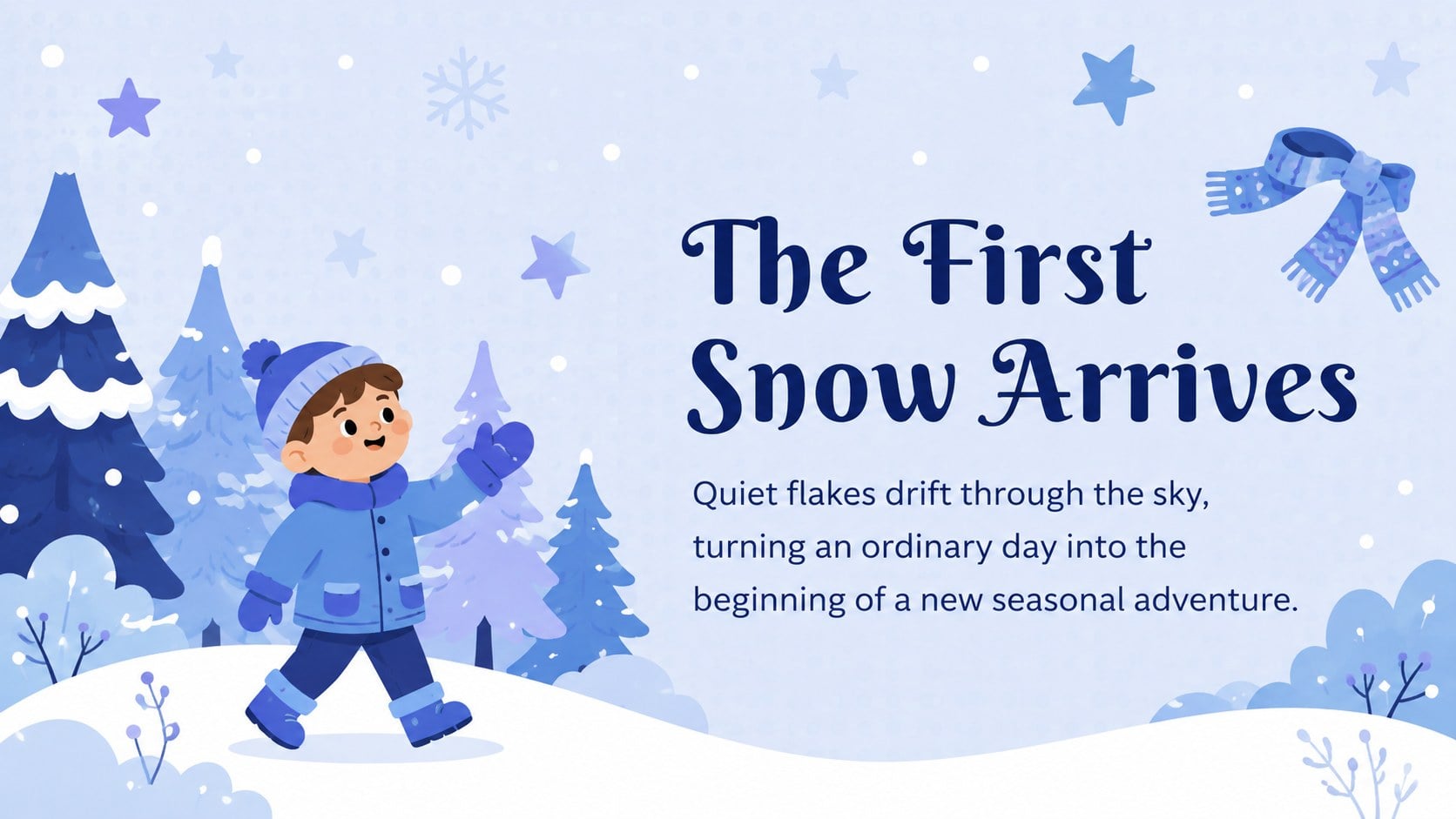
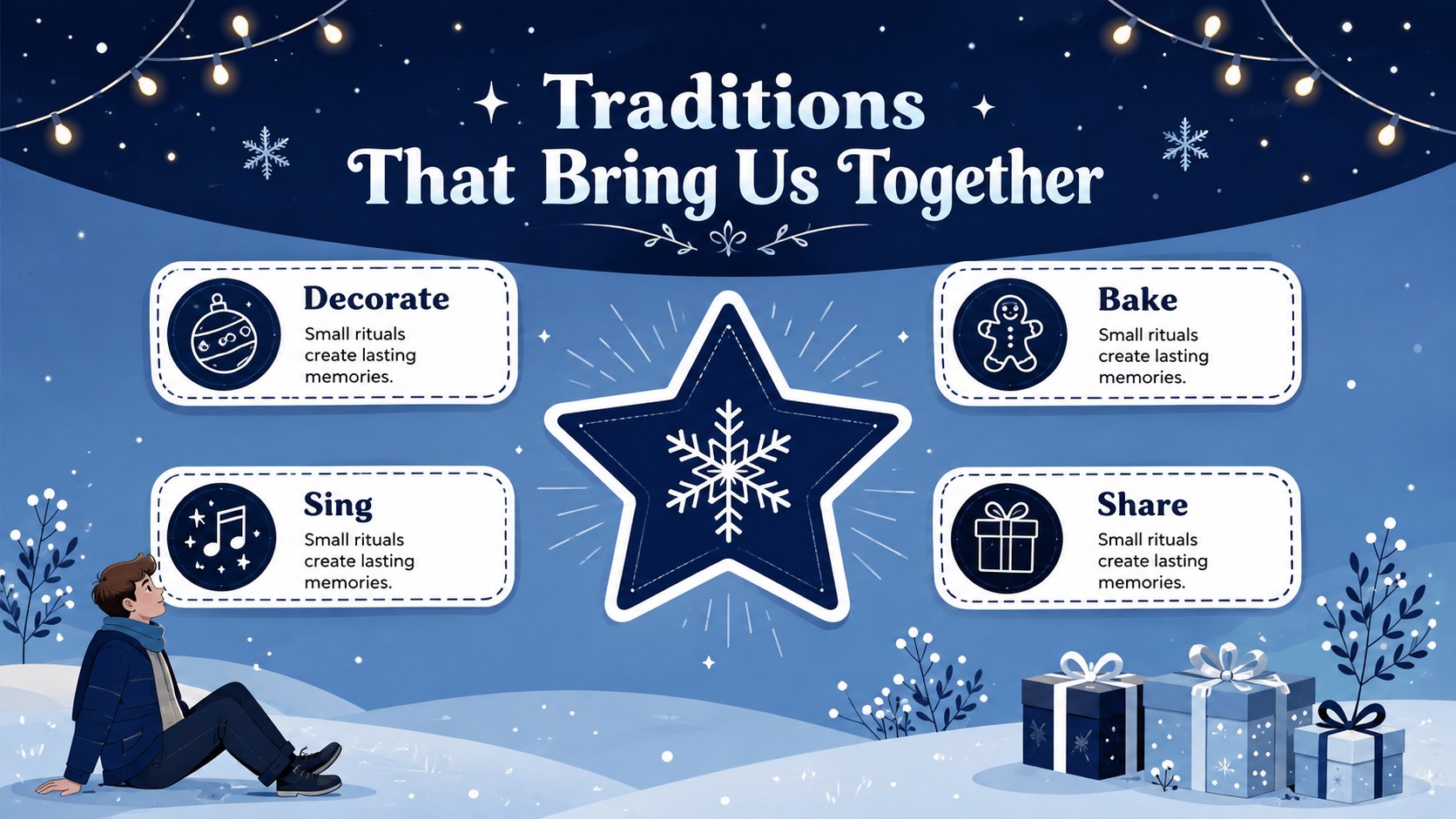
Animated Snowfall Holiday Story Slides turn seasonal ideas into a cheerful visual narrative filled with cool blue tones, lively movement, and playful illustrated details. Use the deck to present a classroom activity, share favorite traditions, recap a celebration, or assemble a festive family photo slideshow template without starting from a blank page.
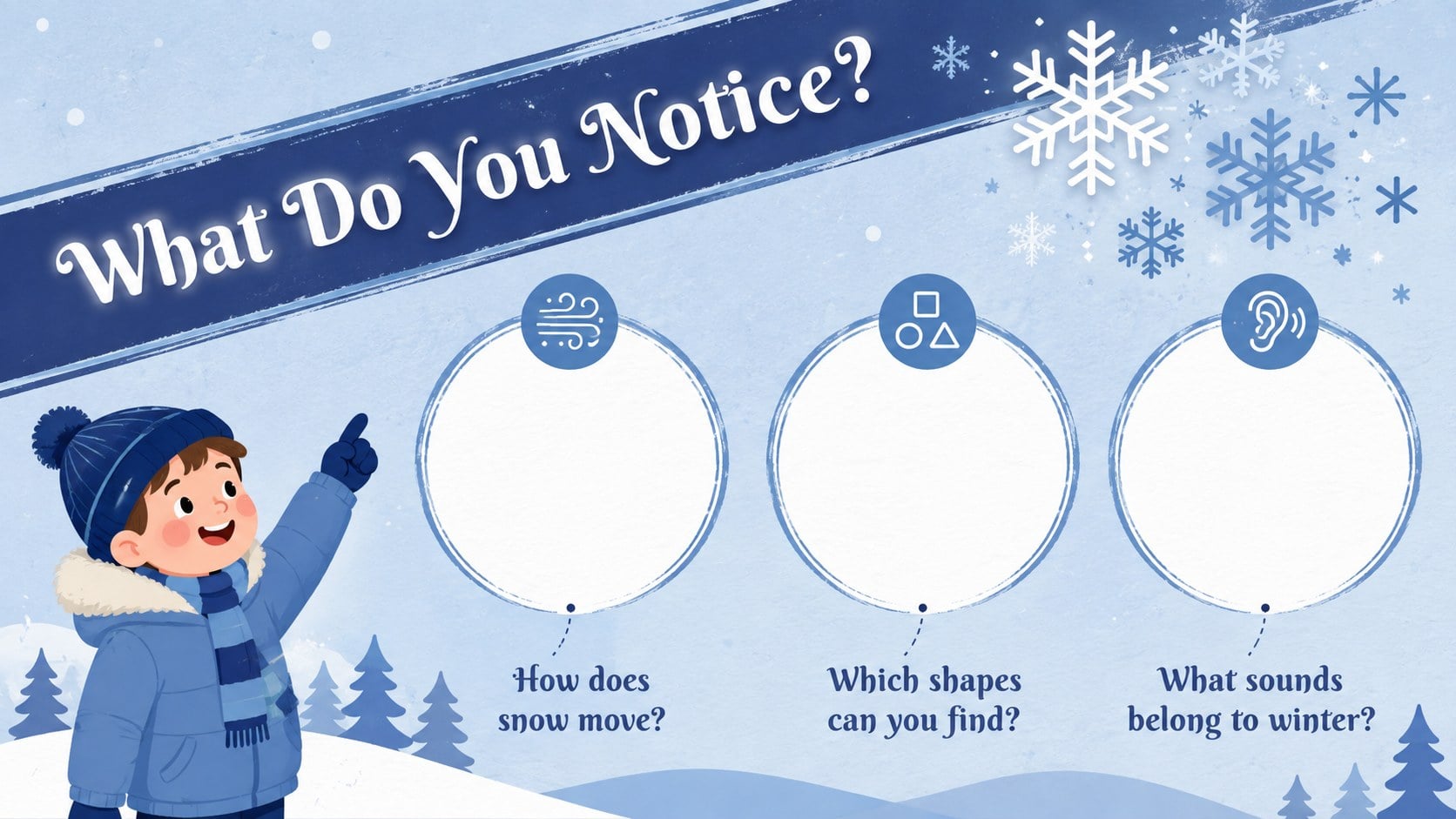
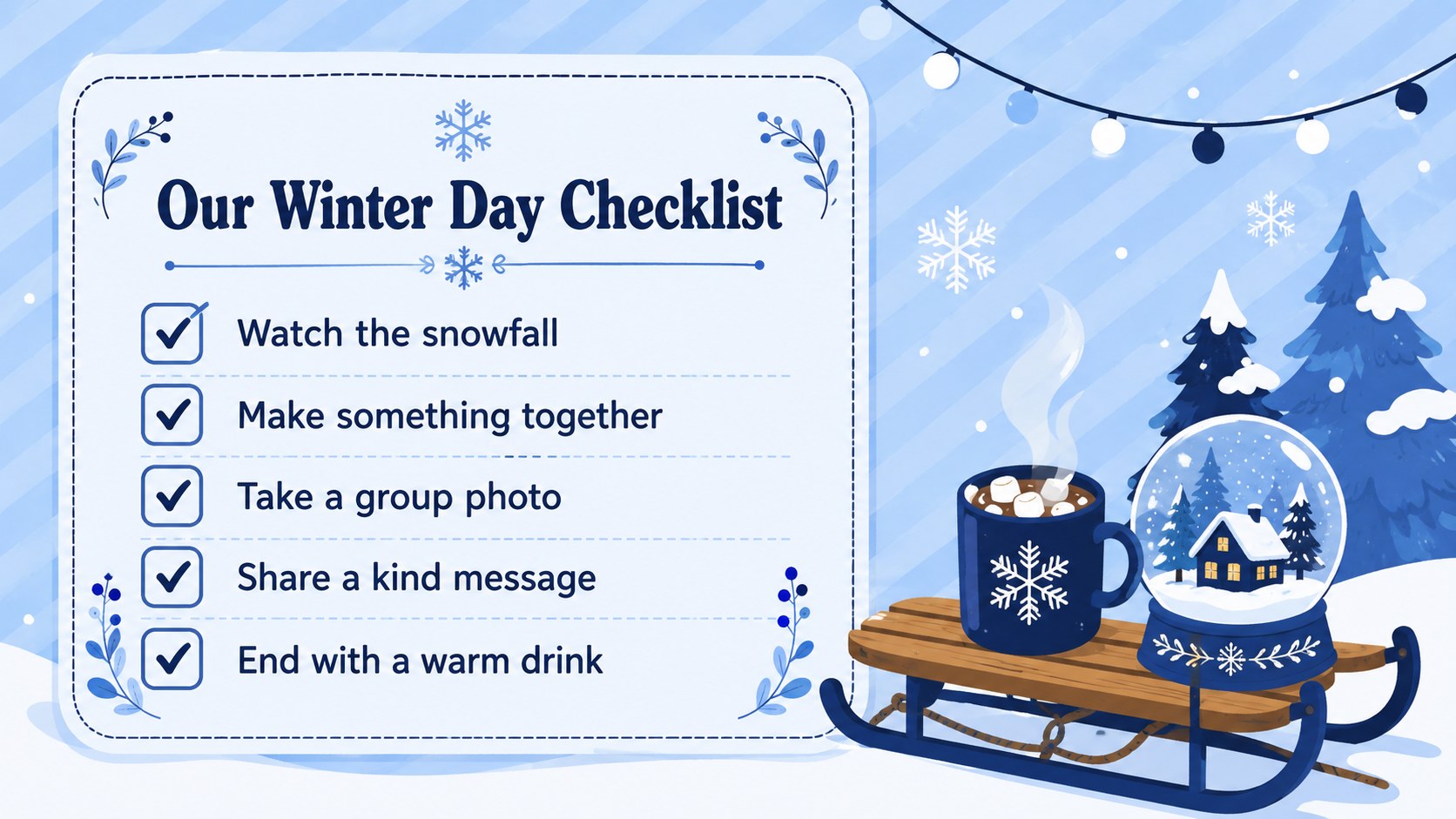
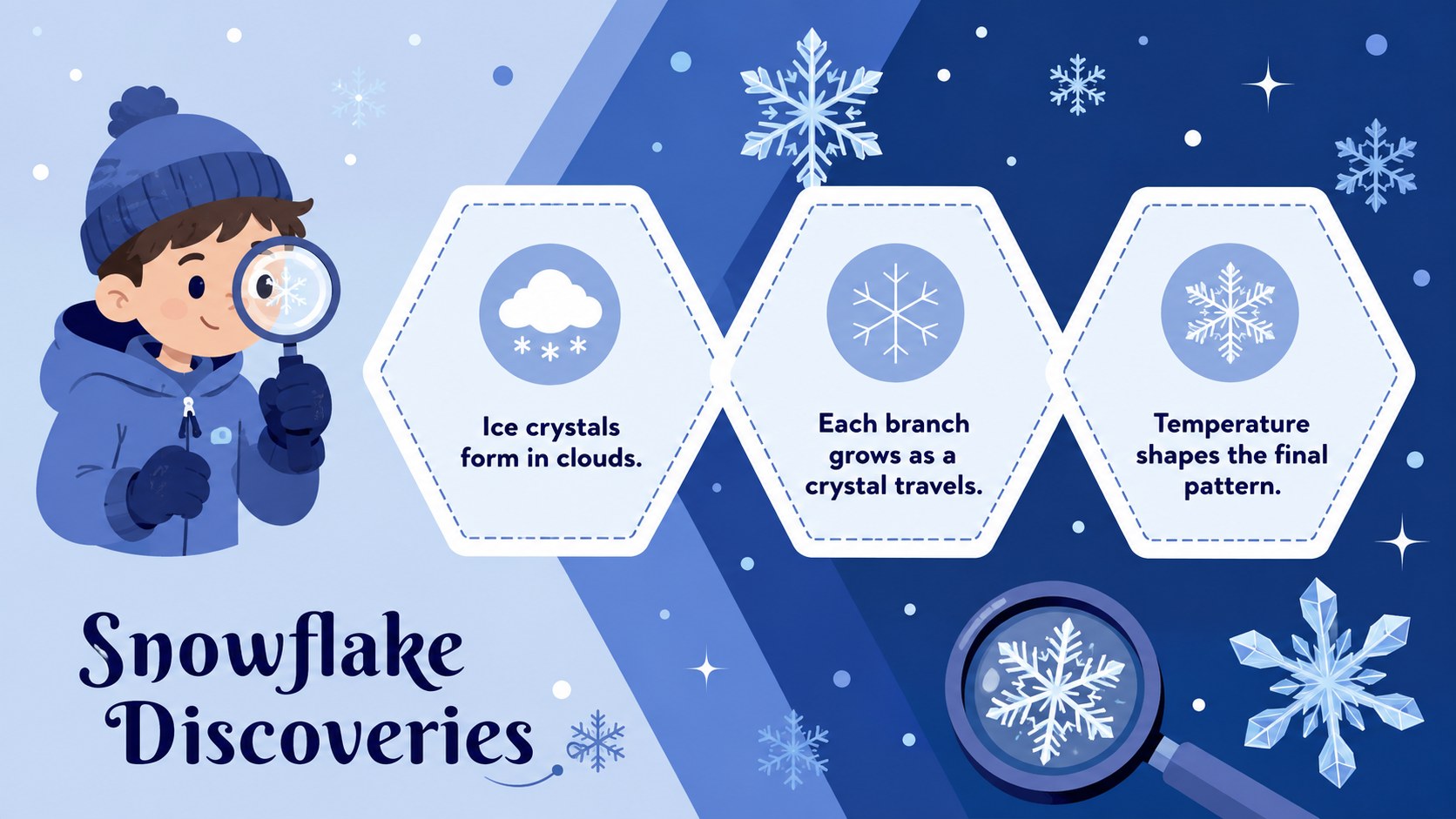
The layouts include an opening cover, story chapters, a winter checklist, photo spaces, a simple timeline, activity prompts, seasonal facts, and a warm closing message. Snowflakes, decorative lights, snowy scenery, and original winter characters create a consistent look while leaving ample room for your own words and images. Subtle motion makes this blue animated winter presentation template especially effective for keeping children and family audiences interested.
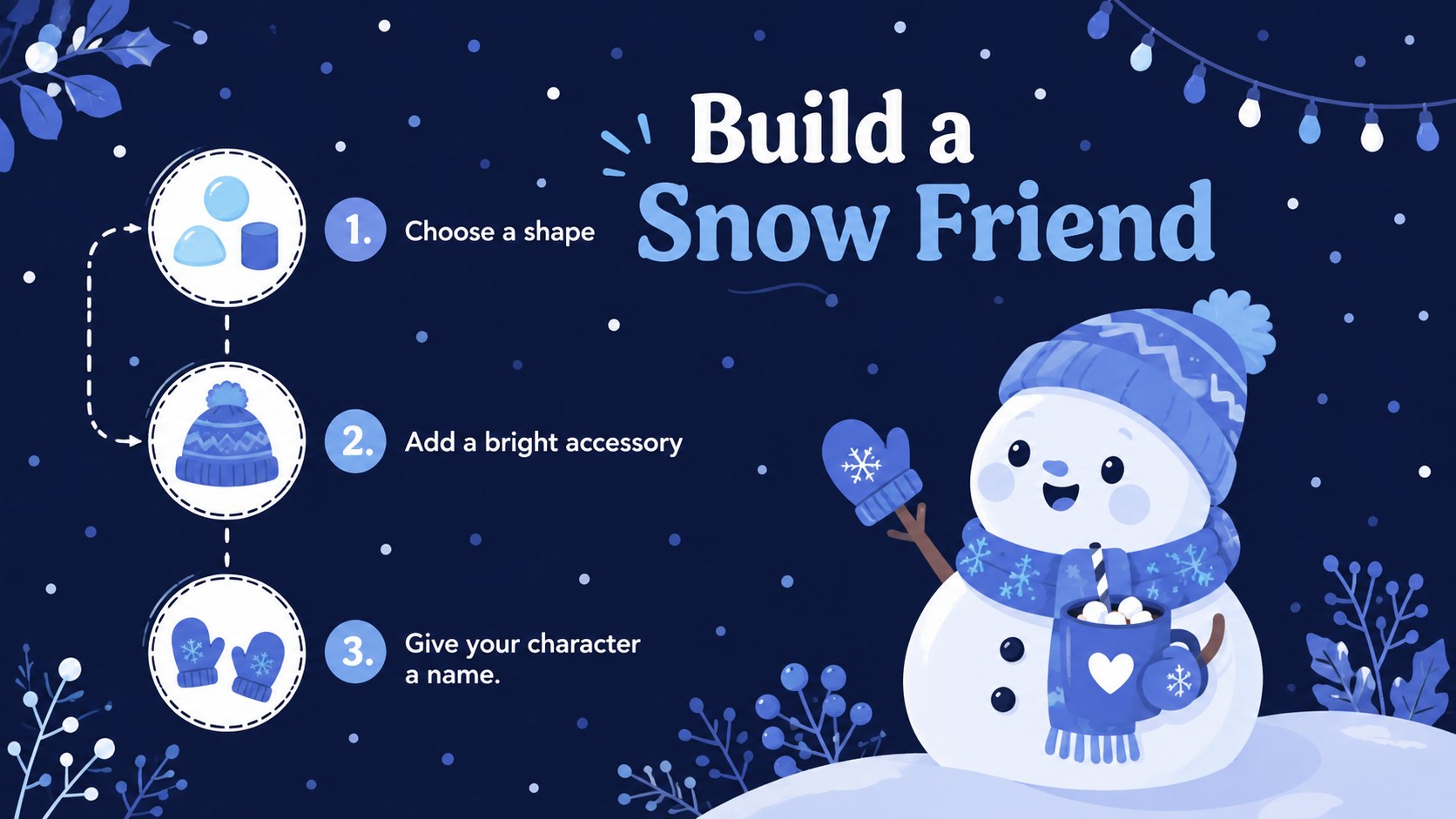
Teachers can adapt the slides into snowman holiday lesson slides, while parents, community groups, and event hosts can use them for memory sharing or seasonal programs. Every element is editable in PowerPoint and Google Slides, including text, colors, illustrations, transitions, and image placeholders. The widescreen format works well for classroom displays, virtual gatherings, projectors, and shared screens, giving winter stories a polished structure with an upbeat, welcoming tone.
Perfect for: winter classroom story; family holiday photo recap; children's seasonal lesson; community Christmas program; winter event welcome screen.
Frequently asked questions
Can I edit these slides in PowerPoint and Google Slides? Yes. The text, colors, images, and layout elements can be adjusted in both PowerPoint and Google Slides. Some transitions may appear slightly different between the two platforms.
Practical details
Yes. The text, colors, images, and layout elements can be adjusted in both PowerPoint and Google Slides. Some transitions may appear slightly different between the two platforms.
Recolor individual elements, replace decorative graphics, or move them to create more space for your content. You can also substitute your own seasonal photos while preserving the blue illustrated style.
Yes. The friendly winter characters, clear layouts, and playful visual details work well for elementary classrooms and family audiences. Teachers can simplify the text or add age-appropriate questions and activities.
Yes. Open the animation or transition controls in your presentation software and remove effects from individual objects or entire slides. The layouts remain usable as static presentation pages.
Keep exploring
15Build stronger academic arguments with a college essay thesis builder featuring guided examples, revision prompts, and editable PowerPoint and Google Slides.
 15
15Build an engaging World UFO Day session with this flying saucer history lesson deck, featuring retro green-and-brown slides for PowerPoint and Google Slides.
 14
14Plan a memorable Lunar New Year campaign with the 2036 Dragon Year Celebration Theme, featuring bold red-and-yellow slides for lessons and events.
 15
15Build a thoughtful classroom discussion with this interfaith awareness lesson deck, featuring editable blue-and-white slides for PowerPoint and Google Slides.
 15
15Use this environmental awareness lesson deck to teach climate action through illustrated activities, discussion prompts, and ready-to-edit visuals.
 15
15Build playful lessons and party stories with a kid-friendly zombie celebration theme in purple, green and pastel blue for PowerPoint and Google Slides.
 15
15Build eerie lessons, campaigns, and story pitches with an undead survival scenario theme featuring editable slides for PowerPoint and Google Slides.
 16
16Turn environmental research into a clear story with a Watercolor Ecology Presentation Theme for PowerPoint and Google Slides in calming green and blue.