
 15
15presentation
College Essay Thesis Builder Slides
Build stronger academic arguments with a college essay thesis builder featuring guided examples, revision prompts, and editable PowerPoint and Google Slides.
Google SlidesPowerPoint
presentation · English
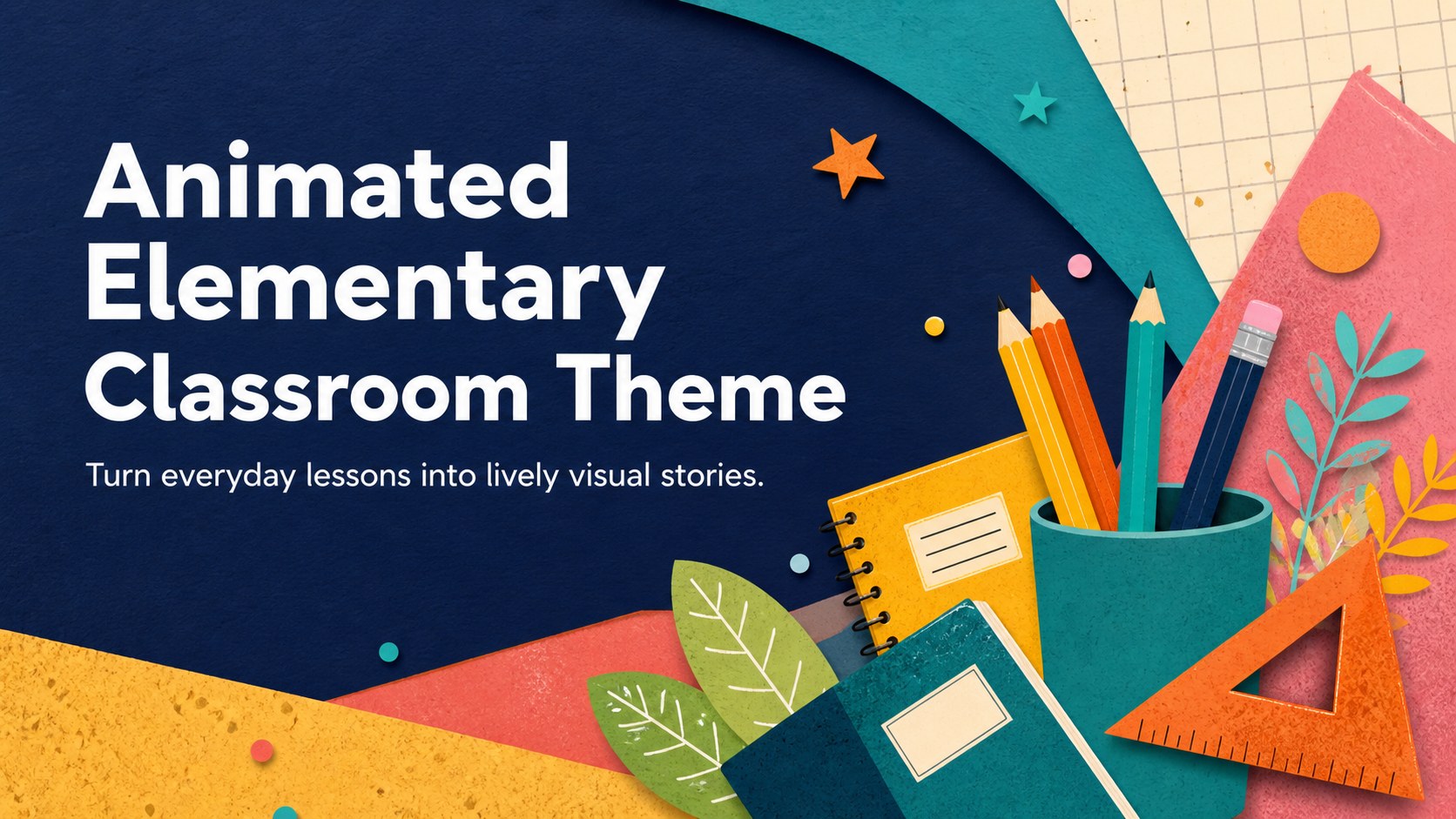
Make lessons feel active with an animated elementary classroom theme featuring colorful illustrations, smooth transitions, and editable classroom layouts.
Design notes
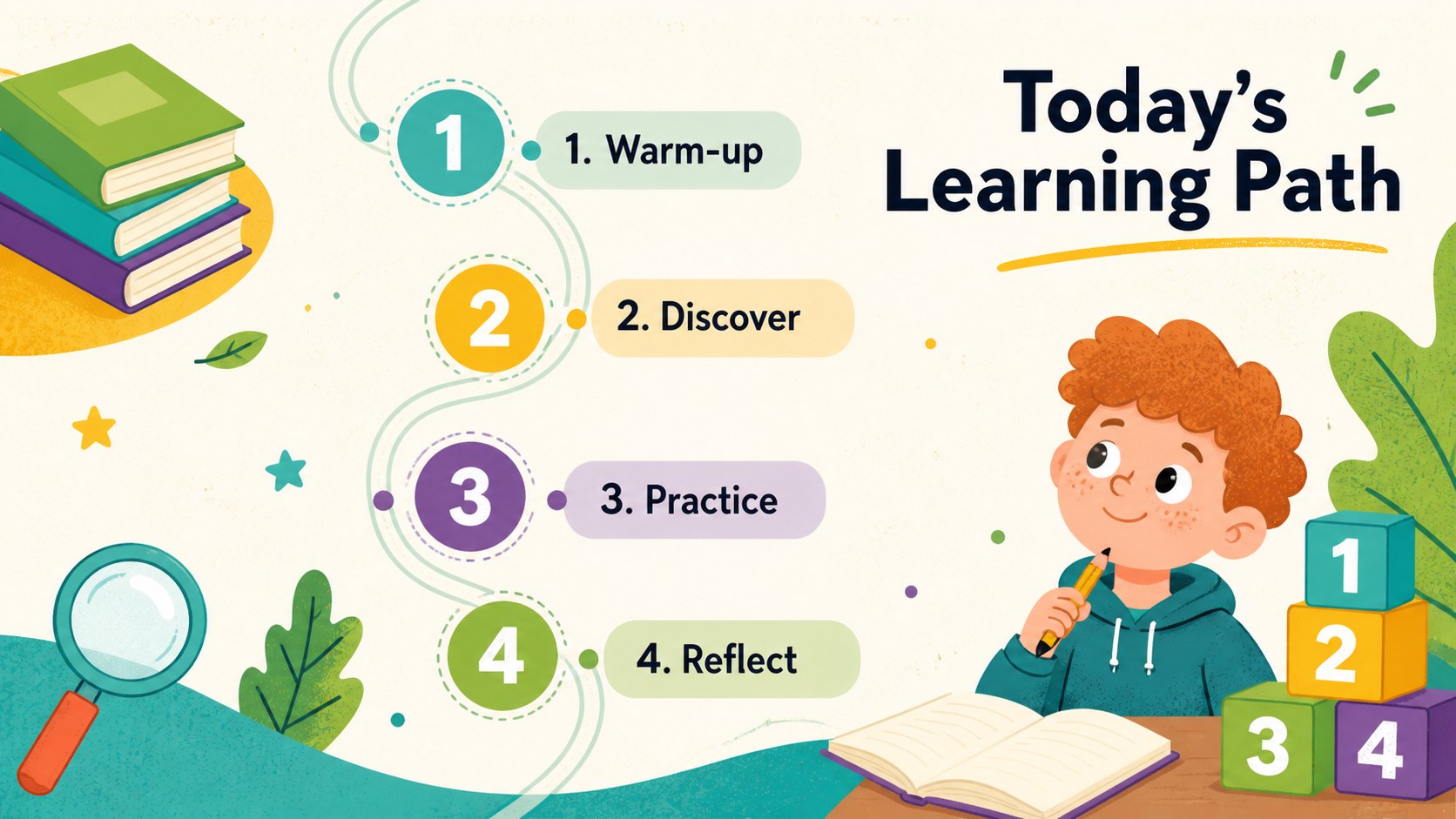
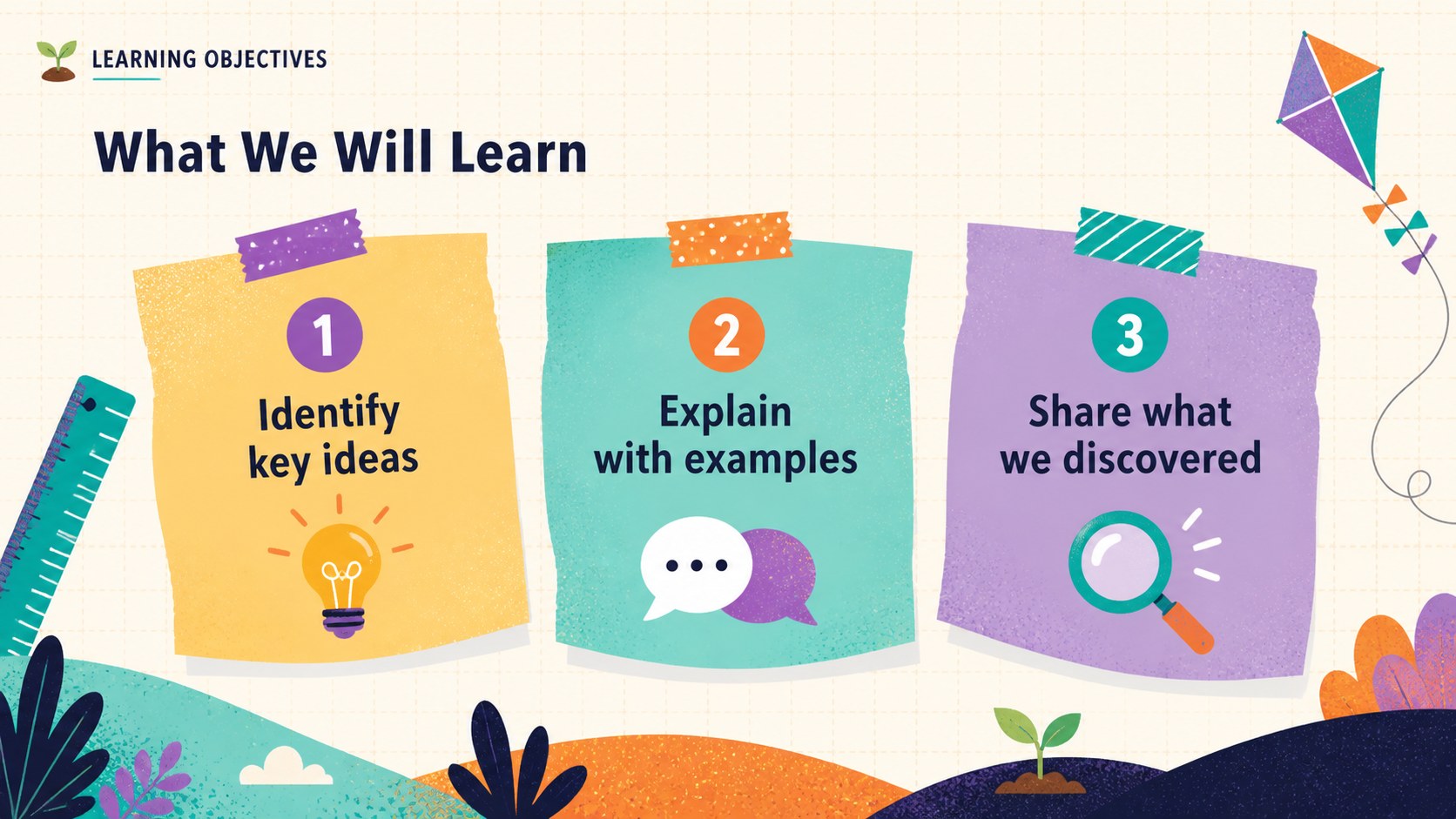
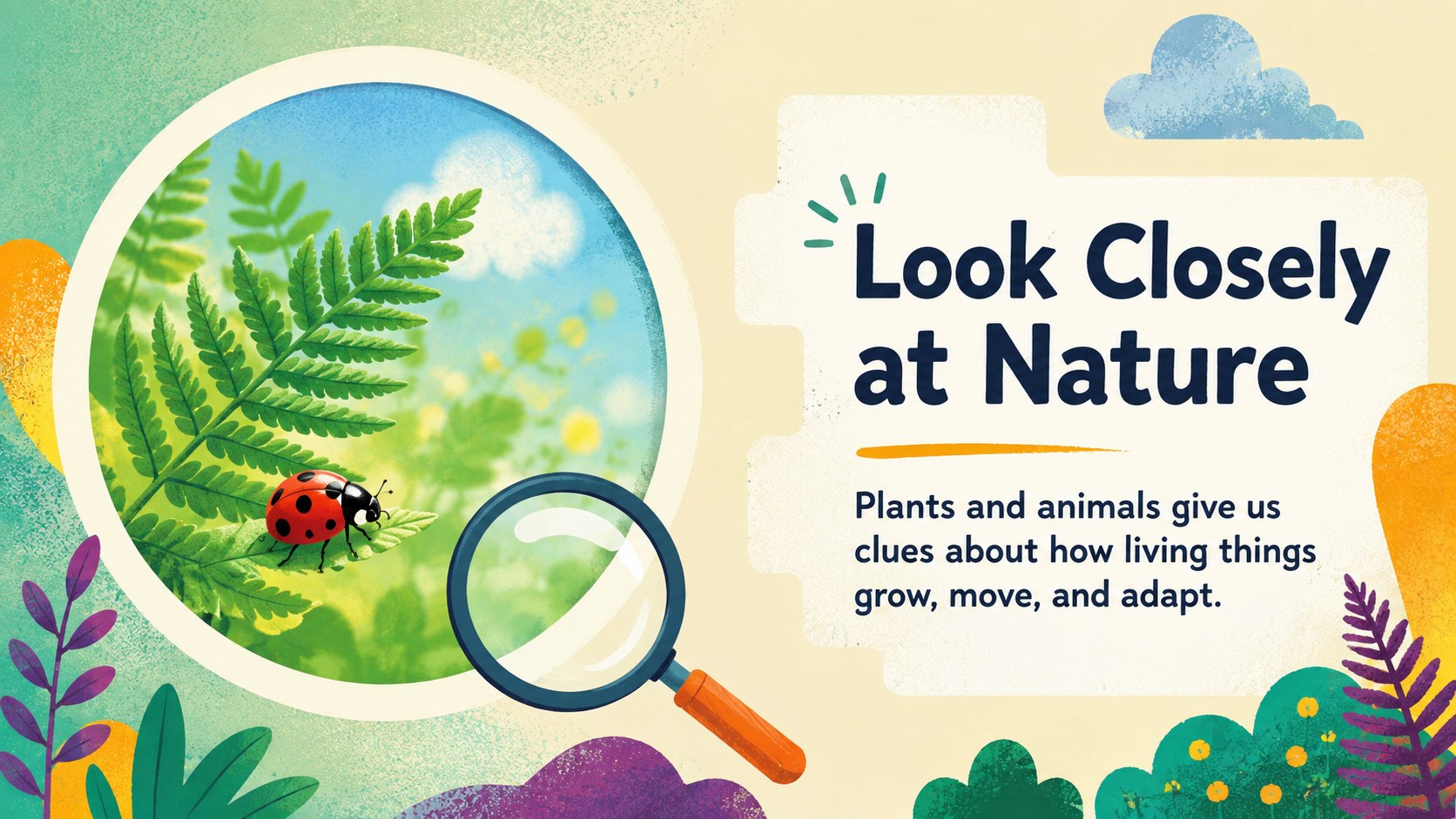
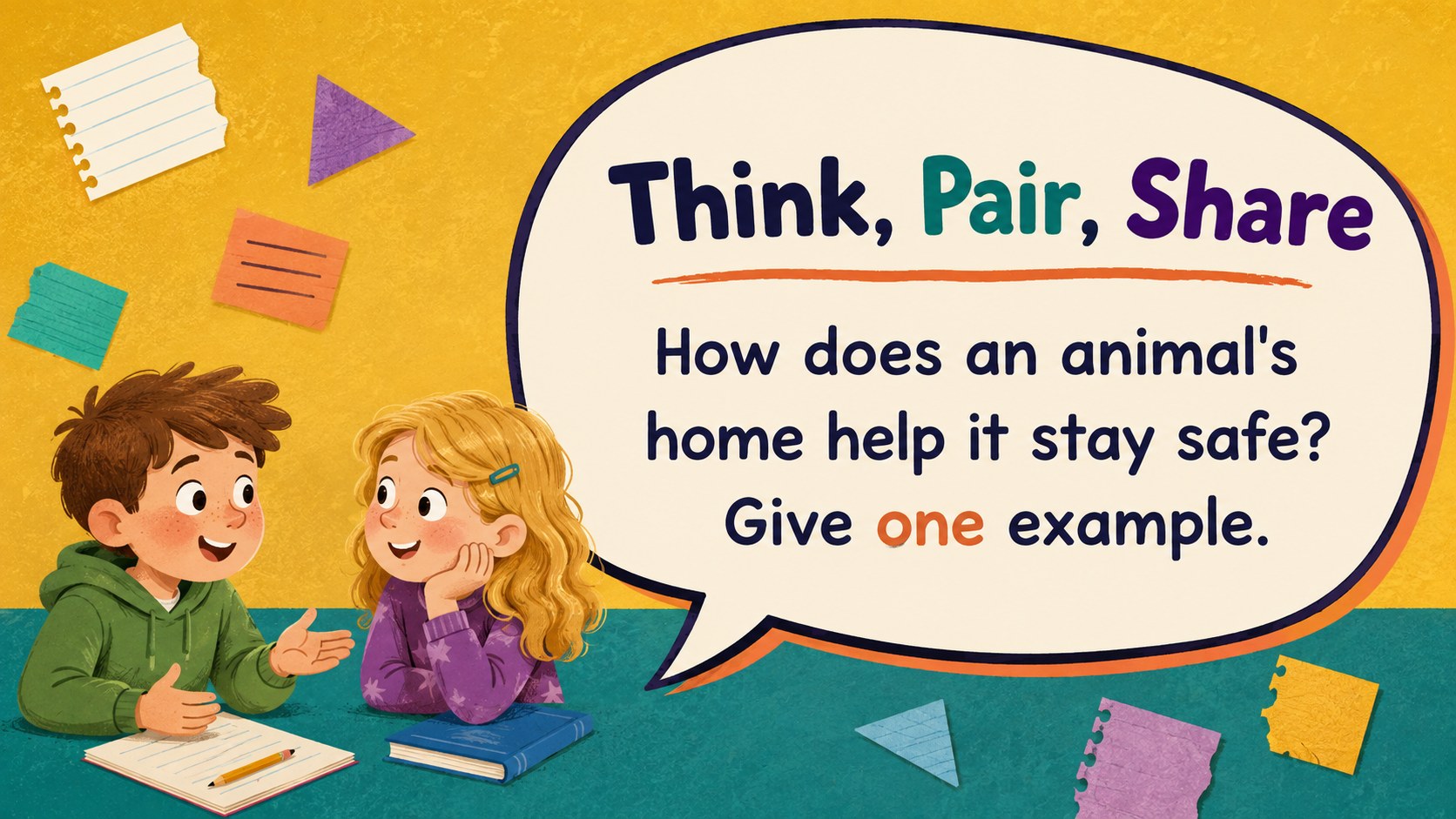
Turn routine classroom material into an inviting visual experience with this animated elementary classroom theme. Designed for primary teachers and young learners, the deck combines cheerful illustrations, playful textures, and smooth transitions without making lesson content difficult to follow. Edit every layout in PowerPoint or Google Slides to match your subject, class level, and teaching style.
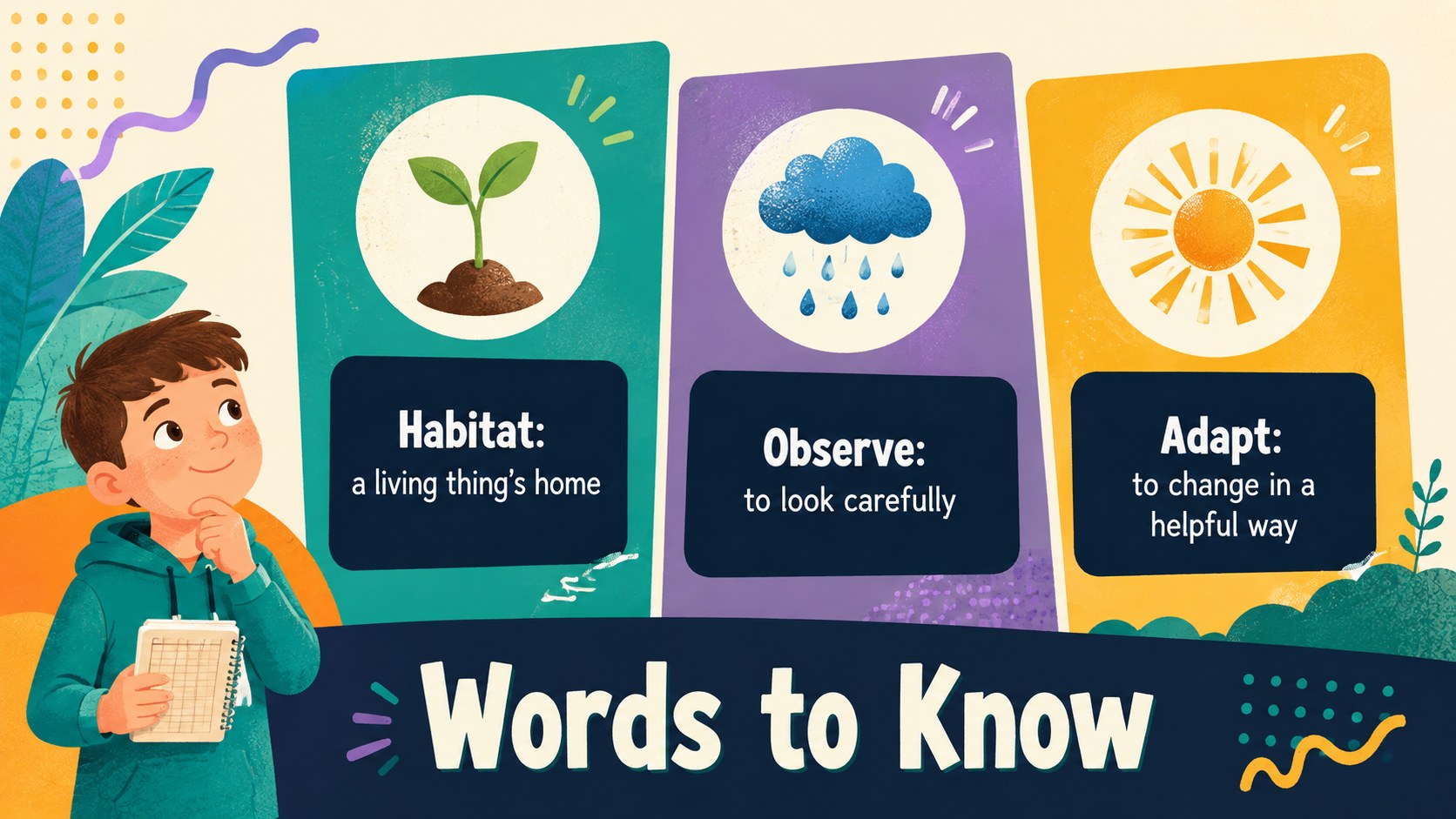
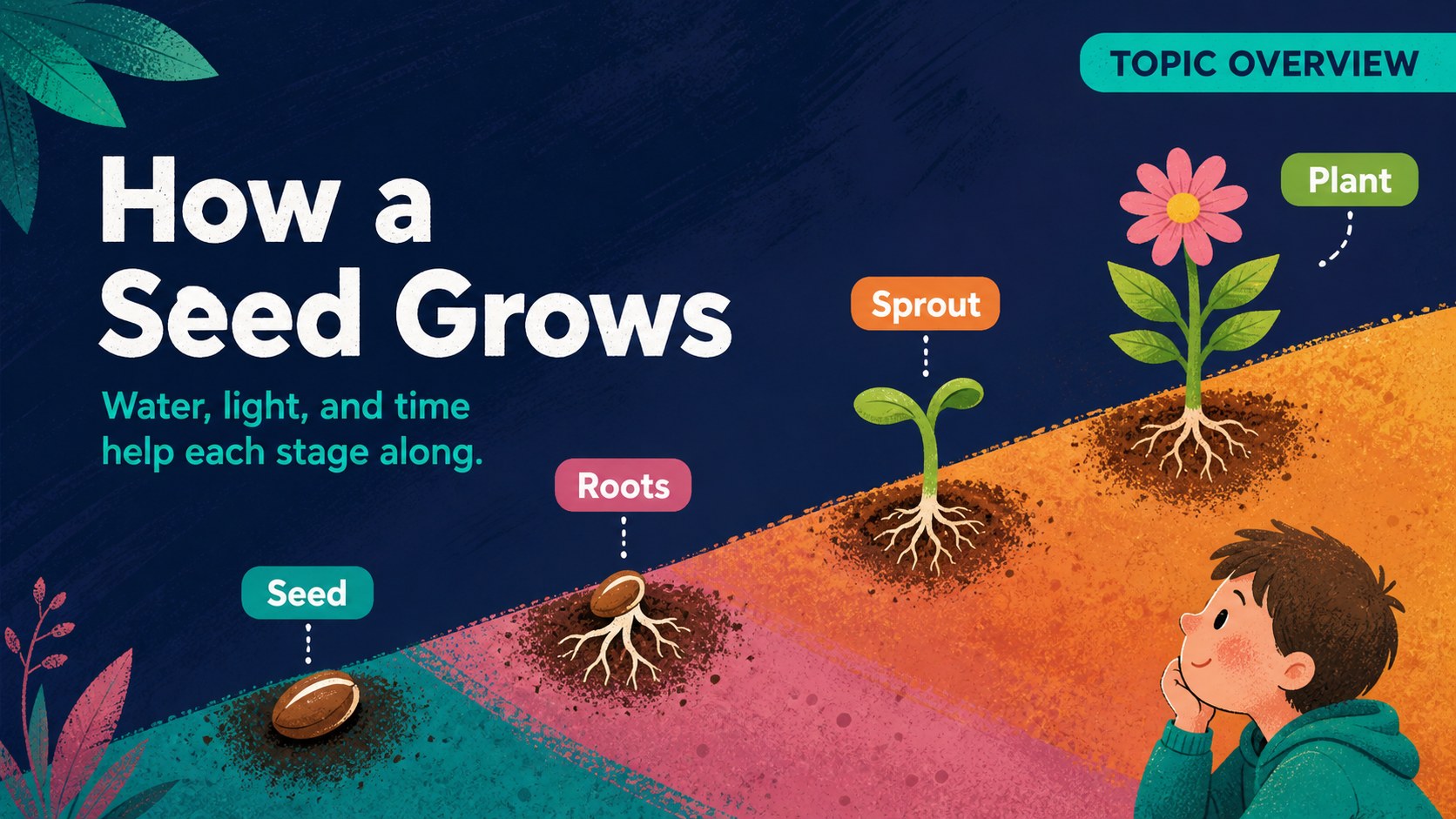
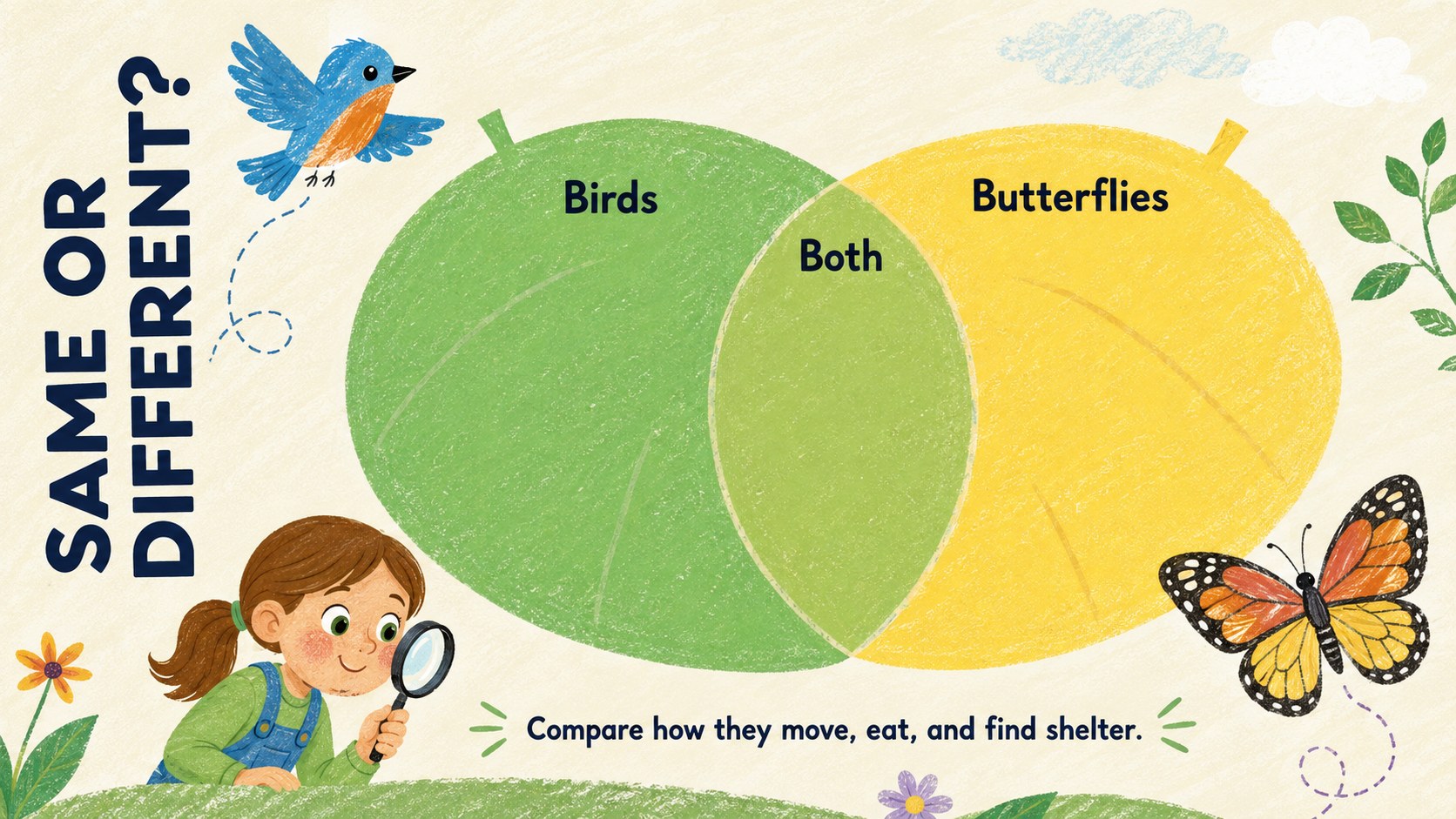
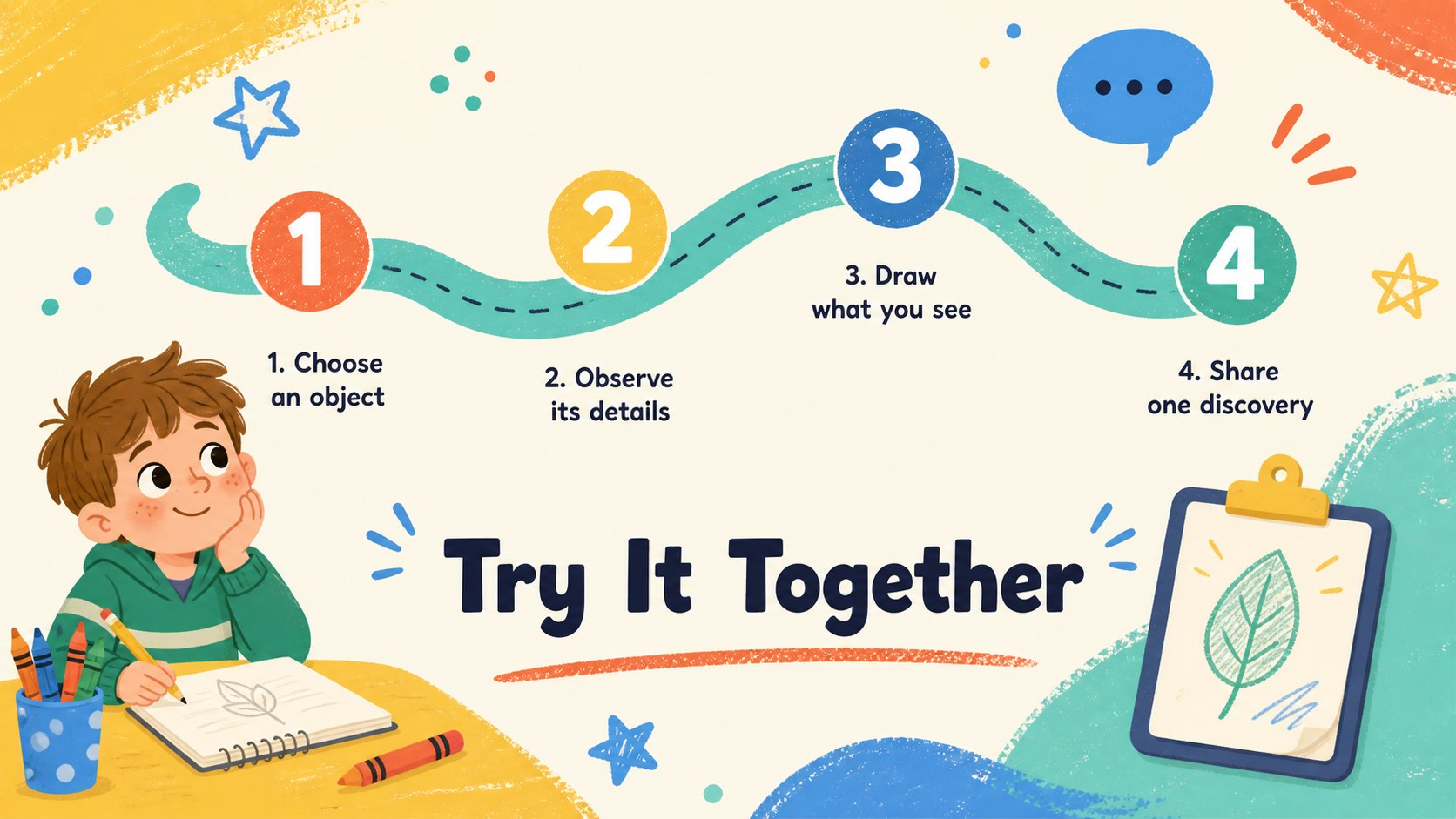
The collection includes 15 customizable widescreen slides for lesson introductions, learning goals, topic explanations, vocabulary, classroom activities, timelines, simple data, quizzes, recaps, and closing messages. Flexible text areas, image frames, diagrams, shapes, and charts support both teacher-led instruction and student participation. The colorful elementary lesson slides use clear visual hierarchy and approachable typography, while the animated transitions create continuity between ideas. Josefin Sans gives headings and short instructions a friendly, modern appearance.
This illustrated primary school presentation works well for language arts, science, history, nature studies, project updates, and interactive storytelling. Teachers can replace the sample wording, adjust the palette, move decorative elements, and add classroom photographs or student work. Use it as a kid-friendly PowerPoint lesson template for daily instruction, group activities, review sessions, or take-home learning materials. The result is an energetic yet organized deck that keeps attention on the lesson and gives educators a reusable foundation for future classes.
Perfect for: elementary classroom lesson; interactive vocabulary activity; primary science introduction; children's history lesson; classroom quiz and review; student project showcase.
Frequently asked questions
Can I edit all text and visual elements? Yes. Headings, body copy, colors, shapes, charts, and image placeholders can be customized to suit your lesson and grade level.
Practical details
Yes. Headings, body copy, colors, shapes, charts, and image placeholders can be customized to suit your lesson and grade level.
The template is designed for Microsoft PowerPoint and Google Slides. Some transition behavior may vary slightly between the two platforms.
Replace the sample lesson text and illustrations, then adjust accent colors to match your topic. The layouts accommodate language arts, science, social studies, classroom routines, and student projects.
Yes. The slides use large headings, short text areas, clear visual grouping, and colorful supporting graphics intended for elementary-age audiences.
Keep exploring
15Build stronger academic arguments with a college essay thesis builder featuring guided examples, revision prompts, and editable PowerPoint and Google Slides.
 15
15Build an engaging World UFO Day session with this flying saucer history lesson deck, featuring retro green-and-brown slides for PowerPoint and Google Slides.
 14
14Plan a memorable Lunar New Year campaign with the 2036 Dragon Year Celebration Theme, featuring bold red-and-yellow slides for lessons and events.
 15
15Build a thoughtful classroom discussion with this interfaith awareness lesson deck, featuring editable blue-and-white slides for PowerPoint and Google Slides.
 15
15Use this environmental awareness lesson deck to teach climate action through illustrated activities, discussion prompts, and ready-to-edit visuals.
 15
15Build playful lessons and party stories with a kid-friendly zombie celebration theme in purple, green and pastel blue for PowerPoint and Google Slides.
 15
15Build eerie lessons, campaigns, and story pitches with an undead survival scenario theme featuring editable slides for PowerPoint and Google Slides.
 16
16Turn environmental research into a clear story with a Watercolor Ecology Presentation Theme for PowerPoint and Google Slides in calming green and blue.