
 15
15presentation
College Essay Thesis Builder Slides
Build stronger academic arguments with a college essay thesis builder featuring guided examples, revision prompts, and editable PowerPoint and Google Slides.
Google SlidesPowerPoint
presentation · English
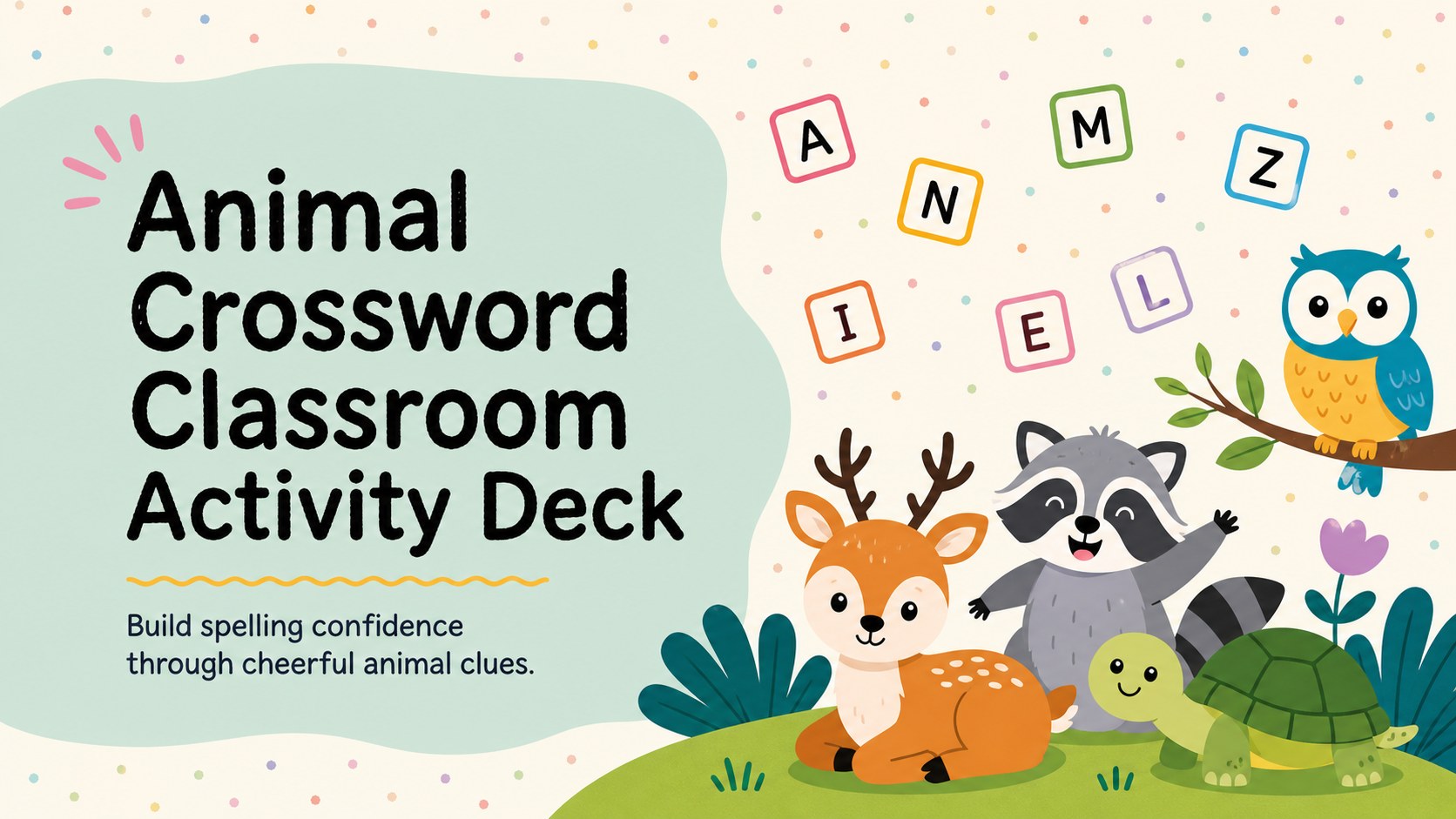
Turn vocabulary review into a lively lesson with this Animal Crossword Classroom Activity Deck for colorful PowerPoint and Google Slides activities.
Design notes
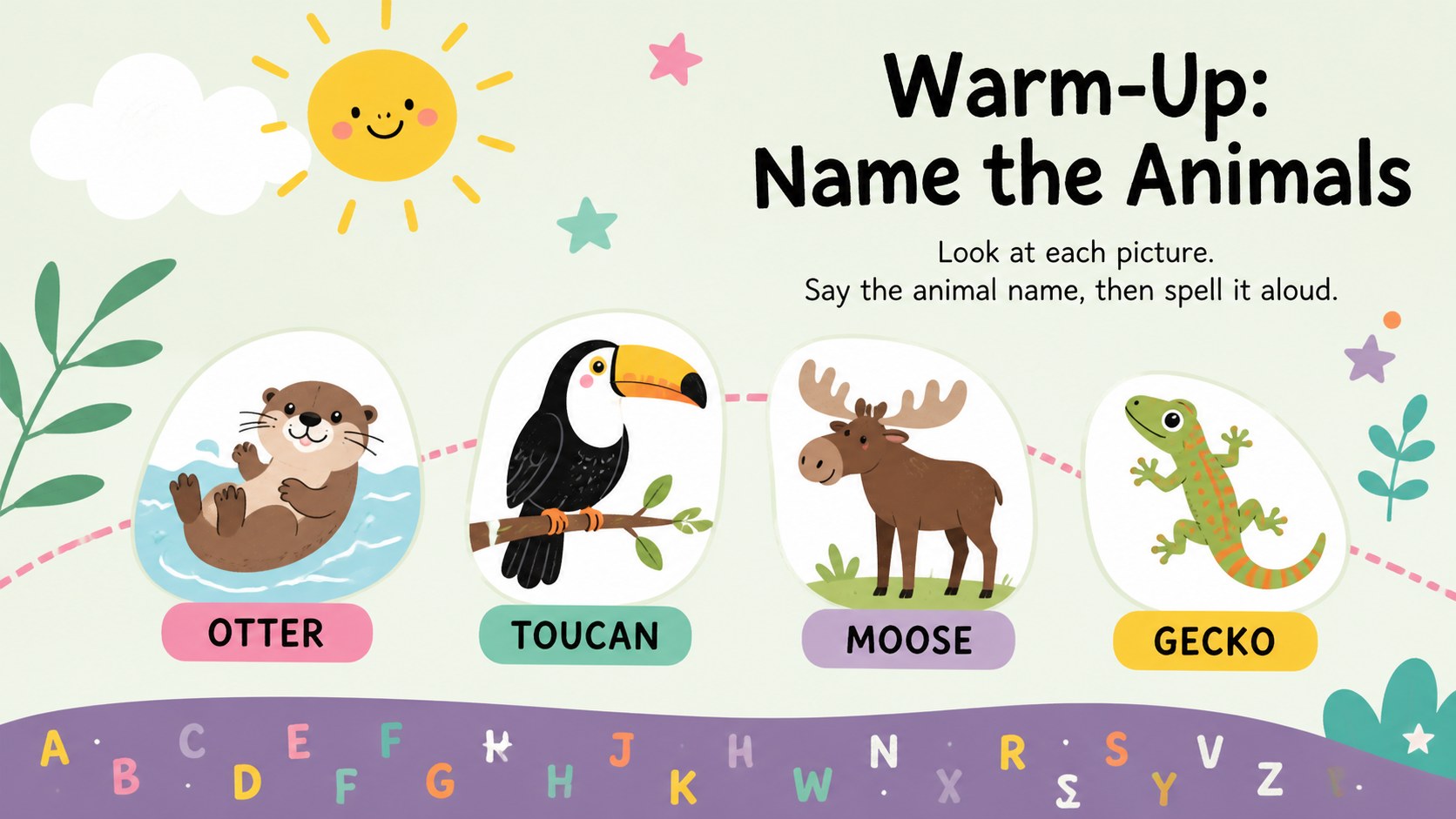
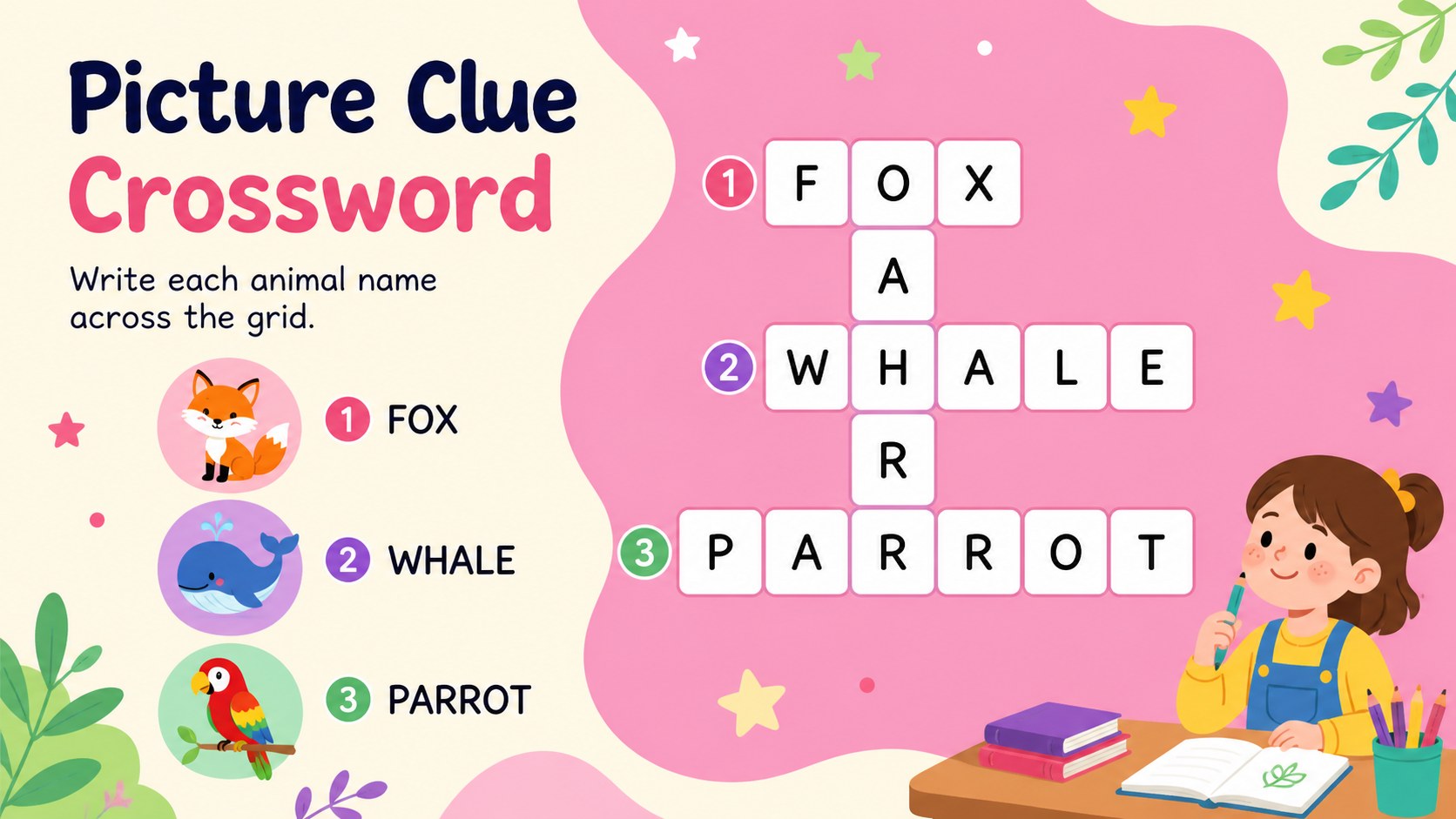
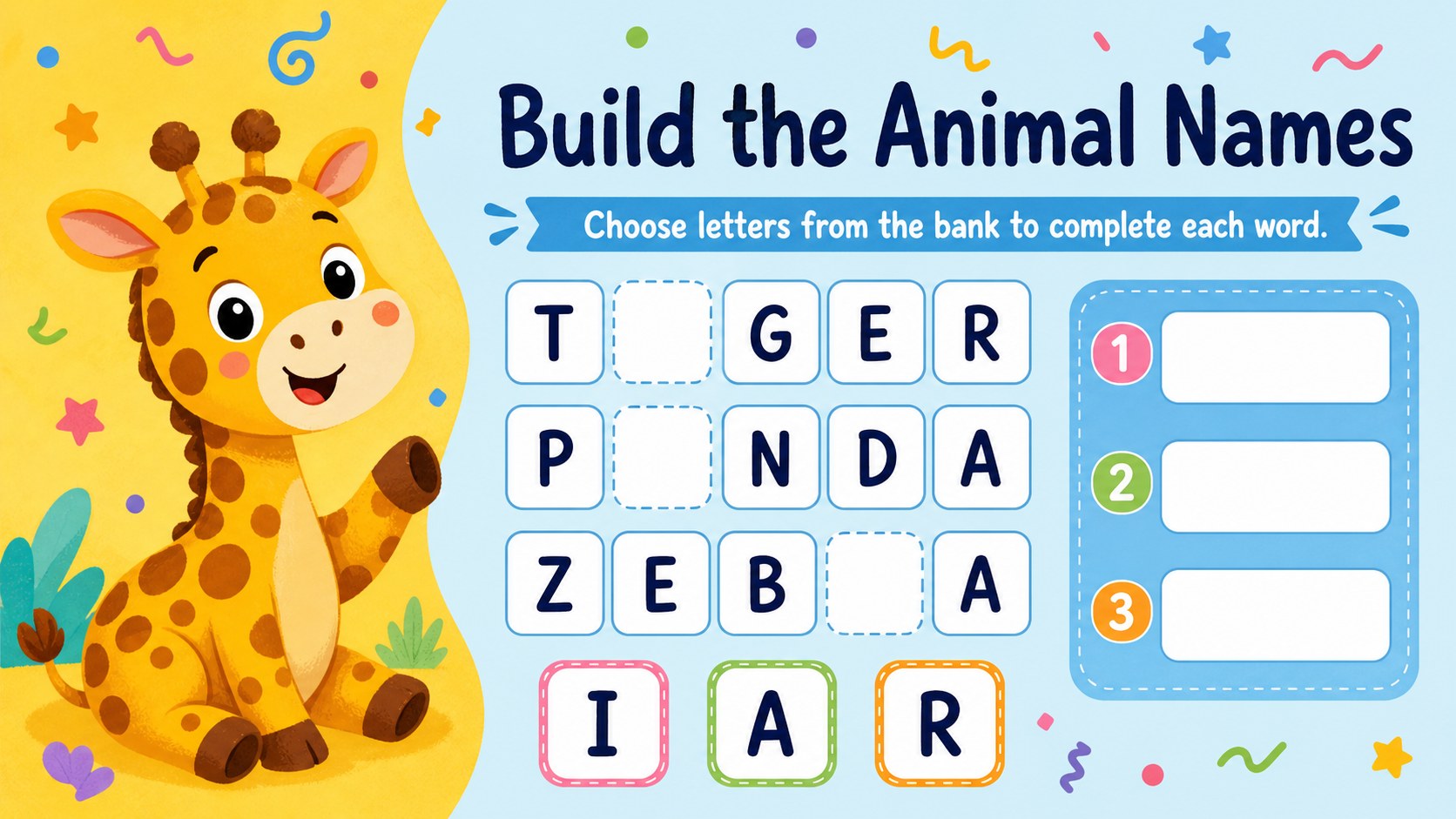
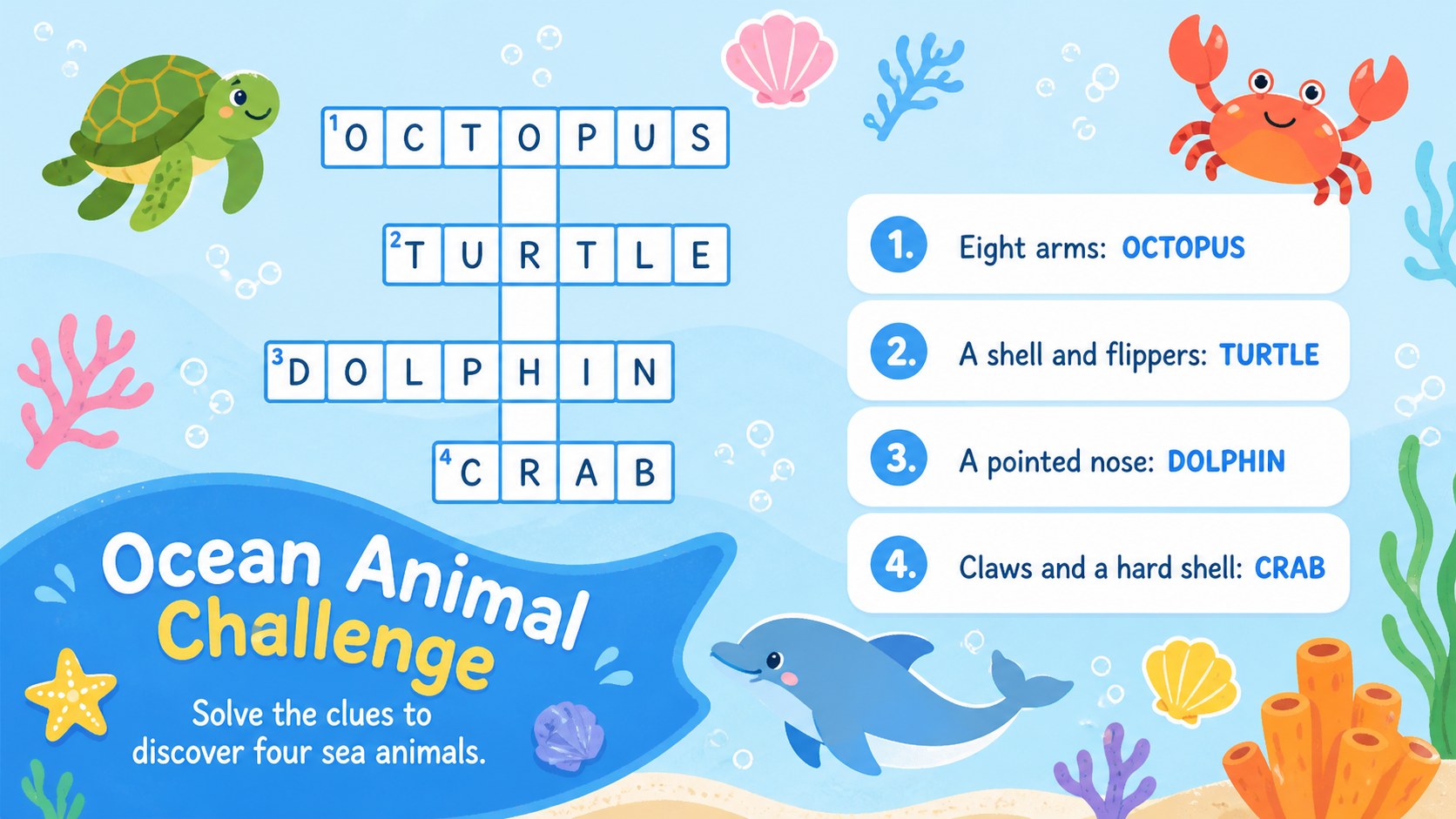
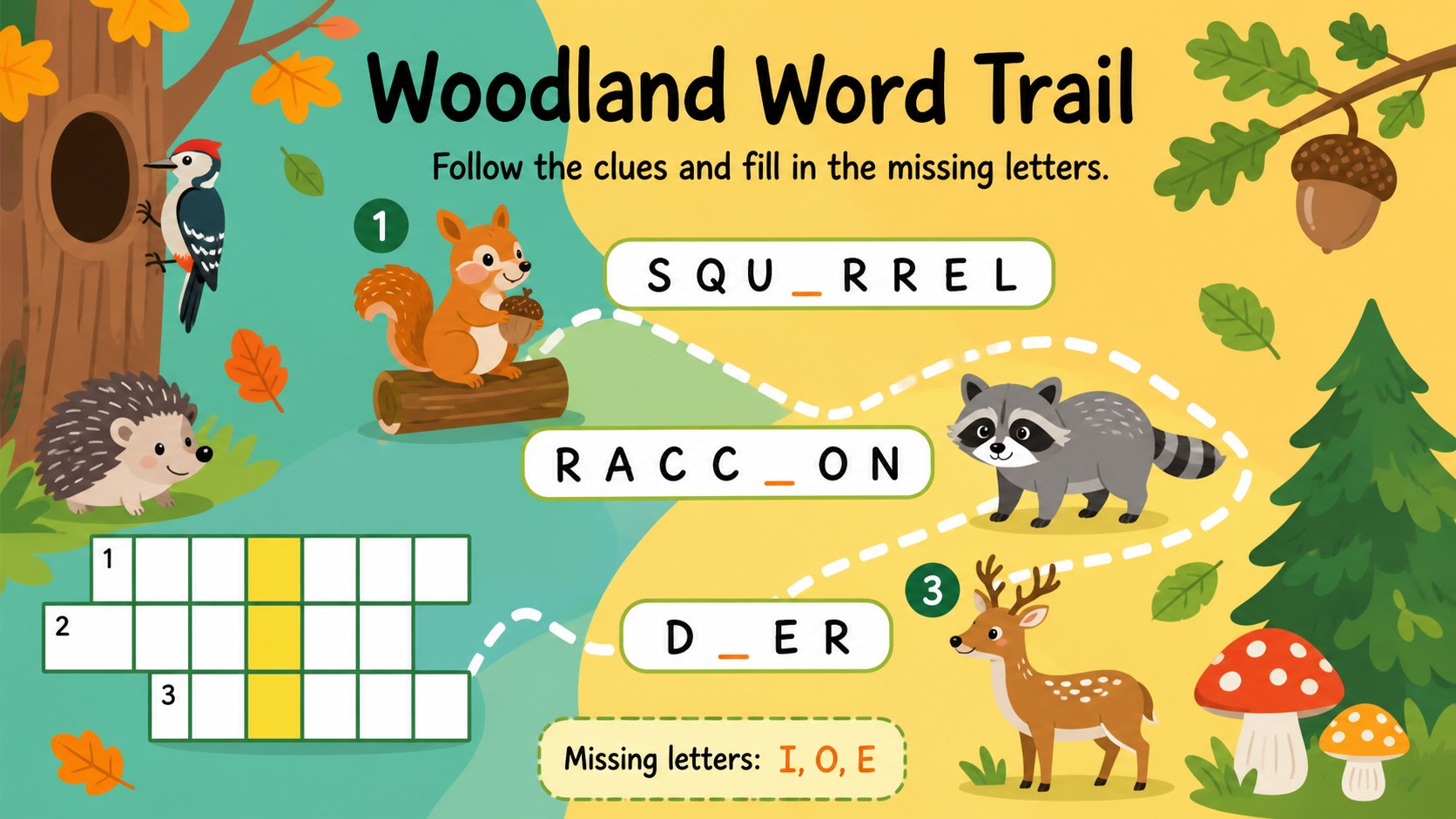
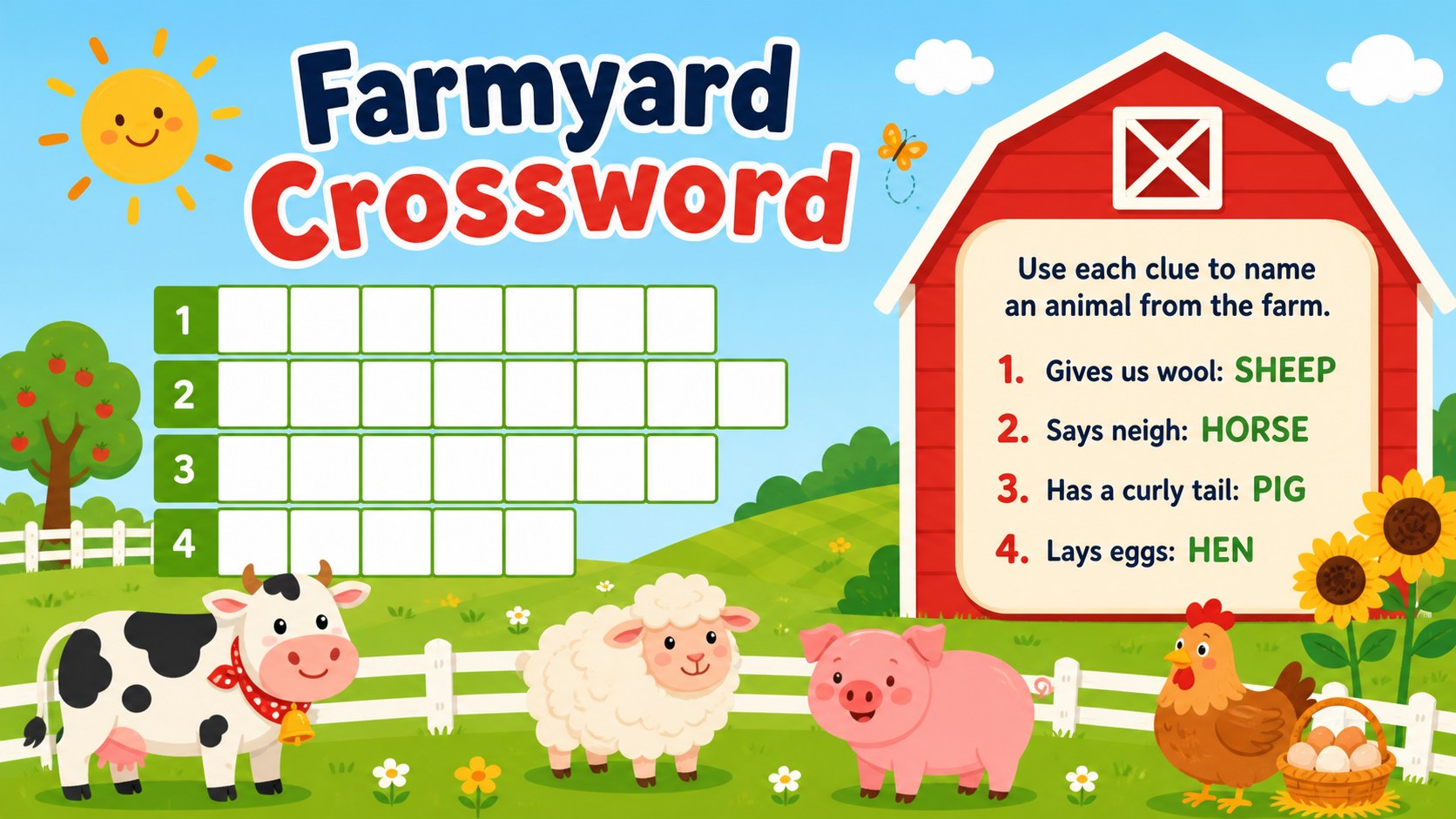
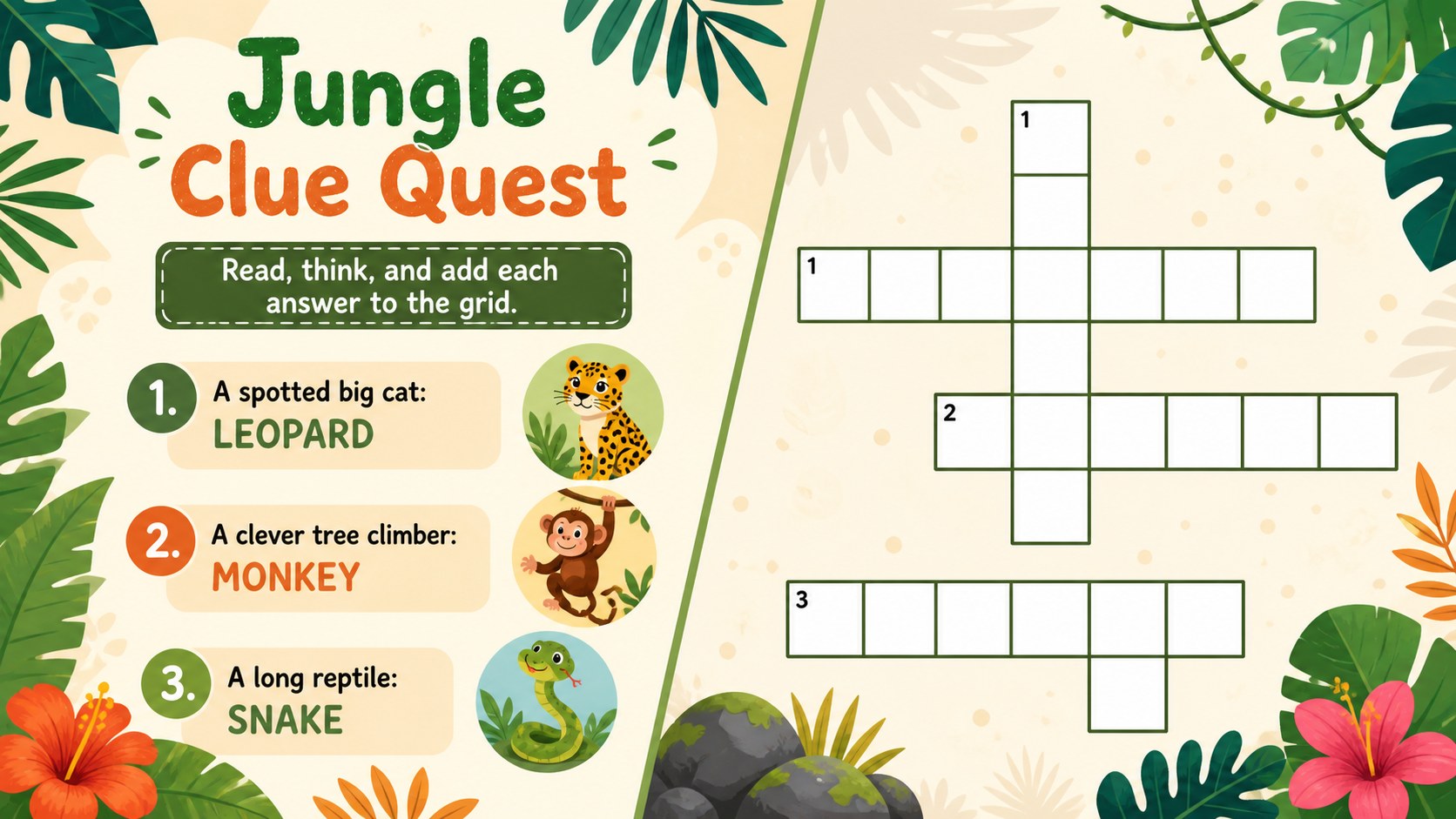
The Animal Crossword Classroom Activity Deck turns vocabulary review into an inviting puzzle session for young learners. Cheerful illustrations, bright colors, and simple clue formats help students connect animal names with spelling, reading, and visual recognition. Teachers can present each challenge to the whole class or let small groups work through the clues together in PowerPoint or Google Slides.
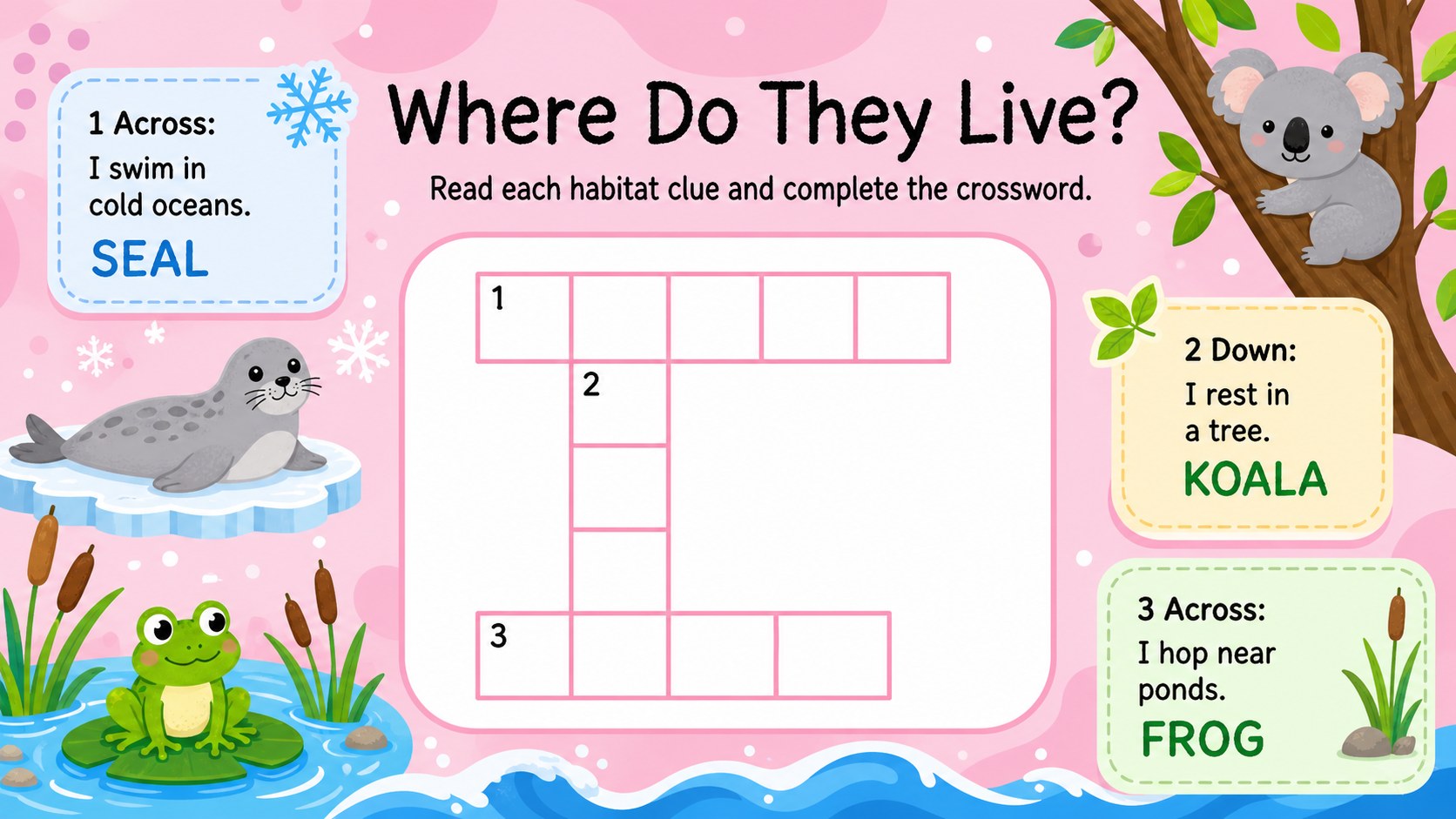
Inside, you will find a mix of picture clues, short definitions, letter banks, mini crosswords, answer reveals, and reflection prompts. The varied layouts make this an adaptable animal vocabulary crossword deck for warm-ups, literacy centers, review games, or end-of-lesson practice. Editable text and movable visual elements also make it easy to adjust the difficulty, replace an animal, or add words from your current unit.
Designed for elementary teachers, tutors, homeschool families, and English language instructors, this elementary literacy game presentation supports both independent thinking and collaborative play. Use it as a wildlife spelling activity for kids, a back-to-school vocabulary check, or a lighthearted classroom competition. The colorful illustrated style keeps the experience friendly and age-appropriate, while the clear structure helps learners focus on clues, letter patterns, and new vocabulary. Every slide can be customized for your class before presenting, sharing, or printing selected activities.
Perfect for: elementary vocabulary warm-up; small-group literacy center; animal unit spelling review; English language practice; classroom puzzle competition.
Frequently asked questions
Which presentation platforms support this activity deck? The deck is designed for Microsoft PowerPoint and Google Slides. Upload or open the file in your preferred platform to present and edit the activities.
Practical details
The deck is designed for Microsoft PowerPoint and Google Slides. Upload or open the file in your preferred platform to present and edit the activities.
Yes. The clue text, answers, headings, and supporting labels are editable, so you can align the puzzles with your vocabulary list or student level.
Use picture clues and letter banks for younger students, or replace them with definitions and fewer hints for more advanced learners. You can also duplicate slides to create extra practice rounds.
Yes. Choose the slides you need and print or export them as classroom handouts. Review the print preview first to confirm that the colorful backgrounds and puzzle grids remain clear.
Keep exploring
15Build stronger academic arguments with a college essay thesis builder featuring guided examples, revision prompts, and editable PowerPoint and Google Slides.
 15
15Build an engaging World UFO Day session with this flying saucer history lesson deck, featuring retro green-and-brown slides for PowerPoint and Google Slides.
 14
14Plan a memorable Lunar New Year campaign with the 2036 Dragon Year Celebration Theme, featuring bold red-and-yellow slides for lessons and events.
 15
15Build a thoughtful classroom discussion with this interfaith awareness lesson deck, featuring editable blue-and-white slides for PowerPoint and Google Slides.
 15
15Use this environmental awareness lesson deck to teach climate action through illustrated activities, discussion prompts, and ready-to-edit visuals.
 15
15Build playful lessons and party stories with a kid-friendly zombie celebration theme in purple, green and pastel blue for PowerPoint and Google Slides.
 15
15Build eerie lessons, campaigns, and story pitches with an undead survival scenario theme featuring editable slides for PowerPoint and Google Slides.
 16
16Turn environmental research into a clear story with a Watercolor Ecology Presentation Theme for PowerPoint and Google Slides in calming green and blue.