
 15
15presentation
College Essay Thesis Builder Slides
Build stronger academic arguments with a college essay thesis builder featuring guided examples, revision prompts, and editable PowerPoint and Google Slides.
Google SlidesPowerPoint
presentation · English
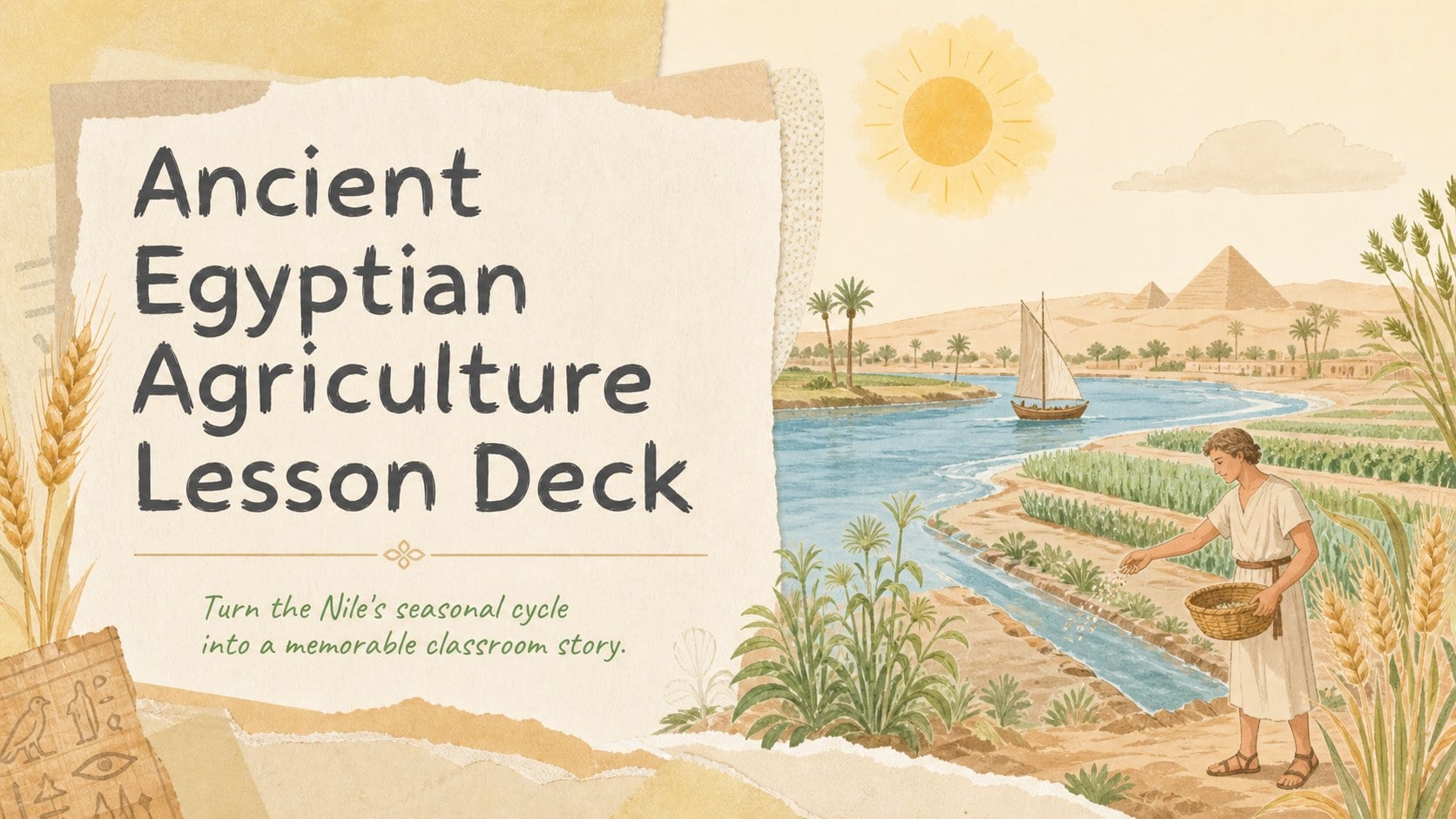
Teach irrigation, crops, and Nile-based food production with an Ancient Egyptian agriculture lesson deck for PowerPoint and Google Slides classrooms.
Design notes
Help students connect the Nile River with the food, work, and economy of an early civilization using this Ancient Egyptian agriculture lesson deck. Designed for approachable history instruction, the presentation combines warm beige paper textures, sunny yellow accents, and friendly hand-drawn illustrations. Its inviting visual style keeps complex topics accessible without losing the historical focus.
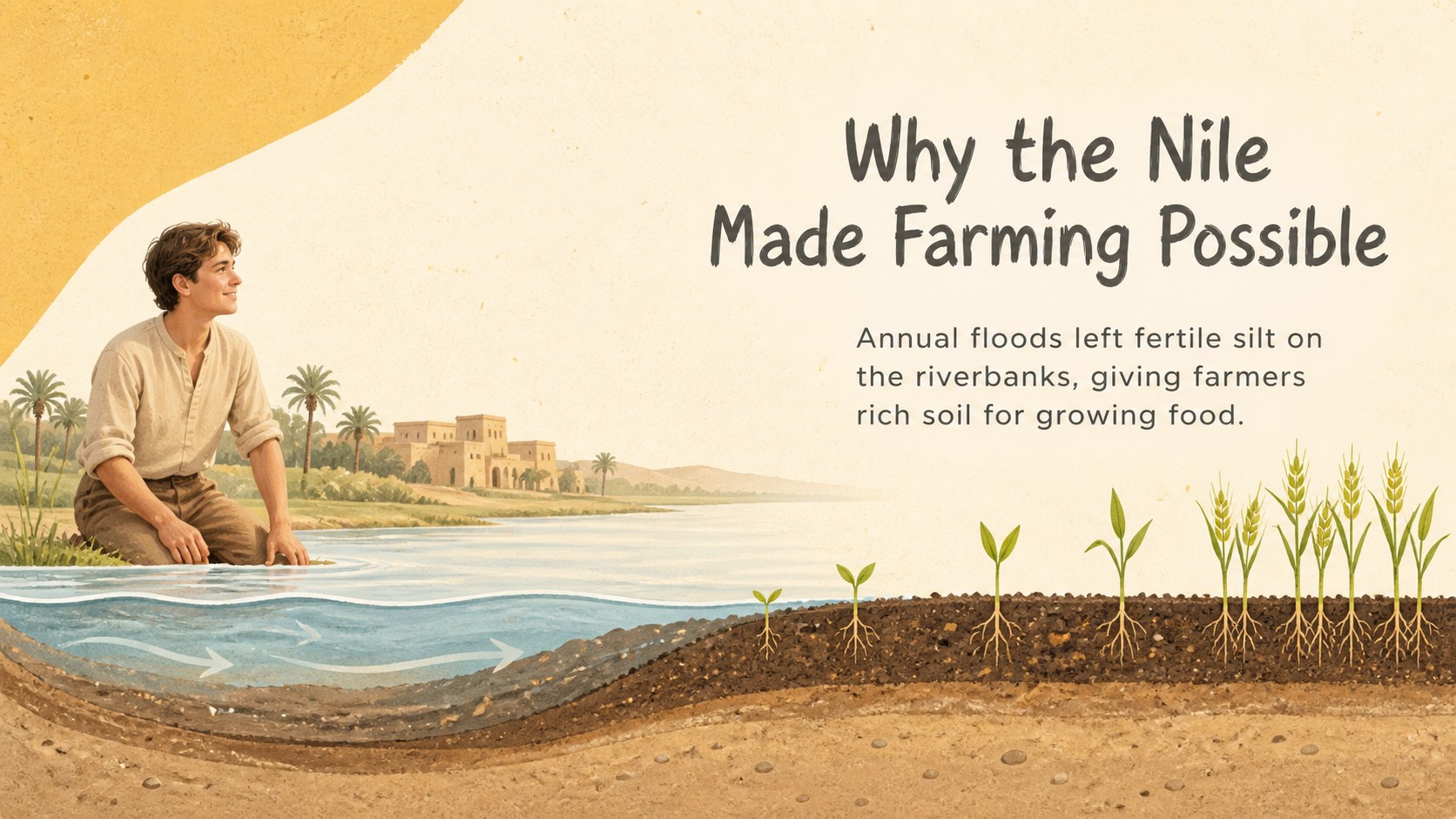
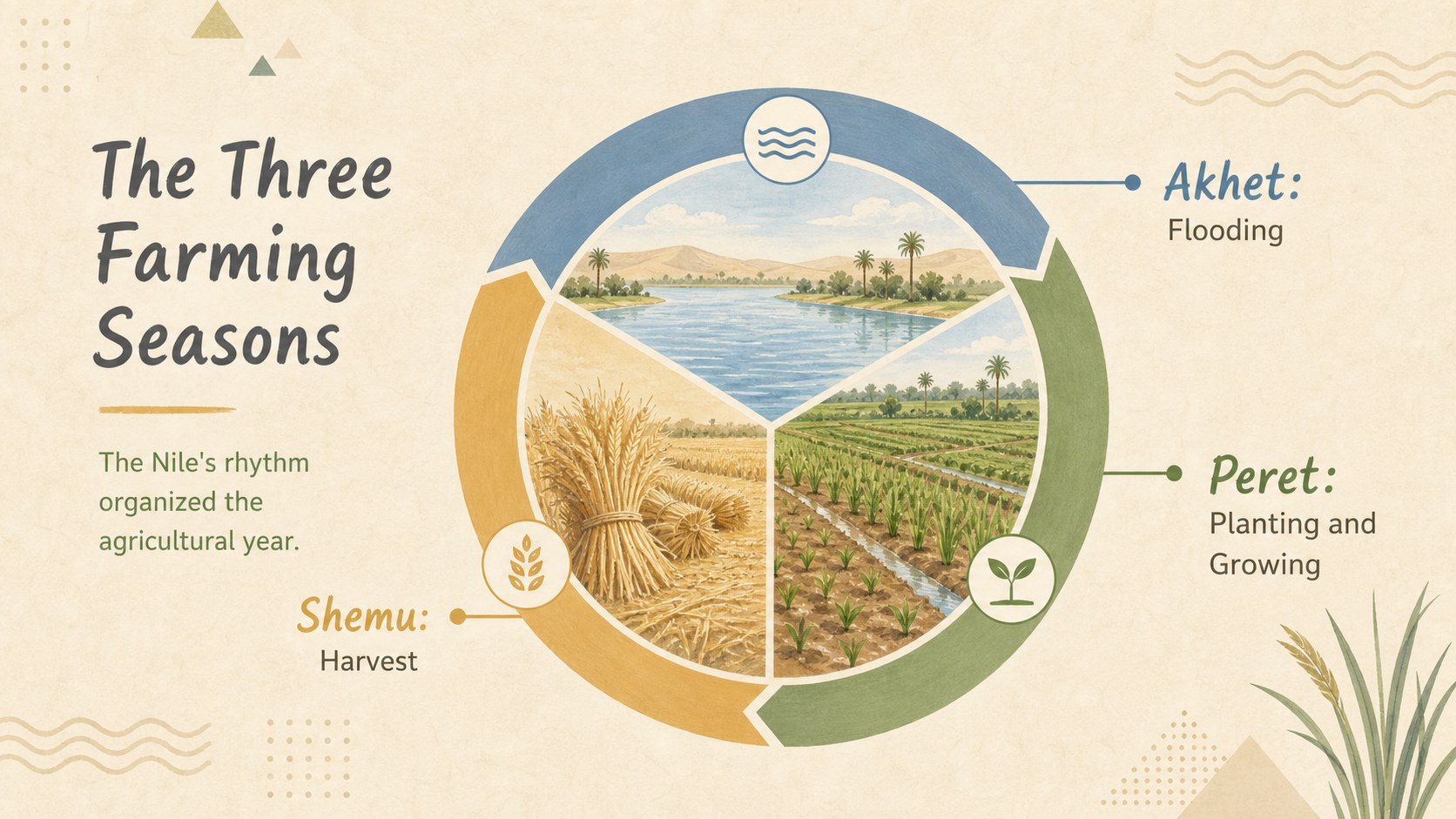
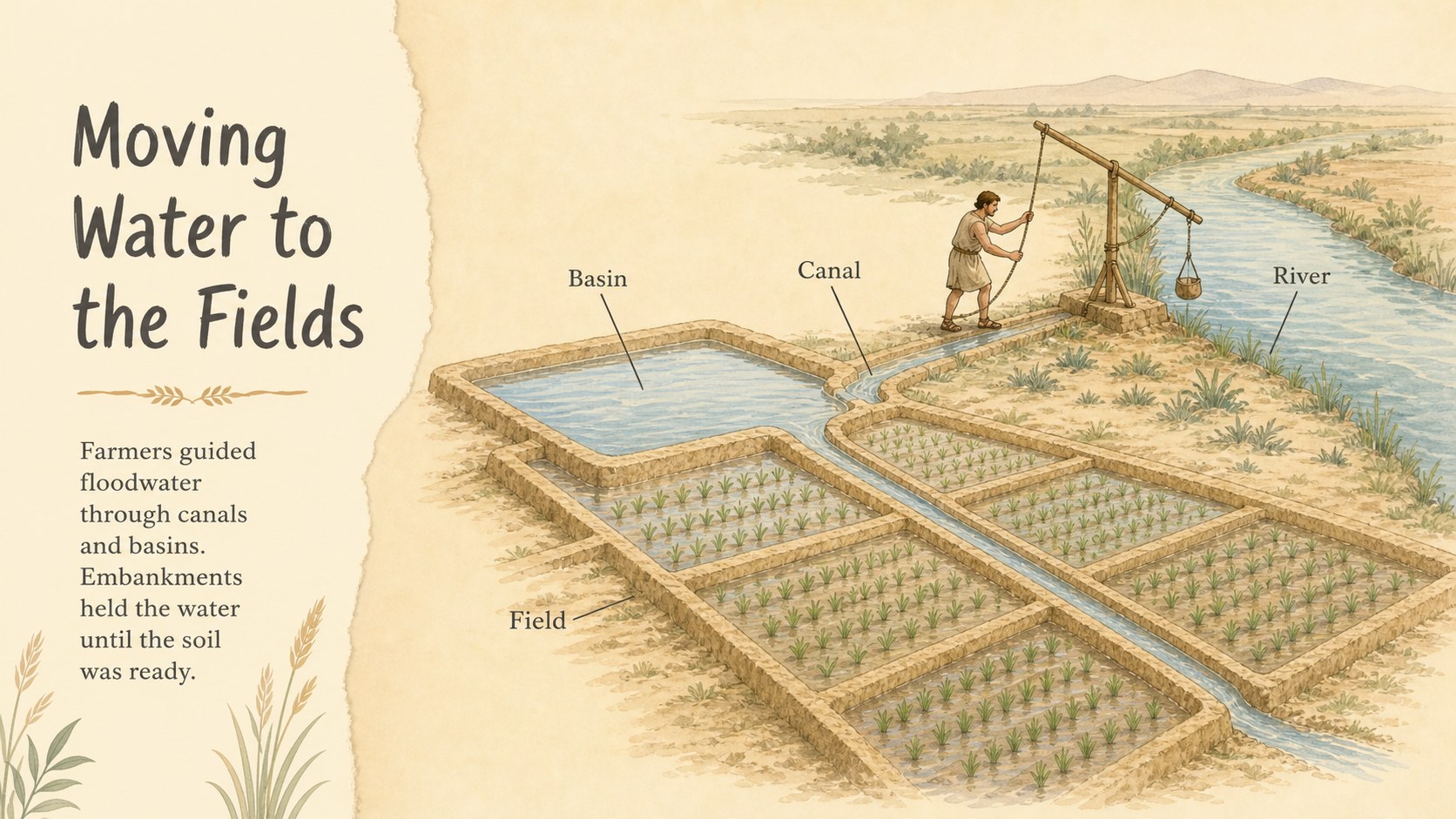
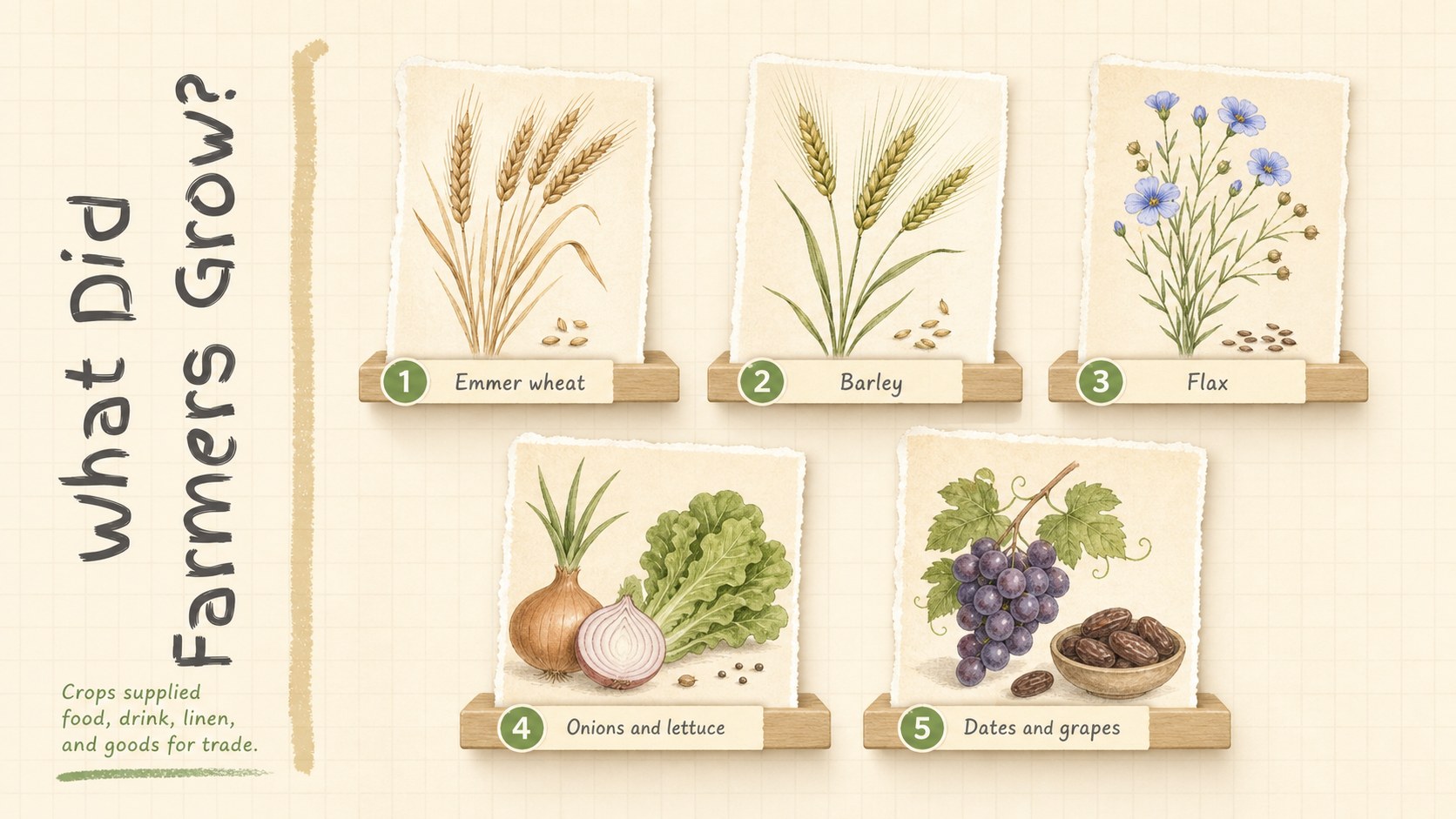
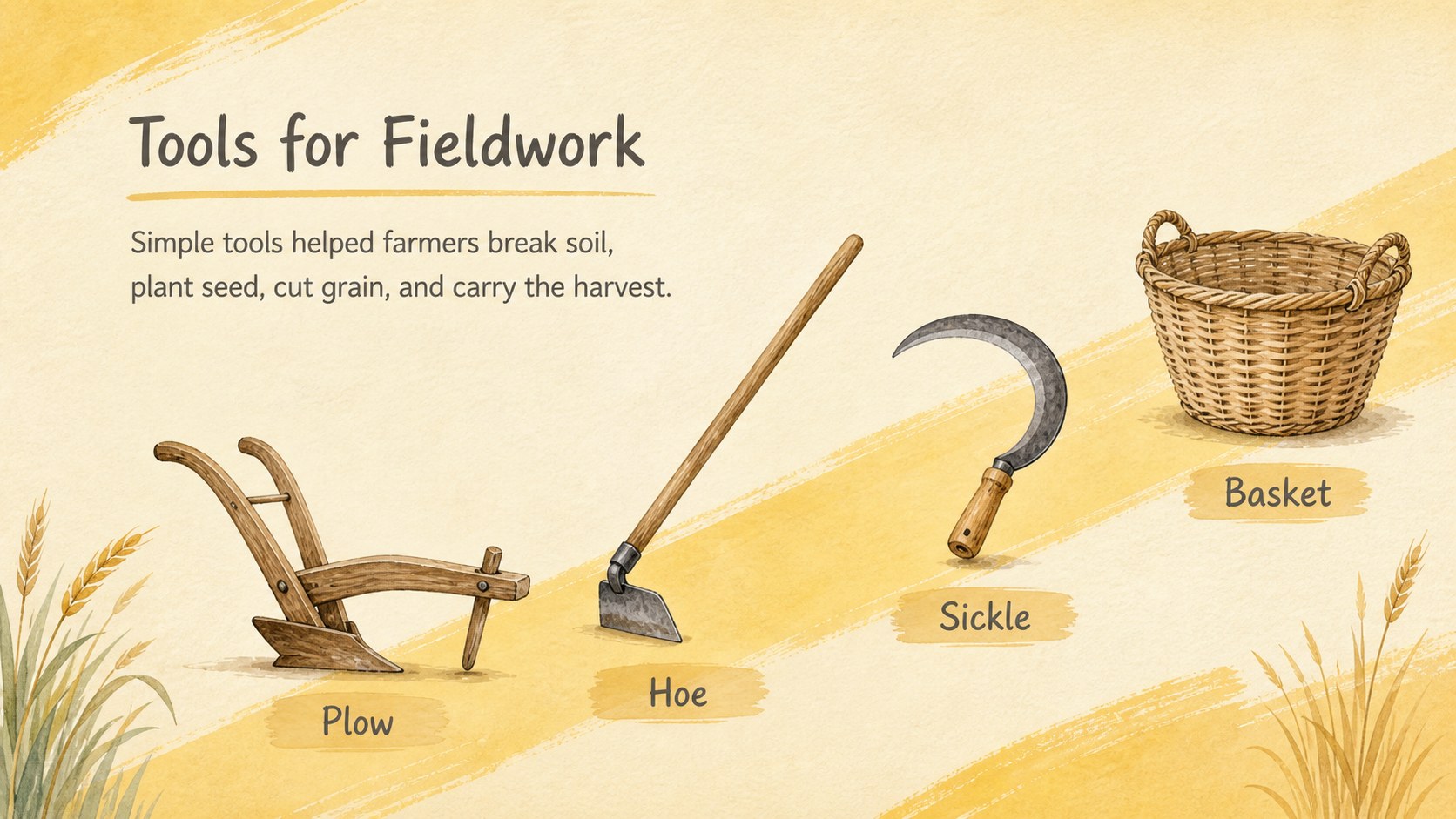
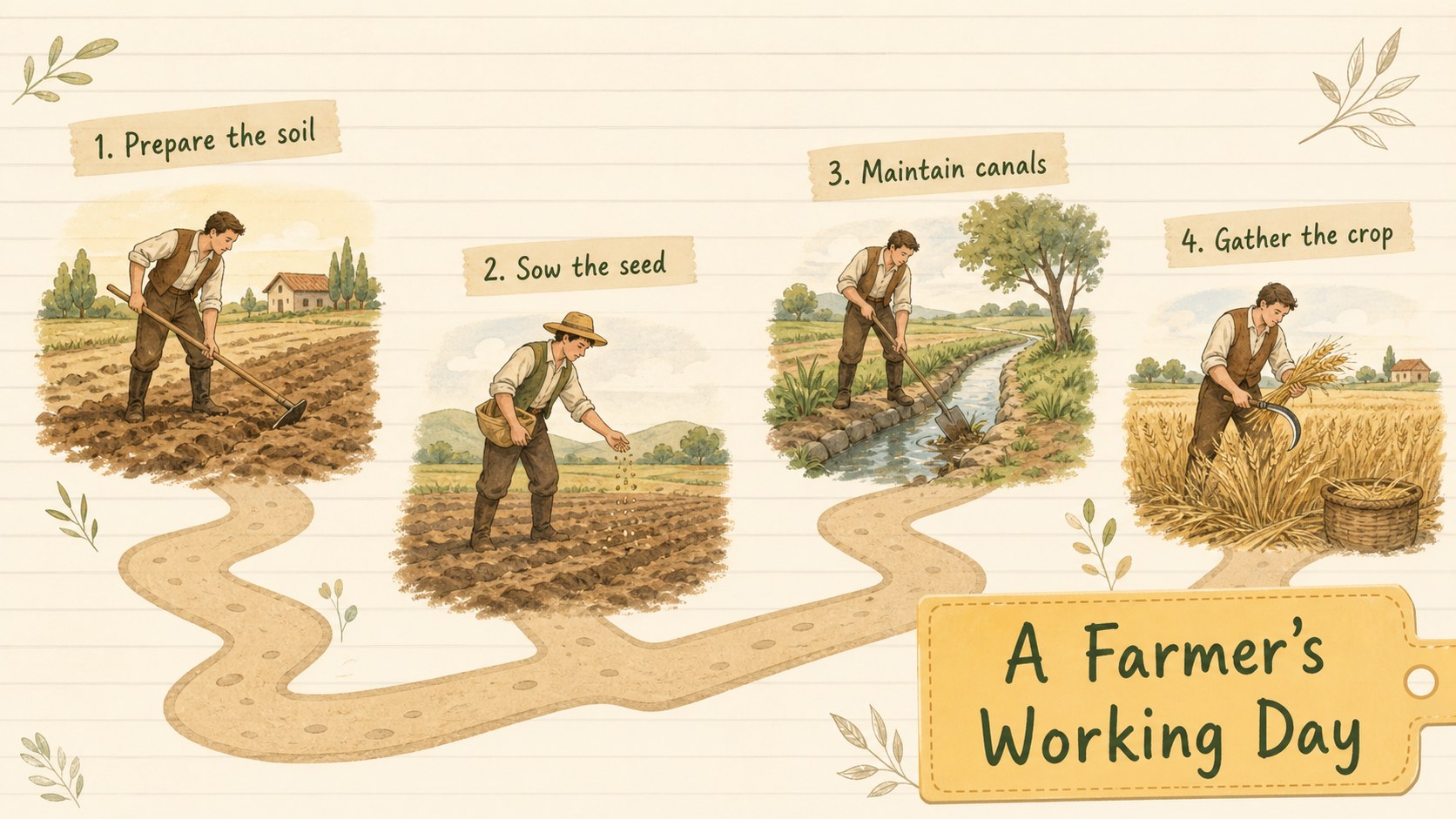
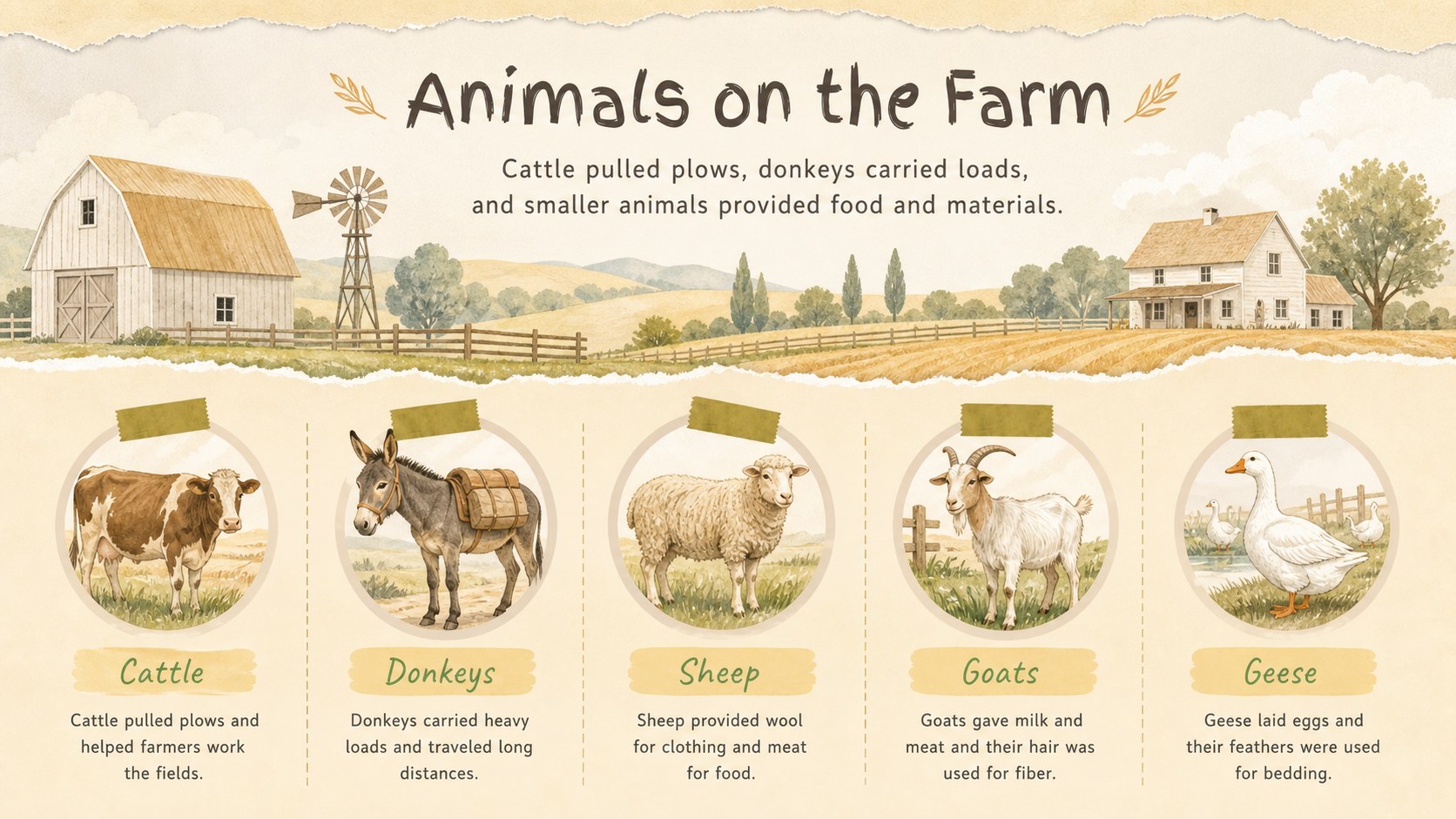
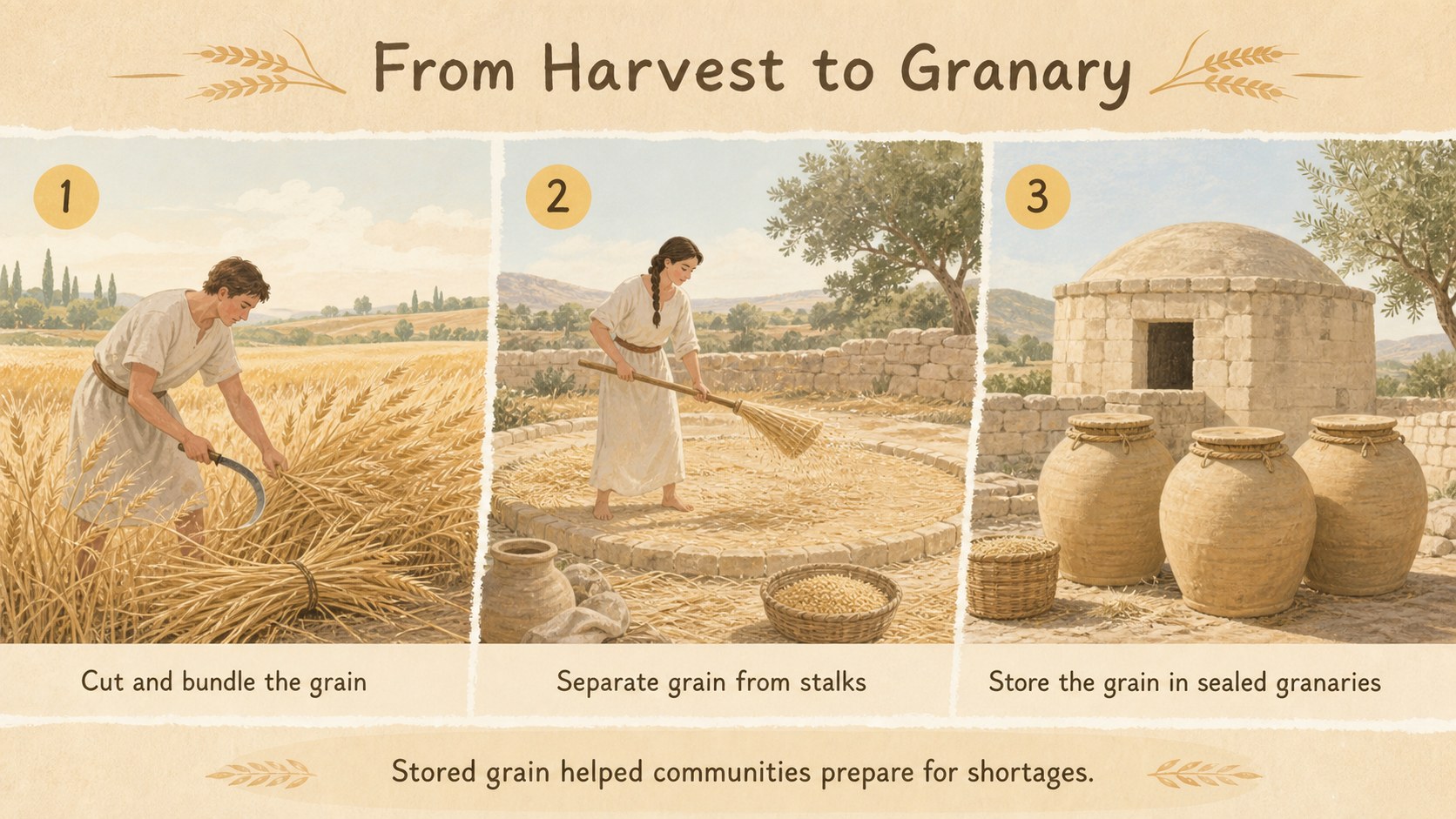
The 15-slide sequence introduces the Nile flood cycle, planting and harvest seasons, basin irrigation, common crops, agricultural tools, livestock, grain storage, trade, taxation, and farming challenges. A visual calendar and recap activity provide useful checkpoints for discussion or assessment. Teachers can adapt the deck into an ancient Egypt farming lesson for middle school, while younger classes can use selected slides as a simple introduction. It also works as a Nile River agriculture presentation for homeschool units, museum education, and project-based learning.
Every 16:9 slide is editable in PowerPoint and Google Slides, allowing educators to replace examples, shorten explanations, add local curriculum terms, or insert questions. The illustrated layouts support lectures, student-led reports, review sessions, and independent research. Use the ancient Egypt crops and irrigation slides as a complete lesson or mix individual pages into a broader unit on geography, technology, and daily life.
Perfect for: middle school history lesson; Nile River geography unit; homeschool ancient civilizations study; student agriculture report; museum education workshop.
Frequently asked questions
Can I edit the lesson content? Yes. All headings, explanations, diagrams, and activity prompts can be edited so the material matches your curriculum and students' reading level.
Practical details
Yes. All headings, explanations, diagrams, and activity prompts can be edited so the material matches your curriculum and students' reading level.
The deck is designed for PowerPoint and Google Slides. Both platforms support editing the text, rearranging pages, and presenting the slides in a standard 16:9 format.
Yes. You can replace illustrations, recolor decorative elements, and adjust the beige, pastel yellow, and neutral palette while preserving the lesson structure.
The content is best suited to upper elementary and middle school history classes. Teachers can simplify individual captions for younger learners or add primary-source detail for older students.
Keep exploring
15Build stronger academic arguments with a college essay thesis builder featuring guided examples, revision prompts, and editable PowerPoint and Google Slides.
 15
15Build an engaging World UFO Day session with this flying saucer history lesson deck, featuring retro green-and-brown slides for PowerPoint and Google Slides.
 14
14Plan a memorable Lunar New Year campaign with the 2036 Dragon Year Celebration Theme, featuring bold red-and-yellow slides for lessons and events.
 15
15Build a thoughtful classroom discussion with this interfaith awareness lesson deck, featuring editable blue-and-white slides for PowerPoint and Google Slides.
 15
15Use this environmental awareness lesson deck to teach climate action through illustrated activities, discussion prompts, and ready-to-edit visuals.
 15
15Build playful lessons and party stories with a kid-friendly zombie celebration theme in purple, green and pastel blue for PowerPoint and Google Slides.
 15
15Build eerie lessons, campaigns, and story pitches with an undead survival scenario theme featuring editable slides for PowerPoint and Google Slides.
 16
16Turn environmental research into a clear story with a Watercolor Ecology Presentation Theme for PowerPoint and Google Slides in calming green and blue.