
 15
15presentation
College Essay Thesis Builder Slides
Build stronger academic arguments with a college essay thesis builder featuring guided examples, revision prompts, and editable PowerPoint and Google Slides.
Google SlidesPowerPoint
presentation · English
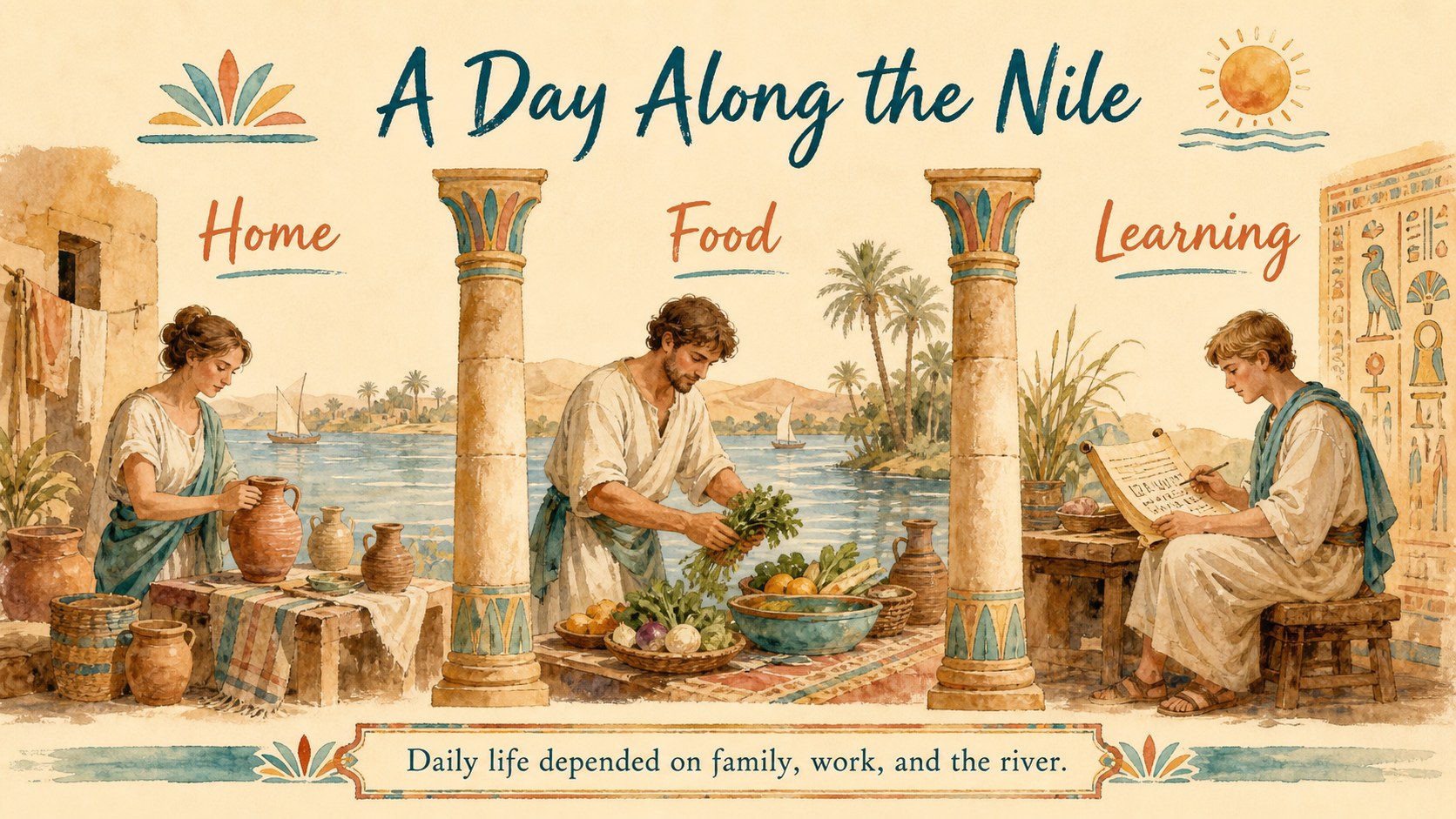
Build an engaging ancient egypt history lesson theme with playful beige illustrations, editable activities, timelines, and classroom-ready visuals for…
Design notes
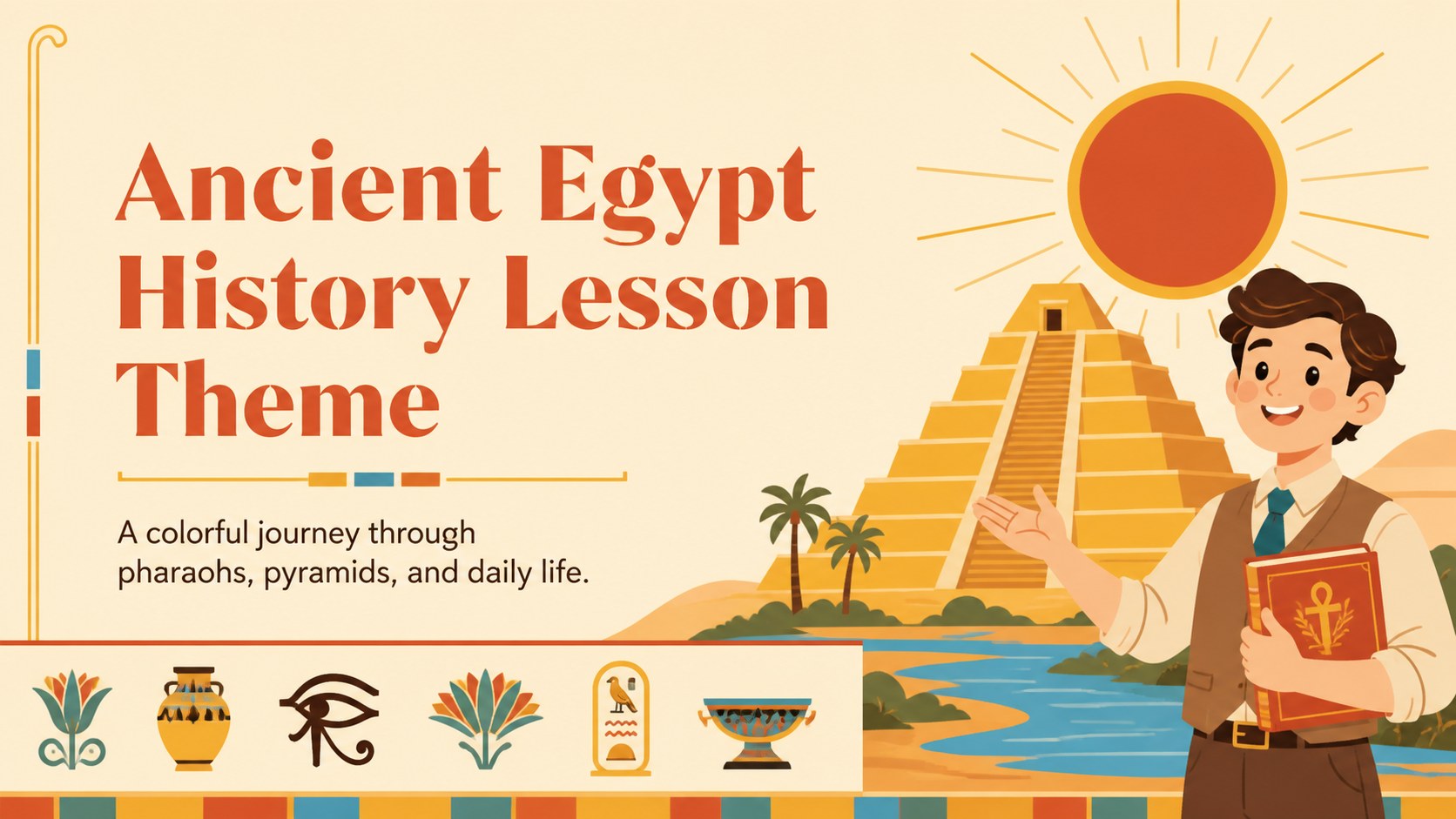
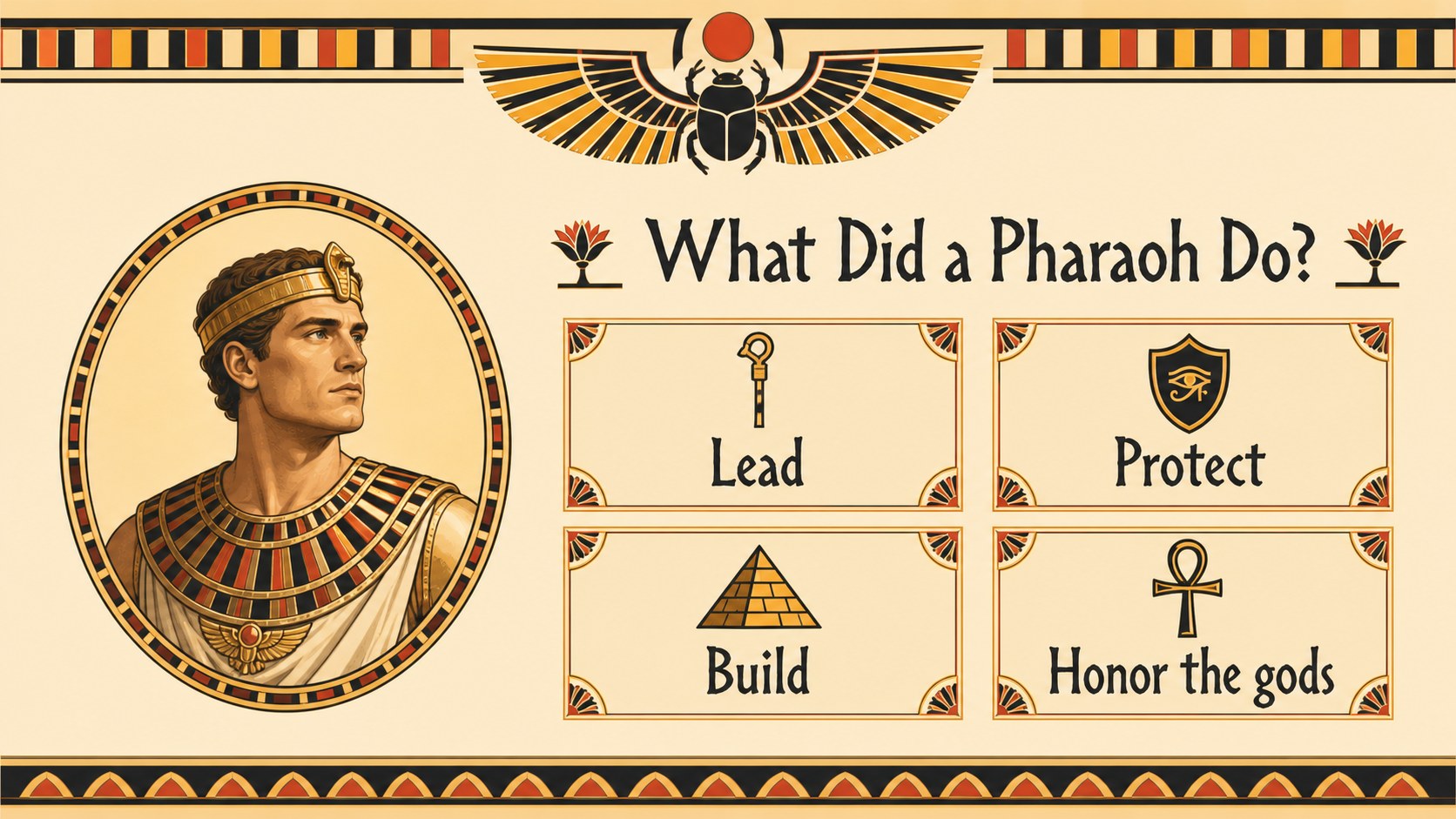
Make an ancient egypt history lesson theme the visual foundation for a memorable classroom journey. Designed for teachers, tutors, and education creators, this cheerful beige presentation uses colorful illustrations and friendly layouts to introduce learners to pharaohs, pyramids, writing, religion, and everyday life. The tone is accessible for younger students while remaining flexible enough for museum talks, homeschool units, and history projects.
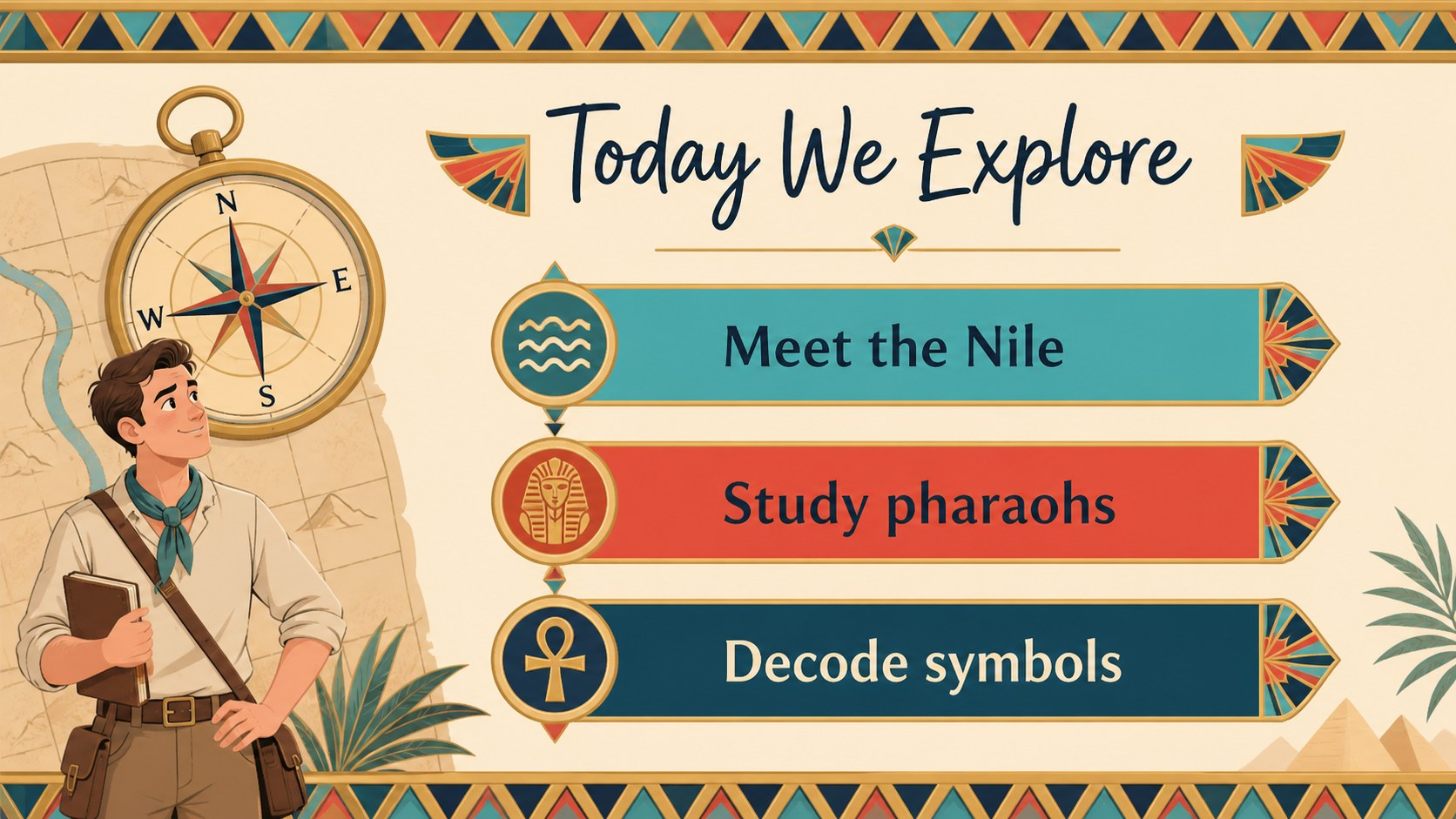
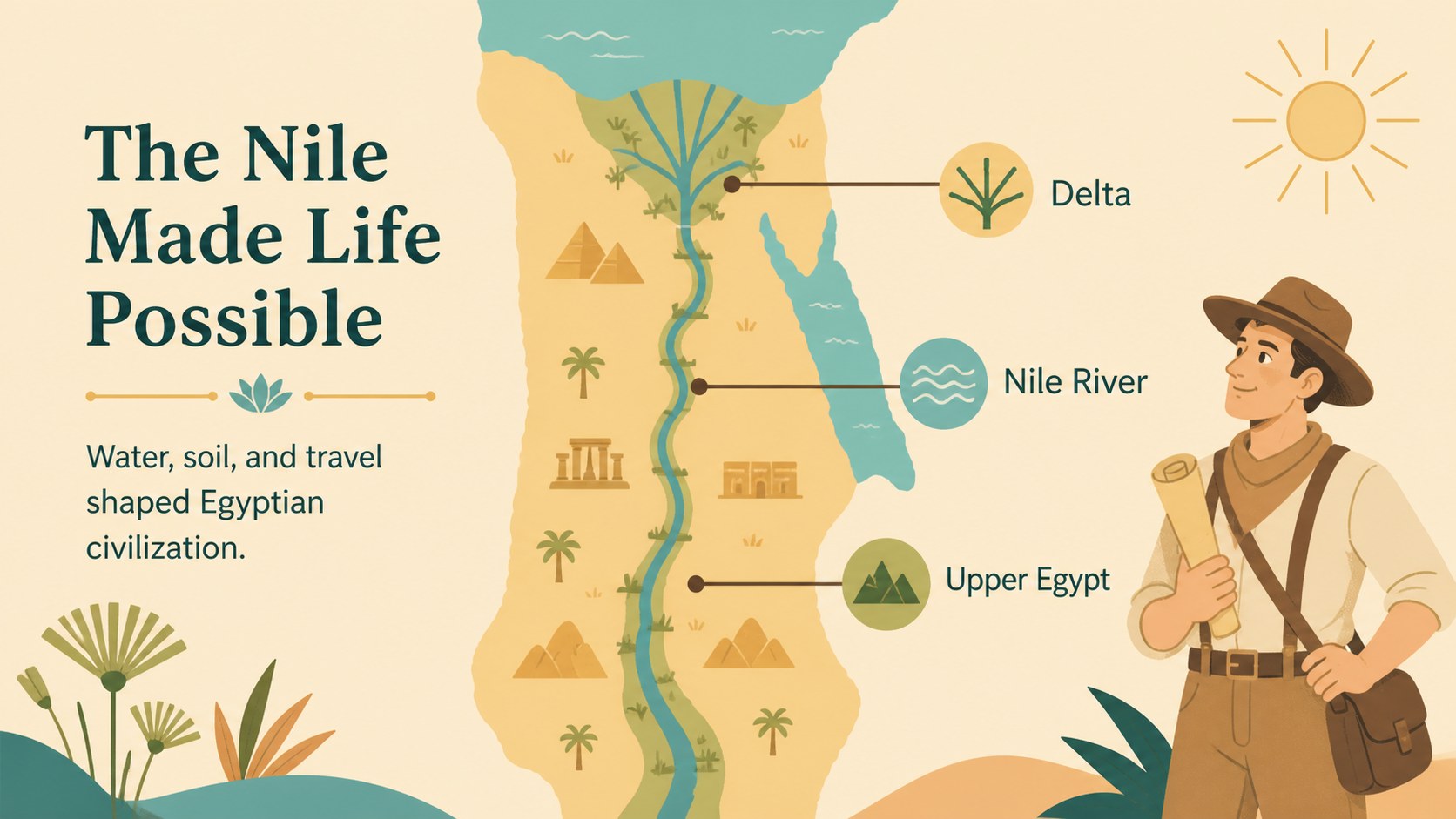
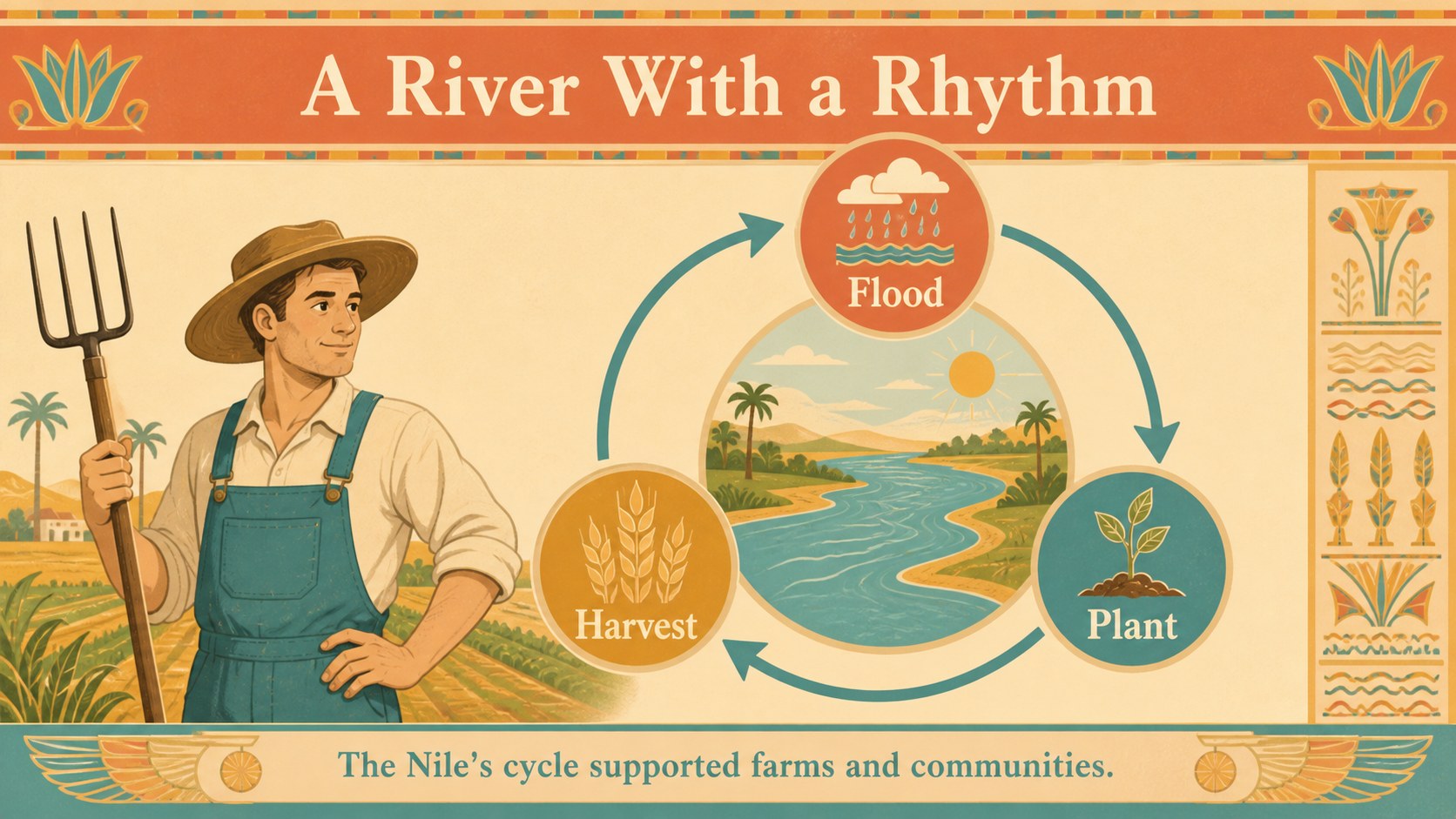
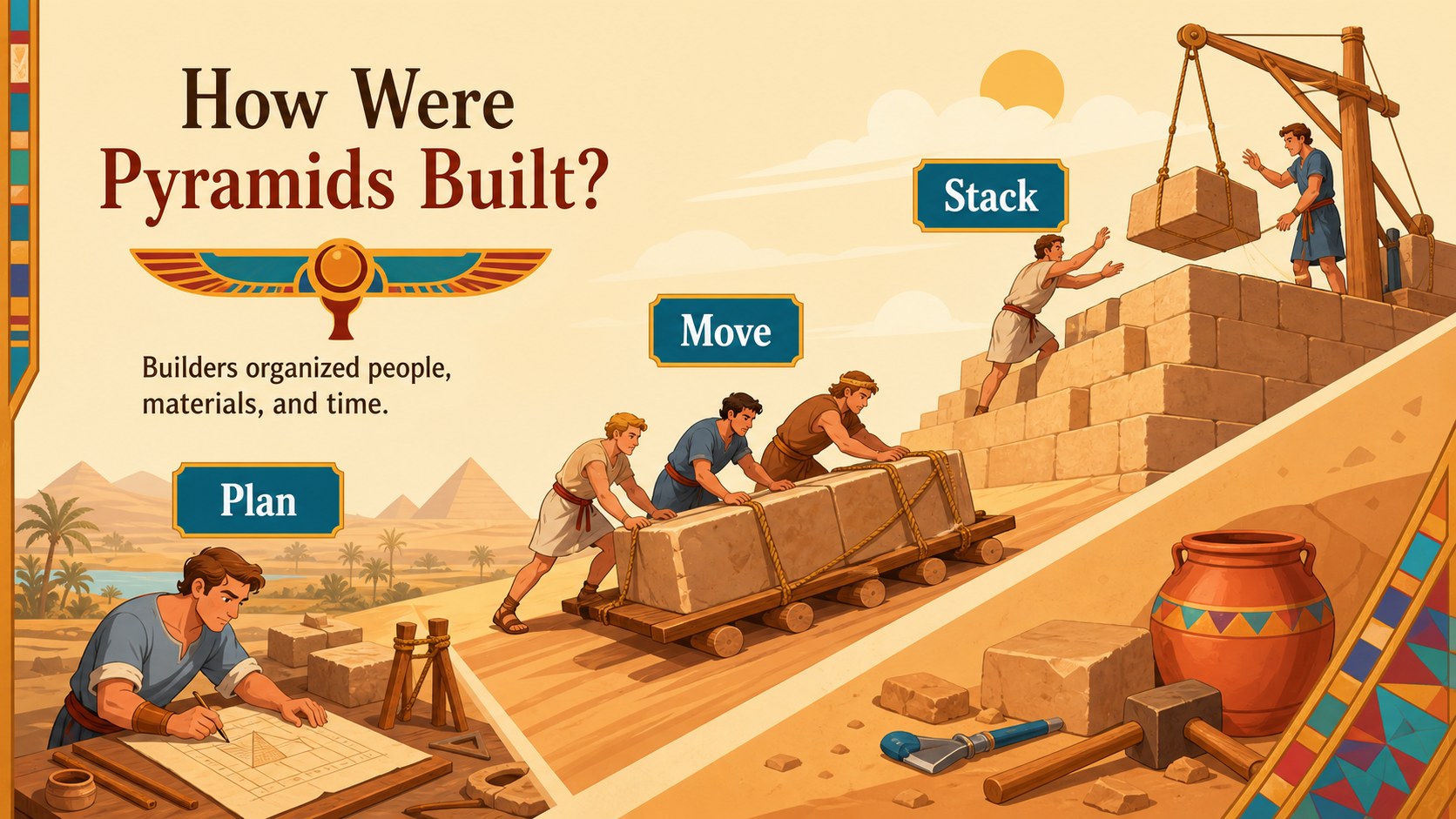
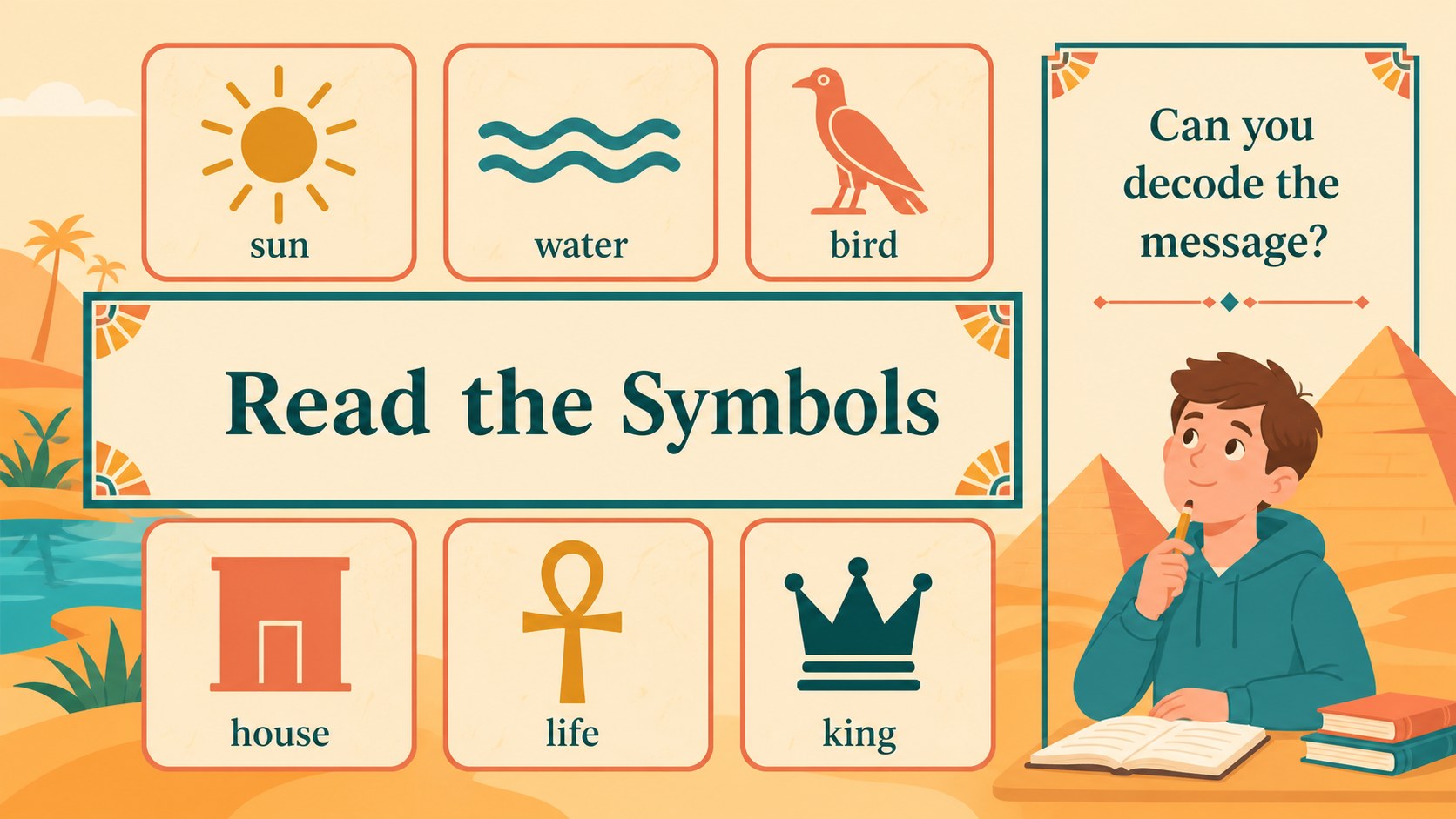
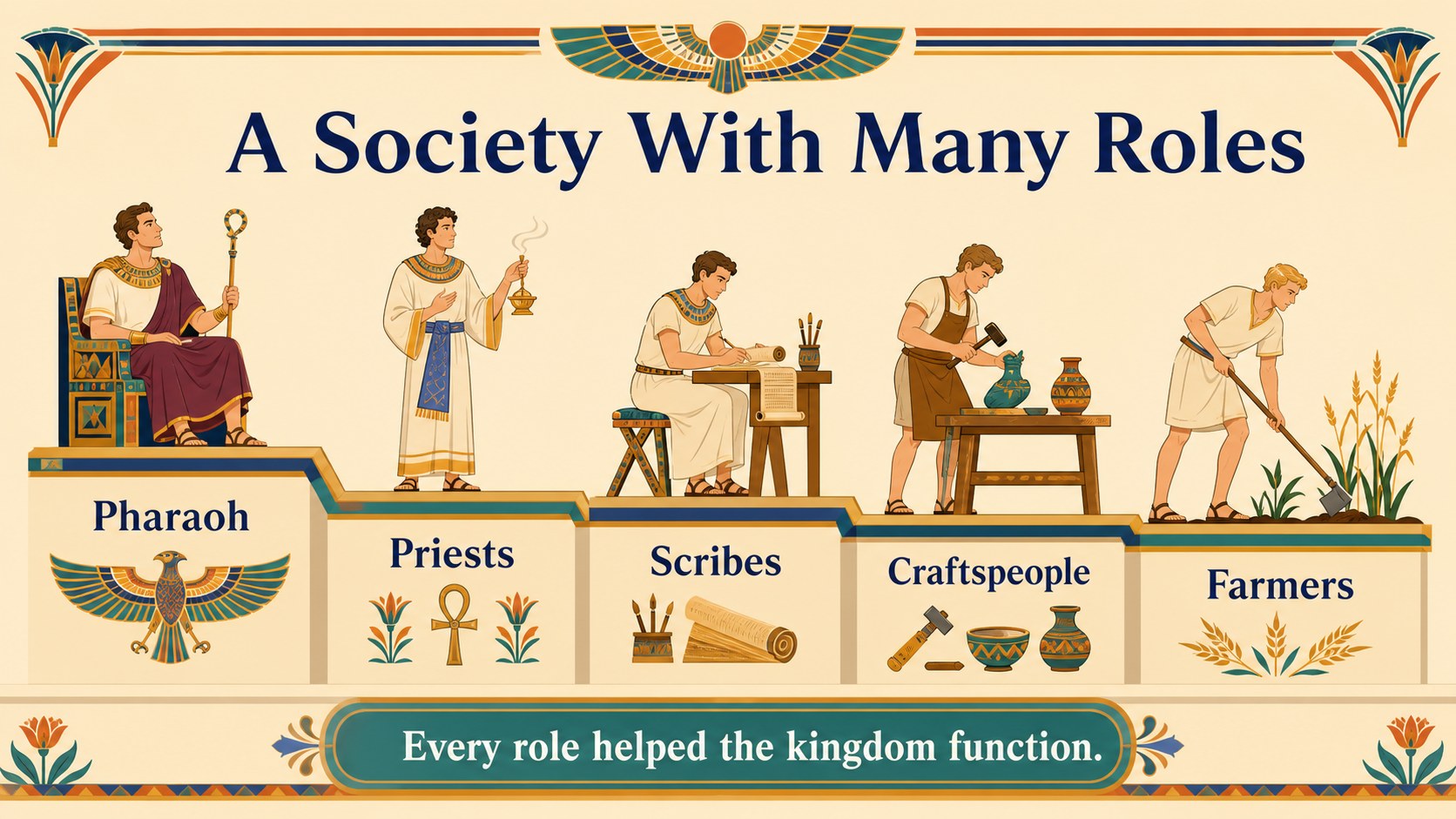
Inside, you will find an illustrated opening slide, lesson objectives, an Egypt map, a Nile River explainer, a pharaoh profile, pyramid-building sequence, hieroglyphics activity, social structure diagram, timeline, daily-life comparison, artifacts showcase, review questions, and a closing discussion prompt. The structure supports an ancient Egypt classroom lesson from first introduction through recap, while editable text areas make it easy to adjust the reading level or add curriculum standards.
Use the layouts to create an Egyptian civilization presentation, introduce a new unit, or build pyramid history teaching slides for a hands-on activity. editing tools let you replace artwork, change fonts, add images, animate transitions, and collaborate with colleagues. Export the finished deck for PowerPoint or Google Slides when your lesson is ready to share.
Perfect for: elementary history unit; homeschool Ancient Egypt lesson; museum education talk; pyramid-building classroom activity; ancient civilizations project.
Frequently asked questions
Can I edit this Ancient Egypt history lesson theme? Yes. Open the template to change text, colors, fonts, illustrations, and images with drag-and-drop tools. You can also duplicate or remove slides to match your lesson length.
Practical details
Yes. Open the template to change text, colors, fonts, illustrations, and images with drag-and-drop tools. You can also duplicate or remove slides to match your lesson length.
Yes. After customizing the design, export it as a PowerPoint file or save an editable copy to Google Drive. Some -only features may change when exported.
The colorful illustrations and short content blocks work well for elementary learners and introductory history classes. Teachers can simplify or expand the wording to suit different ages.
Yes. Add questions, vocabulary tasks, links, images, or worksheets to the editable layouts. The hieroglyphics, timeline, and review slides are especially useful starting points for interactive activities.
Keep exploring
15Build stronger academic arguments with a college essay thesis builder featuring guided examples, revision prompts, and editable PowerPoint and Google Slides.
 15
15Build an engaging World UFO Day session with this flying saucer history lesson deck, featuring retro green-and-brown slides for PowerPoint and Google Slides.
 14
14Plan a memorable Lunar New Year campaign with the 2036 Dragon Year Celebration Theme, featuring bold red-and-yellow slides for lessons and events.
 15
15Build a thoughtful classroom discussion with this interfaith awareness lesson deck, featuring editable blue-and-white slides for PowerPoint and Google Slides.
 15
15Use this environmental awareness lesson deck to teach climate action through illustrated activities, discussion prompts, and ready-to-edit visuals.
 15
15Build playful lessons and party stories with a kid-friendly zombie celebration theme in purple, green and pastel blue for PowerPoint and Google Slides.
 15
15Build eerie lessons, campaigns, and story pitches with an undead survival scenario theme featuring editable slides for PowerPoint and Google Slides.
 16
16Turn environmental research into a clear story with a Watercolor Ecology Presentation Theme for PowerPoint and Google Slides in calming green and blue.