
 15
15presentation
College Essay Thesis Builder Slides
Build stronger academic arguments with a college essay thesis builder featuring guided examples, revision prompts, and editable PowerPoint and Google Slides.
Google SlidesPowerPoint
presentation · English
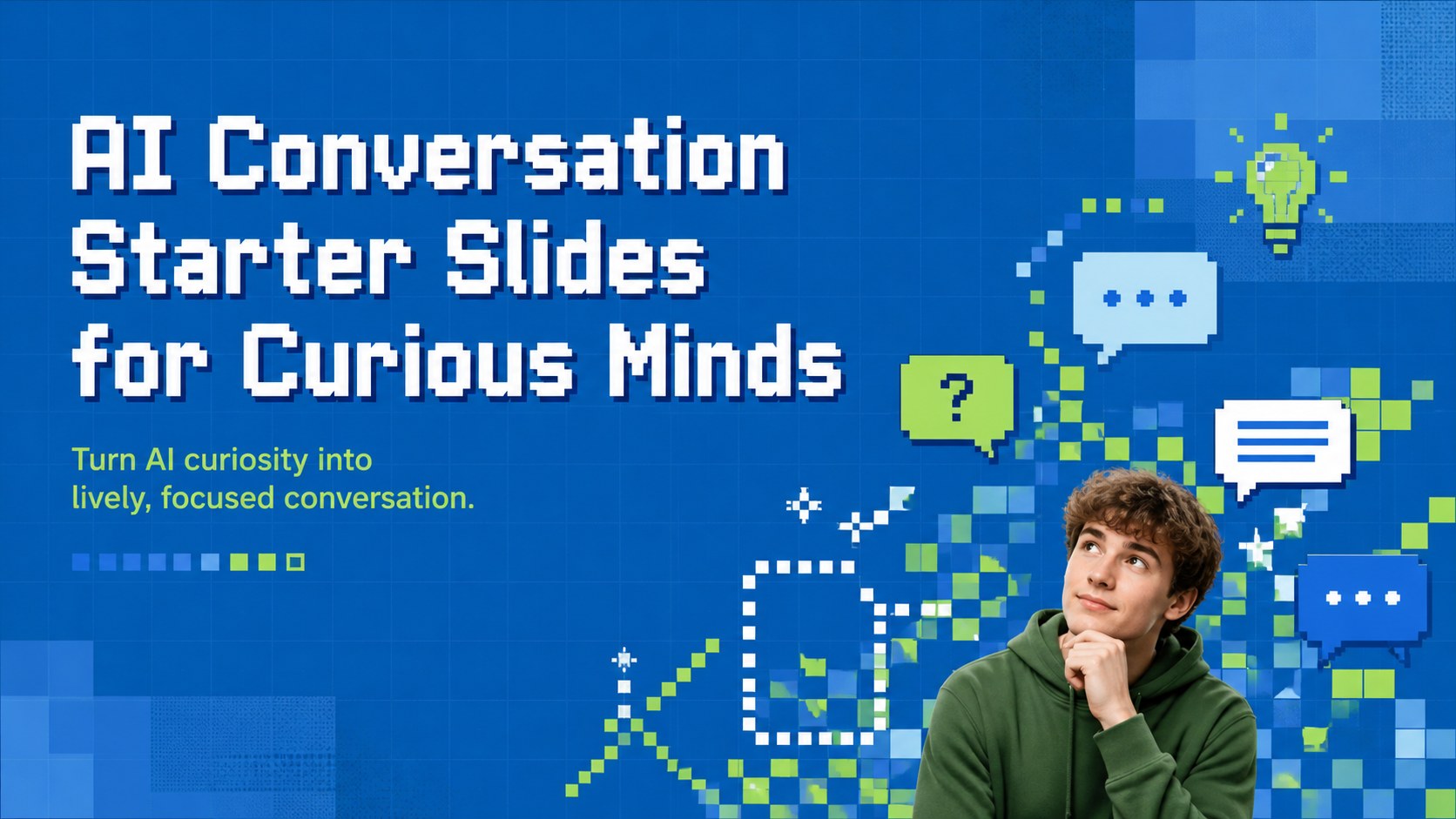
Use AI conversation starter slides to spark sharper workshops, classroom debates, and tech talks with editable retro blue-and-green layouts for curious teams.
Design notes
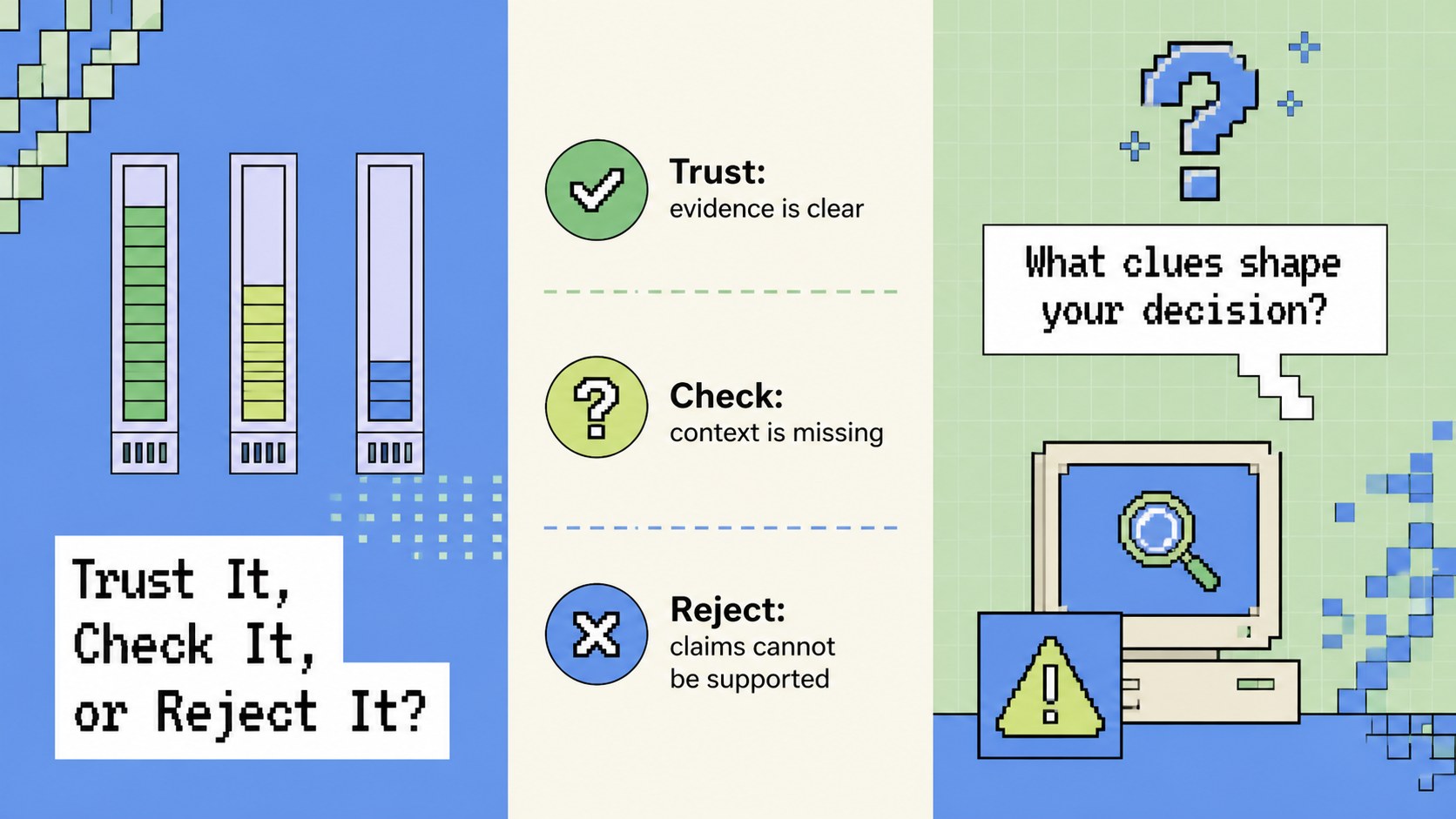
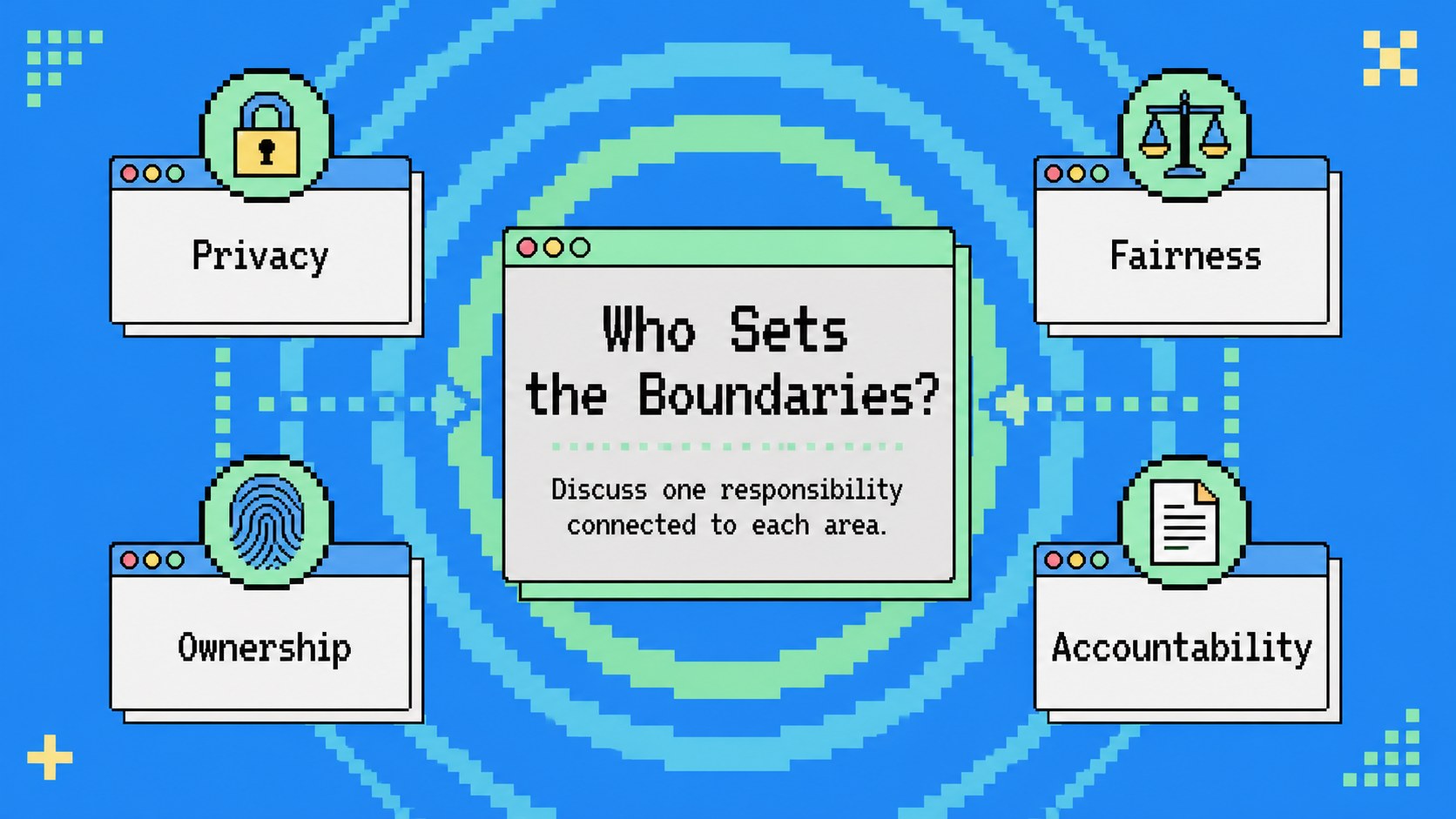
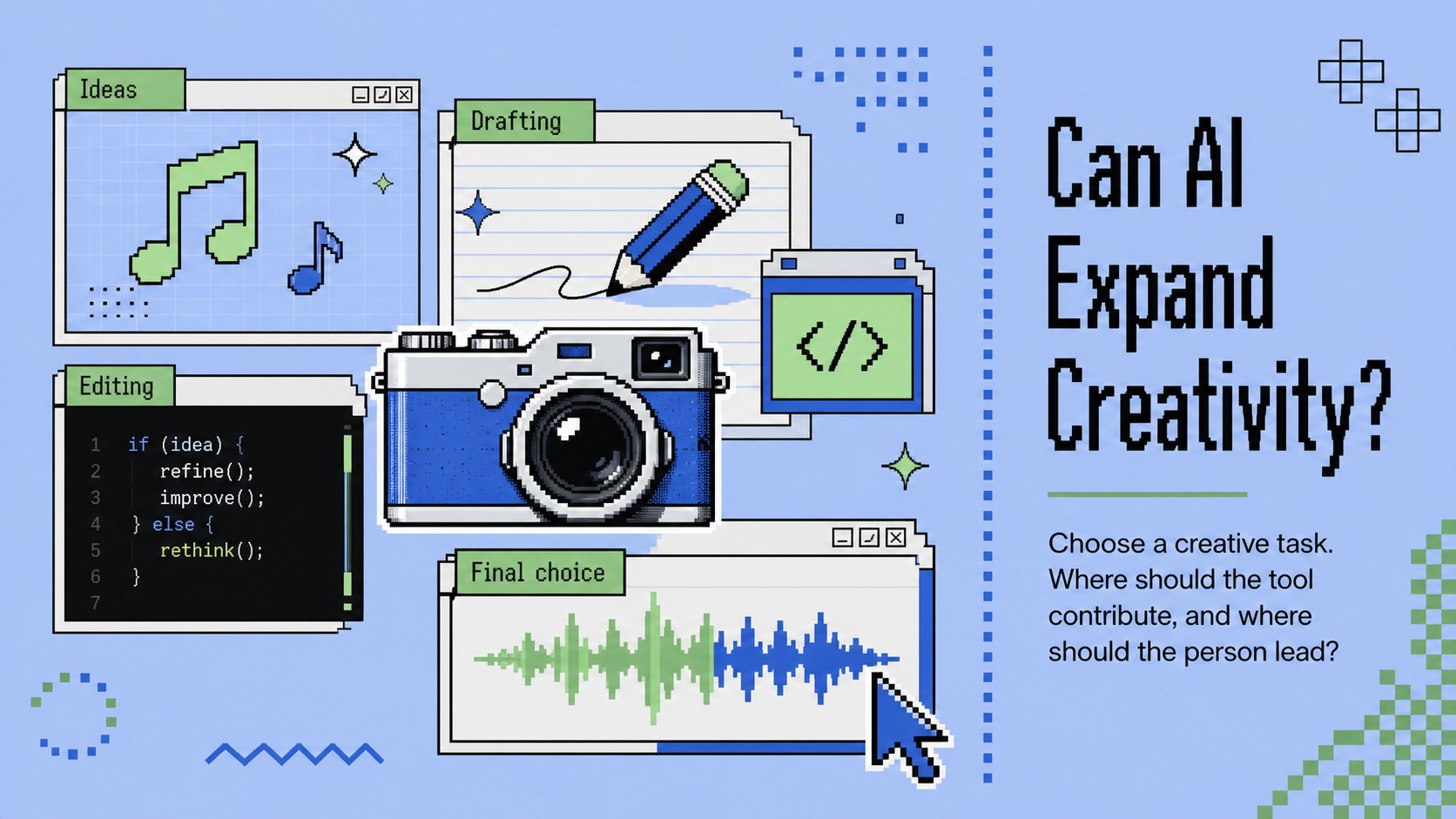
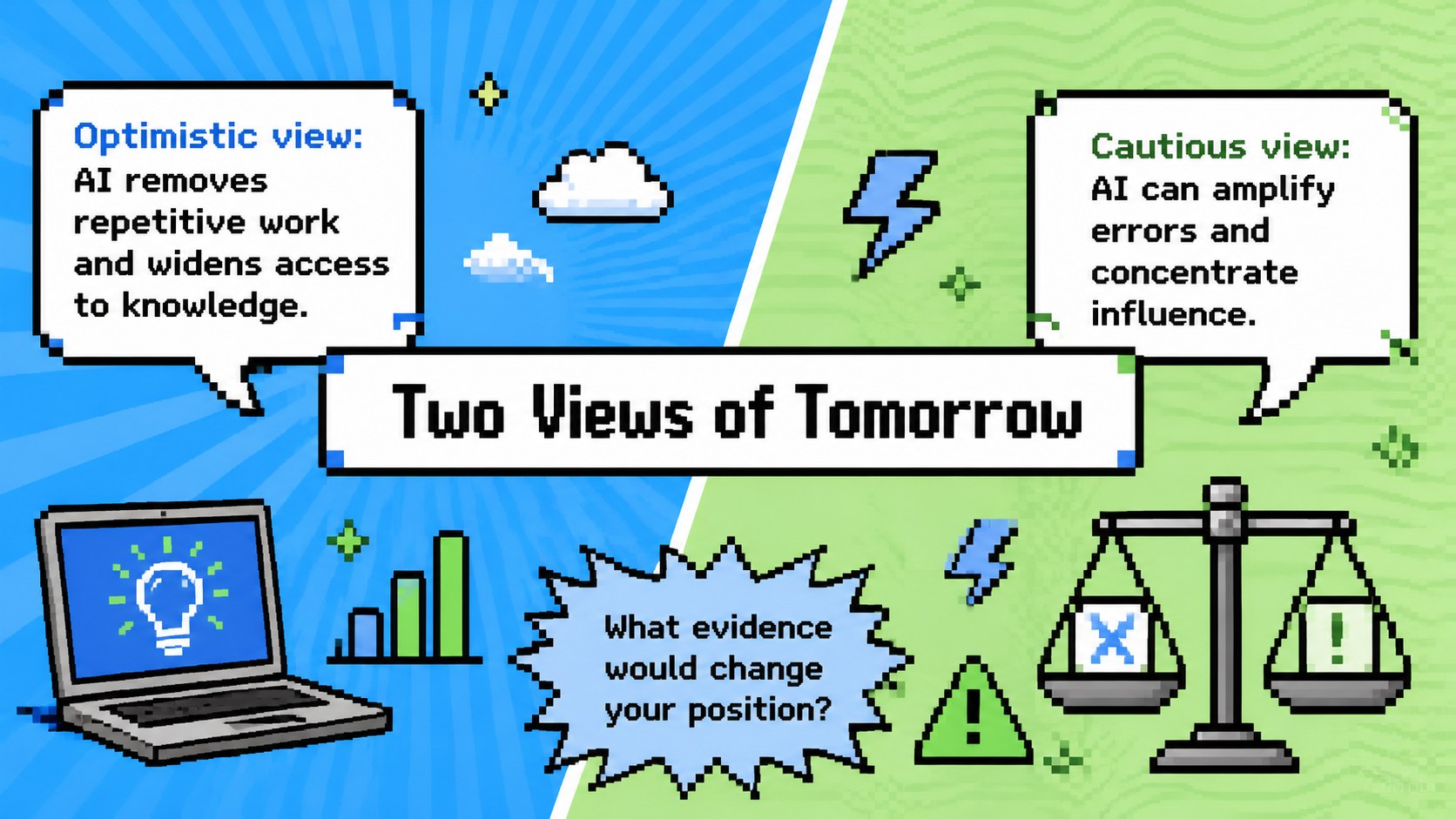
Turn open-ended curiosity into a lively group exchange with AI conversation starter slides designed for clear, engaging discussion. A vivid blue-and-green palette, pixel-inspired accents, and playful abstract shapes give the deck a nostalgic digital personality while keeping every prompt easy to read.
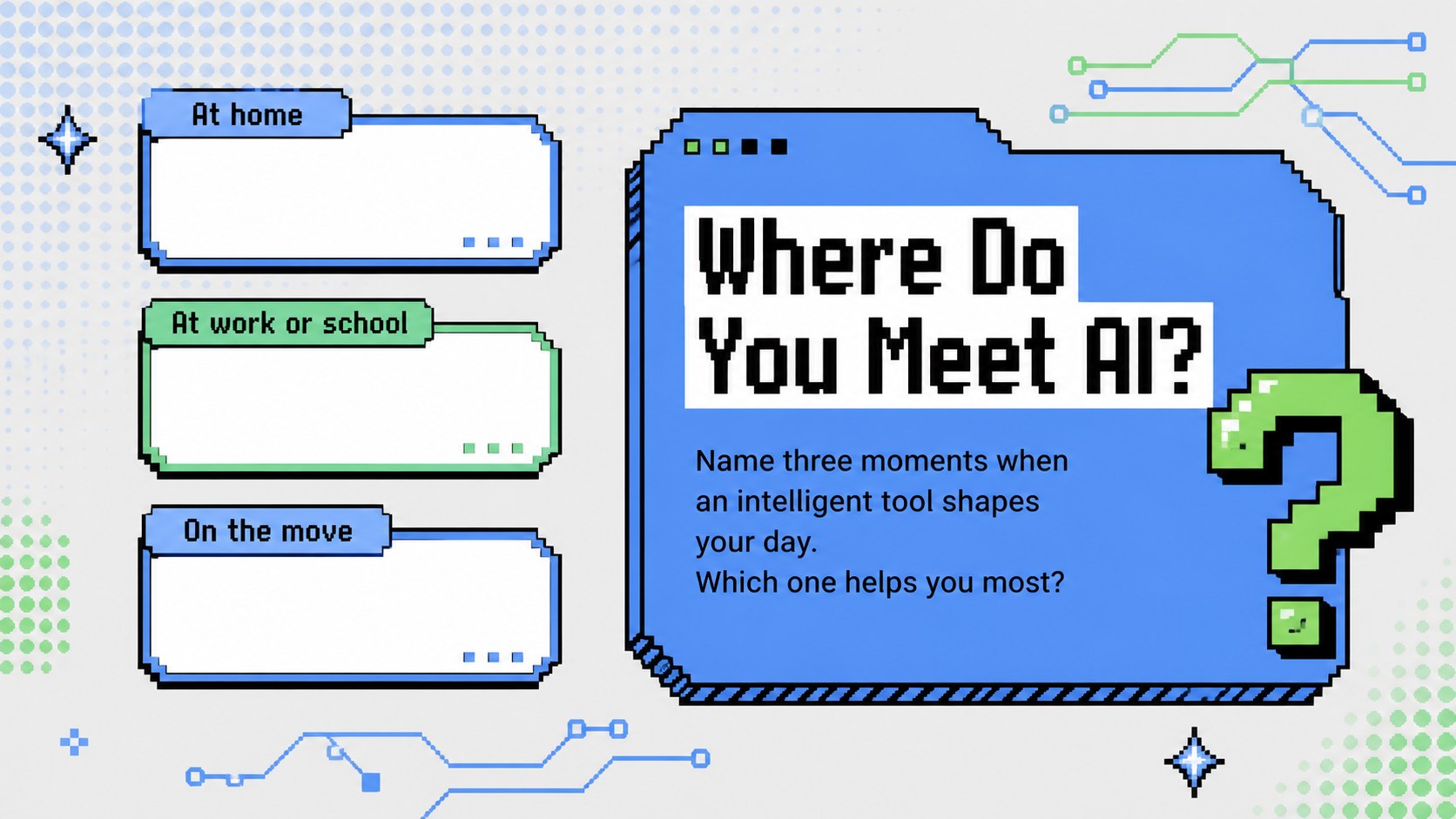
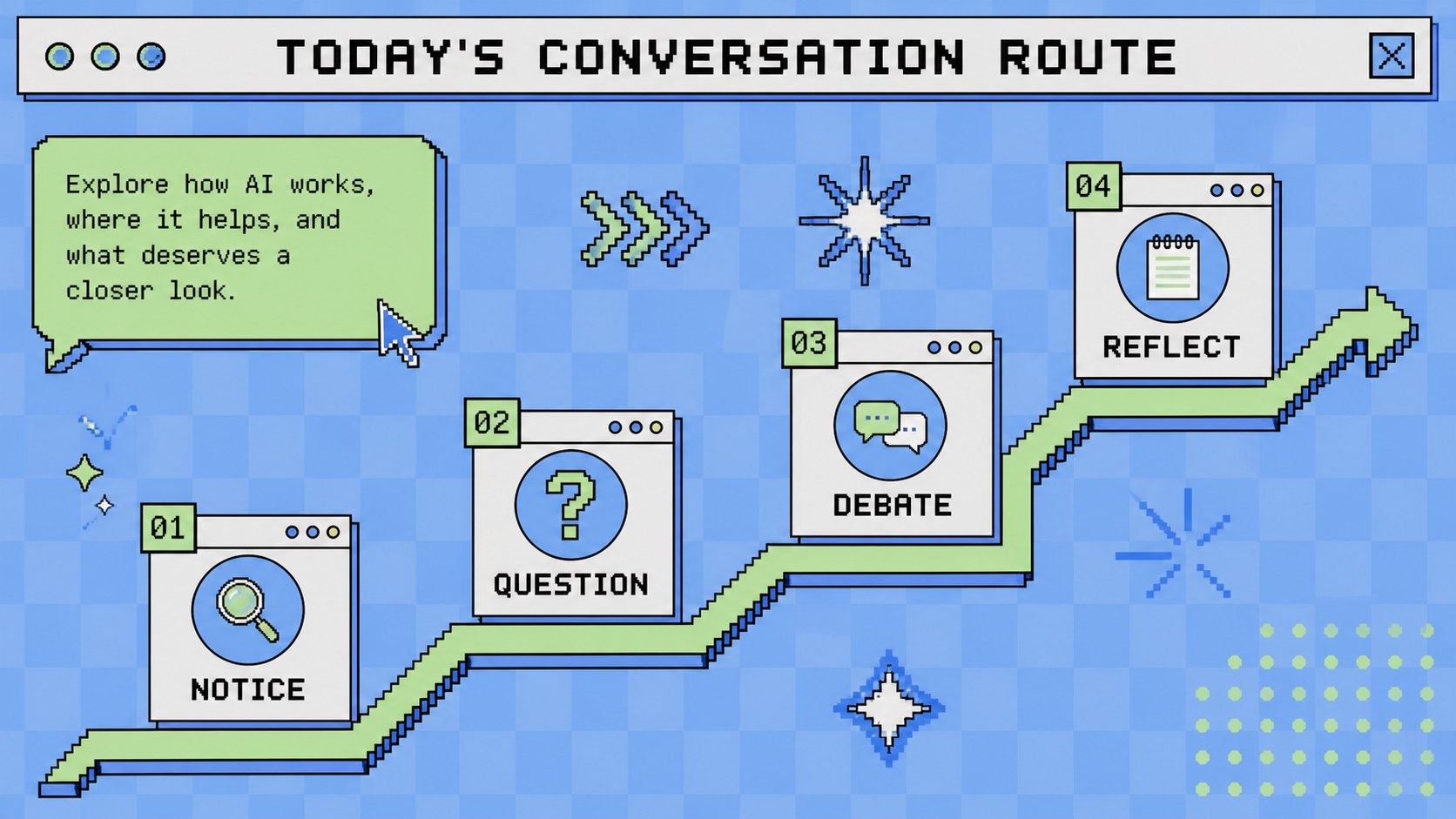
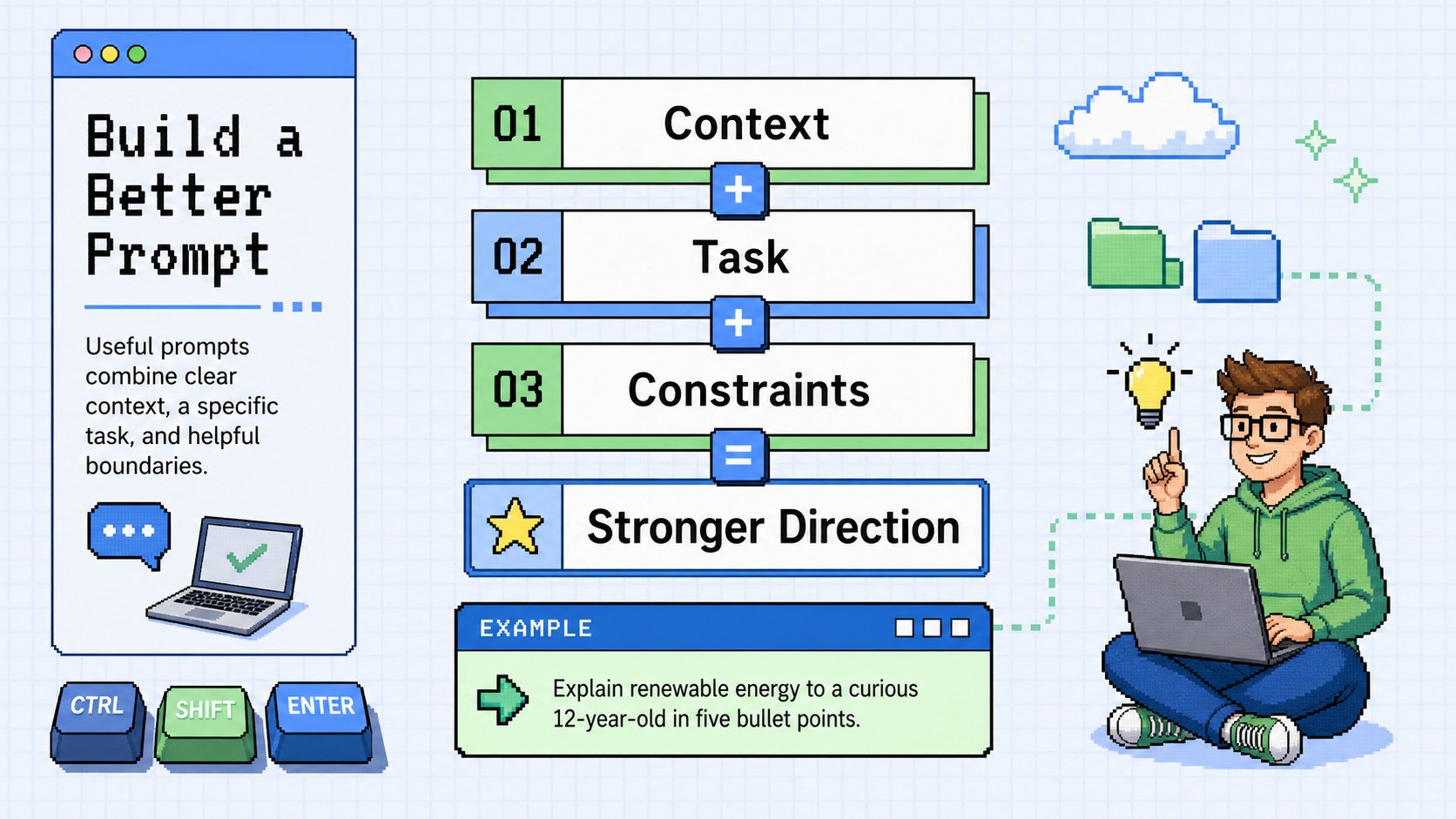
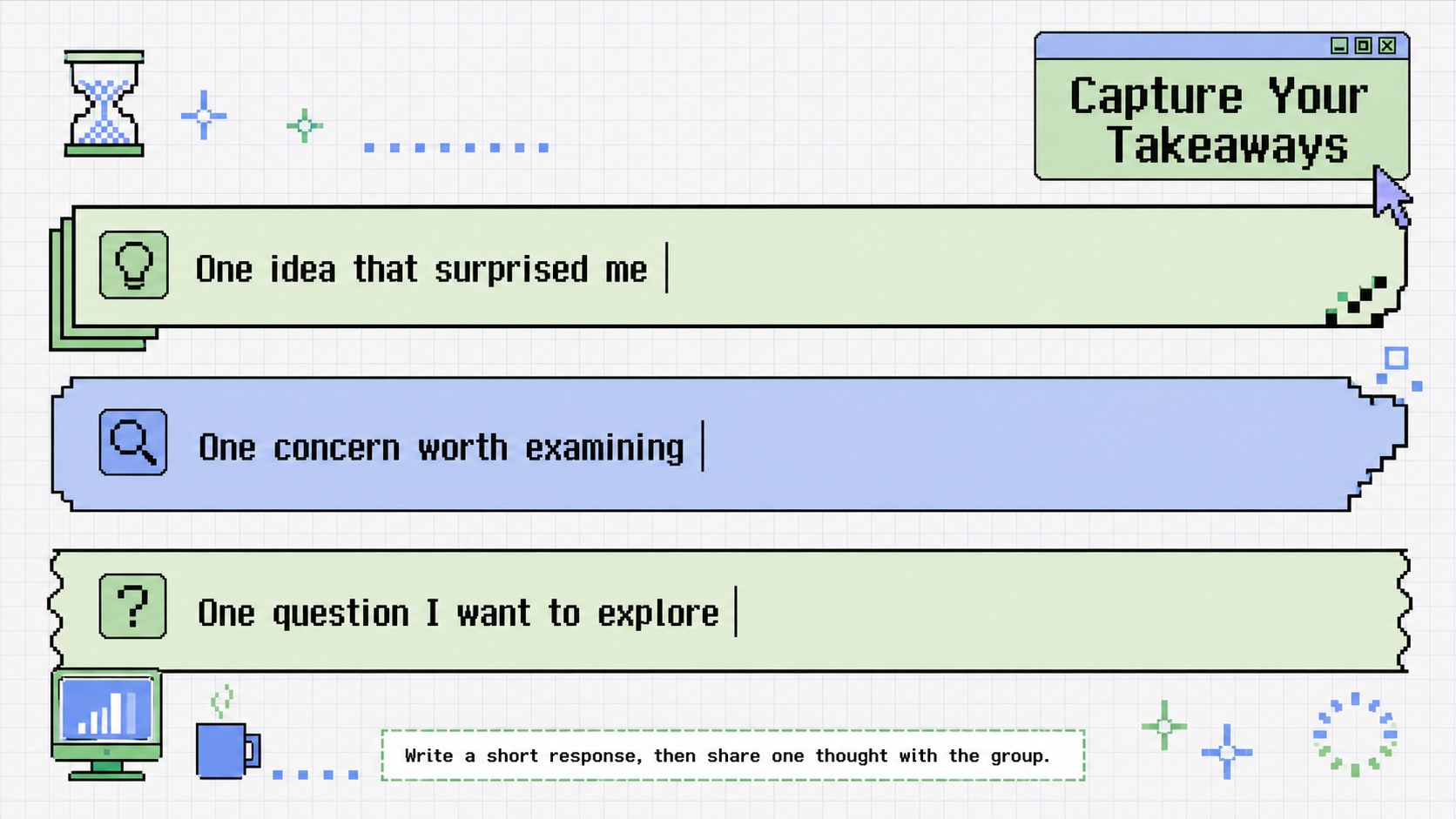
Inside, you will find an opening question, a discussion roadmap, practical prompt-writing ideas, imaginative scenarios, an AI ethics classroom discussion template, and space for participants to record insights. Dedicated layouts explore creativity, trust, daily life, and the future of intelligent tools. The deck also includes a comparison activity, a reflection page, and a closing prompt, making it useful as either a complete artificial intelligence workshop presentation or a source of individual slides.
Use this template for technology lessons, conference breakout sessions, team learning events, community meetups, or AI literacy programs. It works especially well as a future of AI debate presentation for educators, facilitators, students, product teams, and curious professionals. Every 16:9 slide can be edited in PowerPoint or Google Slides, including colors, typography, questions, shapes, and diagrams. Add your own examples, reorder the discussion flow, or adapt the prompts to match beginner and advanced audiences.
Perfect for: AI literacy classroom lesson; technology conference breakout; team learning workshop; future of AI debate; community tech meetup.
Frequently asked questions
Can I edit every question and activity? Yes. All headlines, prompts, response areas, shapes, and colors are editable, so you can adjust the discussion for different ages, industries, or levels of AI knowledge.
Practical details
Yes. All headlines, prompts, response areas, shapes, and colors are editable, so you can adjust the discussion for different ages, industries, or levels of AI knowledge.
The template is designed for PowerPoint and Google Slides. Its 16:9 format works well for classroom displays, conference screens, and online meetings.
Yes. The sequence includes warm-up prompts, practical activities, ethical questions, future scenarios, and reflection slides that can support a complete facilitated session.
Replace the pixel accents, change the blue-and-green palette, or update the typography while preserving the existing layouts. You can also duplicate activity slides to create additional discussion rounds.
Keep exploring
15Build stronger academic arguments with a college essay thesis builder featuring guided examples, revision prompts, and editable PowerPoint and Google Slides.
 15
15Build an engaging World UFO Day session with this flying saucer history lesson deck, featuring retro green-and-brown slides for PowerPoint and Google Slides.
 14
14Plan a memorable Lunar New Year campaign with the 2036 Dragon Year Celebration Theme, featuring bold red-and-yellow slides for lessons and events.
 15
15Build a thoughtful classroom discussion with this interfaith awareness lesson deck, featuring editable blue-and-white slides for PowerPoint and Google Slides.
 15
15Use this environmental awareness lesson deck to teach climate action through illustrated activities, discussion prompts, and ready-to-edit visuals.
 15
15Build playful lessons and party stories with a kid-friendly zombie celebration theme in purple, green and pastel blue for PowerPoint and Google Slides.
 15
15Build eerie lessons, campaigns, and story pitches with an undead survival scenario theme featuring editable slides for PowerPoint and Google Slides.
 16
16Turn environmental research into a clear story with a Watercolor Ecology Presentation Theme for PowerPoint and Google Slides in calming green and blue.