
 15
15presentation
College Essay Thesis Builder Slides
Build stronger academic arguments with a college essay thesis builder featuring guided examples, revision prompts, and editable PowerPoint and Google Slides.
Google SlidesPowerPoint
presentation · English
Create an african heritage classroom deck for thoughtful history lessons, cultural storytelling, and student discussion with editable dark yellow visuals.
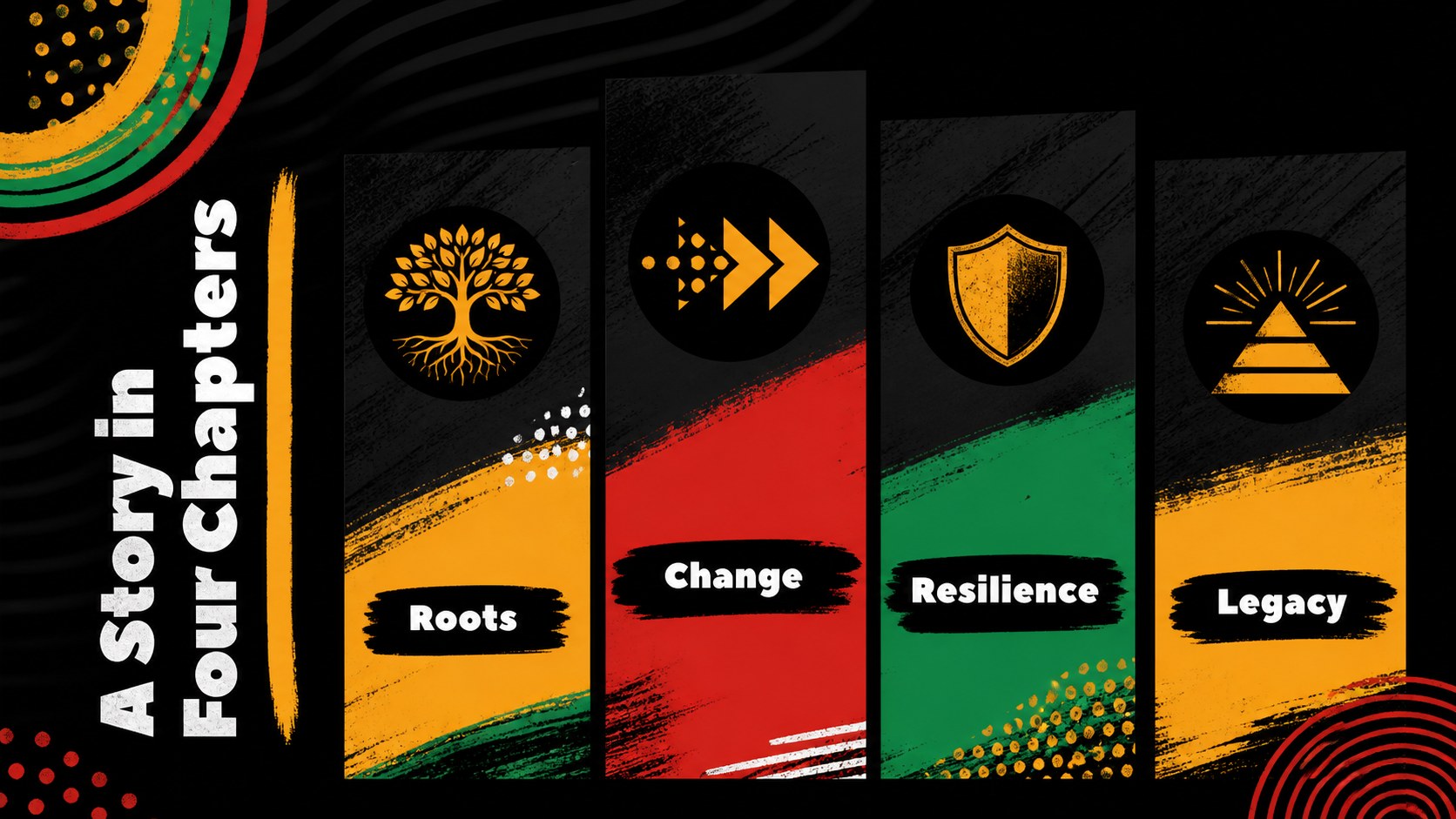

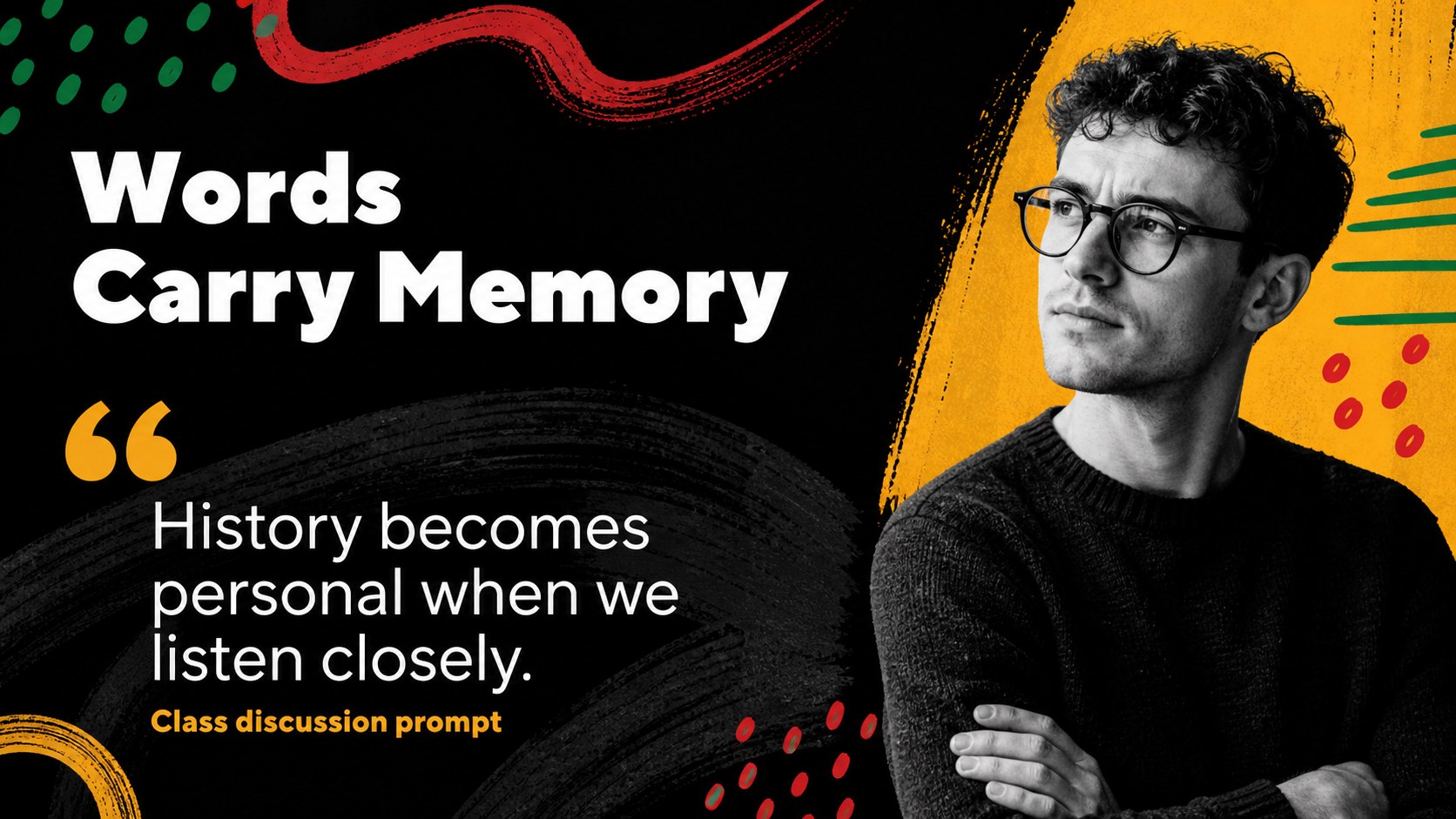
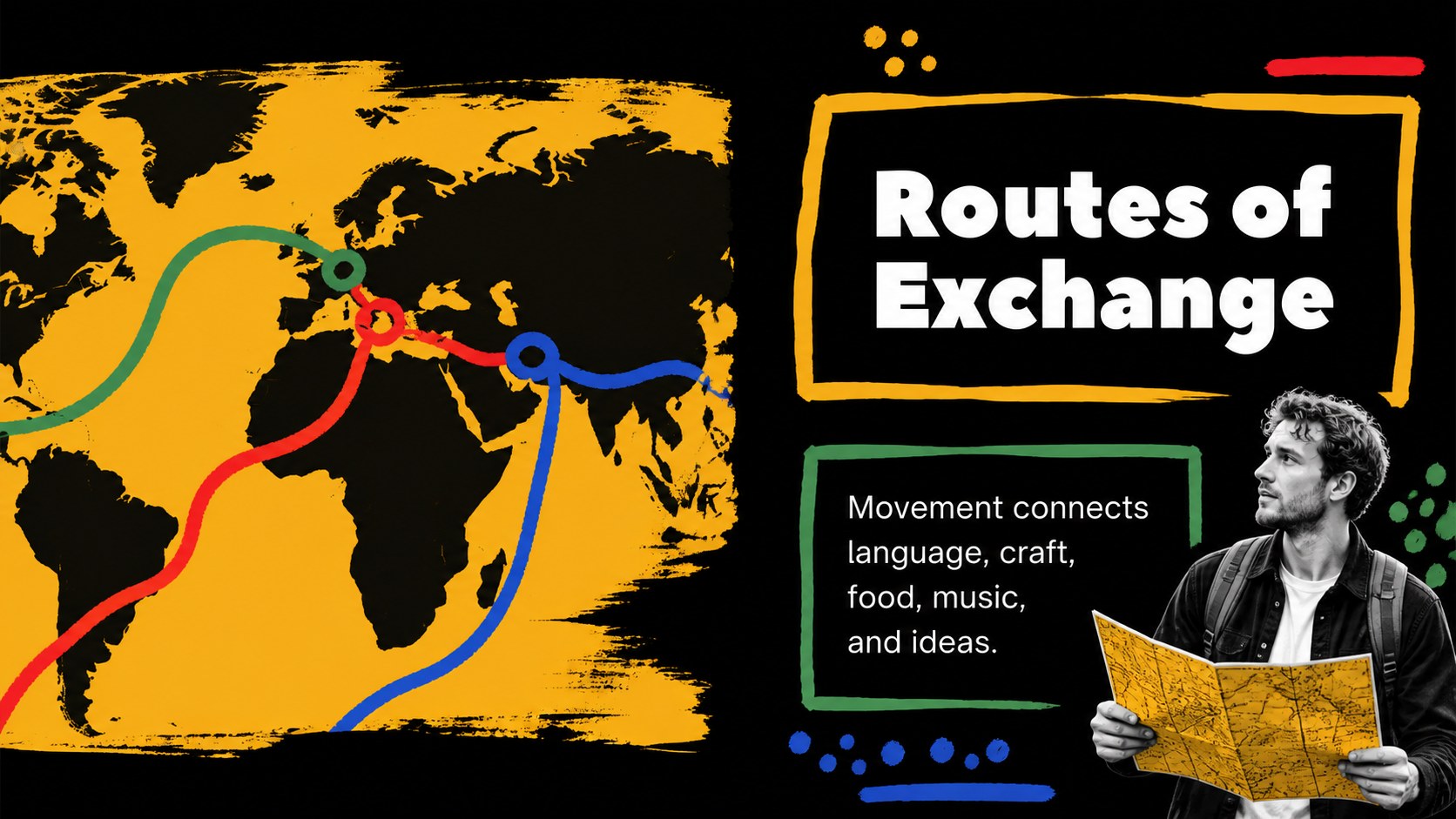
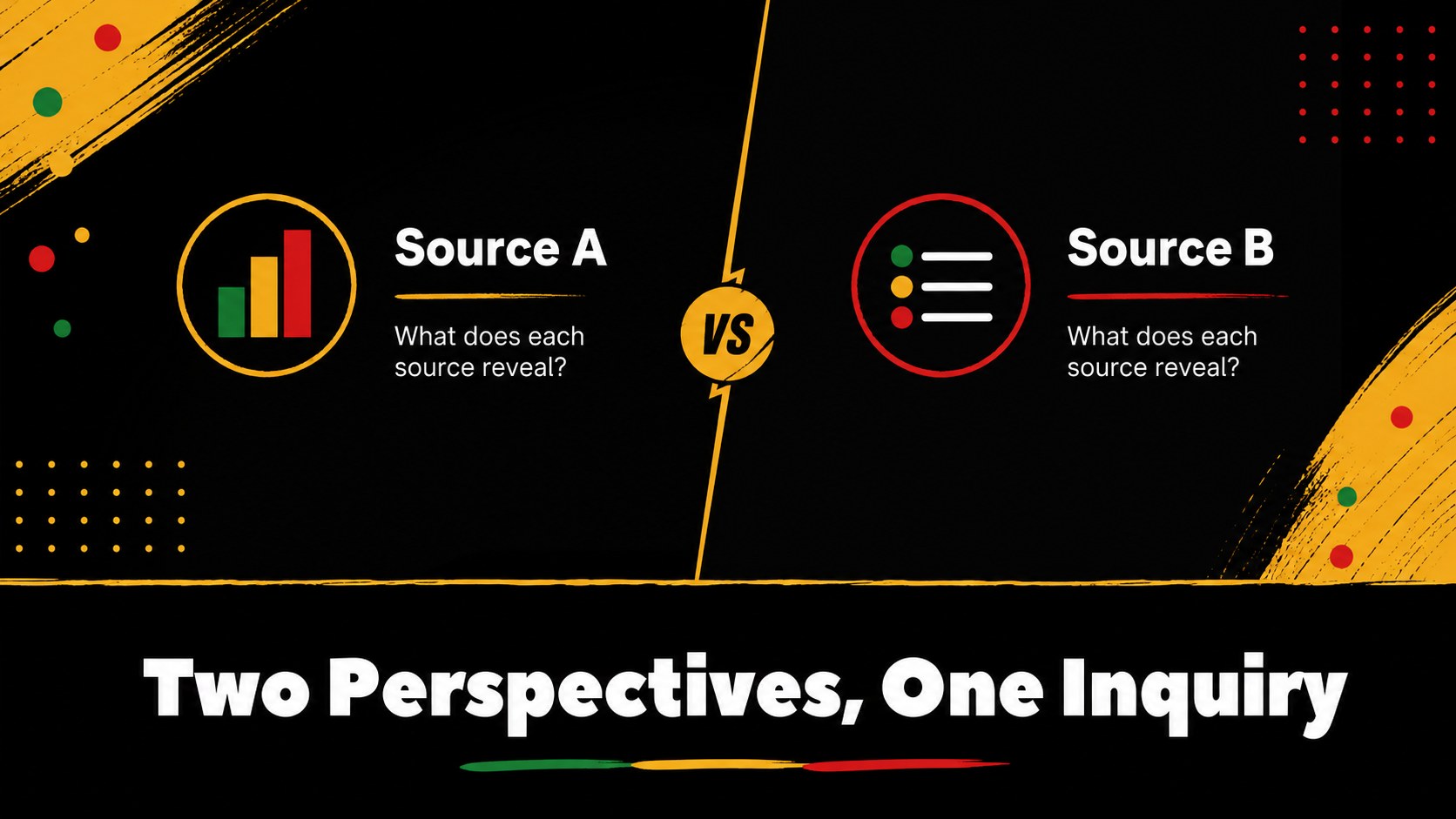
Design notes
This african heritage classroom deck gives educators a fresh visual framework for exploring African history, cultural identity, community leadership, and the continuing influence of Black voices. The dark background, warm yellow accents, abstract illustrations, and clean editorial layouts create a thoughtful setting for lessons that balance context, evidence, and personal connection.
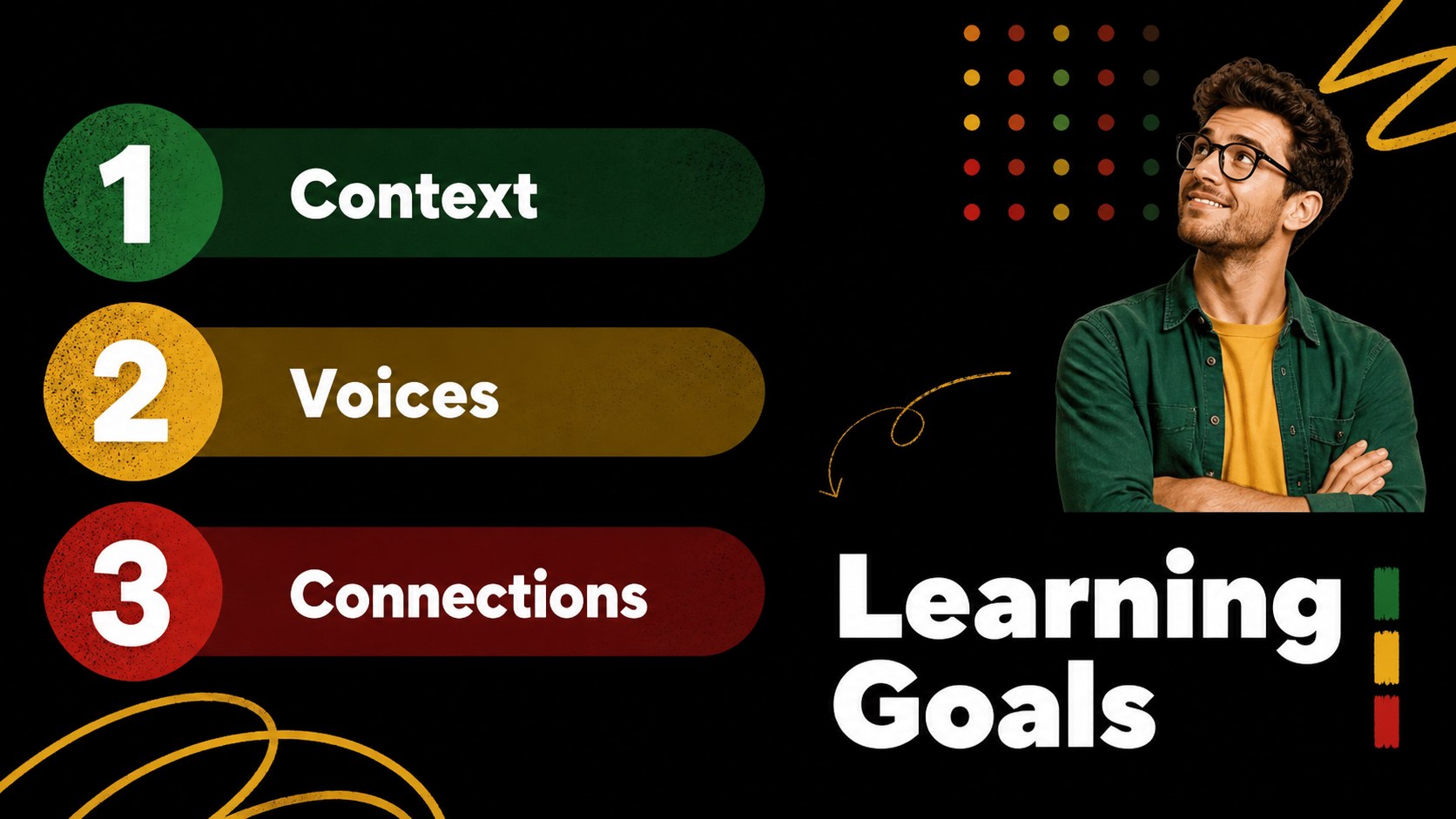
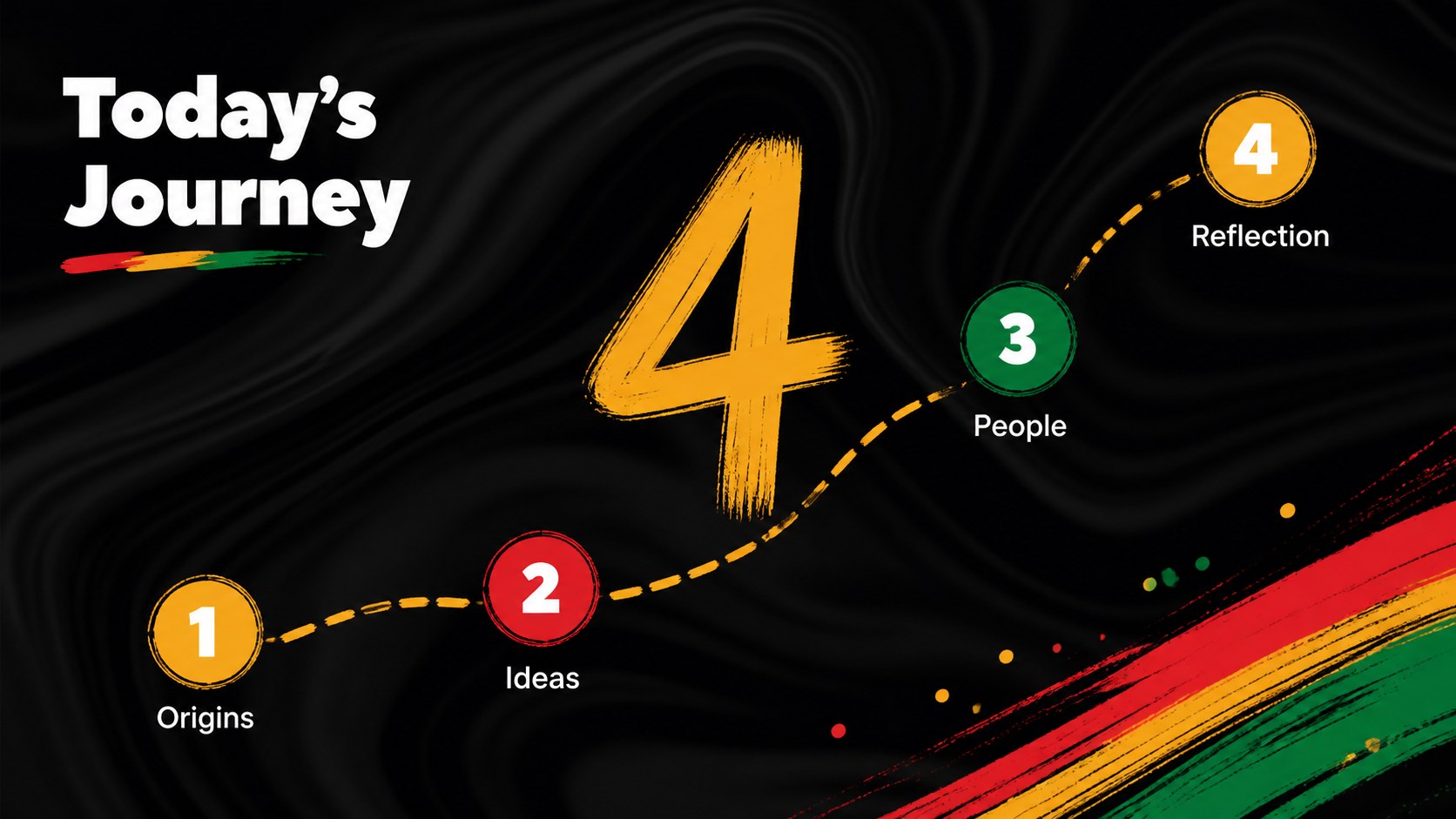
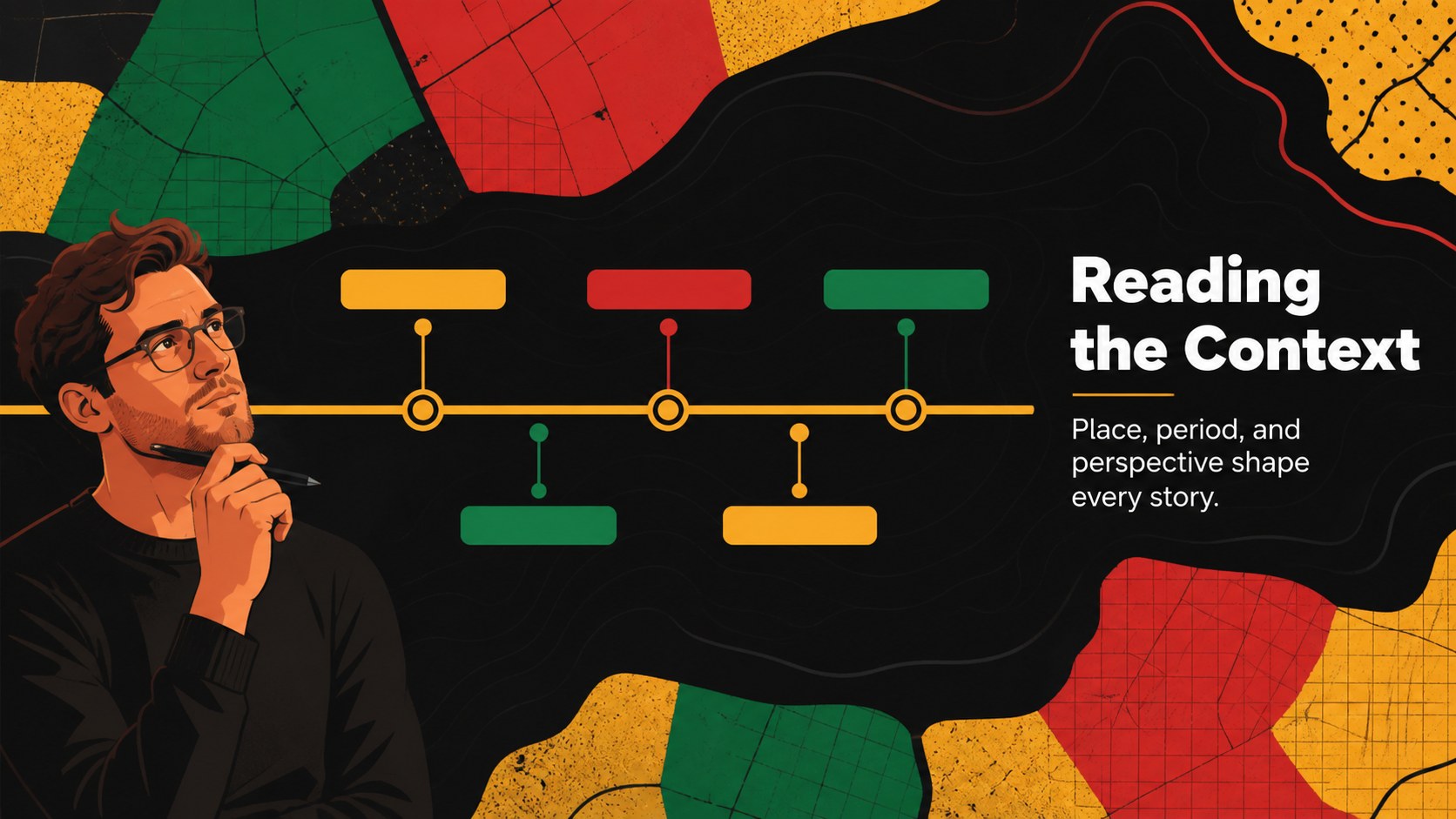
Inside, you will find a cover, learning goals, an agenda, historical context layouts, profile slides for influential figures, quote pages, map and timeline structures, comparison charts, discussion prompts, project planning pages, and a reflective closing slide. The flexible layouts can support a single class period, a heritage month unit, a school assembly, or a longer research project. Use the african history presentation theme to introduce key events, organize source material, and invite students to connect past achievements with present-day culture.
The template works for teachers, curriculum designers, nonprofit educators, museum teams, and student presenters. Every slide can be edited in PowerPoint or Google Slides, including text, diagrams, icons, illustrations, and color details. Use the black history discussion slides to create a respectful, visually cohesive lesson that encourages curiosity, participation, and informed conversation.
Perfect for: heritage month classroom lesson; African history unit; school assembly presentation; museum education workshop; student research project.
Frequently asked questions
Can I edit this deck in Google Slides? Yes. The presentation is designed for Google Slides and PowerPoint. You can replace the wording, rearrange layouts, edit diagrams, and update the visual elements in your preferred platform.
Practical details
Yes. The presentation is designed for Google Slides and PowerPoint. You can replace the wording, rearrange layouts, edit diagrams, and update the visual elements in your preferred platform.
The layouts can be adapted for middle school, high school, university, or community education. Adjust the amount of text, source detail, discussion depth, and imagery to match your audience.
Yes. The dark and warm yellow palette is part of the visual direction, but all colors, fonts, illustrations, and supporting shapes can be customized. Keep the contrast strong so historical content remains easy to read.
Use it for historical timelines, cultural traditions, biographies, primary-source analysis, quotations, maps, classroom questions, and student projects. Combining factual context with reflection prompts helps create a more engaging lesson.
Keep exploring
15Build stronger academic arguments with a college essay thesis builder featuring guided examples, revision prompts, and editable PowerPoint and Google Slides.
 15
15Build an engaging World UFO Day session with this flying saucer history lesson deck, featuring retro green-and-brown slides for PowerPoint and Google Slides.
 14
14Plan a memorable Lunar New Year campaign with the 2036 Dragon Year Celebration Theme, featuring bold red-and-yellow slides for lessons and events.
 15
15Build a thoughtful classroom discussion with this interfaith awareness lesson deck, featuring editable blue-and-white slides for PowerPoint and Google Slides.
 15
15Use this environmental awareness lesson deck to teach climate action through illustrated activities, discussion prompts, and ready-to-edit visuals.
 15
15Build playful lessons and party stories with a kid-friendly zombie celebration theme in purple, green and pastel blue for PowerPoint and Google Slides.
 15
15Build eerie lessons, campaigns, and story pitches with an undead survival scenario theme featuring editable slides for PowerPoint and Google Slides.
 16
16Turn environmental research into a clear story with a Watercolor Ecology Presentation Theme for PowerPoint and Google Slides in calming green and blue.