
 15
15presentation
College Essay Thesis Builder Slides
Build stronger academic arguments with a college essay thesis builder featuring guided examples, revision prompts, and editable PowerPoint and Google Slides.
Google SlidesPowerPoint
presentation · English
Turn goals, dates, and wins into a clear story with achievement roadmap slides for PowerPoint and Google Slides in a cheerful blue-and-lime style.
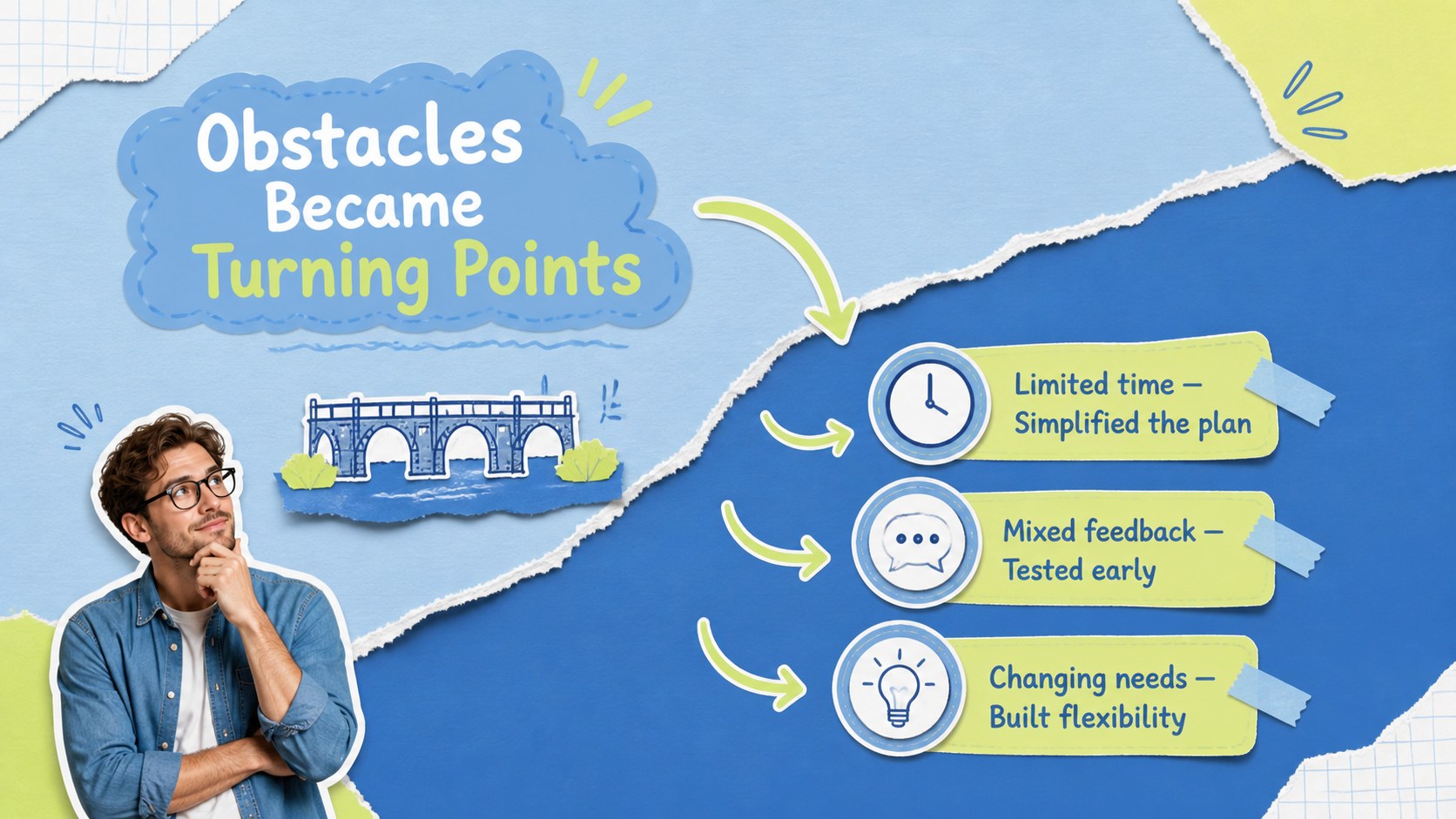
Design notes
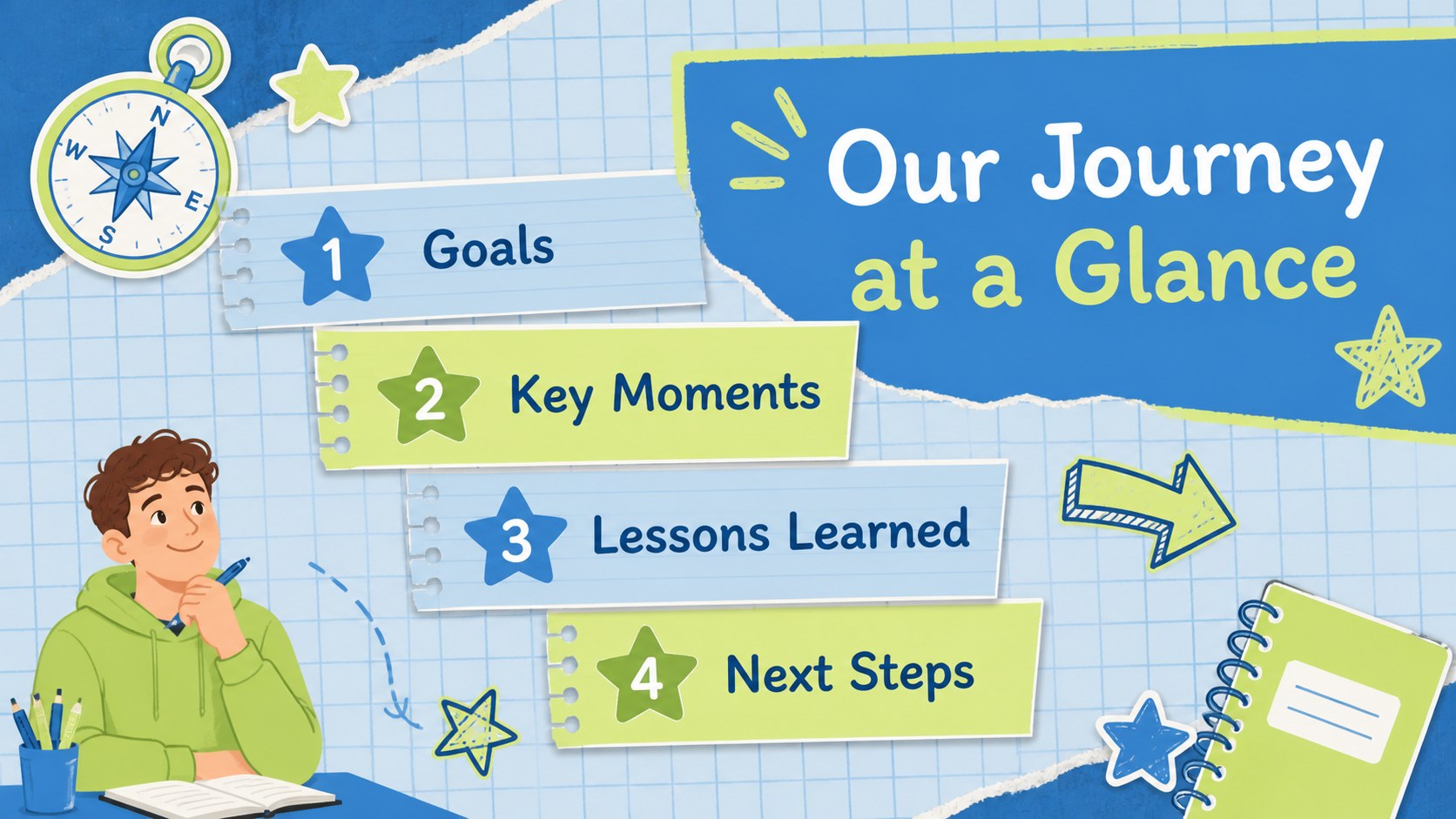
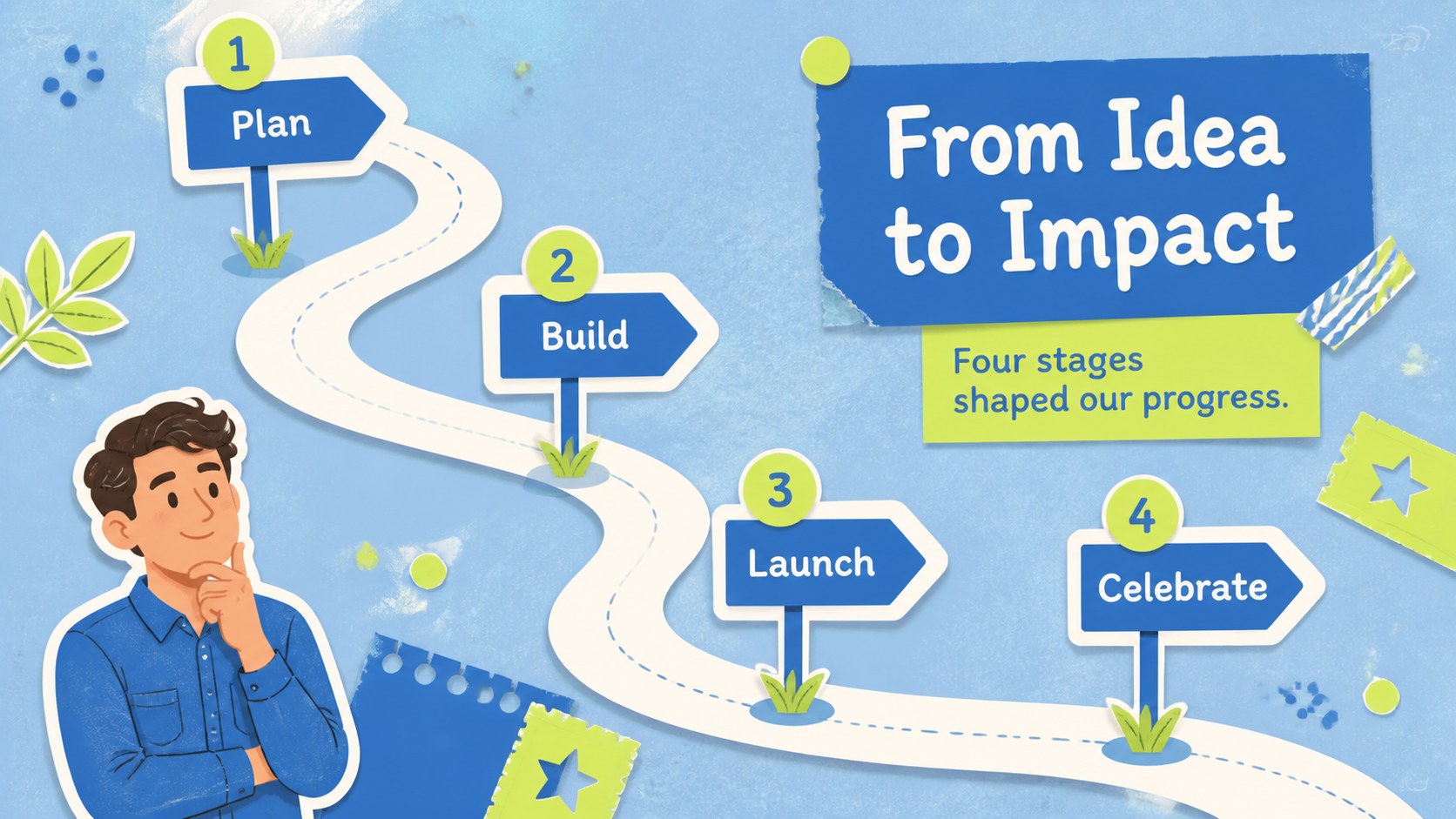
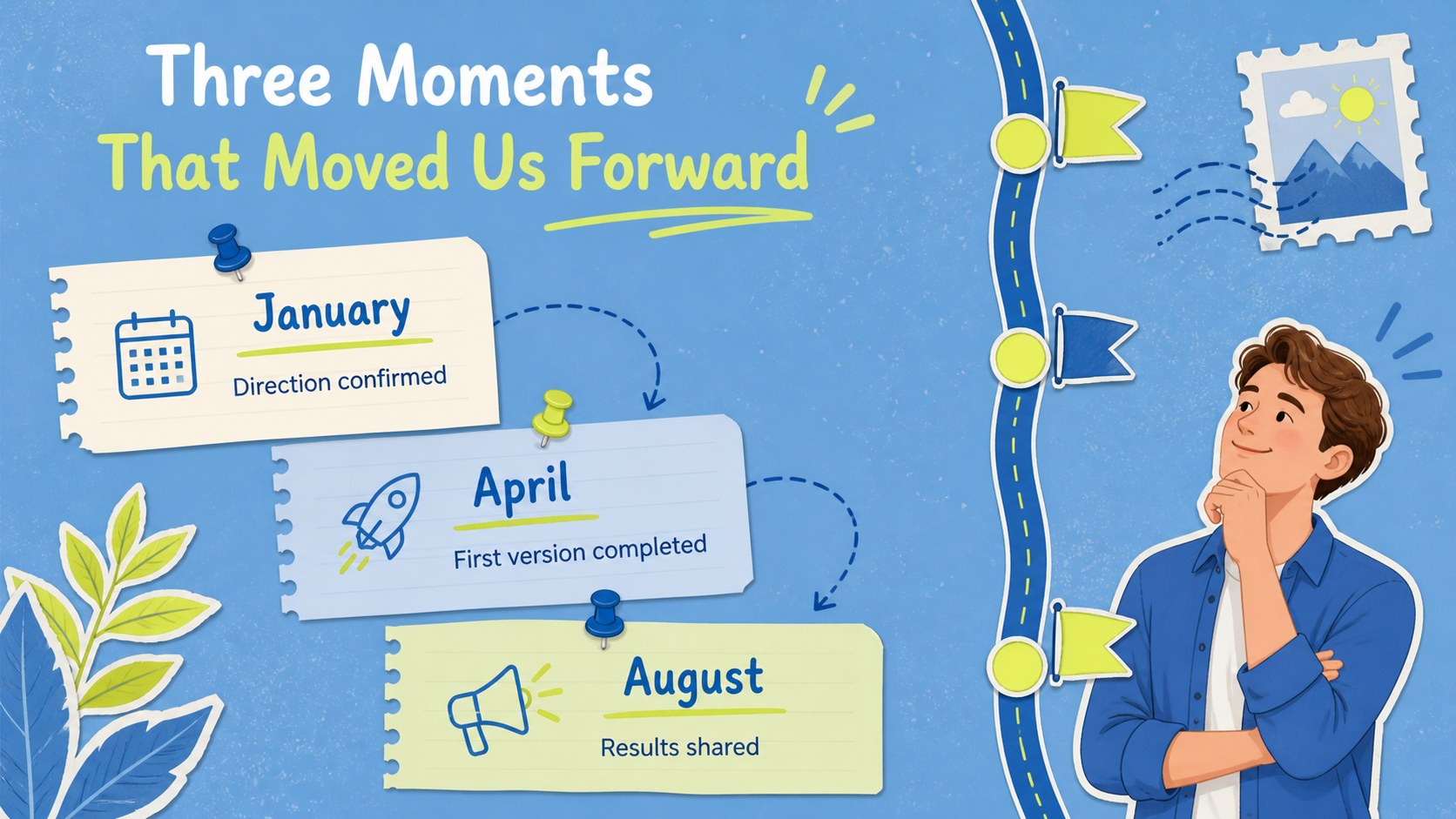
Transform important dates, completed goals, and memorable wins into an engaging visual story with these achievement roadmap slides. The cheerful blue-and-lime palette, playful scrapbook details, and clean typography make progress easy to follow without feeling overly formal. Use the deck to recognize a team, document a personal journey, recap a project, or celebrate a class.
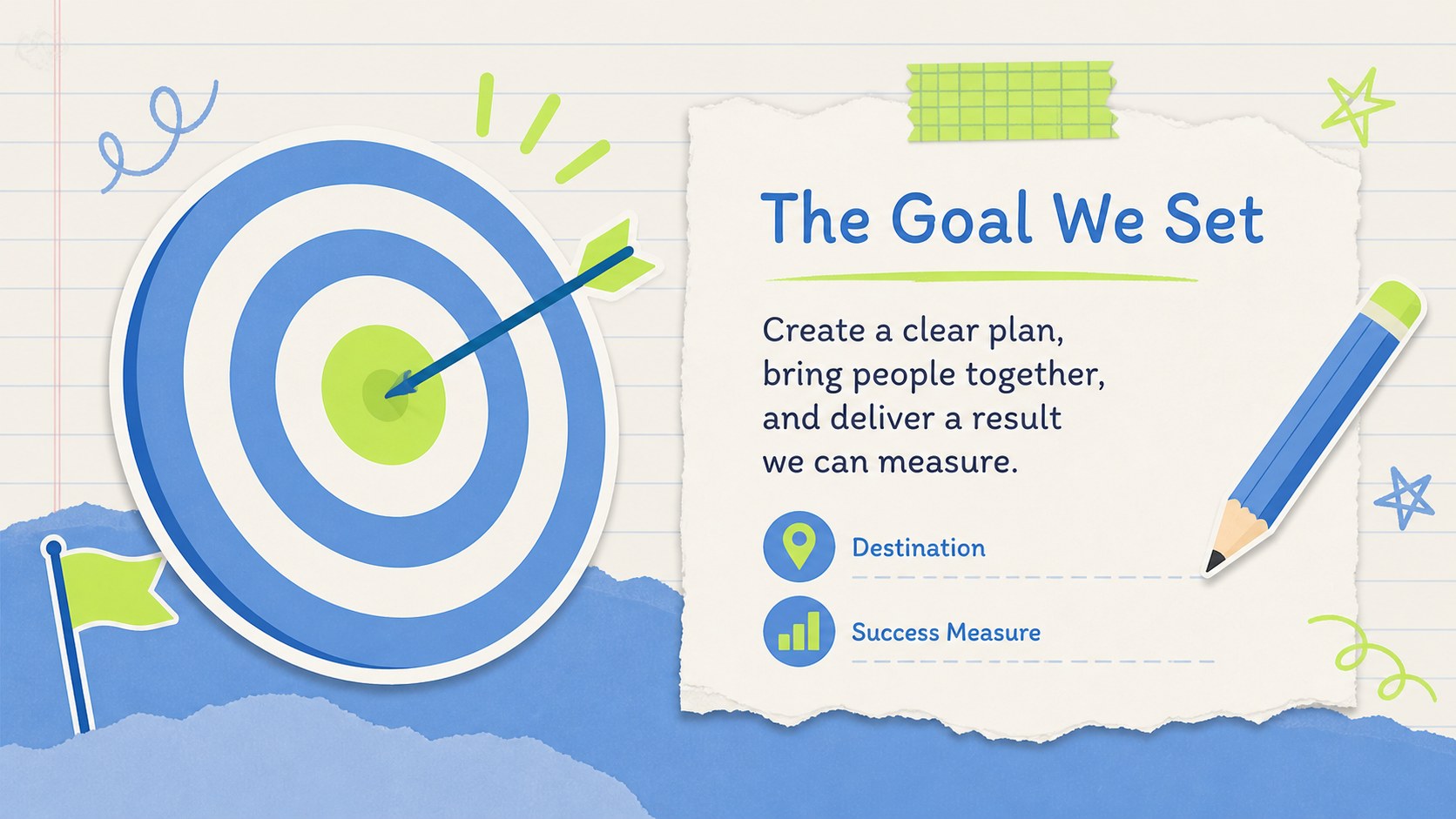
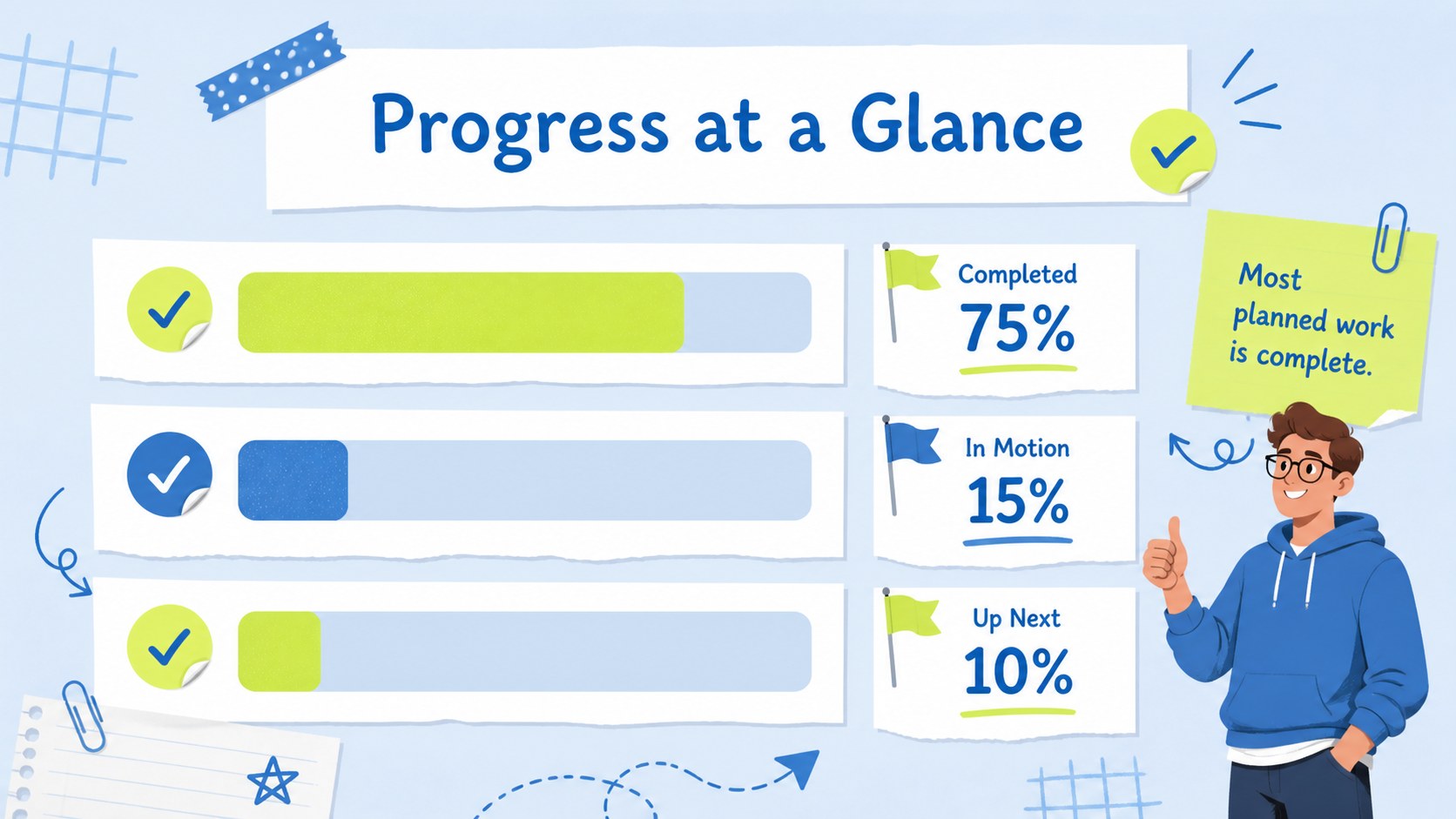
Inside, you will find adaptable roadmap layouts, dated event pages, goal summaries, photo moments, progress checkpoints, and a polished closing slide. Mix concise descriptions with icons, illustrations, and images to create a project achievement roadmap template that suits your story. Sample structures help you organize events chronologically, while editable colors, type, graphics, and labels give you control over the final presentation.
These slides work especially well for project managers, educators, students, team leaders, community organizers, and families. Build a company anniversary timeline presentation, prepare student progress journey slides, or showcase the stages behind a successful launch. The complete deck can be customized in PowerPoint and Google Slides, shared with collaborators, presented live, or exported for distribution. Its upbeat visual style keeps milestone reporting approachable while still providing enough structure for schedules, outcomes, reflections, and next steps.
Perfect for: project completion recap; company anniversary review; student learning journey; team achievement celebration; product launch retrospective; personal goal showcase.
Frequently asked questions
Can I edit the roadmap dates and milestones? Yes. Replace every sample date, heading, description, icon, and checkpoint with your own content. You can also add, remove, or duplicate stages to match the length of your story.
Practical details
Yes. Replace every sample date, heading, description, icon, and checkpoint with your own content. You can also add, remove, or duplicate stages to match the length of your story.
The deck is designed for PowerPoint and Google Slides. Fonts or animations may vary slightly between platforms, so review the presentation once after importing it.
Yes. Update the theme colors to apply a new palette consistently across the deck, then adjust individual illustrations or accents as needed. The layouts also support custom fonts and photography.
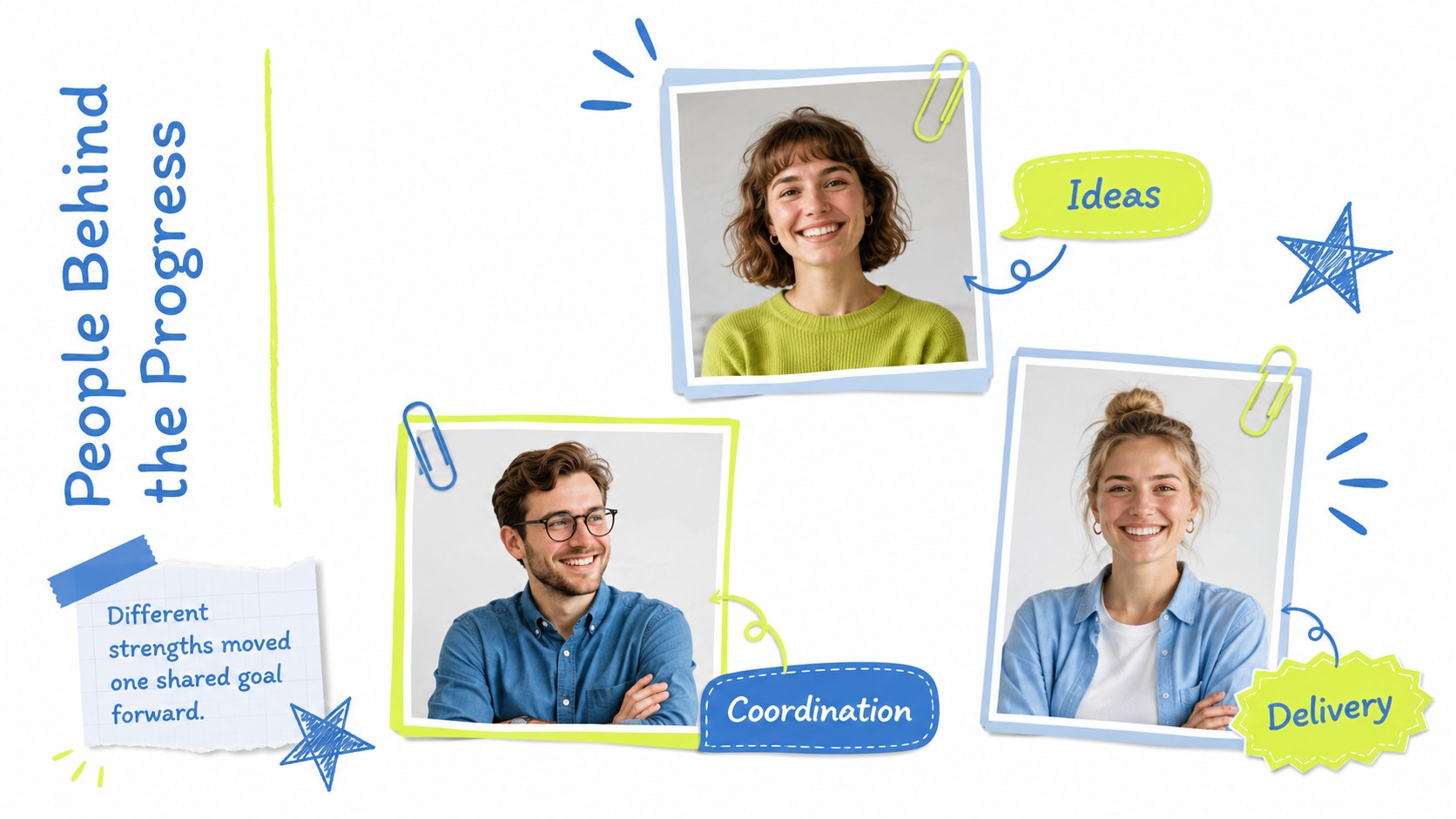
Use clear photos that show completed work, important people, events, or visible progress. Crop images consistently and keep captions brief so the roadmap remains easy to scan.
Keep exploring
15Build stronger academic arguments with a college essay thesis builder featuring guided examples, revision prompts, and editable PowerPoint and Google Slides.
 15
15Build an engaging World UFO Day session with this flying saucer history lesson deck, featuring retro green-and-brown slides for PowerPoint and Google Slides.
 14
14Plan a memorable Lunar New Year campaign with the 2036 Dragon Year Celebration Theme, featuring bold red-and-yellow slides for lessons and events.
 15
15Build a thoughtful classroom discussion with this interfaith awareness lesson deck, featuring editable blue-and-white slides for PowerPoint and Google Slides.
 15
15Use this environmental awareness lesson deck to teach climate action through illustrated activities, discussion prompts, and ready-to-edit visuals.
 15
15Build playful lessons and party stories with a kid-friendly zombie celebration theme in purple, green and pastel blue for PowerPoint and Google Slides.
 15
15Build eerie lessons, campaigns, and story pitches with an undead survival scenario theme featuring editable slides for PowerPoint and Google Slides.
 16
16Turn environmental research into a clear story with a Watercolor Ecology Presentation Theme for PowerPoint and Google Slides in calming green and blue.