
 15
15presentation
College Essay Thesis Builder Slides
Build stronger academic arguments with a college essay thesis builder featuring guided examples, revision prompts, and editable PowerPoint and Google Slides.
Google SlidesPowerPoint
spreadsheet · English
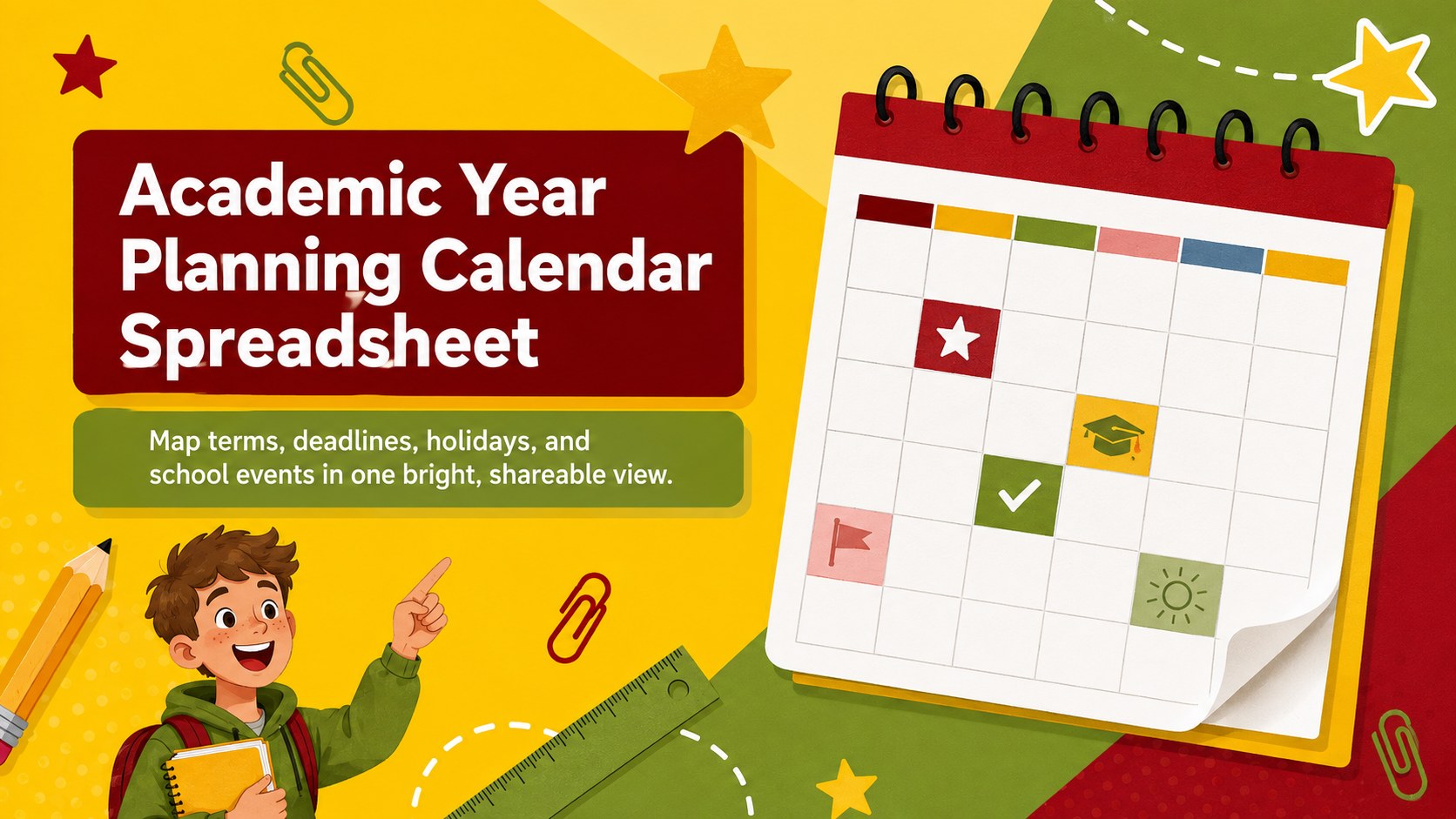
Coordinate term dates, holidays, classes, and events with an academic year planning calendar spreadsheet made for school teams to share easily.
Design notes
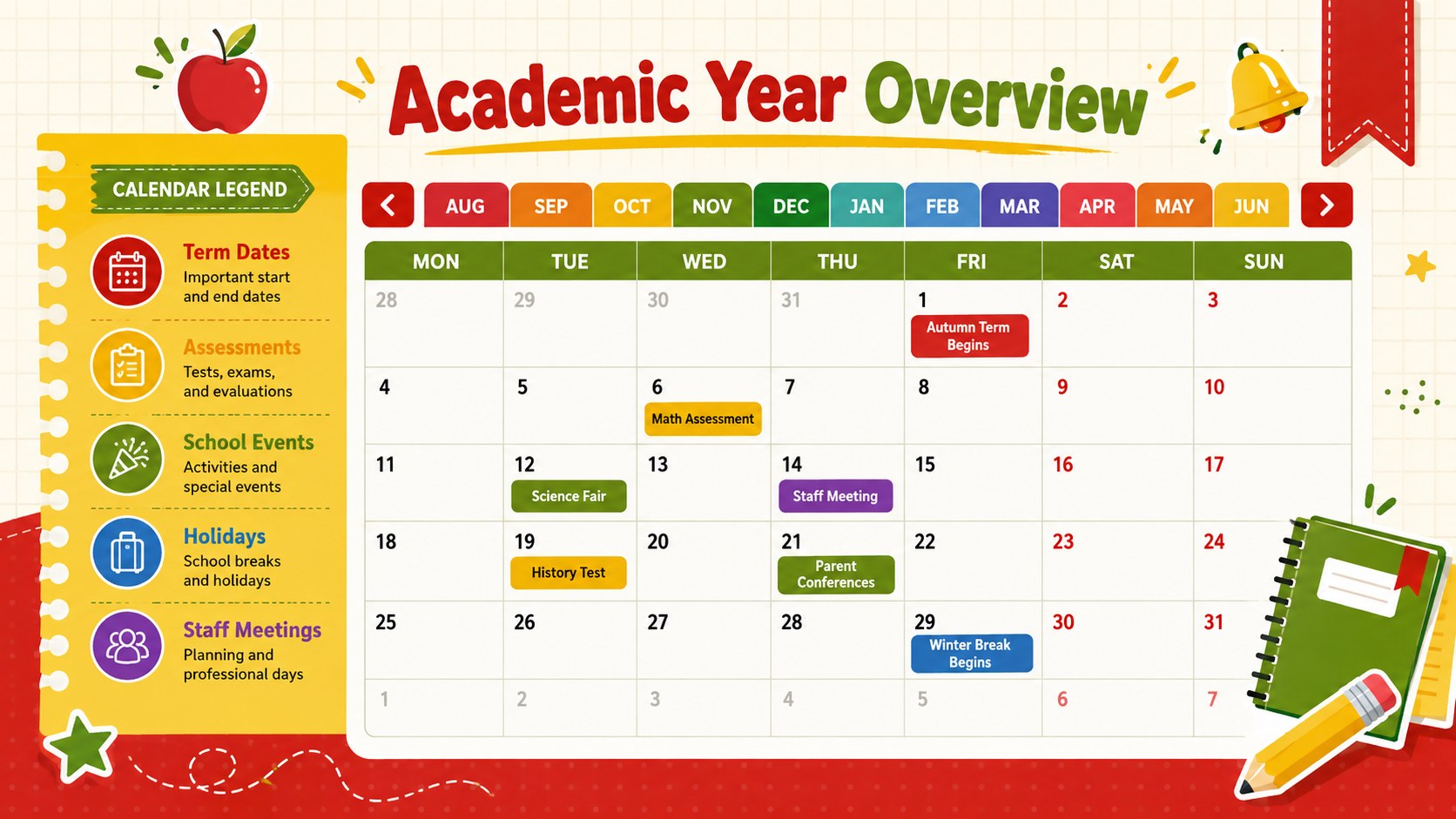
Bring every important date into focus with an academic year planning calendar spreadsheet created for teachers, administrators, and school support teams. Its lively red, yellow, green, and multicolor styling makes busy schedules easier to scan while retaining a practical, classroom-friendly feel.
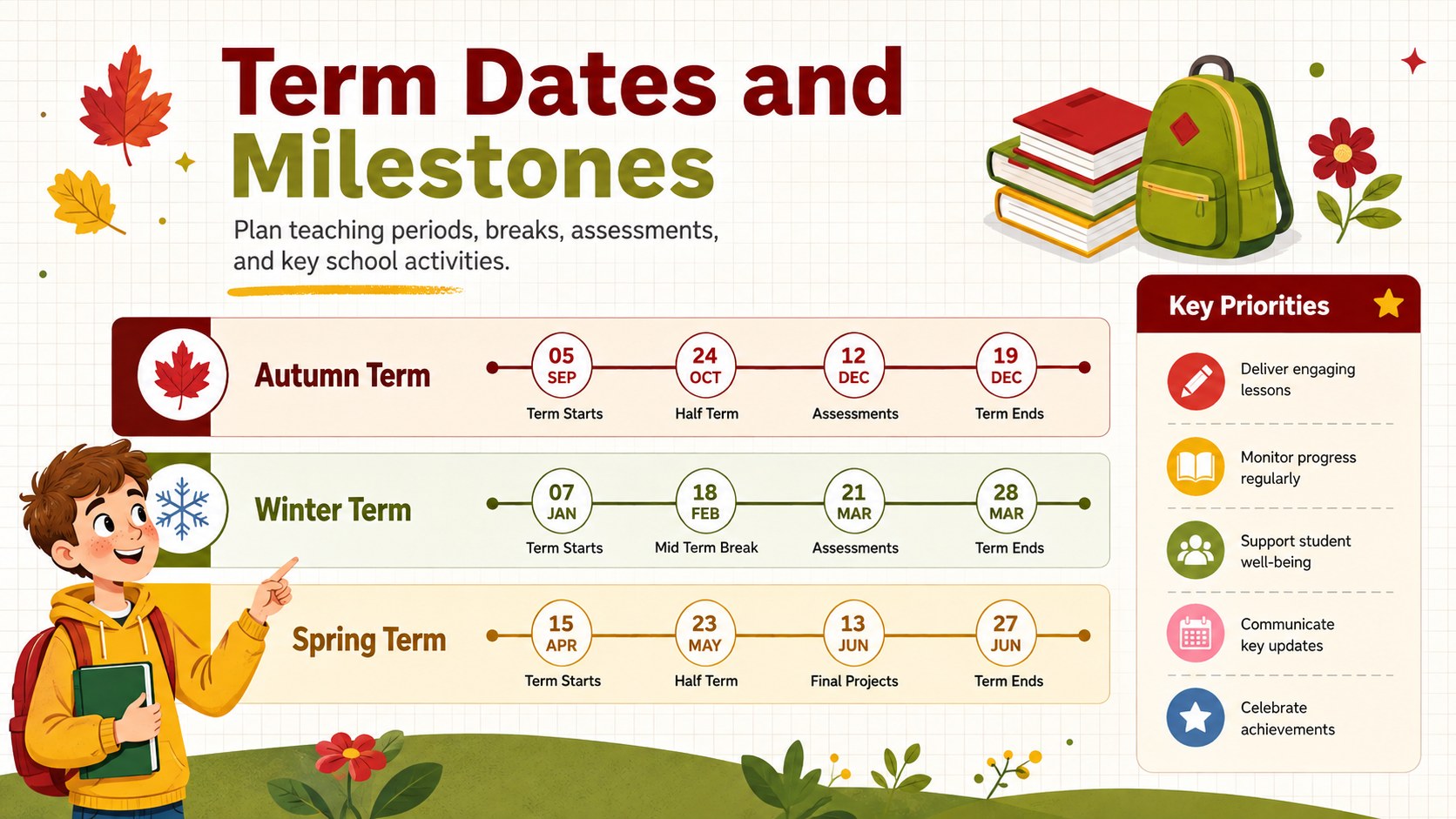
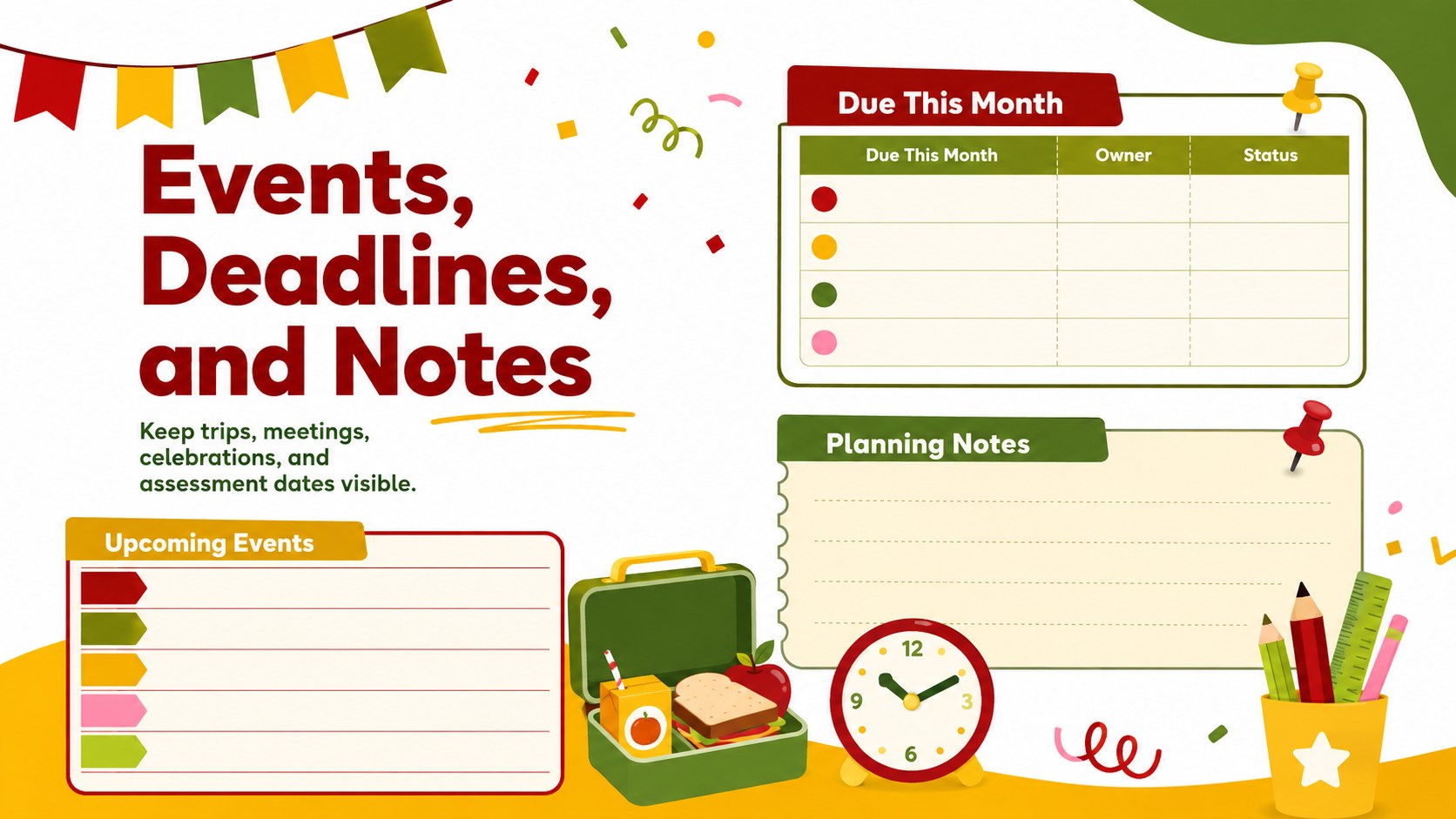
Inside, you will find an organized annual calendar, monthly date areas, term planning sections, and space for holidays, assessments, meetings, classroom activities, and community events. Use the editable teacher calendar spreadsheet to color-code event types, identify deadlines, and coordinate responsibilities across departments. A dedicated school term dates planner helps staff see how lessons, breaks, and major milestones fit together without switching between separate documents.
The template works in Excel and Google Sheets, making it straightforward to revise dates, duplicate planning sections, adjust colors, or add notes. Share the file with colleagues for collaborative scheduling, or maintain a master copy for school-wide planning. It can also serve as a classroom events calendar template for communicating trips, parent conferences, exam periods, and celebration days.
This resource suits primary and secondary educators, department heads, office staff, activity coordinators, and homeschool planners. Whether you are preparing a full academic cycle or updating plans month by month, the structured layout keeps essential dates visible, consistent, and ready to share.
Perfect for: school term date planning; classroom event scheduling; assessment deadline tracking; staff meeting coordination; holiday and closure planning.
Frequently asked questions
Practical details
Yes. You can update dates, labels, colors, and event details in either Excel or Google Sheets. Some fonts or spacing may vary slightly between platforms, so review the layout after importing.
Yes. Replace the month and date entries, then update term boundaries, holidays, and school events for the required year. You can also duplicate the file to preserve an archive of previous schedules.
Rename the existing categories and assign distinct colors to lessons, assessments, trips, meetings, closures, or celebrations. Keep the color key consistent so teachers and staff can understand the schedule at a glance.
Yes. Create a simplified copy that includes only public dates and relevant reminders before sharing it. Remove internal notes, staff assignments, or confidential information from the distributed version.
Keep exploring
15Build stronger academic arguments with a college essay thesis builder featuring guided examples, revision prompts, and editable PowerPoint and Google Slides.
 15
15Build an engaging World UFO Day session with this flying saucer history lesson deck, featuring retro green-and-brown slides for PowerPoint and Google Slides.
 14
14Plan a memorable Lunar New Year campaign with the 2036 Dragon Year Celebration Theme, featuring bold red-and-yellow slides for lessons and events.
 15
15Build a thoughtful classroom discussion with this interfaith awareness lesson deck, featuring editable blue-and-white slides for PowerPoint and Google Slides.
 15
15Use this environmental awareness lesson deck to teach climate action through illustrated activities, discussion prompts, and ready-to-edit visuals.
 15
15Build playful lessons and party stories with a kid-friendly zombie celebration theme in purple, green and pastel blue for PowerPoint and Google Slides.
 15
15Build eerie lessons, campaigns, and story pitches with an undead survival scenario theme featuring editable slides for PowerPoint and Google Slides.
 16
16Turn environmental research into a clear story with a Watercolor Ecology Presentation Theme for PowerPoint and Google Slides in calming green and blue.