
 15
15presentation
College Essay Thesis Builder Slides
Build stronger academic arguments with a college essay thesis builder featuring guided examples, revision prompts, and editable PowerPoint and Google Slides.
Google SlidesPowerPoint
presentation · English
Turn school news into a clear, cheerful recap with Academic Term Update Slides, a yellow 3D deck for milestones, dates, projects, and announcements.




Design notes
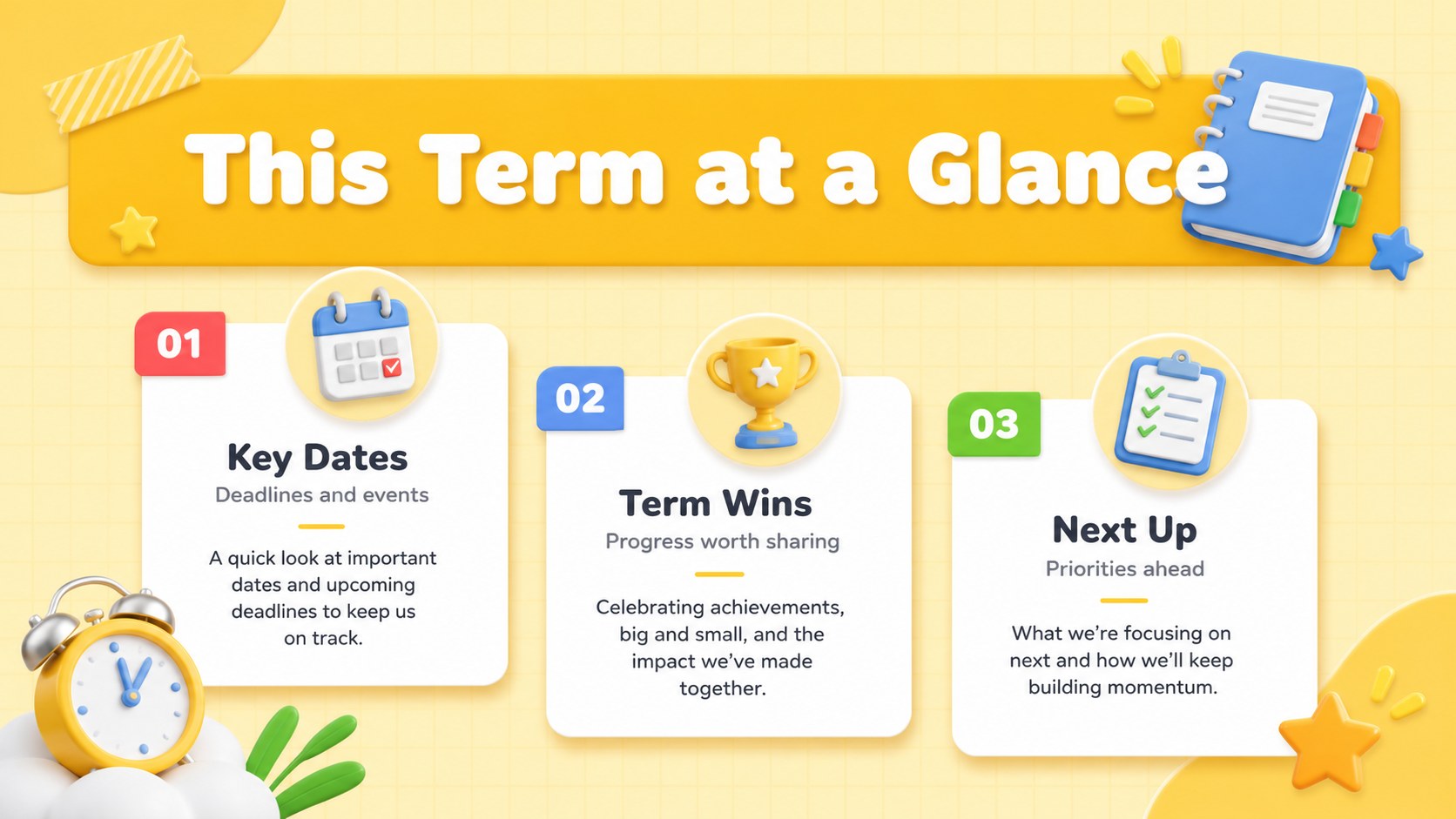
Academic Term Update Slides turn routine school communications into a bright, structured recap that families, students, faculty, and campus teams can scan quickly. The cheerful yellow palette, bold typography, and playful 3D illustrations bring energy to announcements without sacrificing clarity. Use the deck as a teacher monthly update presentation or adapt it for department and whole-school news.
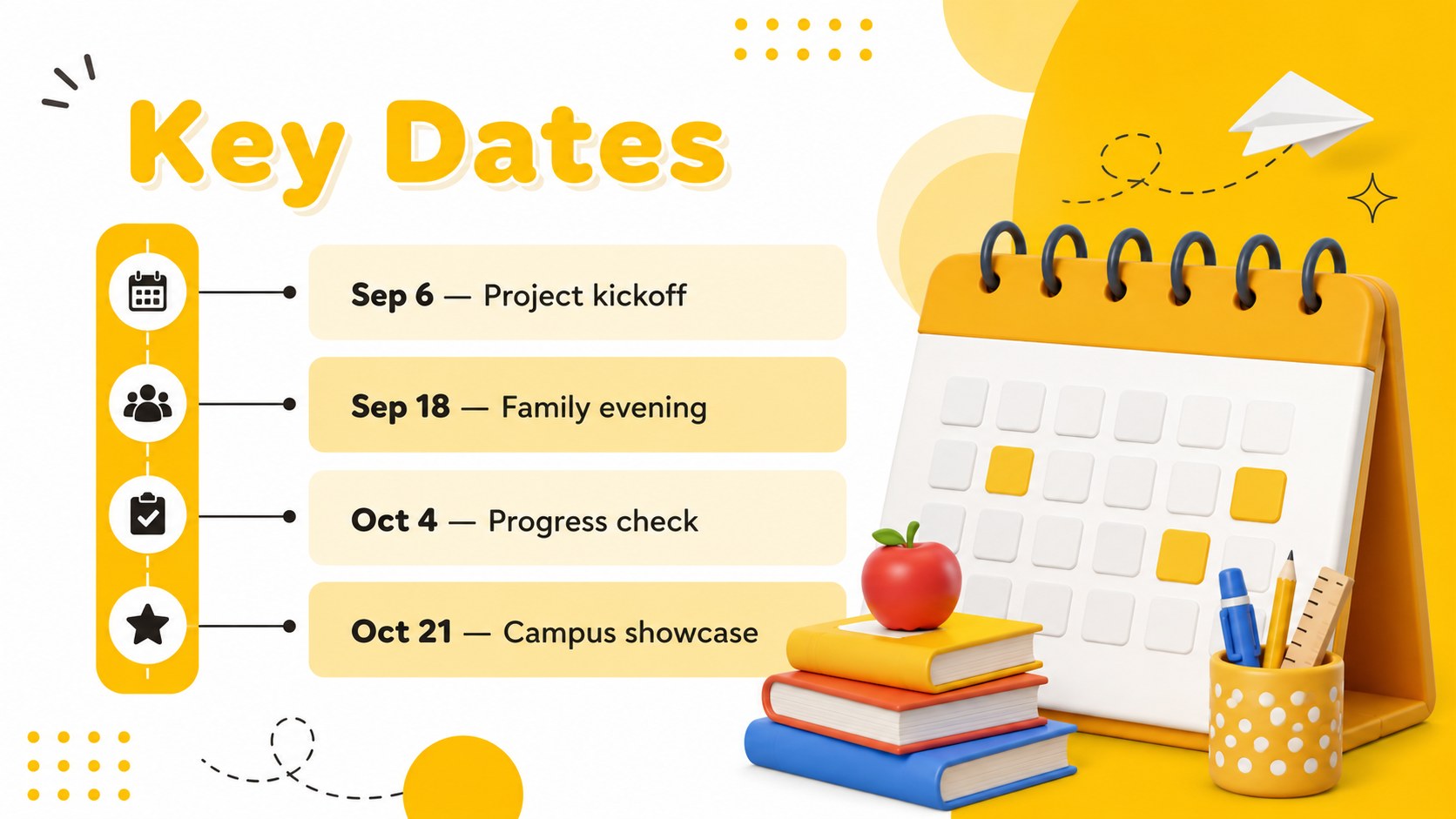
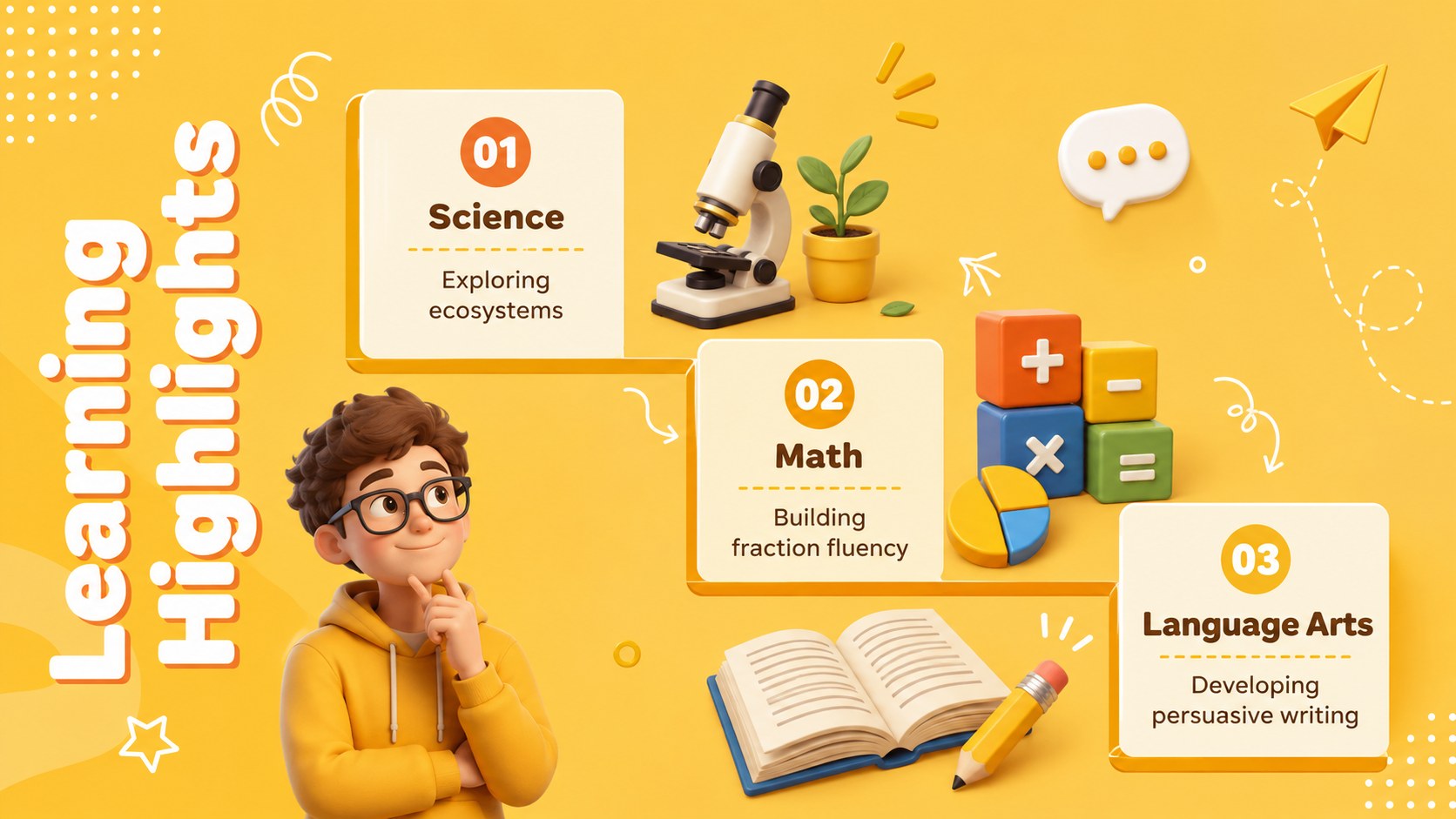
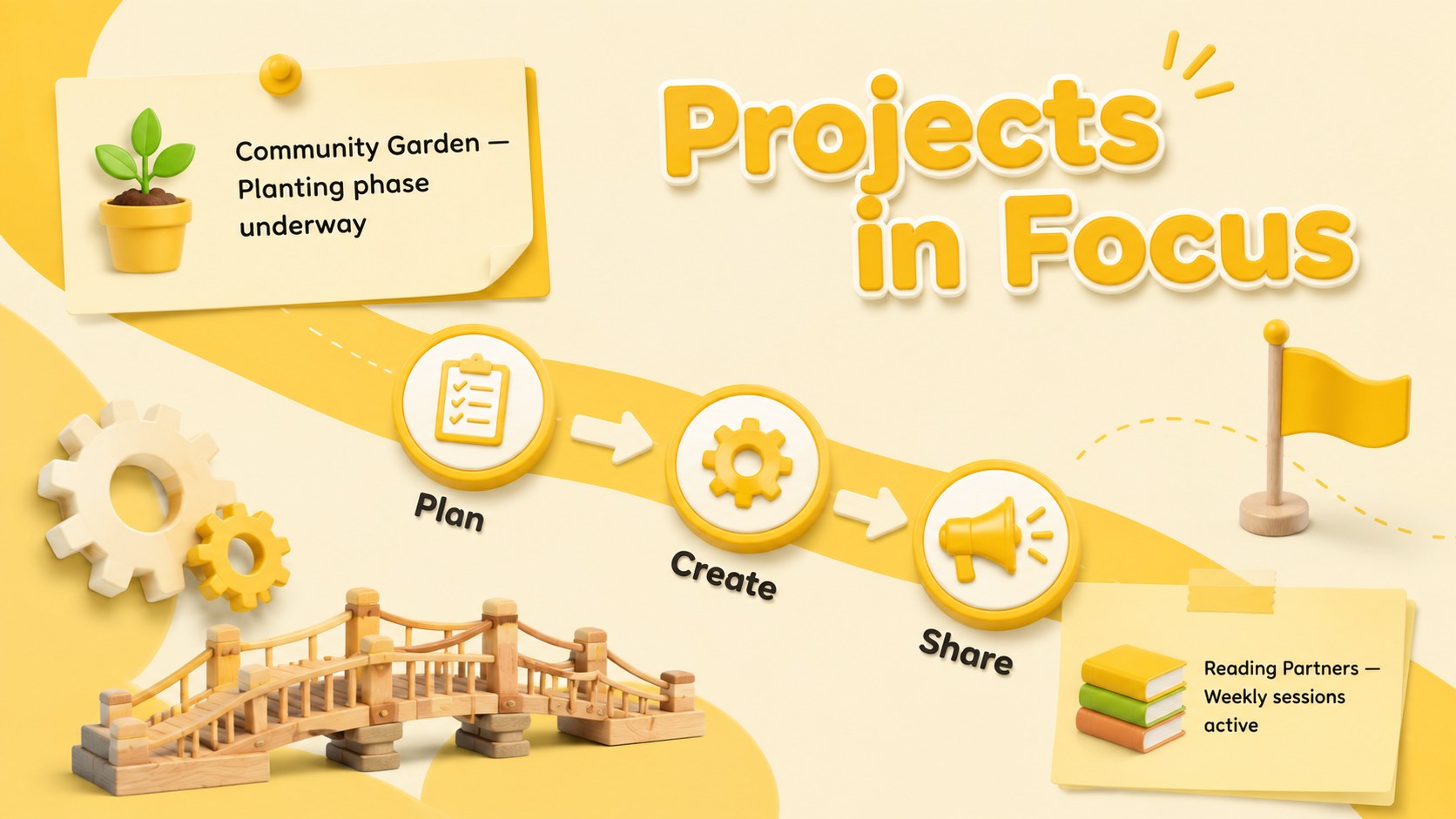
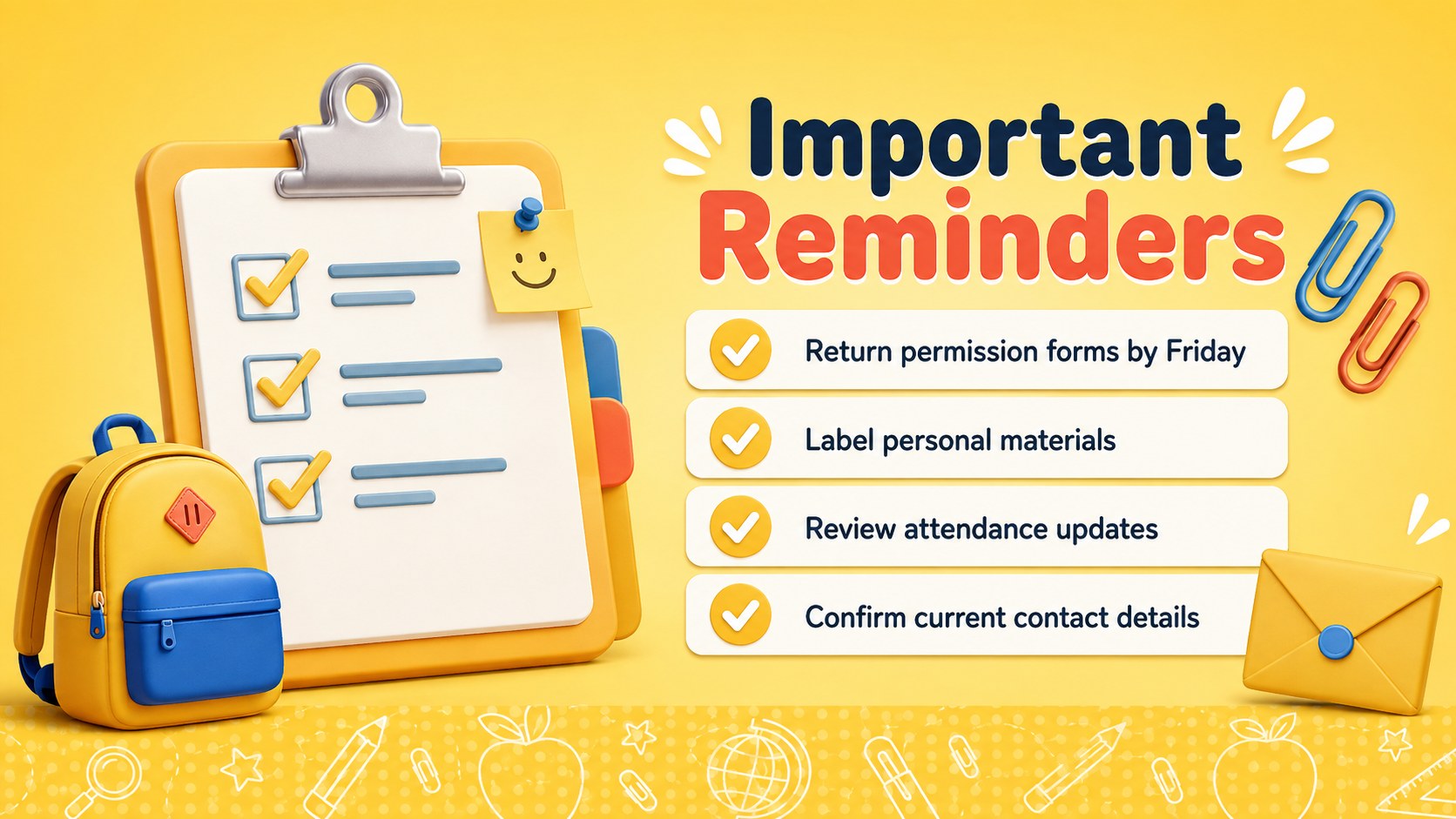
The 15-slide sequence provides space for key dates, learning highlights, active projects, student achievements, campus events, reminders, family notes, staff recognition, and upcoming priorities. A timeline, progress figures, and concise summary layouts make this yellow 3D school newsletter useful for both quick briefings and detailed recaps. Every slide can be edited to reflect local schedules, class names, photos, statistics, and messaging.
Built for PowerPoint and Google Slides, the template suits teachers, school administrators, department leaders, student organizations, and education program coordinators. Its friendly illustrated style works especially well for back-to-school communication, midterm reporting, parent meetings, faculty briefings, or a campus announcements slide deck. Reorder the layouts for a shorter bulletin, duplicate sections for recurring updates, and adjust the yellow accents to match your school identity.
Perfect for: monthly classroom family update; school leadership briefing; student achievement recap; campus events announcement; parent meeting presentation; department progress report.
Frequently asked questions
Can I edit these slides in PowerPoint and Google Slides? Yes. The layouts, text, colors, illustrations, and image placeholders can be customized in PowerPoint or Google Slides.
Practical details
Yes. The layouts, text, colors, illustrations, and image placeholders can be customized in PowerPoint or Google Slides.
Replace the yellow accents with your school colors, apply your preferred fonts, and add an approved logo where needed. You can also update the illustration colors and section labels for a consistent identity.
Yes. Keep the cover, overview, highlights, reminders, and closing layouts for a concise briefing, then hide or delete the remaining slides.
Yes. Duplicate the dates, projects, achievements, and announcements layouts whenever you need more entries. Saving a clean master copy makes it easy to prepare each new reporting period.
Keep exploring
15Build stronger academic arguments with a college essay thesis builder featuring guided examples, revision prompts, and editable PowerPoint and Google Slides.
 15
15Build an engaging World UFO Day session with this flying saucer history lesson deck, featuring retro green-and-brown slides for PowerPoint and Google Slides.
 14
14Plan a memorable Lunar New Year campaign with the 2036 Dragon Year Celebration Theme, featuring bold red-and-yellow slides for lessons and events.
 15
15Build a thoughtful classroom discussion with this interfaith awareness lesson deck, featuring editable blue-and-white slides for PowerPoint and Google Slides.
 15
15Use this environmental awareness lesson deck to teach climate action through illustrated activities, discussion prompts, and ready-to-edit visuals.
 15
15Build playful lessons and party stories with a kid-friendly zombie celebration theme in purple, green and pastel blue for PowerPoint and Google Slides.
 15
15Build eerie lessons, campaigns, and story pitches with an undead survival scenario theme featuring editable slides for PowerPoint and Google Slides.
 16
16Turn environmental research into a clear story with a Watercolor Ecology Presentation Theme for PowerPoint and Google Slides in calming green and blue.