
 15
15presentation
College Essay Thesis Builder Slides
Build stronger academic arguments with a college essay thesis builder featuring guided examples, revision prompts, and editable PowerPoint and Google Slides.
Google SlidesPowerPoint
spreadsheet · English
Build a calmer semester with this academic session organizer spreadsheet for mapping assignments, revision blocks, exams, deadlines, and weekly priorities.
Design notes
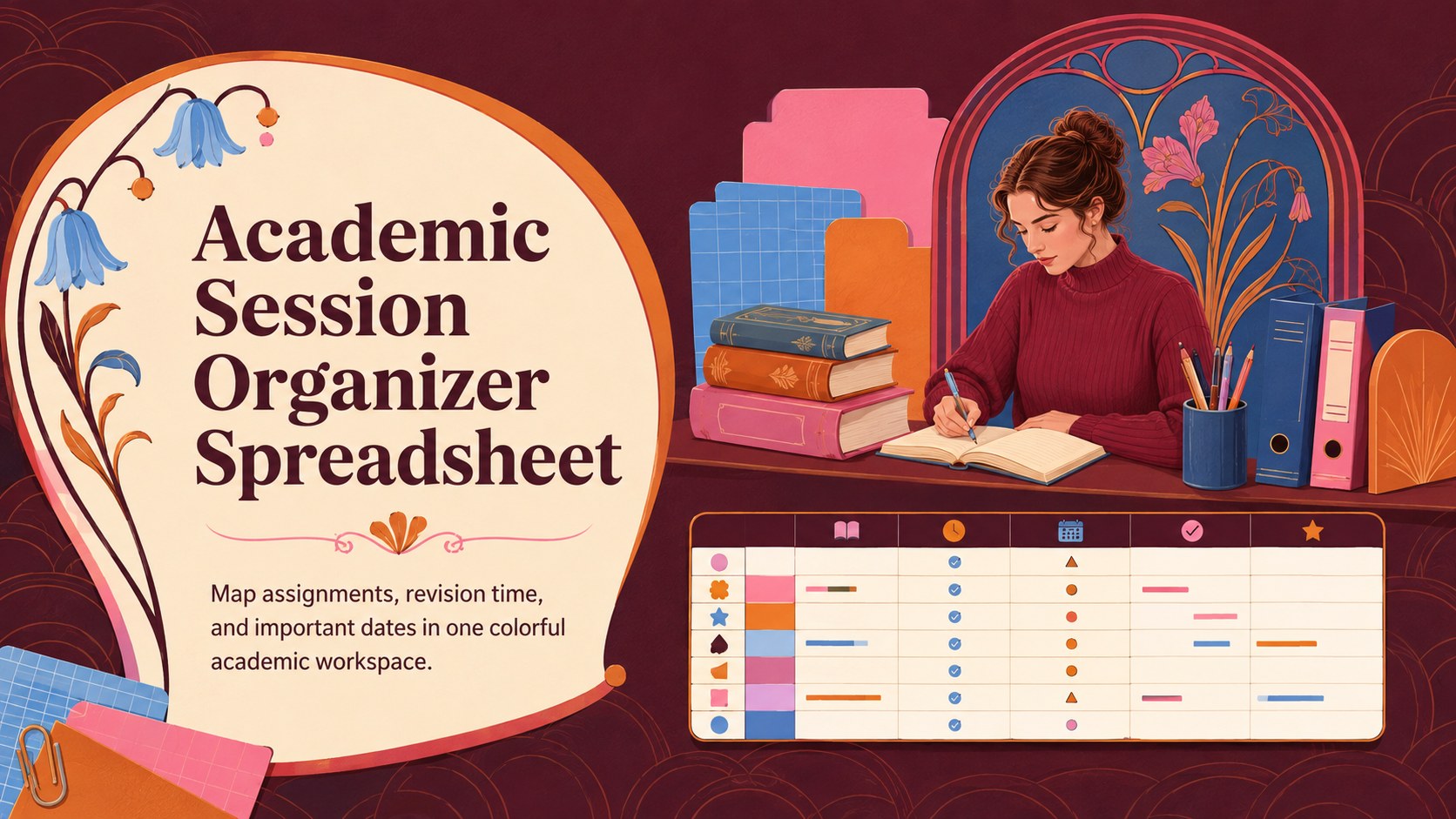
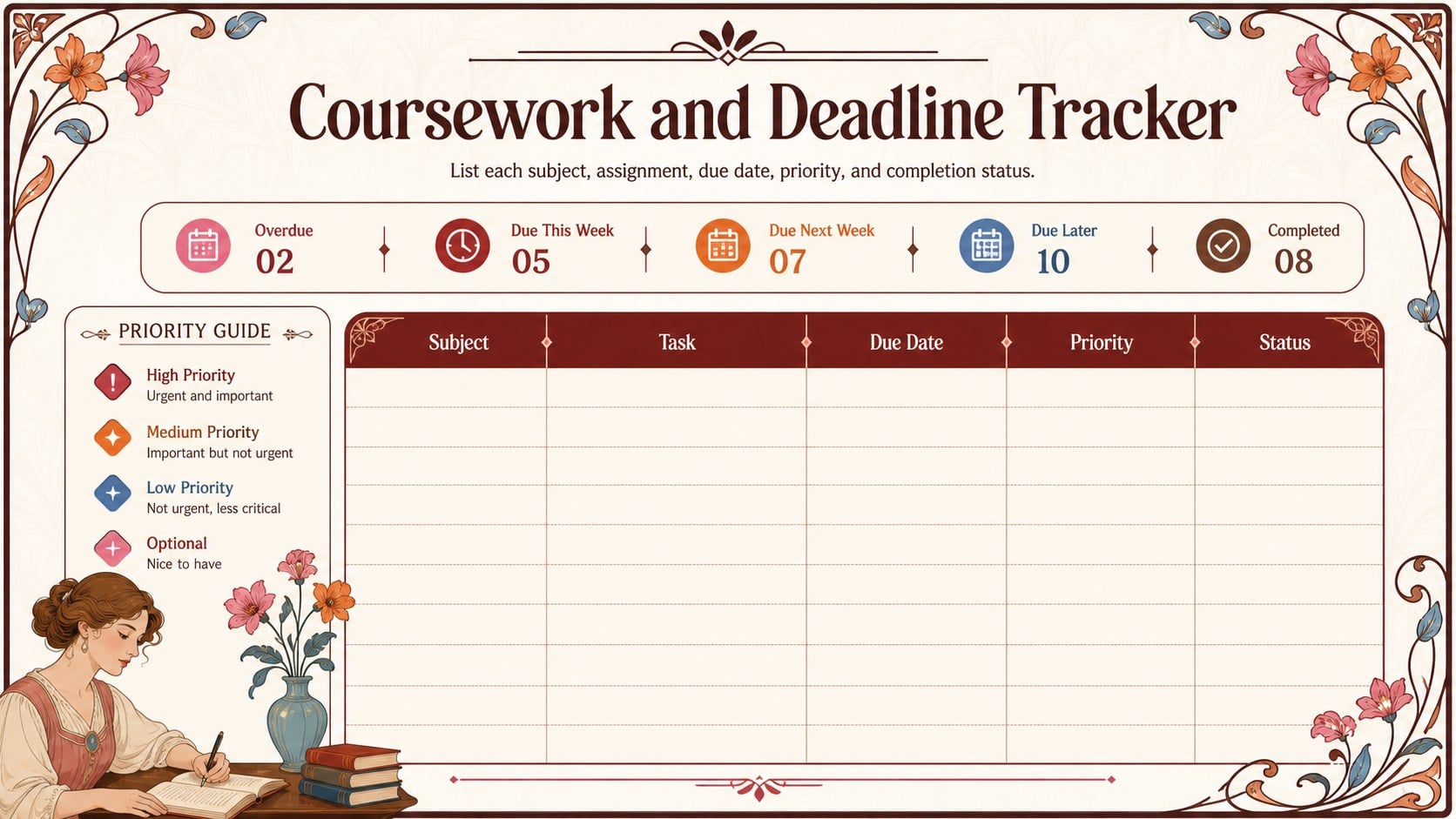
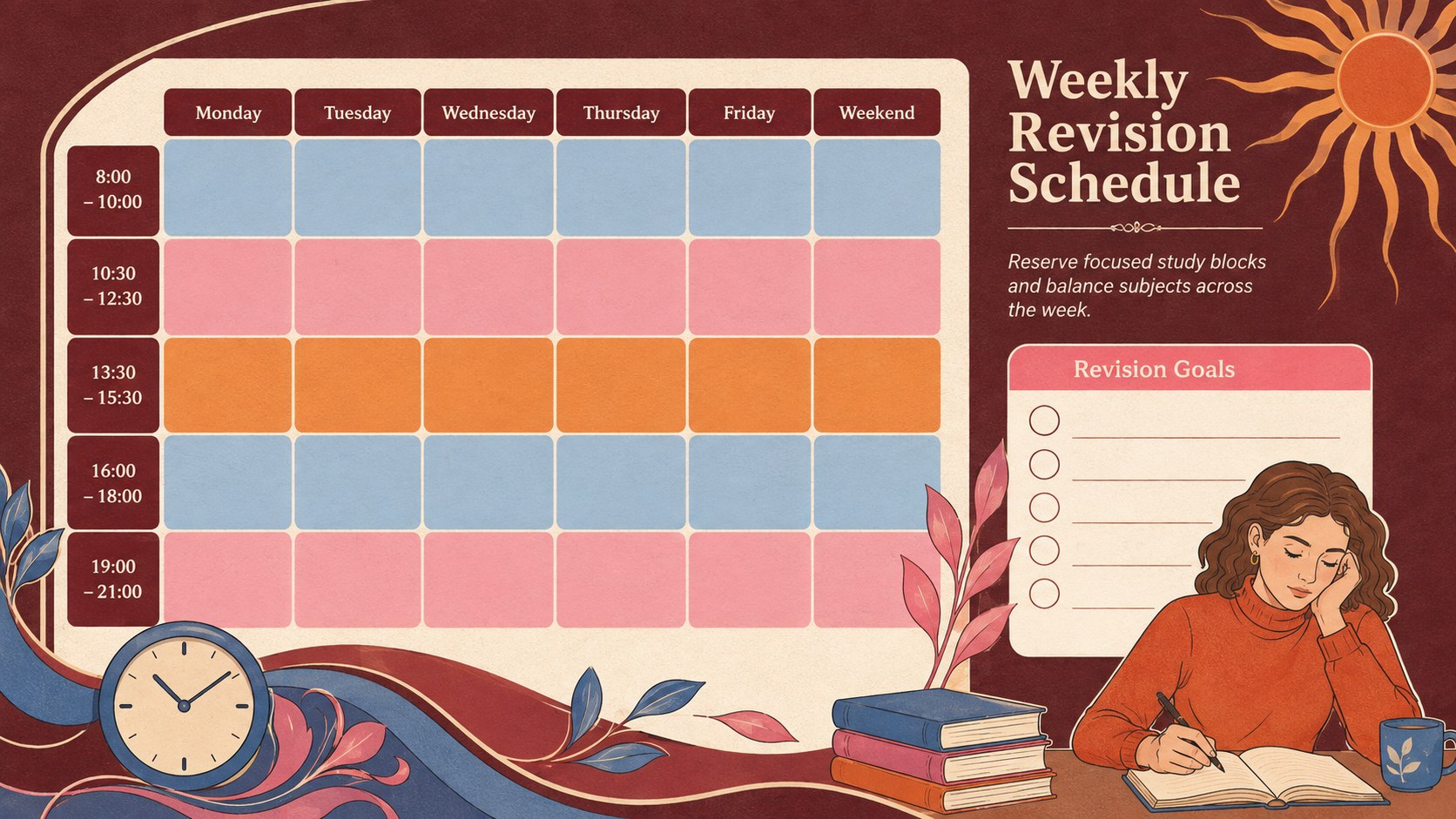
Bring coursework, deadlines, and study goals together with this academic session organizer spreadsheet. Its warm Art Nouveau styling combines brown, red, blue, pink, and orange accents with a structured layout that makes busy academic weeks easier to scan. Use it to divide large projects into manageable tasks, reserve focused study periods, and see upcoming commitments before they become urgent.
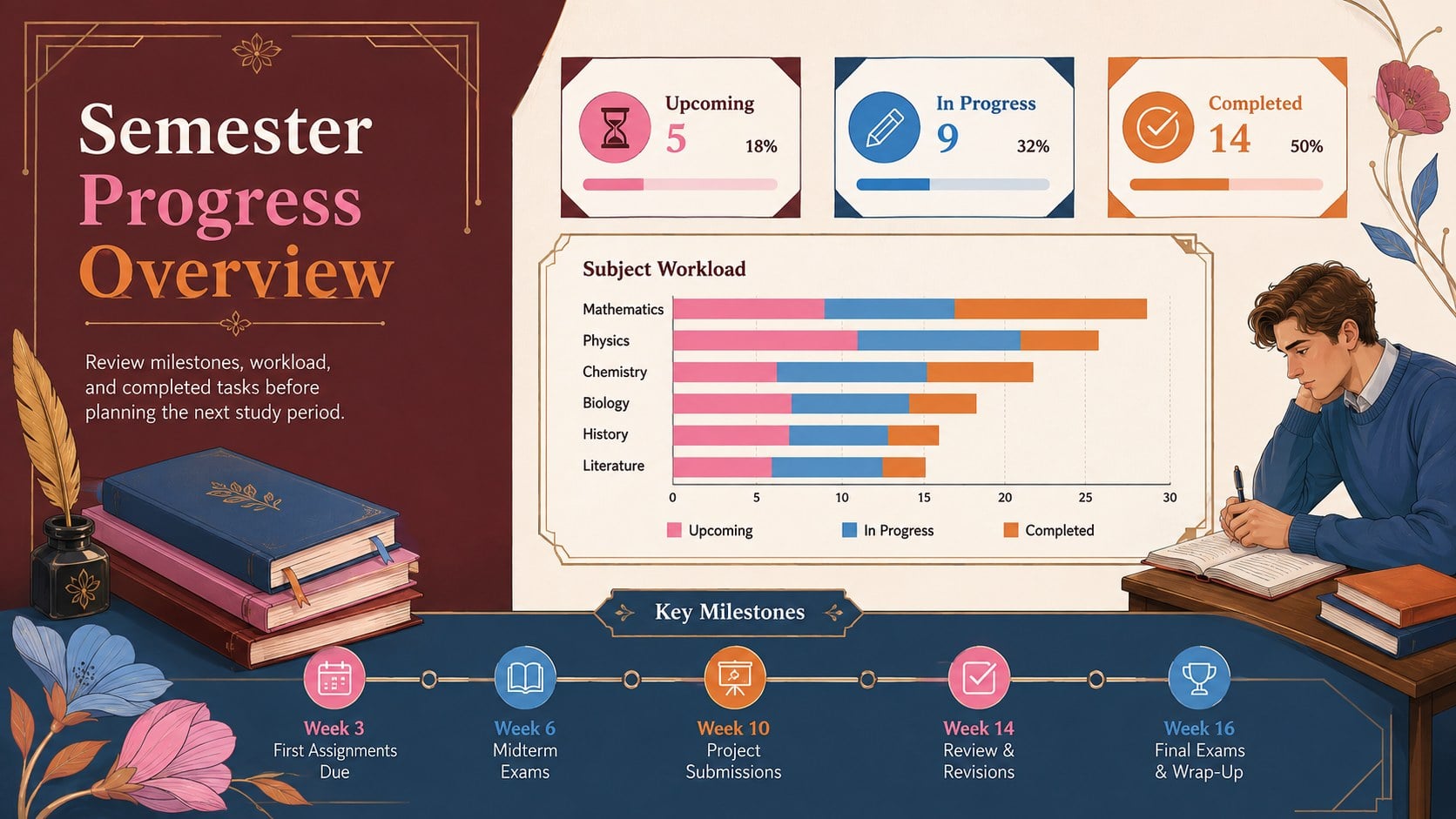
Inside, you will find dedicated areas for subjects, assignments, due dates, revision sessions, priority levels, and completion status. The format works as a student assignment deadline tracker as well as an exam revision schedule template, giving you enough flexibility to plan regular classes, independent study, or an intensive assessment period. Color-coded sections help separate subjects and activity types while preserving the artistic, modern character of the design.
This university semester planning spreadsheet is suitable for high school students, university learners, adult education participants, tutors, and academic support teams. Customize the labels, colors, time periods, and tracking fields in Excel or Google Sheets to match a particular timetable or course load. The visual style can also be presented through PowerPoint or Google Slides when sharing a study strategy with teachers, classmates, or advisors. Whether you are coordinating several modules or preparing for one major exam, the template offers a clear place to review progress and adjust your plan.
Perfect for: semester coursework planning; weekly revision scheduling; assignment deadline tracking; exam preparation planning; student progress review.
Frequently asked questions
Can I edit the subjects and planning periods? Yes. Replace the sample subjects, dates, priorities, and status labels with details from your own academic schedule. You can also add or remove rows to accommodate a lighter or heavier course load.
Practical details
Yes. Replace the sample subjects, dates, priorities, and status labels with details from your own academic schedule. You can also add or remove rows to accommodate a lighter or heavier course load.
The spreadsheet layout can be customized in Microsoft Excel and Google Sheets. PowerPoint and Google Slides can be used when presenting or sharing the planner as a visual academic overview.
Yes. Adjust the brown, red, blue, pink, and orange accents to suit your subjects or school identity. Decorative elements, fonts, borders, and section labels can also be modified.
Yes. High school students can use it for classes and homework, while university students can track modules, assessments, and revision sessions. Tutors and advisors can also adapt it for study-planning meetings.
Keep exploring
15Build stronger academic arguments with a college essay thesis builder featuring guided examples, revision prompts, and editable PowerPoint and Google Slides.
 15
15Build an engaging World UFO Day session with this flying saucer history lesson deck, featuring retro green-and-brown slides for PowerPoint and Google Slides.
 14
14Plan a memorable Lunar New Year campaign with the 2036 Dragon Year Celebration Theme, featuring bold red-and-yellow slides for lessons and events.
 15
15Build a thoughtful classroom discussion with this interfaith awareness lesson deck, featuring editable blue-and-white slides for PowerPoint and Google Slides.
 15
15Use this environmental awareness lesson deck to teach climate action through illustrated activities, discussion prompts, and ready-to-edit visuals.
 15
15Build playful lessons and party stories with a kid-friendly zombie celebration theme in purple, green and pastel blue for PowerPoint and Google Slides.
 15
15Build eerie lessons, campaigns, and story pitches with an undead survival scenario theme featuring editable slides for PowerPoint and Google Slides.
 16
16Turn environmental research into a clear story with a Watercolor Ecology Presentation Theme for PowerPoint and Google Slides in calming green and blue.