
 15
15presentation
College Essay Thesis Builder Slides
Build stronger academic arguments with a college essay thesis builder featuring guided examples, revision prompts, and editable PowerPoint and Google Slides.
Google SlidesPowerPoint
presentation · English
Build practical study targets with an Academic Goal Planning Deck featuring colorful milestone, reflection, and progress slides for students.

Design notes
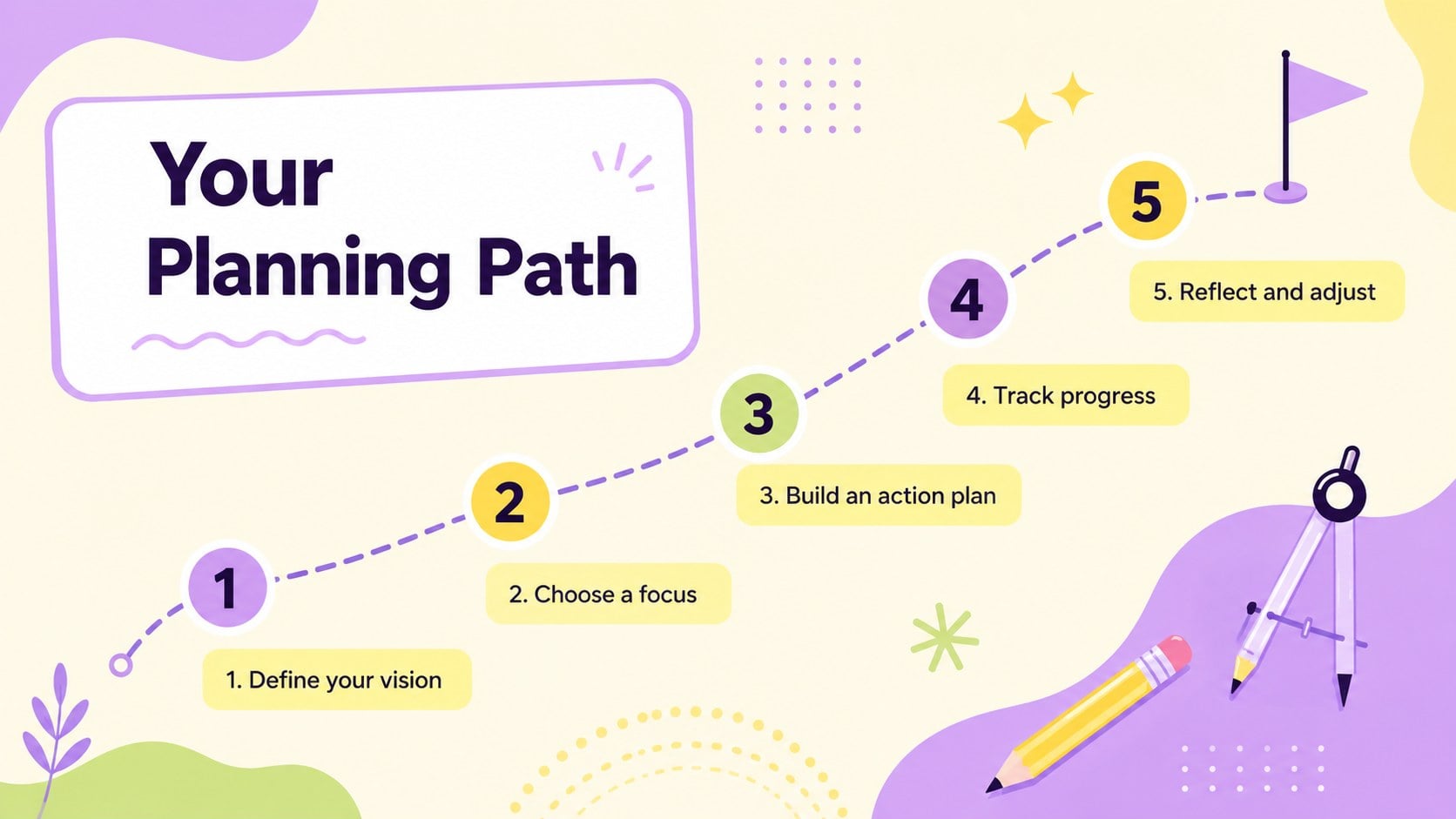
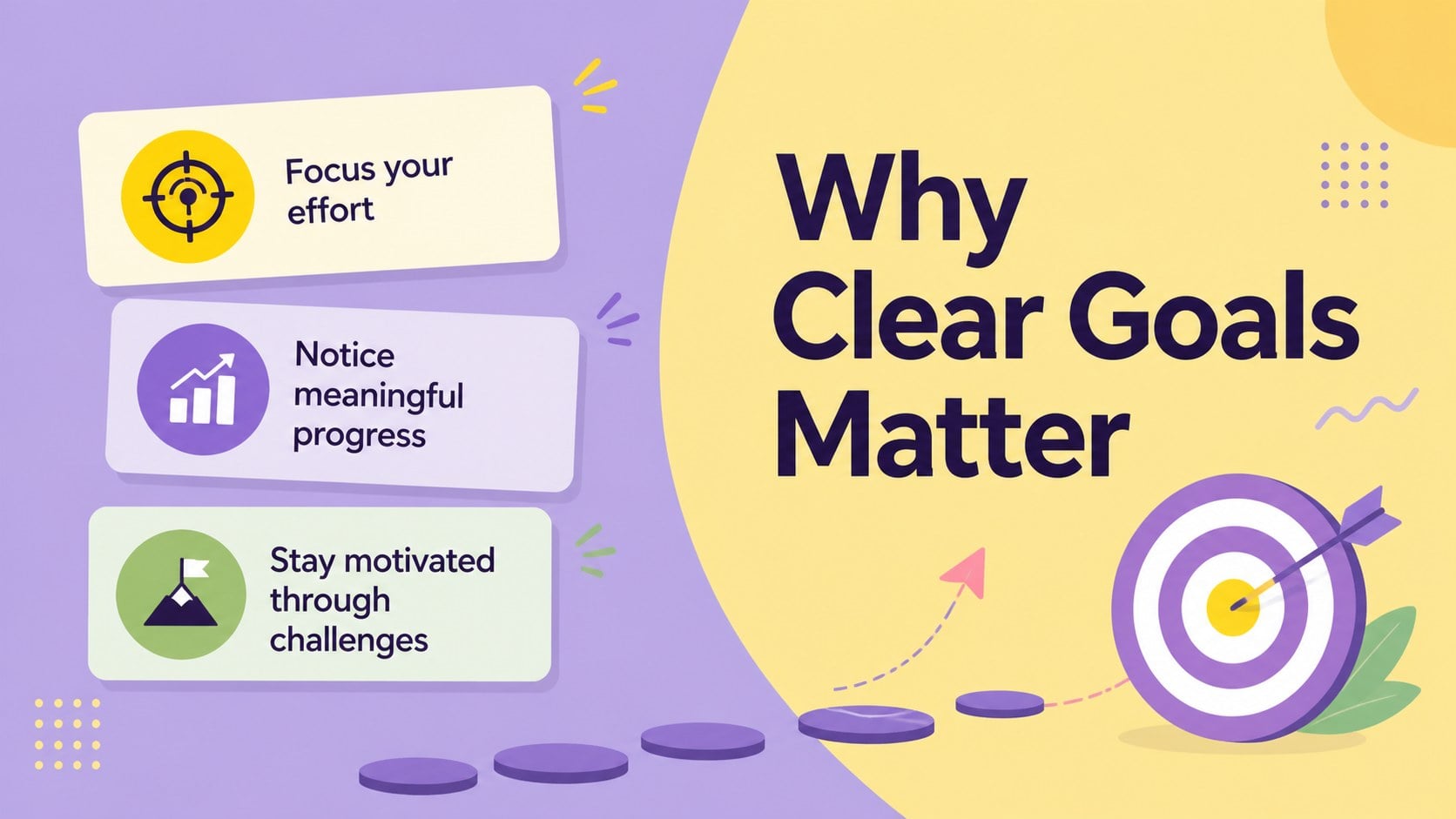
The Academic Goal Planning Deck gives students a clear, engaging way to turn broad ambitions into achievable steps. Its energetic yellow and purple palette, modern geometric shapes, and approachable typography create a positive setting for academic planning without distracting from the message. Every layout is editable in PowerPoint and Google Slides, making it easy to adapt the presentation for individual work, classroom activities, or advising sessions.
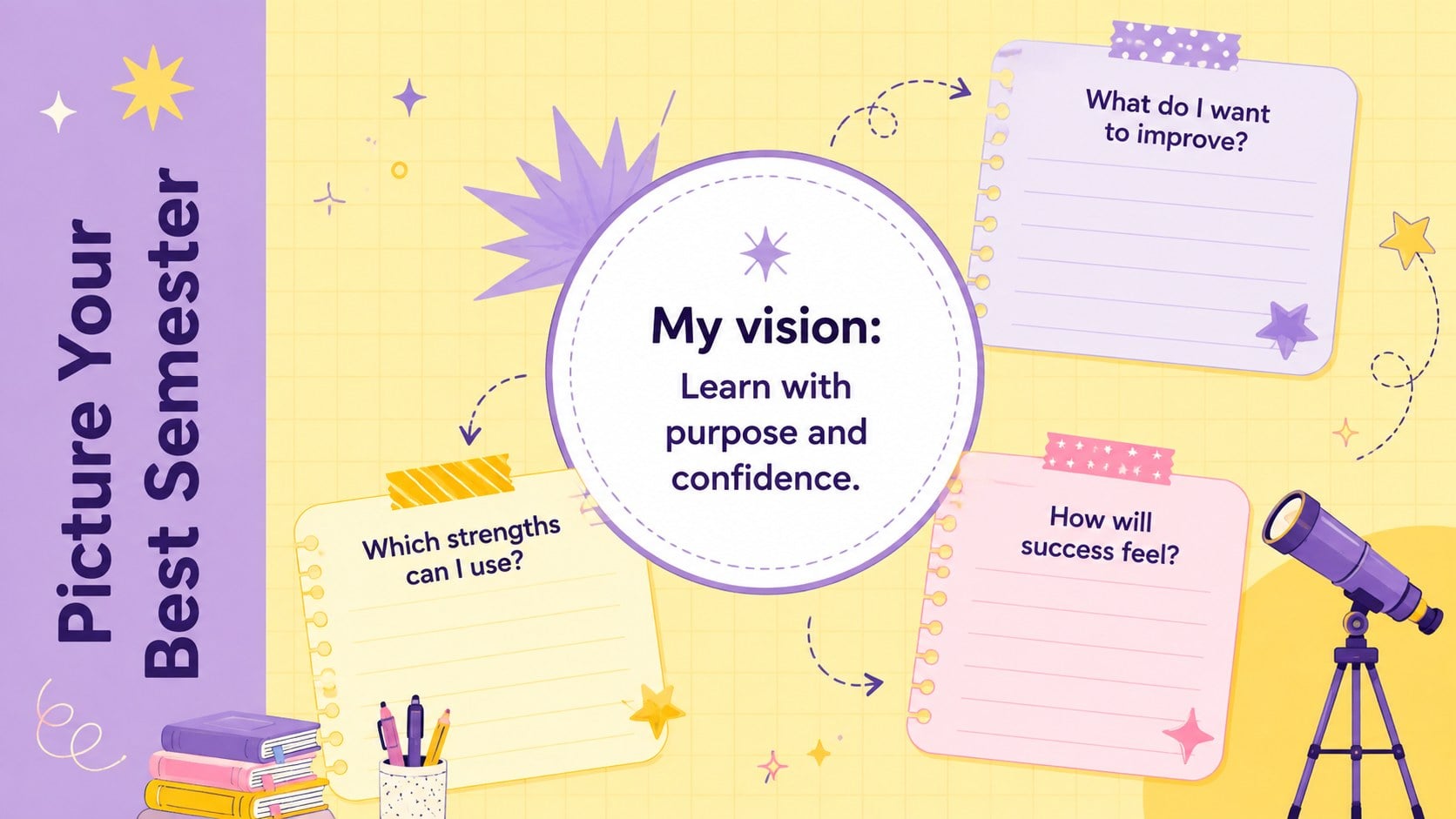
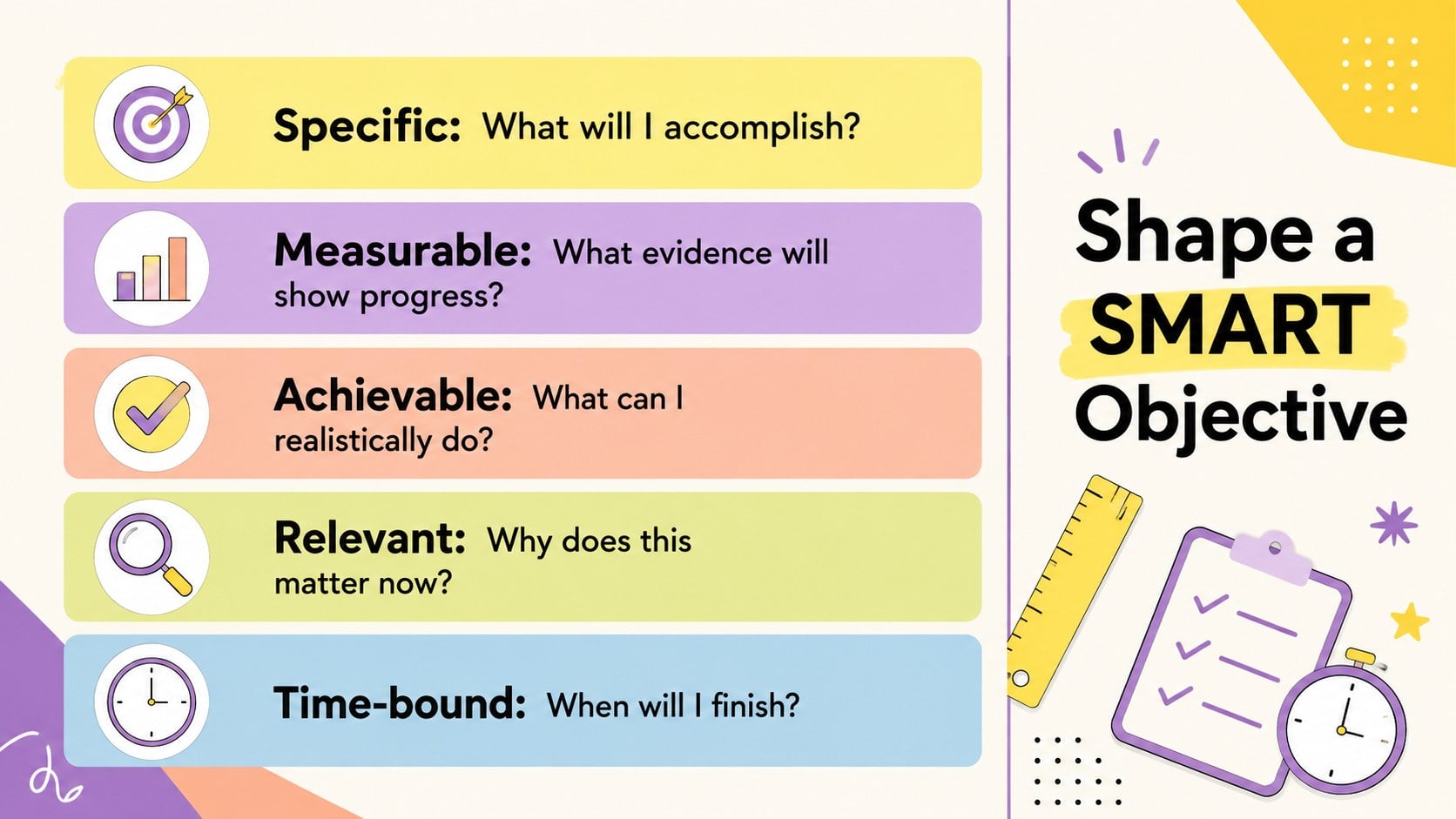
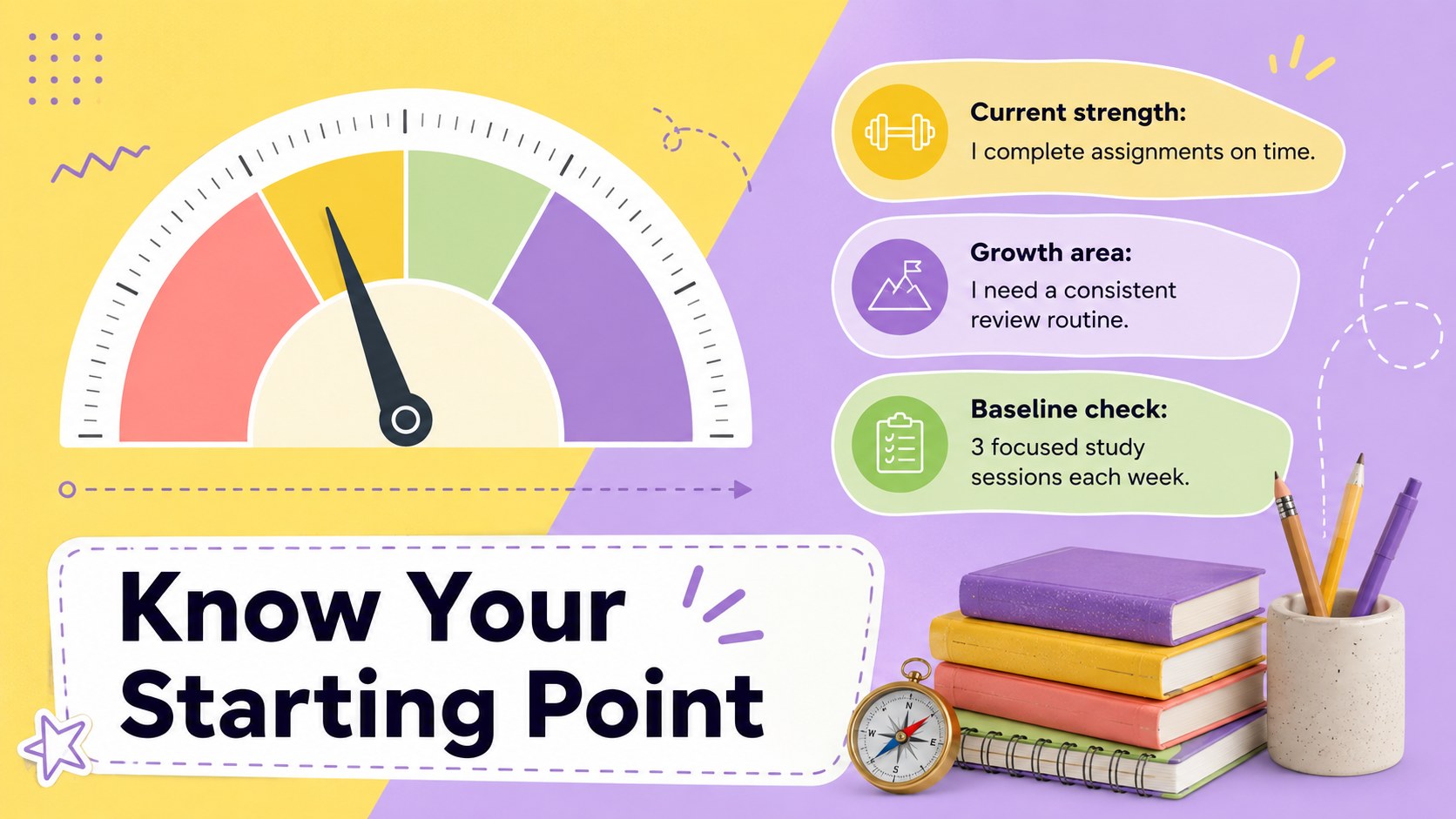
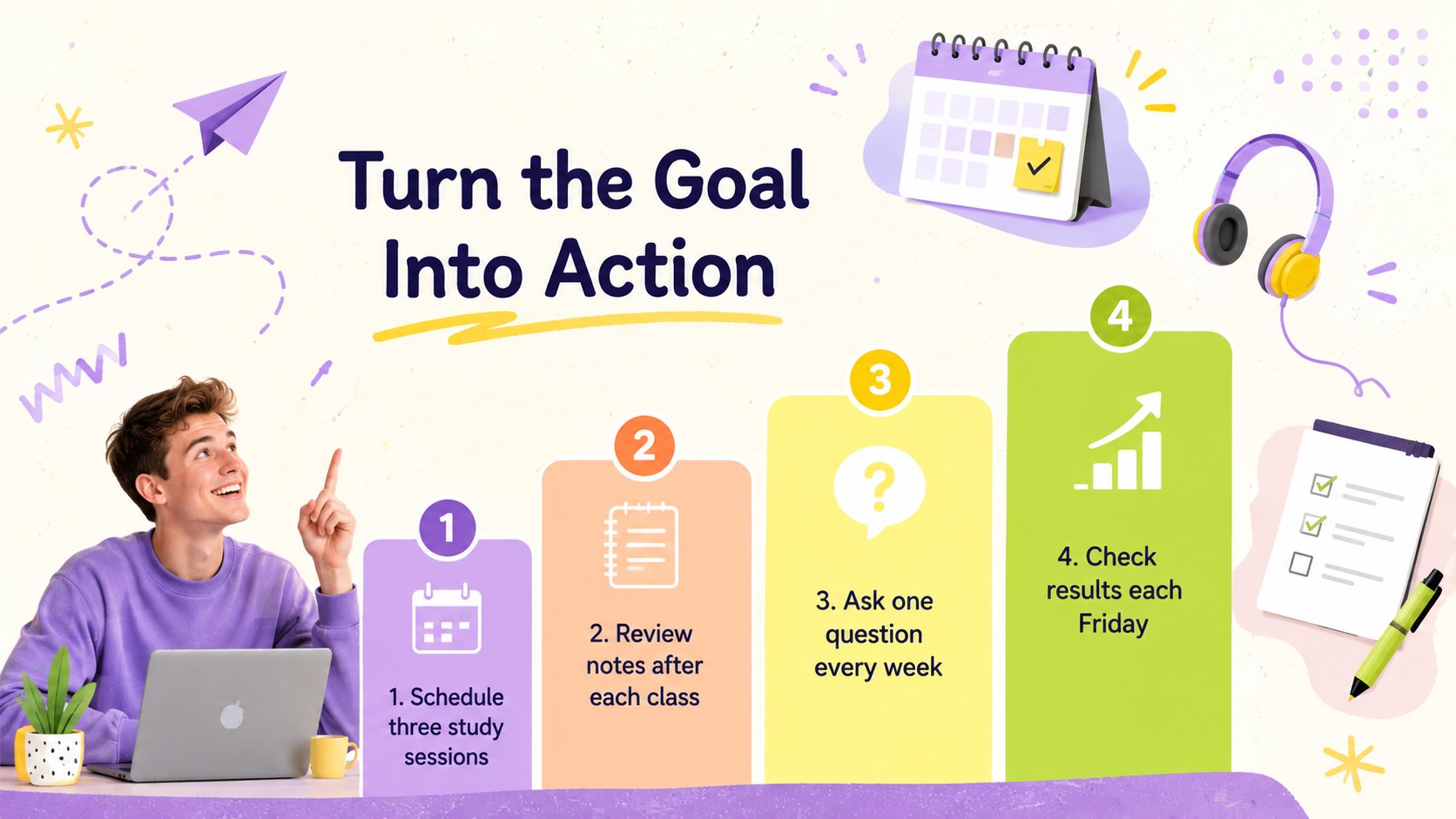
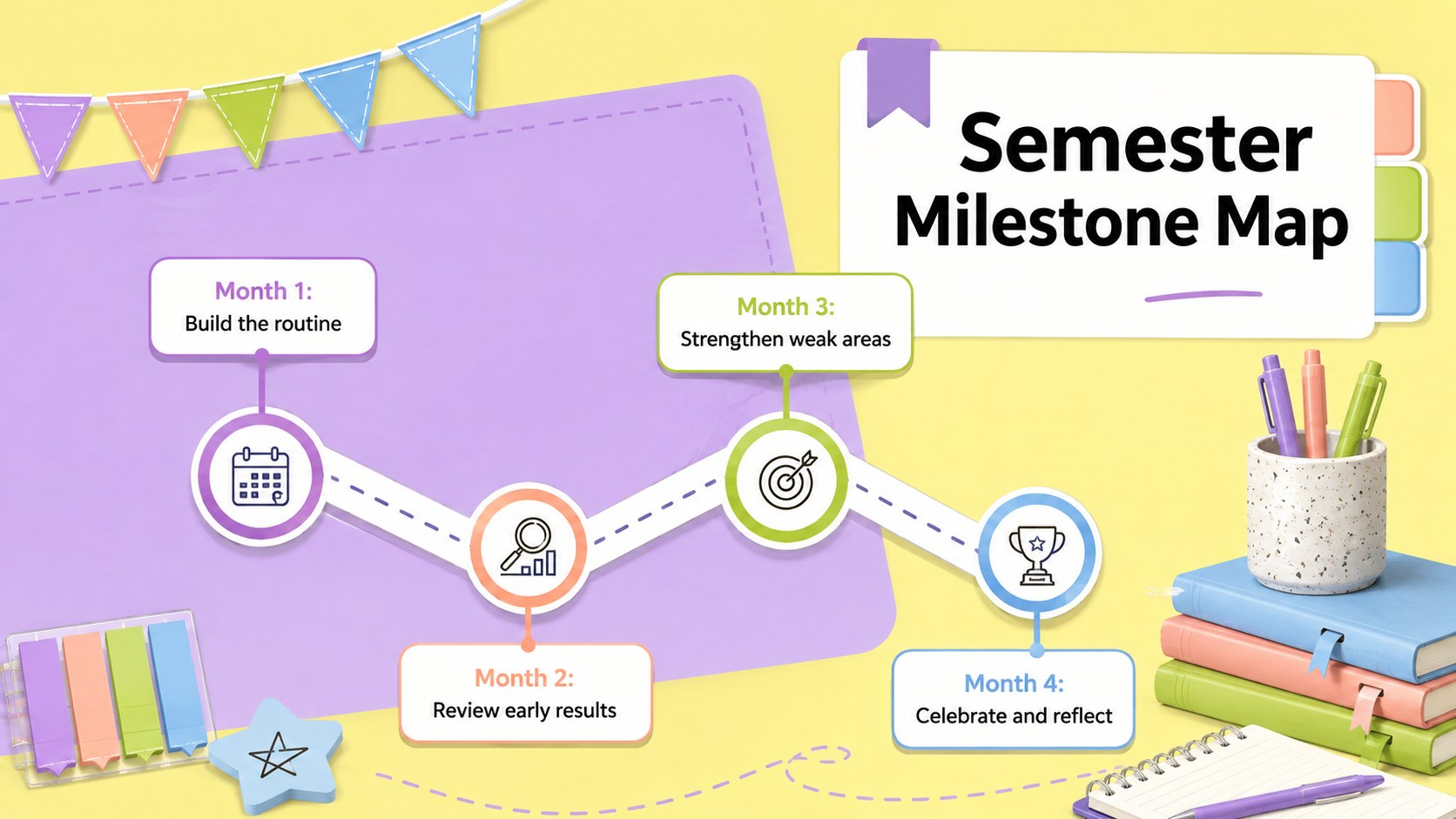
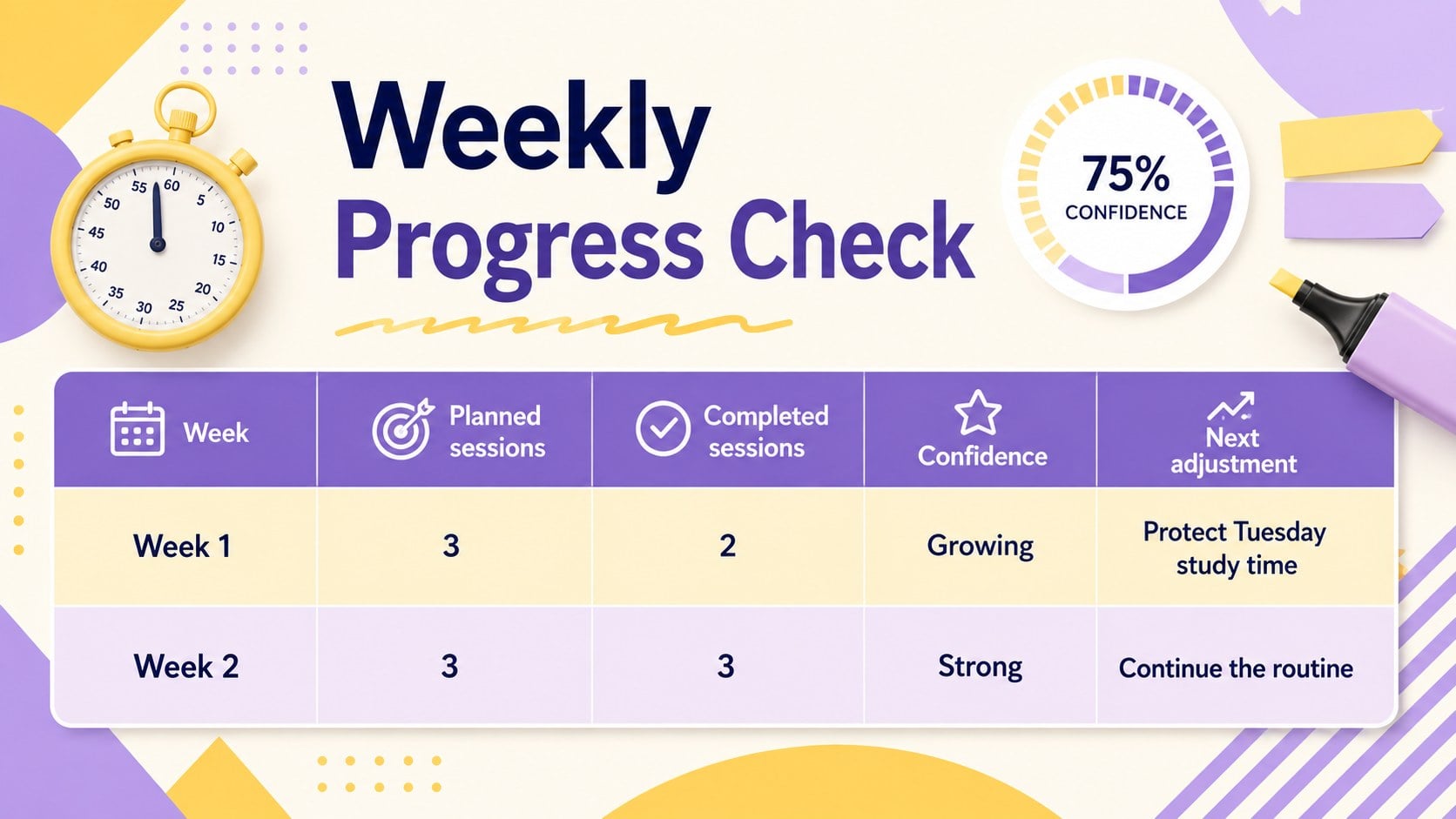
Inside, students can define a personal vision, assess their starting point, write measurable objectives, organize action steps, and map important deadlines. The deck also includes a semester achievement planner, a weekly progress tracker, an obstacle-and-solution layout, a support network page, and reflection prompts. Timeline, chart, checklist, and summary slides help presenters show how daily habits connect to larger educational outcomes.
This classroom objective tracking presentation is suitable for middle school, high school, college, tutoring, and academic coaching. Teachers can guide a whole-class planning workshop, while counselors can use the slides during one-to-one conferences. Students can also build a study milestone roadmap presentation for a new term, an important exam, a major project, or a personal improvement plan. With 15 coordinated 16:9 slides, the template offers enough structure to begin quickly while leaving room for each learner's priorities, strategies, and voice.
Perfect for: semester planning workshop; student advising conference; academic coaching session; exam preparation plan; classroom goal review; personal study roadmap.
Frequently asked questions
Can I edit every part of this academic planning deck? Yes. You can change the text, colors, fonts, shapes, charts, and page order to match a student's objectives or a school's visual style.
Practical details
Yes. You can change the text, colors, fonts, shapes, charts, and page order to match a student's objectives or a school's visual style.
The deck is designed for Microsoft PowerPoint and Google Slides. Both platforms support editing, presenting, and sharing the 16:9 layouts.
Replace the sample objectives with subject-specific prompts, then duplicate tracker or reflection pages for each checkpoint. Teachers can also remove layouts that are not relevant to the lesson.
Yes. A student can use it to plan a semester, prepare for an exam, organize a long-term assignment, or review personal progress with a teacher or counselor.
Keep exploring
15Build stronger academic arguments with a college essay thesis builder featuring guided examples, revision prompts, and editable PowerPoint and Google Slides.
 15
15Build an engaging World UFO Day session with this flying saucer history lesson deck, featuring retro green-and-brown slides for PowerPoint and Google Slides.
 14
14Plan a memorable Lunar New Year campaign with the 2036 Dragon Year Celebration Theme, featuring bold red-and-yellow slides for lessons and events.
 15
15Build a thoughtful classroom discussion with this interfaith awareness lesson deck, featuring editable blue-and-white slides for PowerPoint and Google Slides.
 15
15Use this environmental awareness lesson deck to teach climate action through illustrated activities, discussion prompts, and ready-to-edit visuals.
 15
15Build playful lessons and party stories with a kid-friendly zombie celebration theme in purple, green and pastel blue for PowerPoint and Google Slides.
 15
15Build eerie lessons, campaigns, and story pitches with an undead survival scenario theme featuring editable slides for PowerPoint and Google Slides.
 16
16Turn environmental research into a clear story with a Watercolor Ecology Presentation Theme for PowerPoint and Google Slides in calming green and blue.