
 15
15presentation
College Essay Thesis Builder Slides
Build stronger academic arguments with a college essay thesis builder featuring guided examples, revision prompts, and editable PowerPoint and Google Slides.
Google SlidesPowerPoint
presentation · English
Make final review feel like a retro game show with this 90s classroom review quiz show, editable for lively PowerPoint and Google Slides lessons.


Design notes
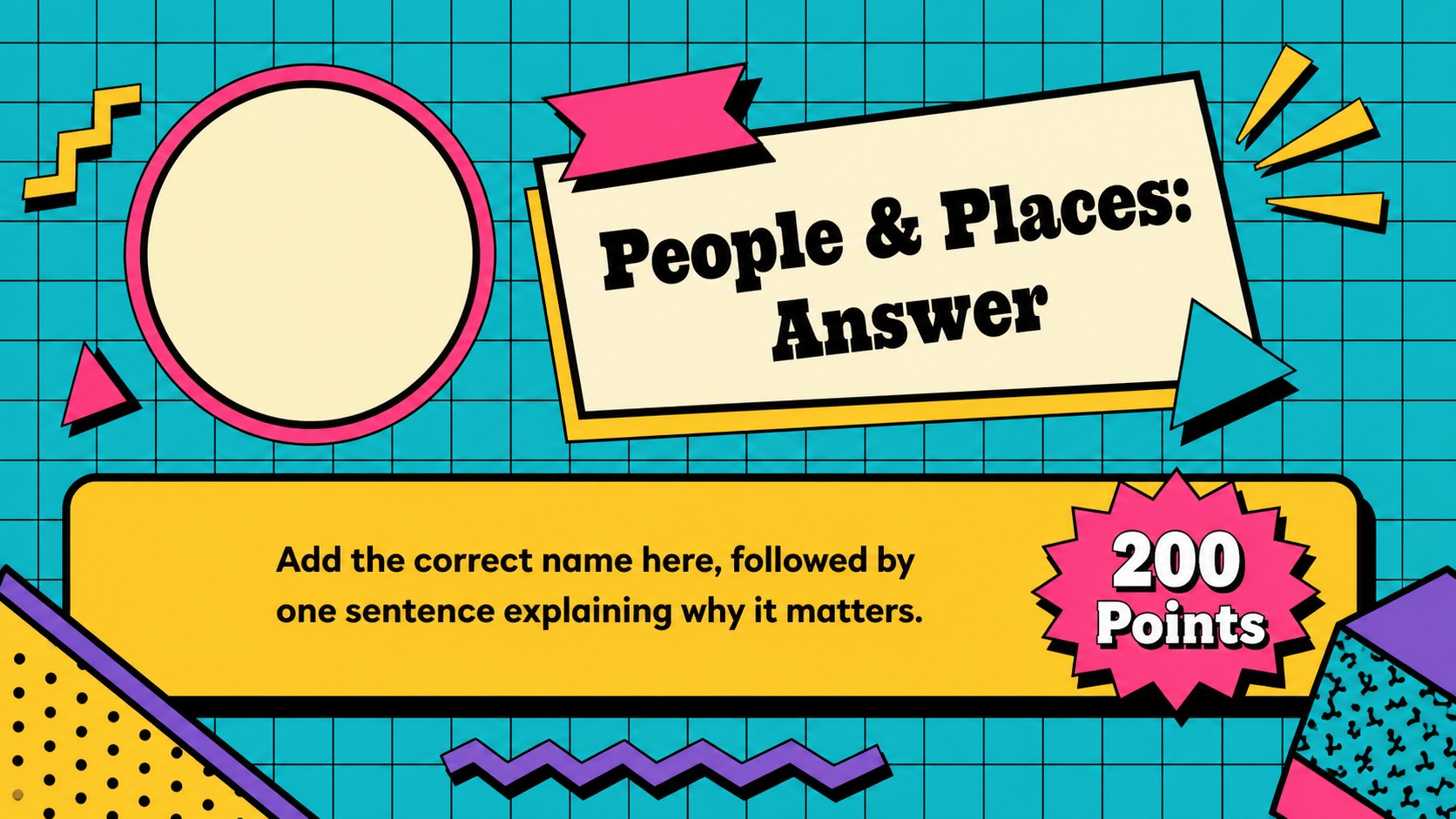
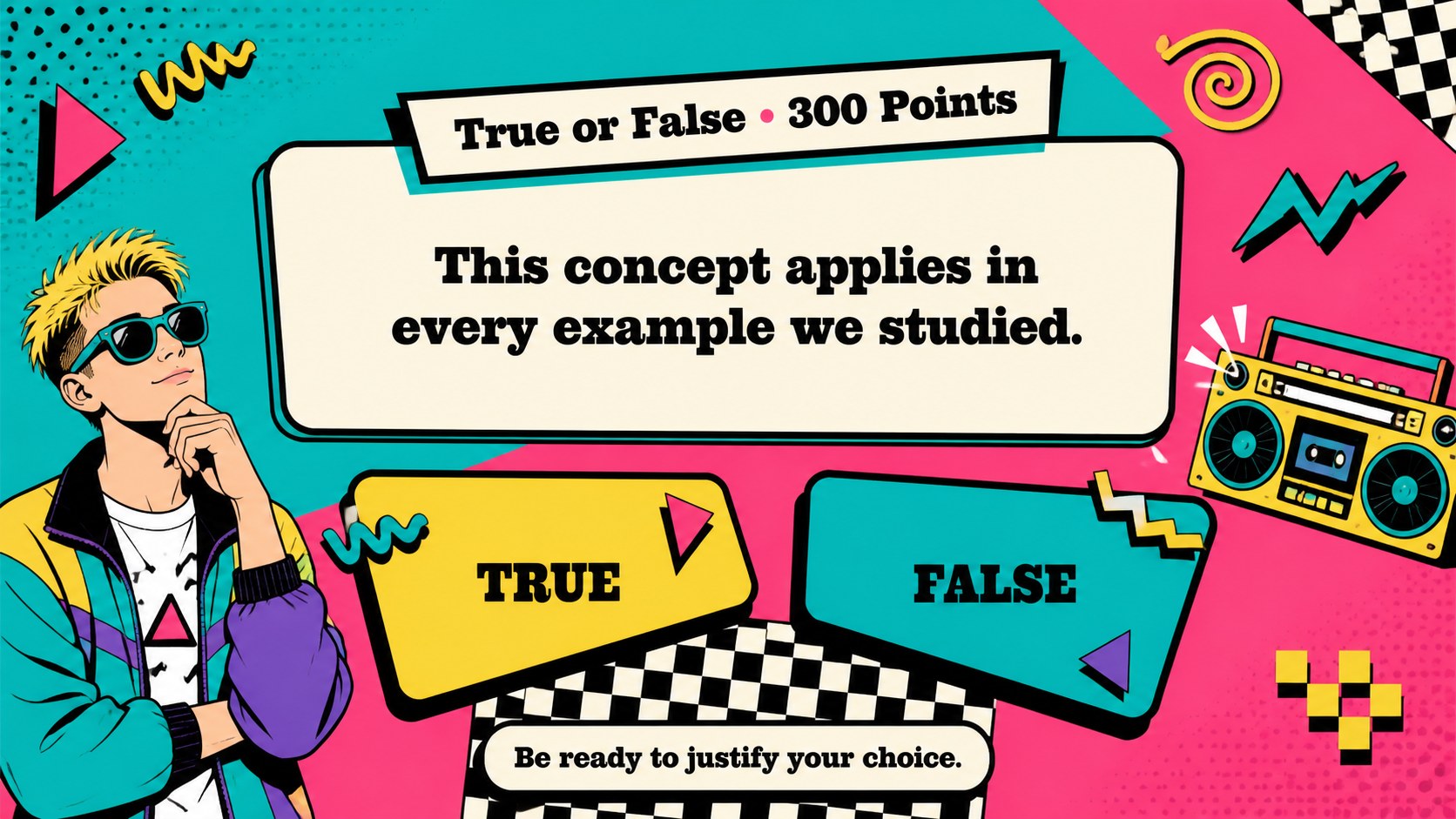
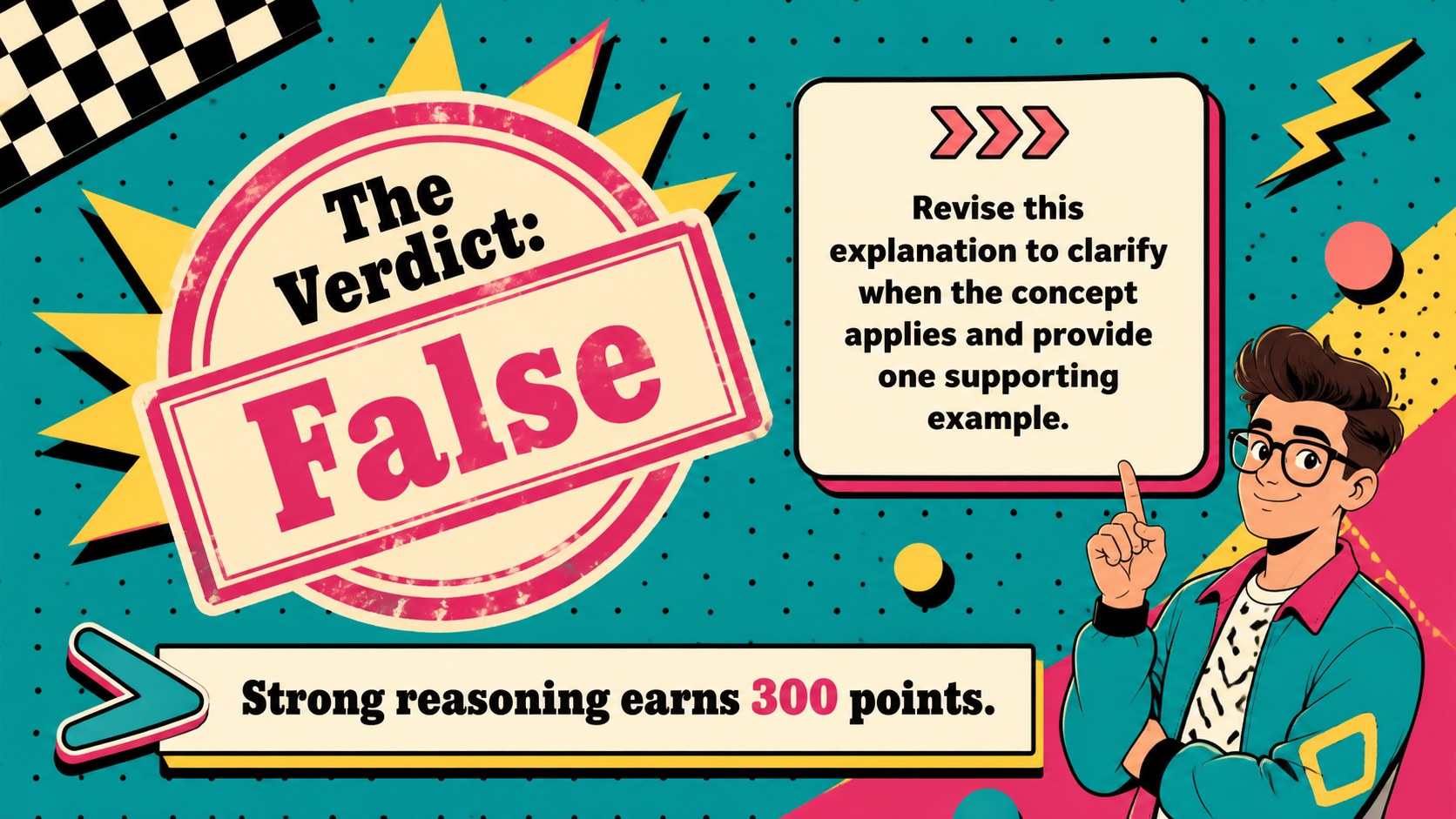
Bring energy to the last lessons of the term with the 90s classroom review quiz show, a colorful presentation template built for friendly competition. Its bold pop-art details, playful geometric patterns, and vivid retro palette transform familiar course questions into an interactive activity that feels fresh and memorable. Educators can adapt the deck for any subject, grade level, or learning objective in PowerPoint or Google Slides.
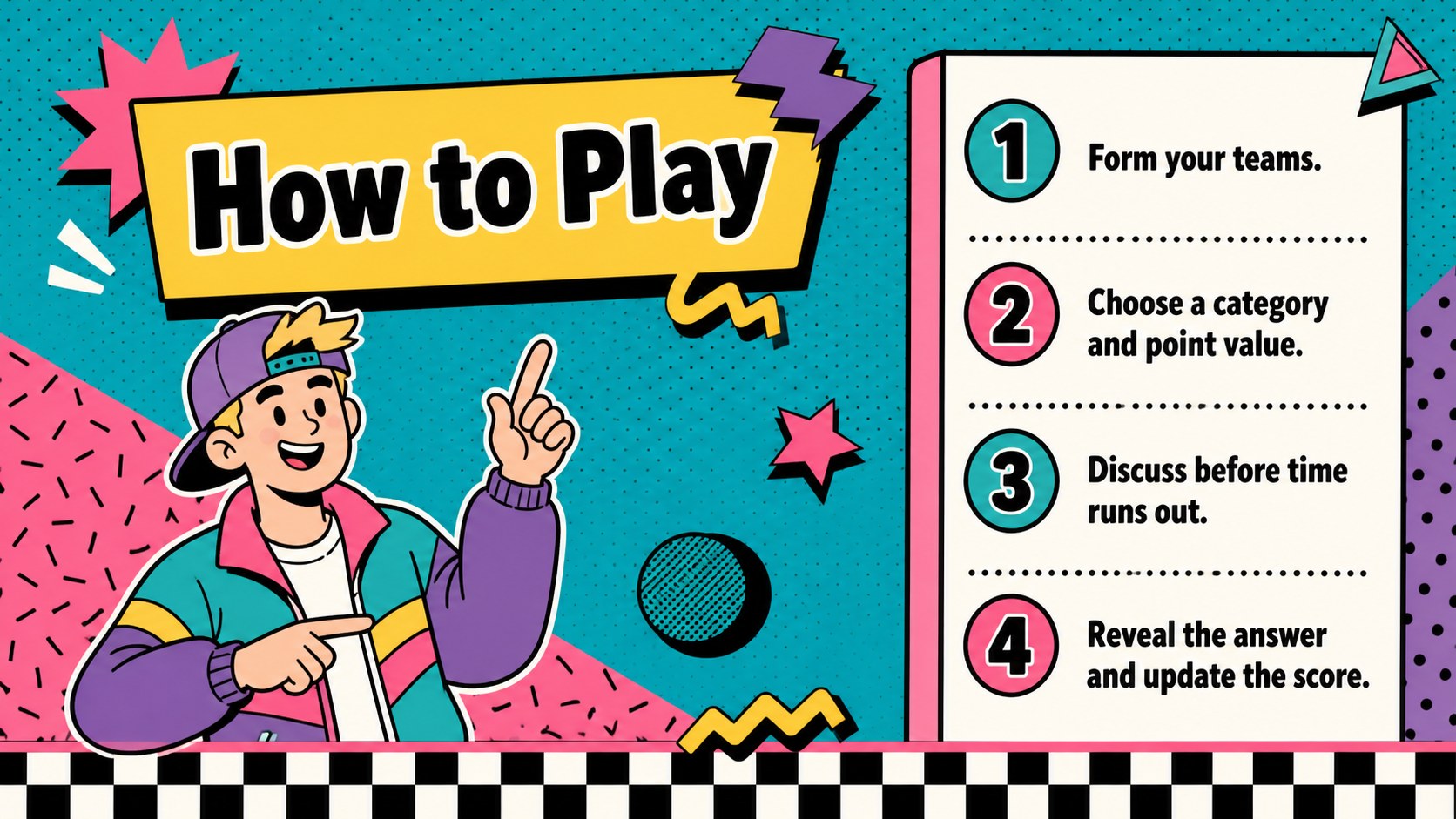
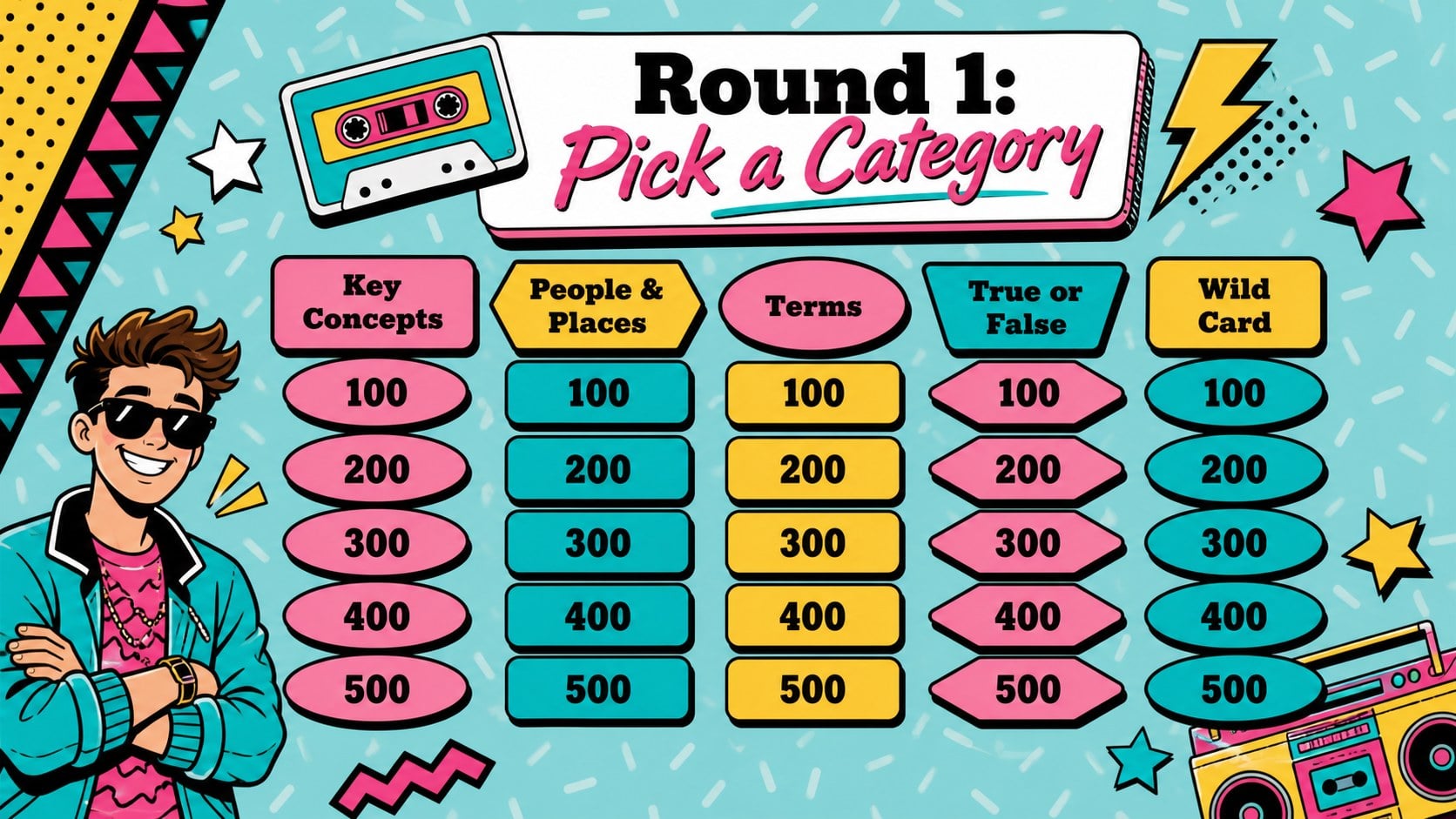
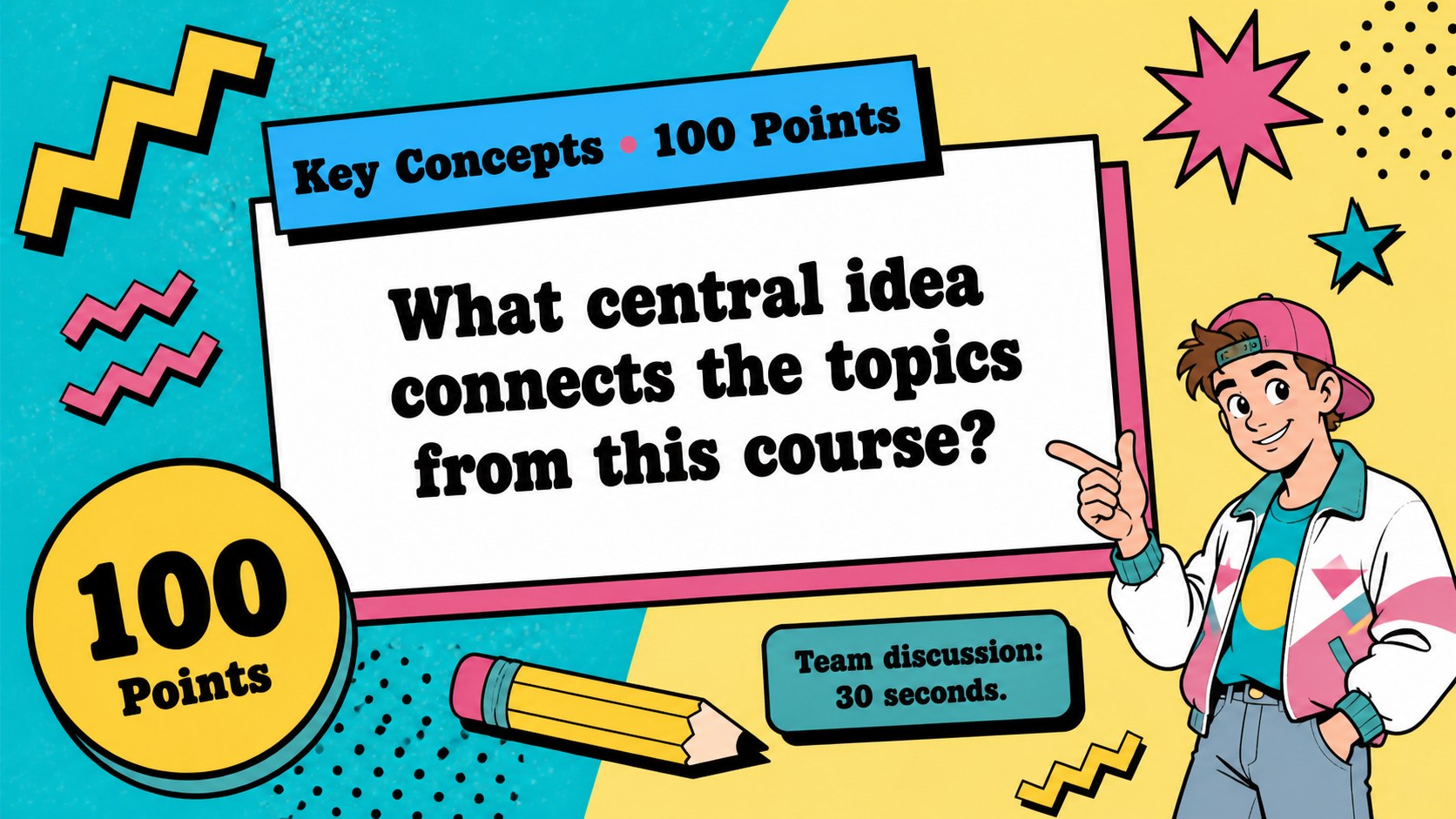
The template includes an opening screen, category board, question layouts, answer reveals, bonus rounds, score checks, team prompts, and a closing results slide. Clear placeholders make it easy to create an editable end of course quiz without rebuilding the game structure. Teachers can replace the sample wording, adjust point values, duplicate rounds, and add their own diagrams or photos while preserving a consistent 1990s classroom game theme.
Use this retro classroom quiz template for exam preparation, unit recaps, vocabulary practice, or an upbeat final-day activity. It works especially well for middle school and high school teachers, tutors, workshop leaders, and homeschool educators who want an interactive review game for students. The bright visual hierarchy helps questions stay readable from across the room, while varied round formats support individual play, small teams, or a whole-class challenge.
Perfect for: end-of-course exam review; classroom team quiz; unit recap activity; vocabulary practice game; final-day class challenge.
Frequently asked questions
Can I edit the questions and categories? Yes. Replace the sample categories, questions, answers, and point values with material from any subject or course. You can also duplicate question slides to create longer rounds.
Practical details
Yes. Replace the sample categories, questions, answers, and point values with material from any subject or course. You can also duplicate question slides to create longer rounds.
The template is designed for Microsoft PowerPoint and Google Slides. Some fonts, transitions, or animations may render slightly differently between the two platforms.
Assign each group a team name and use the included score-check layouts between rounds. Adjust the rules, timing, and point system to suit your class size.
Yes. Change the sample text, illustrations, photos, and icons while keeping the retro palette and layout system. The structure works for science, language arts, history, mathematics, and other subjects.
Keep exploring
15Build stronger academic arguments with a college essay thesis builder featuring guided examples, revision prompts, and editable PowerPoint and Google Slides.
 15
15Build an engaging World UFO Day session with this flying saucer history lesson deck, featuring retro green-and-brown slides for PowerPoint and Google Slides.
 14
14Plan a memorable Lunar New Year campaign with the 2036 Dragon Year Celebration Theme, featuring bold red-and-yellow slides for lessons and events.
 15
15Build a thoughtful classroom discussion with this interfaith awareness lesson deck, featuring editable blue-and-white slides for PowerPoint and Google Slides.
 15
15Use this environmental awareness lesson deck to teach climate action through illustrated activities, discussion prompts, and ready-to-edit visuals.
 15
15Build playful lessons and party stories with a kid-friendly zombie celebration theme in purple, green and pastel blue for PowerPoint and Google Slides.
 15
15Build eerie lessons, campaigns, and story pitches with an undead survival scenario theme featuring editable slides for PowerPoint and Google Slides.
 16
16Turn environmental research into a clear story with a Watercolor Ecology Presentation Theme for PowerPoint and Google Slides in calming green and blue.