
 15
15presentation
College Essay Thesis Builder Slides
Build stronger academic arguments with a college essay thesis builder featuring guided examples, revision prompts, and editable PowerPoint and Google Slides.
Google SlidesPowerPoint
presentation · English
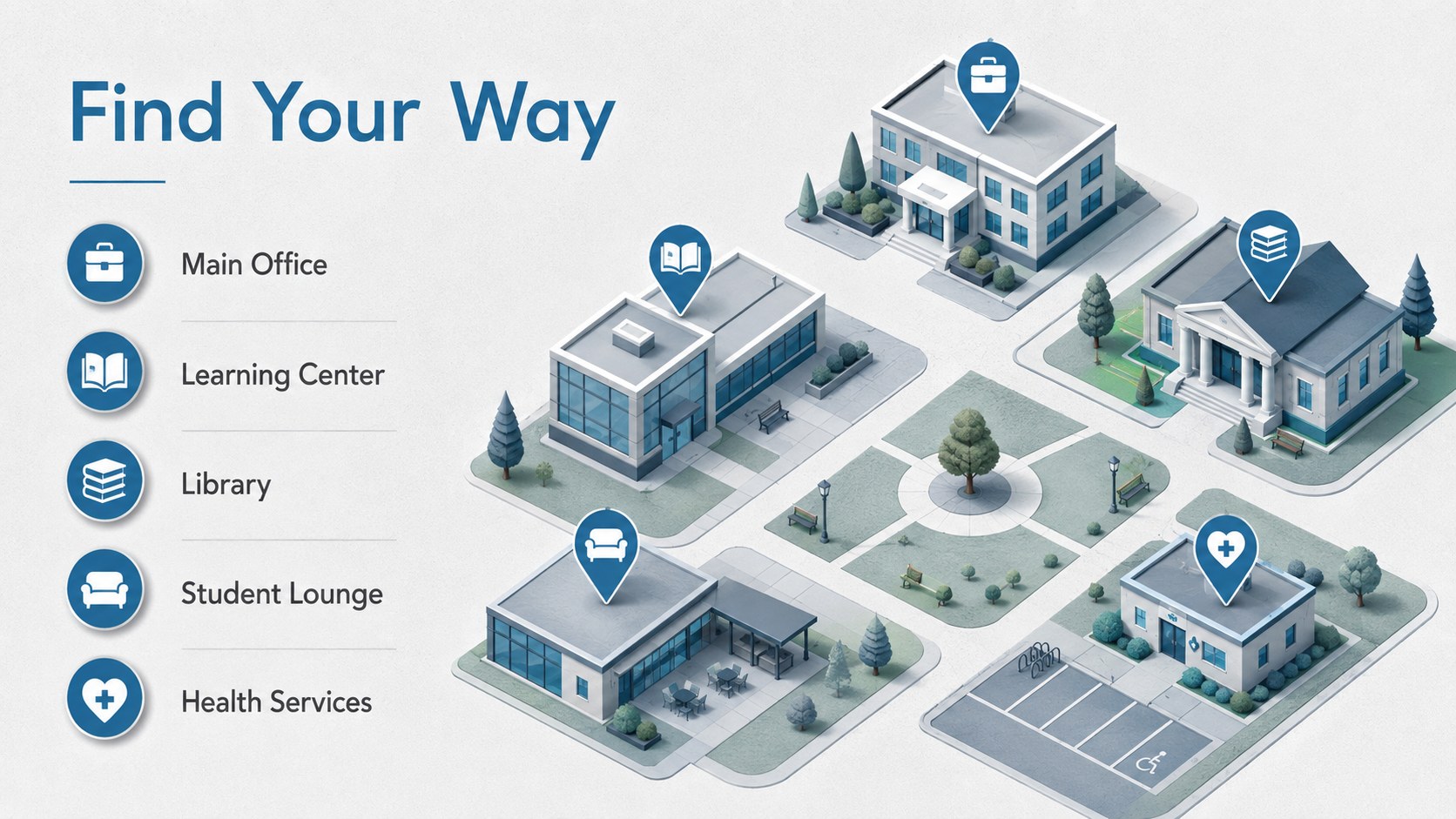
Start the term with a 3D back to school welcome deck in cool grey and blue, designed for clear introductions in PowerPoint and Google Slides.

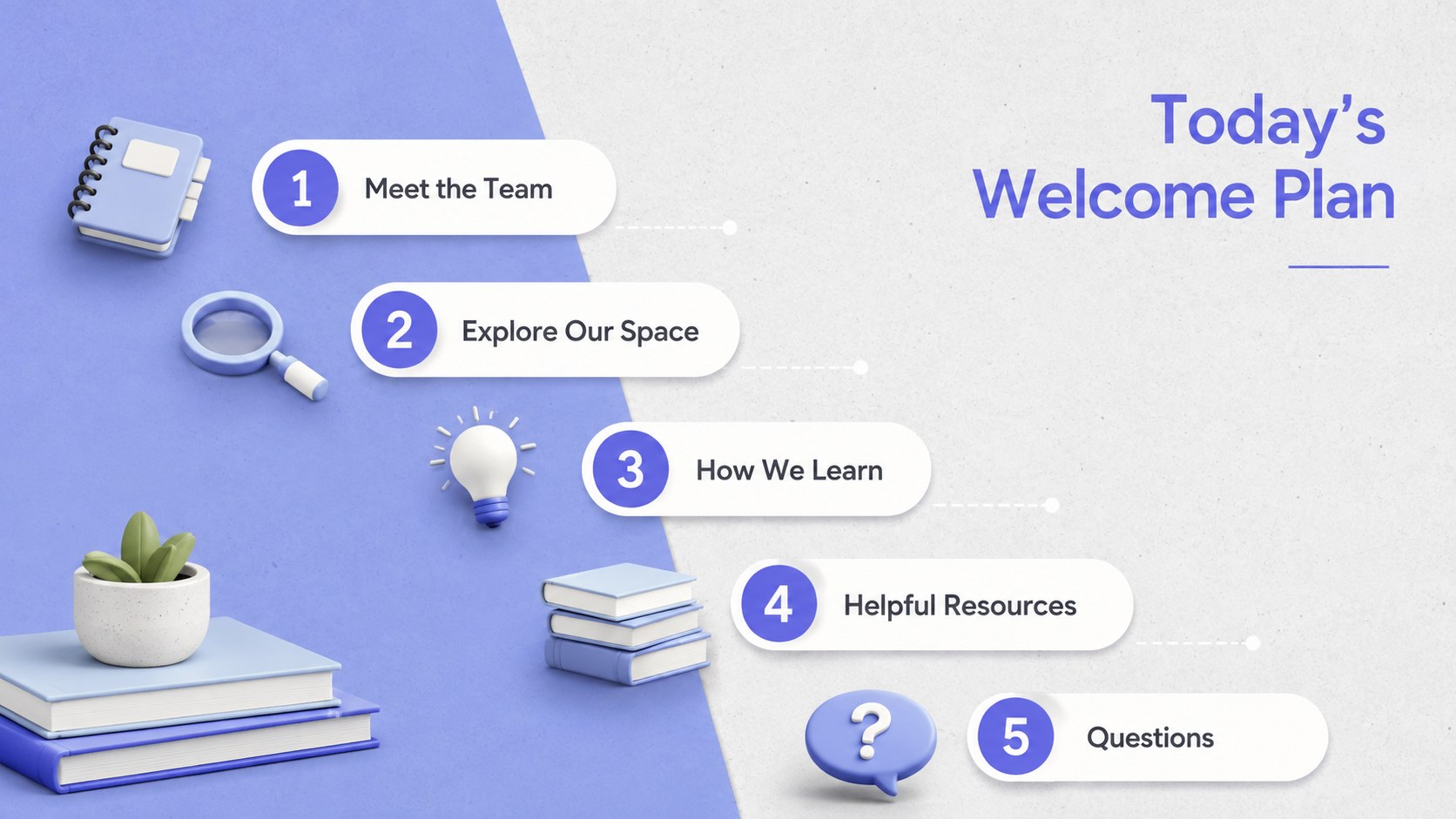

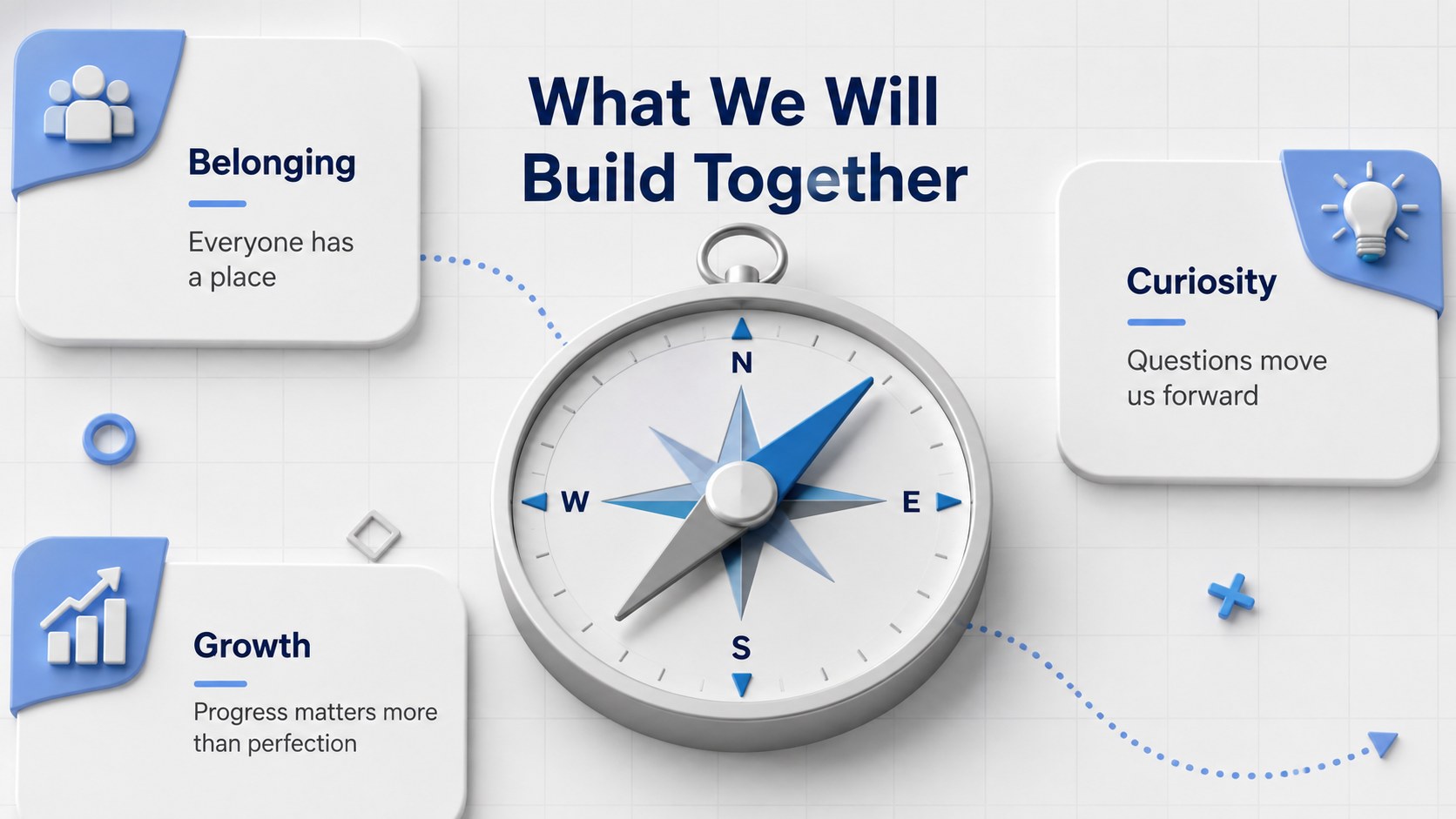
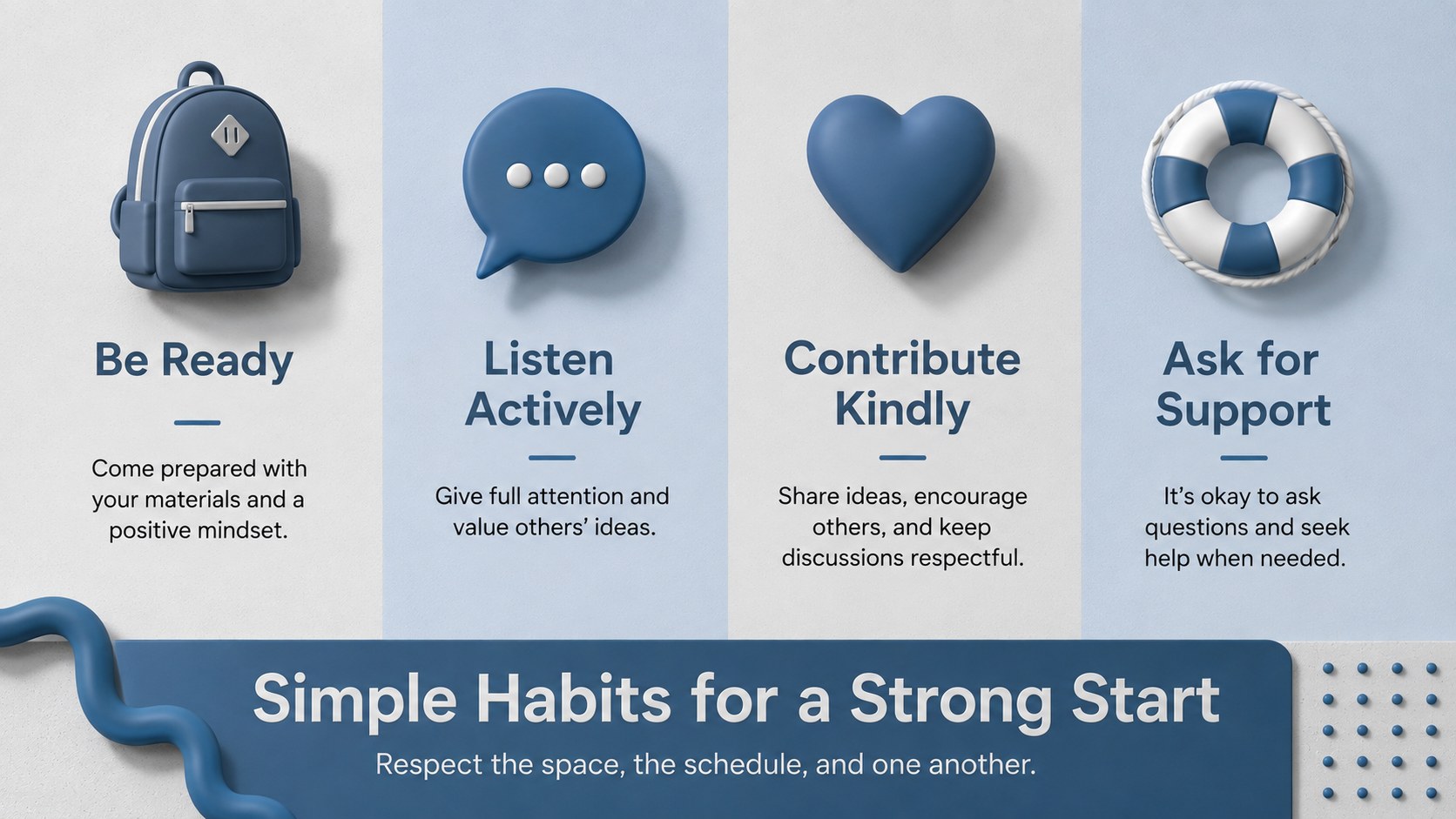


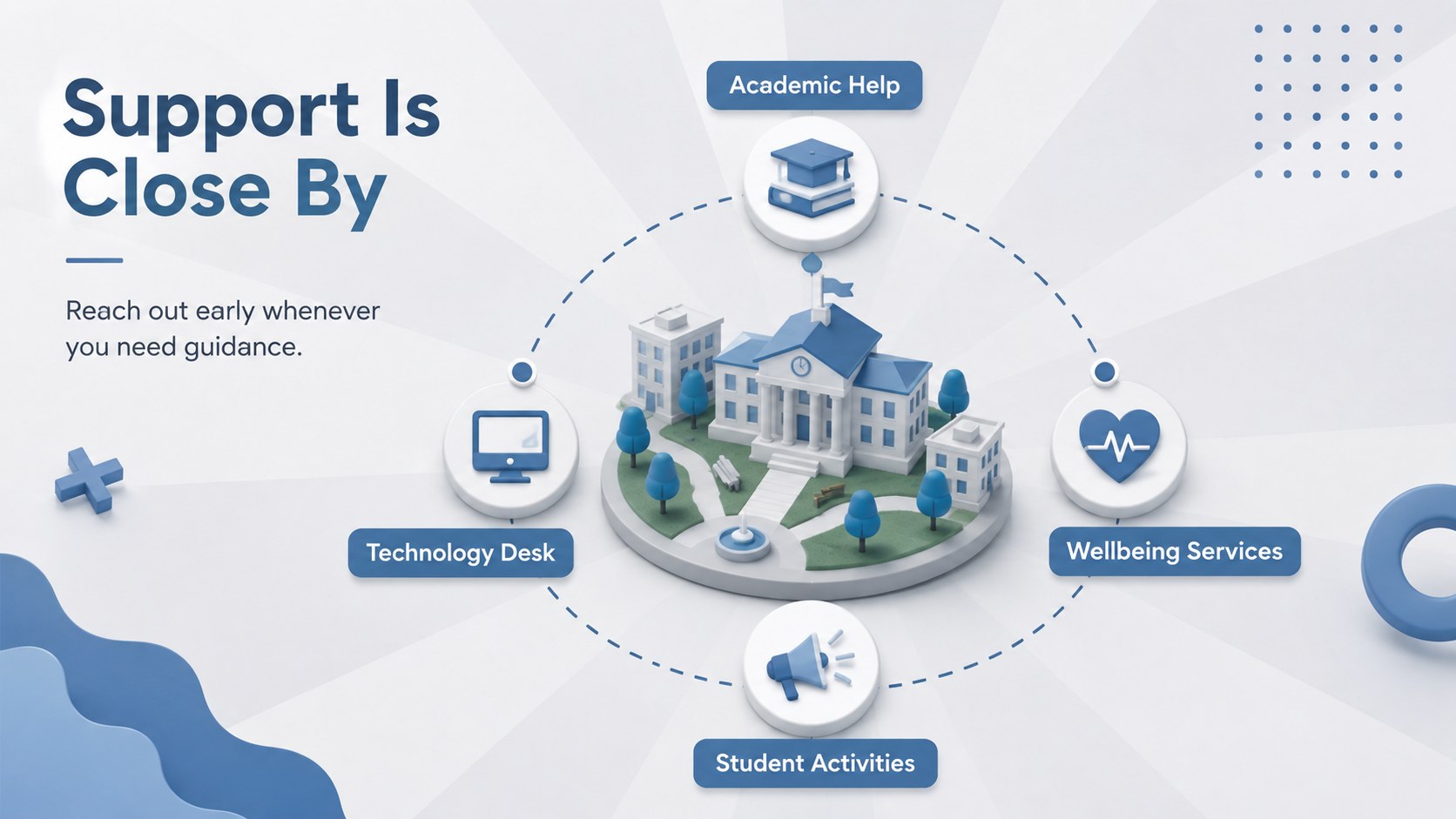
Design notes
Set a confident tone for the new term with this 3D back to school welcome deck. Its minimalist grey and blue palette, dimensional illustrations, and clean typography help educators share essential information without overwhelming learners. The flexible design works as a first day of school presentation template for elementary classes, high school groups, university programs, and campus events.
The deck includes layouts for introductions, an agenda, classroom expectations, daily schedules, learning goals, campus resources, important contacts, student activities, key dates, and closing questions. Visual timelines, profile sections, simple diagrams, and organized content blocks make detailed information easier to scan. Every slide can be edited in PowerPoint or Google Slides, including the wording, colors, fonts, shapes, and image placement.
Teachers can adapt it into elementary classroom introduction slides, while faculty teams can build a college welcome Google Slides deck for incoming students. It is also suitable for orientation leaders, academic advisors, school administrators, and student services teams preparing enrollment briefings or family information sessions. Use the ready-made sequence as a complete presentation or select individual layouts to complement an existing orientation program. The consistent visual system keeps announcements, policies, schedules, and support details connected from the opening welcome through the final question slide.
Perfect for: first-day classroom welcome; new student orientation; university program introduction; family information session; campus resources briefing; academic advisor presentation.
Frequently asked questions
Can I edit this deck in PowerPoint and Google Slides? Yes. The layouts, text, colors, and shapes can be customized in both PowerPoint and Google Slides. Some visual effects may vary slightly between the two platforms.
Practical details
Yes. The layouts, text, colors, and shapes can be customized in both PowerPoint and Google Slides. Some visual effects may vary slightly between the two platforms.
Yes. Replace the sample wording and adjust the amount of detail to suit elementary, secondary, or university audiences. The clean layouts support both short classroom messages and more detailed campus information.
Change the blue and grey accents to your institution's colors, then update the typefaces and imagery. You can also add your school name and approved logo after opening the file.
The deck supports schedules, expectations, staff introductions, learning goals, campus resources, activities, and important dates. Slides can be reordered or duplicated to fit the length of your program.
Keep exploring
15Build stronger academic arguments with a college essay thesis builder featuring guided examples, revision prompts, and editable PowerPoint and Google Slides.
 15
15Build an engaging World UFO Day session with this flying saucer history lesson deck, featuring retro green-and-brown slides for PowerPoint and Google Slides.
 14
14Plan a memorable Lunar New Year campaign with the 2036 Dragon Year Celebration Theme, featuring bold red-and-yellow slides for lessons and events.
 15
15Build a thoughtful classroom discussion with this interfaith awareness lesson deck, featuring editable blue-and-white slides for PowerPoint and Google Slides.
 15
15Use this environmental awareness lesson deck to teach climate action through illustrated activities, discussion prompts, and ready-to-edit visuals.
 15
15Build playful lessons and party stories with a kid-friendly zombie celebration theme in purple, green and pastel blue for PowerPoint and Google Slides.
 15
15Build eerie lessons, campaigns, and story pitches with an undead survival scenario theme featuring editable slides for PowerPoint and Google Slides.
 16
16Turn environmental research into a clear story with a Watercolor Ecology Presentation Theme for PowerPoint and Google Slides in calming green and blue.