
 15
15presentation
Astrology Audience Insights Deck
Use this astrology audience insights deck to present zodiac-based segments, behaviors, and campaign findings in polished black-and-gold slides.
Google SlidesPowerPoint
presentation · English
Build a lively year-end meme recap slides deck with purple, orange, pink, and green gradients. Customize it, PowerPoint, or Google Slides for laughs.

Design notes
Turn a year of shared jokes, viral moments, and memorable reactions into a presentation everyone will enjoy. Year-End Meme Recap Slides gives you a bright, playful format for collecting the funniest highlights and presenting them with personality. Purple, orange, pink, and green gradients create an energetic visual rhythm while bold layouts keep every punchline easy to follow.
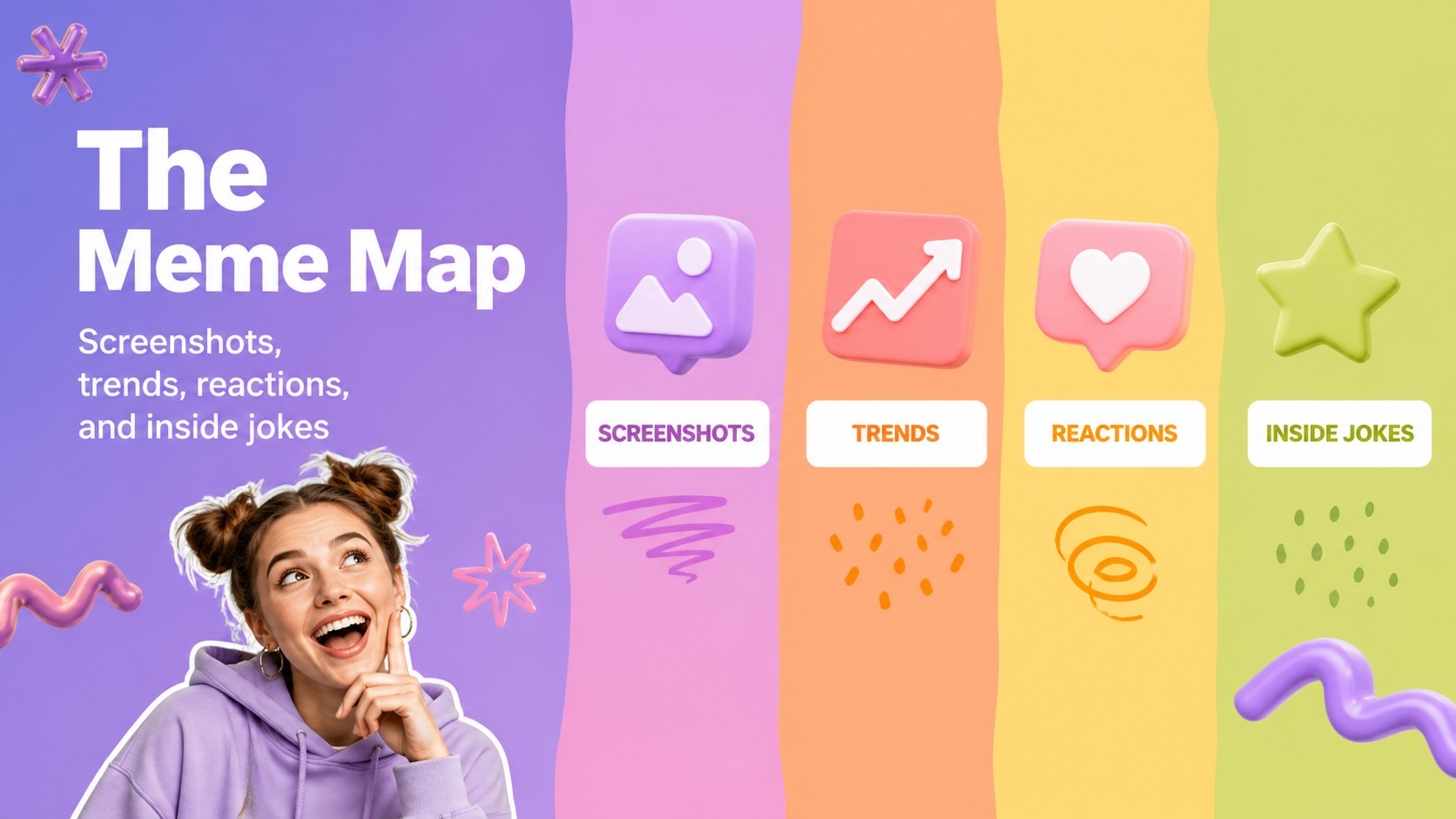
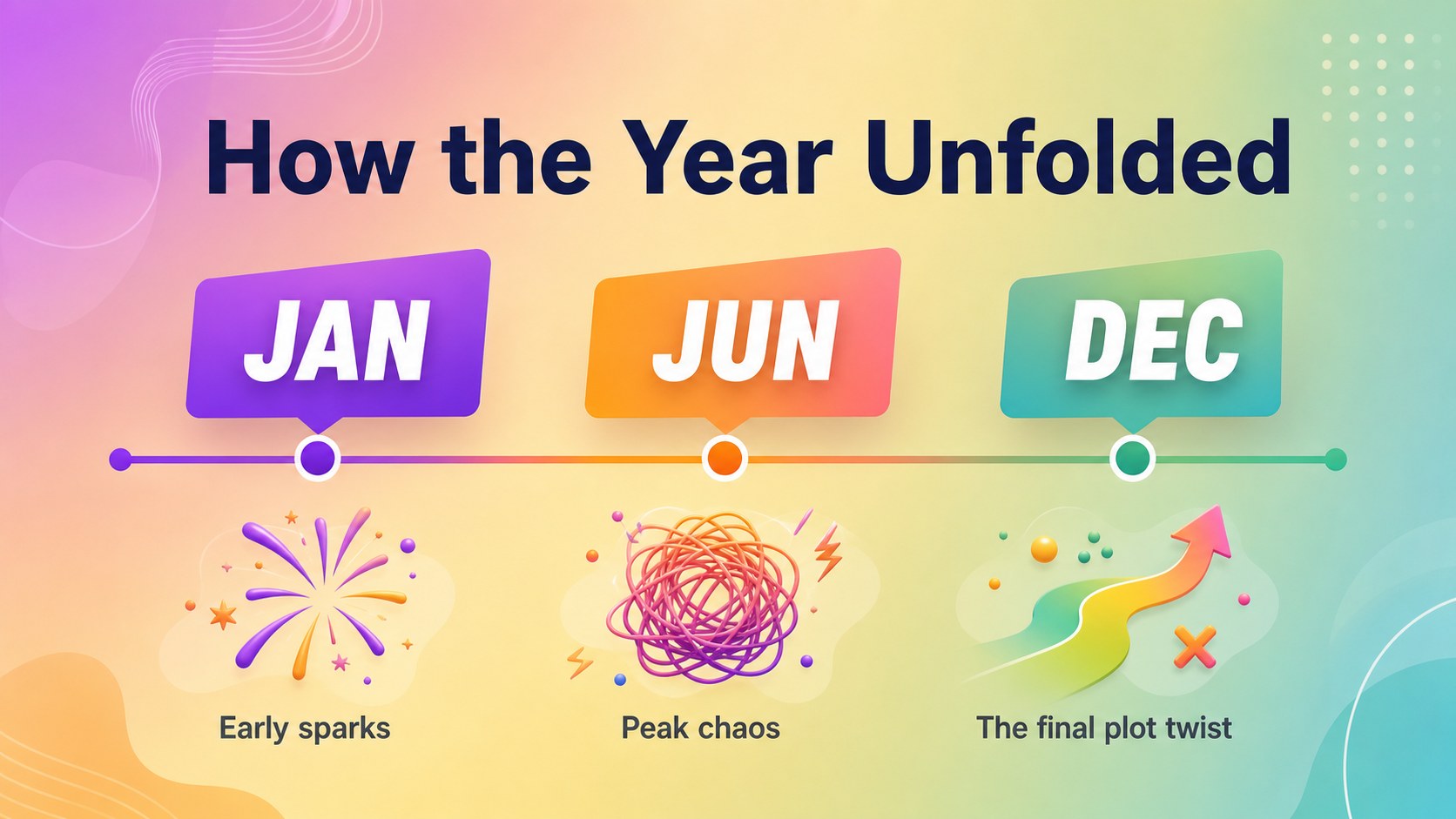
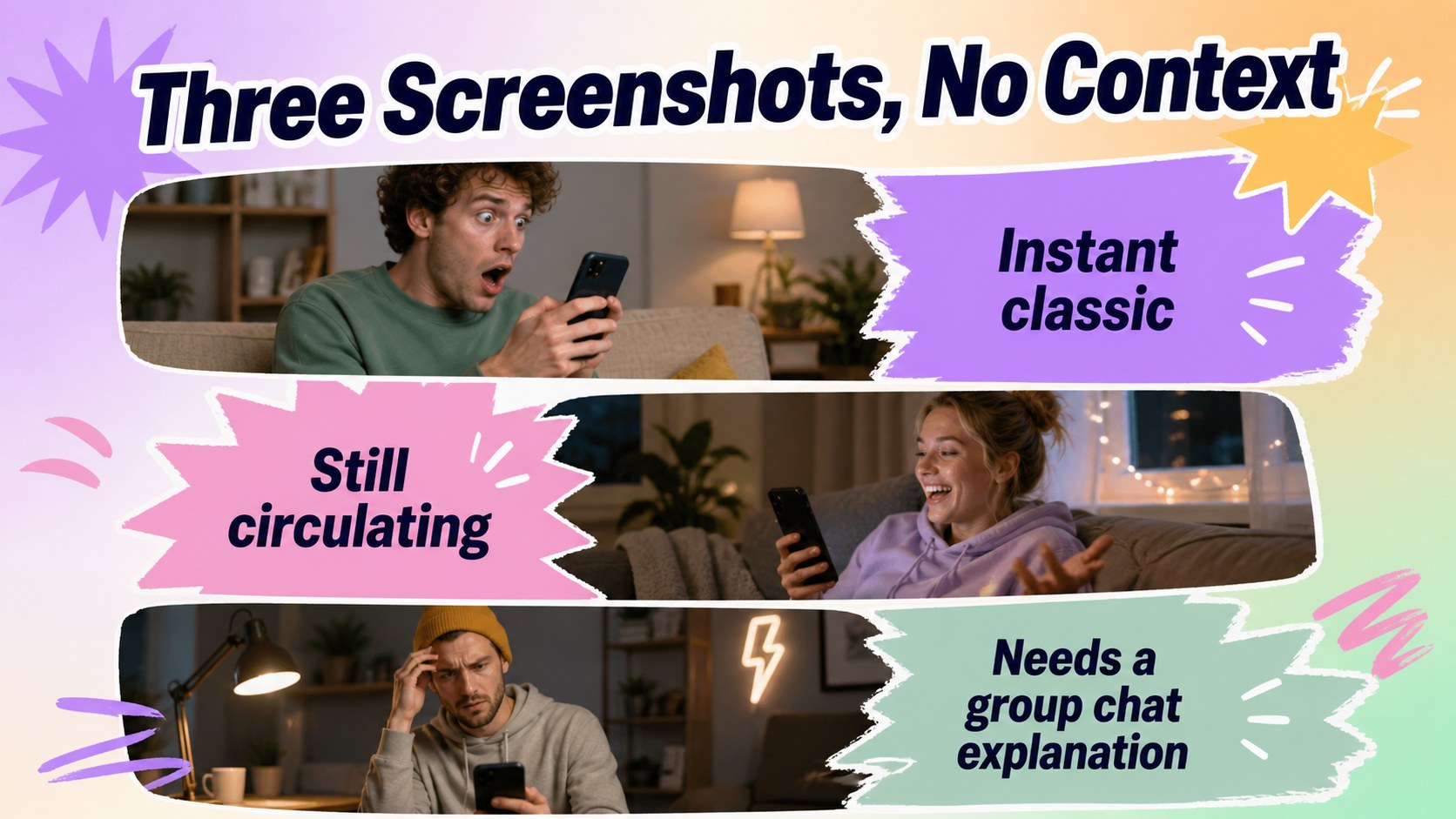
Inside, you will find 12 editable widescreen slides for an opening title, meme categories, reaction highlights, trend summaries, favorite-of-the-year awards, audience voting, and a final recap. Use the sample text as a starting point, then replace it with screenshots, captions, images, or inside jokes from your own community. The layouts work well for an editable meme night slides session, a team year in review meme deck, or an informal classroom activity.
This funny meme presentation deck is suitable for friends, coworkers, teachers, students, event hosts, and online communities. Edit the file, Microsoft PowerPoint, or Google Slides, adjust the colors and typography, and share the finished story digitally or in person. The flexible structure also makes it useful for game nights, end-of-year parties, social content planning, and casual pop culture discussions.
Perfect for: office year-end celebration; meme night party; classroom media activity; online community recap; friend group awards; social media trend review.
Frequently asked questions
Can I edit these slides? Yes. The template is designed for PowerPoint and Google Slides, so you can change text, images, colors, and layout elements in the platform you prefer. also supports quick drag-and-drop editing for screenshots and graphics.
Practical details
Yes. The template is designed for PowerPoint and Google Slides, so you can change text, images, colors, and layout elements in the platform you prefer. also supports quick drag-and-drop editing for screenshots and graphics.
Yes. Replace the sample captions, images, and placeholders with your own content. You can also remove individual elements or duplicate layouts for additional meme categories.
Yes. The layouts can organize team highlights, internal jokes, awards, and memorable moments from the year. Keep workplace content appropriate and replace any sample material before sharing.
The presentation uses a 16:9 widescreen format that works well on modern displays and video calls. You can export the finished deck as a PowerPoint file, PDF, or shared presentation link depending on your editing platform.
Keep exploring
15Use this astrology audience insights deck to present zodiac-based segments, behaviors, and campaign findings in polished black-and-gold slides.
 14
14Plan a memorable Lunar New Year campaign with the 2036 Dragon Year Celebration Theme, featuring bold red-and-yellow slides for lessons and events.
 15
15Build eerie lessons, campaigns, and story pitches with an undead survival scenario theme featuring editable slides for PowerPoint and Google Slides.
 15
15Build a clear breast cancer awareness bulletin with bold pink-and-red slides for campaign news, screening reminders, impact data, and community updates.
 15
15Shape your publishing concept with an indie magazine startup pitch deck featuring pastel gradients, bold collage layouts, and editable planning slides.
 15
15Build a bold retro-futurist campaign pitch deck for client meetings, with editable strategy layouts and playful pastel Y2K-inspired visuals.
 16
16Build a consistent presence with a social channel identity playbook covering voice, visuals, content formats, publishing rules, and approvals.
 15
15Celebrate online learners with webinar completion certificate slides, featuring editable violet artwork for university events in PowerPoint and Google Slides.