
 15
15presentation
Astrology Audience Insights Deck
Use this astrology audience insights deck to present zodiac-based segments, behaviors, and campaign findings in polished black-and-gold slides.
Google SlidesPowerPoint
presentation · English
Turn campaign ideas into an actionable plan with this Y2K web marketing strategy deck, featuring editable timelines, channel maps, metrics, and goals.
Design notes
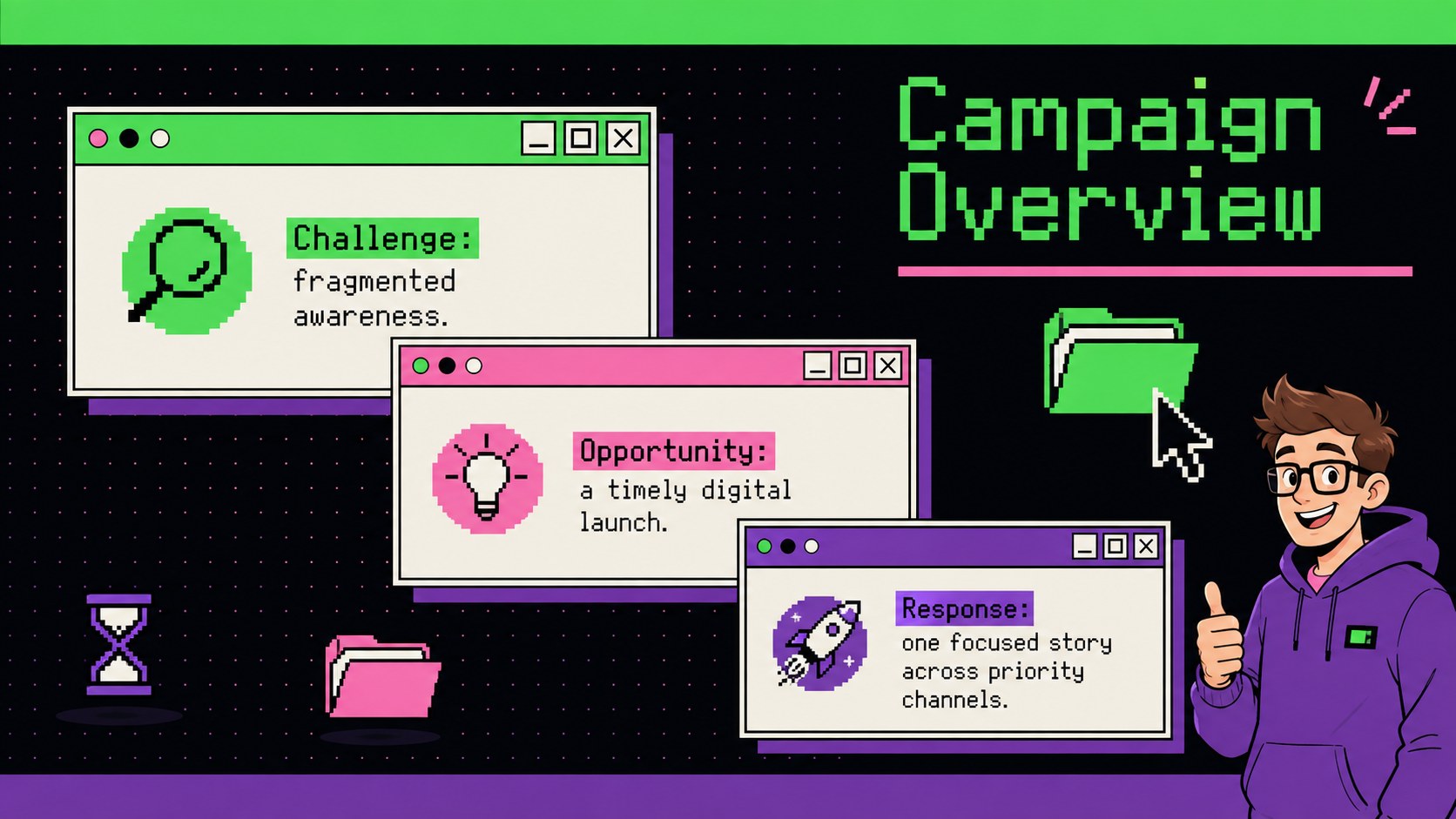
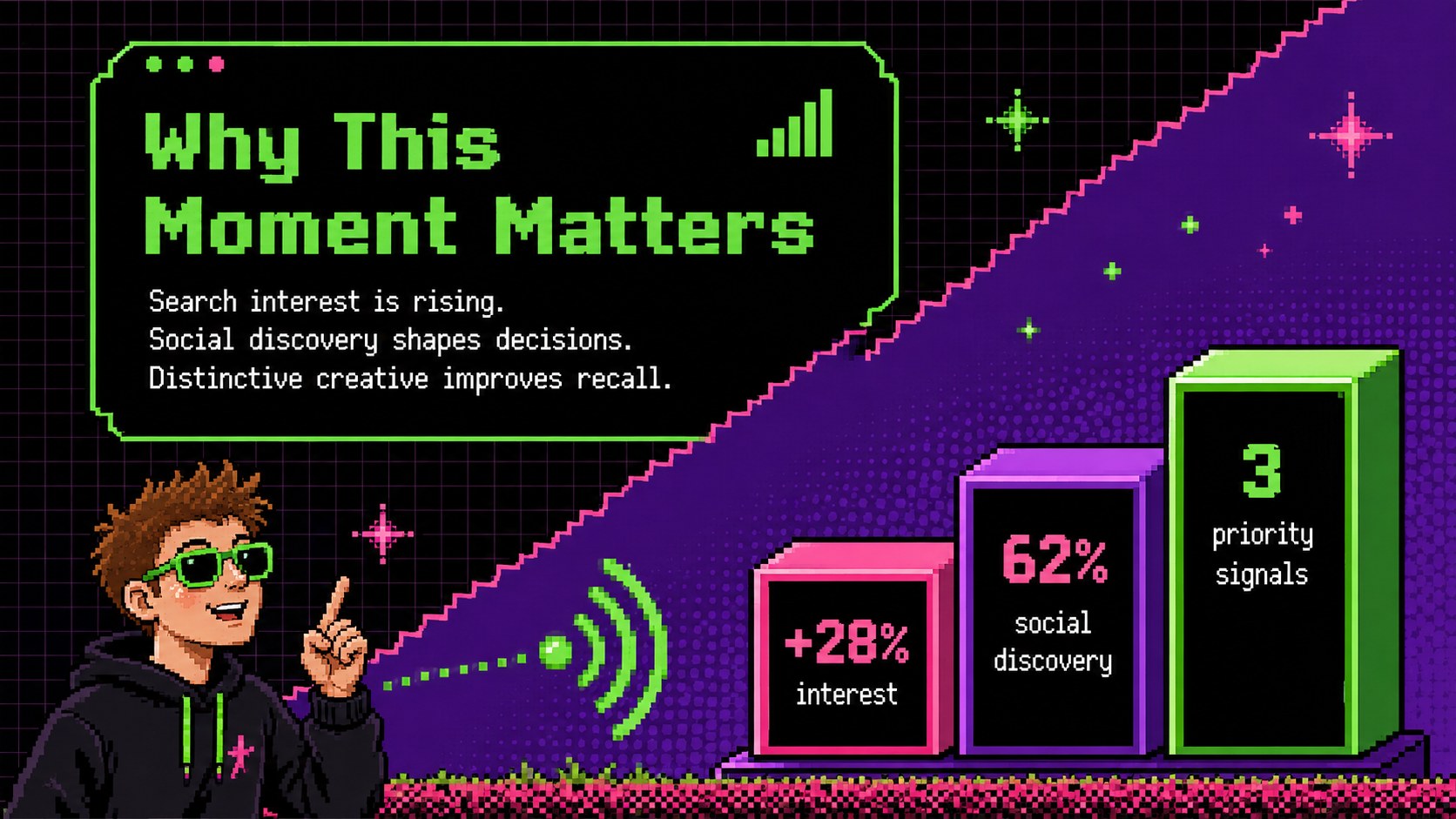
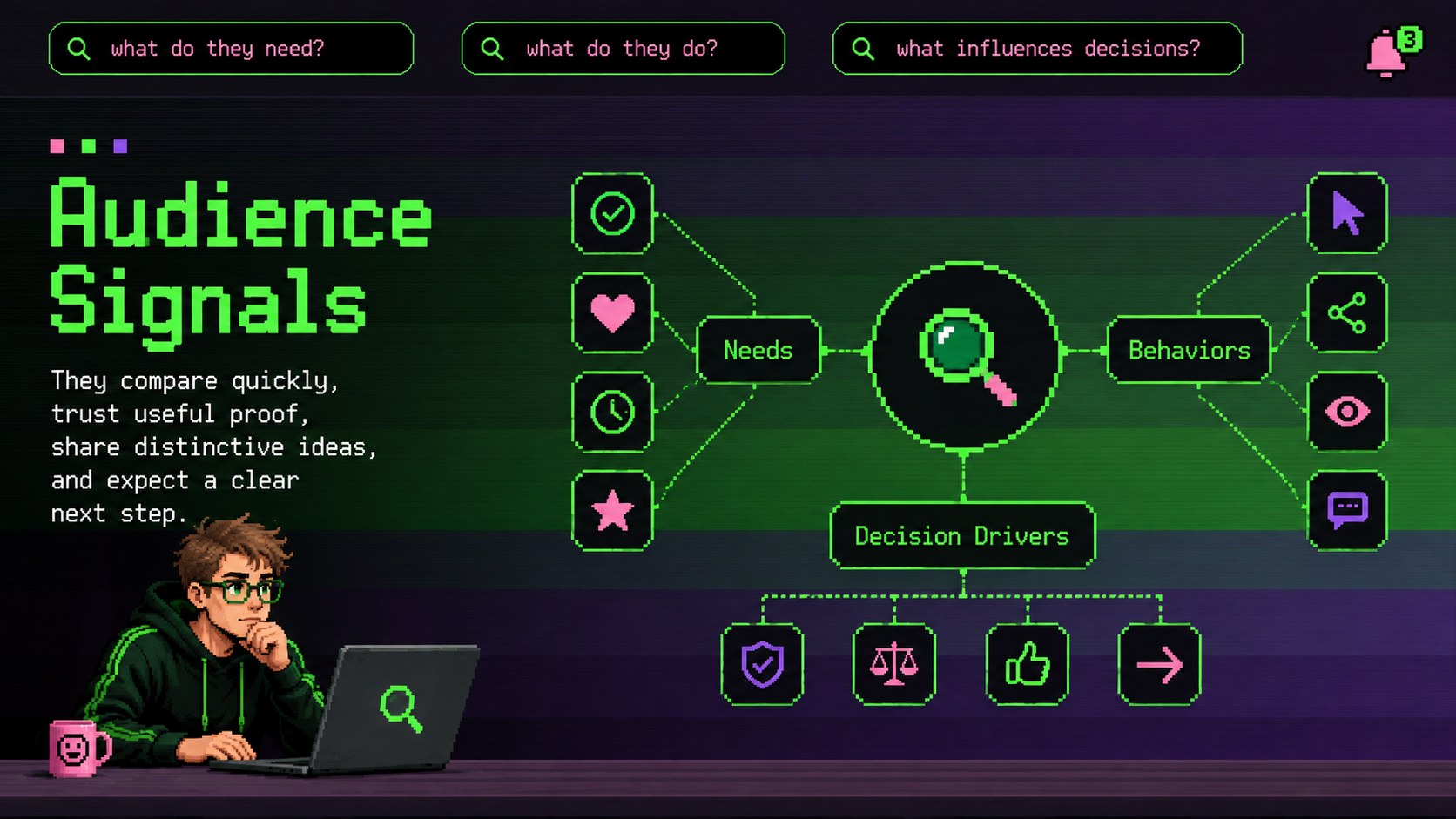
Turn scattered campaign ideas into a focused launch narrative with this Y2K web marketing strategy deck. Designed for teams that want personality without losing structure, it pairs nostalgic browser-inspired styling with modern planning tools. The green, purple, and pink palette, pixel accents, chunky interface details, and energetic typography give every section a memorable digital edge while keeping information easy to scan.
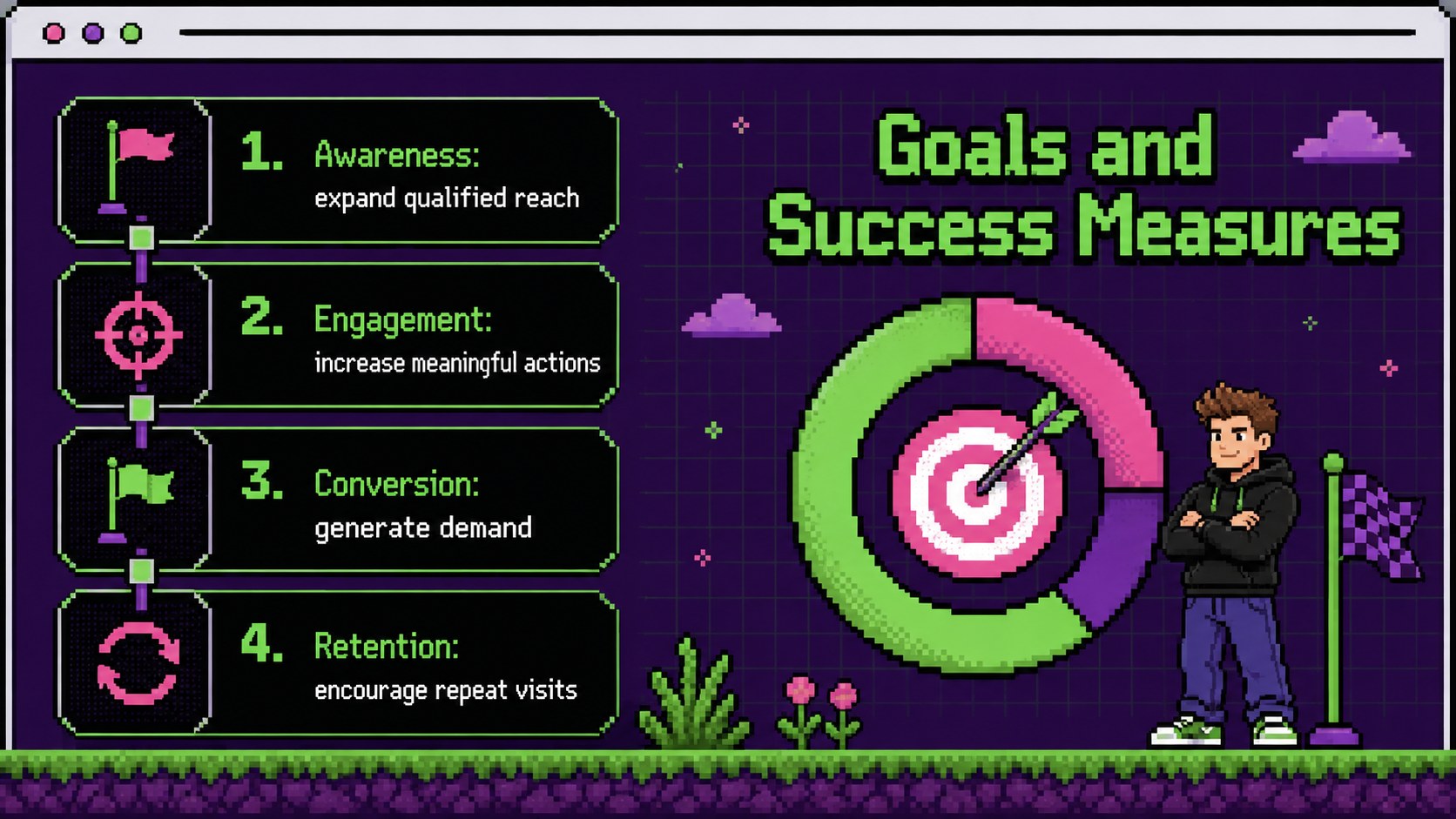
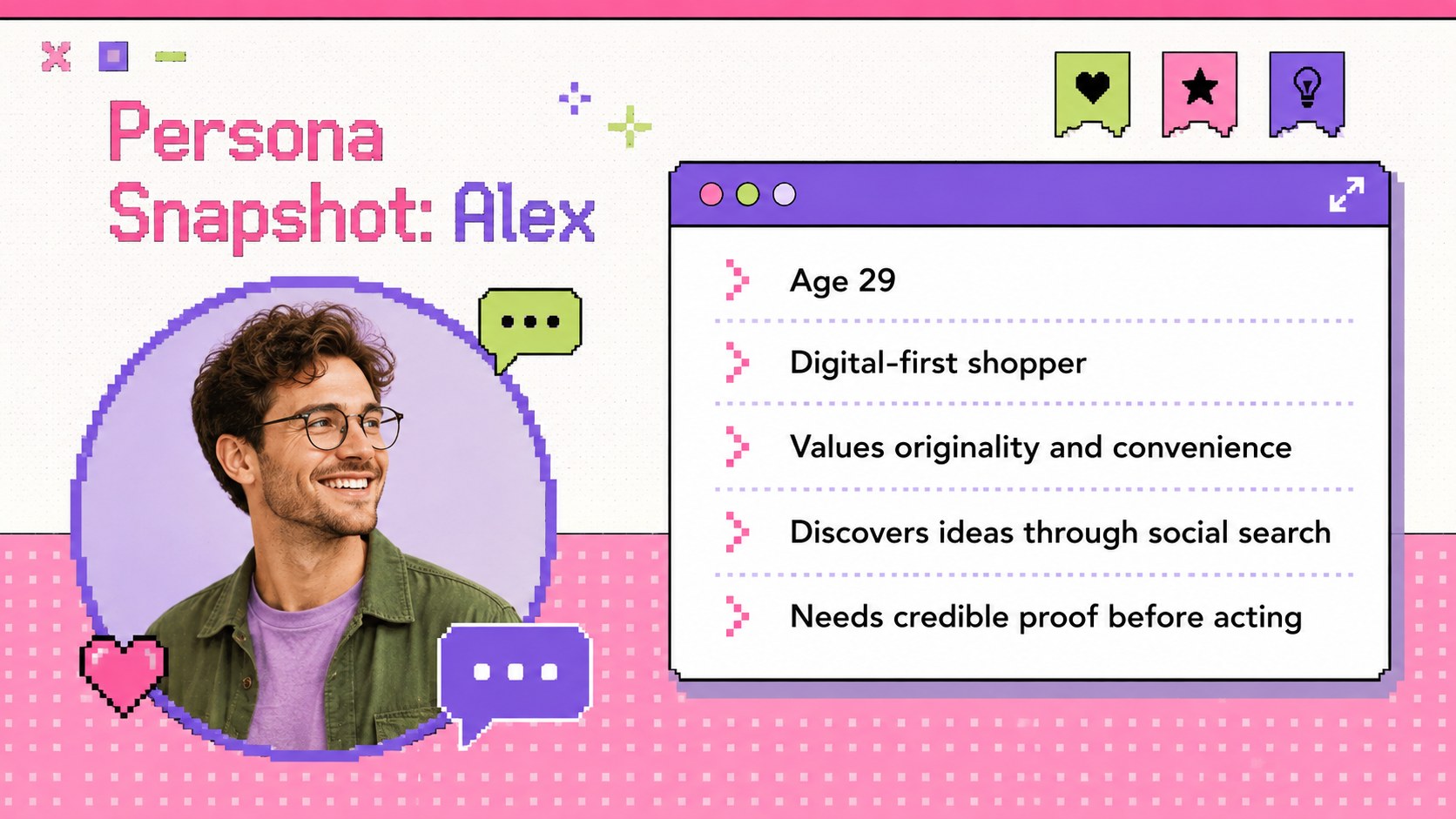
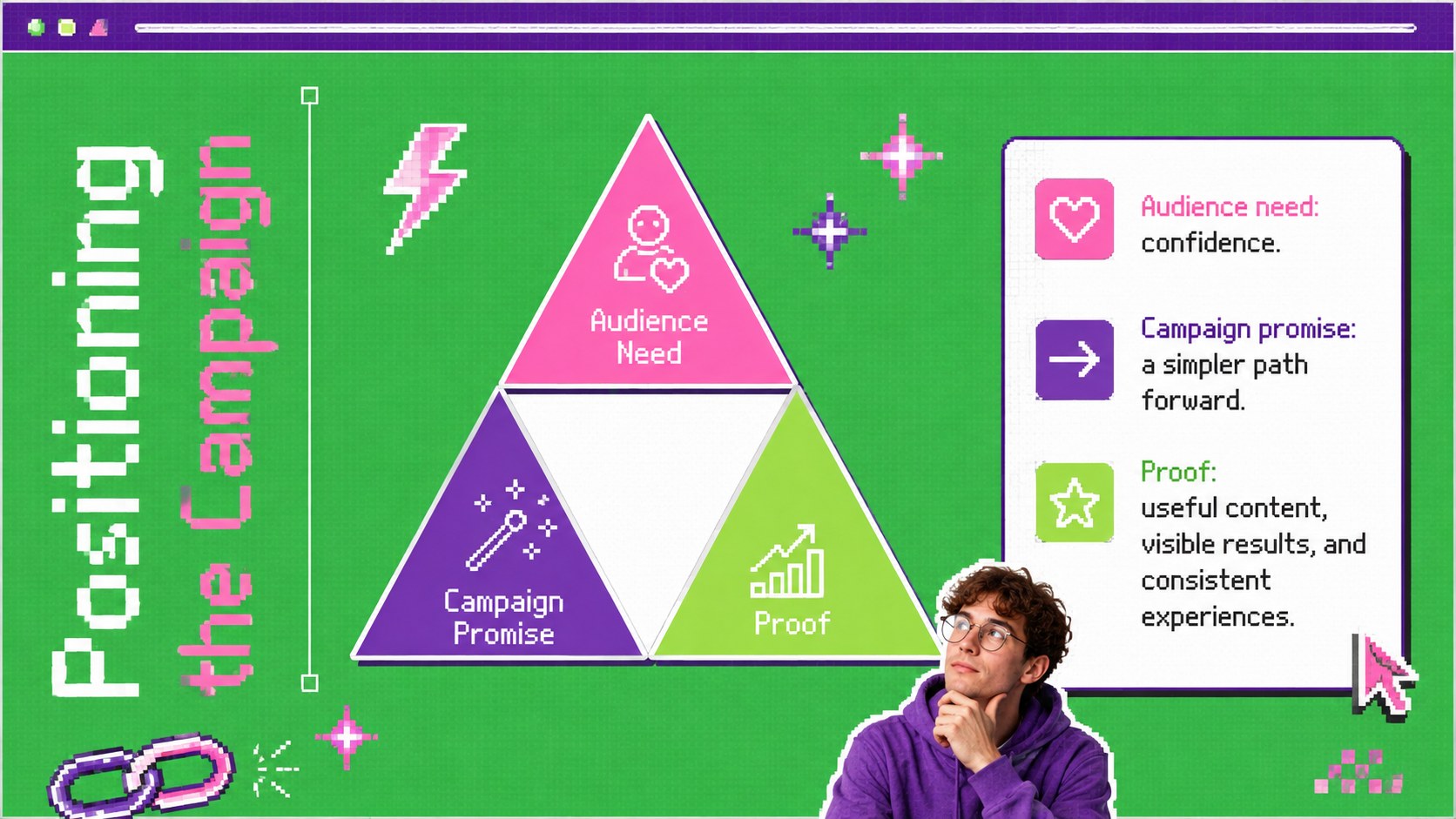
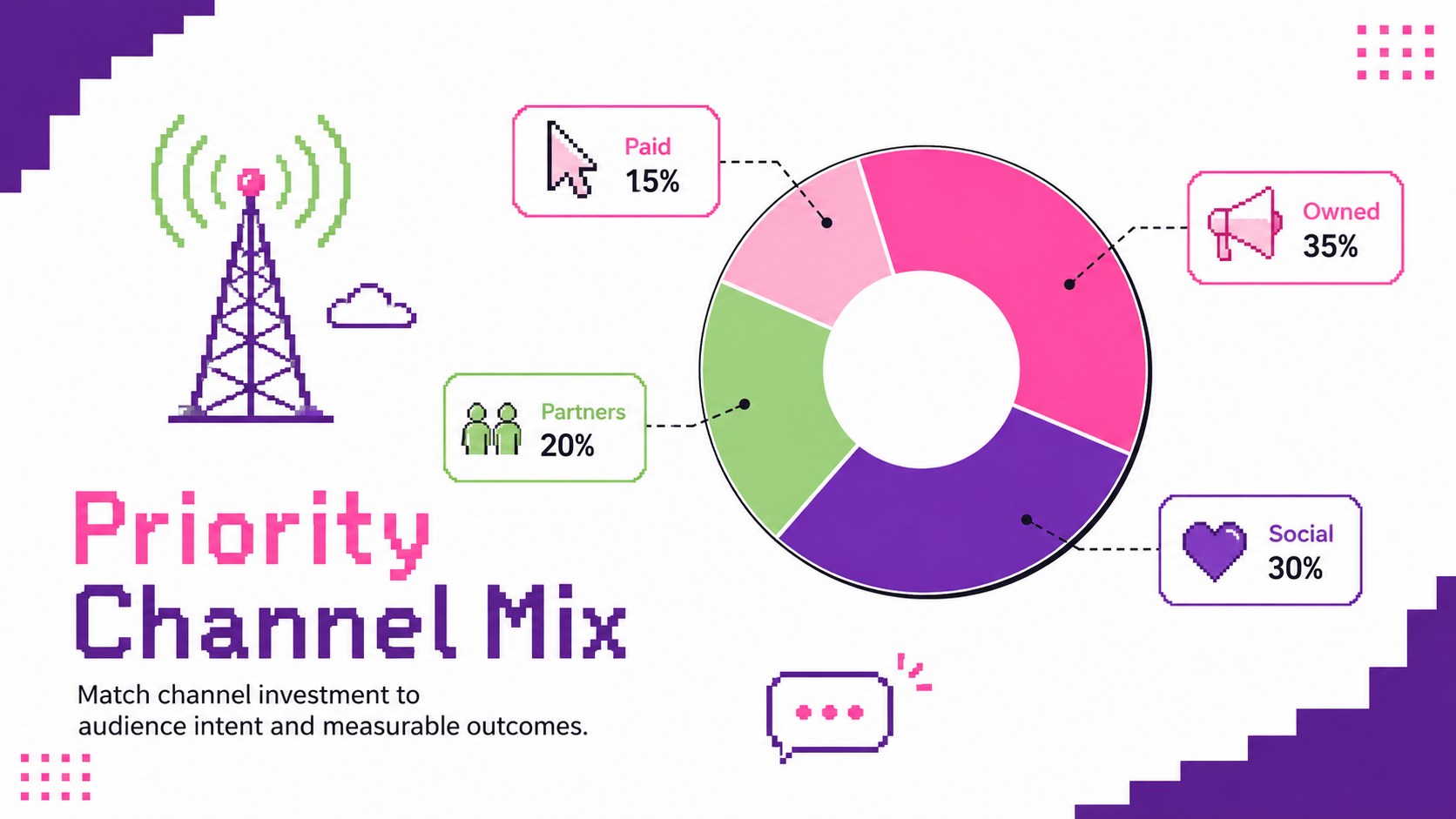
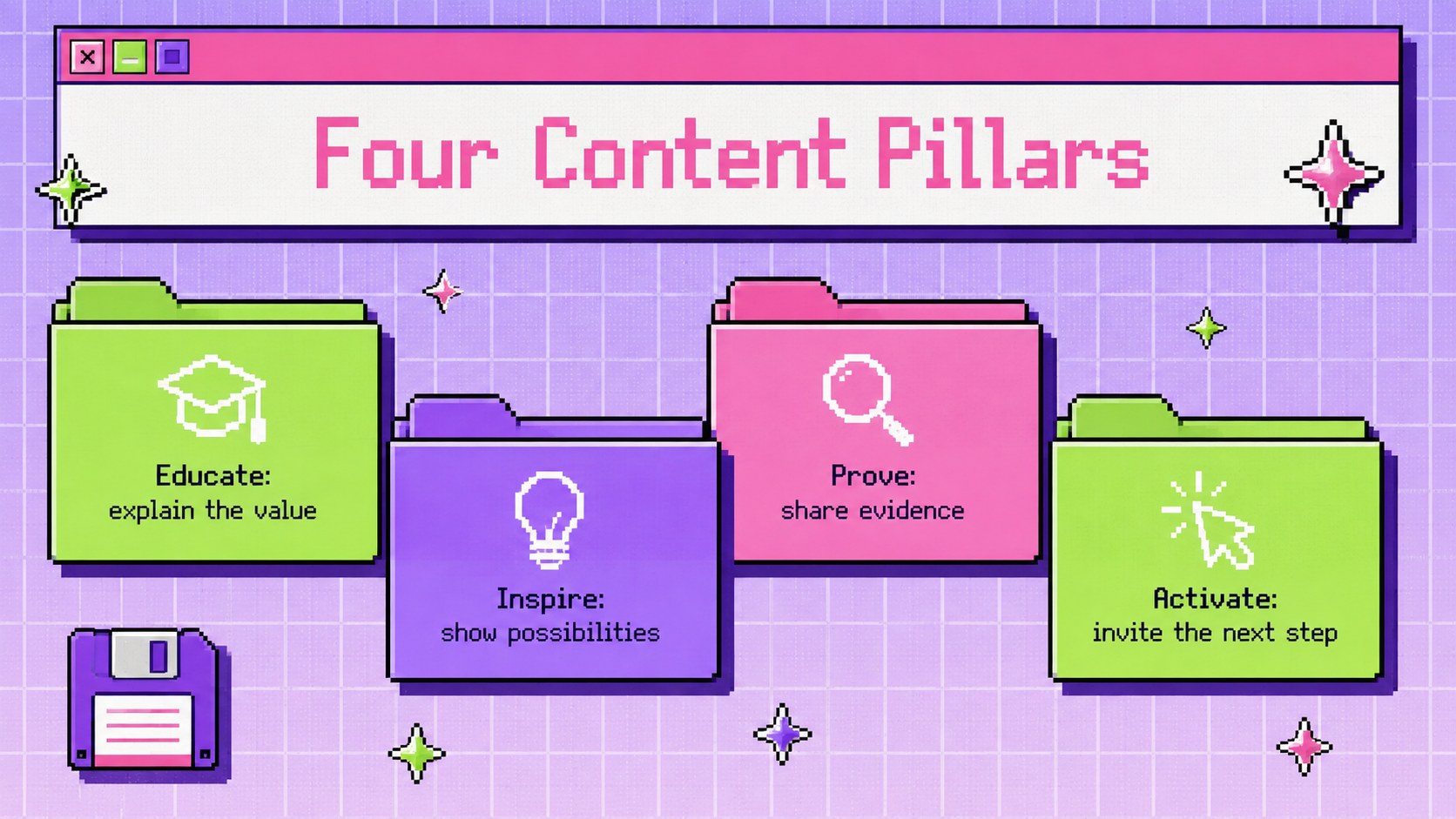
Inside, you'll find layouts for campaign goals, audience insights, positioning, channel selection, content pillars, schedules, budgets, experiments, and performance reporting. Editable charts, tables, timelines, and dashboard components help you convert research into decisions. Use the 90s website marketing presentation layouts to organize a product launch, quarterly campaign, creative concept, or social media initiative from kickoff through review.
This deck is built for marketing managers, startup teams, agencies, freelancers, and students preparing a strategic proposal. It is especially useful for anyone seeking pixel art campaign planning slides or a retro web launch strategy template that still feels polished and practical. Customize the text, colors, imagery, icons, and data in PowerPoint or Google Slides, then adapt the layouts to your organization, audience, and campaign objectives. The modular structure also makes it easy to shorten the presentation for a client meeting or expand it into a detailed internal plan.
Perfect for: digital product launch plan; quarterly marketing review; social media campaign proposal; creative agency client pitch; startup growth strategy; marketing course project.
Frequently asked questions
Can I edit this deck in PowerPoint and Google Slides? Yes. Every slide is designed for editing in PowerPoint and Google Slides, including text, colors, shapes, charts, and image placeholders. Minor font substitutions may occur if a typeface is unavailable on your device.
Practical details
Yes. Every slide is designed for editing in PowerPoint and Google Slides, including text, colors, shapes, charts, and image placeholders. Minor font substitutions may occur if a typeface is unavailable on your device.
Replace the sample colors, pixel graphics, browser-inspired elements, and images with assets that fit your campaign. Keep the high-contrast green, purple, and pink palette for the intended nostalgic web look, or apply your own brand colors.
Yes. The template covers goals, audience insights, positioning, channels, content pillars, timelines, budgets, tests, and performance metrics. Slides can be reordered or removed to suit a short pitch or a detailed strategy review.
Yes. The structure works for agency proposals, startup launches, quarterly plans, classroom projects, and internal campaign briefings. Replace all sample copy and figures with approved information before presenting.
Keep exploring
15Use this astrology audience insights deck to present zodiac-based segments, behaviors, and campaign findings in polished black-and-gold slides.
 14
14Plan a memorable Lunar New Year campaign with the 2036 Dragon Year Celebration Theme, featuring bold red-and-yellow slides for lessons and events.
 15
15Build eerie lessons, campaigns, and story pitches with an undead survival scenario theme featuring editable slides for PowerPoint and Google Slides.
 15
15Build a clear breast cancer awareness bulletin with bold pink-and-red slides for campaign news, screening reminders, impact data, and community updates.
 15
15Shape your publishing concept with an indie magazine startup pitch deck featuring pastel gradients, bold collage layouts, and editable planning slides.
 15
15Build a bold retro-futurist campaign pitch deck for client meetings, with editable strategy layouts and playful pastel Y2K-inspired visuals.
 16
16Build a consistent presence with a social channel identity playbook covering voice, visuals, content formats, publishing rules, and approvals.
 15
15Celebrate online learners with webinar completion certificate slides, featuring editable violet artwork for university events in PowerPoint and Google Slides.