
 15
15presentation
College Essay Thesis Builder Slides
Build stronger academic arguments with a college essay thesis builder featuring guided examples, revision prompts, and editable PowerPoint and Google Slides.
Google SlidesPowerPoint
presentation · English
Build an engaging world cultures geography lesson with editable PowerPoint and Google Slides, pastel illustrations, maps, activities, and discussion layouts.
Design notes
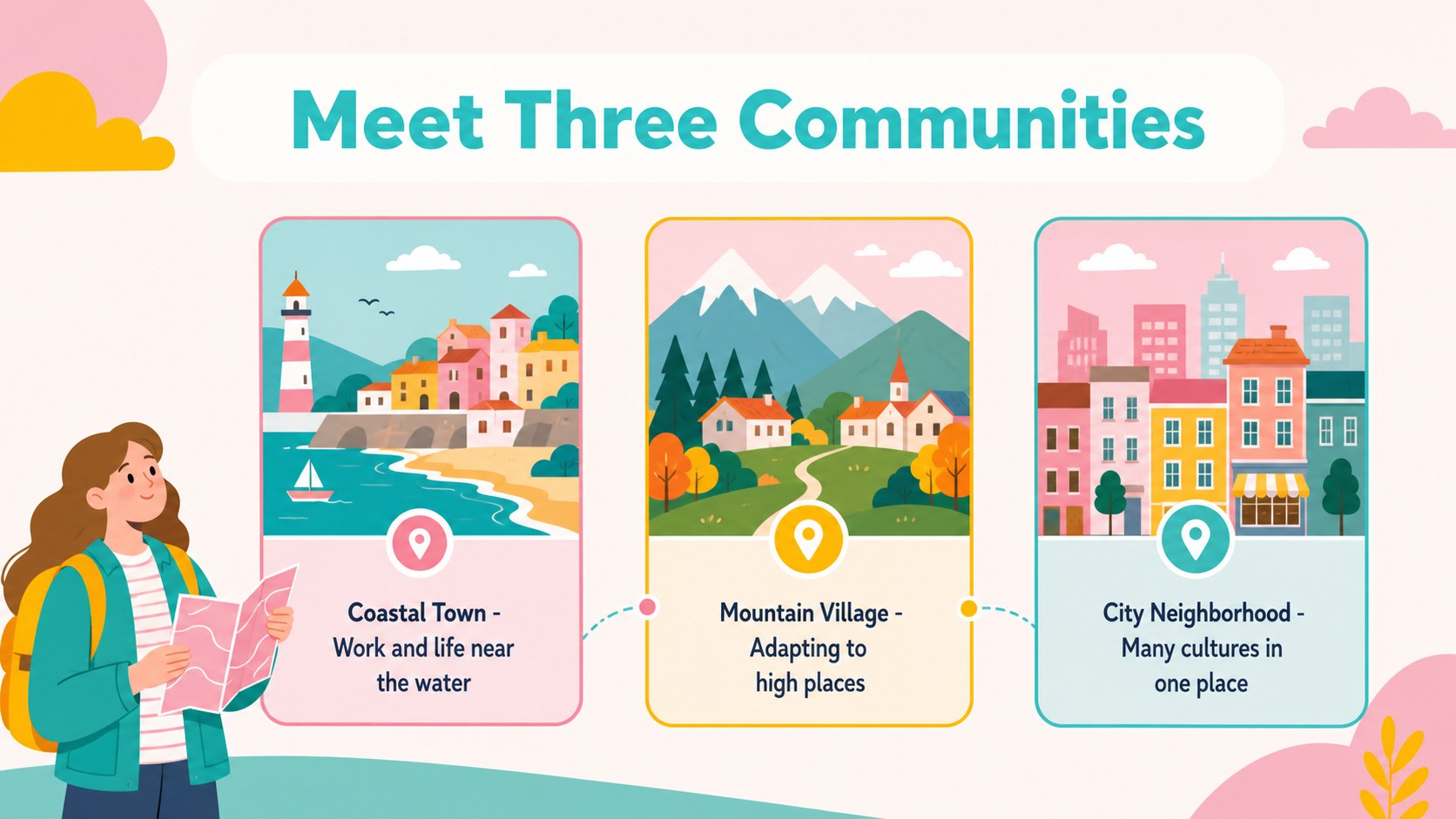
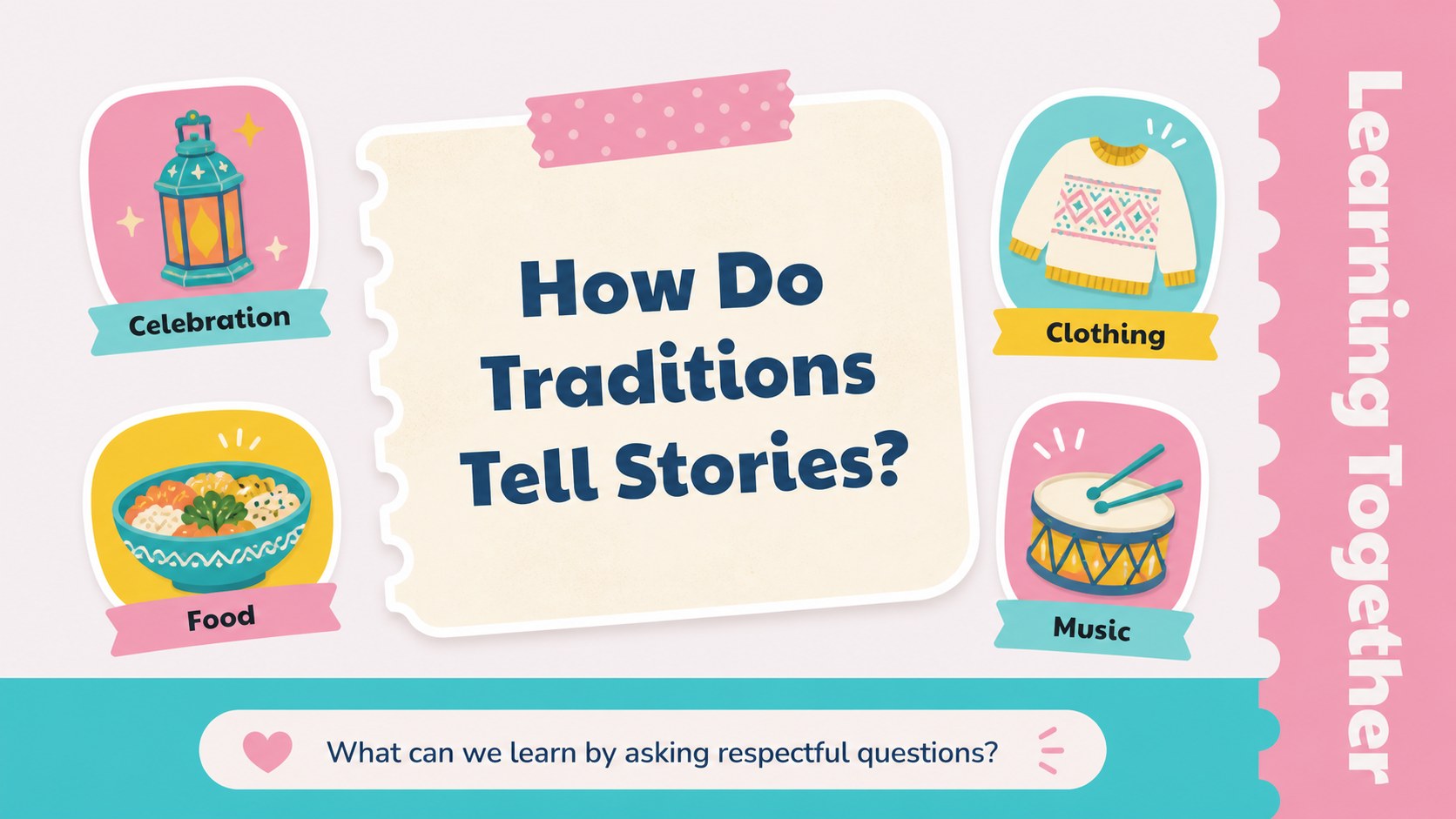
Bring geography and social studies lessons to life with World Cultures Geography Slides, a bright classroom presentation for exploring how people, places, traditions, and environments connect. The pastel illustrated design gives educators a friendly visual framework for introducing global communities, guiding discussion, and encouraging respectful curiosity.
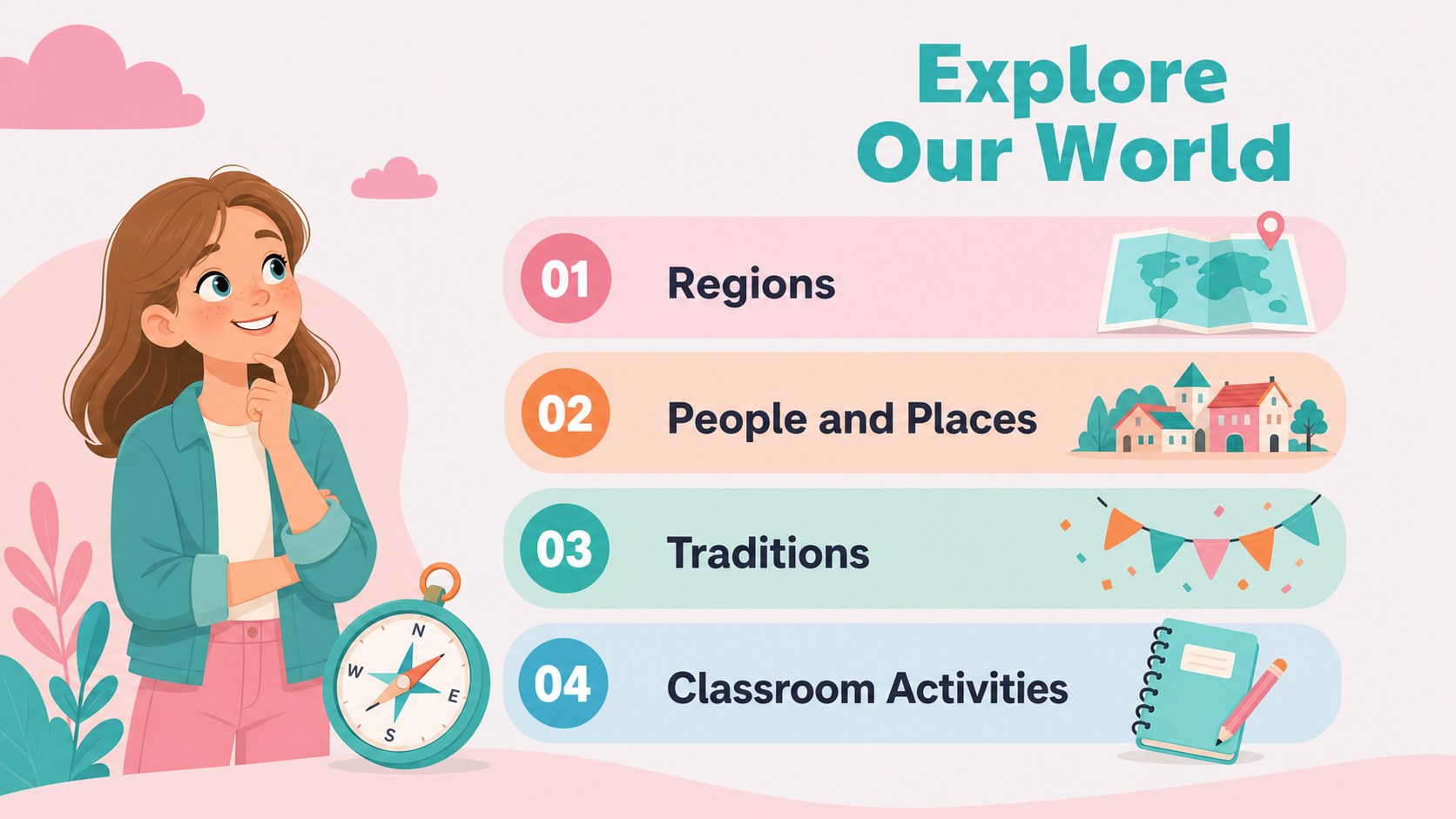
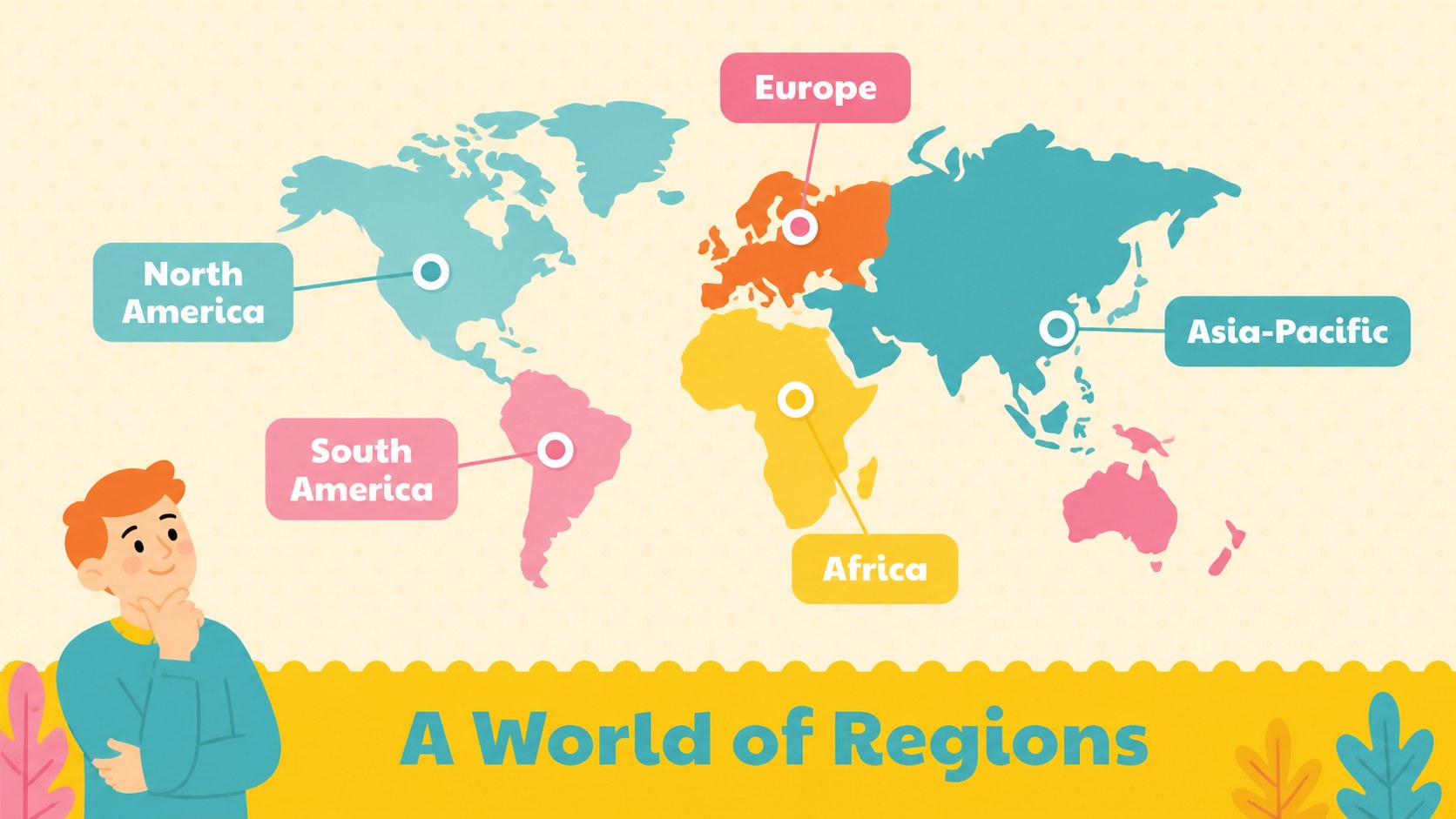
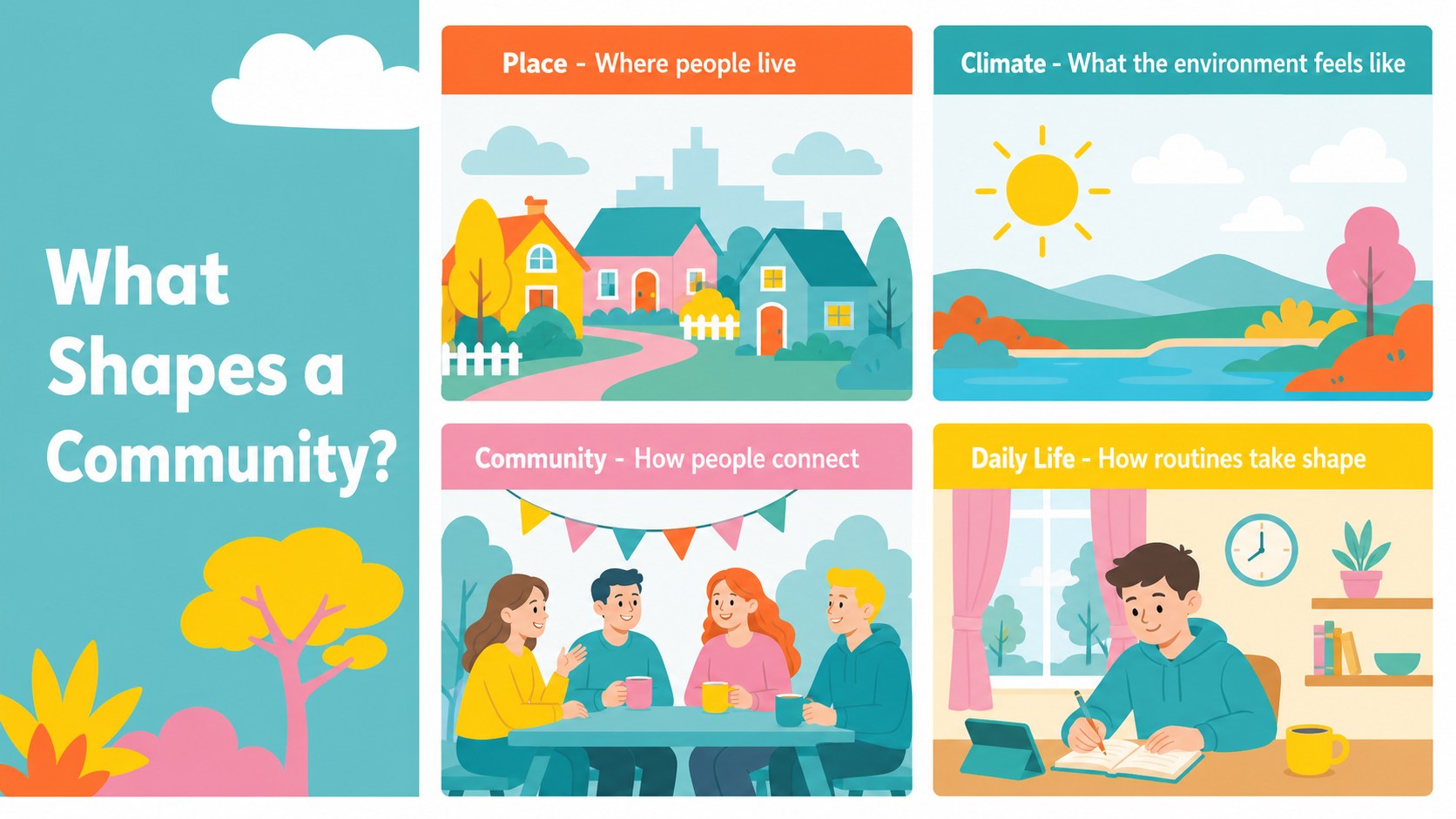
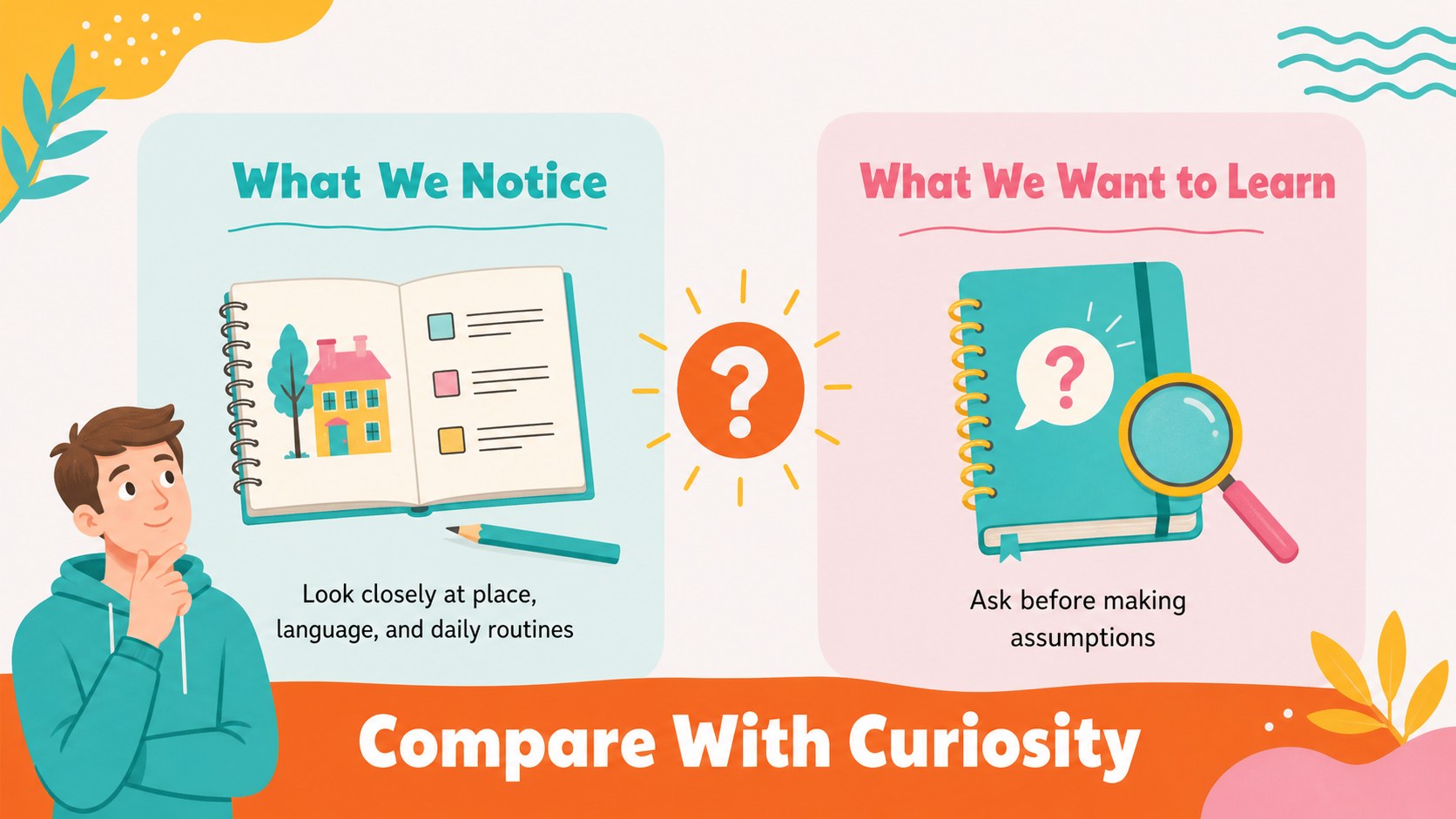
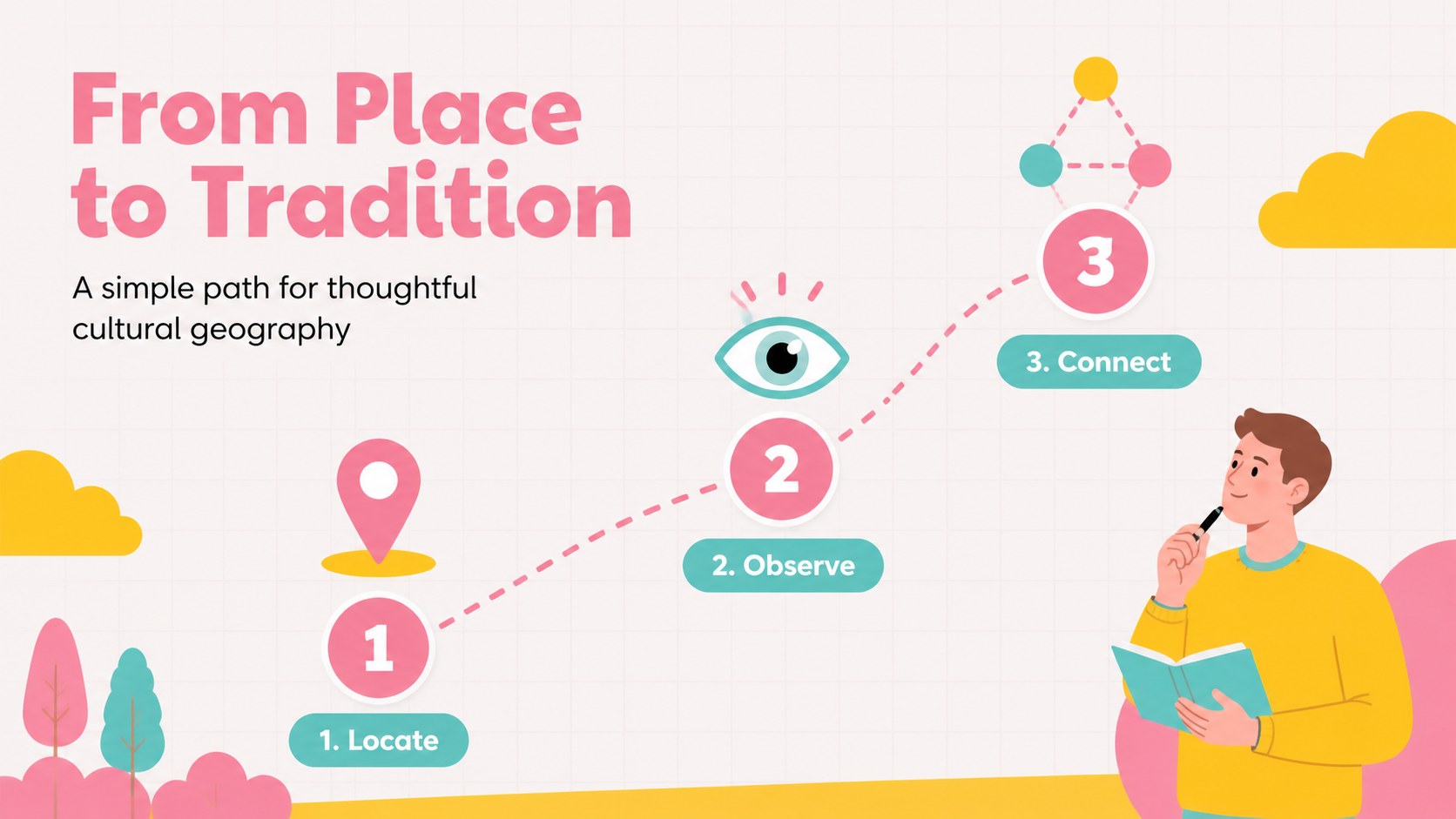
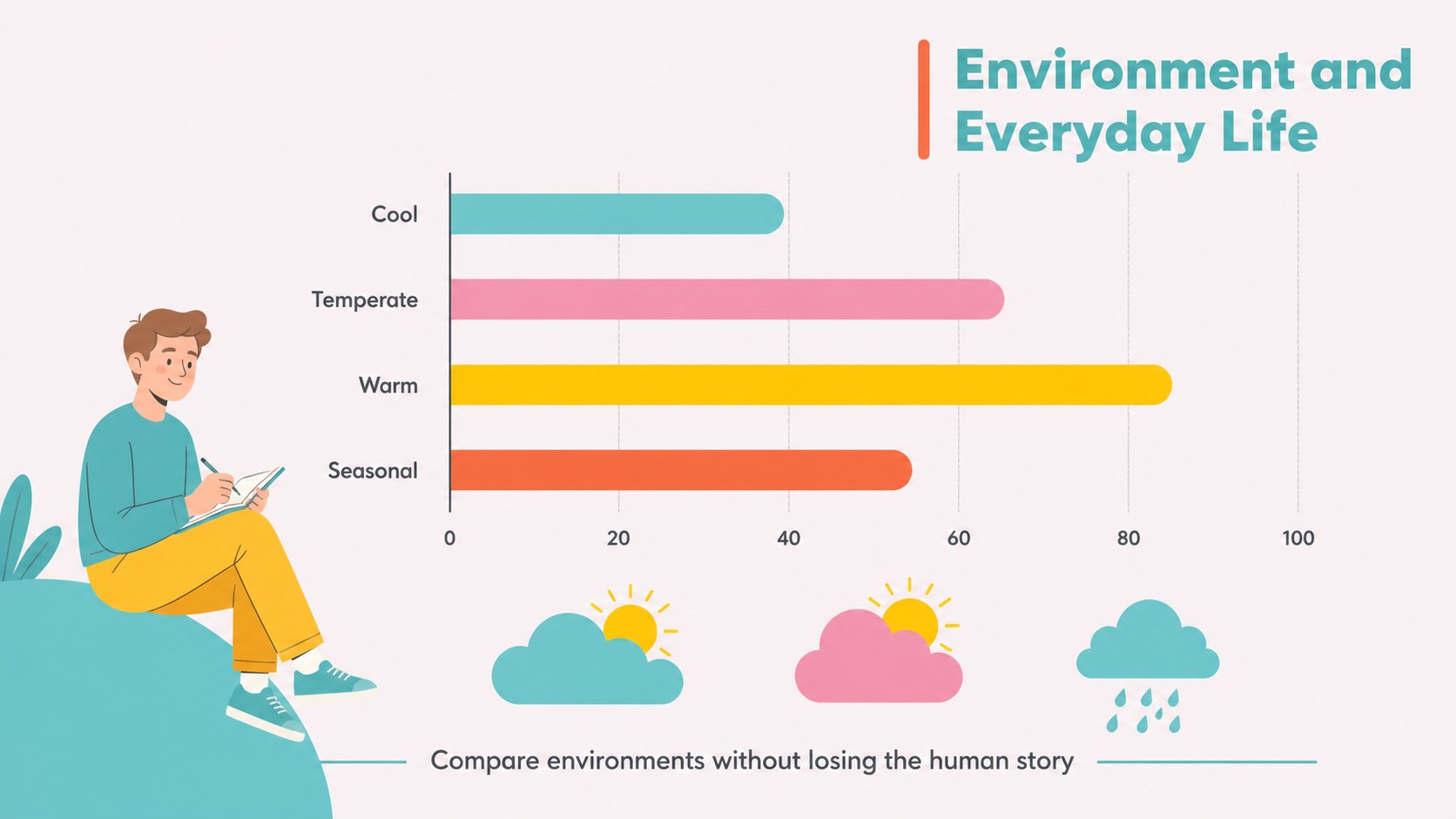
Inside, you will find more than 25 editable layouts for an interactive world cultures lesson, including an opening map, regional profiles, culture comparison pages, vocabulary cards, image-led storytelling layouts, discussion prompts, activity instructions, and a final reflection. Charts, timelines, location callouts, and text blocks make it easy to organize information without overcrowding the screen. The flexible structure also works well for a geography classroom presentation, student project, or workshop about cultural awareness.
Edit the colors, fonts, illustrations, photos, and wording in PowerPoint or Google Slides. Teachers can adapt the deck for elementary or middle school instruction, while museum educators, homeschool instructors, and youth program leaders can use it for guided activities or short presentations. Add local examples, student research, and global traditions teaching slides to make the material relevant to your group.
Perfect for: elementary geography lesson; middle school social studies unit; student cultural research project; homeschool world cultures activity; museum education workshop.
Frequently asked questions
Can I edit these slides in PowerPoint? Yes. The presentation is designed for PowerPoint editing, so you can change text, colors, layouts, illustrations, and images. Add your own examples or lesson instructions to match your curriculum.
Practical details
Yes. The presentation is designed for PowerPoint editing, so you can change text, colors, layouts, illustrations, and images. Add your own examples or lesson instructions to match your curriculum.
Yes, you can open and customize the deck in Google Slides. Teachers can collaborate with colleagues, assign sections to students, and present directly from the browser.
The layouts can be adjusted for elementary, middle school, homeschool, or informal learning settings. Simplify the wording for younger learners or add research prompts and comparison tables for older students.
Use it to introduce regions, languages, traditions, food, clothing, celebrations, landscapes, and community life. Replace the sample content with accurate, age-appropriate examples suited to your lesson goals.
Keep exploring
15Build stronger academic arguments with a college essay thesis builder featuring guided examples, revision prompts, and editable PowerPoint and Google Slides.
 15
15Build an engaging World UFO Day session with this flying saucer history lesson deck, featuring retro green-and-brown slides for PowerPoint and Google Slides.
 14
14Plan a memorable Lunar New Year campaign with the 2036 Dragon Year Celebration Theme, featuring bold red-and-yellow slides for lessons and events.
 15
15Build a thoughtful classroom discussion with this interfaith awareness lesson deck, featuring editable blue-and-white slides for PowerPoint and Google Slides.
 15
15Use this environmental awareness lesson deck to teach climate action through illustrated activities, discussion prompts, and ready-to-edit visuals.
 15
15Build playful lessons and party stories with a kid-friendly zombie celebration theme in purple, green and pastel blue for PowerPoint and Google Slides.
 15
15Build eerie lessons, campaigns, and story pitches with an undead survival scenario theme featuring editable slides for PowerPoint and Google Slides.
 16
16Turn environmental research into a clear story with a Watercolor Ecology Presentation Theme for PowerPoint and Google Slides in calming green and blue.