
 15
15presentation
Astrology Audience Insights Deck
Use this astrology audience insights deck to present zodiac-based segments, behaviors, and campaign findings in polished black-and-gold slides.
Google SlidesPowerPoint
presentation · English
Turn classroom news into a cheerful update with this whimsical animal school newsletter, featuring editable pastel layouts for PowerPoint and Google Slides.
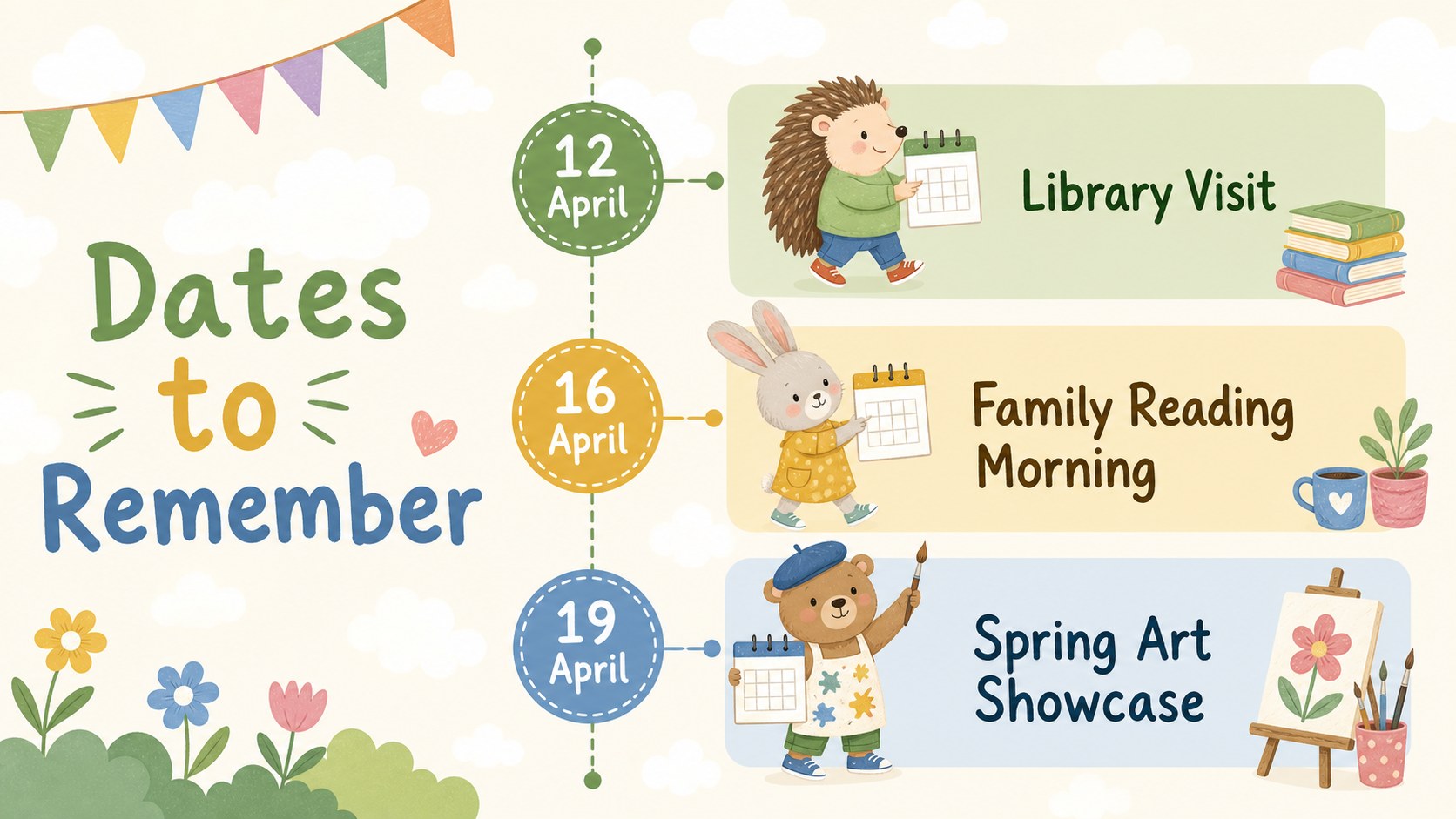
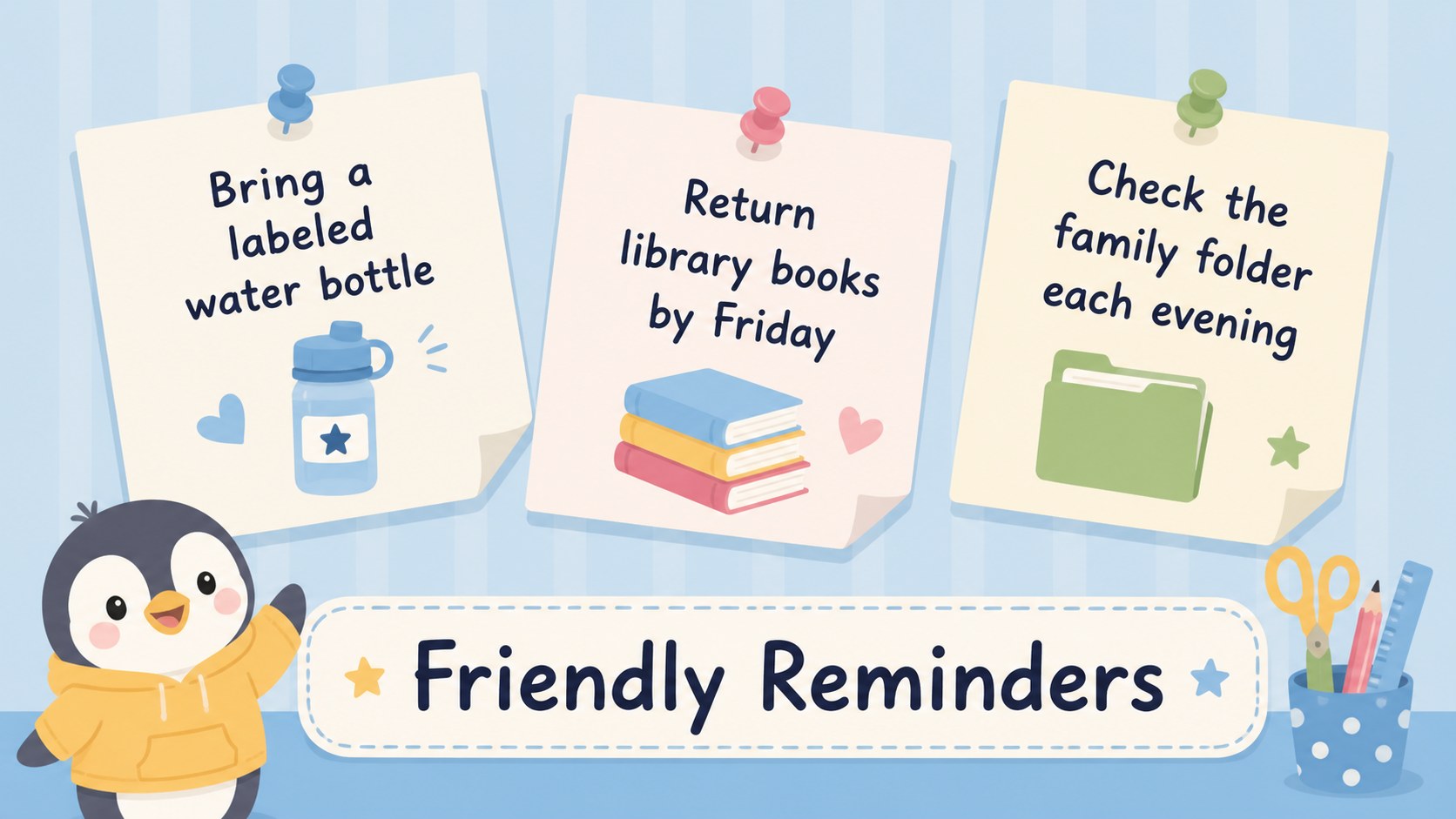
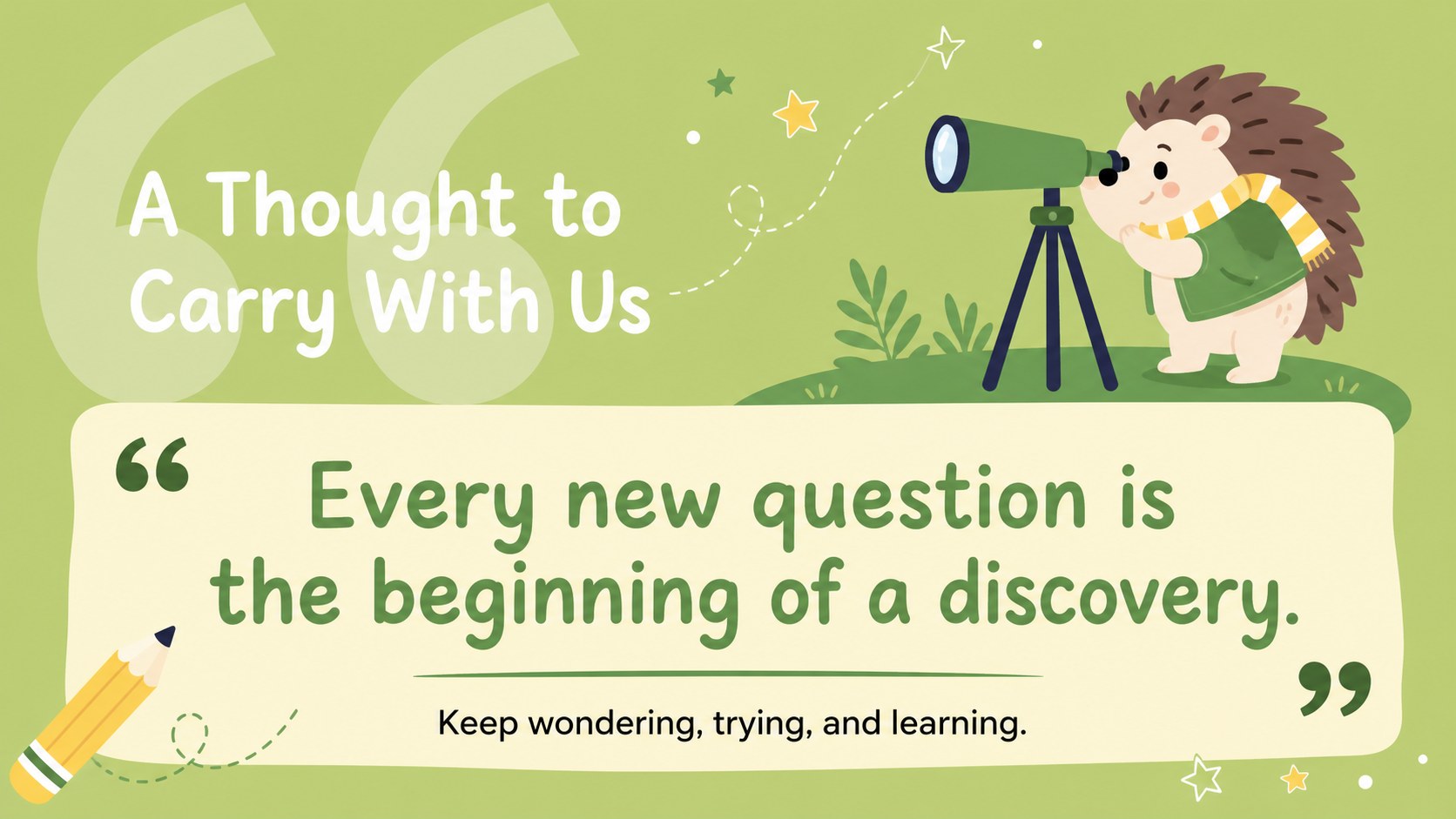
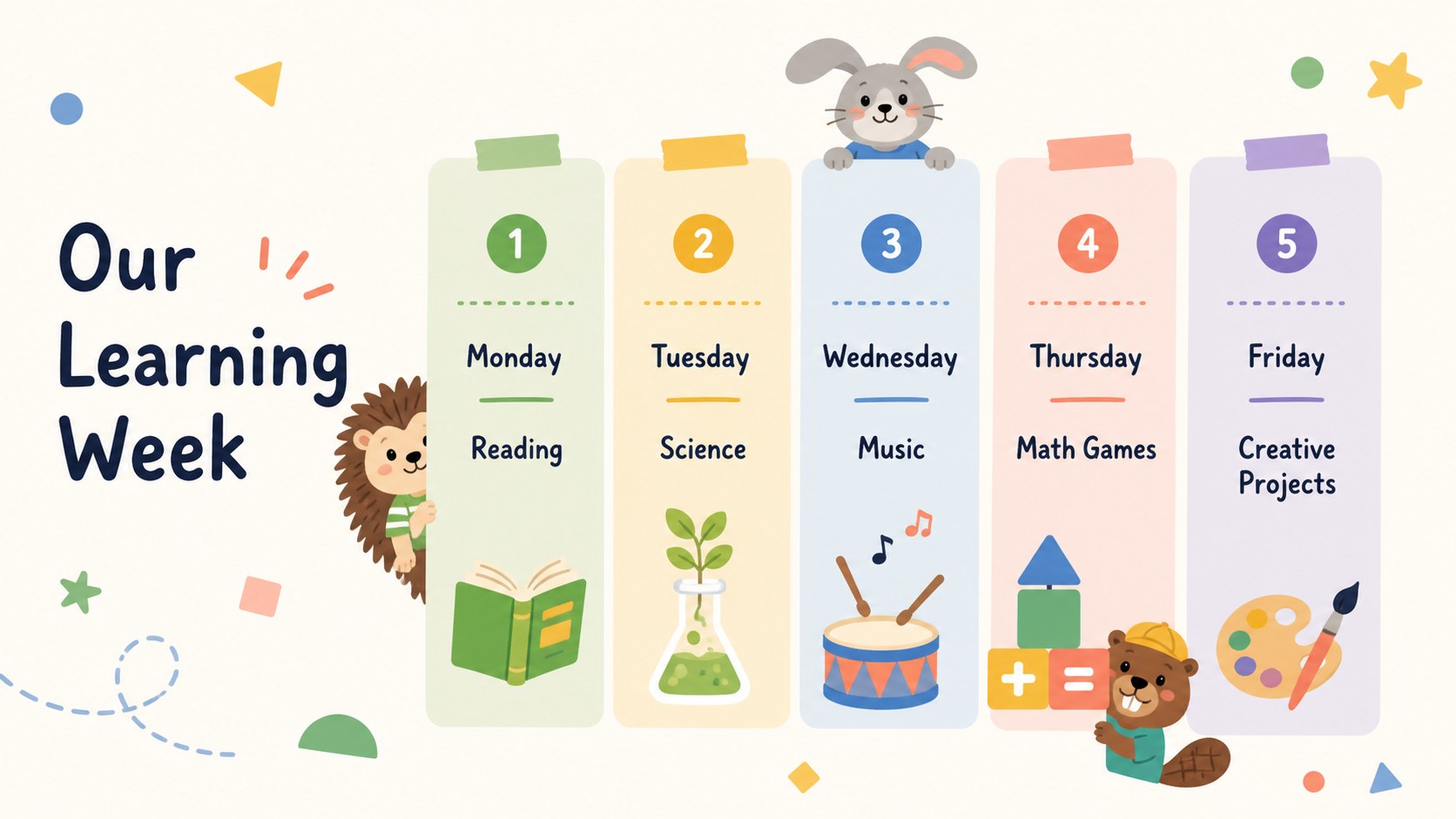
Design notes
Bring warmth and personality to school communications with this whimsical animal school newsletter. Designed for teachers, administrators, and student groups, the deck combines gentle pastel colors with original animal illustrations to create updates that feel friendly, organized, and age appropriate. Every layout can be edited in PowerPoint or Google Slides.
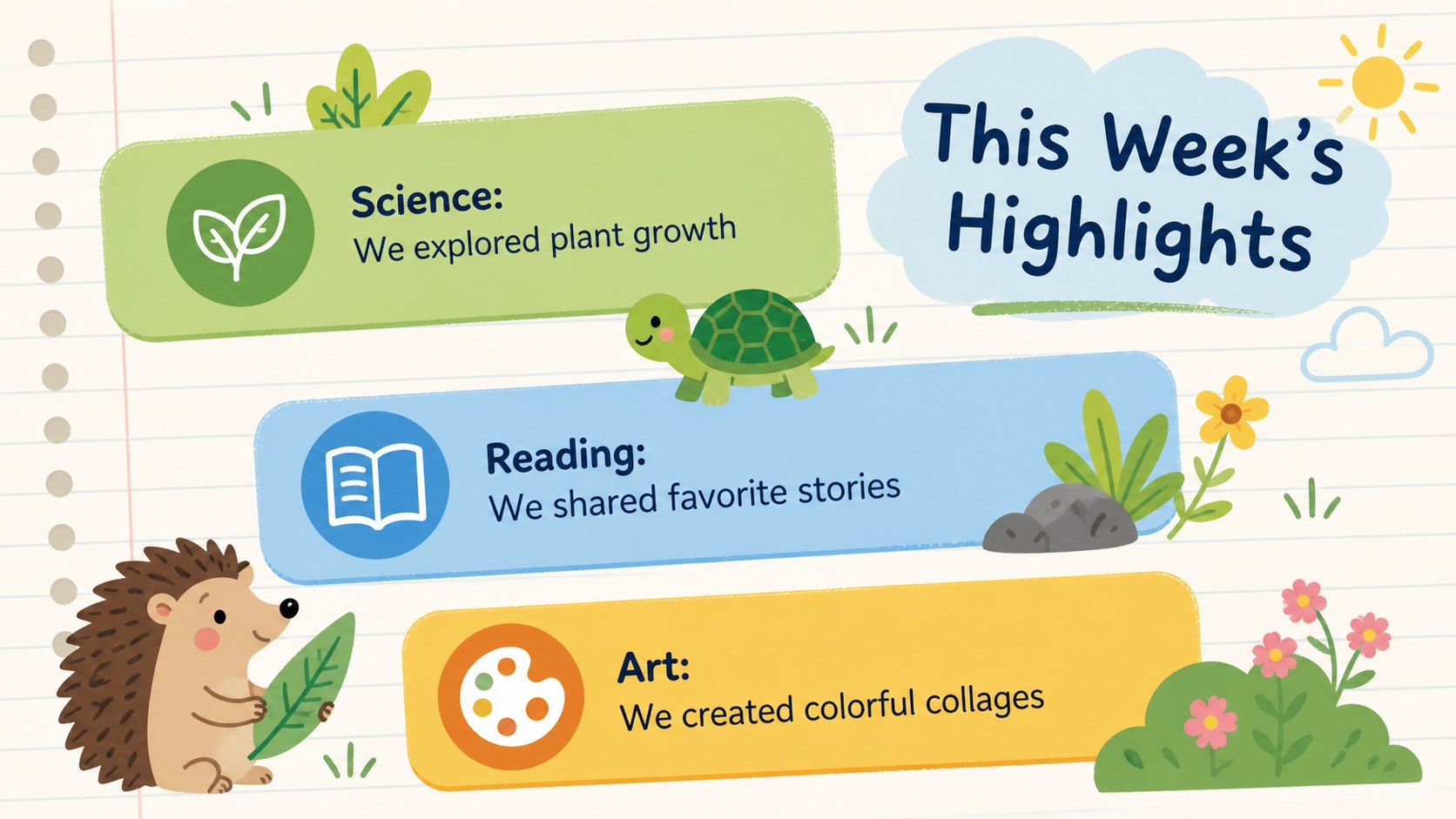
The collection includes more than 25 adaptable designs for weekly highlights, classroom announcements, upcoming events, student achievements, reminders, inspiring quotes, schedules, lists, and simple charts. Use it as a cute classroom newsletter template or reshape the layouts into an editable classroom bulletin deck. Coordinated title pages, content sections, and closing slides help each edition maintain a polished visual rhythm.
Playful typography, colorful accents, flexible image spaces, and easy-to-adjust graphic elements make customization straightforward. Change the wording, rearrange sections, apply school colors, or replace illustrations while preserving the cheerful design system. The layouts are suitable for digital distribution, classroom screens, family meetings, or printed handouts.
This animal themed parent newsletter presentation works especially well for elementary classrooms, preschools, after-school programs, libraries, and community learning groups. Whether you are recapping a busy week, celebrating progress, or sharing important dates, the deck turns practical information into an engaging story that children and families can quickly understand.
Perfect for: weekly classroom update; parent and family newsletter; student achievement recap; elementary school announcements; after-school program bulletin; class event preview.
Frequently asked questions
Practical details
Yes. You can revise the text, move content blocks, recolor graphic elements, and replace images or illustrations. The layouts are structured to remain clear after routine classroom customization.
The template is designed for PowerPoint and Google Slides. Some font spacing or graphic placement may vary slightly between platforms, so review the final presentation before sharing or printing.
Yes. Replace the pastel accents with your school palette and update the typefaces through the theme or master settings. Keep strong contrast between text and backgrounds to preserve readability.
Yes. The layouts can be exported as PDF files and printed as landscape handouts. Check margins, image resolution, and printer color settings before producing a large batch.
Keep exploring
15Use this astrology audience insights deck to present zodiac-based segments, behaviors, and campaign findings in polished black-and-gold slides.
 14
14Plan a memorable Lunar New Year campaign with the 2036 Dragon Year Celebration Theme, featuring bold red-and-yellow slides for lessons and events.
 15
15Build eerie lessons, campaigns, and story pitches with an undead survival scenario theme featuring editable slides for PowerPoint and Google Slides.
 15
15Build a clear breast cancer awareness bulletin with bold pink-and-red slides for campaign news, screening reminders, impact data, and community updates.
 15
15Shape your publishing concept with an indie magazine startup pitch deck featuring pastel gradients, bold collage layouts, and editable planning slides.
 15
15Build a bold retro-futurist campaign pitch deck for client meetings, with editable strategy layouts and playful pastel Y2K-inspired visuals.
 16
16Build a consistent presence with a social channel identity playbook covering voice, visuals, content formats, publishing rules, and approvals.
 15
15Celebrate online learners with webinar completion certificate slides, featuring editable violet artwork for university events in PowerPoint and Google Slides.