
 15
15presentation
Astrology Audience Insights Deck
Use this astrology audience insights deck to present zodiac-based segments, behaviors, and campaign findings in polished black-and-gold slides.
Google SlidesPowerPoint
presentation · English
Lead focused discussions with a watercolor coastal meeting deck featuring warm beige layouts, vivid seaside accents, charts, timelines, and action plans.
Design notes
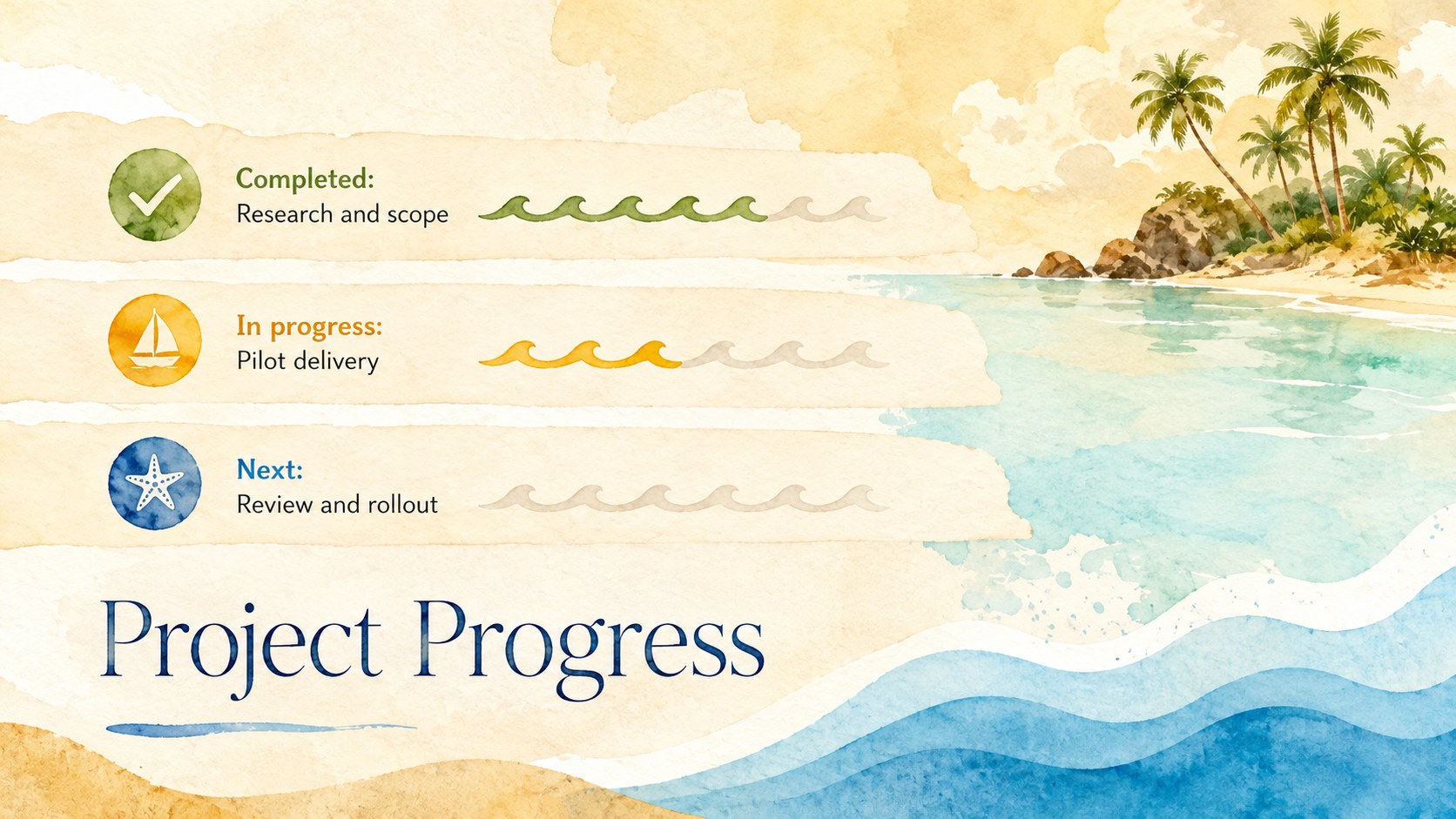
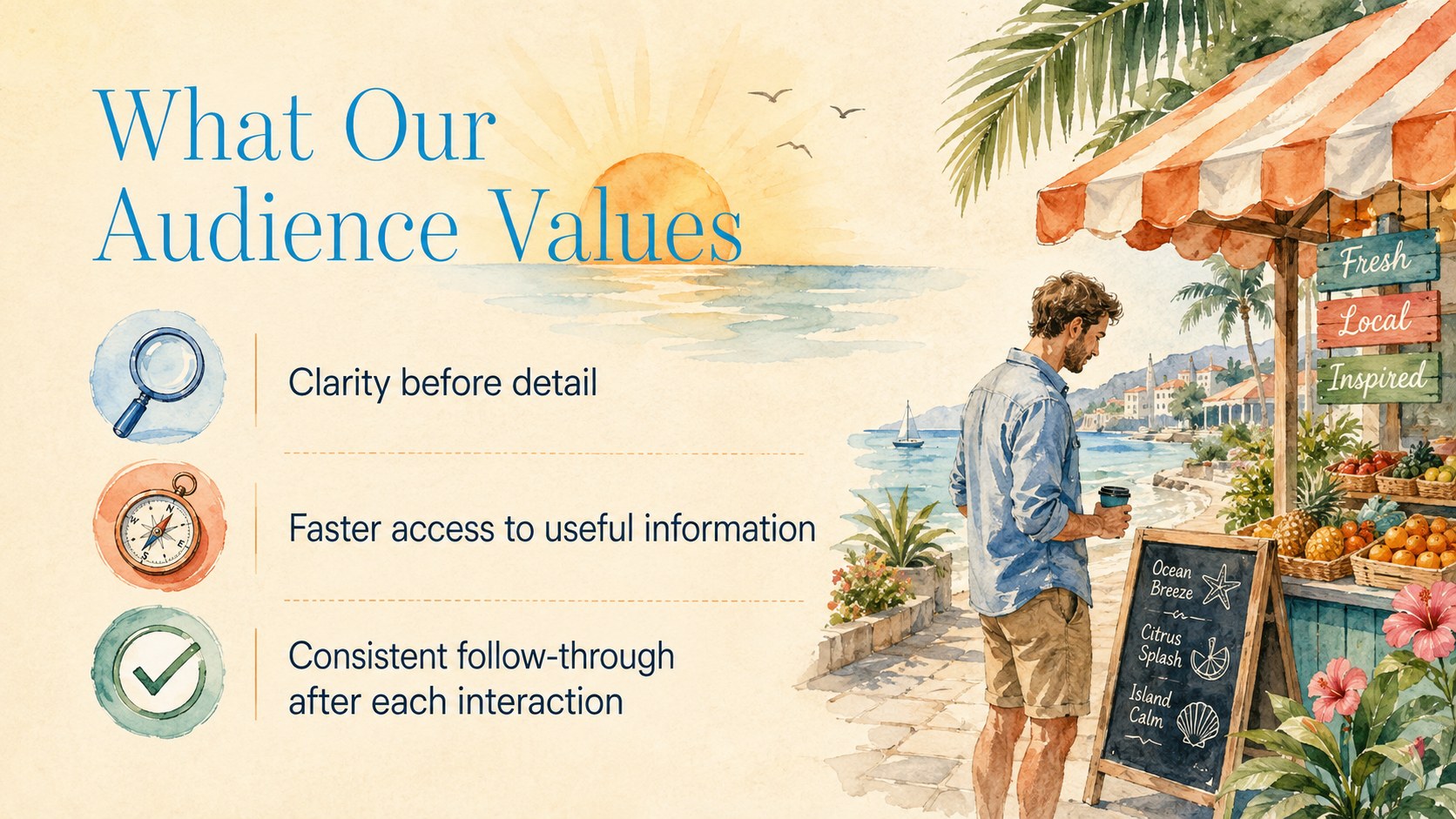
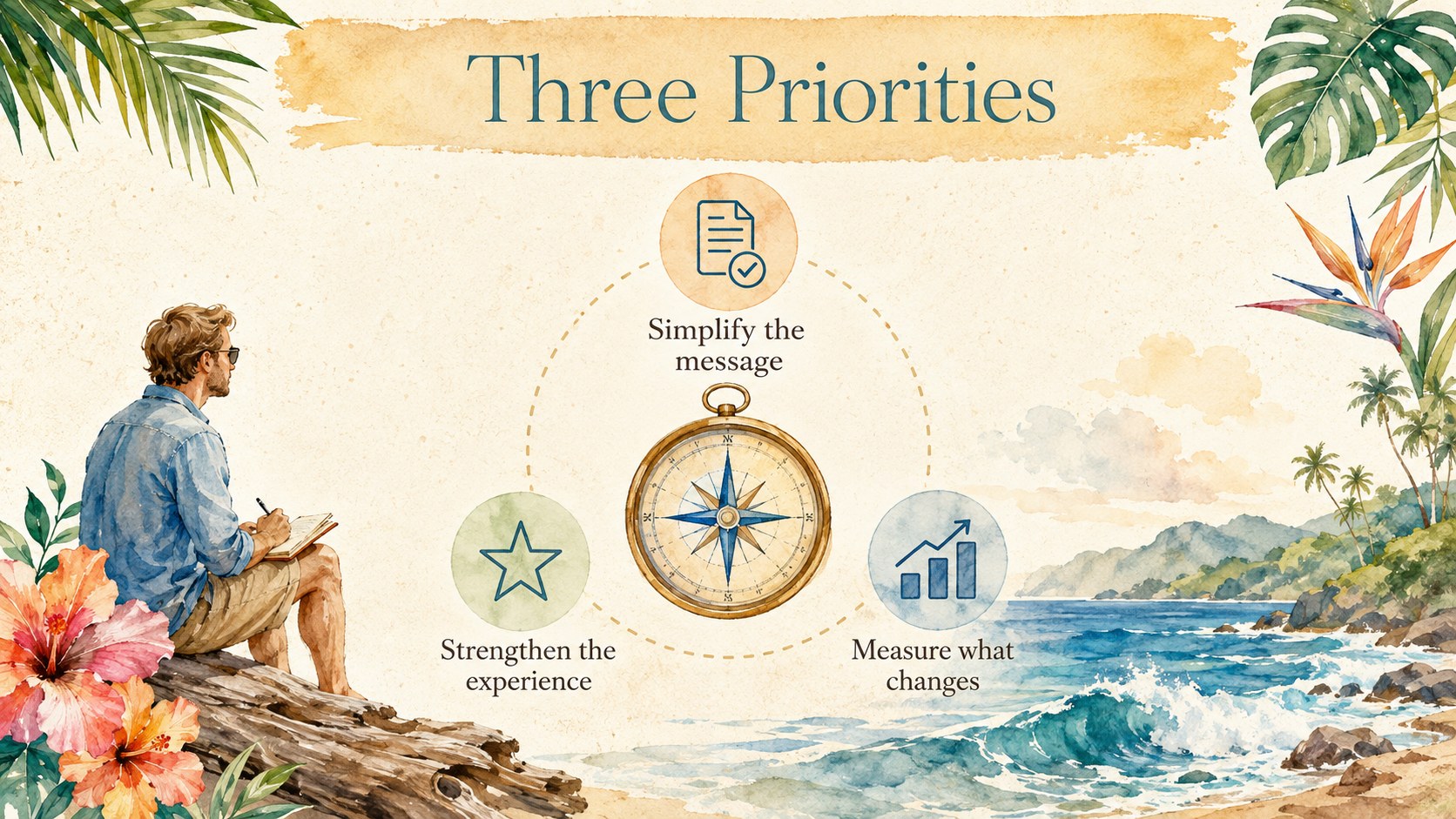
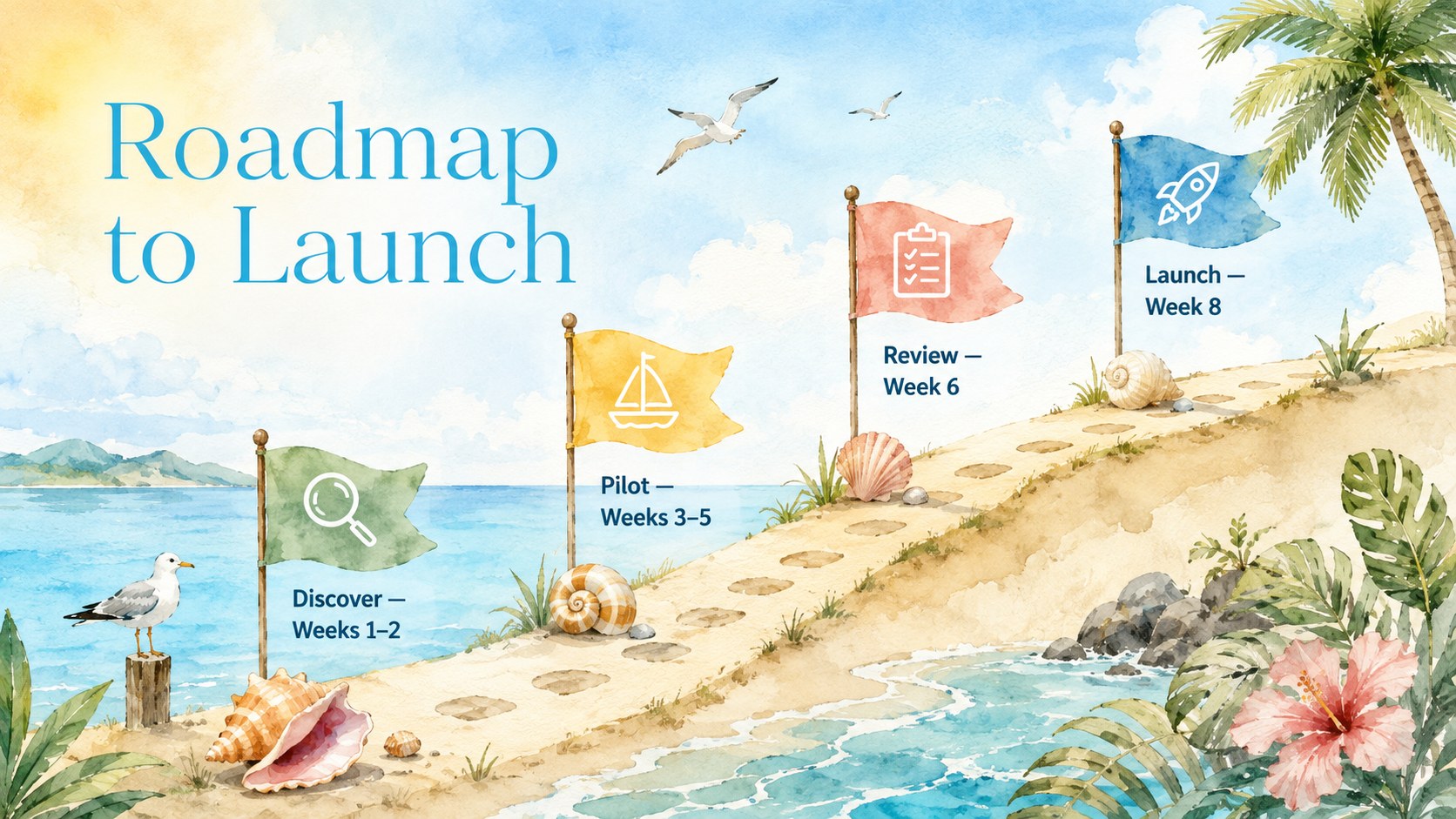
Bring a relaxed visual rhythm to professional conversations with this watercolor coastal meeting deck. Warm beige backgrounds, bright tropical accents, and hand-painted ocean details create an inviting setting without distracting from the message. Use it to organize team discussions, present performance highlights, introduce a proposal, or turn a routine status update into a more memorable experience.
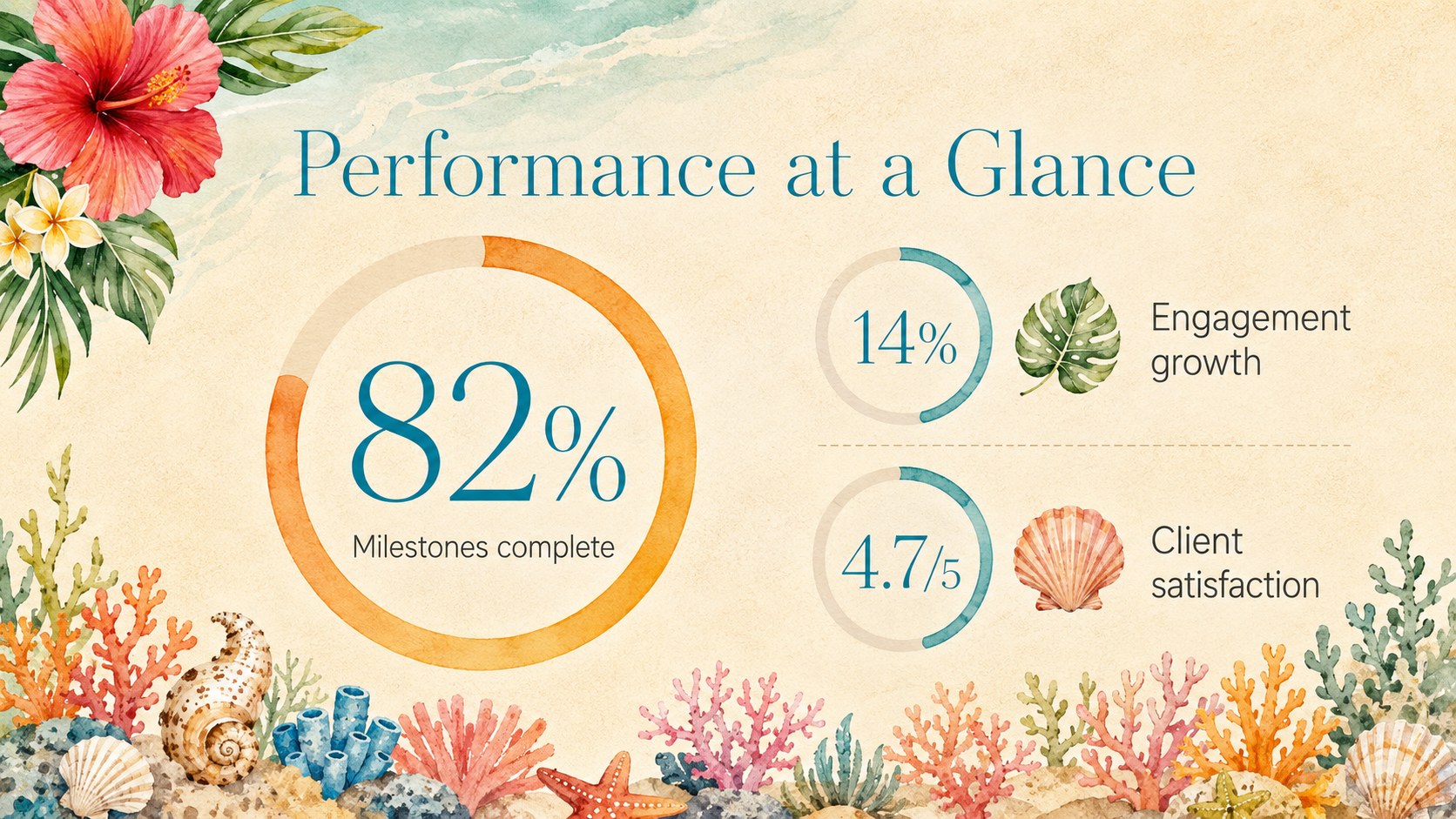
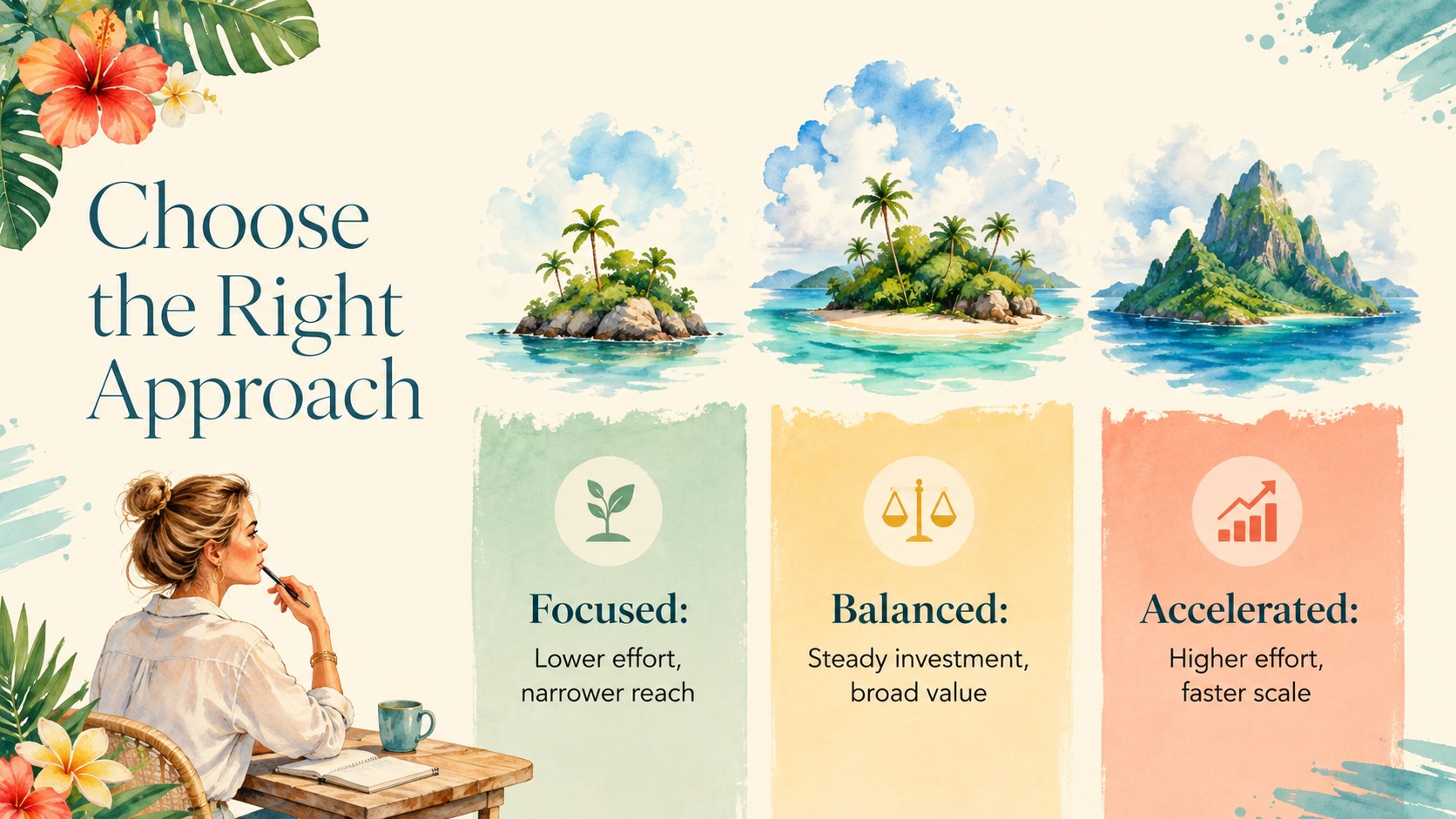
The deck includes layouts for an agenda, meeting objectives, key metrics, project progress, audience insights, campaign priorities, timelines, comparisons, risks, decisions, and next steps. Editable text areas and versatile visual structures make it easy to adapt the presentation as a beach themed team meeting template or a warm beige business slide deck. Charts, diagrams, tables, and image-led pages provide enough variety for both concise briefings and detailed reviews.
Designed for business teams, consultants, project leads, marketers, and hospitality or travel professionals, the template works especially well when a conventional corporate style feels too formal. It can also serve as creative quarterly review slides for remote meetings, client workshops, leadership updates, and planning sessions. Customize the wording, colors, images, and data in PowerPoint or Google Slides, then present in a standard widescreen format.
Perfect for: quarterly business review; team project update; client strategy meeting; hospitality marketing pitch; campaign planning workshop; leadership briefing.
Frequently asked questions
Can I edit this deck in PowerPoint and Google Slides? Yes. The layouts, text, colors, and visual elements can be customized in PowerPoint or Google Slides. Some fonts or effects may render slightly differently between the two platforms, so review the final deck before presenting.
Practical details
Yes. The layouts, text, colors, and visual elements can be customized in PowerPoint or Google Slides. Some fonts or effects may render slightly differently between the two platforms, so review the final deck before presenting.
Replace the sample text and images, then apply your organization’s fonts and accent colors. Keeping the beige base and a few watercolor ocean details will preserve the relaxed coastal character.
Yes. Use the included metric, comparison, timeline, and progress layouts for your figures, or insert native charts from PowerPoint or Google Slides. Keep labels concise to maintain clear visual hierarchy.
The deck uses a 16:9 widescreen format suited to modern monitors, meeting-room displays, and video calls. Exporting to PDF is also practical when you need a static handout.
Keep exploring
15Use this astrology audience insights deck to present zodiac-based segments, behaviors, and campaign findings in polished black-and-gold slides.
 14
14Plan a memorable Lunar New Year campaign with the 2036 Dragon Year Celebration Theme, featuring bold red-and-yellow slides for lessons and events.
 15
15Build eerie lessons, campaigns, and story pitches with an undead survival scenario theme featuring editable slides for PowerPoint and Google Slides.
 15
15Build a clear breast cancer awareness bulletin with bold pink-and-red slides for campaign news, screening reminders, impact data, and community updates.
 15
15Shape your publishing concept with an indie magazine startup pitch deck featuring pastel gradients, bold collage layouts, and editable planning slides.
 15
15Build a bold retro-futurist campaign pitch deck for client meetings, with editable strategy layouts and playful pastel Y2K-inspired visuals.
 16
16Build a consistent presence with a social channel identity playbook covering voice, visuals, content formats, publishing rules, and approvals.
 15
15Celebrate online learners with webinar completion certificate slides, featuring editable violet artwork for university events in PowerPoint and Google Slides.