
 15
15presentation
Astrology Audience Insights Deck
Use this astrology audience insights deck to present zodiac-based segments, behaviors, and campaign findings in polished black-and-gold slides.
Google SlidesPowerPoint
presentation · English
Present emerging aesthetics with a graphic design trends deck built for clear forecasts, bold red visuals, and lively PowerPoint or Google Slides talks.
Design notes
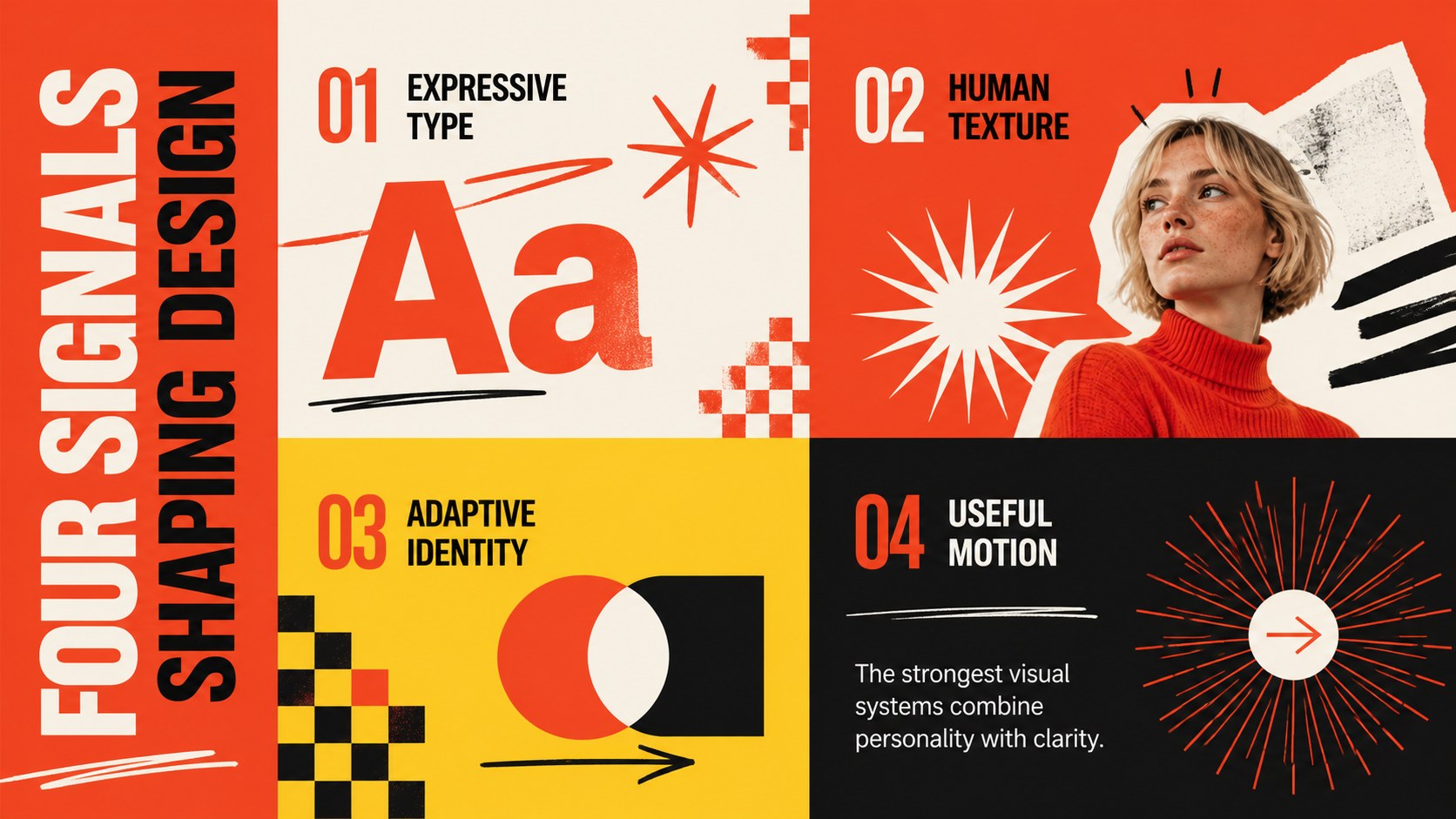
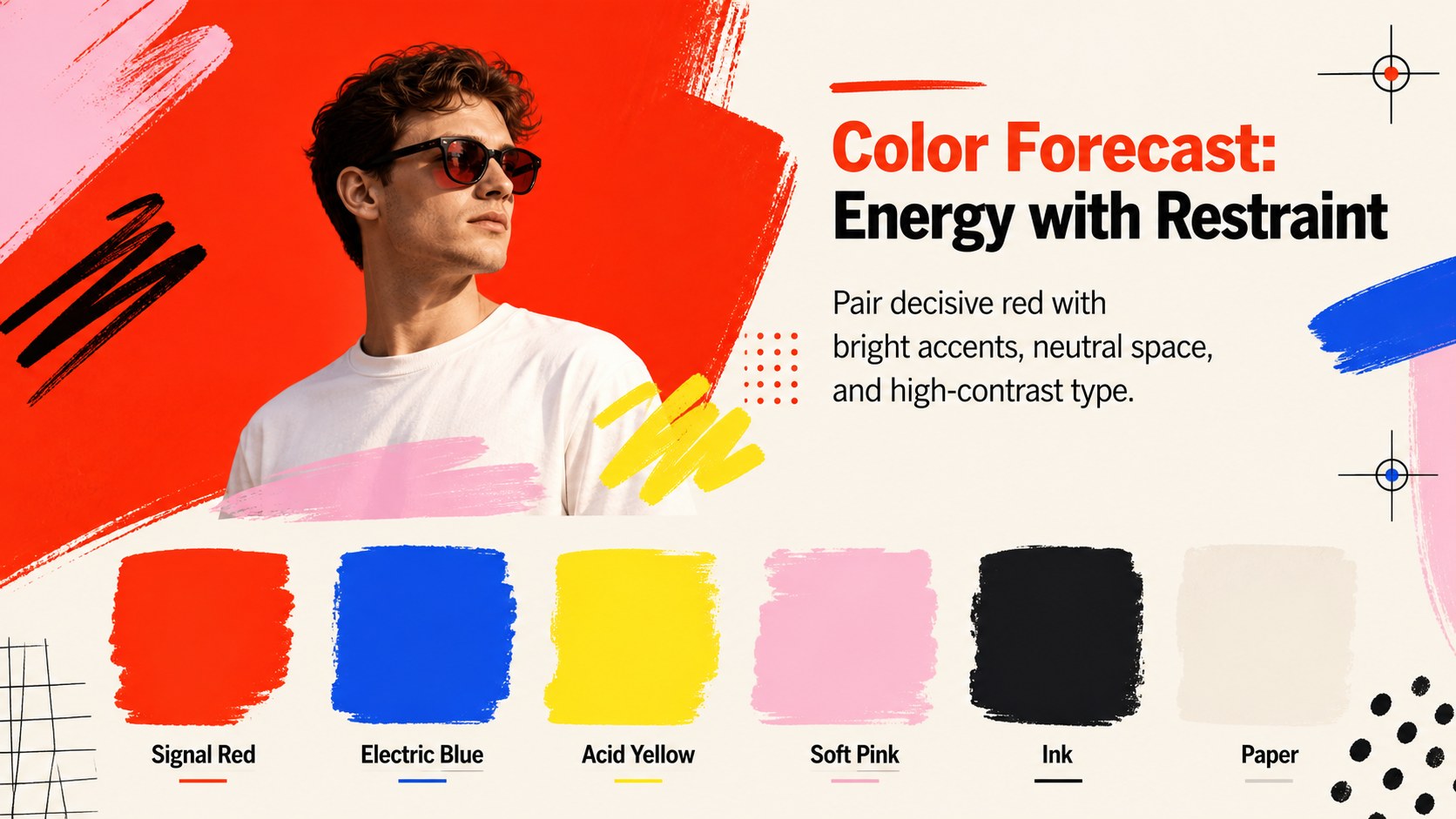
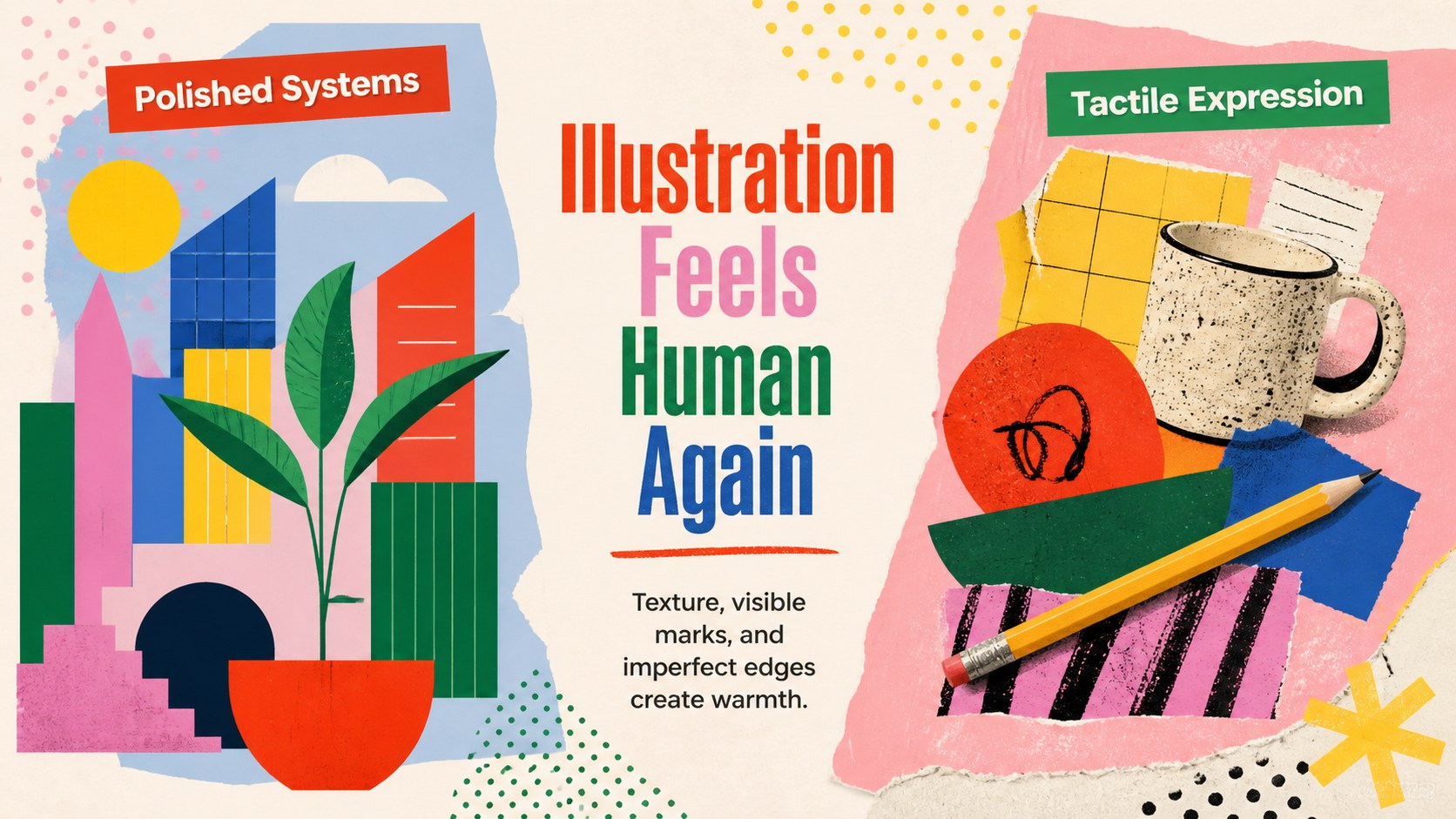
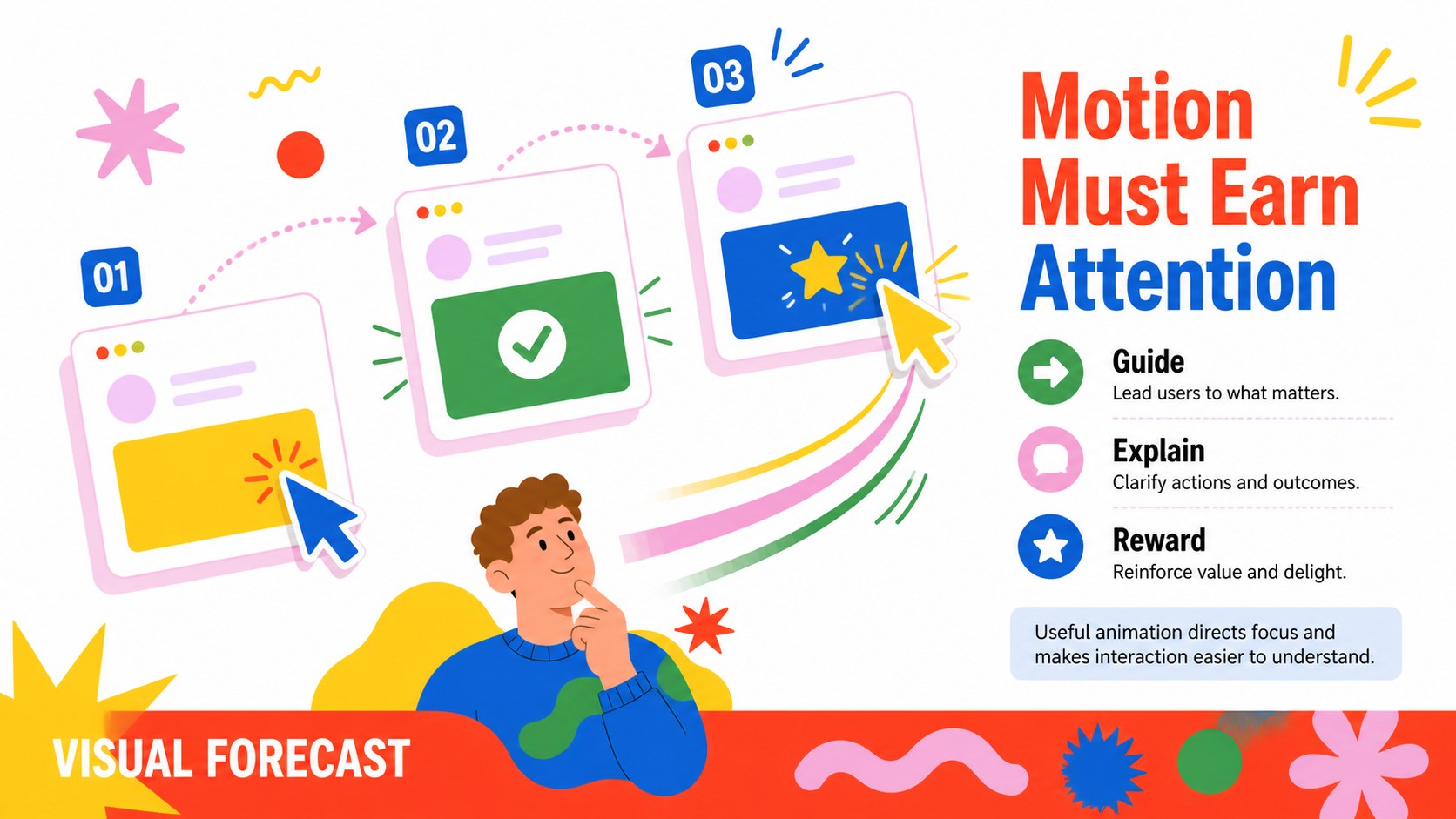
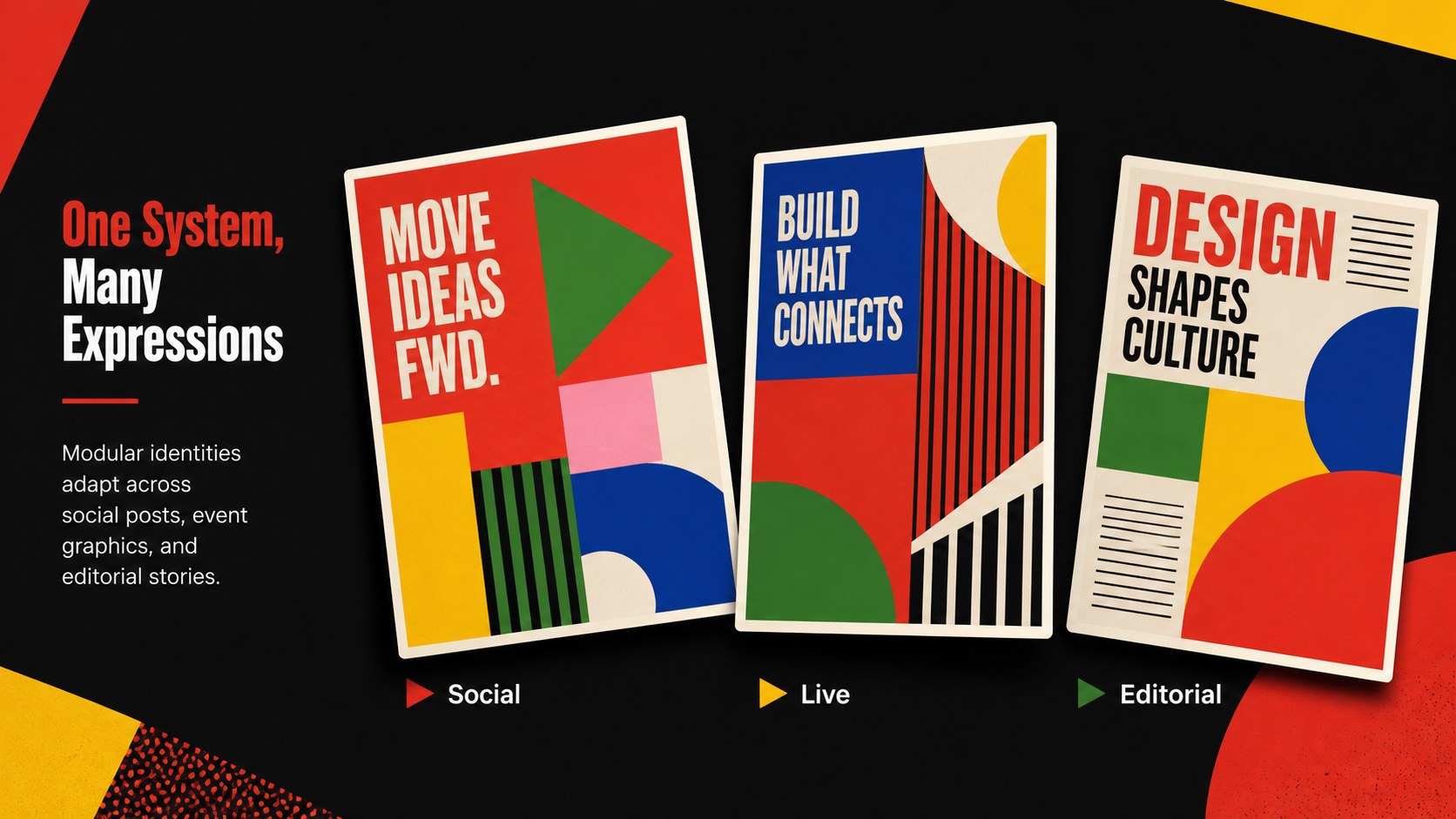
Build a forward-looking conference narrative with this graphic design trends deck for PowerPoint and Google Slides. Its energetic red palette, oversized lettering, playful doodles, and modern editorial layouts help speakers explain changing visual styles without losing the audience in dense detail. Use it to introduce emerging aesthetics, compare creative movements, or translate research into practical direction.
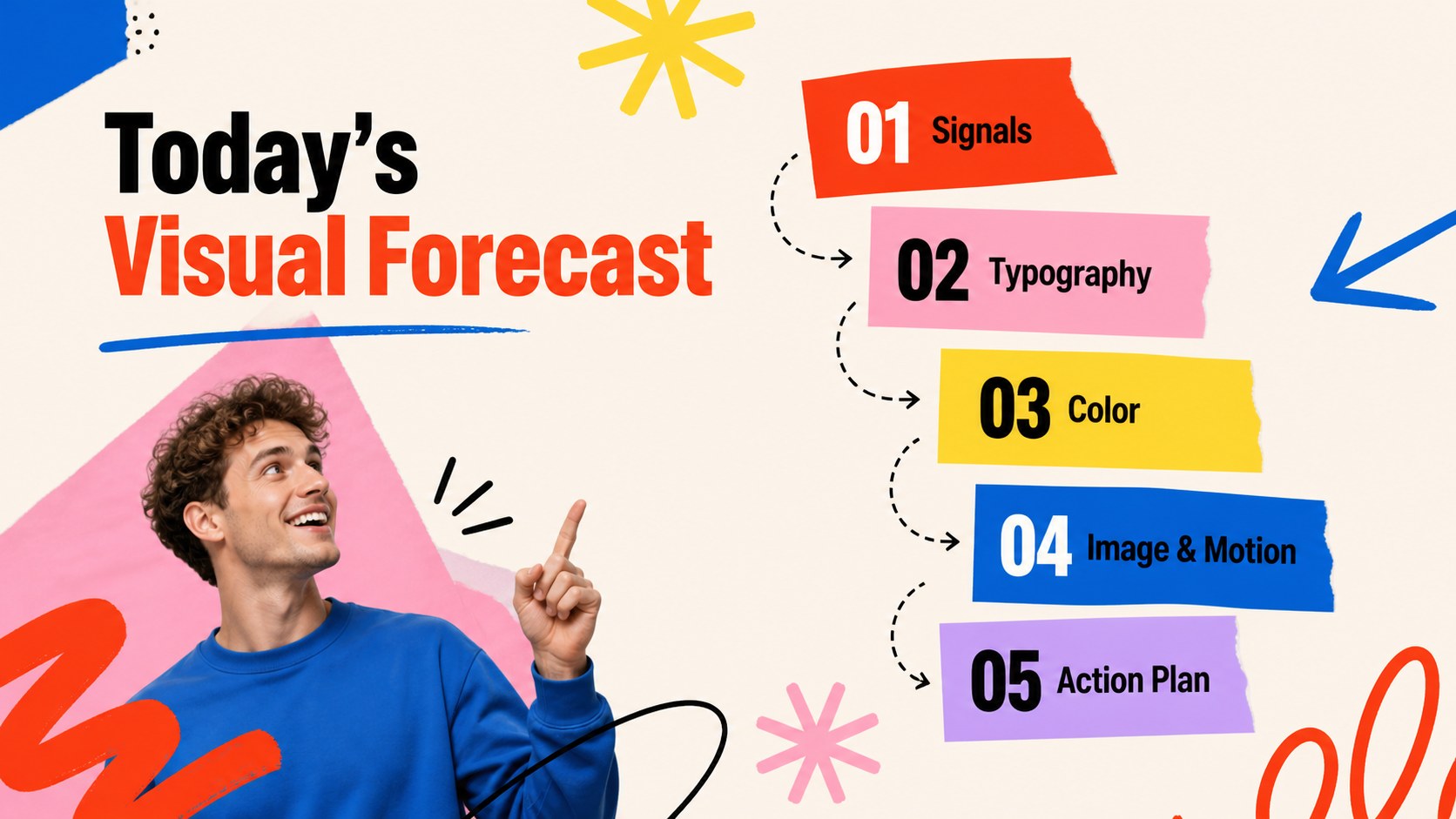
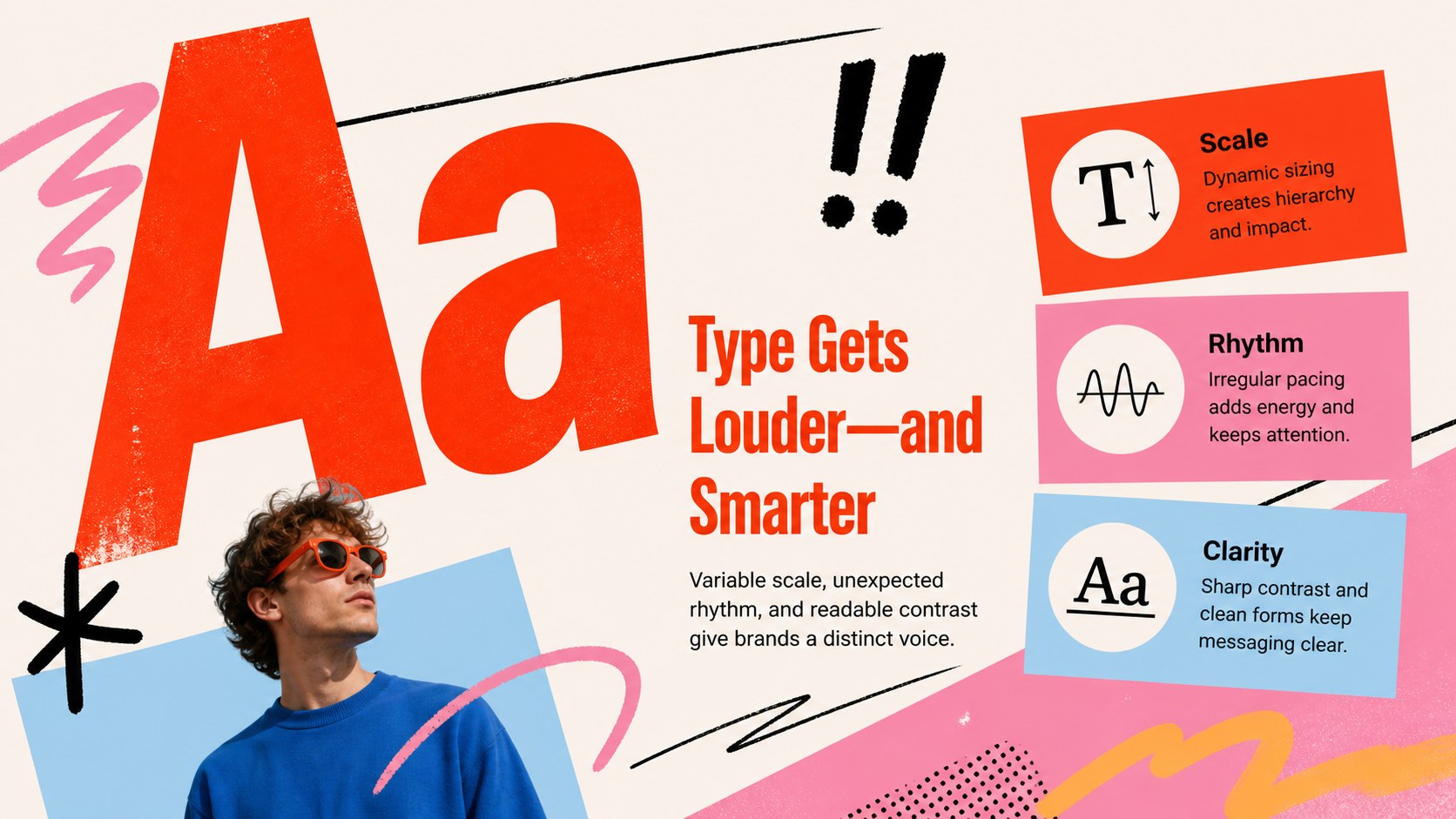
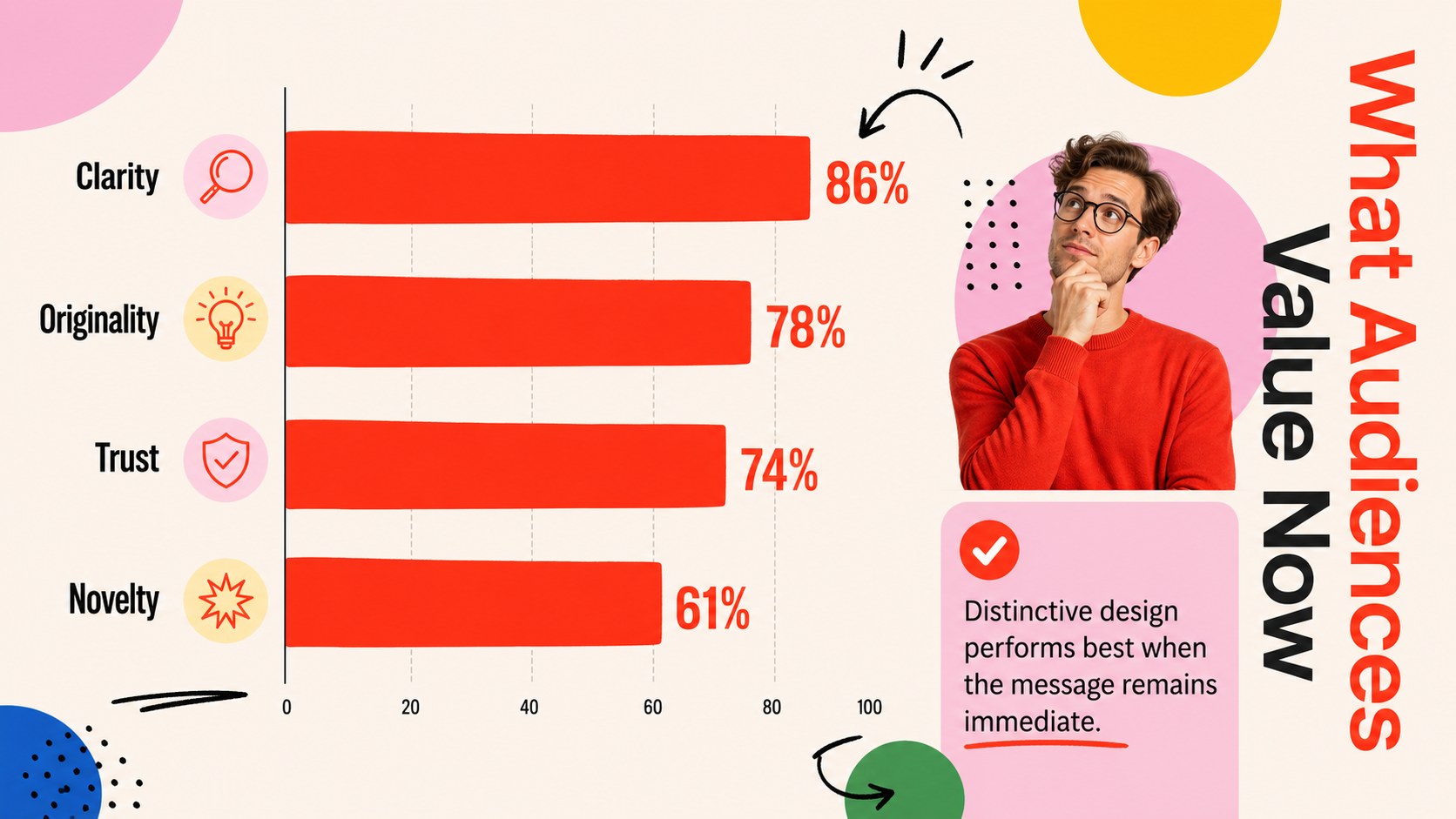
The 15-slide presentation includes a striking cover, session agenda, trend overview, typography spotlight, color forecast, illustration direction, digital experience analysis, campaign examples, audience insights, a visual trend timeline, action priorities, and a memorable closing. Adapt the layouts for a creative industry conference presentation, a branding trends keynote template, or a visual design forecast presentation. Charts, text blocks, image frames, timelines, and graphic accents can be customized while preserving the expressive design system.
This deck is built for creative directors, graphic designers, marketing teams, brand strategists, educators, and conference speakers. Replace the sample copy with your own findings, adjust the red and multicolor accents to suit an event identity, and add project imagery or research data. Every slide uses a widescreen 16:9 format and is editable in PowerPoint and Google Slides, making the template suitable for live talks, internal trend briefings, design workshops, and classroom discussions.
Perfect for: design conference keynote; agency trend briefing; brand strategy workshop; creative direction review; design school lecture.
Frequently asked questions
Can I edit every element in this presentation? Yes. Text, colors, charts, image frames, shapes, and decorative accents can be adjusted in PowerPoint or Google Slides. You can also duplicate or reorder layouts to match the length of your talk.
Practical details
Yes. Text, colors, charts, image frames, shapes, and decorative accents can be adjusted in PowerPoint or Google Slides. You can also duplicate or reorder layouts to match the length of your talk.
The deck is designed for Microsoft PowerPoint and Google Slides. Both platforms support the widescreen layout and core editing features used throughout the template.
Replace the sample trend insights with your research, insert relevant project images, and update the accent colors to match the event identity. Keep the bold type hierarchy and strong contrast for a consistent visual rhythm.
Yes. The layouts work well for agency reviews, brand planning sessions, design workshops, and quarterly trend reports. Sections can be shortened or expanded depending on the depth of your analysis.
Keep exploring
15Use this astrology audience insights deck to present zodiac-based segments, behaviors, and campaign findings in polished black-and-gold slides.
 14
14Plan a memorable Lunar New Year campaign with the 2036 Dragon Year Celebration Theme, featuring bold red-and-yellow slides for lessons and events.
 15
15Build eerie lessons, campaigns, and story pitches with an undead survival scenario theme featuring editable slides for PowerPoint and Google Slides.
 15
15Build a clear breast cancer awareness bulletin with bold pink-and-red slides for campaign news, screening reminders, impact data, and community updates.
 15
15Shape your publishing concept with an indie magazine startup pitch deck featuring pastel gradients, bold collage layouts, and editable planning slides.
 15
15Build a bold retro-futurist campaign pitch deck for client meetings, with editable strategy layouts and playful pastel Y2K-inspired visuals.
 16
16Build a consistent presence with a social channel identity playbook covering voice, visuals, content formats, publishing rules, and approvals.
 15
15Celebrate online learners with webinar completion certificate slides, featuring editable violet artwork for university events in PowerPoint and Google Slides.