
 15
15presentation
Indie Magazine Startup Pitch Deck
Shape your publishing concept with an indie magazine startup pitch deck featuring pastel gradients, bold collage layouts, and editable planning slides.
Google SlidesPowerPoint
presentation · English
Build a polished visual business strategy slides deck for goals, financials, proposals, and team updates with editable photo layouts in PowerPoint and…








Design notes
Visual business strategy slides help teams present important information with clarity and authority. This formal, image-led design combines restrained grey backgrounds, bright yellow framing, and carefully balanced photography to give business updates a more memorable visual rhythm. Use the deck to organize priorities, explain performance, or make a persuasive case for your next initiative.
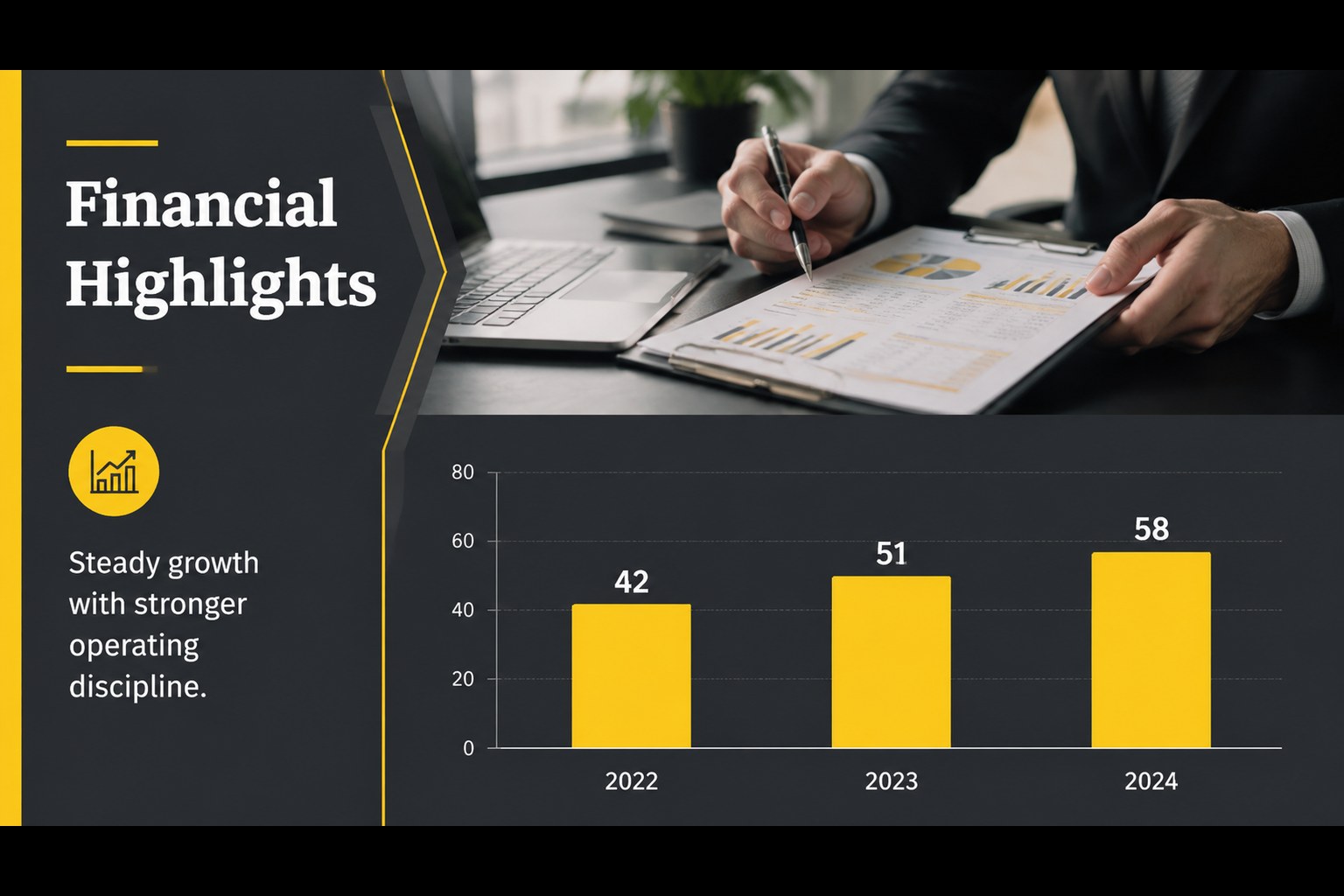
Inside, you will find 16:9 layouts for an opening statement, agenda, company snapshot, strategic pillars, market overview, timeline, team structure, financial highlights, comparison tables, charts, process diagrams, risks, next steps, and a closing message. Every slide is fully editable, with flexible image areas, reusable icons, a world map, and examples for graphs, charts, and tables. Rearrange, duplicate, or remove pages to match the depth of your presentation.
The template is designed for executives, consultants, department leads, analysts, and project teams preparing a corporate strategy presentation, quarterly review, or internal proposal. It works in PowerPoint and Google Slides, supports easy color, text, and photo changes, and can be exported to PDF or JPG. The clean typography and sober composition keep attention on your message while the photo treatment adds a polished, human dimension.
Perfect for: quarterly business review; startup strategy meeting; internal project proposal; consulting client presentation; annual financial update.
Frequently asked questions
Can I edit the presentation in PowerPoint? Yes. The deck is fully editable in PowerPoint, including text, images, colors, icons, charts, and diagrams. You can also rearrange or duplicate slides for a longer presentation.
Practical details
Yes. The deck is fully editable in PowerPoint, including text, images, colors, icons, charts, and diagrams. You can also rearrange or duplicate slides for a longer presentation.
Yes, it can be opened and edited in Google Slides. Replace the sample photography, update the data, and adjust the yellow accent to match your organization.
Yes. The yellow frame and grey backgrounds can be recolored to suit your visual identity. Some photo treatments and graphic accents may need minor adjustments after recoloring.
It supports strategy, financial reporting, market analysis, team planning, project proposals, and performance updates. The included charts, tables, timelines, and comparison layouts make it adaptable to many corporate workflows.
Keep exploring
15Shape your publishing concept with an indie magazine startup pitch deck featuring pastel gradients, bold collage layouts, and editable planning slides.
 16
16Build clear project stories with the Icon Grid Teamwork Theme, a flexible blue illustrated deck for proposals, strategy updates, and team meetings.
 3
3Turn priorities into an actionable plan with an annual goals roadmap infographic, featuring editable orange and teal layouts for PowerPoint and Google Slides.