
 15
15presentation
Astrology Audience Insights Deck
Use this astrology audience insights deck to present zodiac-based segments, behaviors, and campaign findings in polished black-and-gold slides.
Google SlidesPowerPoint
presentation · English
Publish immersive community news with a virtual world update deck for bold announcements, event recaps, and trend reports in PowerPoint or Google Slides.

Design notes
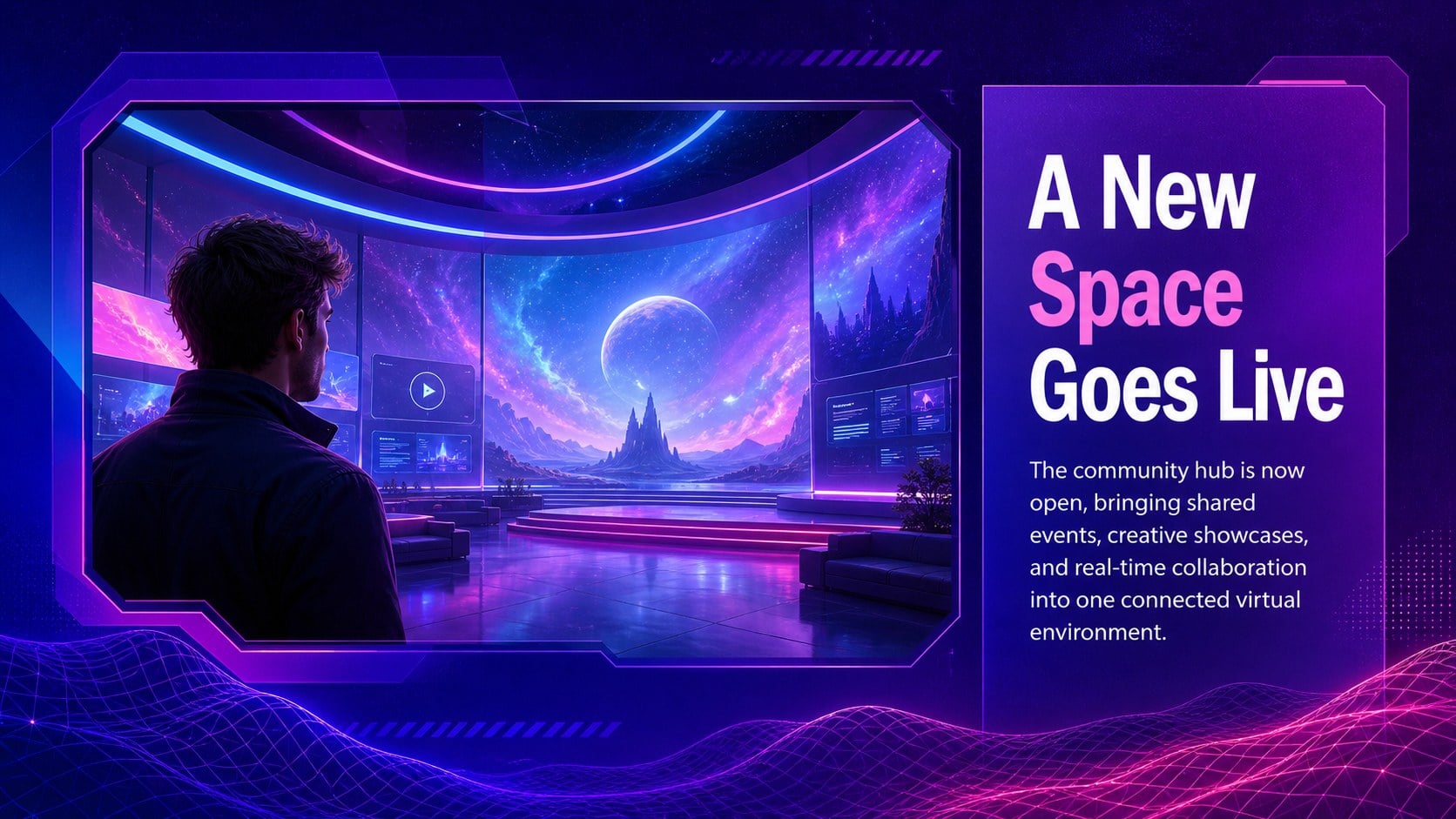
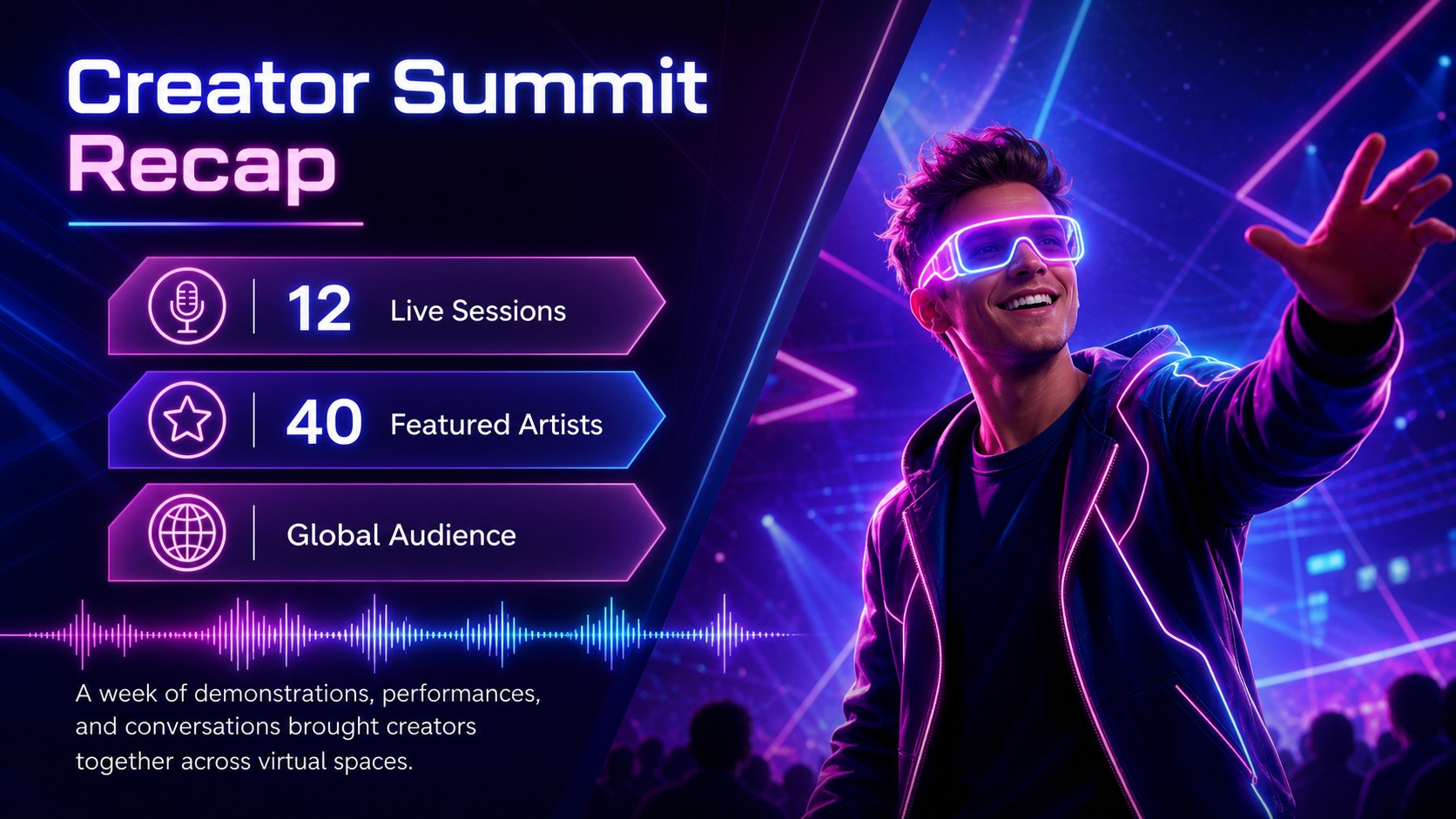
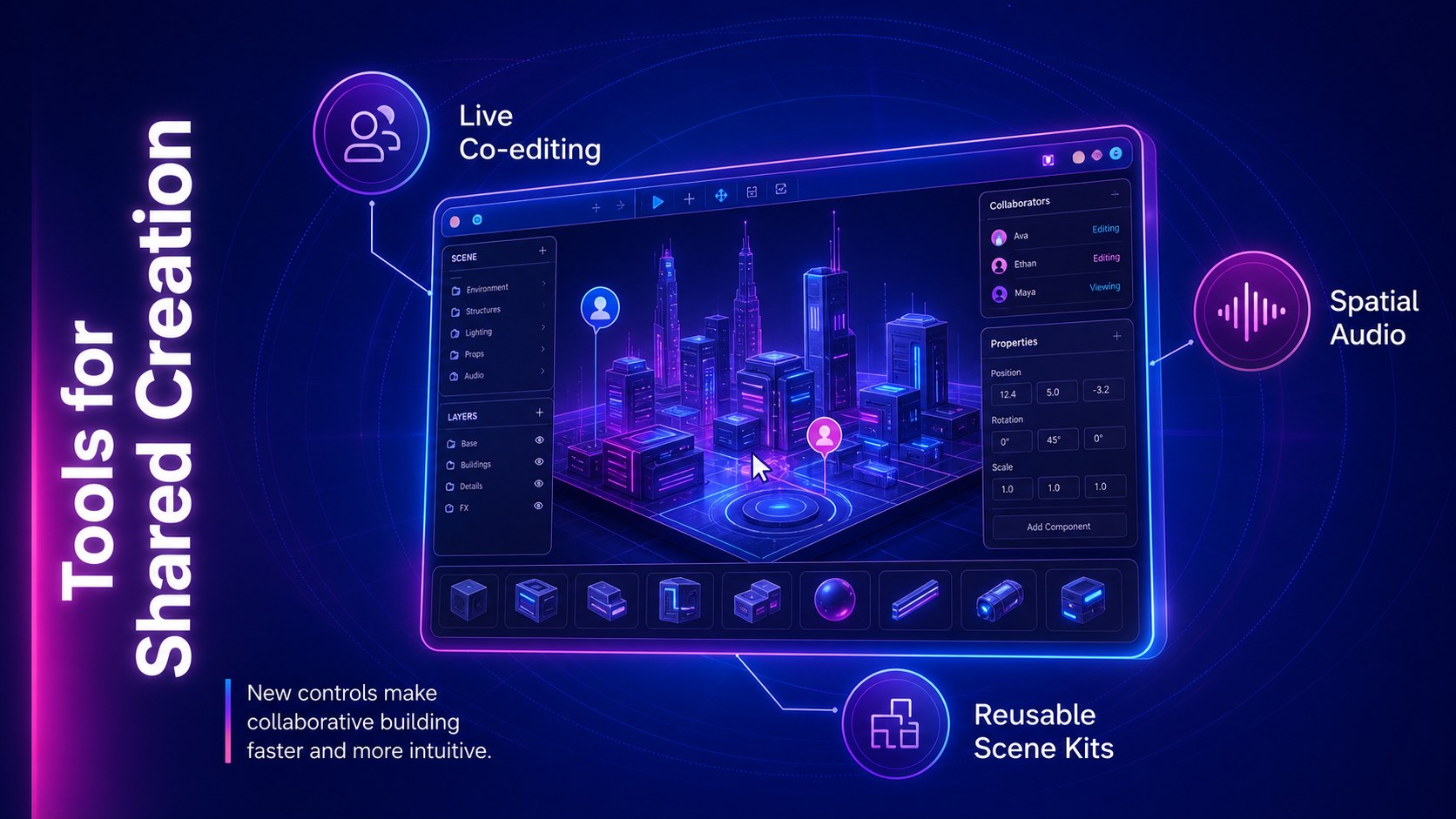
Bring emerging technology stories, digital community announcements, and virtual experiences together with this virtual world update deck. Its energetic mix of deep blue, electric purple, and vivid magenta creates an immersive setting for news that deserves more than a conventional bulletin. Futuristic typography, luminous accents, glass-inspired panels, and abstract digital graphics keep every update easy to scan while preserving a bold visual identity.
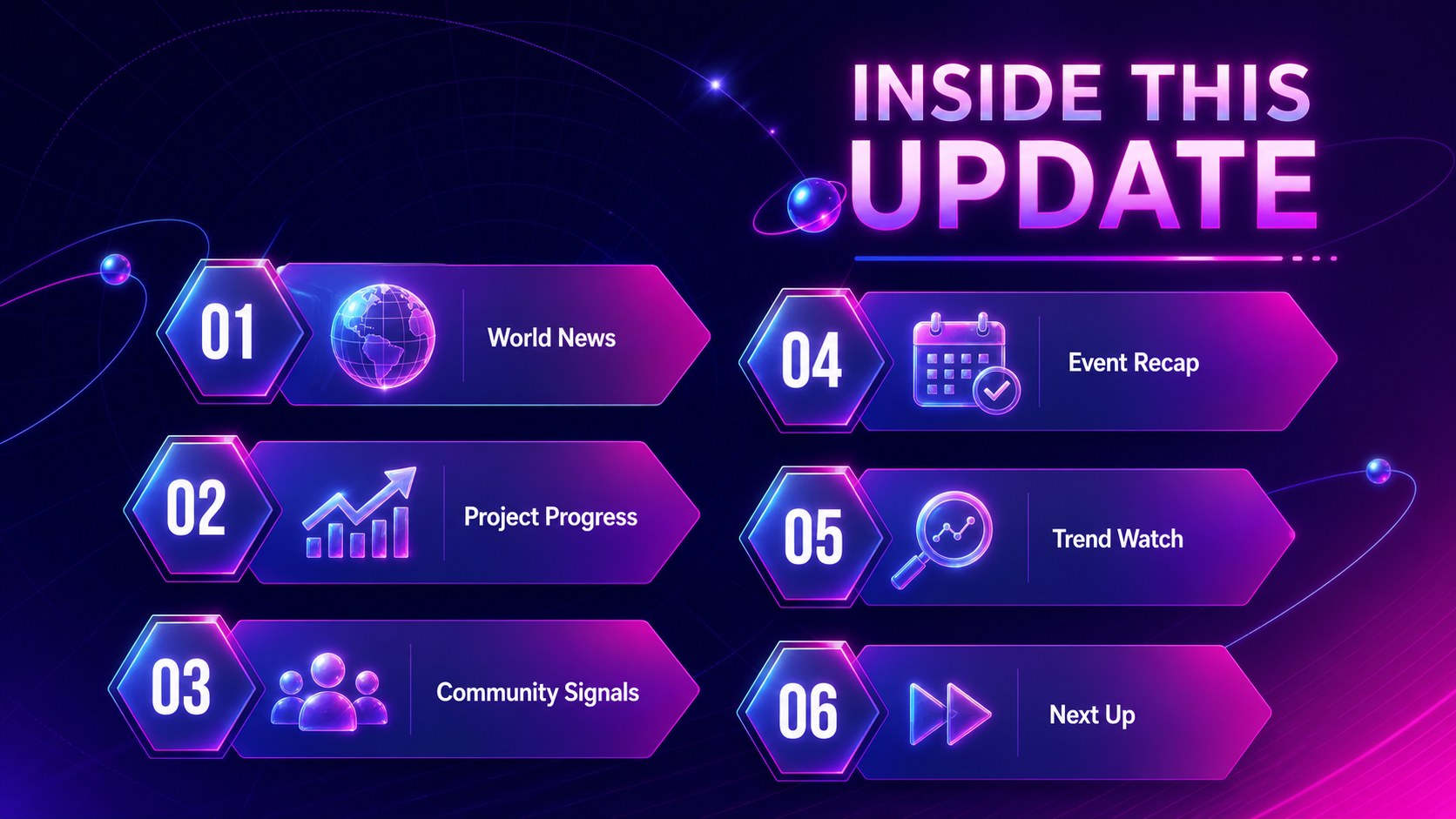
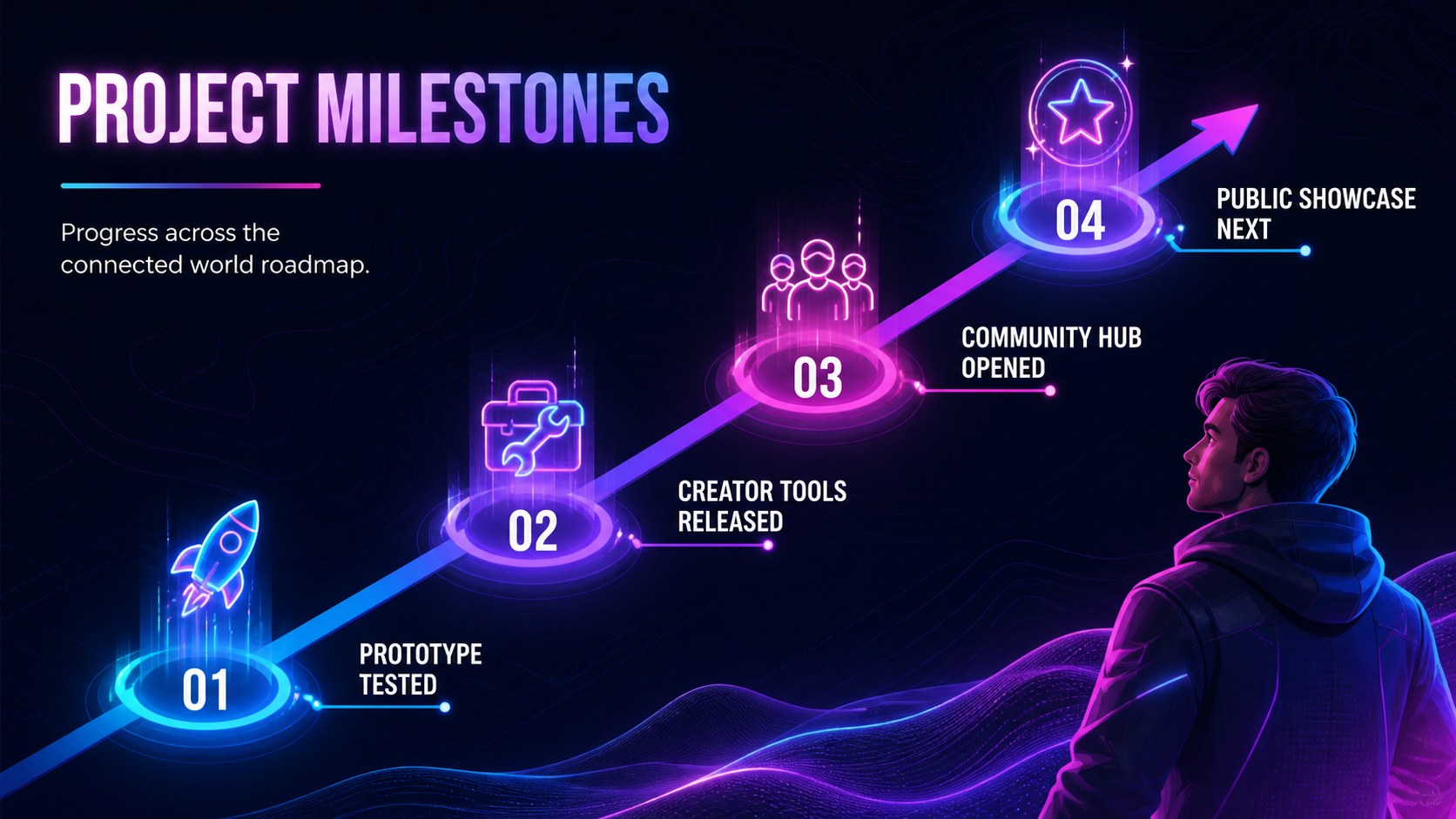
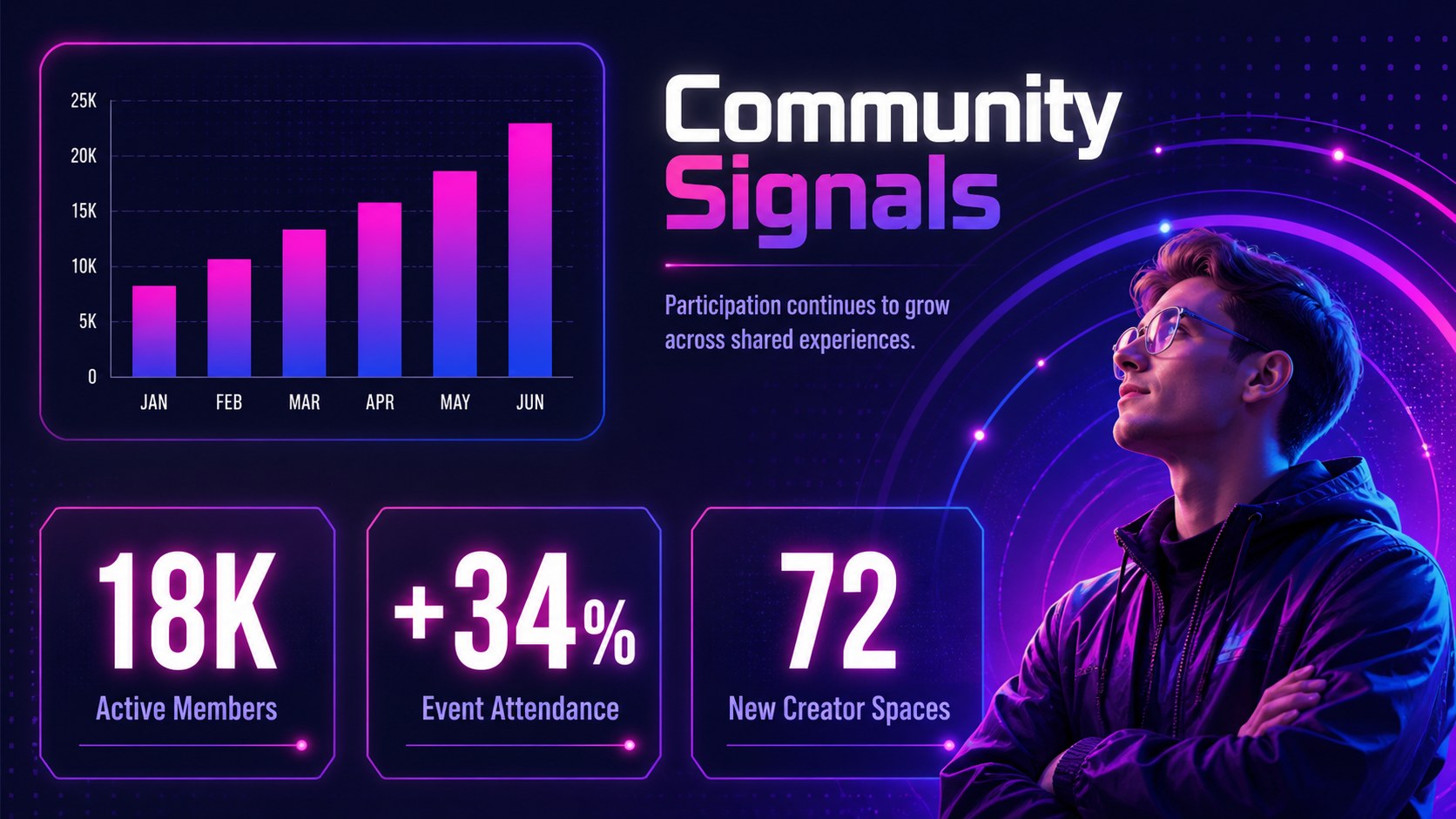
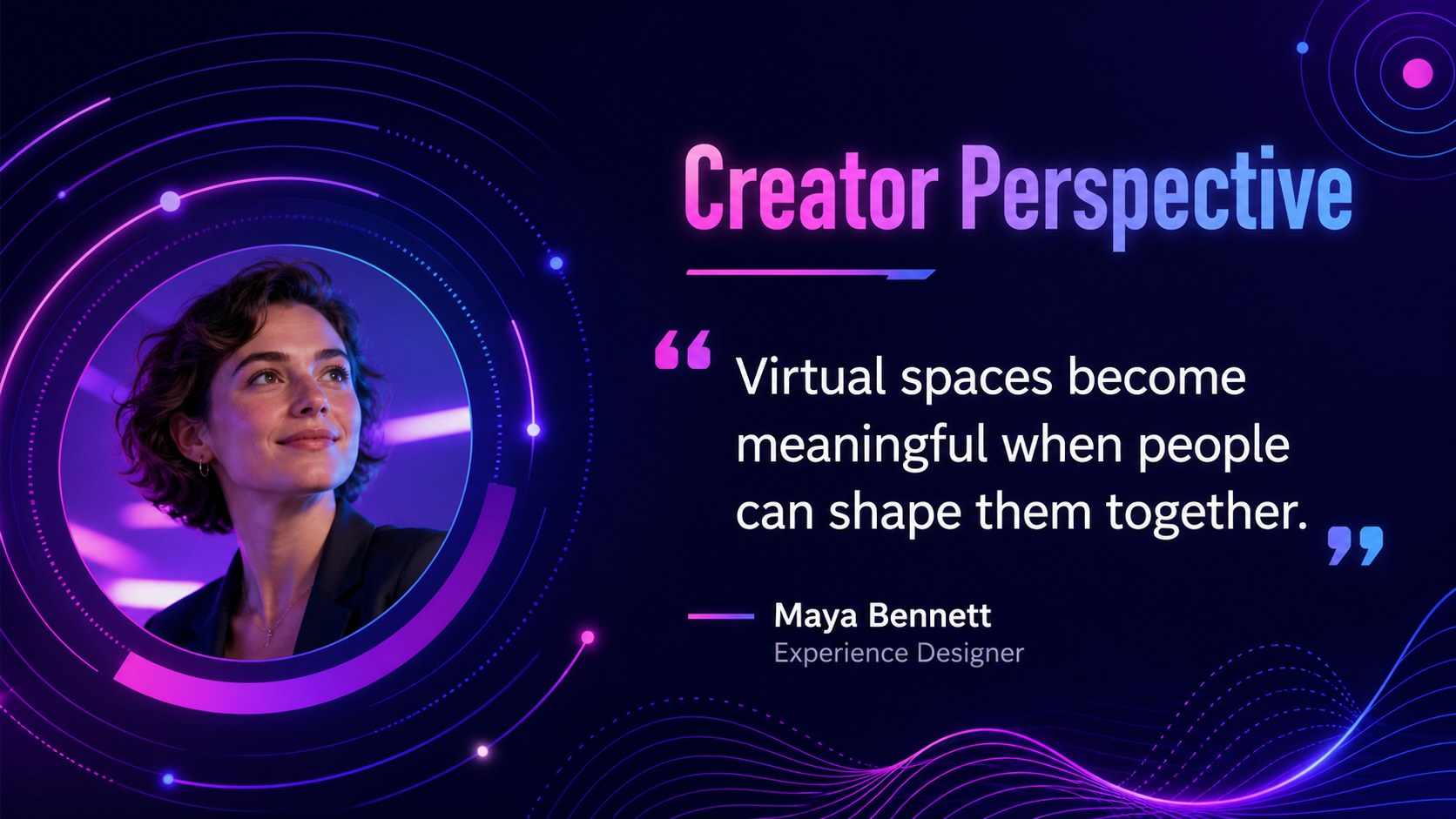
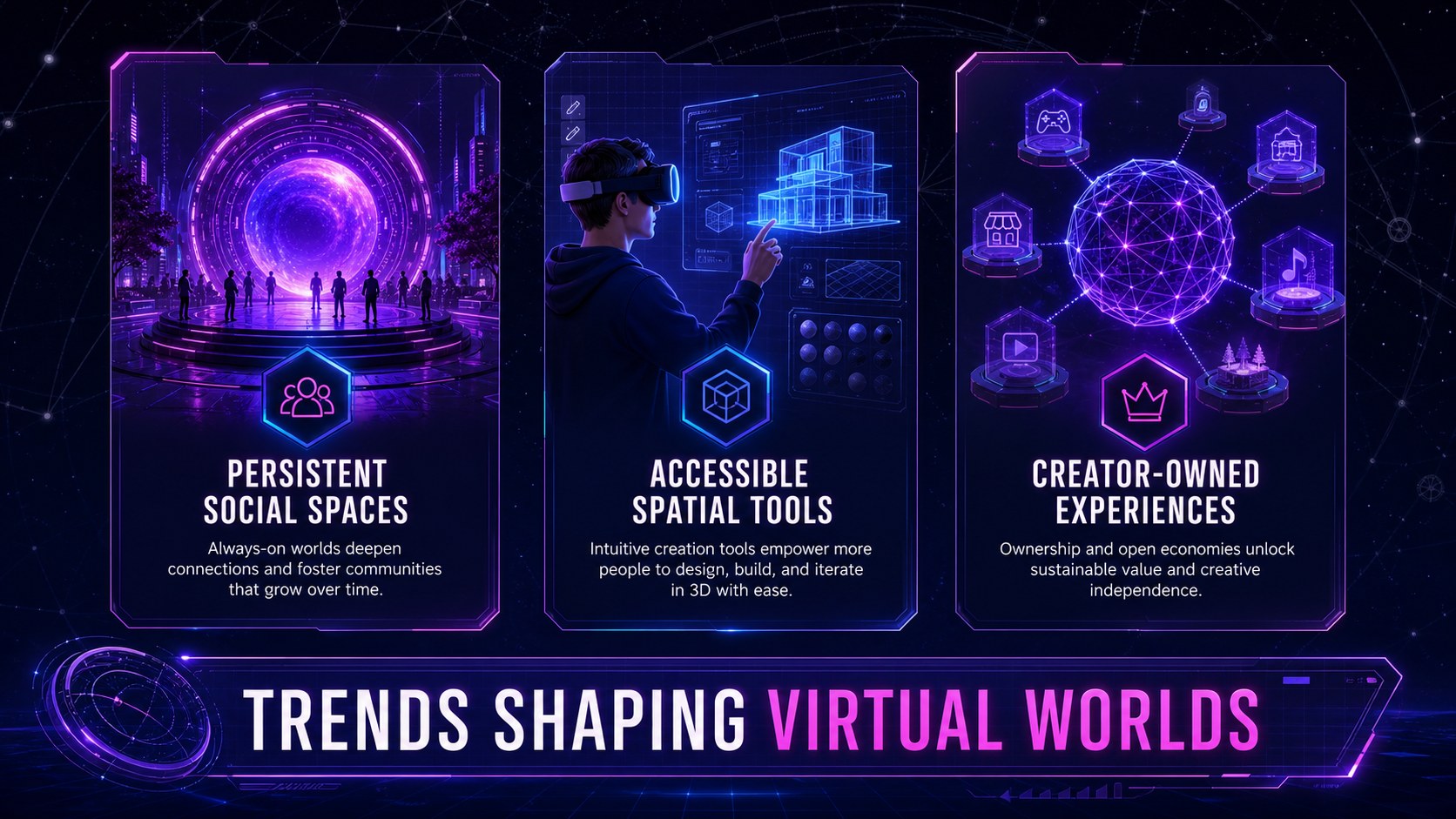
The presentation includes layouts for opening headlines, contents, platform news, project milestones, feature releases, community statistics, interviews, virtual event recaps, trend forecasts, and upcoming dates. Use it as a web3 community update presentation, an immersive technology news deck, or a virtual event recap slides collection. Charts, timelines, quote panels, image placeholders, and concise callouts help you balance editorial storytelling with practical information.
Designed for technology teams, digital creators, online community managers, educators, gaming groups, and innovation-focused organizations, the deck works in both PowerPoint and Google Slides. Replace the sample copy, adjust the type hierarchy, add screenshots or renders, and tailor the colorful palette to your project. The flexible structure supports recurring newsletters, one-time announcements, internal briefings, launch summaries, and audience-facing reports without losing its distinctive metaverse-inspired atmosphere.
Perfect for: metaverse community newsletter; virtual event recap; digital product update; web3 project briefing; future technology trend report.
Frequently asked questions
Can I edit this deck in PowerPoint and Google Slides? Yes. Every layout is designed for editing in PowerPoint and Google Slides, including text, colors, images, charts, and basic shapes. Some font substitutions may occur if the original typefaces are not installed.
Practical details
Yes. Every layout is designed for editing in PowerPoint and Google Slides, including text, colors, images, charts, and basic shapes. Some font substitutions may occur if the original typefaces are not installed.
Update the theme colors to replace the blue, purple, and magenta accents across the presentation. Keep strong contrast between backgrounds and text so headlines, statistics, and calls to action remain readable.
Yes. Duplicate the relevant sections for each edition and retain consistent layouts for regular features such as metrics, announcements, interviews, and upcoming events. Replace dated content and imagery before publishing each issue.
Use virtual environment screenshots, interface mockups, digital artwork, event photography, or technology renders. High-contrast images with cool lighting will fit the neon visual system especially well.
Keep exploring
15Use this astrology audience insights deck to present zodiac-based segments, behaviors, and campaign findings in polished black-and-gold slides.
 14
14Plan a memorable Lunar New Year campaign with the 2036 Dragon Year Celebration Theme, featuring bold red-and-yellow slides for lessons and events.
 15
15Build eerie lessons, campaigns, and story pitches with an undead survival scenario theme featuring editable slides for PowerPoint and Google Slides.
 15
15Build a clear breast cancer awareness bulletin with bold pink-and-red slides for campaign news, screening reminders, impact data, and community updates.
 15
15Shape your publishing concept with an indie magazine startup pitch deck featuring pastel gradients, bold collage layouts, and editable planning slides.
 15
15Build a bold retro-futurist campaign pitch deck for client meetings, with editable strategy layouts and playful pastel Y2K-inspired visuals.
 16
16Build a consistent presence with a social channel identity playbook covering voice, visuals, content formats, publishing rules, and approvals.
 15
15Celebrate online learners with webinar completion certificate slides, featuring editable violet artwork for university events in PowerPoint and Google Slides.