
 15
15presentation
Astrology Audience Insights Deck
Use this astrology audience insights deck to present zodiac-based segments, behaviors, and campaign findings in polished black-and-gold slides.
Google SlidesPowerPoint
presentation · English
Build a reflective narrative with vintage photo story slides featuring editable image-led layouts for speeches, portfolios, tributes, and personal journeys.


Design notes
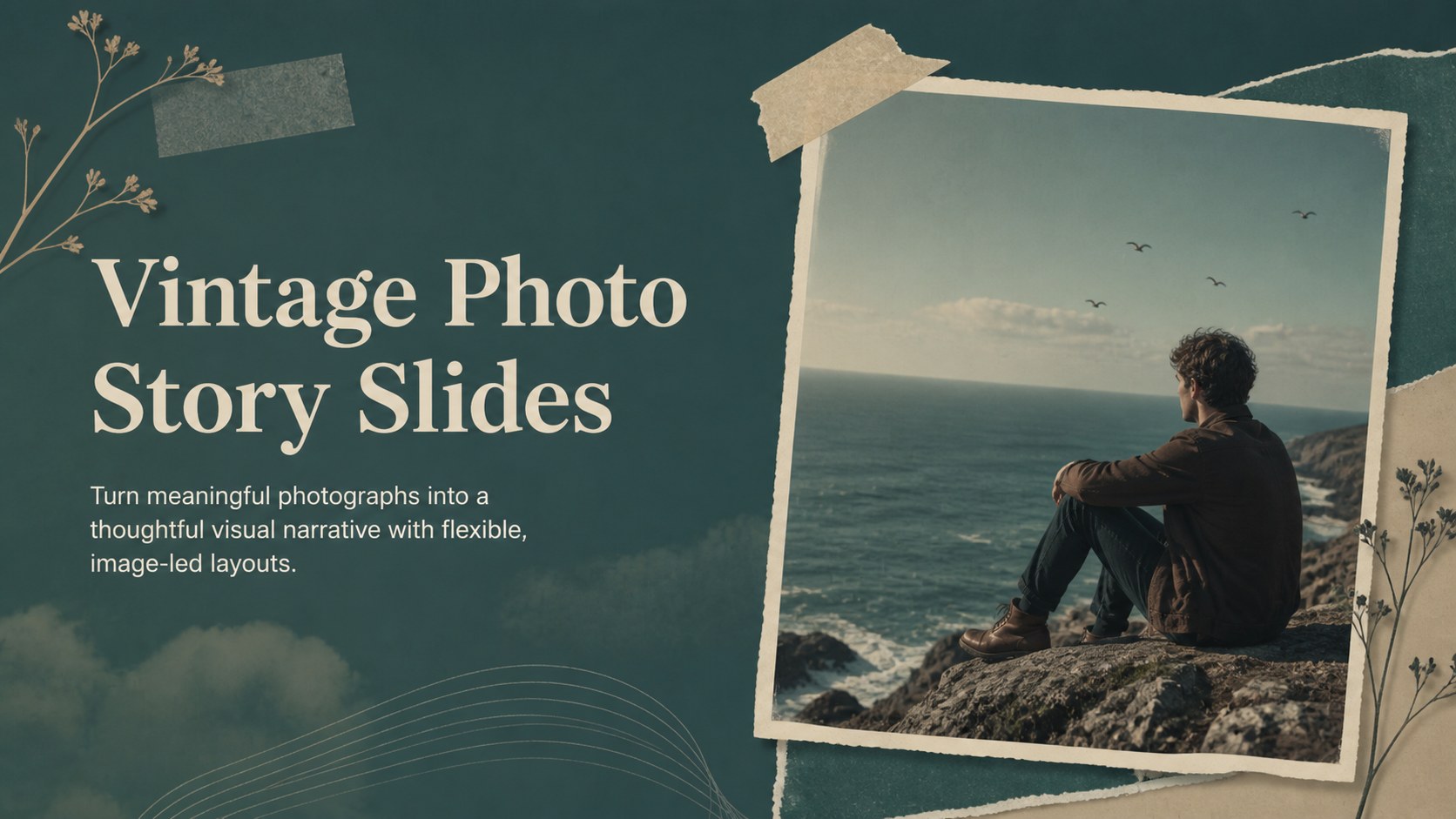
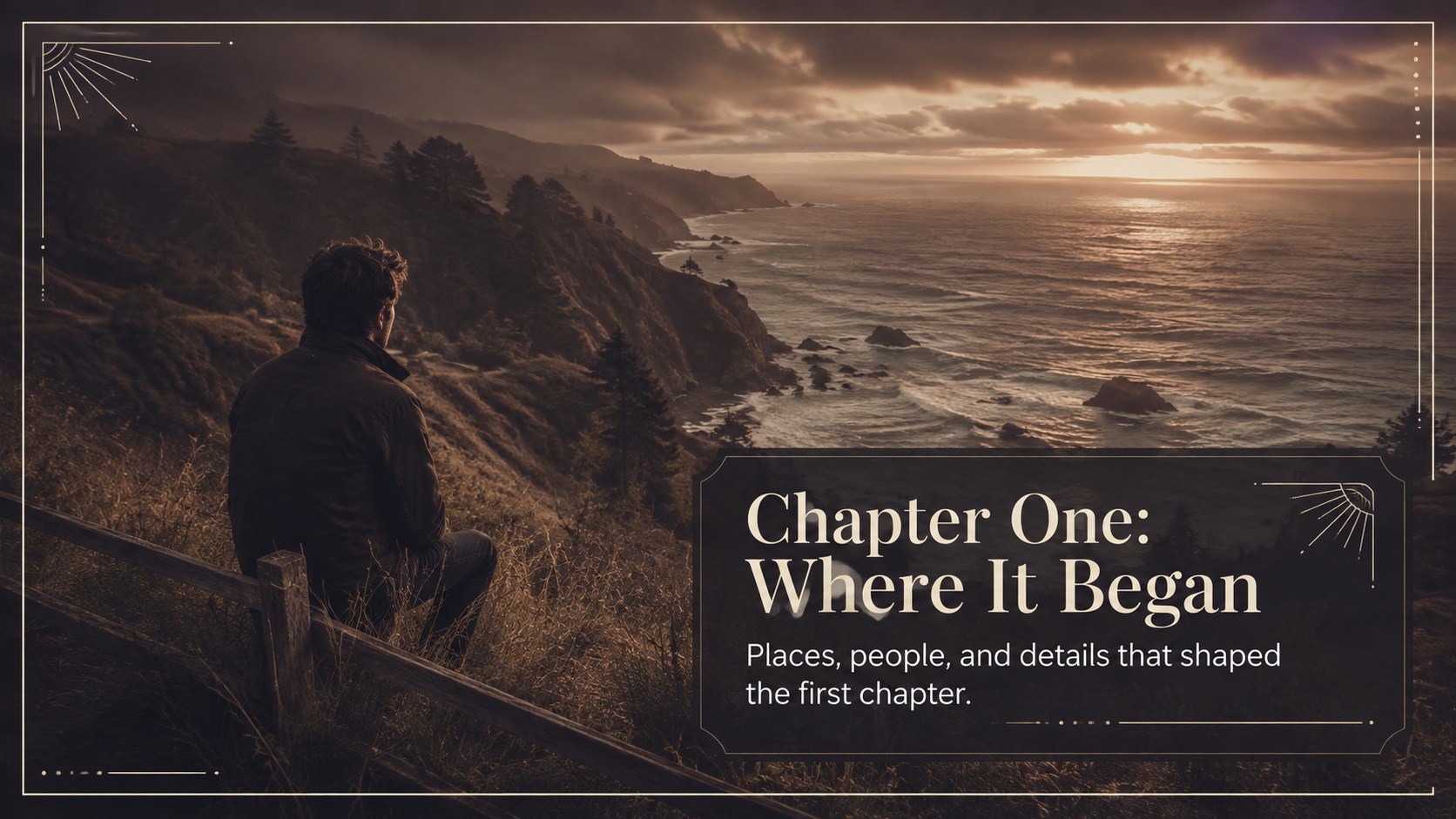
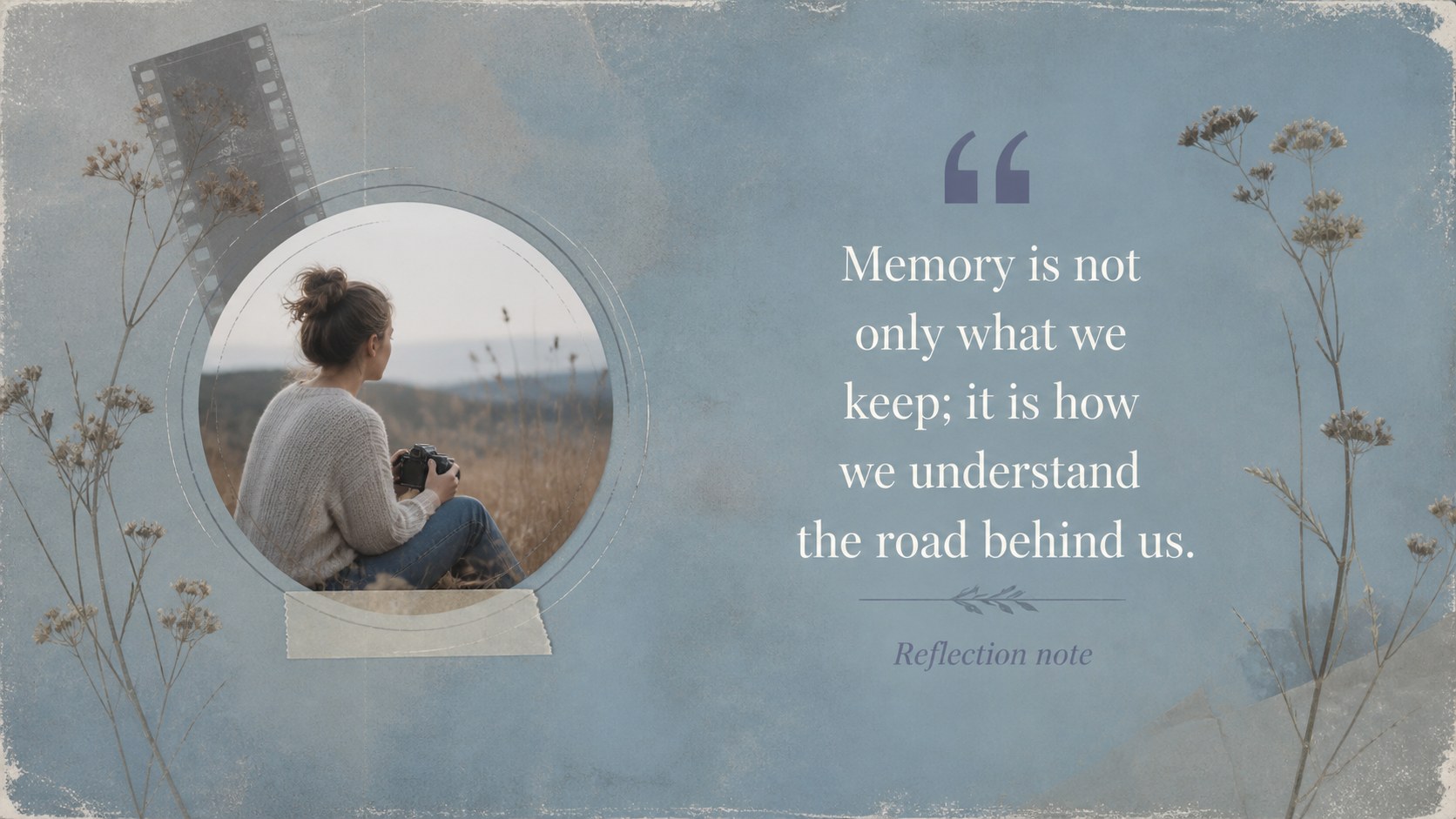
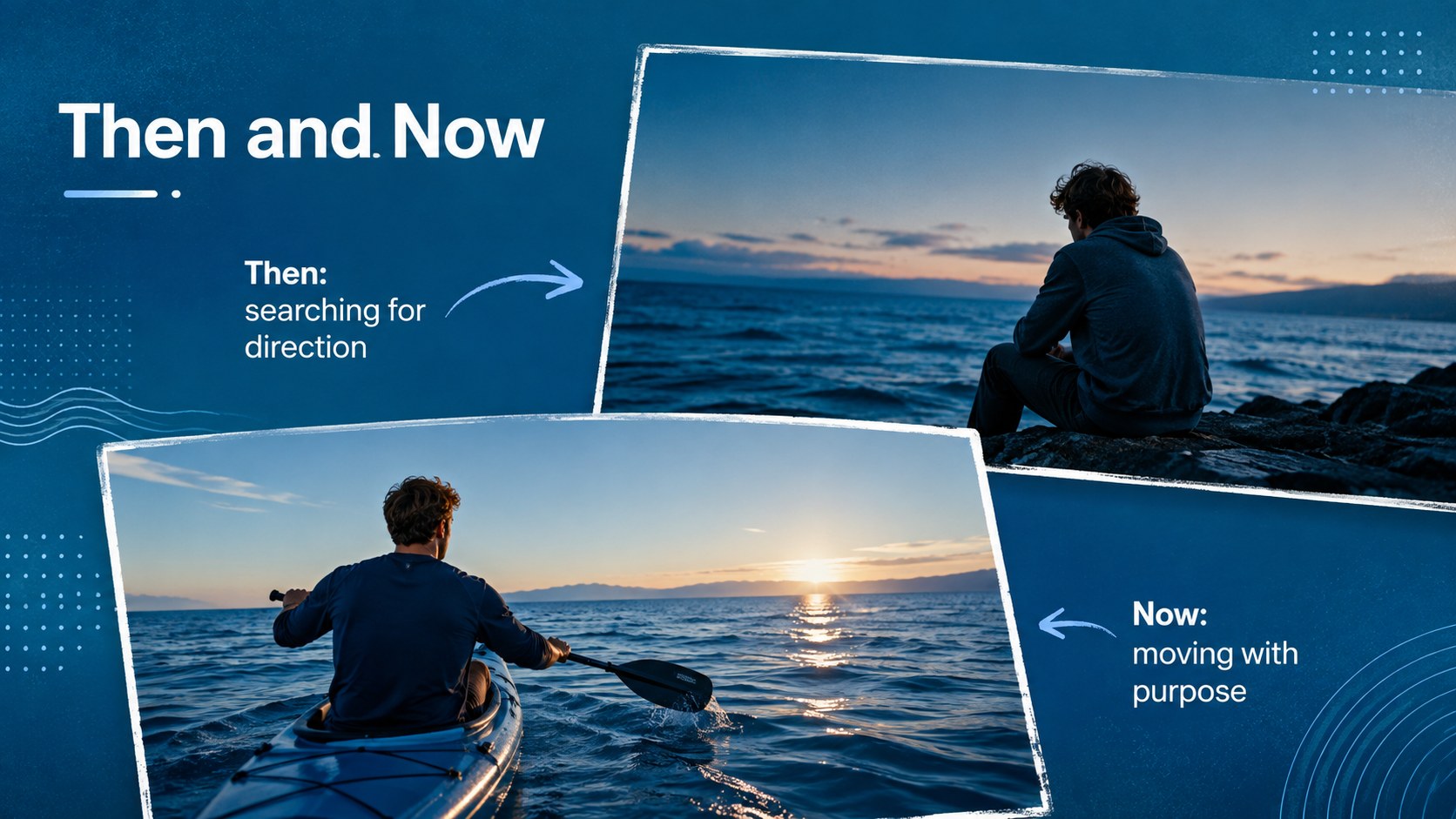
These vintage photo story slides give photographs a central role while keeping every presentation calm, expressive, and easy to follow. The nostalgic visual direction pairs atmospheric image backgrounds with restrained typography, making the deck well suited to memories, personal reflections, artistic projects, and emotionally engaging speeches.
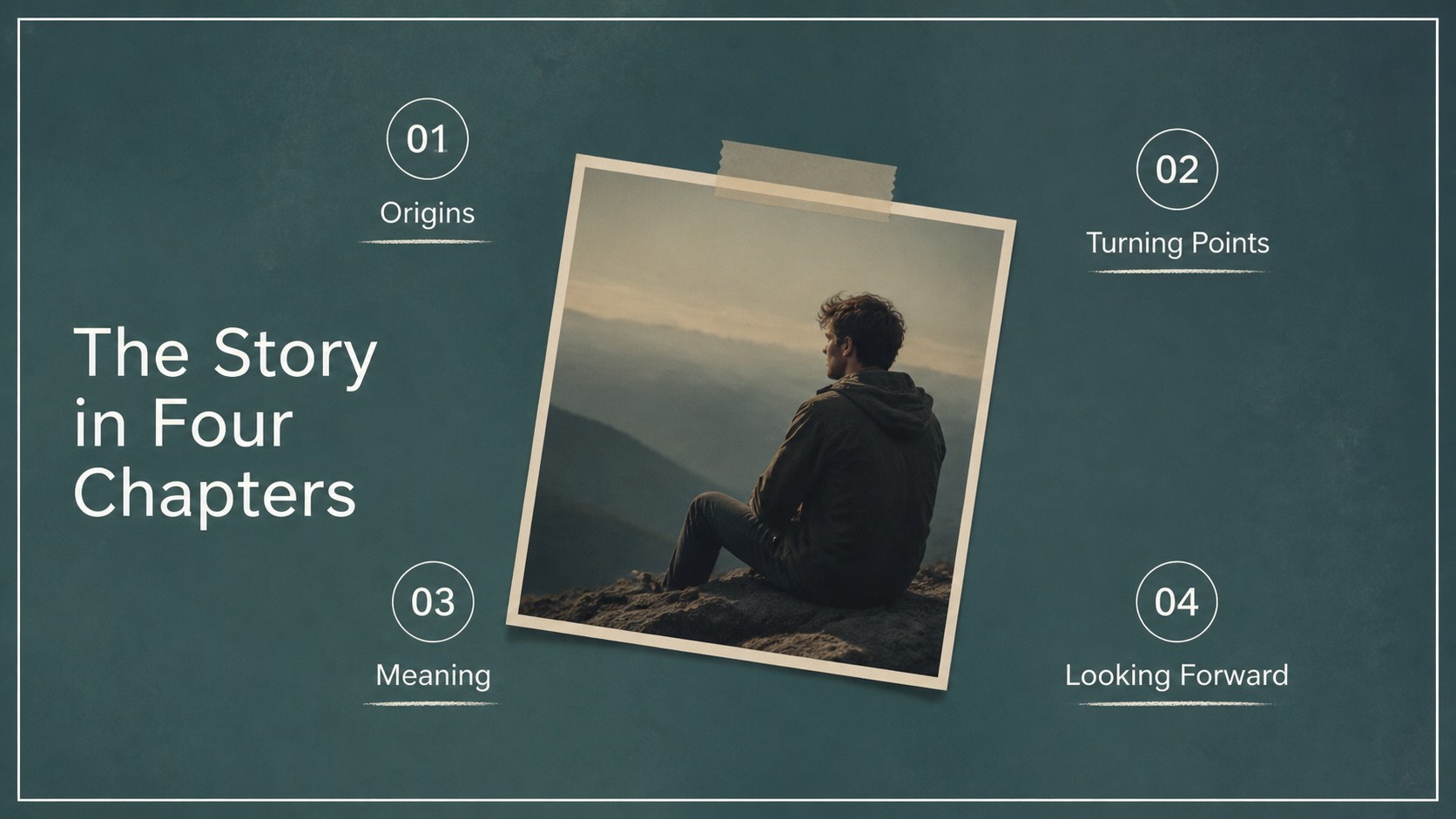
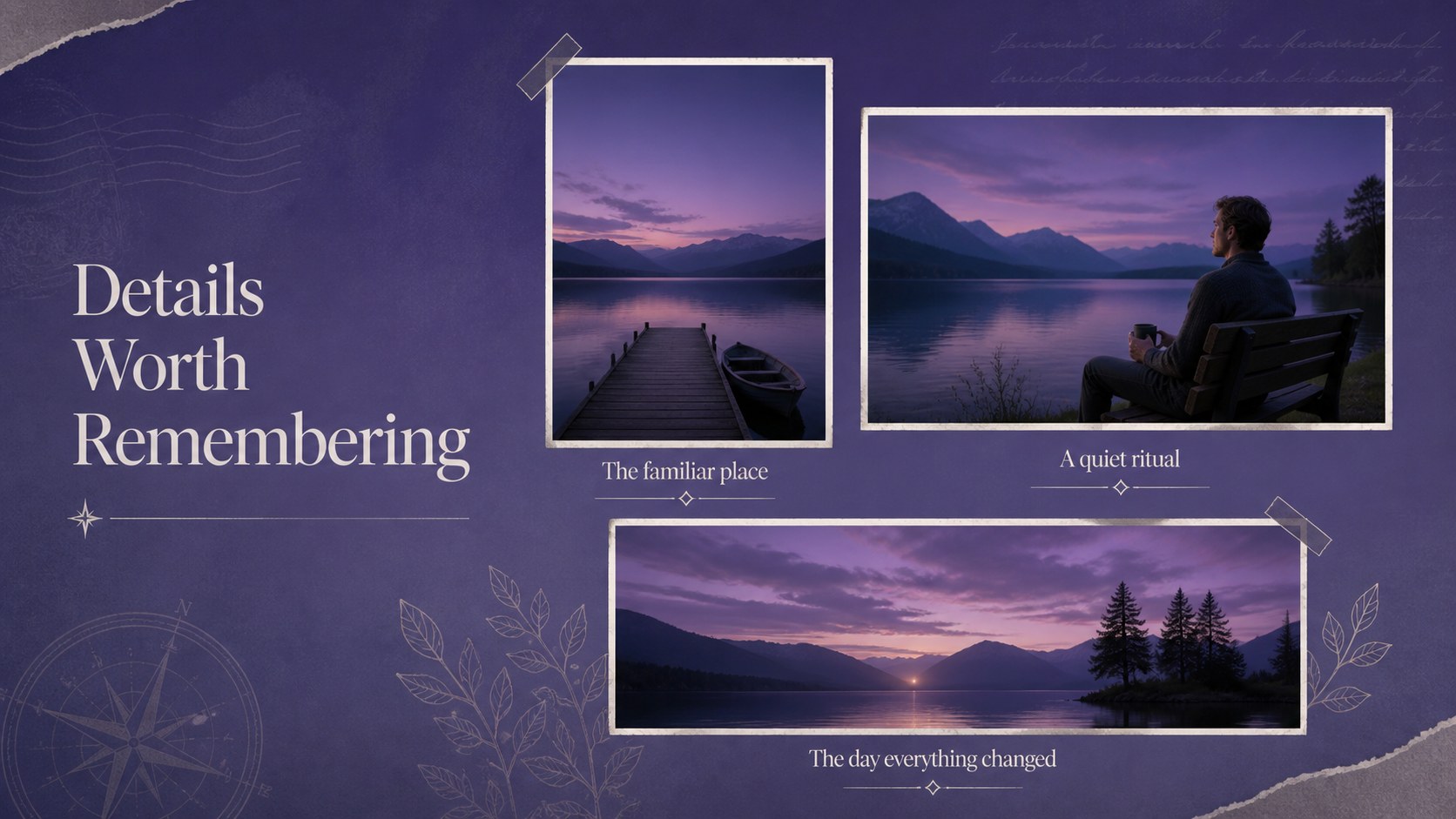
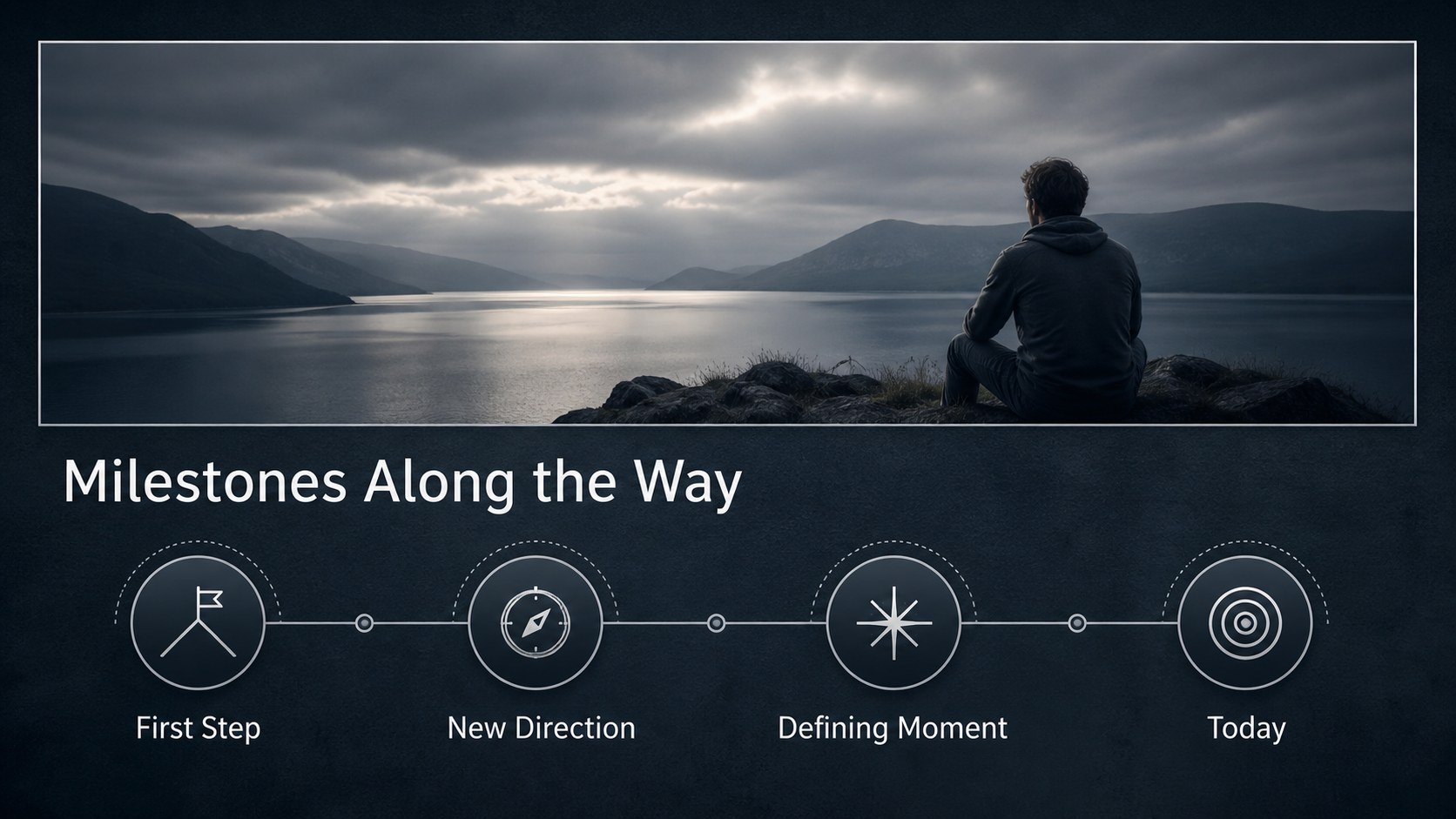
Inside, you will find 25 editable layouts for opening statements, chapter dividers, quotations, image galleries, timelines, profiles, comparisons, charts, tables, and closing messages. Replace the supplied photography with your own images, adjust the text, reorder pages, and adapt the layouts to fit a short talk or a longer narrative. Customizable icons and map graphics provide additional options for presenting locations, milestones, and supporting details without overwhelming the photography.
This sentimental photo presentation theme works especially well for photographers, educators, speakers, families, nonprofit teams, and creative professionals. Use it as a reflective storytelling PowerPoint template for a keynote, a personal journey slideshow template for an important occasion, or an image-rich portfolio for client presentations. The widescreen 16:9 format is compatible with PowerPoint and Google Slides, while the balanced combination of handwritten accents and clean sans-serif type preserves the warm, contemplative mood across different subjects.
Perfect for: personal journey presentation; photography portfolio review; tribute or remembrance slideshow; reflective keynote speech; family history presentation; creative project narrative.
Frequently asked questions
Can I replace the photographs with my own images? Yes. Each photographic area can be replaced with personal, editorial, archival, or portfolio images while retaining the surrounding layout. Choose photos with enough negative space to keep overlaid text legible.
Practical details
Yes. Each photographic area can be replaced with personal, editorial, archival, or portfolio images while retaining the surrounding layout. Choose photos with enough negative space to keep overlaid text legible.
The template can be edited in Microsoft PowerPoint and Google Slides. Some font spacing or image cropping may require minor adjustment when moving between platforms.
Yes. Background tones, text colors, overlays, icons, and accent elements are editable. Apply one consistent color treatment across your photographs to preserve the cohesive visual mood.
It is best for visual narratives with concise supporting text. Charts and tables are included, but dense reports should be divided into shorter sections or supported by a separate document.
Keep exploring
15Use this astrology audience insights deck to present zodiac-based segments, behaviors, and campaign findings in polished black-and-gold slides.
 14
14Plan a memorable Lunar New Year campaign with the 2036 Dragon Year Celebration Theme, featuring bold red-and-yellow slides for lessons and events.
 15
15Build eerie lessons, campaigns, and story pitches with an undead survival scenario theme featuring editable slides for PowerPoint and Google Slides.
 15
15Build a clear breast cancer awareness bulletin with bold pink-and-red slides for campaign news, screening reminders, impact data, and community updates.
 15
15Shape your publishing concept with an indie magazine startup pitch deck featuring pastel gradients, bold collage layouts, and editable planning slides.
 15
15Build a bold retro-futurist campaign pitch deck for client meetings, with editable strategy layouts and playful pastel Y2K-inspired visuals.
 16
16Build a consistent presence with a social channel identity playbook covering voice, visuals, content formats, publishing rules, and approvals.
 15
15Celebrate online learners with webinar completion certificate slides, featuring editable violet artwork for university events in PowerPoint and Google Slides.