
 15
15presentation
Astrology Audience Insights Deck
Use this astrology audience insights deck to present zodiac-based segments, behaviors, and campaign findings in polished black-and-gold slides.
Google SlidesPowerPoint
presentation · English
Shape a sharper media identity with the Vibrant Newsroom Brand Strategy Deck for campaign planning, audience insights, and compelling editorial pitches.




Design notes
Build a focused identity for your publication, network, or communications team with the Vibrant Newsroom Brand Strategy Deck. Its energetic gradients, expressive typography, and editorial-inspired graphics help transform research and creative thinking into a persuasive visual narrative. Use this newsroom branding presentation to align stakeholders around a distinctive voice without losing the fast-paced character of modern media.
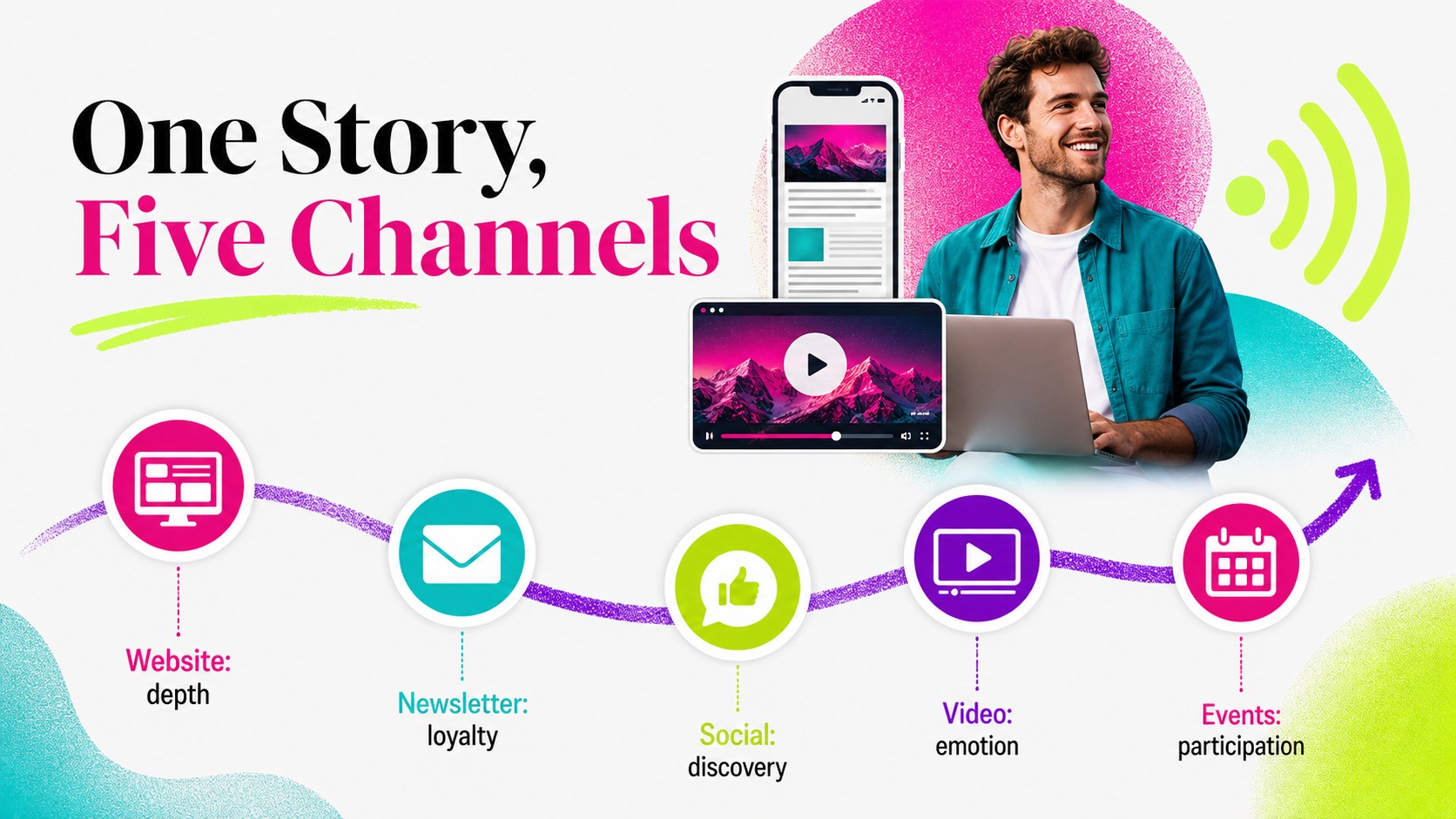
The 14-slide layout includes a title page, agenda, brand challenge, audience profile, positioning statement, editorial pillars, visual direction, campaign concept, channel plan, performance dashboard, rollout timeline, team responsibilities, next steps, and closing page. Charts, image spaces, text blocks, and graphic accents can be adapted to match your publication, campaign, or client. Every slide uses a widescreen 16:9 format and can be edited in PowerPoint or Google Slides.
This media agency pitch deck is designed for news organizations, PR consultancies, content studios, marketing teams, and independent publishers. It also works as news campaign planning slides for rebranding workshops, sponsorship proposals, editorial launches, and internal strategy reviews. Replace the sample copy, adjust the gradient palette, insert your own photography, and refine the layouts to create a cohesive presentation for decision-makers, creative partners, or advertisers.
Perfect for: news publication rebrand; editorial campaign proposal; media agency client pitch; audience research briefing; newsroom strategy workshop; sponsorship presentation.
Frequently asked questions
Can I edit this deck in PowerPoint and Google Slides? Yes. The presentation is designed for editing in both PowerPoint and Google Slides, including its text, colors, shapes, charts, and image placeholders.
Practical details
Yes. The presentation is designed for editing in both PowerPoint and Google Slides, including its text, colors, shapes, charts, and image placeholders.
Replace the sample strategy copy with your organization’s goals, audience findings, and editorial priorities. You can also update the typefaces, gradient colors, photography, and graphic accents to match your visual identity.
Yes. The deck includes an audience profile, channel plan, performance dashboard, rollout timeline, and other structured layouts for presenting research and campaign decisions.
All slides use a widescreen 16:9 aspect ratio. This format is suitable for conference displays, virtual meetings, classroom screens, and exported PDF presentations.
Keep exploring
15Use this astrology audience insights deck to present zodiac-based segments, behaviors, and campaign findings in polished black-and-gold slides.
 14
14Plan a memorable Lunar New Year campaign with the 2036 Dragon Year Celebration Theme, featuring bold red-and-yellow slides for lessons and events.
 15
15Build eerie lessons, campaigns, and story pitches with an undead survival scenario theme featuring editable slides for PowerPoint and Google Slides.
 15
15Build a clear breast cancer awareness bulletin with bold pink-and-red slides for campaign news, screening reminders, impact data, and community updates.
 15
15Shape your publishing concept with an indie magazine startup pitch deck featuring pastel gradients, bold collage layouts, and editable planning slides.
 15
15Build a bold retro-futurist campaign pitch deck for client meetings, with editable strategy layouts and playful pastel Y2K-inspired visuals.
 16
16Build a consistent presence with a social channel identity playbook covering voice, visuals, content formats, publishing rules, and approvals.
 15
15Celebrate online learners with webinar completion certificate slides, featuring editable violet artwork for university events in PowerPoint and Google Slides.