
 15
15presentation
Astrology Audience Insights Deck
Use this astrology audience insights deck to present zodiac-based segments, behaviors, and campaign findings in polished black-and-gold slides.
Google SlidesPowerPoint
presentation · English
Plan launches, fan engagement, and weekly posts with this TV show social campaign toolkit, featuring green slides for PowerPoint and Google Slides.
Design notes
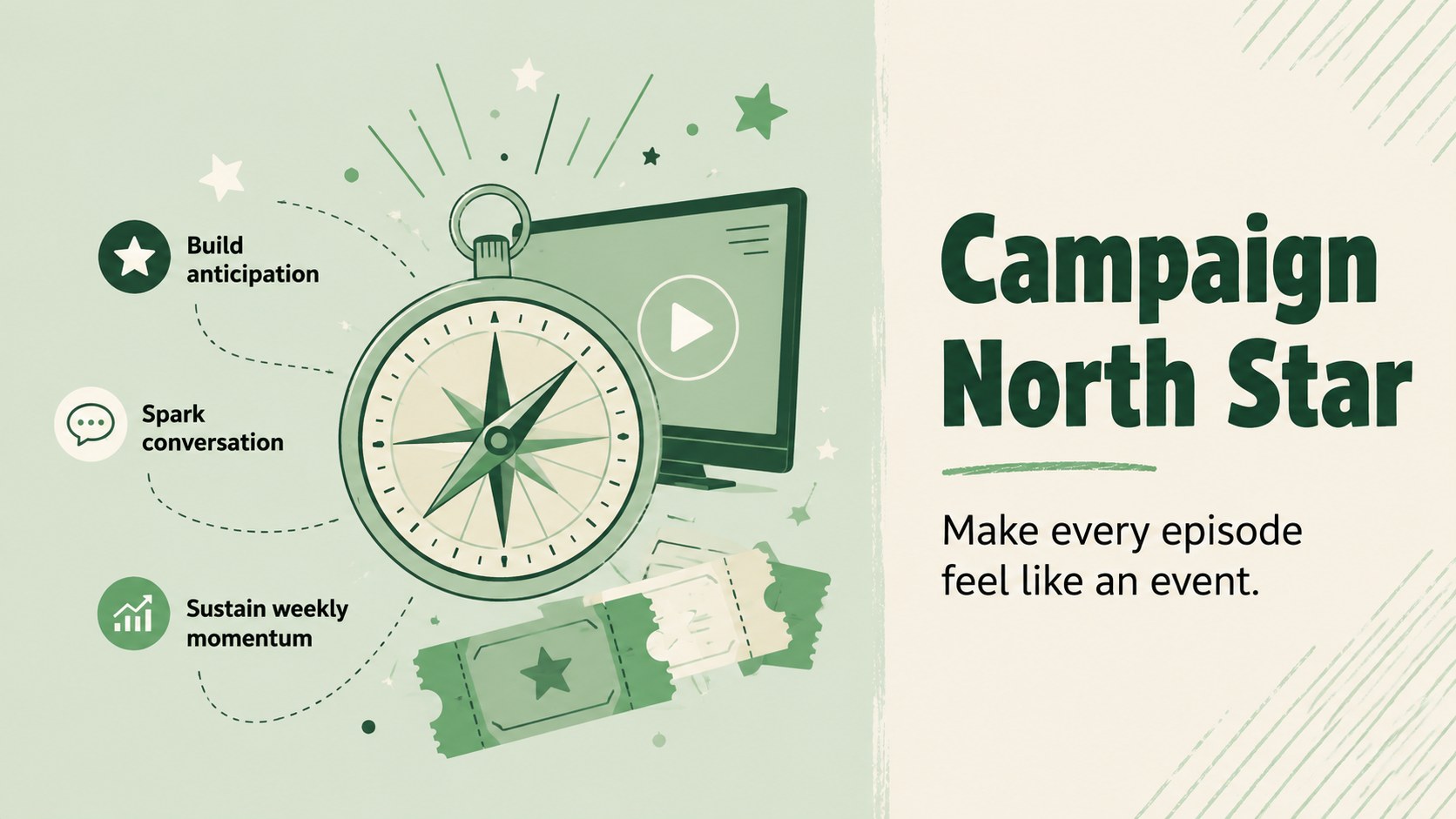
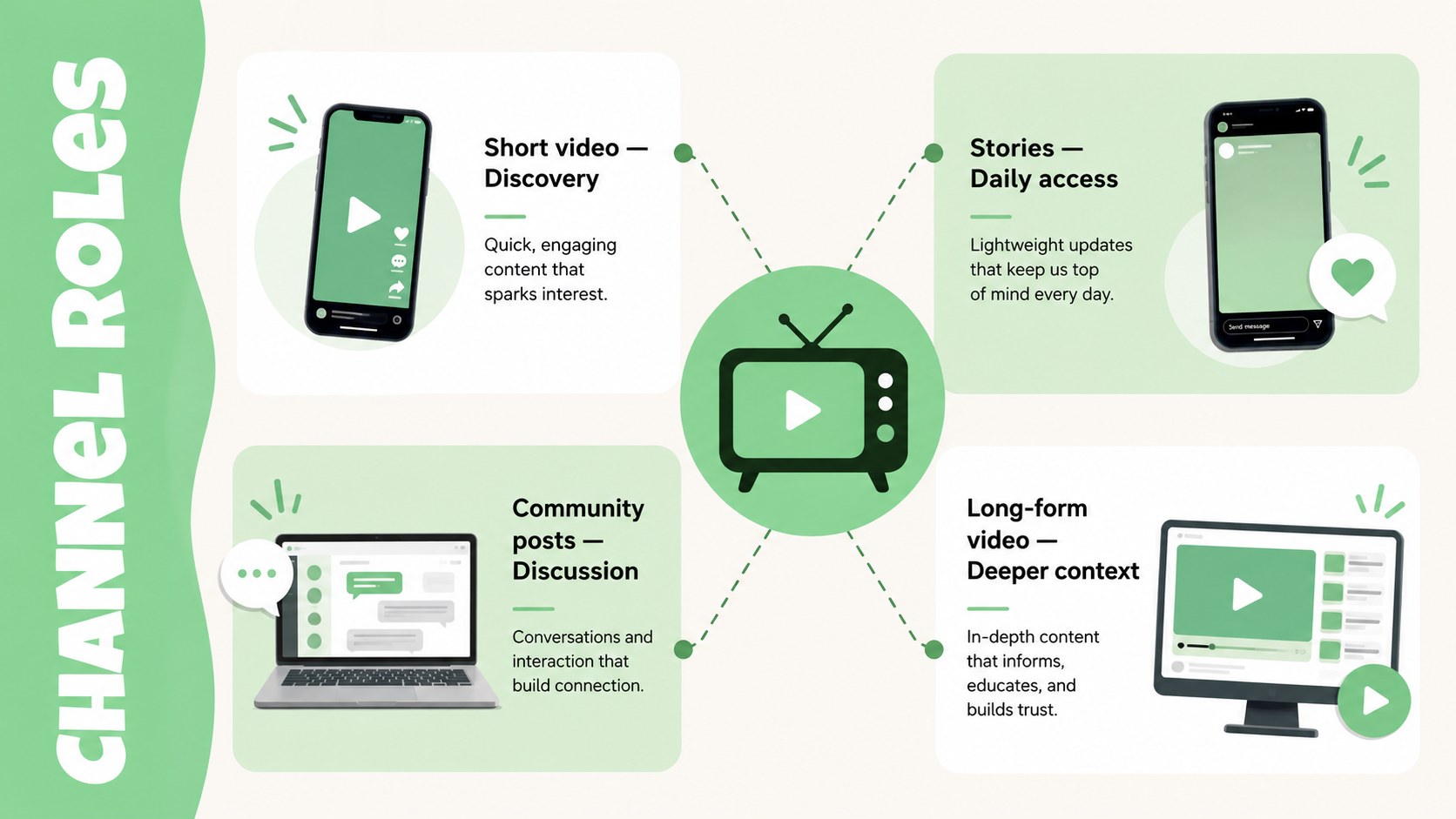
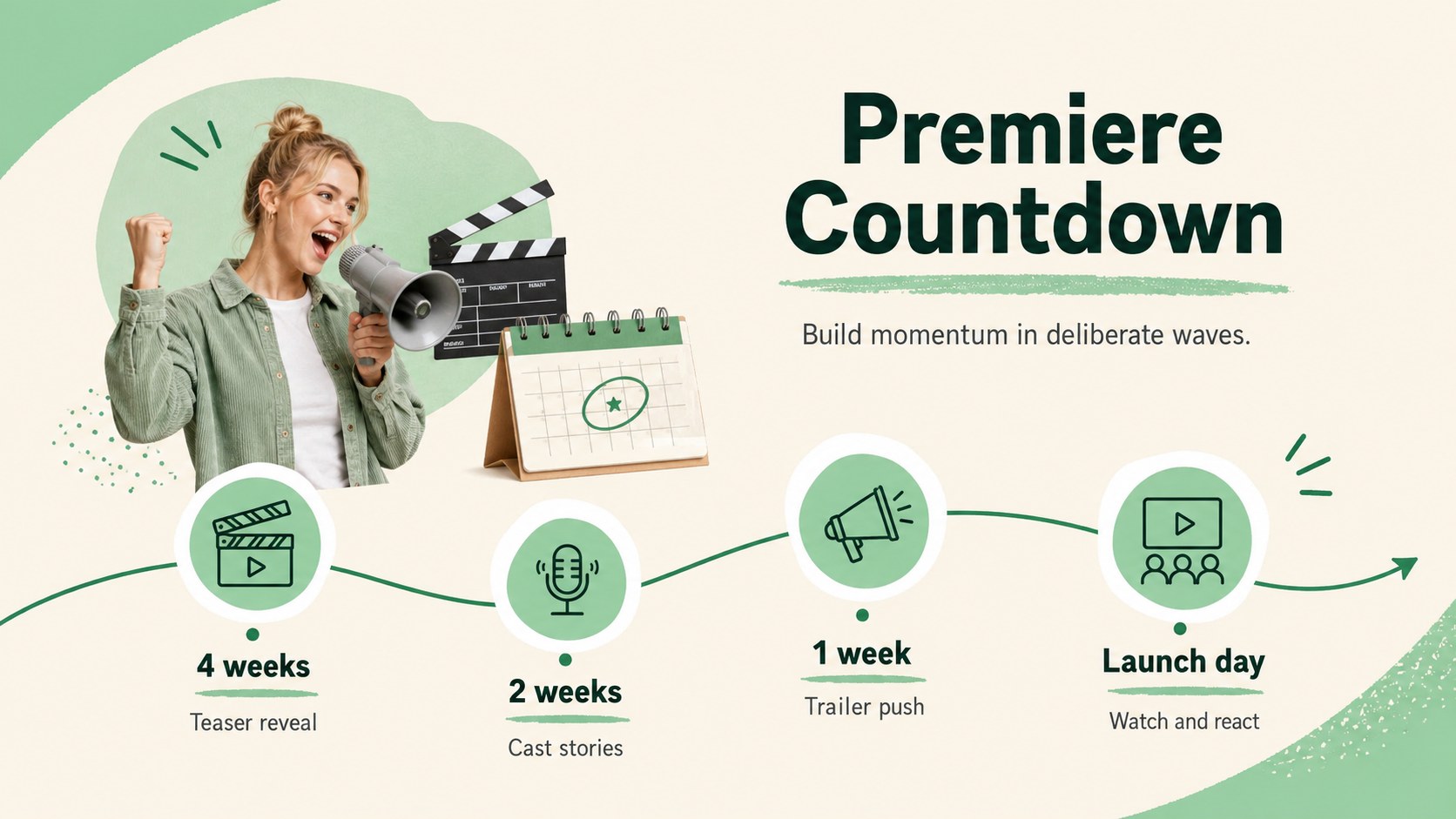
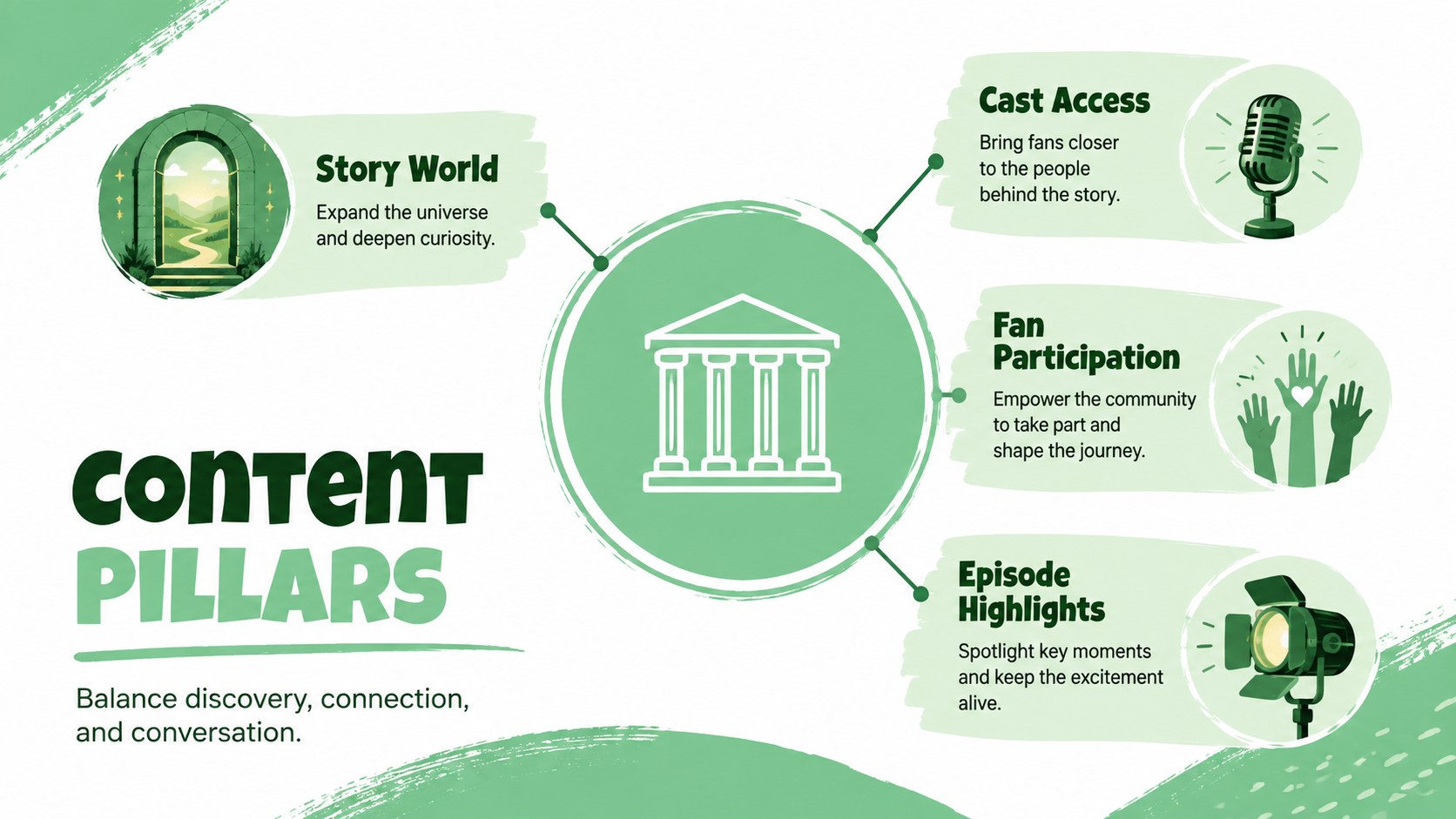
Turn every episode into a coordinated promotional moment with the TV show social campaign toolkit. Designed for entertainment marketers and creative teams, this modern green presentation helps organize campaign ideas, clarify channel roles, and build anticipation from the first teaser through the season finale. Its lively illustrated style keeps planning sessions energetic while preserving a clear, professional structure.
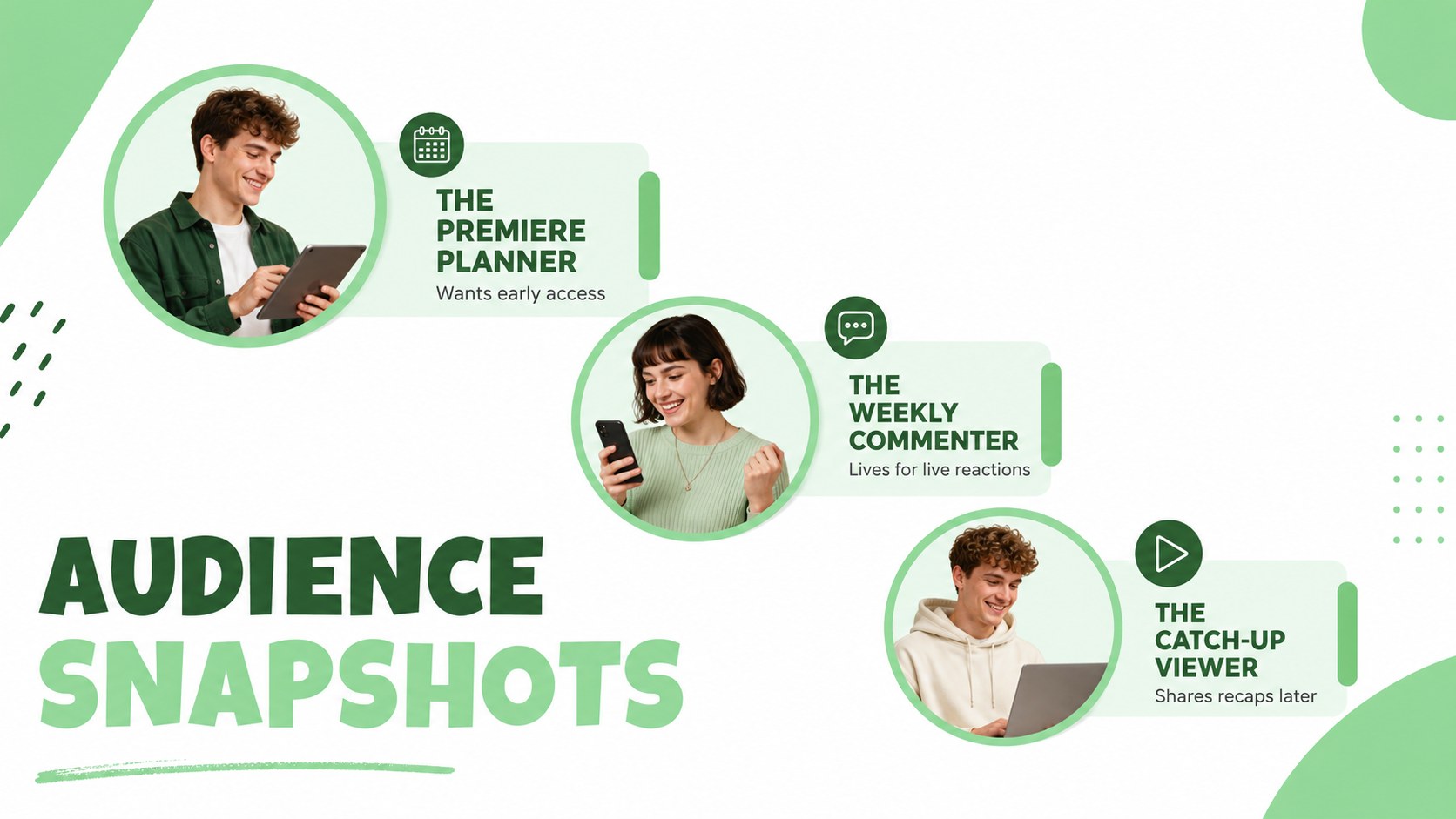
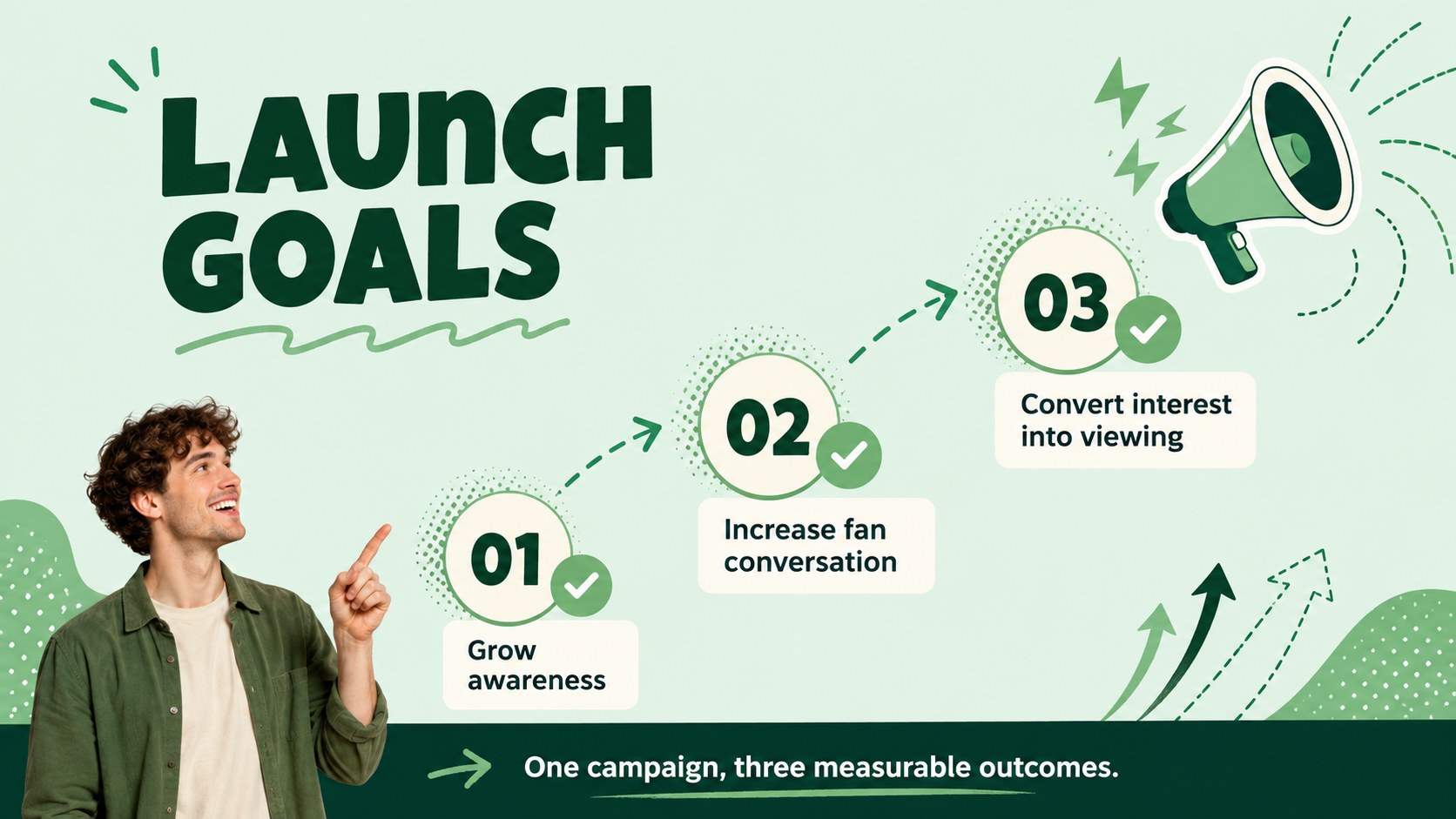
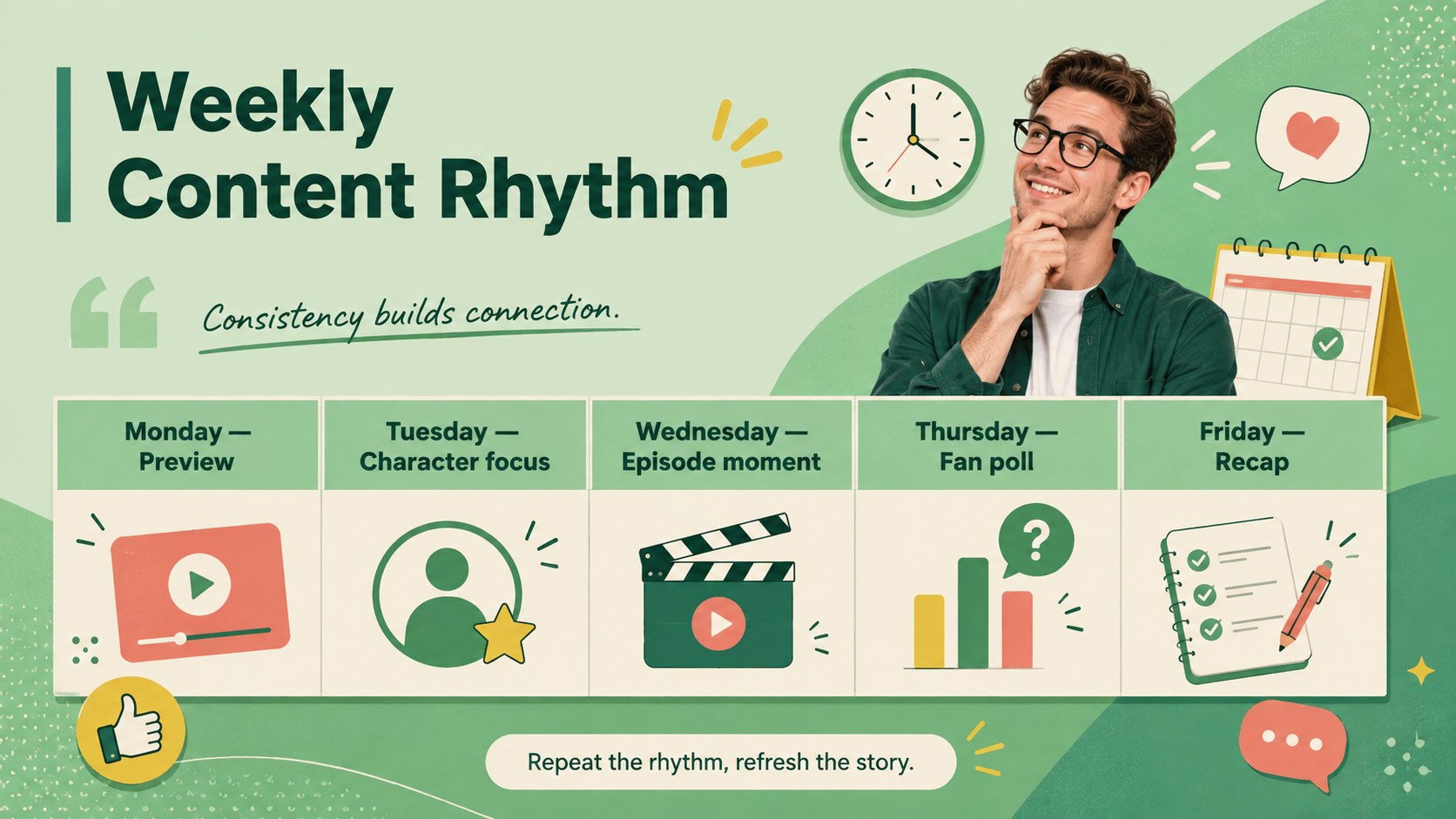
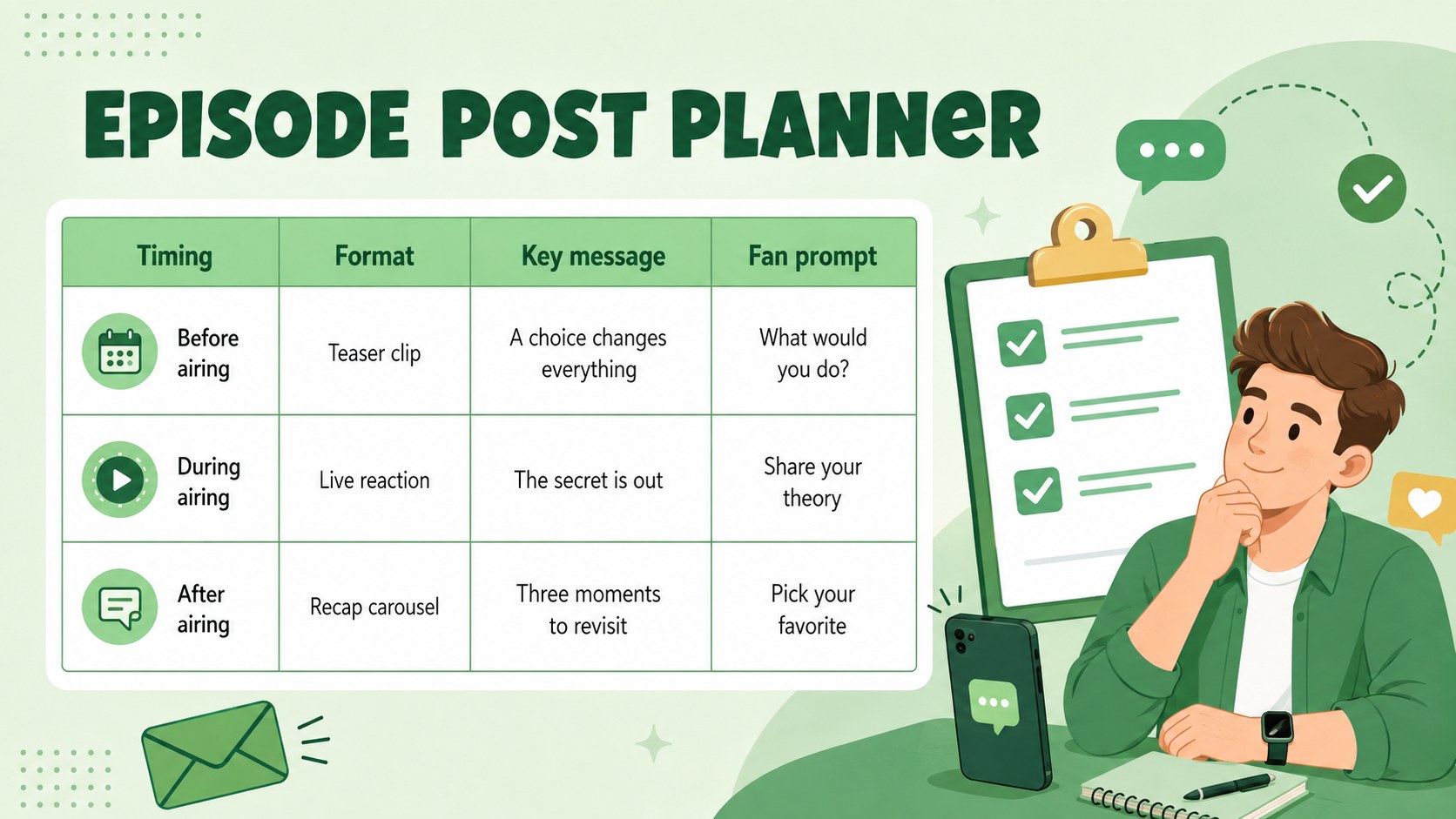
Inside, you will find layouts for campaign objectives, audience personas, content pillars, premiere countdowns, weekly publishing schedules, fan engagement ideas, creator partnerships, and performance reporting. Use the episodic content calendar template to map posts around trailers, cast interviews, recaps, polls, and behind-the-scenes material. A dedicated television premiere promotion plan also helps teams coordinate major announcements and launch-day activity.
The deck is suited to social media managers, network marketing departments, streaming promotion teams, production companies, agencies, and independent creators. Every slide can be adapted in PowerPoint or Google Slides, including colors, typography, illustrations, charts, and text. Whether you are preparing a streaming series fan engagement deck for stakeholders or briefing a content team before launch, the layouts provide a practical framework for keeping messaging consistent, timely, and audience focused.
Perfect for: season premiere campaign pitch; weekly episode content planning; streaming launch team briefing; fan engagement strategy review; social performance report.
Frequently asked questions
Can I edit the campaign layouts? Yes. You can replace the text, adjust the green palette, move illustrations, and customize charts or schedules to match a specific show and campaign.
Practical details
Yes. You can replace the text, adjust the green palette, move illustrations, and customize charts or schedules to match a specific show and campaign.
The template is designed for PowerPoint and Google Slides. Core layouts, text elements, shapes, and visual hierarchy can be edited in either platform.
Yes. Duplicate the weekly planner and performance layouts for each episode, then update dates, content themes, engagement tactics, and results as the season progresses.
Add approved show imagery, adjust type and colors to align with the visual identity, and rewrite the sample campaign copy. Keep the layout hierarchy intact to maintain readability.
Keep exploring
15Use this astrology audience insights deck to present zodiac-based segments, behaviors, and campaign findings in polished black-and-gold slides.
 14
14Plan a memorable Lunar New Year campaign with the 2036 Dragon Year Celebration Theme, featuring bold red-and-yellow slides for lessons and events.
 15
15Build eerie lessons, campaigns, and story pitches with an undead survival scenario theme featuring editable slides for PowerPoint and Google Slides.
 15
15Build a clear breast cancer awareness bulletin with bold pink-and-red slides for campaign news, screening reminders, impact data, and community updates.
 15
15Shape your publishing concept with an indie magazine startup pitch deck featuring pastel gradients, bold collage layouts, and editable planning slides.
 15
15Build a bold retro-futurist campaign pitch deck for client meetings, with editable strategy layouts and playful pastel Y2K-inspired visuals.
 16
16Build a consistent presence with a social channel identity playbook covering voice, visuals, content formats, publishing rules, and approvals.
 15
15Celebrate online learners with webinar completion certificate slides, featuring editable violet artwork for university events in PowerPoint and Google Slides.