
 15
15presentation
Astrology Audience Insights Deck
Use this astrology audience insights deck to present zodiac-based segments, behaviors, and campaign findings in polished black-and-gold slides.
Google SlidesPowerPoint
presentation · English
Build community messaging with this Transgender Inclusion Outreach Deck, featuring bright blue, pink, and rainbow visuals for PowerPoint and Google Slides.
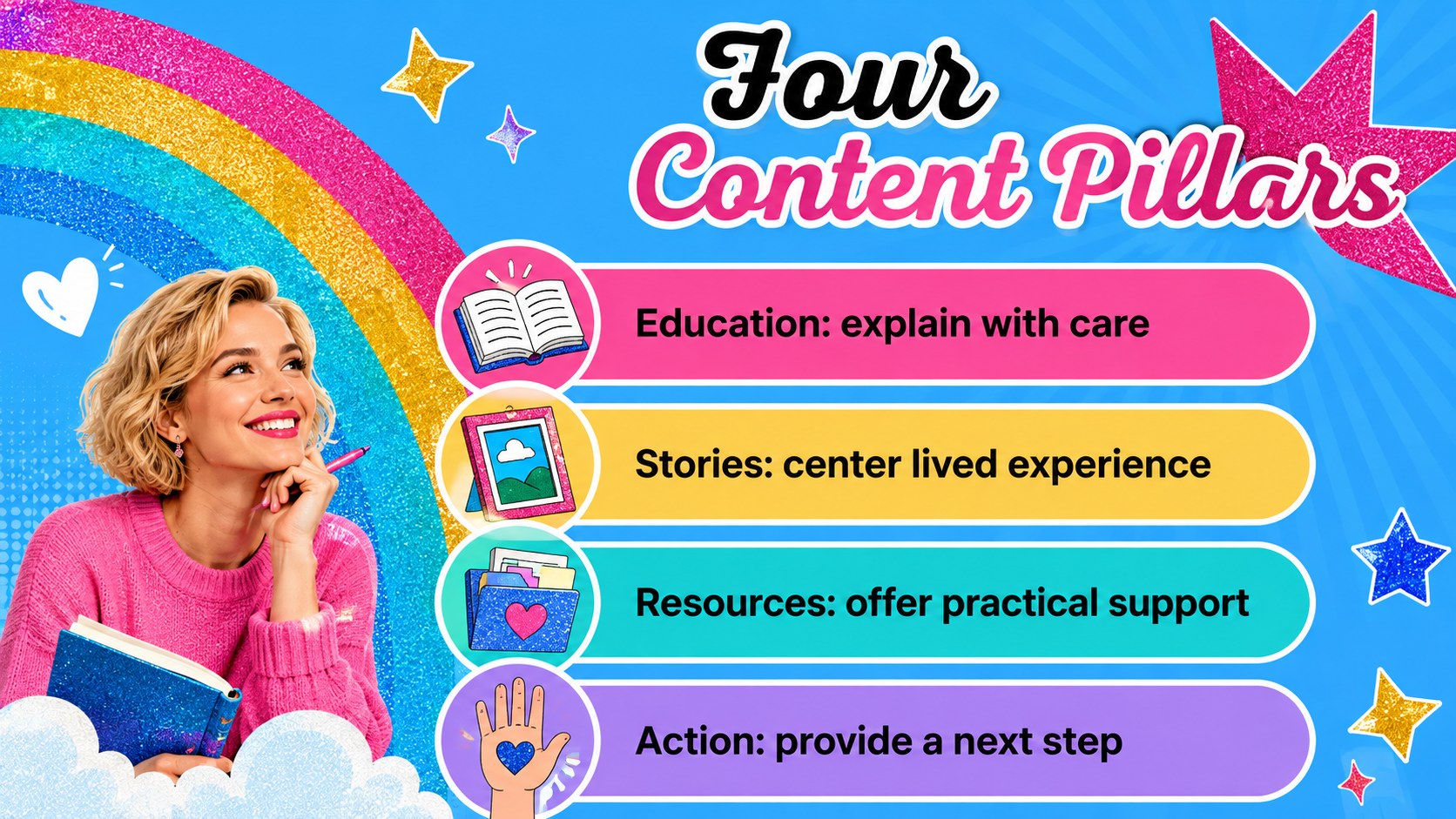
Design notes
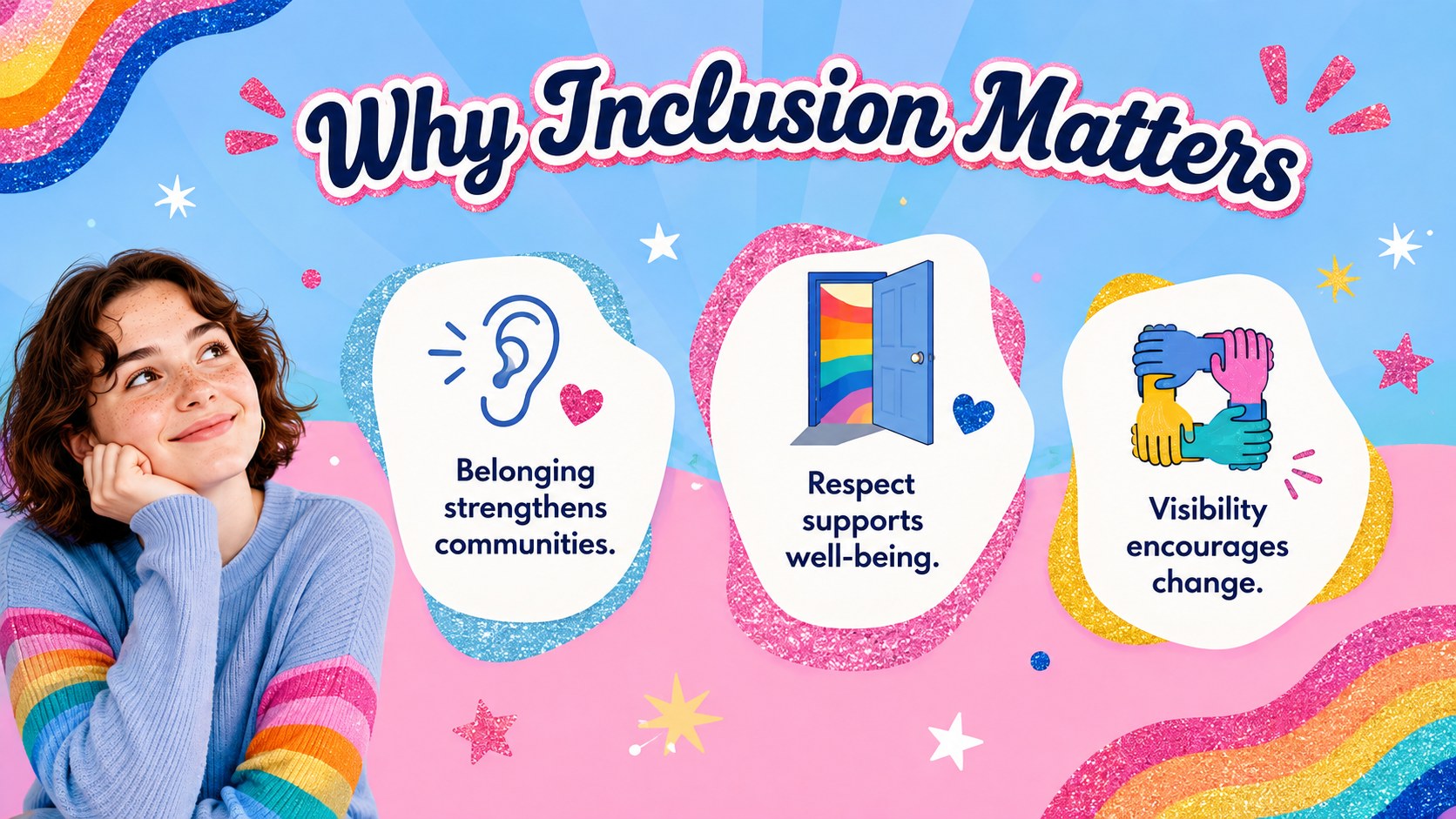
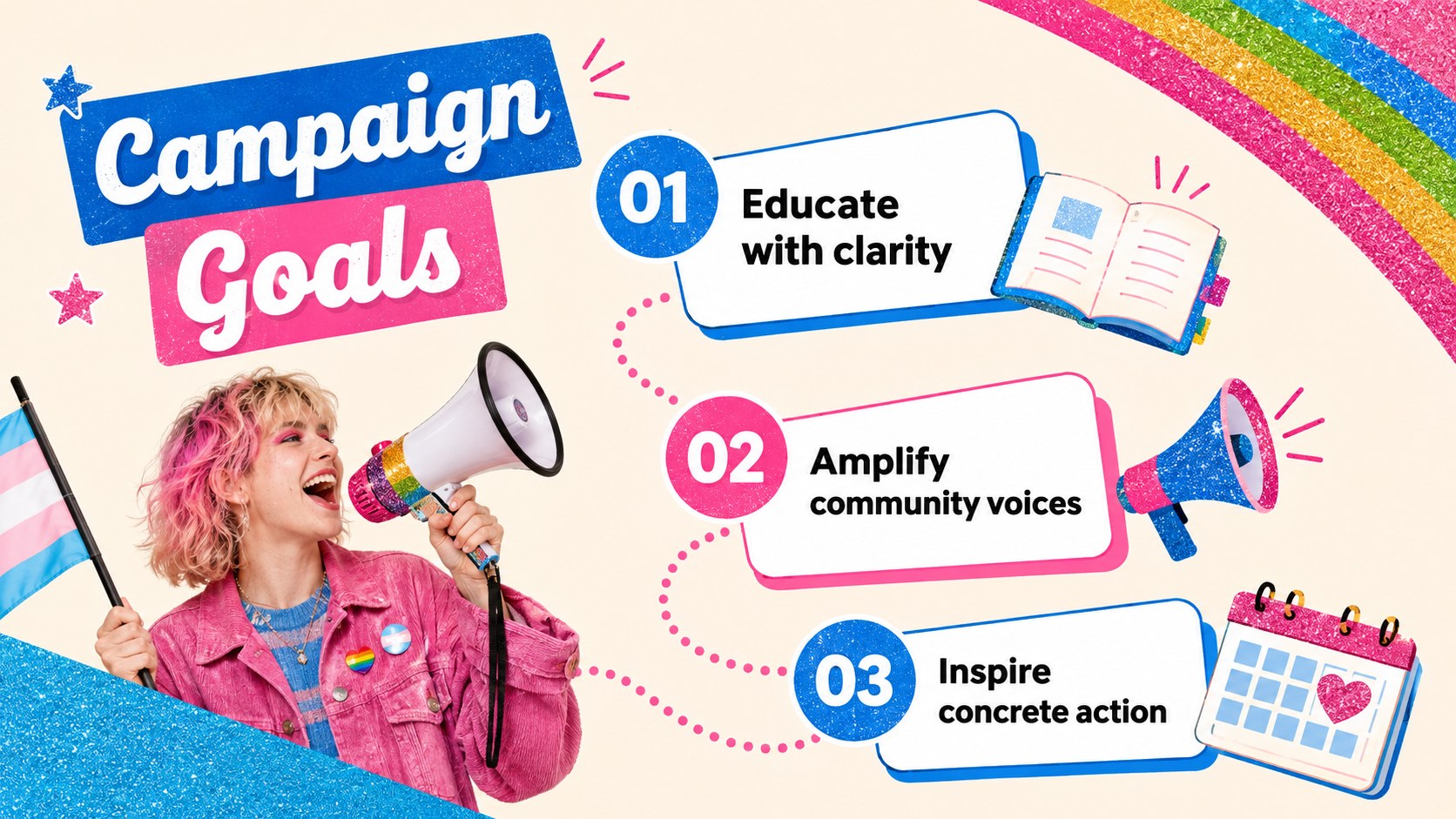
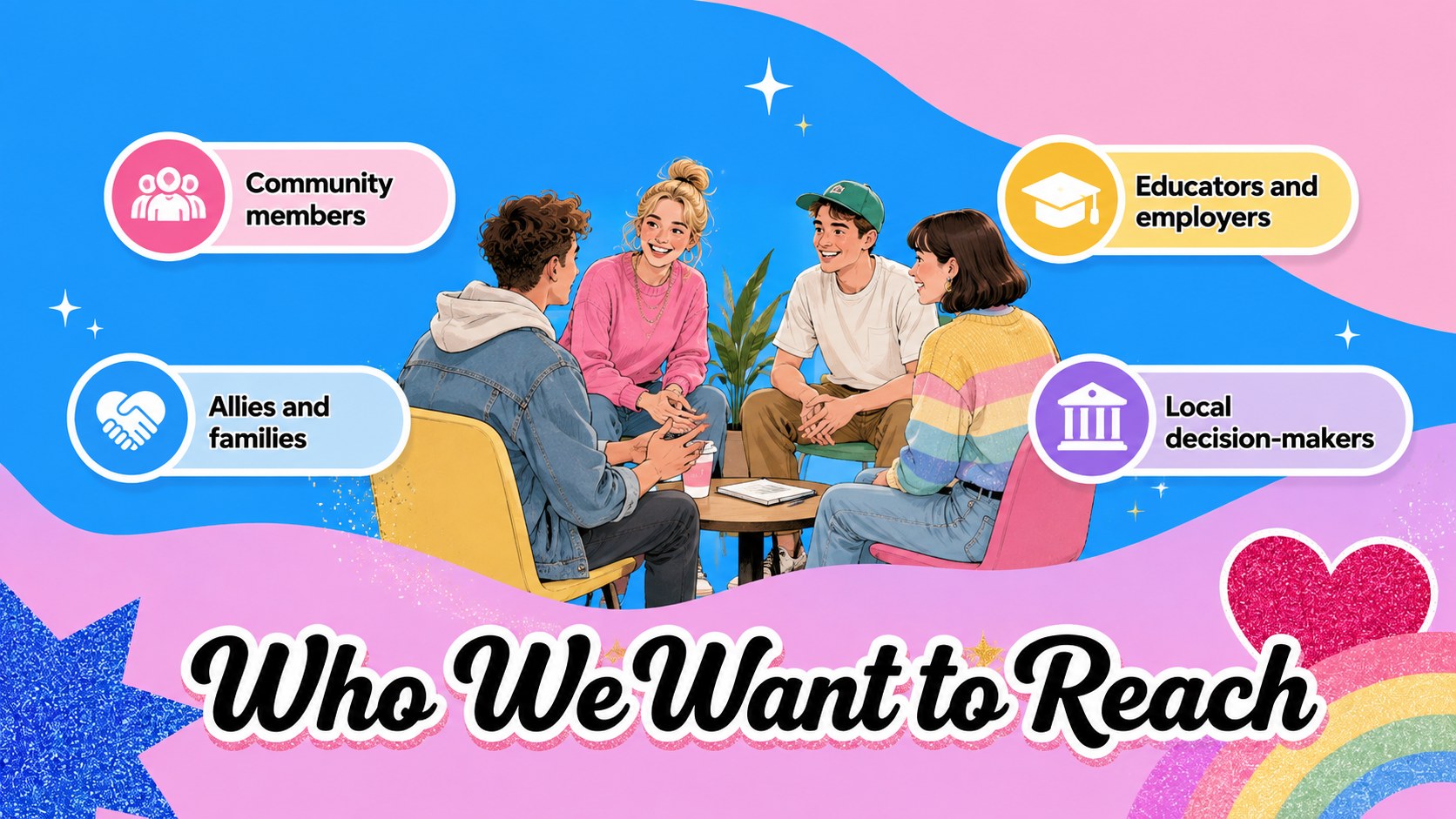
The Transgender Inclusion Outreach Deck helps communications teams turn supportive ideas into clear, inviting public messages. Its lively mix of blue, pink, and rainbow accents, playful illustrations, and subtle glitter gives serious advocacy work an approachable visual voice. Use it as an LGBTQ community outreach slide deck for campaigns that center dignity, visibility, and practical participation.
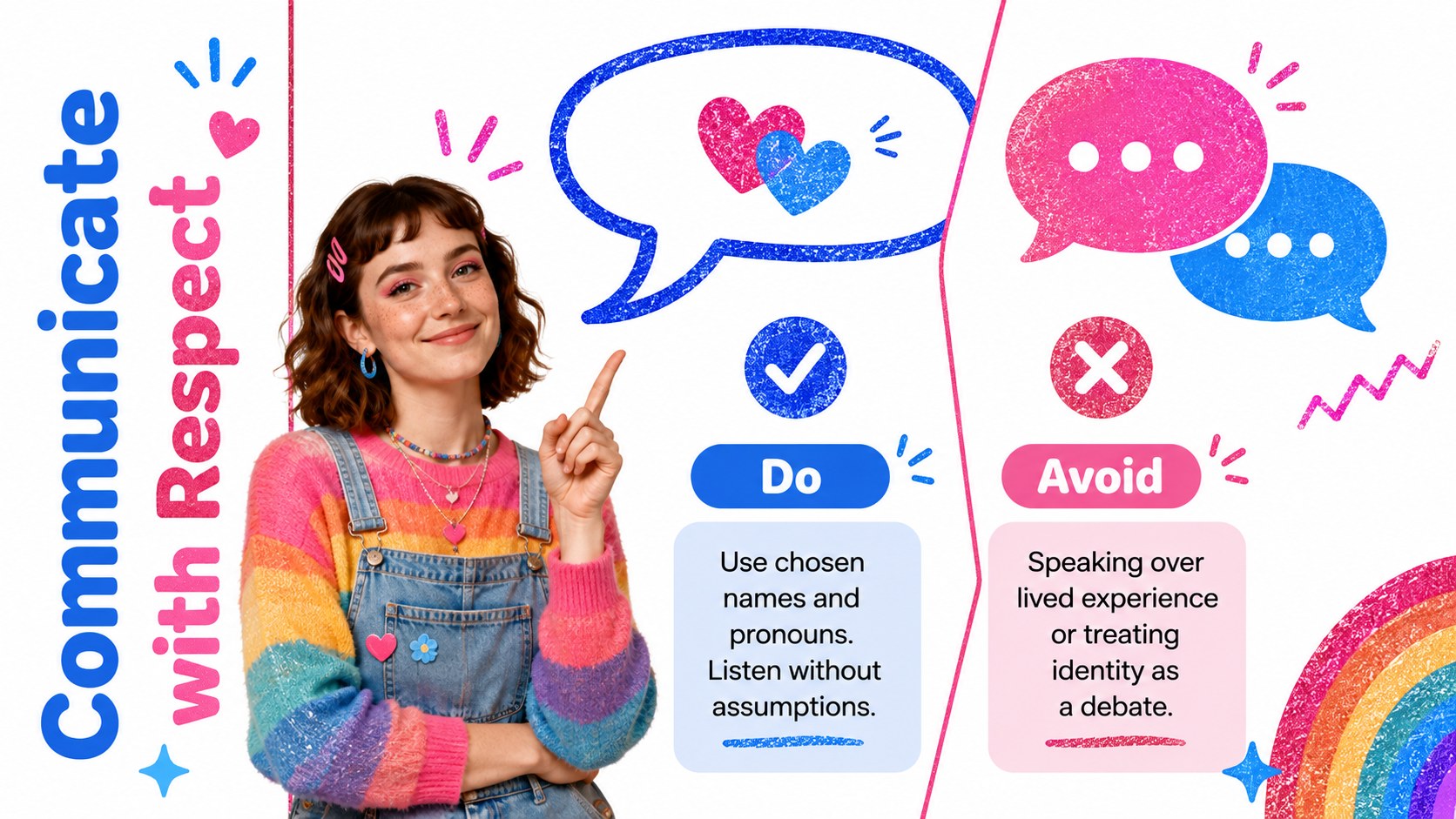
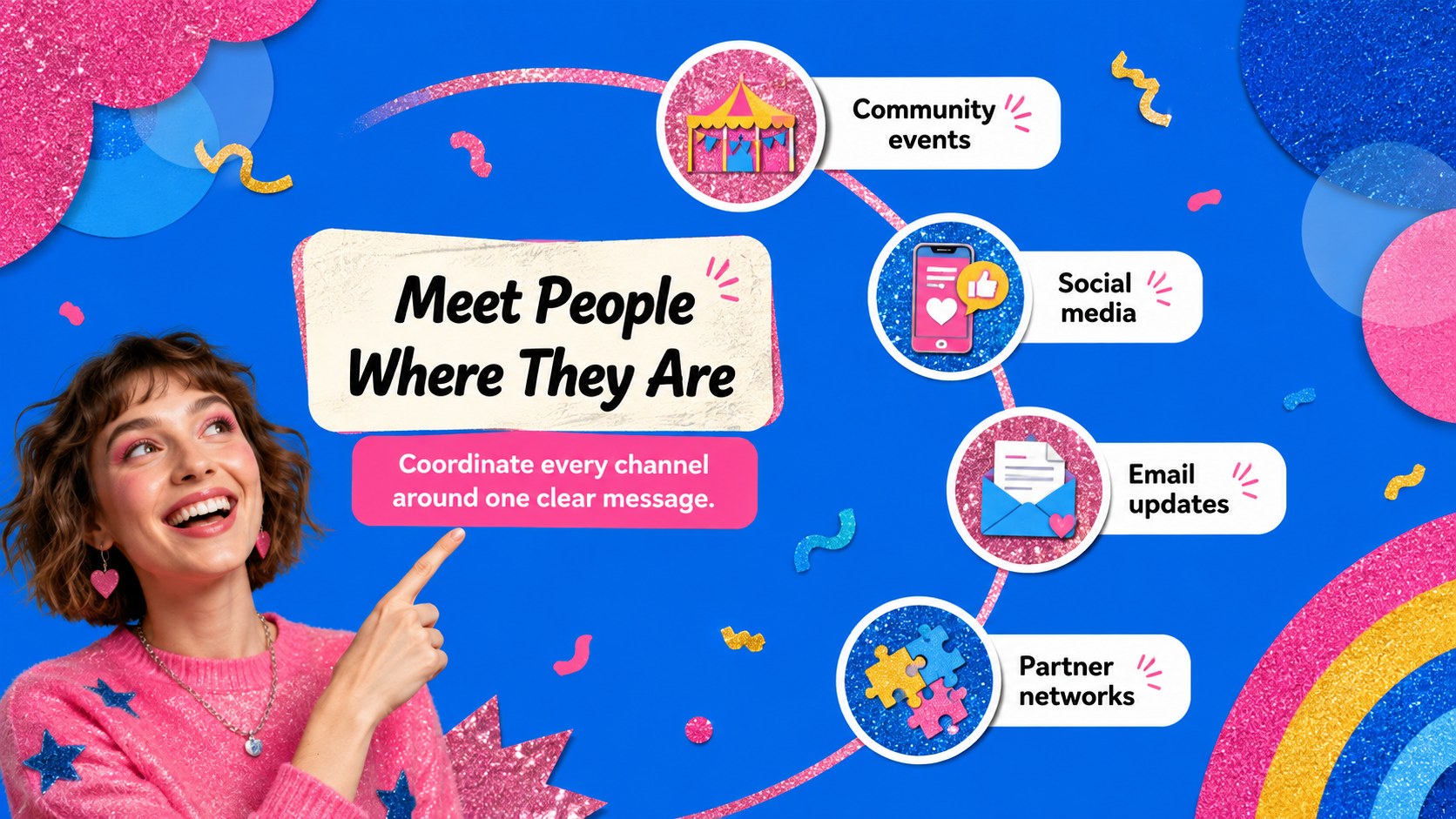
Inside, you will find editable layouts for campaign goals, audience insights, key messages, respectful language guidance, outreach channels, content pillars, event planning, timelines, progress data, and calls to action. Charts, icon areas, photo frames, and concise text sections make it easy to balance evidence with human stories. Every slide can be adapted in PowerPoint or Google Slides to match your organization, school, workplace, nonprofit, or community initiative.
This transgender inclusion presentation template is well suited to marketers, advocacy groups, diversity teams, educators, event coordinators, and employee resource groups. It can also support trans visibility workshop slides, Pride programming, allyship training, volunteer briefings, and social media campaign planning. Customize the wording, colors, images, and statistics while keeping the upbeat aesthetic or adjusting it to your own identity system.
Perfect for: community awareness campaign; workplace allyship training; Pride event briefing; nonprofit outreach planning; school inclusion workshop; social media campaign pitch.
Frequently asked questions
Can I edit this deck in PowerPoint and Google Slides? Yes. The text, colors, images, charts, and layout elements can be edited in PowerPoint and Google Slides. Font availability and transition behavior may vary slightly between the two platforms.
Practical details
Yes. The text, colors, images, charts, and layout elements can be edited in PowerPoint and Google Slides. Font availability and transition behavior may vary slightly between the two platforms.
Replace the sample messaging with your campaign goals, local resources, event details, and preferred terminology. You can also add your logo, approved photography, brand fonts, and accessibility information.
Yes. Update the theme colors to apply a new palette consistently across backgrounds, shapes, charts, and accents. Maintain strong text contrast so the presentation remains readable.
The layouts support awareness campaigns, allyship workshops, event plans, audience research, outreach calendars, progress reports, and calls to action. They can be reordered or duplicated to fit a short briefing or a longer campaign presentation.
Keep exploring
15Use this astrology audience insights deck to present zodiac-based segments, behaviors, and campaign findings in polished black-and-gold slides.
 14
14Plan a memorable Lunar New Year campaign with the 2036 Dragon Year Celebration Theme, featuring bold red-and-yellow slides for lessons and events.
 15
15Build eerie lessons, campaigns, and story pitches with an undead survival scenario theme featuring editable slides for PowerPoint and Google Slides.
 15
15Build a clear breast cancer awareness bulletin with bold pink-and-red slides for campaign news, screening reminders, impact data, and community updates.
 15
15Shape your publishing concept with an indie magazine startup pitch deck featuring pastel gradients, bold collage layouts, and editable planning slides.
 15
15Build a bold retro-futurist campaign pitch deck for client meetings, with editable strategy layouts and playful pastel Y2K-inspired visuals.
 16
16Build a consistent presence with a social channel identity playbook covering voice, visuals, content formats, publishing rules, and approvals.
 15
15Celebrate online learners with webinar completion certificate slides, featuring editable violet artwork for university events in PowerPoint and Google Slides.