
 15
15presentation
UFO Day Alien Encounter Deck
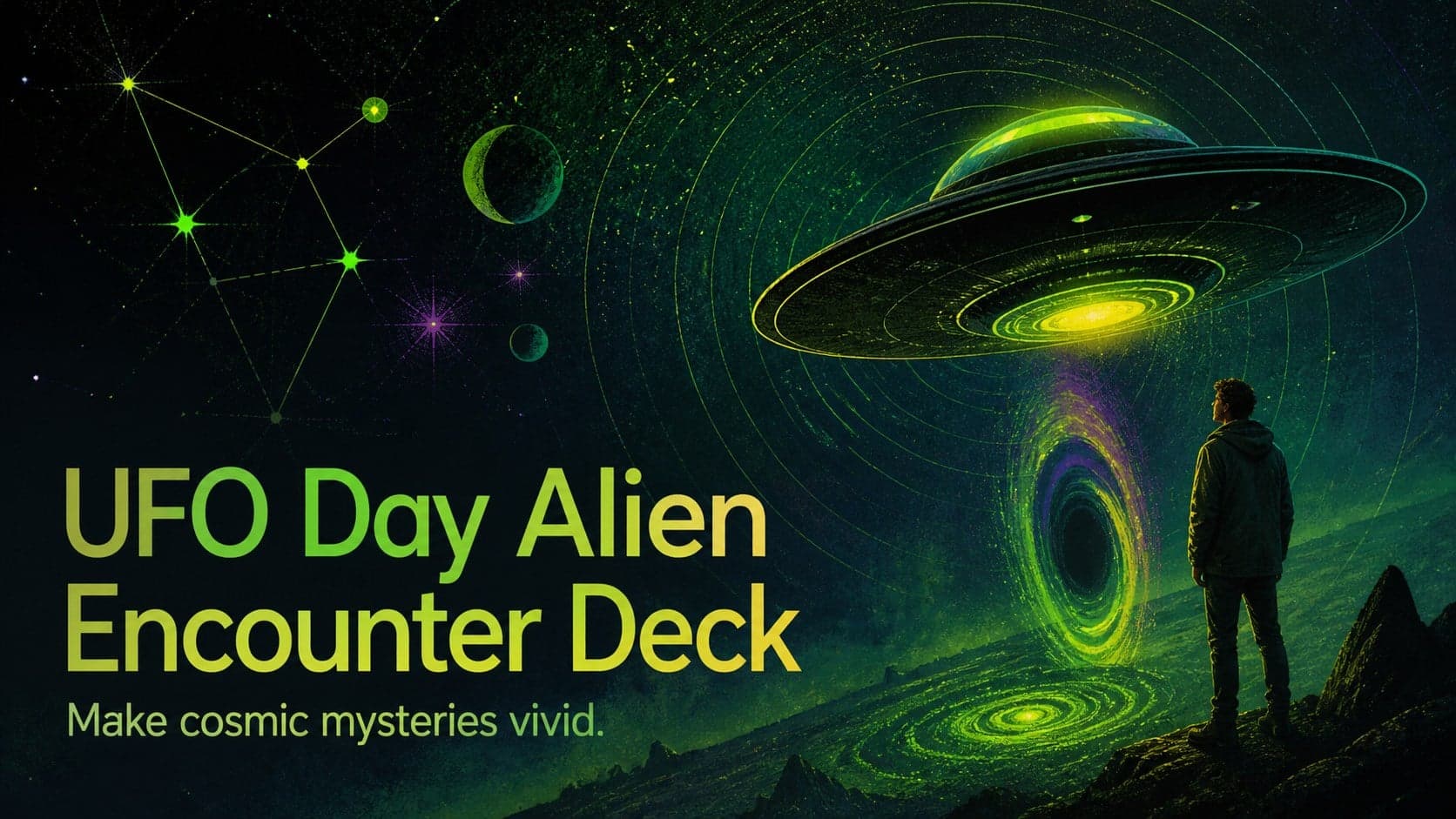
Build a bold cosmic story with this UFO Day alien encounter deck, featuring surreal green-and-black layouts for PowerPoint and Google Slides events.
Google SlidesPowerPoint
presentation · English
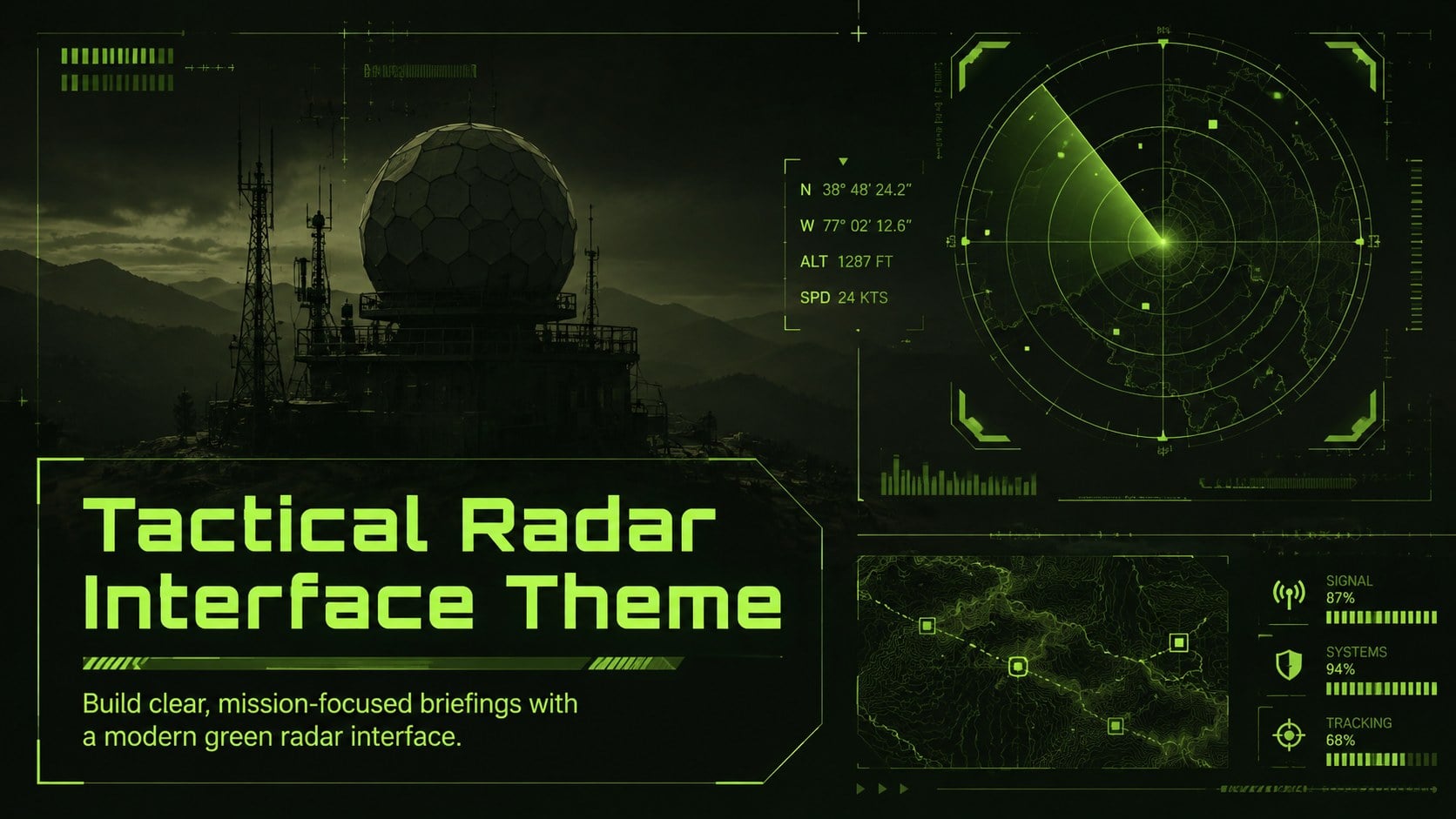
Plan mission-ready briefings with our Tactical Radar Interface Theme, a customizable green deck for PowerPoint and Google Slides teams.
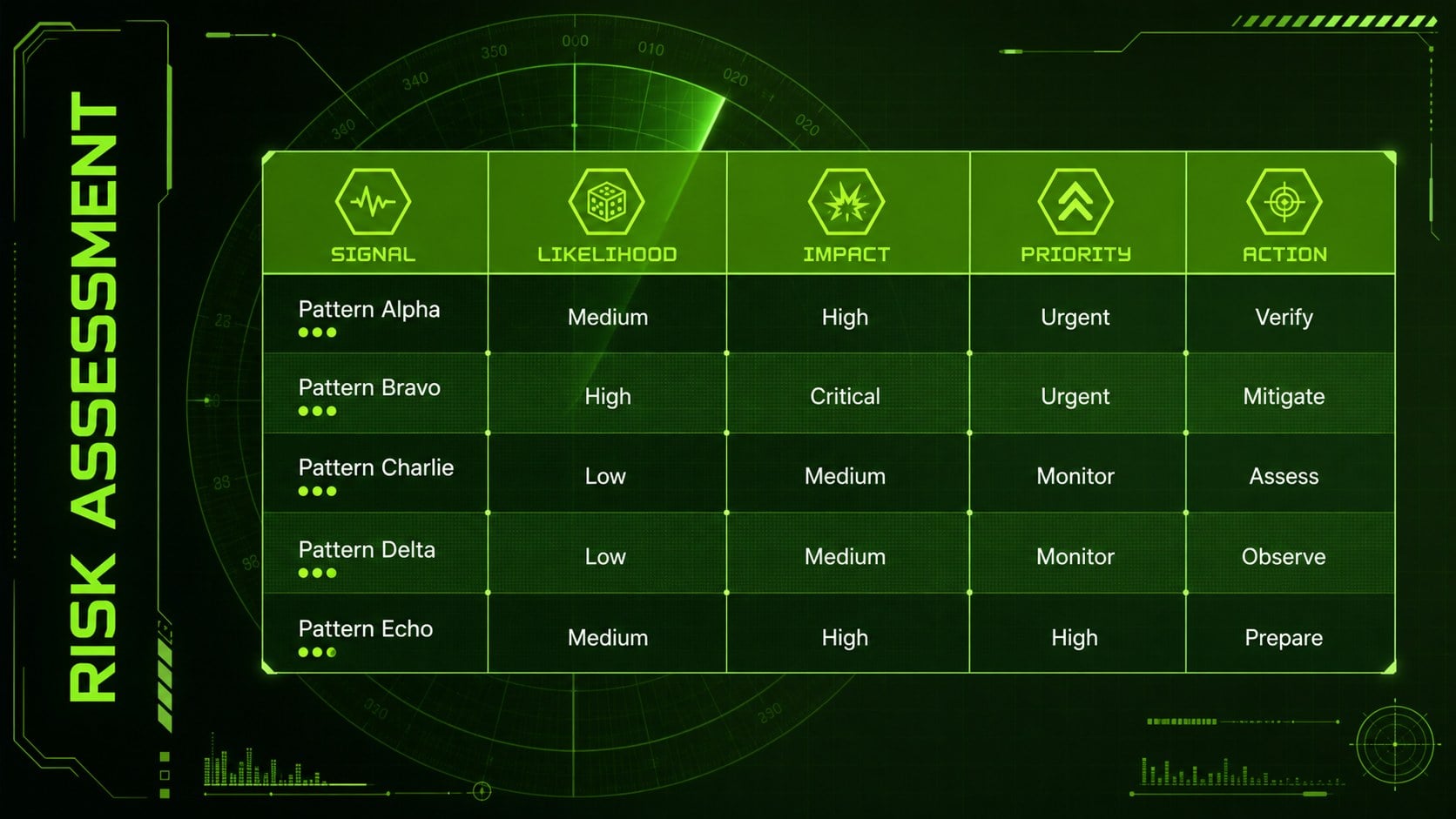
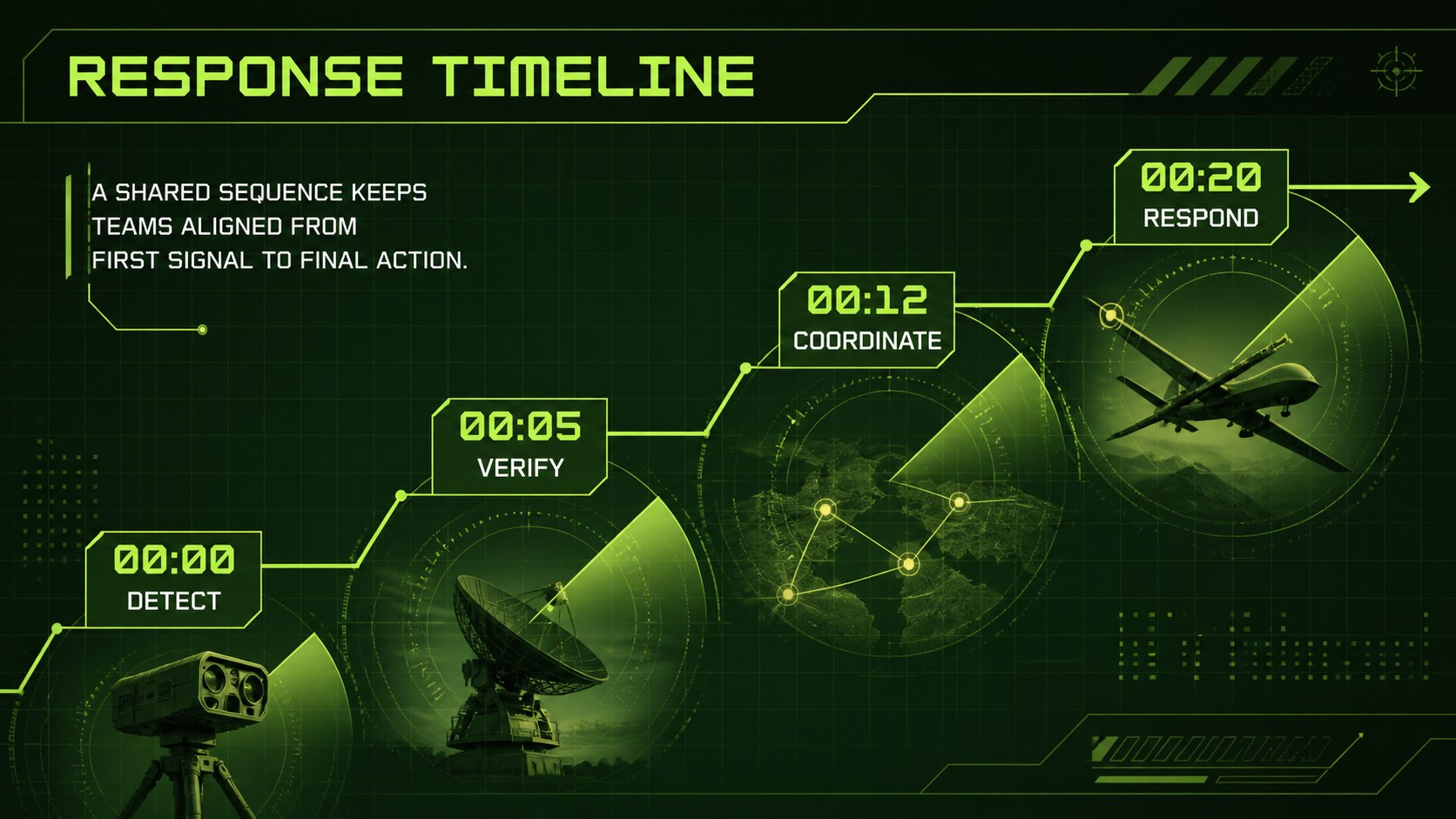
Design notes
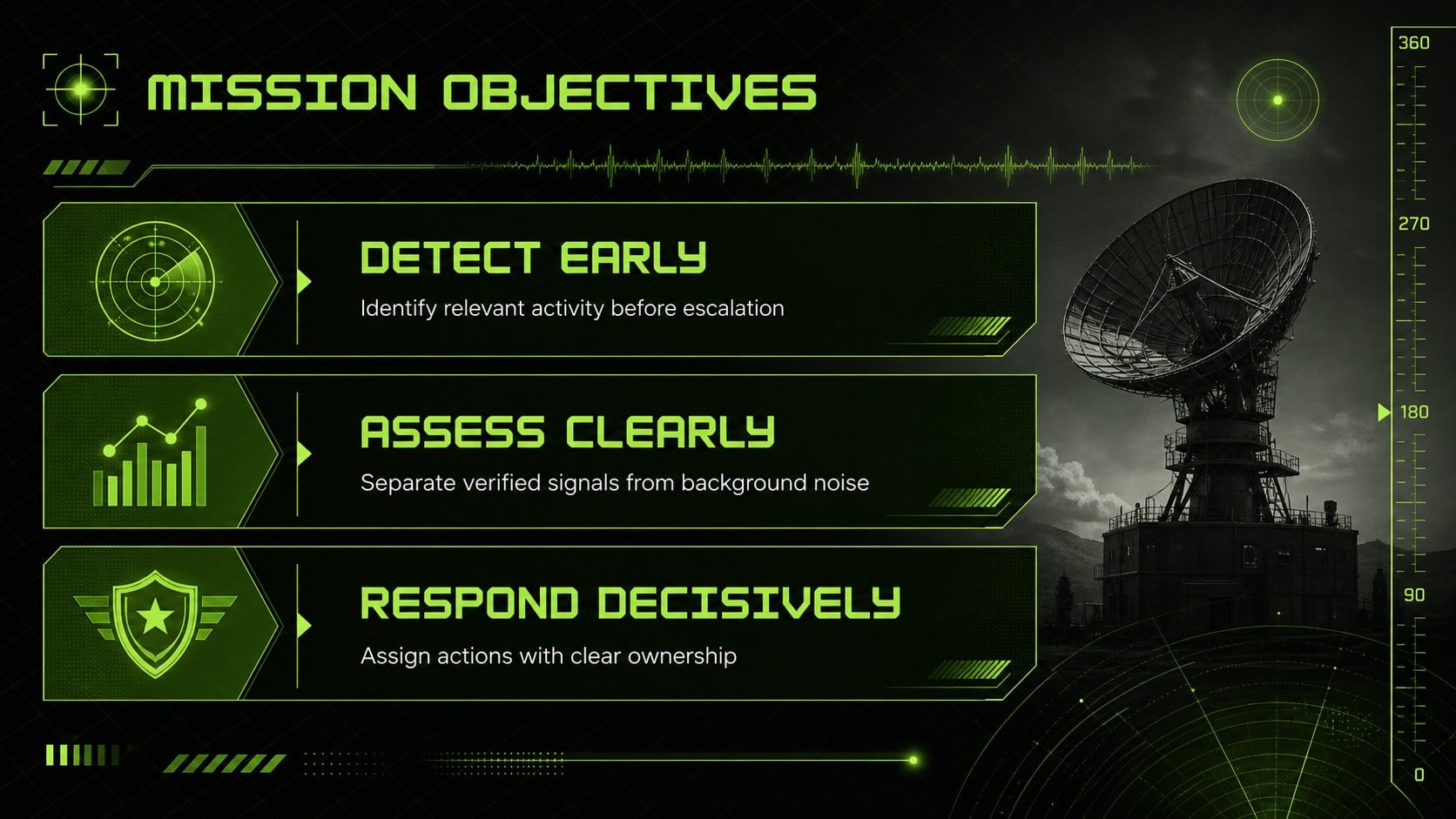
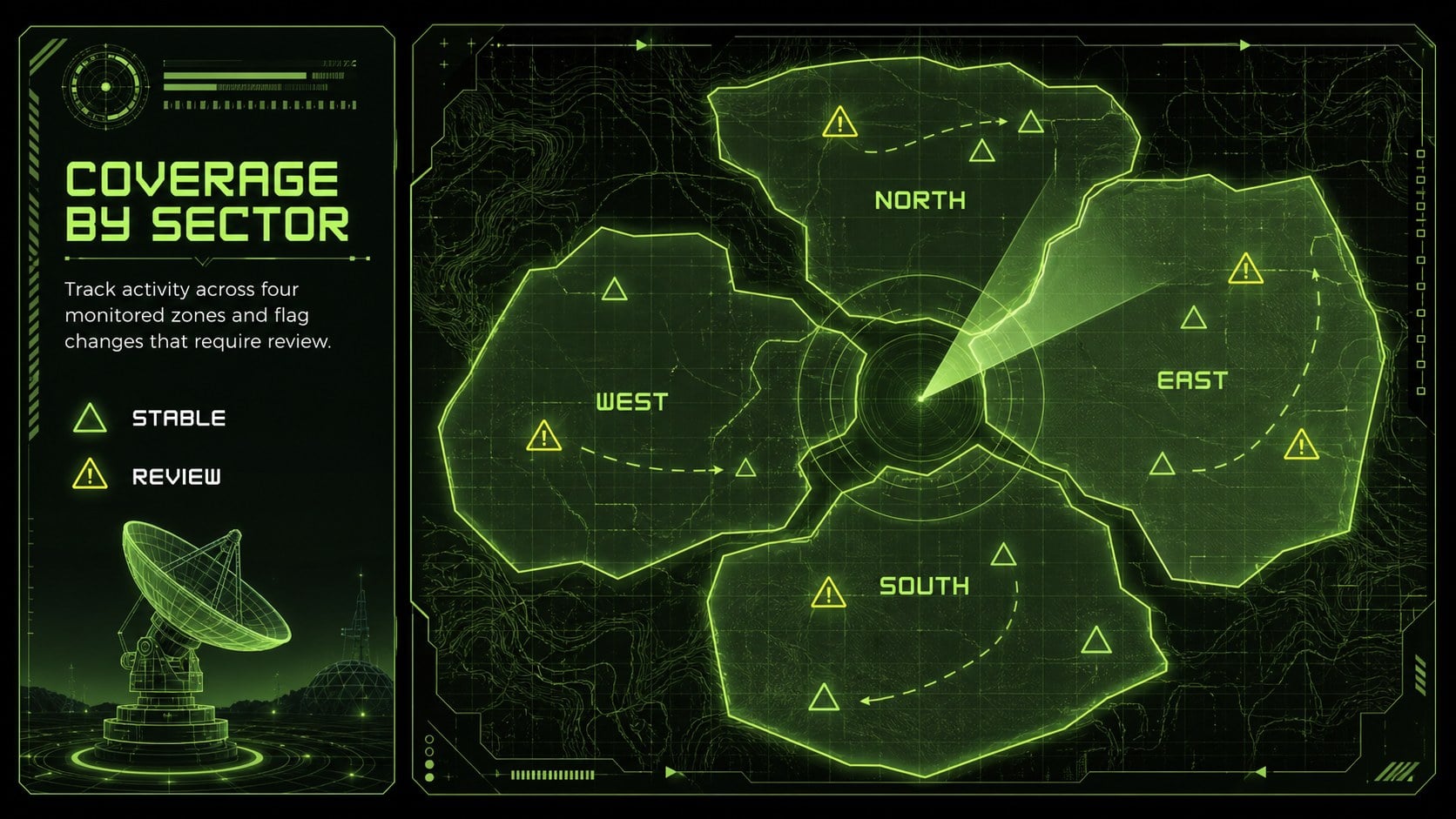
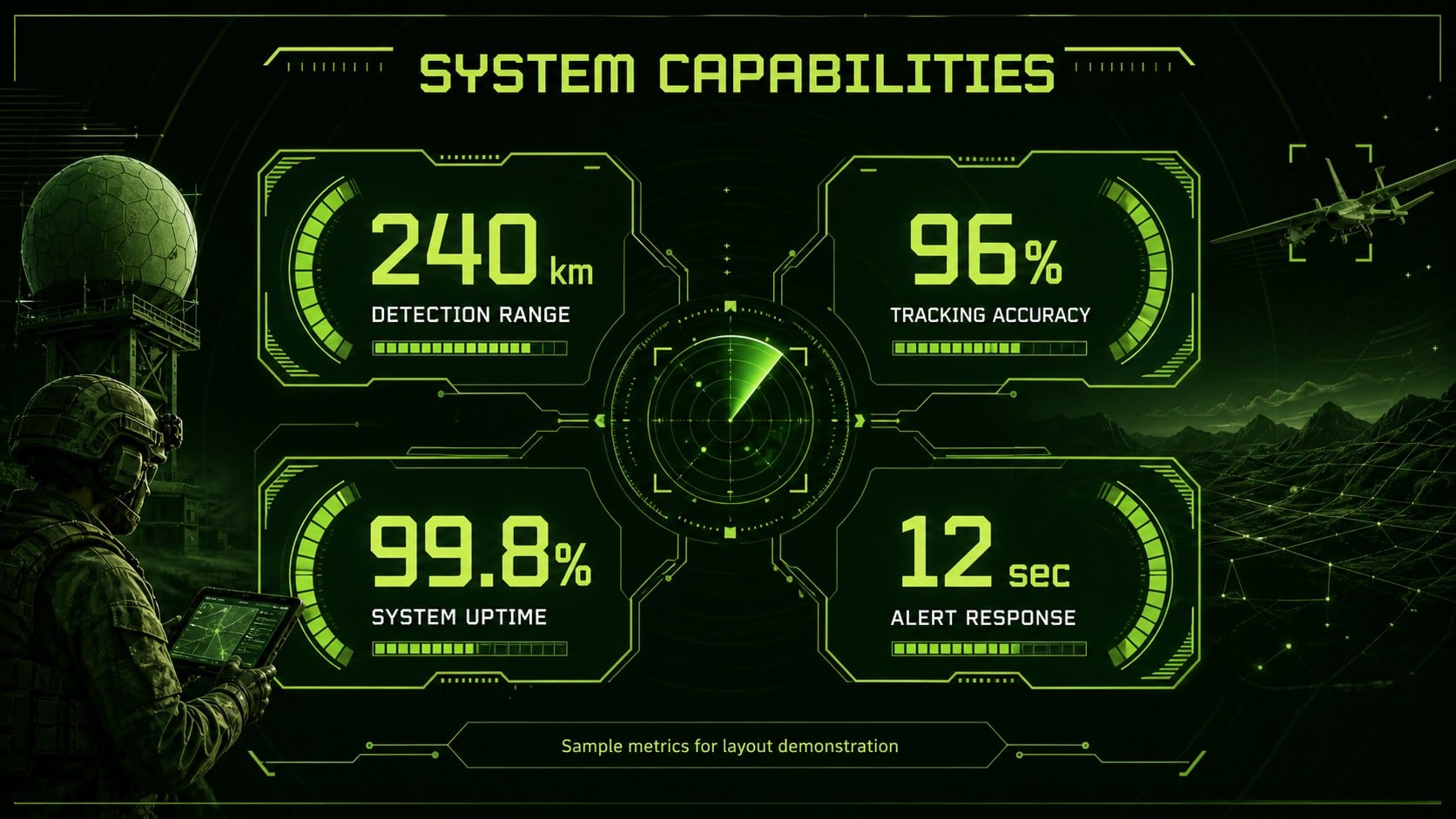
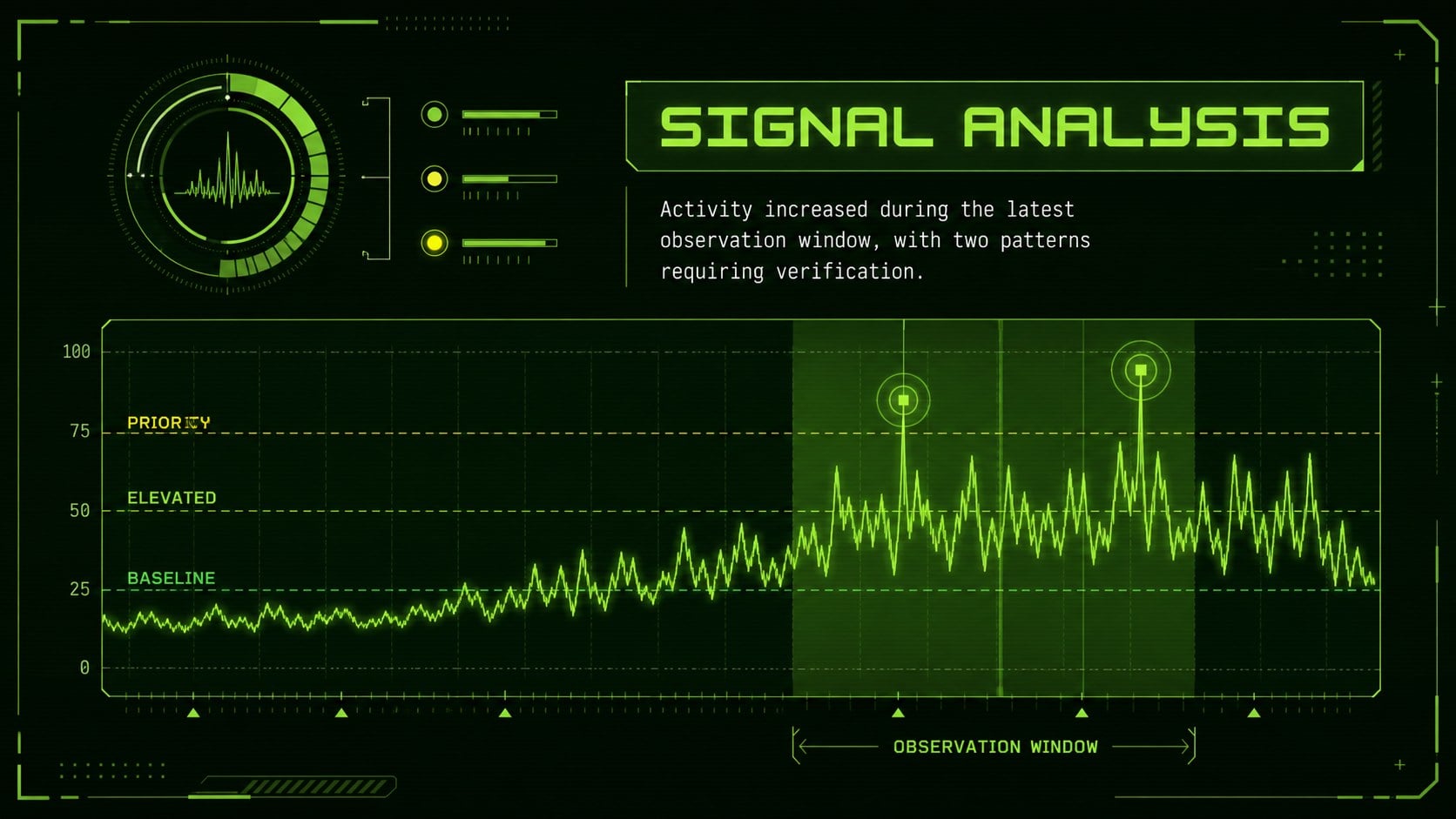
Turn complex operational updates into focused visual stories with the Tactical Radar Interface Theme. Its vivid green palette, dark control-screen backgrounds, glowing grid details, and modern technical typography create the atmosphere of an advanced command display without sacrificing readability.
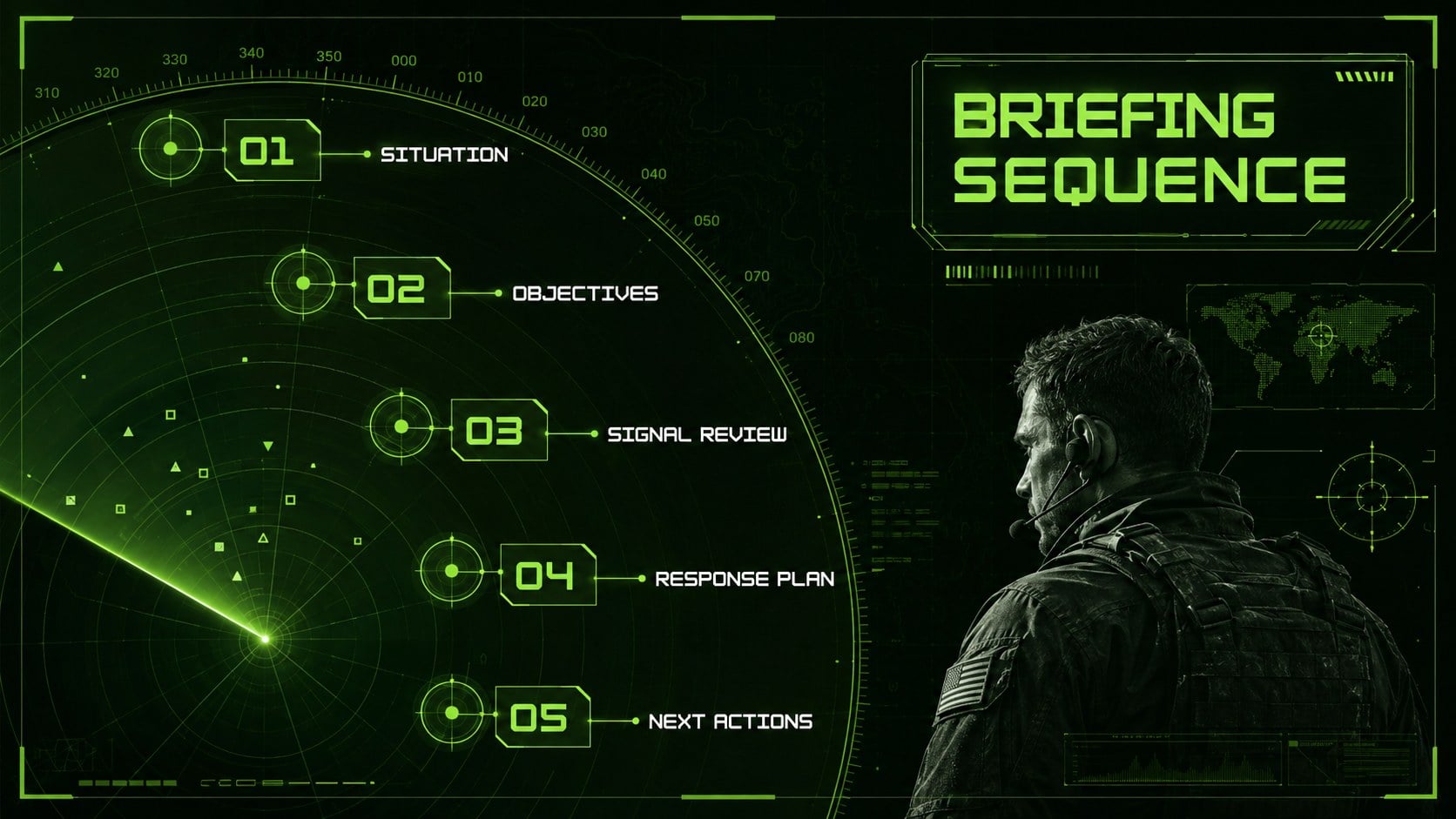
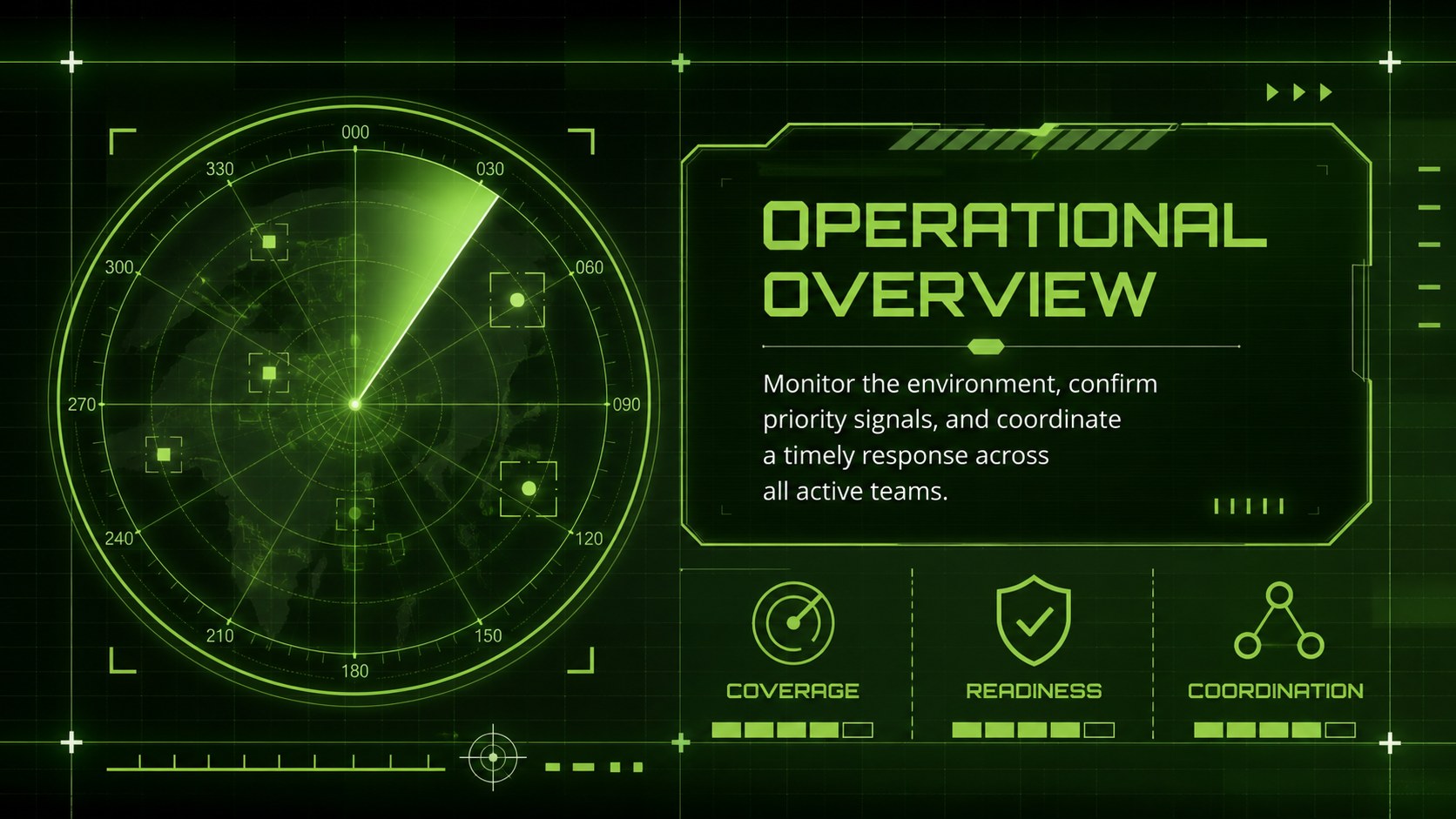
Inside, you will find flexible layouts for mission objectives, radar coverage maps, system capabilities, signal analysis, timelines, performance metrics, risk assessments, and next-step summaries. This green radar presentation template combines data-friendly charts, scanning motifs, coordinate graphics, and structured content areas that can be adapted to technical or strategic information. Icons, shapes, colors, and text remain editable, helping each team align the deck with its own terminology and visual standards.
The design works especially well for defense analysts, security consultants, aerospace teams, technology developers, instructors, and project leaders preparing tactical command center slides. It can also serve as a defense technology briefing template for product demonstrations, simulation reviews, equipment proposals, and situational-awareness training.
Customize the theme in PowerPoint or Google Slides, replace the sample copy with your findings, and adjust the diagrams to match your scenario. The widescreen format keeps dashboards, maps, and decision points organized for conference-room screens, virtual meetings, and classroom displays.
Perfect for: defense operations update; radar system demonstration; security monitoring review; aerospace tracking briefing; situational-awareness training.
Frequently asked questions
Practical details
Yes. The text, colors, shapes, charts, and layout elements can be customized in PowerPoint or Google Slides. Some transitions or font rendering may vary slightly between platforms.
Replace sample labels with your own locations, ranges, signal categories, and status data. You can also recolor grid lines, move tracking markers, and simplify decorative elements to match the sensitivity and scope of your briefing.
No. The interface also suits cybersecurity monitoring, aerospace tracking, emergency coordination, simulation exercises, and advanced technology demonstrations. Edit the terminology and icons to fit your field.
The slides use a 16:9 widescreen layout designed for modern displays and virtual meetings. Review detailed dashboards at your intended screen size to confirm that labels remain readable.
Keep exploring
15Build a bold cosmic story with this UFO Day alien encounter deck, featuring surreal green-and-black layouts for PowerPoint and Google Slides events.
 16
16Use the Navy Stripe Corporate Briefing Theme to present plans, results, and proposals with credible blue-green layouts for PowerPoint and Google Slides.
 5
5Turn customer research into clear decisions with product experience mapping slides in a dark navy and green style for PowerPoint and Google Slides.
 16
16Win stakeholder approval with website launch proposal slides that organize strategy, UX, rollout, and results in editable PowerPoint and Google Slides formats.
 15
15Build clearer campaign plans with an AI marketing strategy deck featuring neon blue-green visuals, editable workflows, data slides, and practical examples.
 15
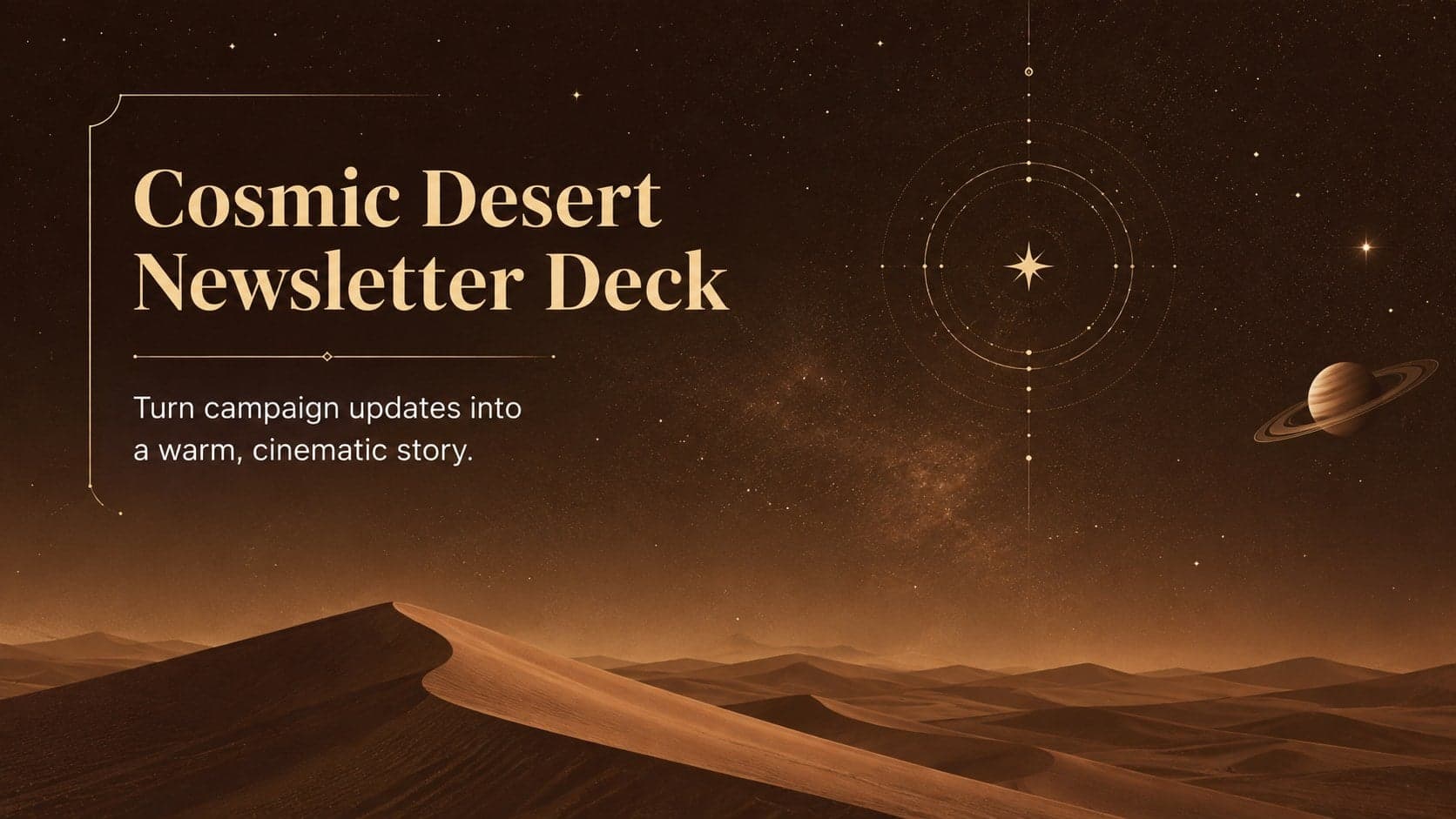
15Build memorable campaign updates with a Cosmic Desert Newsletter Deck, featuring warm beige-brown slides for PowerPoint and Google Slides teams.
 15
15Lead productive urban-tech meetings with a smart city business briefing deck in vivid violet and pink, ready to edit in PowerPoint or Google Slides.
 16
16Build a lively sales story with the Interactive Tech Product Showcase, using colorful illustrated layouts made for PowerPoint and Google Slides.