
 15
15presentation
UFO Day Alien Encounter Deck
Build a bold cosmic story with this UFO Day alien encounter deck, featuring surreal green-and-black layouts for PowerPoint and Google Slides events.
Google SlidesPowerPoint
presentation · English
Build clearer campaign plans with an AI marketing strategy deck featuring neon blue-green visuals, editable workflows, data slides, and practical examples.






Design notes
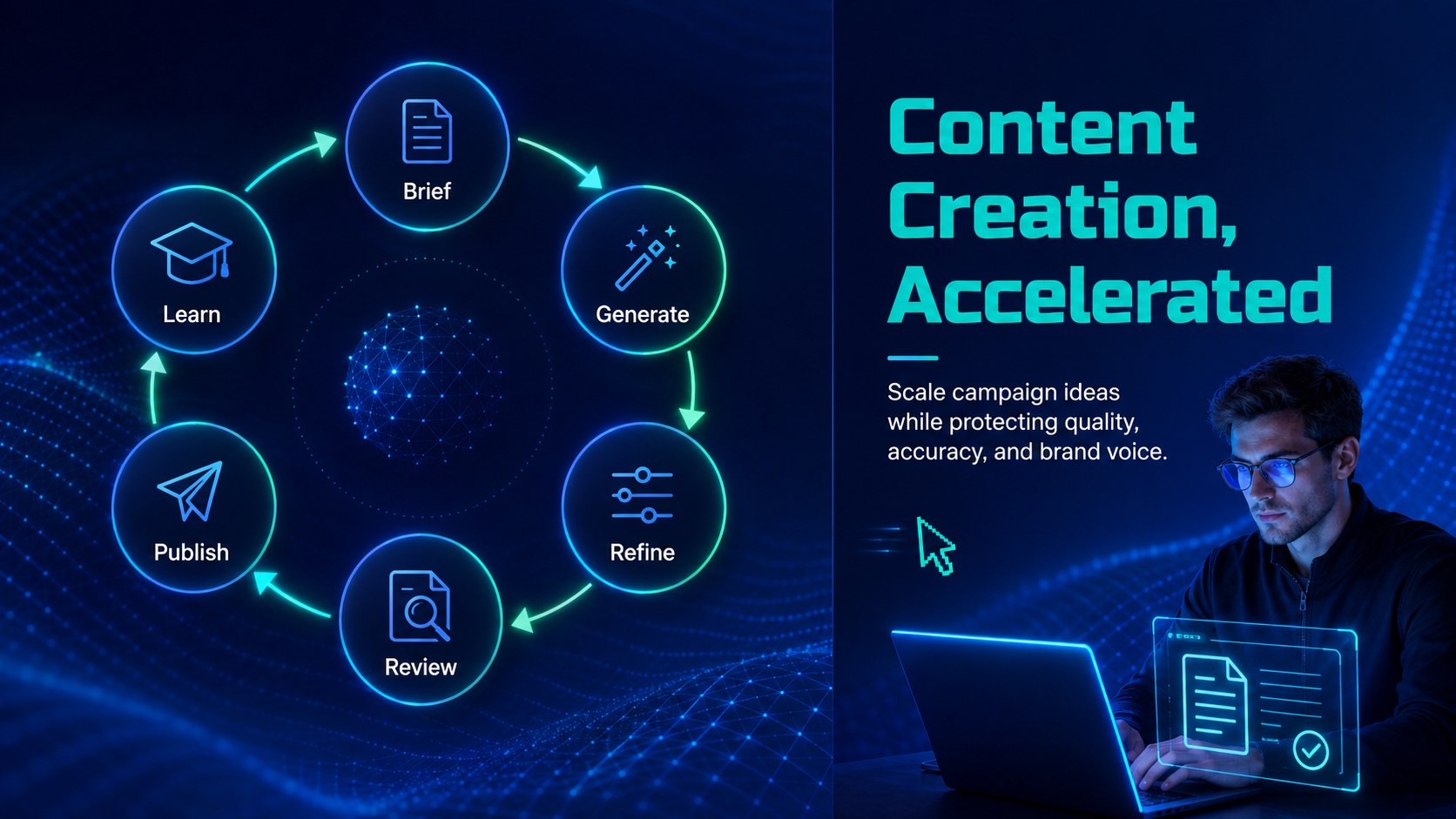
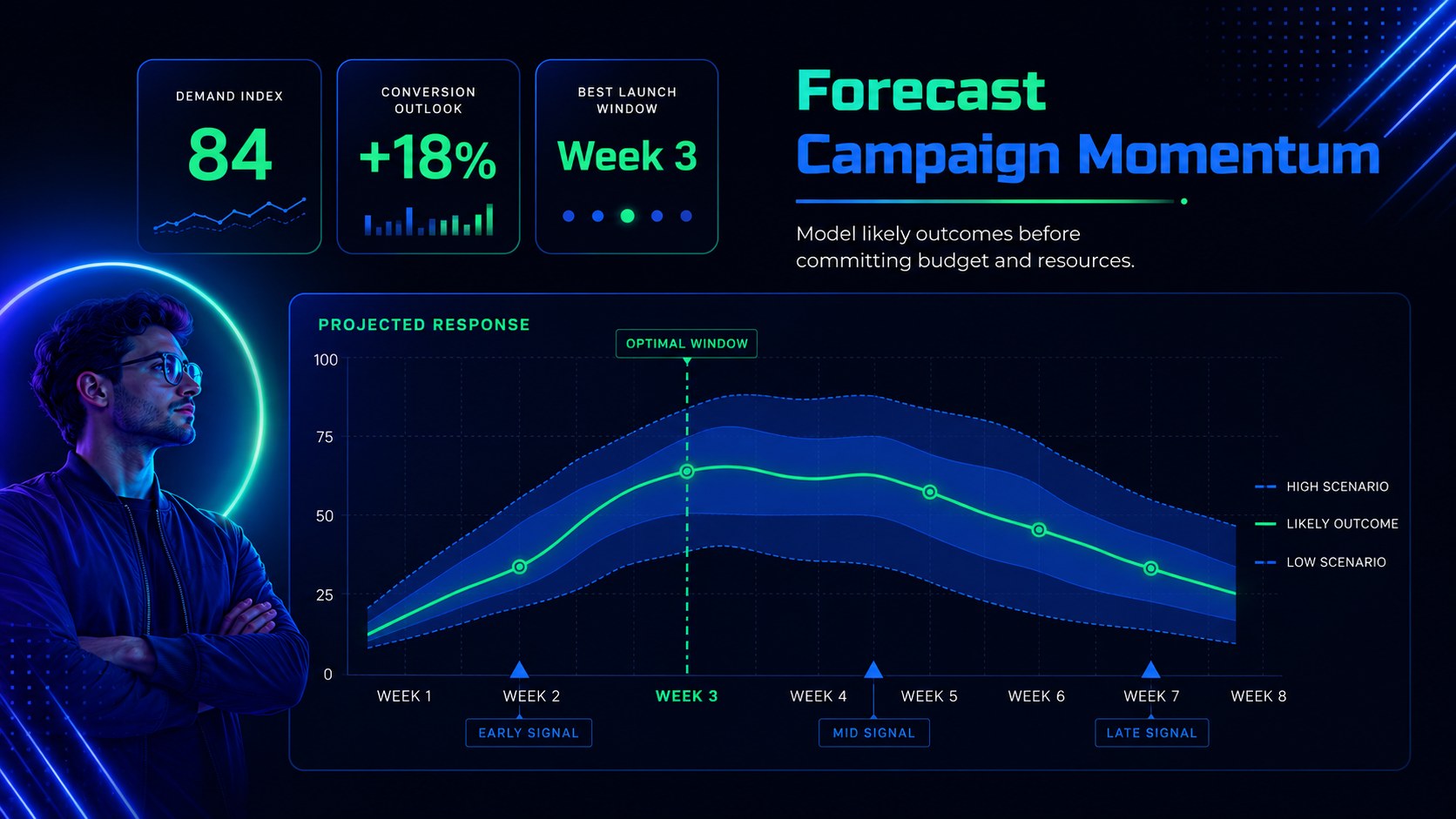
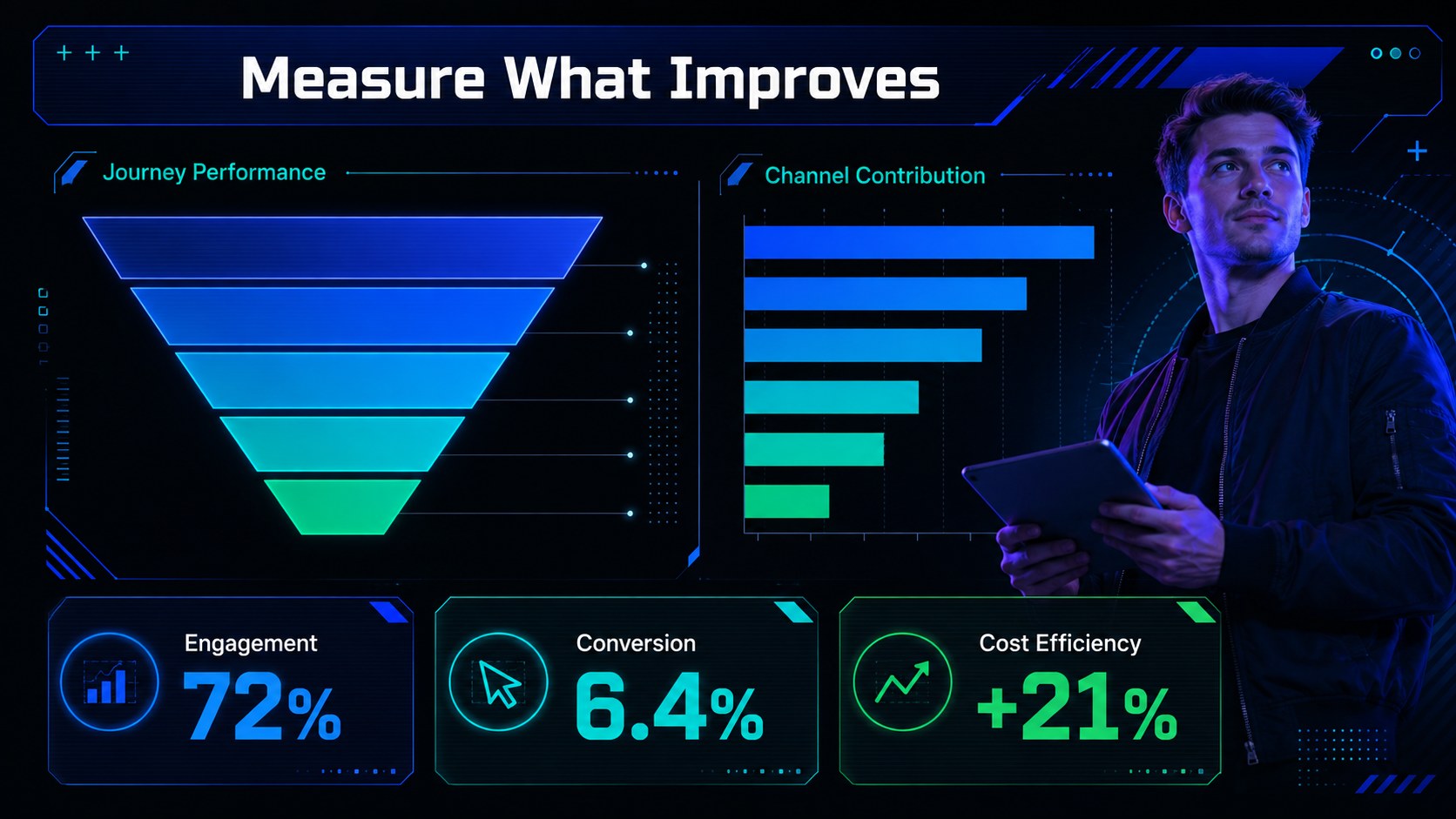
Build a persuasive story around smarter campaigns with this AI marketing strategy deck for PowerPoint and Google Slides. Its modern neon blue-and-green design brings an energetic technology aesthetic to practical topics such as automation, audience insights, content generation, personalization, forecasting, and performance measurement.
The deck includes more than 25 editable layouts for introducing AI concepts, mapping campaign workflows, comparing tools, presenting customer segments, explaining ethical safeguards, and reporting results. Use the process diagrams, timelines, charts, dashboards, comparison tables, and action-plan pages to create an artificial intelligence marketing workflow slides presentation without starting from a blank canvas. Dedicated layouts also support a predictive analytics campaign deck or a focused set of generative AI content strategy slides.
Designed for marketing leaders, agency teams, consultants, product marketers, educators, and business students, the template works equally well for strategy meetings, client proposals, webinars, training sessions, and academic projects. Every slide can be adapted with your own data, campaign stages, examples, and visual assets. Fonts, colors, shapes, charts, and transitions are editable, while the consistent futuristic design helps technical information remain easy to scan. Download the presentation for PowerPoint or open it in Google Slides to tailor the narrative to your audience and campaign goals.
Perfect for: marketing leadership strategy meeting; agency client proposal; AI campaign planning workshop; marketing automation webinar; business school presentation; quarterly performance review.
Frequently asked questions
Can I edit this deck in PowerPoint and Google Slides? Yes. All layouts, text blocks, colors, shapes, and charts are designed for editing in PowerPoint and Google Slides. Some transitions or font rendering may vary slightly between the two platforms.
Practical details
Yes. All layouts, text blocks, colors, shapes, and charts are designed for editing in PowerPoint and Google Slides. Some transitions or font rendering may vary slightly between the two platforms.
Replace the sample copy with your objectives, audience segments, AI tools, workflow stages, and campaign metrics. You can also update the neon accents, typography, charts, and imagery to match your organization.
No. The layouts organize AI marketing concepts into accessible processes, comparisons, and examples. Teams can simplify or expand the technical detail according to the audience.
Yes. The chart and dashboard layouts can be edited with your own performance figures, forecasts, conversion metrics, and audience insights. Review all labels and scales after replacing the sample values.
Keep exploring
15Build a bold cosmic story with this UFO Day alien encounter deck, featuring surreal green-and-black layouts for PowerPoint and Google Slides events.
 16
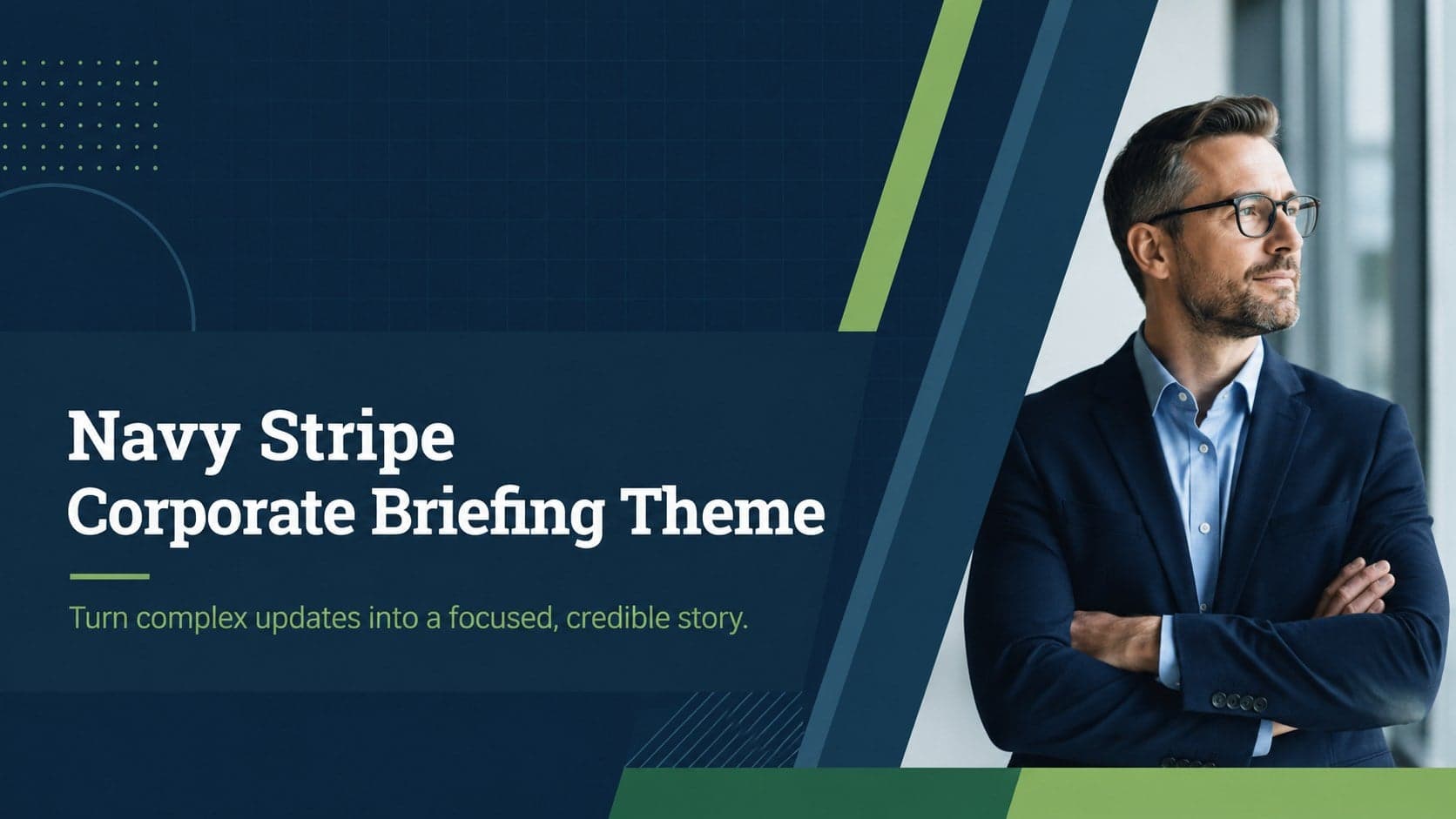
16Use the Navy Stripe Corporate Briefing Theme to present plans, results, and proposals with credible blue-green layouts for PowerPoint and Google Slides.
 5
5Turn customer research into clear decisions with product experience mapping slides in a dark navy and green style for PowerPoint and Google Slides.
 16
16Win stakeholder approval with website launch proposal slides that organize strategy, UX, rollout, and results in editable PowerPoint and Google Slides formats.
 15
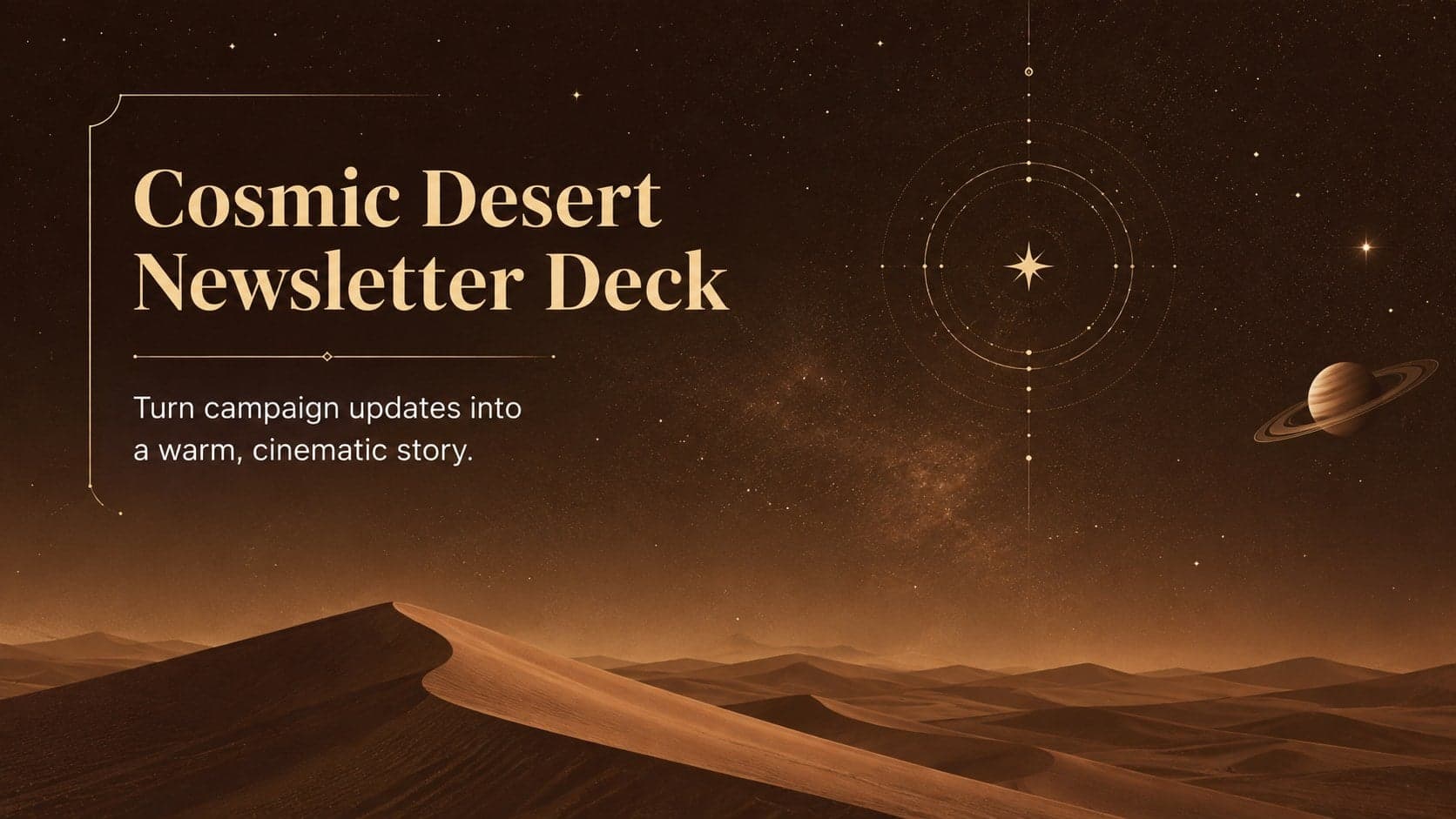
15Build memorable campaign updates with a Cosmic Desert Newsletter Deck, featuring warm beige-brown slides for PowerPoint and Google Slides teams.
 15
15Lead productive urban-tech meetings with a smart city business briefing deck in vivid violet and pink, ready to edit in PowerPoint or Google Slides.
 16
16Build a lively sales story with the Interactive Tech Product Showcase, using colorful illustrated layouts made for PowerPoint and Google Slides.
 15
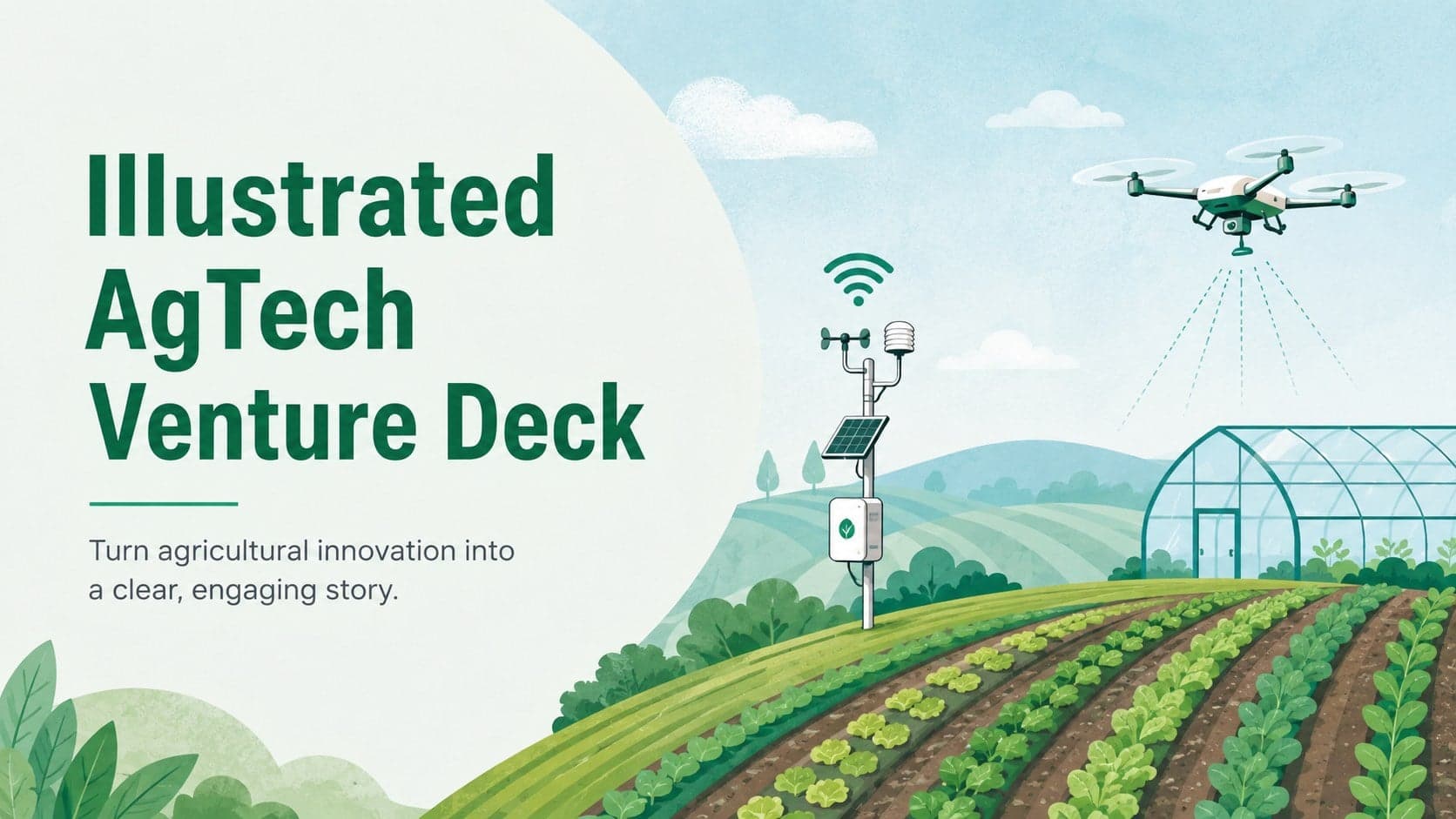
15Build a compelling case with this illustrated agtech venture deck, featuring pastel green and blue slides for farm innovation pitches and lessons.