
 15
15presentation
Astrology Audience Insights Deck
Use this astrology audience insights deck to present zodiac-based segments, behaviors, and campaign findings in polished black-and-gold slides.
Google SlidesPowerPoint
presentation · English
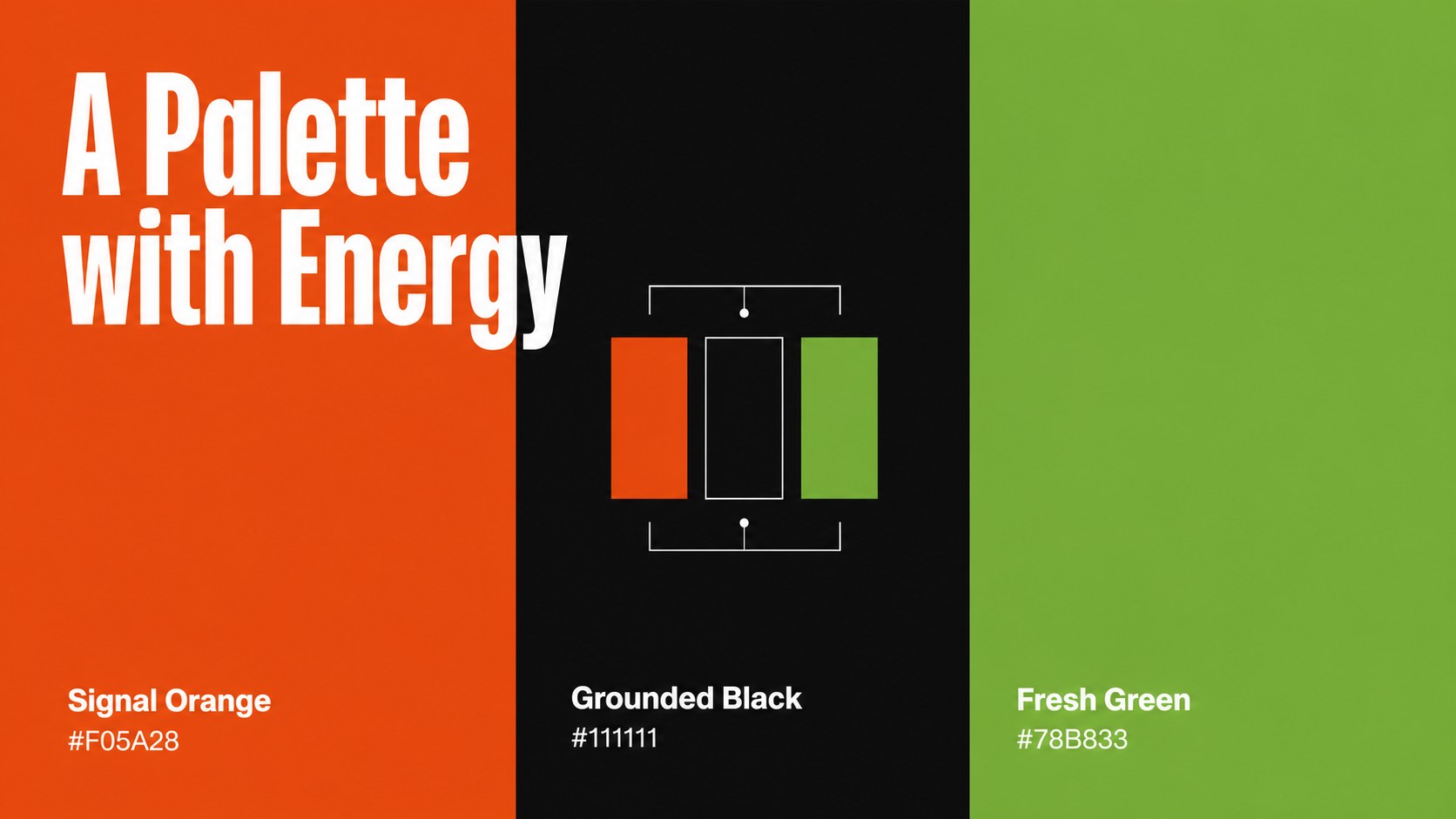
Build a recognizable visual identity with streetwise brand launch slides in orange, black and green, made for bold campaigns, pitches and creative teams.


Design notes
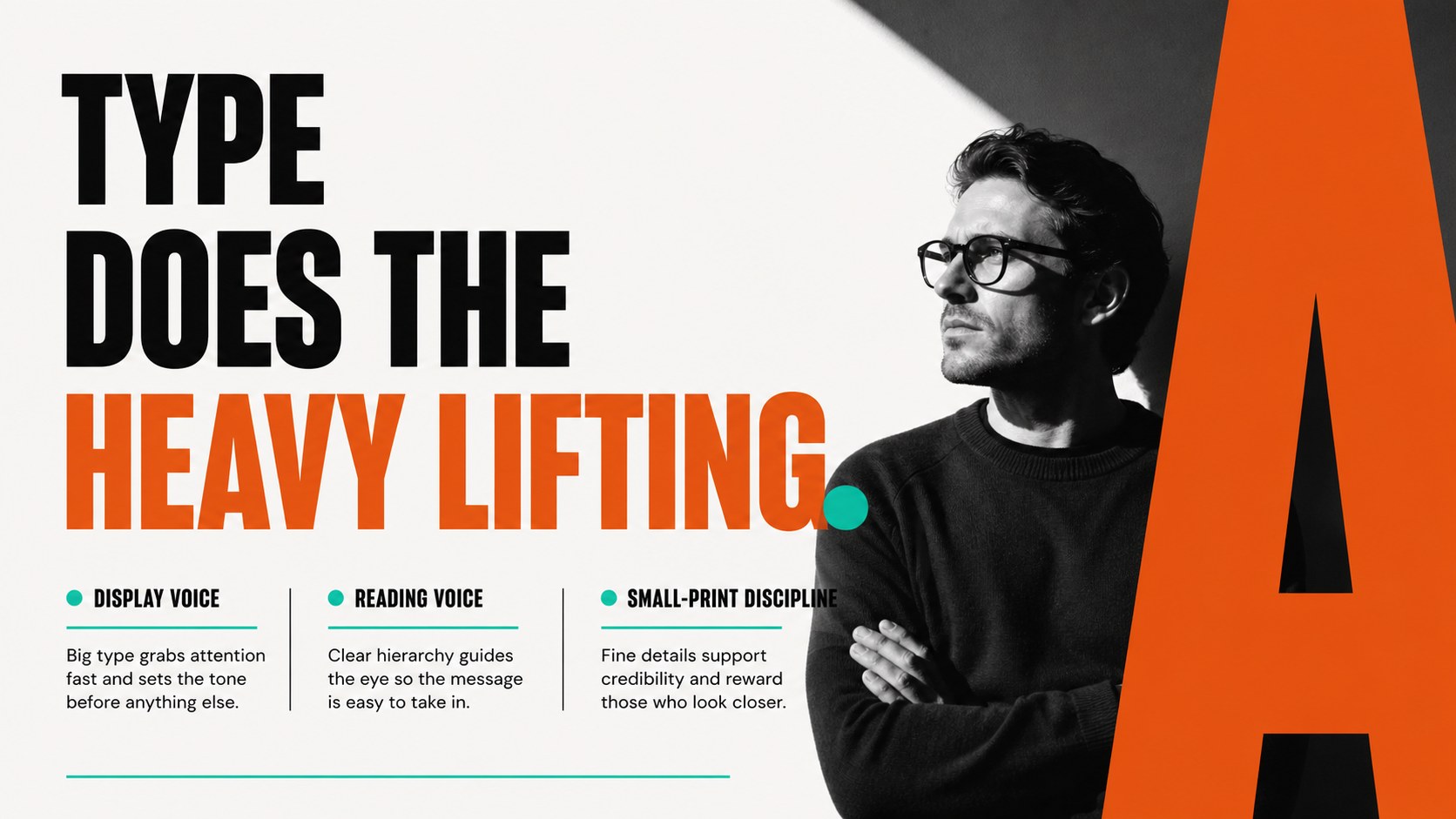
Streetwise brand launch slides give your next identity project a confident, high-energy visual direction. The deck combines oversized typography, sharp contrast and lively orange, black and green accents to create an urban-inspired look that feels current without losing clarity. Use it to turn a rough concept into a persuasive brand story for clients, collaborators or internal teams.
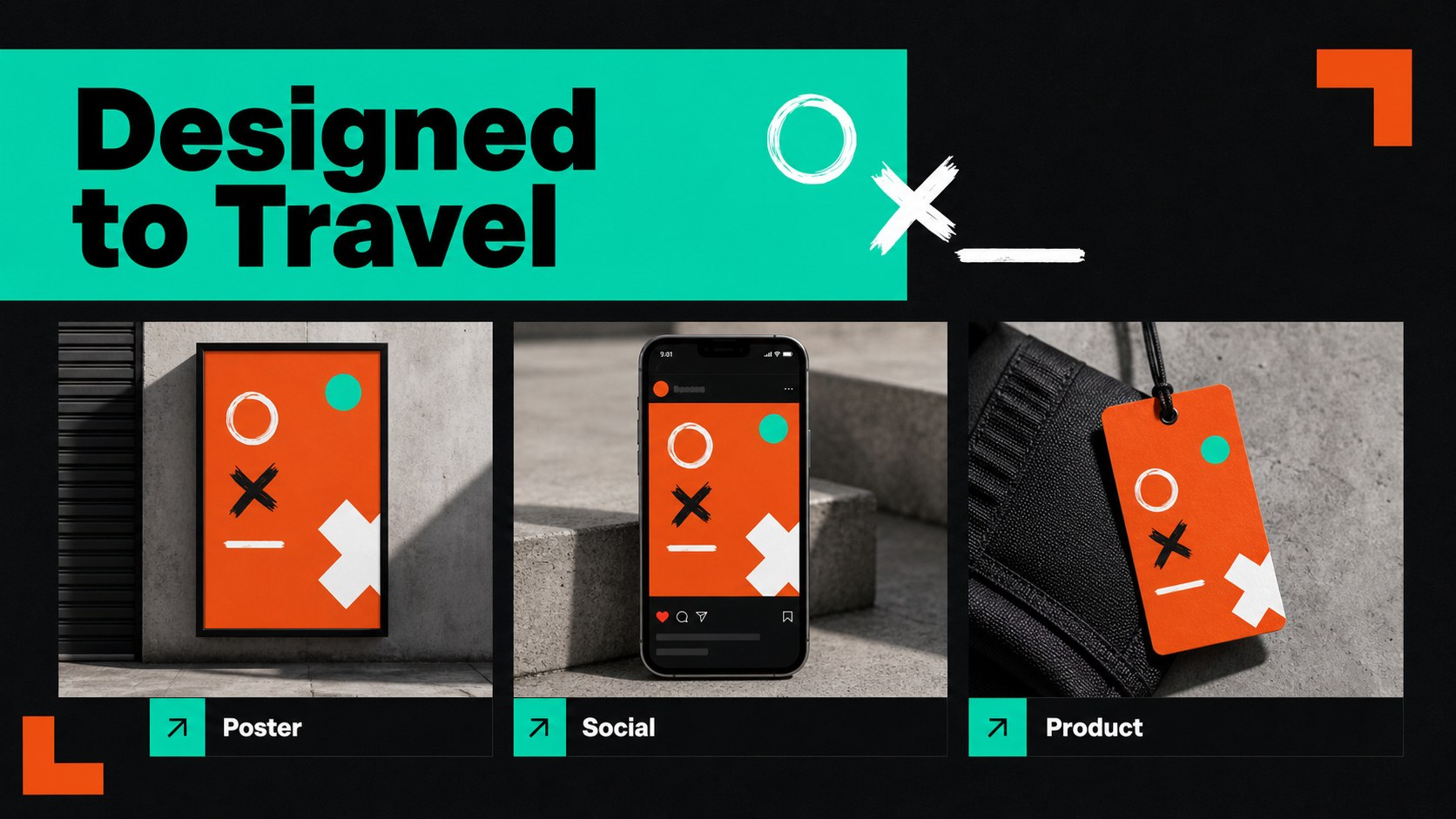
Inside, you’ll find flexible layouts for a brand overview, audience profile, positioning statement, visual references, logo exploration, color system, typography pairings, campaign applications and launch milestones. Additional pages support mockup presentations, messaging frameworks, creative direction and a concise rollout plan. Bold blocks, graphic lines and modular compositions make it easy to adapt the design while keeping the identity consistent.
This template is suited to creative agencies, independent designers, retail teams, startup founders and marketing departments preparing a new visual presence. Edit the pages, then export to PowerPoint or Google Slides when you need a shareable presentation. It works especially well for a streetwear identity presentation, a visual branding pitch deck or a campaign concept review. Replace the sample copy, imagery and charts with your own assets to create a polished, presentation-ready brand system.
Perfect for: streetwear identity presentation; creative agency client pitch; startup rebrand workshop; retail campaign concept review; logo exploration presentation.
Frequently asked questions
Can I edit these slides? Yes. The layouts, text, colors, graphics and images can be adjusted. Replace the sample content with your brand assets using the editor’s drag-and-drop tools.
Practical details
Yes. The layouts, text, colors, graphics and images can be adjusted. Replace the sample content with your brand assets using the editor’s drag-and-drop tools.
Yes. After editing, use the Share or Download menu to export a PowerPoint file or save an editable copy to Google Drive. Some -only effects may change slightly after export.
Yes. The orange, black and green palette defines the visual direction, but you can replace those colors with approved brand values. Keep strong contrast between the background, typography and accent elements for the same level of readability.
It is designed for agencies, designers, founders and marketing teams presenting a new identity or campaign direction. The layouts support both early concept discussions and polished client-facing reviews.
Keep exploring
15Use this astrology audience insights deck to present zodiac-based segments, behaviors, and campaign findings in polished black-and-gold slides.
 14
14Plan a memorable Lunar New Year campaign with the 2036 Dragon Year Celebration Theme, featuring bold red-and-yellow slides for lessons and events.
 15
15Build eerie lessons, campaigns, and story pitches with an undead survival scenario theme featuring editable slides for PowerPoint and Google Slides.
 15
15Build a clear breast cancer awareness bulletin with bold pink-and-red slides for campaign news, screening reminders, impact data, and community updates.
 15
15Shape your publishing concept with an indie magazine startup pitch deck featuring pastel gradients, bold collage layouts, and editable planning slides.
 15
15Build a bold retro-futurist campaign pitch deck for client meetings, with editable strategy layouts and playful pastel Y2K-inspired visuals.
 16
16Build a consistent presence with a social channel identity playbook covering voice, visuals, content formats, publishing rules, and approvals.
 15
15Celebrate online learners with webinar completion certificate slides, featuring editable violet artwork for university events in PowerPoint and Google Slides.