
 15
15presentation
Astrology Audience Insights Deck
Use this astrology audience insights deck to present zodiac-based segments, behaviors, and campaign findings in polished black-and-gold slides.
Google SlidesPowerPoint
presentation · English
Launch playful Halloween campaigns faster with this Spooky Season Promotion Toolkit, featuring editable pastel-neon slides for PowerPoint and Google Slides.
Design notes
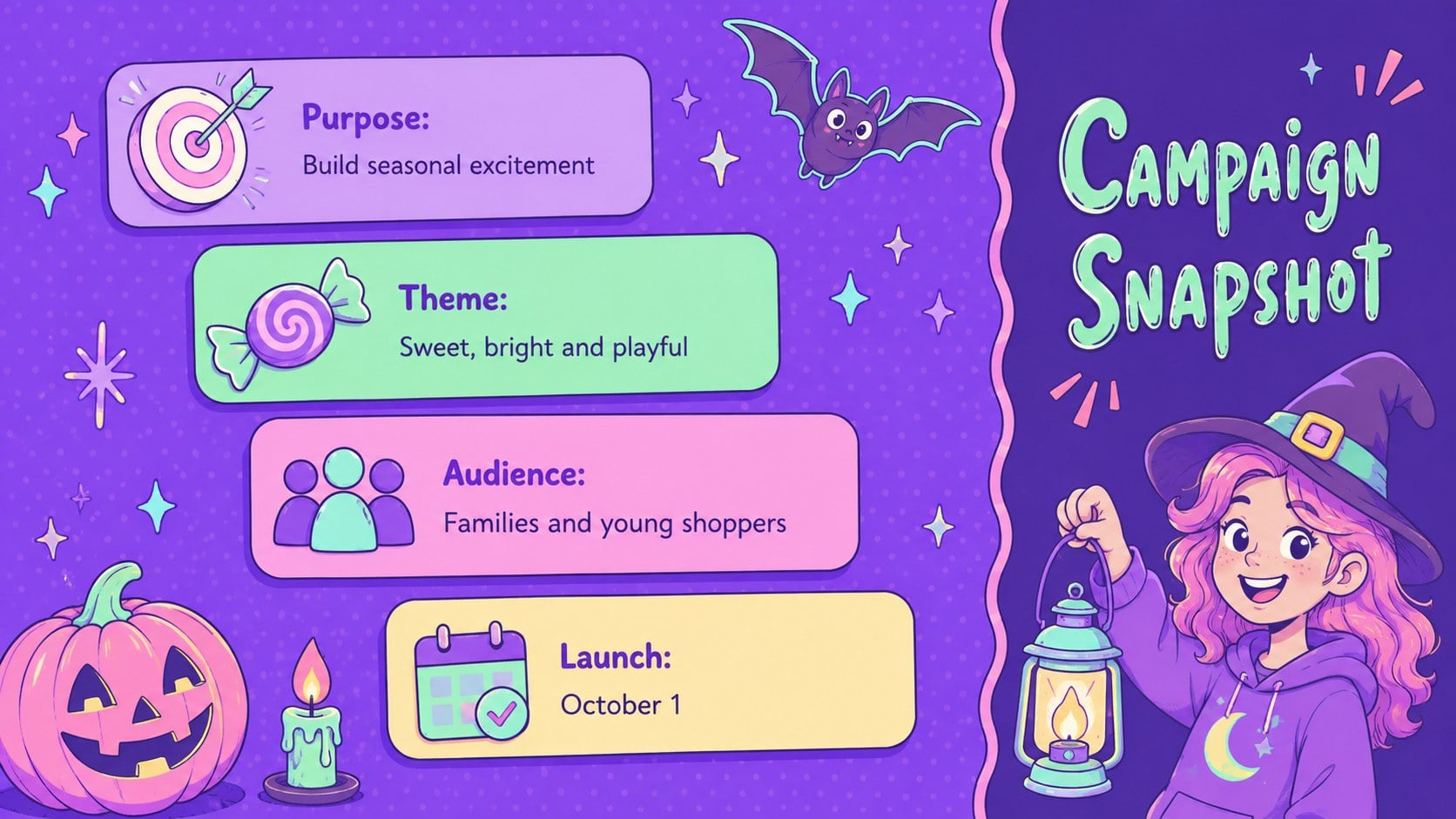
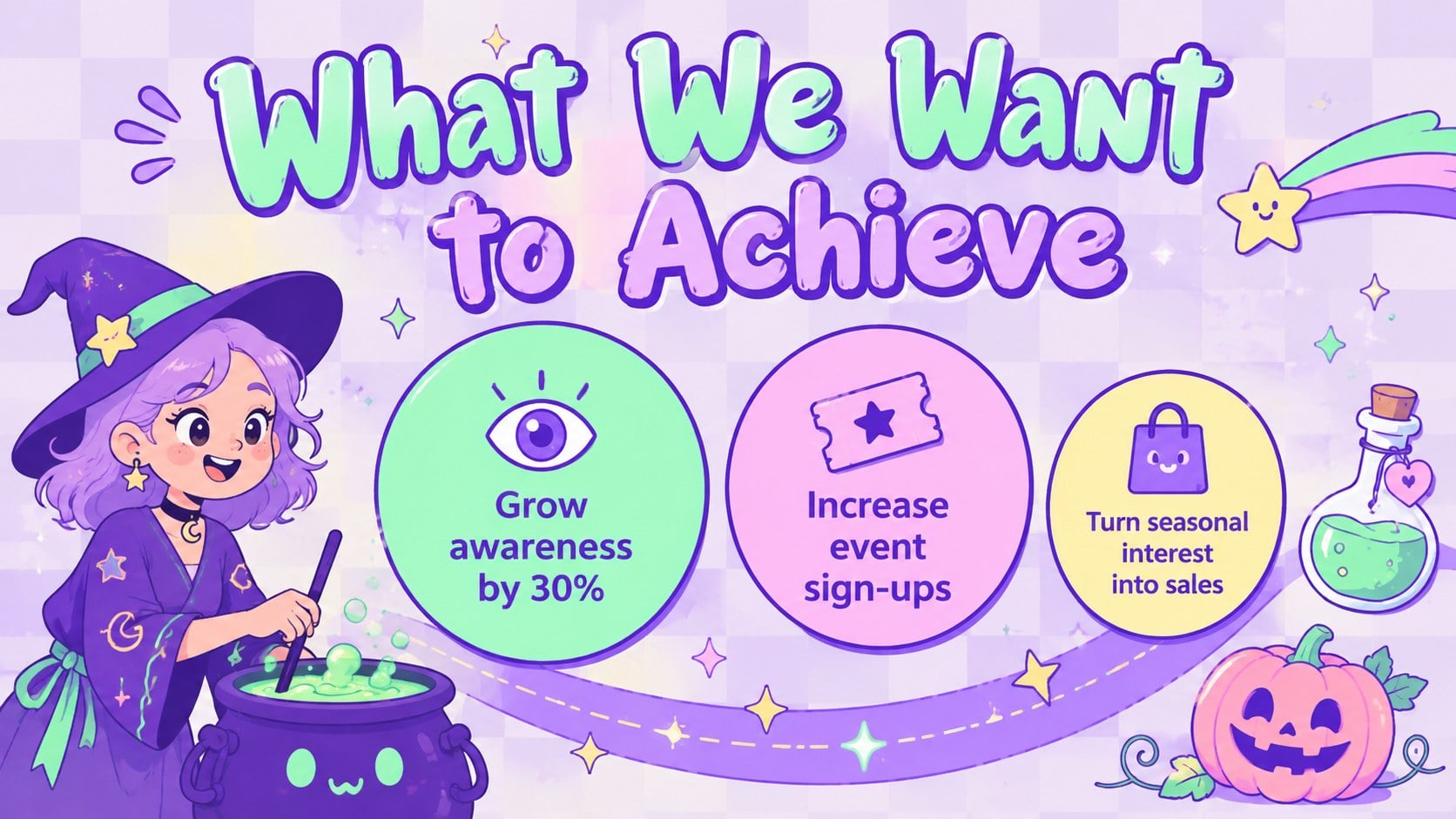
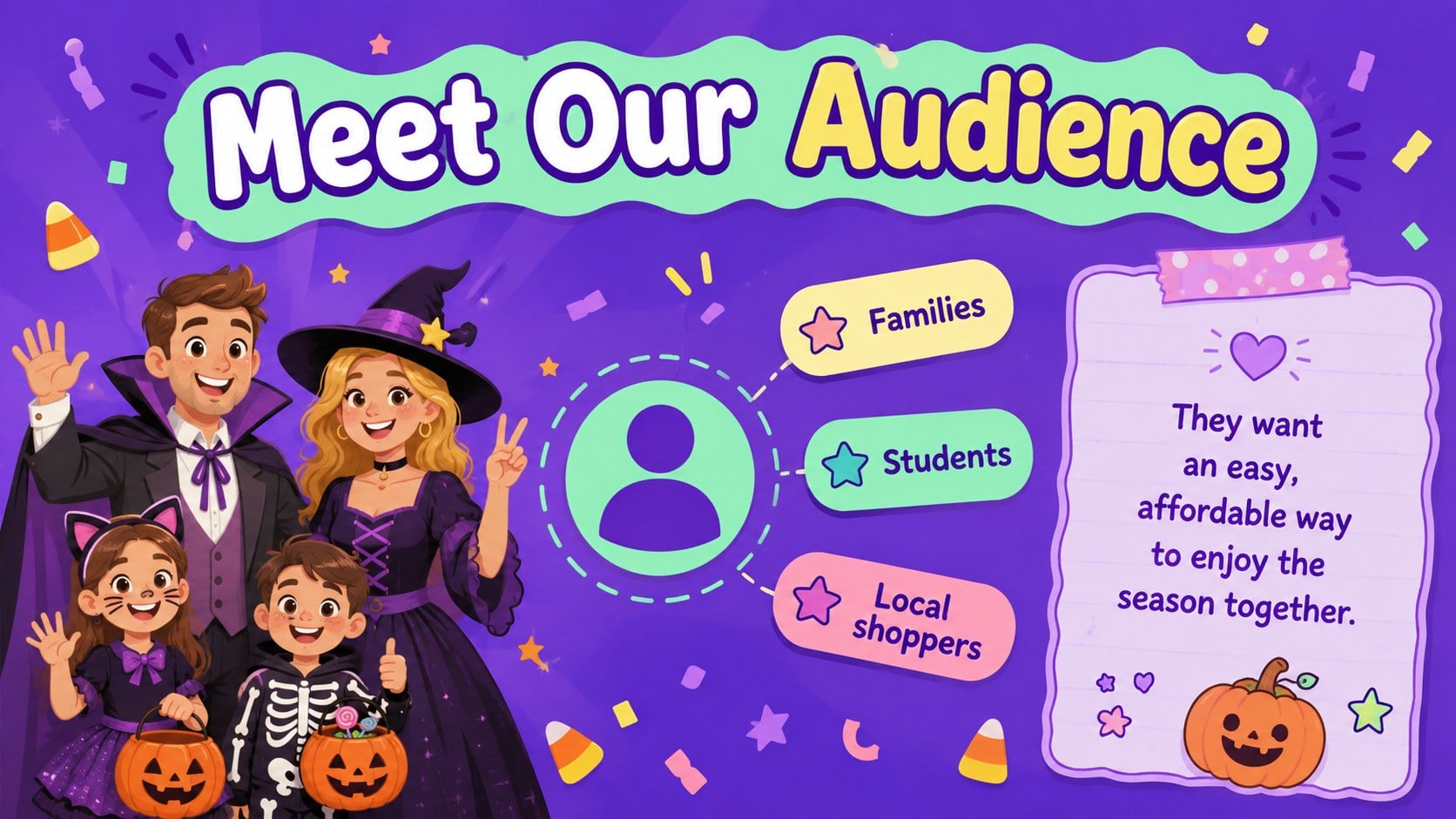
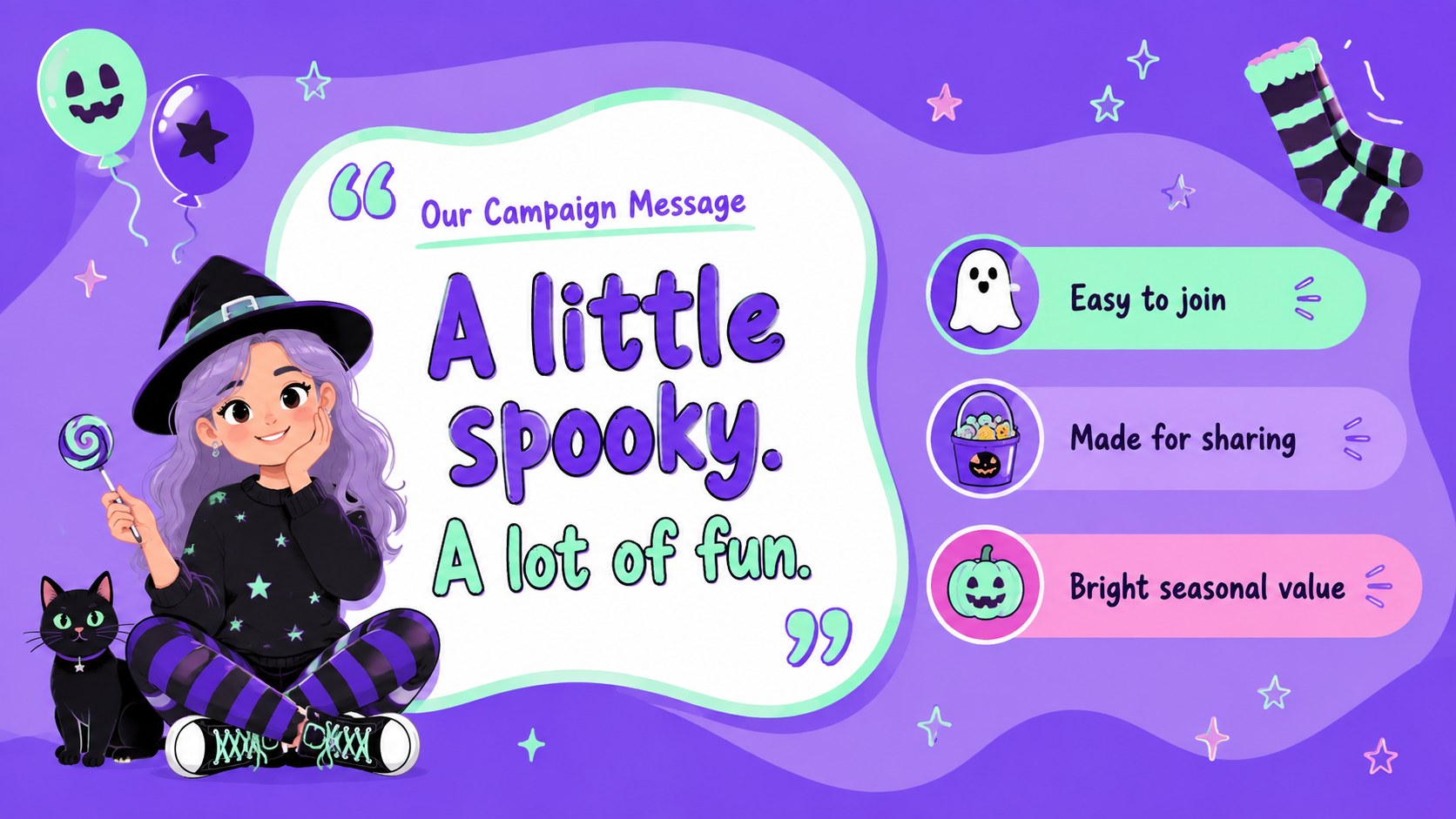
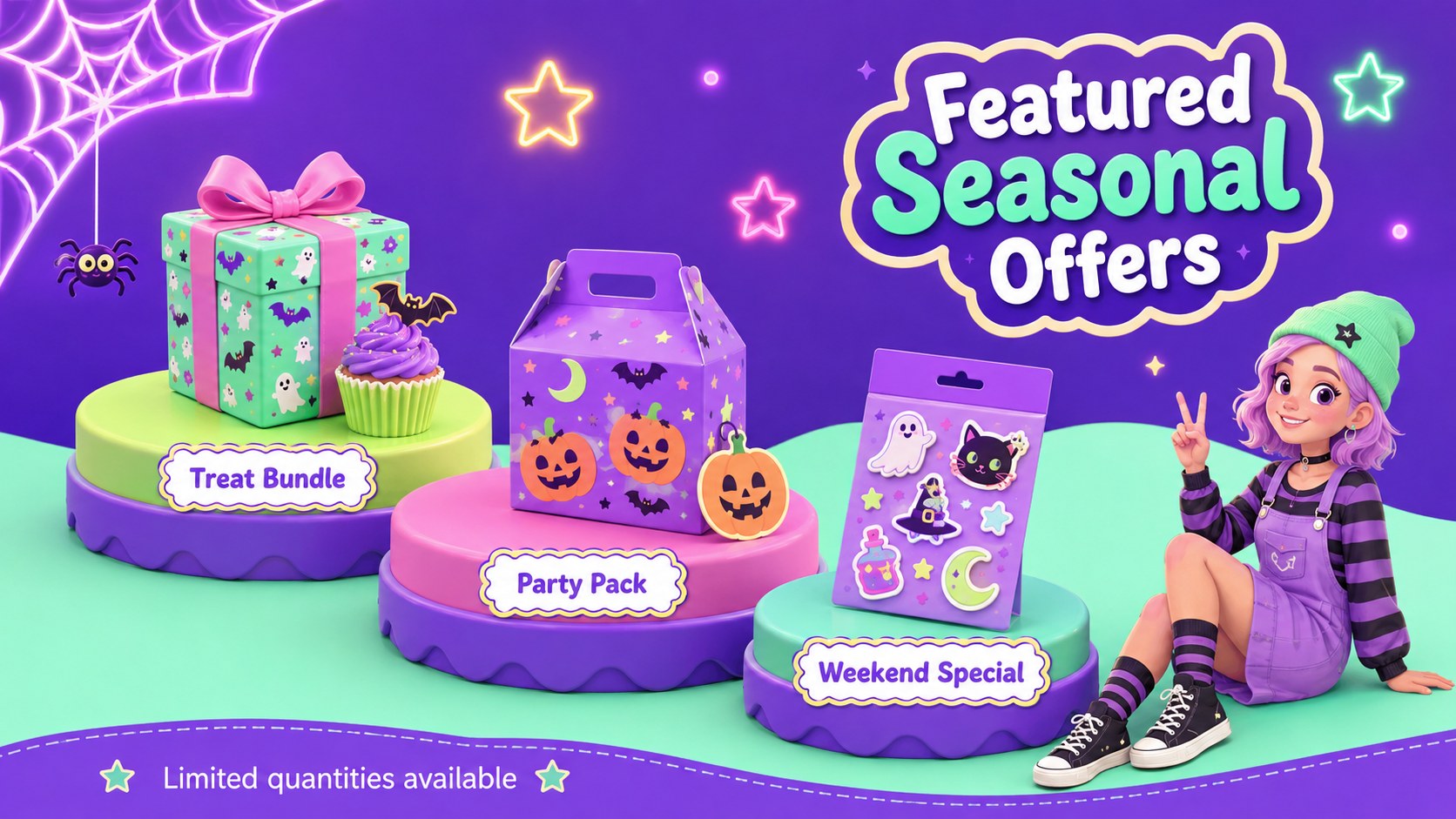
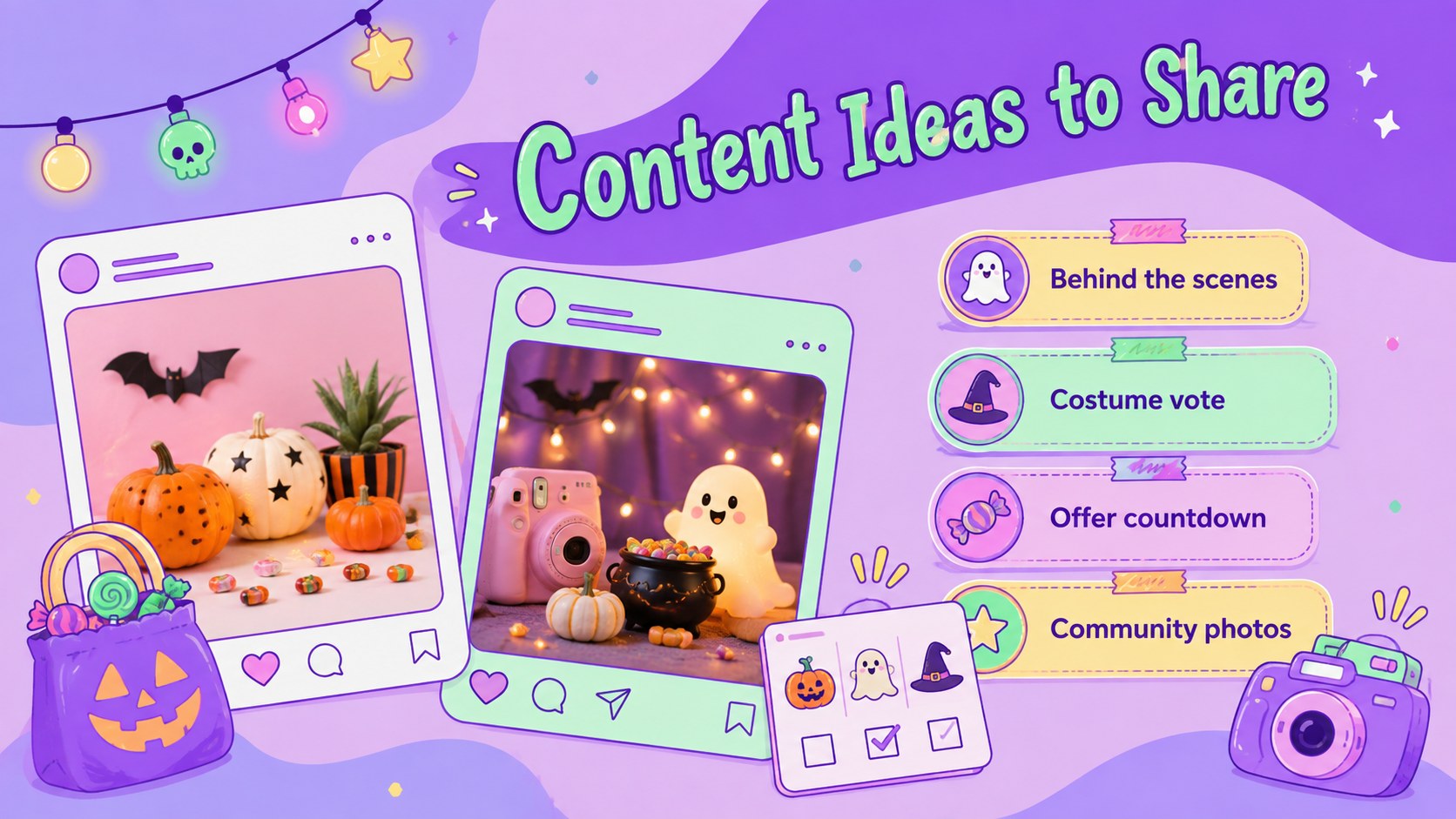
Turn seasonal ideas into an organized campaign with the Spooky Season Promotion Toolkit. Its pastel-neon palette, playful Halloween illustrations, and approachable layouts bring energy to promotions without becoming overly frightening. Use it to shape a memorable October launch, present a limited-time offer, or coordinate a community event across multiple channels.
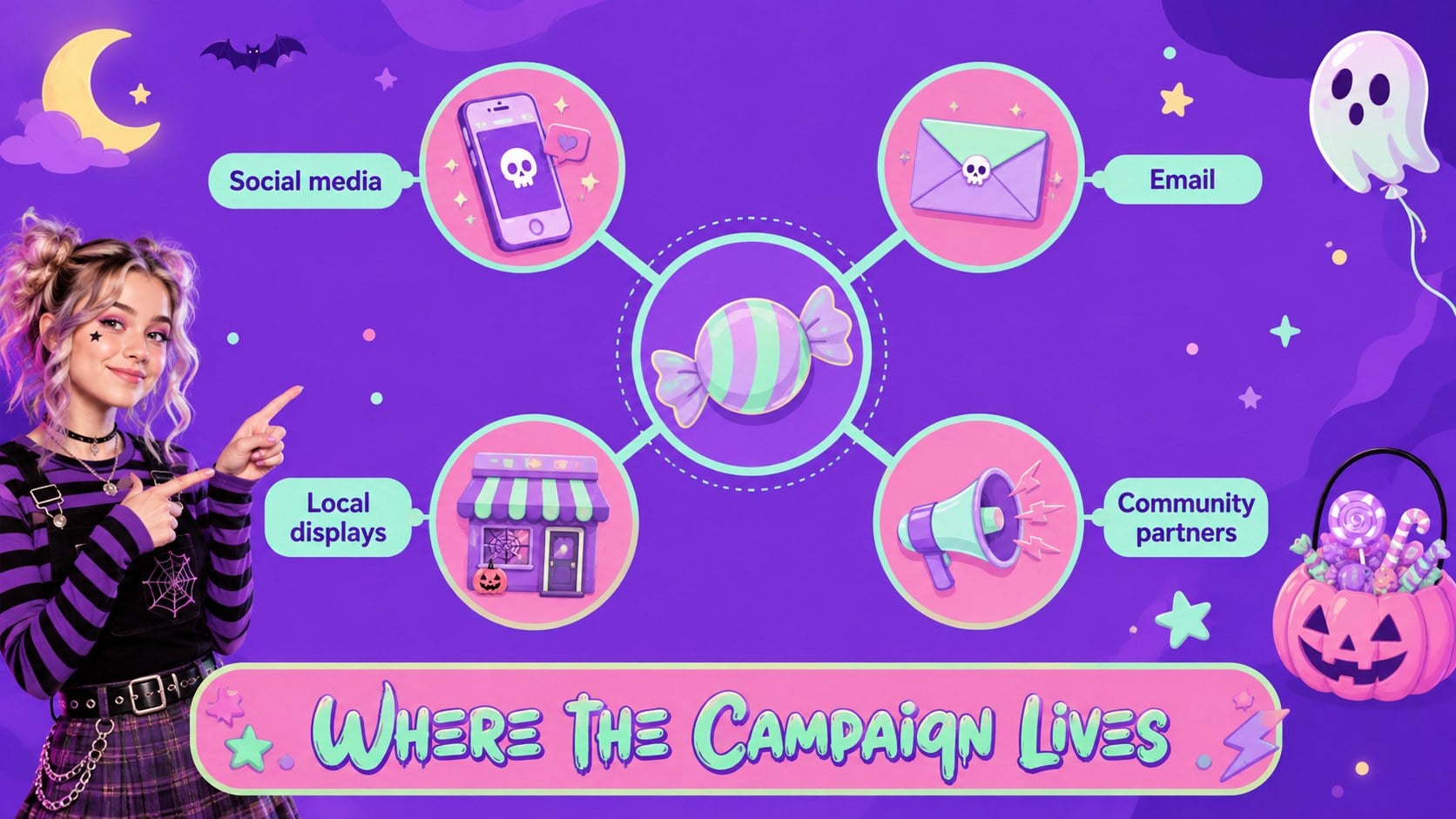
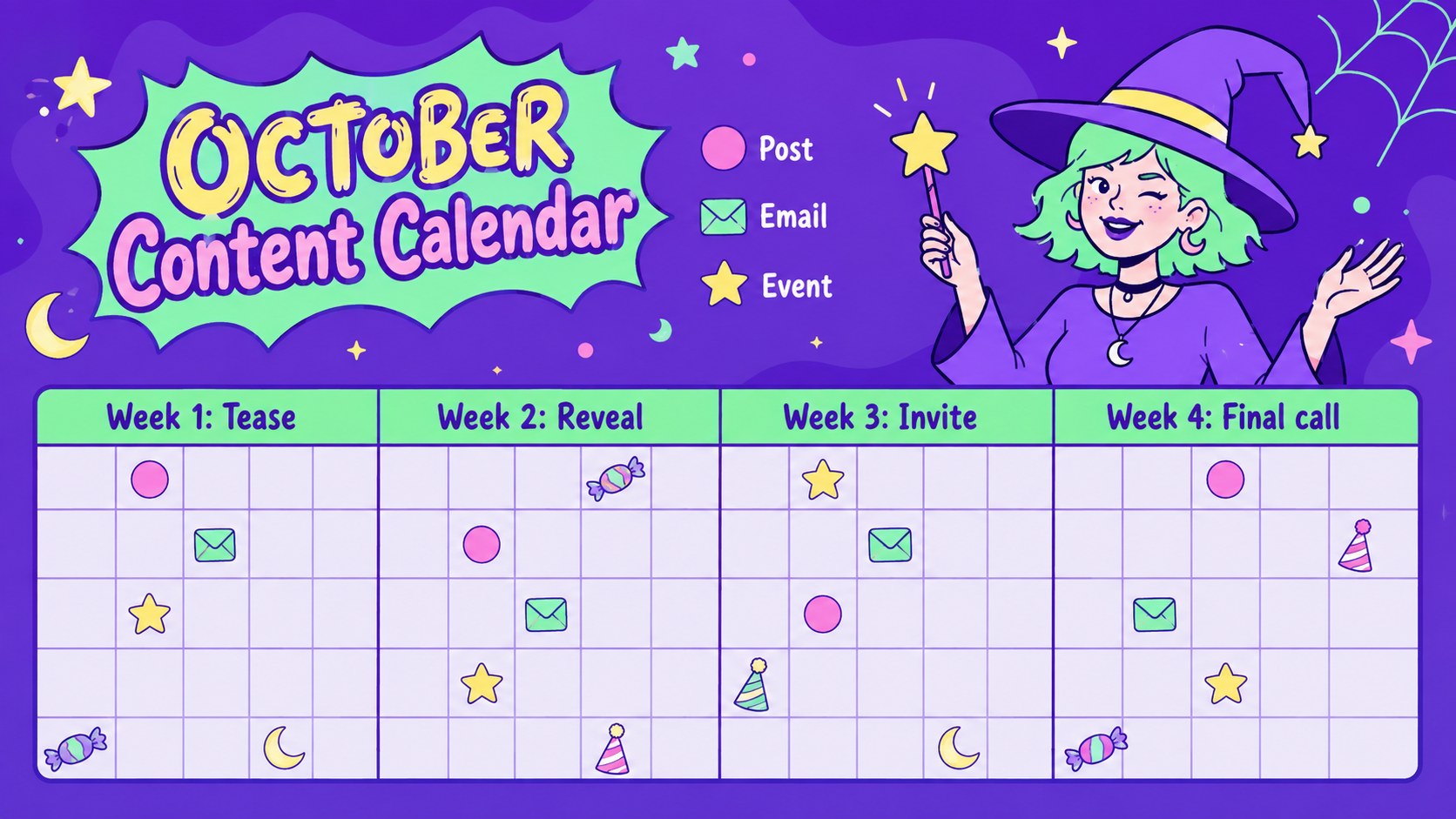
The deck includes layouts for campaign goals, audience profiles, key messages, product offers, channel plans, publishing schedules, budgets, timelines, and performance metrics. A pastel neon Halloween campaign slides collection like this makes it easy to keep creative concepts and practical details in one visual system. Adapt the included October promotional calendar slides for daily posts, email sends, school announcements, retail activities, or party reminders. Charts, tables, timelines, and image spaces can all be adjusted to fit your campaign.
Marketing teams can use the deck as a spooky season social media strategy template, while teachers, student groups, small businesses, event organizers, and community programs can tailor it for their own audiences. Every slide is editable in PowerPoint and Google Slides, including text, colors, shapes, and images. Whether you are promoting a family event or a seasonal product launch, the cheerful artwork and structured planning pages help your message stay clear, coordinated, and fun.
Perfect for: October retail campaign planning; Family Halloween event promotion; Seasonal social media calendar; School fundraiser advertising; Halloween product launch; Community party presentation.
Frequently asked questions
Can I edit every part of this presentation? Yes. You can change the text, colors, illustrations, charts, shapes, and image placeholders to match your campaign or organization.
Practical details
Yes. You can change the text, colors, illustrations, charts, shapes, and image placeholders to match your campaign or organization.
The template is designed for PowerPoint and Google Slides. Some fonts, transitions, or spacing may vary slightly between the two platforms, so review the final deck before presenting.
Yes. Replace the pastel-neon colors with your own brand palette while keeping the slide layouts and content structure intact.
The friendly illustrations and lighthearted spooky details work well for schools, families, and community events. You can remove or replace any decorative element to suit a specific age group.
Keep exploring
15Use this astrology audience insights deck to present zodiac-based segments, behaviors, and campaign findings in polished black-and-gold slides.
 14
14Plan a memorable Lunar New Year campaign with the 2036 Dragon Year Celebration Theme, featuring bold red-and-yellow slides for lessons and events.
 15
15Build eerie lessons, campaigns, and story pitches with an undead survival scenario theme featuring editable slides for PowerPoint and Google Slides.
 15
15Build a clear breast cancer awareness bulletin with bold pink-and-red slides for campaign news, screening reminders, impact data, and community updates.
 15
15Shape your publishing concept with an indie magazine startup pitch deck featuring pastel gradients, bold collage layouts, and editable planning slides.
 15
15Build a bold retro-futurist campaign pitch deck for client meetings, with editable strategy layouts and playful pastel Y2K-inspired visuals.
 16
16Build a consistent presence with a social channel identity playbook covering voice, visuals, content formats, publishing rules, and approvals.
 15
15Celebrate online learners with webinar completion certificate slides, featuring editable violet artwork for university events in PowerPoint and Google Slides.