
 15
15presentation
Astrology Audience Insights Deck
Use this astrology audience insights deck to present zodiac-based segments, behaviors, and campaign findings in polished black-and-gold slides.
Google SlidesPowerPoint
presentation · English
Plan sponsored coverage with a sponsored news campaign briefing deck designed for pitches, performance reports, editorial updates, and stakeholder reviews.

Design notes
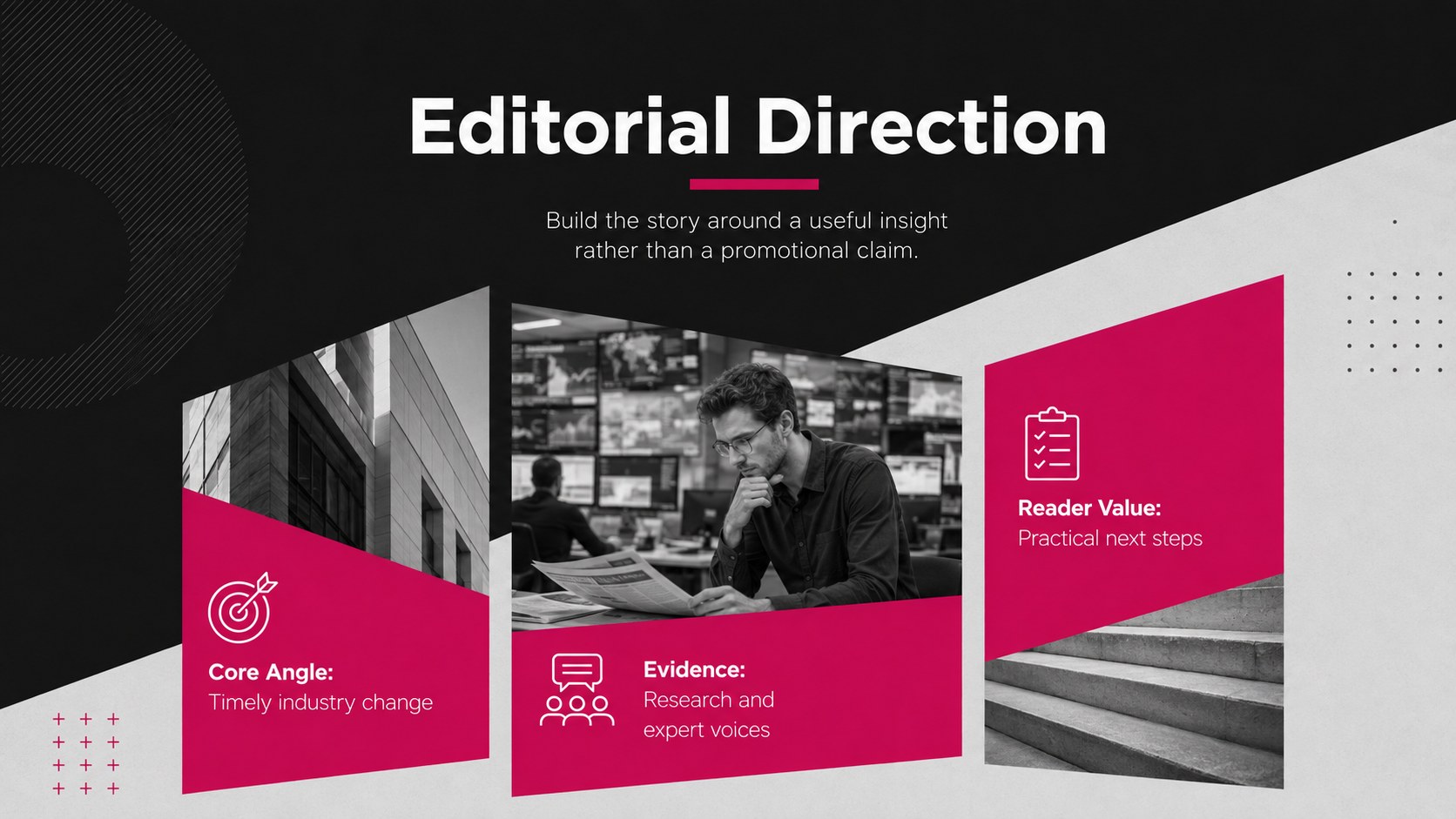
Build a persuasive media narrative with the Sponsored News Campaign Briefing Deck, a modern presentation for planning, pitching, and reviewing sponsored editorial coverage. Its black, grey, and vivid pink palette creates a confident newsroom atmosphere, while bold typography and photo-led layouts keep every message focused.
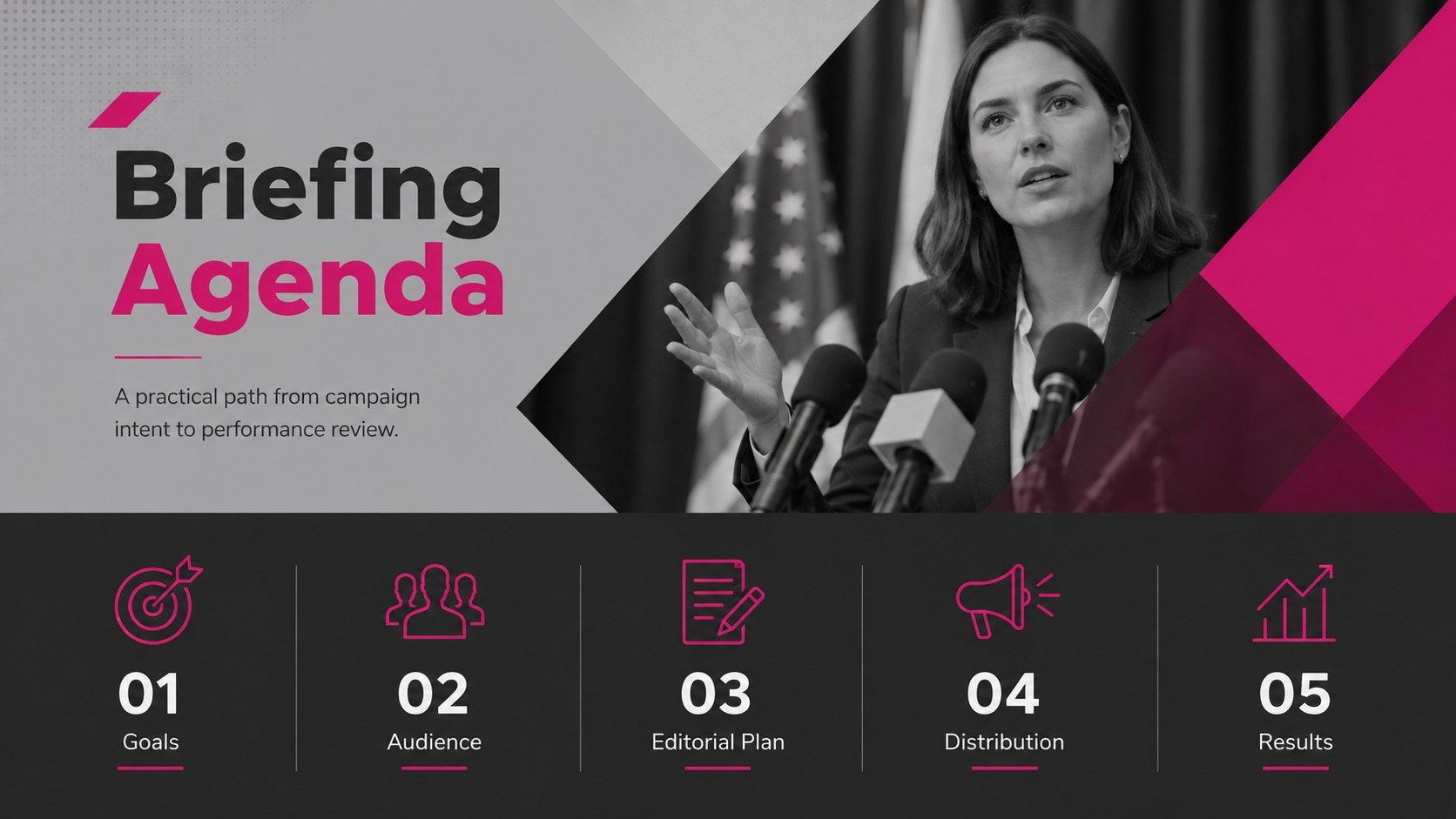
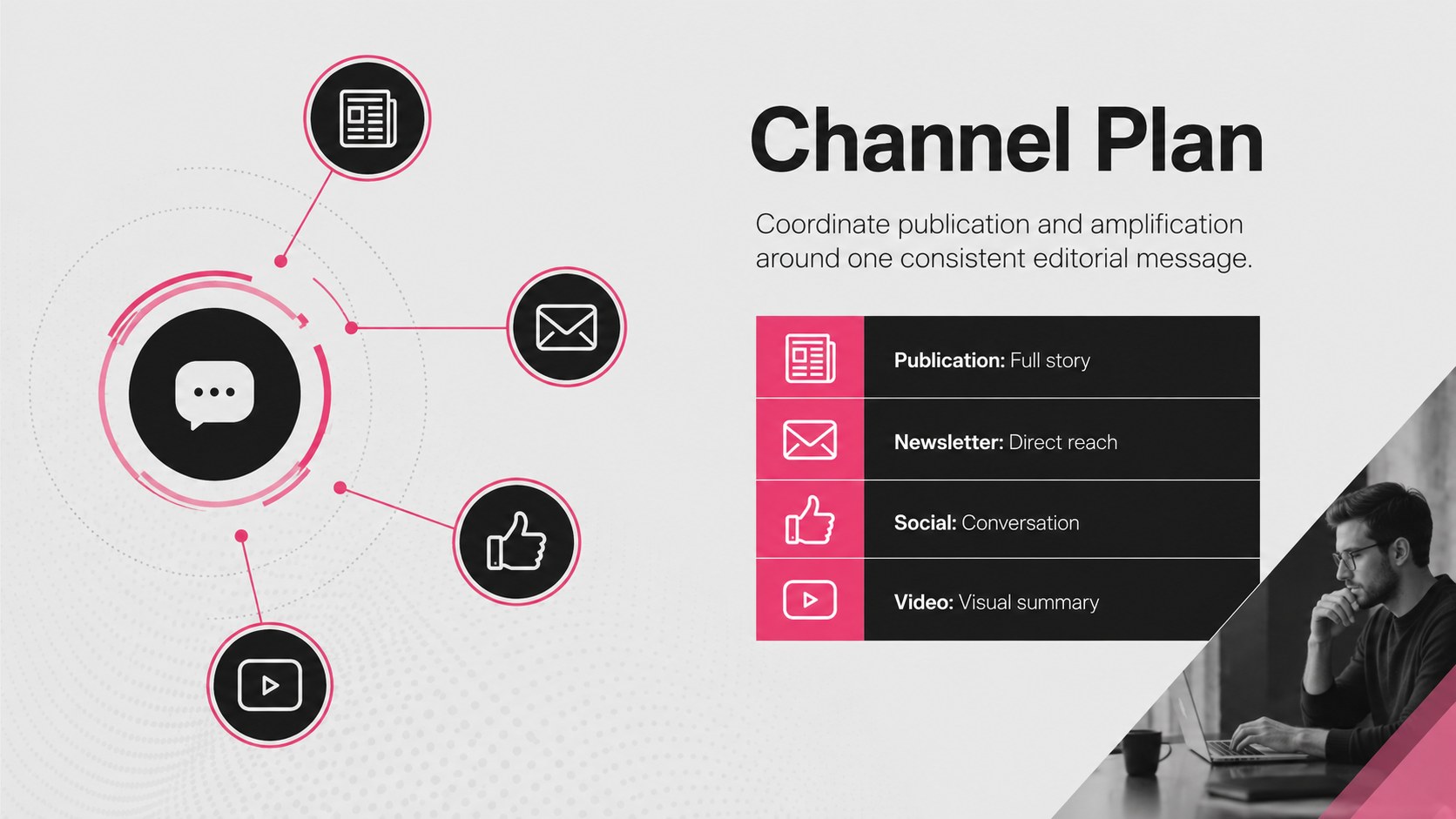
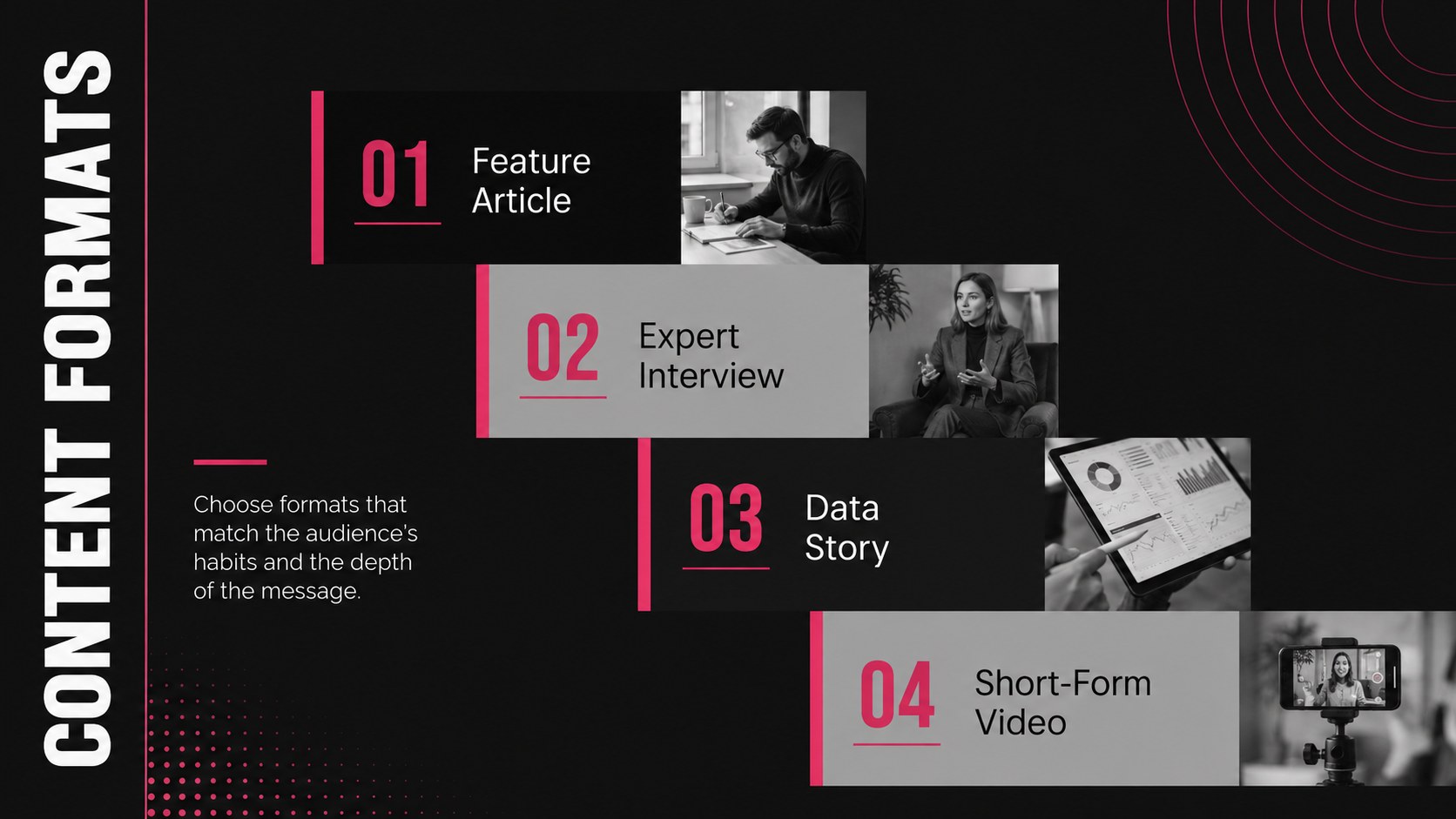
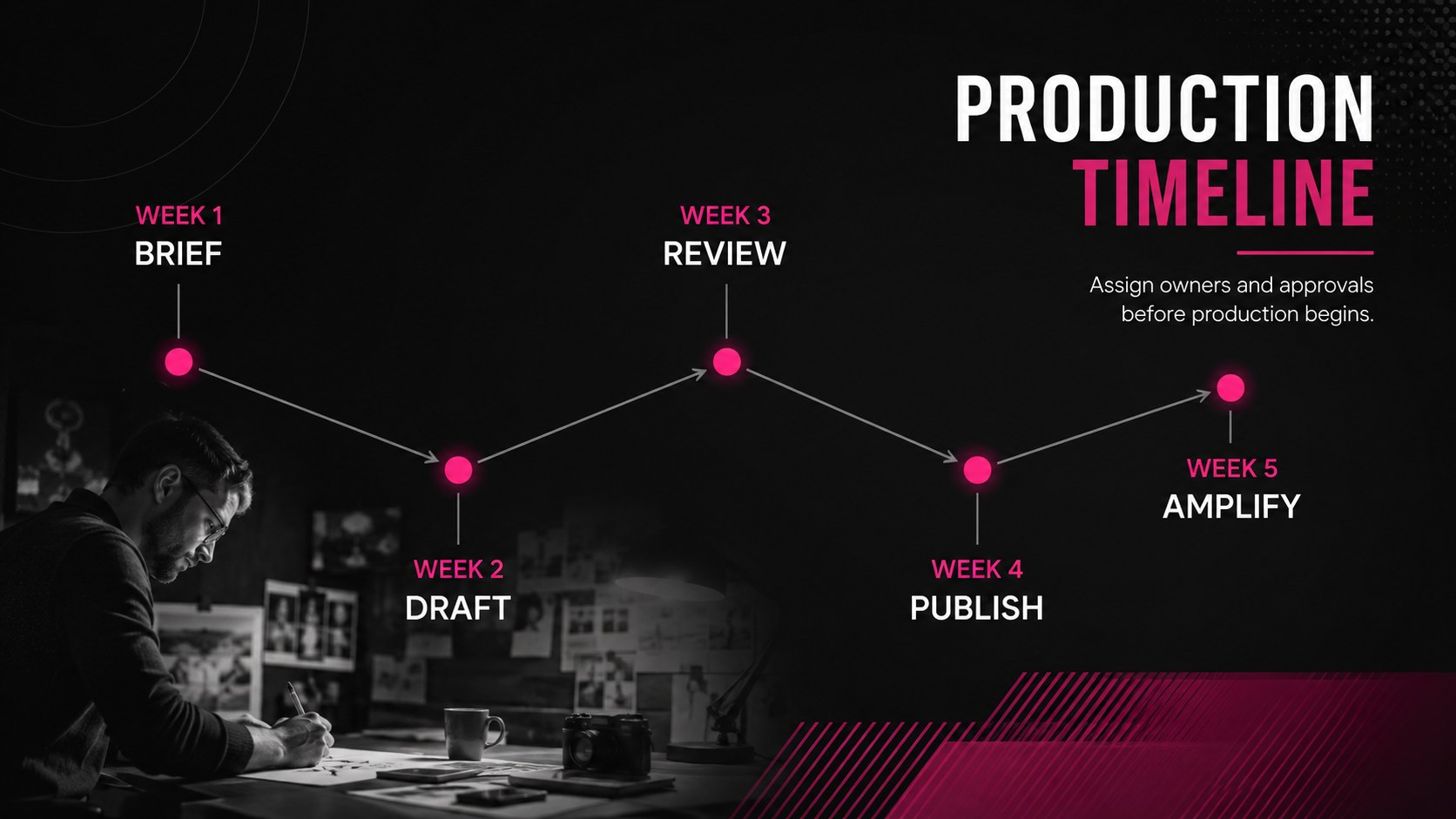
The deck includes adaptable formats for campaign objectives, audience profiles, editorial themes, content examples, channel plans, schedules, budgets, and performance metrics. Use it as a sponsored content presentation template for an upcoming partnership, an editorial sponsorship pitch deck for client approval, or a reporting framework after publication. Charts, image frames, timelines, and comparison layouts help transform complex information into a concise story without crowding the screen.
Designed for media teams, marketing agencies, publishers, communications departments, and brand partnership managers, these paid media news campaign slides work in both PowerPoint and Google Slides. Replace the sample wording, import campaign photography, adjust the pink accent color, and update charts with your own figures. The widescreen 16:9 format suits live meetings, remote reviews, proposal delivery, and exported PDF reports.
Perfect for: sponsored article proposal; publisher partnership pitch; campaign performance review; editorial planning meeting; client media briefing.
Frequently asked questions
Can I edit this briefing deck in PowerPoint and Google Slides? Yes. Every slide can be edited in PowerPoint or Google Slides, including text, colors, photographs, charts, and layout elements. Check font availability after opening the file and substitute a similar typeface when necessary.
Practical details
Yes. Every slide can be edited in PowerPoint or Google Slides, including text, colors, photographs, charts, and layout elements. Check font availability after opening the file and substitute a similar typeface when necessary.
Start by replacing the campaign goals, audience details, publication schedule, and performance figures. Add approved editorial photography and apply your organization’s accent colors while retaining strong contrast between the dark background and key information.
Yes. The slide set includes structures for objectives, channel planning, timelines, budgets, KPIs, and results. Duplicate or remove layouts to create either a concise proposal or a more detailed post-campaign report.
Use high-resolution landscape photographs with a clear subject and sufficient negative space for nearby text. Images should be licensed for your intended use and compressed before insertion if the presentation file becomes too large.
Keep exploring
15Use this astrology audience insights deck to present zodiac-based segments, behaviors, and campaign findings in polished black-and-gold slides.
 14
14Plan a memorable Lunar New Year campaign with the 2036 Dragon Year Celebration Theme, featuring bold red-and-yellow slides for lessons and events.
 15
15Build eerie lessons, campaigns, and story pitches with an undead survival scenario theme featuring editable slides for PowerPoint and Google Slides.
 15
15Build a clear breast cancer awareness bulletin with bold pink-and-red slides for campaign news, screening reminders, impact data, and community updates.
 15
15Shape your publishing concept with an indie magazine startup pitch deck featuring pastel gradients, bold collage layouts, and editable planning slides.
 15
15Build a bold retro-futurist campaign pitch deck for client meetings, with editable strategy layouts and playful pastel Y2K-inspired visuals.
 16
16Build a consistent presence with a social channel identity playbook covering voice, visuals, content formats, publishing rules, and approvals.
 15
15Celebrate online learners with webinar completion certificate slides, featuring editable violet artwork for university events in PowerPoint and Google Slides.