
 15
15presentation
UFO Day Alien Encounter Deck
Build a bold cosmic story with this UFO Day alien encounter deck, featuring surreal green-and-black layouts for PowerPoint and Google Slides events.
Google SlidesPowerPoint
presentation · English
Build a clear first-week experience with a software team onboarding presentation featuring colorful slides for PowerPoint and Google Slides.

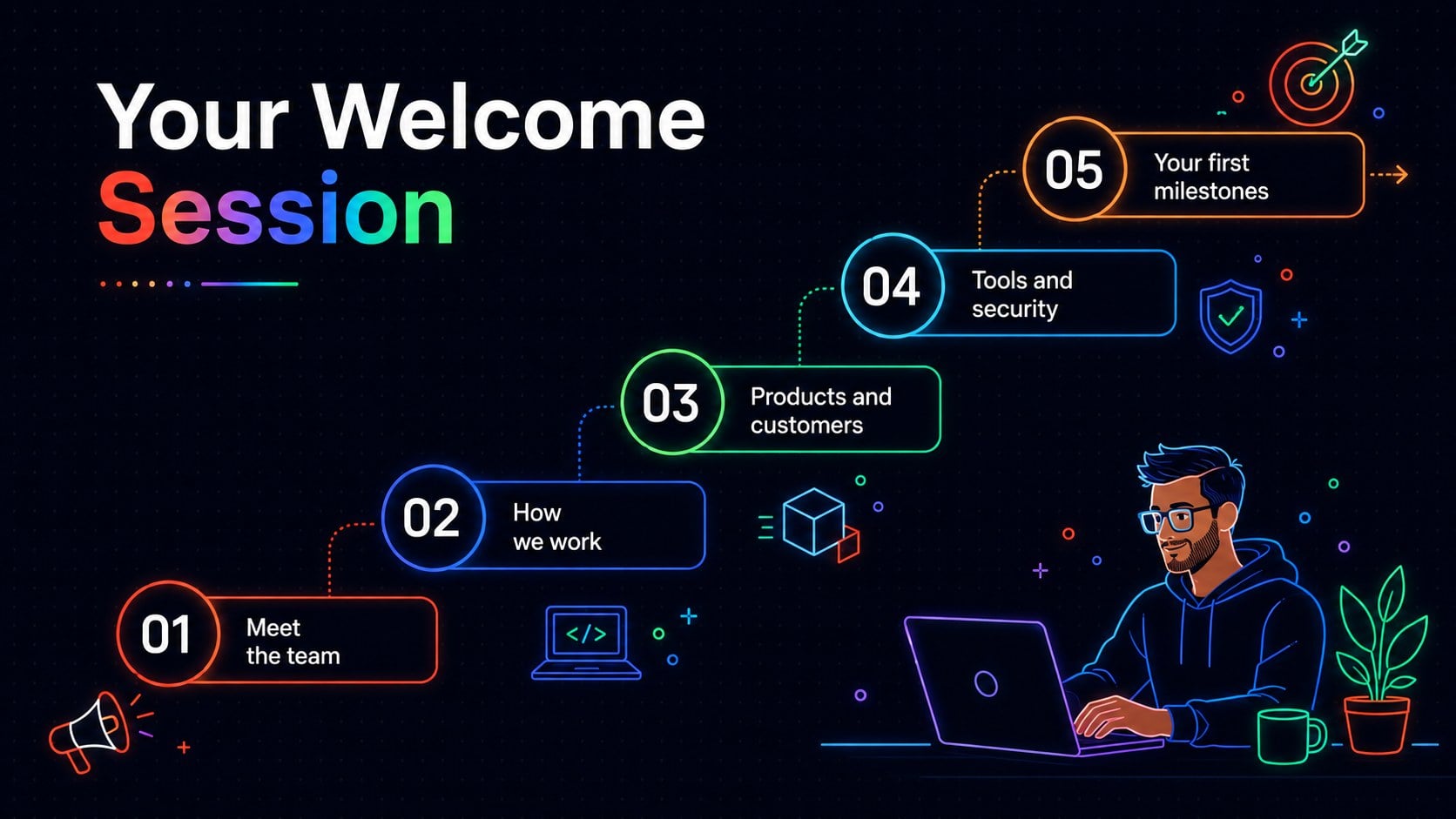

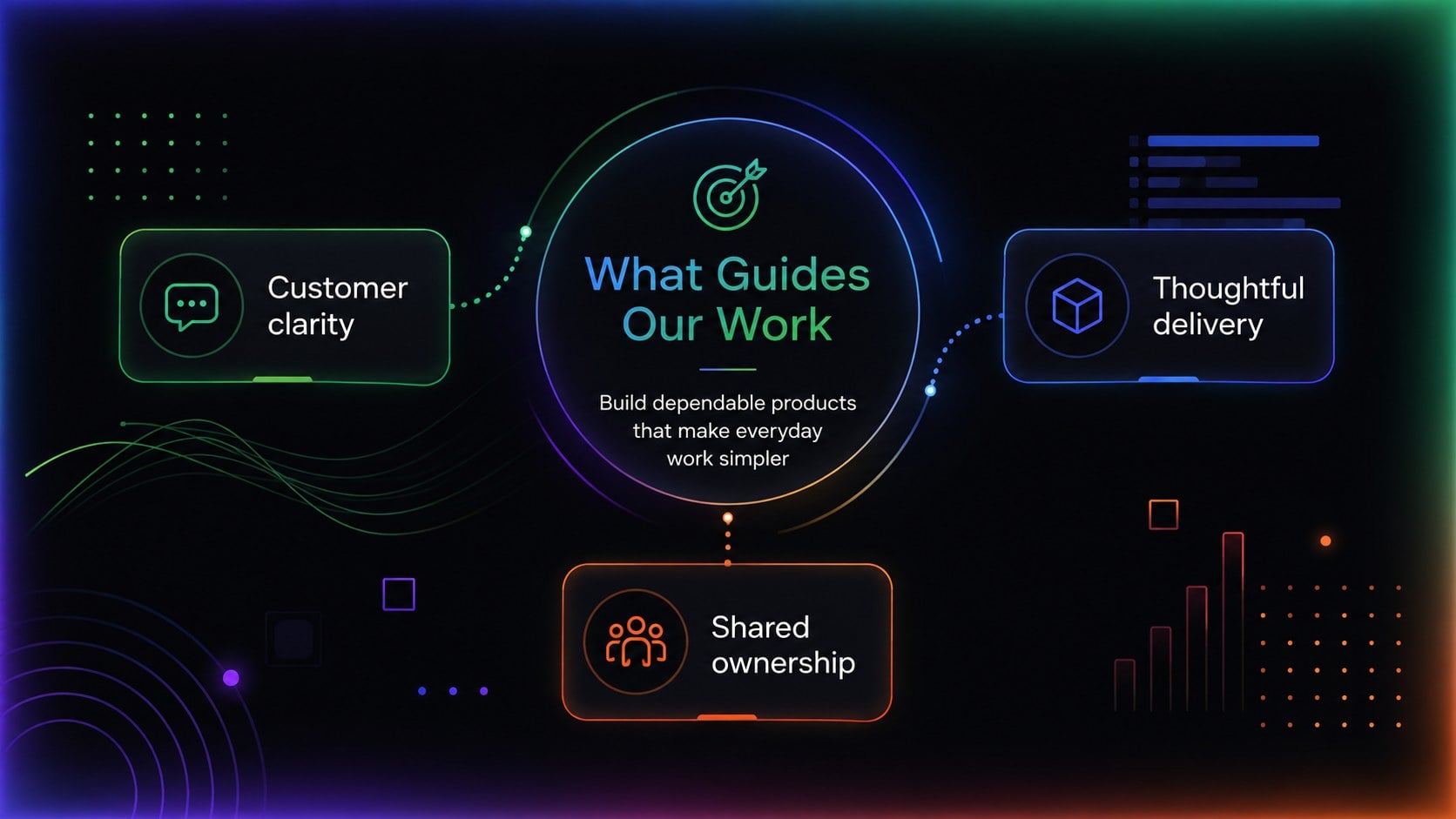
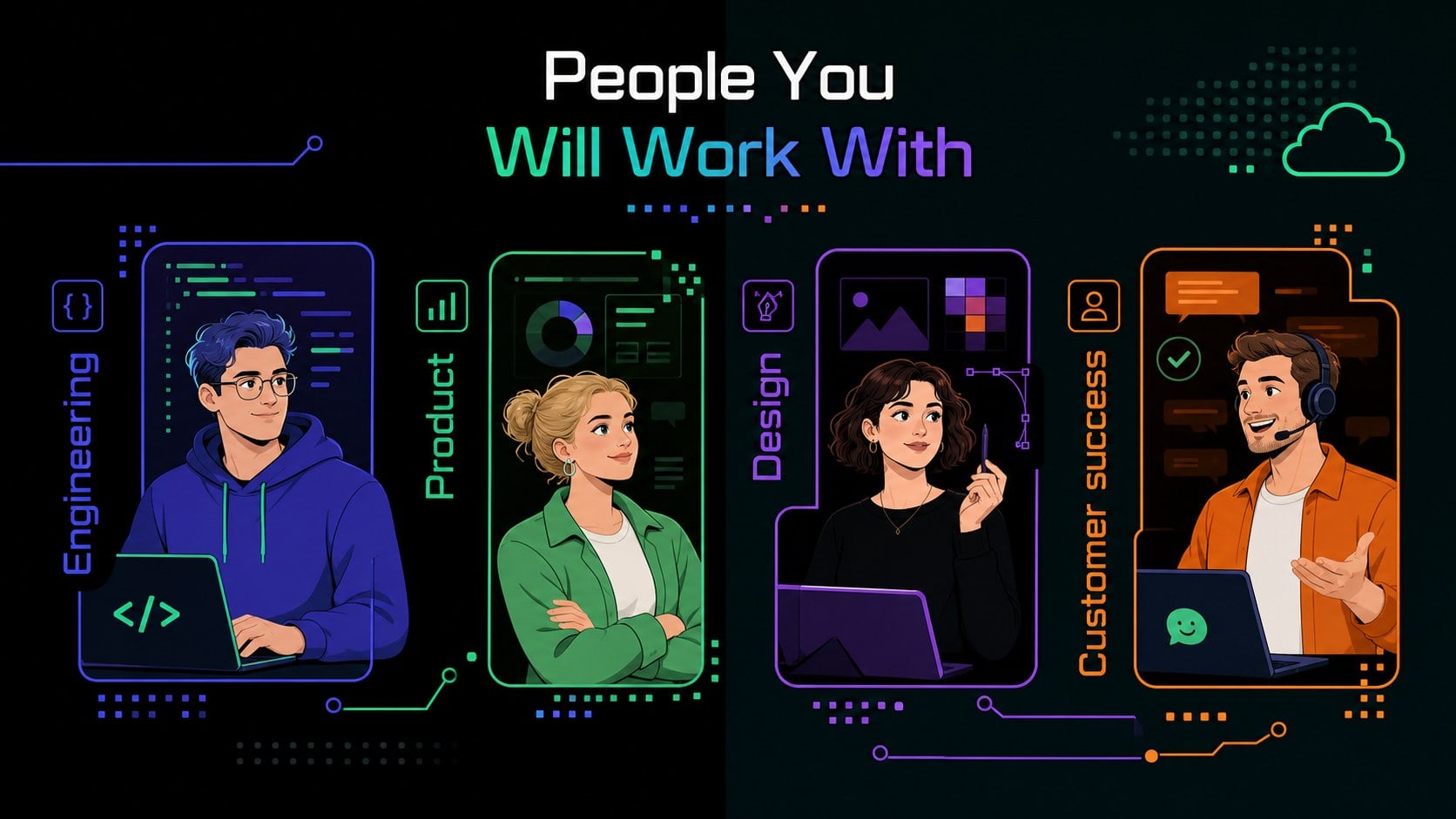

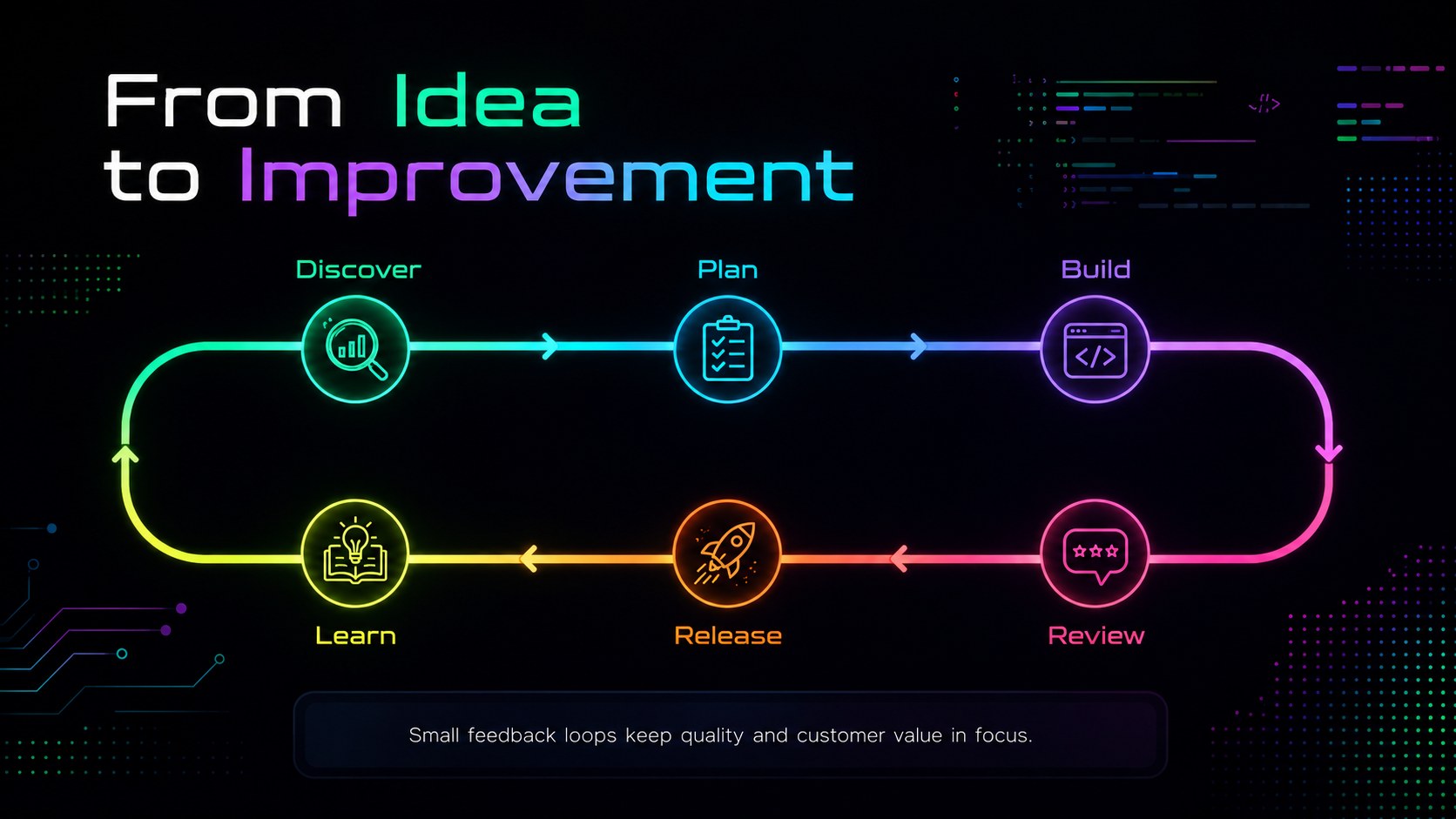
Design notes
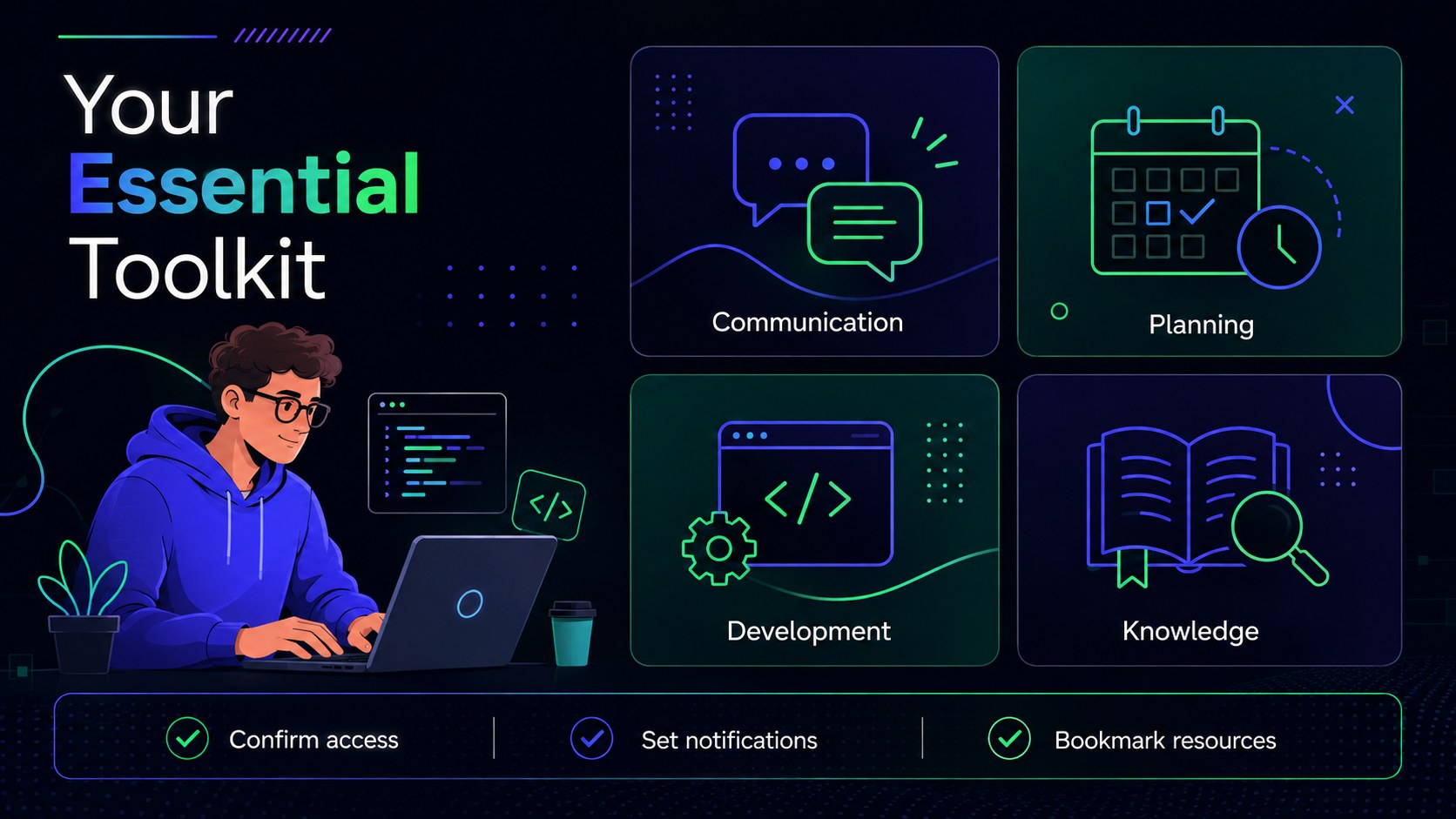
Help every new employee understand how your organization builds, communicates, and succeeds with a software team onboarding presentation designed for a confident first week. Modern layouts, energetic neon accents, and a bold black background make important information easy to follow without losing the creative character of a technology workplace.
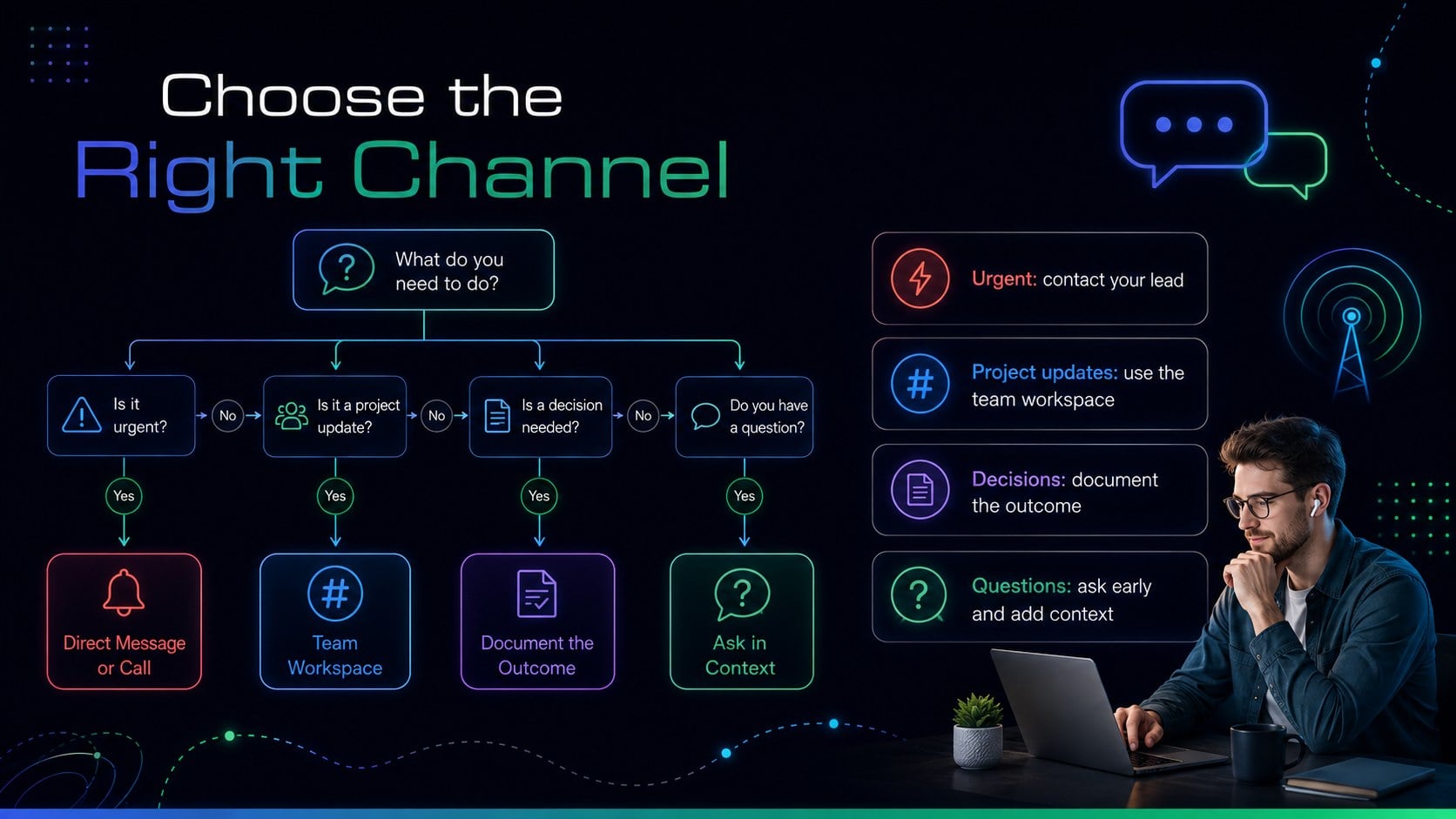
The 15-slide deck covers the welcome message, onboarding agenda, company mission, team introductions, product ecosystem, development workflow, essential tools, communication channels, security practices, first-week schedule, 30-60-90 day goals, support contacts, and next steps. Adapt the software developer onboarding slides with your own screenshots, policies, timelines, role details, and team photography. Charts, process diagrams, checklists, and milestone layouts provide flexible ways to explain both technical and cultural topics.
This engineering new hire orientation template is suited to SaaS companies, software studios, IT departments, distributed product teams, and growing startups. Managers can use it for live orientation sessions, while people operations teams can share it as a remote tech employee onboarding deck. Every slide is editable in PowerPoint and Google Slides, making it straightforward to update colors, type, graphics, and content for different roles or departments.
Perfect for: new developer orientation; remote engineer welcome session; startup first-week onboarding; IT department induction; software team culture briefing.
Frequently asked questions
Can I edit this presentation in PowerPoint and Google Slides? Yes. All text, colors, shapes, diagrams, and image areas can be edited in PowerPoint or Google Slides. Some fonts or transition effects may vary slightly between platforms.
Practical details
Yes. All text, colors, shapes, diagrams, and image areas can be edited in PowerPoint or Google Slides. Some fonts or transition effects may vary slightly between platforms.
Replace the example workflows, tools, goals, and contacts with details relevant to engineering, product, quality assurance, data, or IT roles. Duplicate role-specific slides when several departments attend the same session.
Yes. Add meeting links, communication guidelines, time-zone details, and virtual support contacts to the provided layouts. The deck can be presented live or shared as a self-guided orientation resource.
Yes. Dedicated layouts cover account security, working practices, communication expectations, and support resources. Replace the sample points with policies approved by your organization.
Keep exploring
15Build a bold cosmic story with this UFO Day alien encounter deck, featuring surreal green-and-black layouts for PowerPoint and Google Slides events.
 16
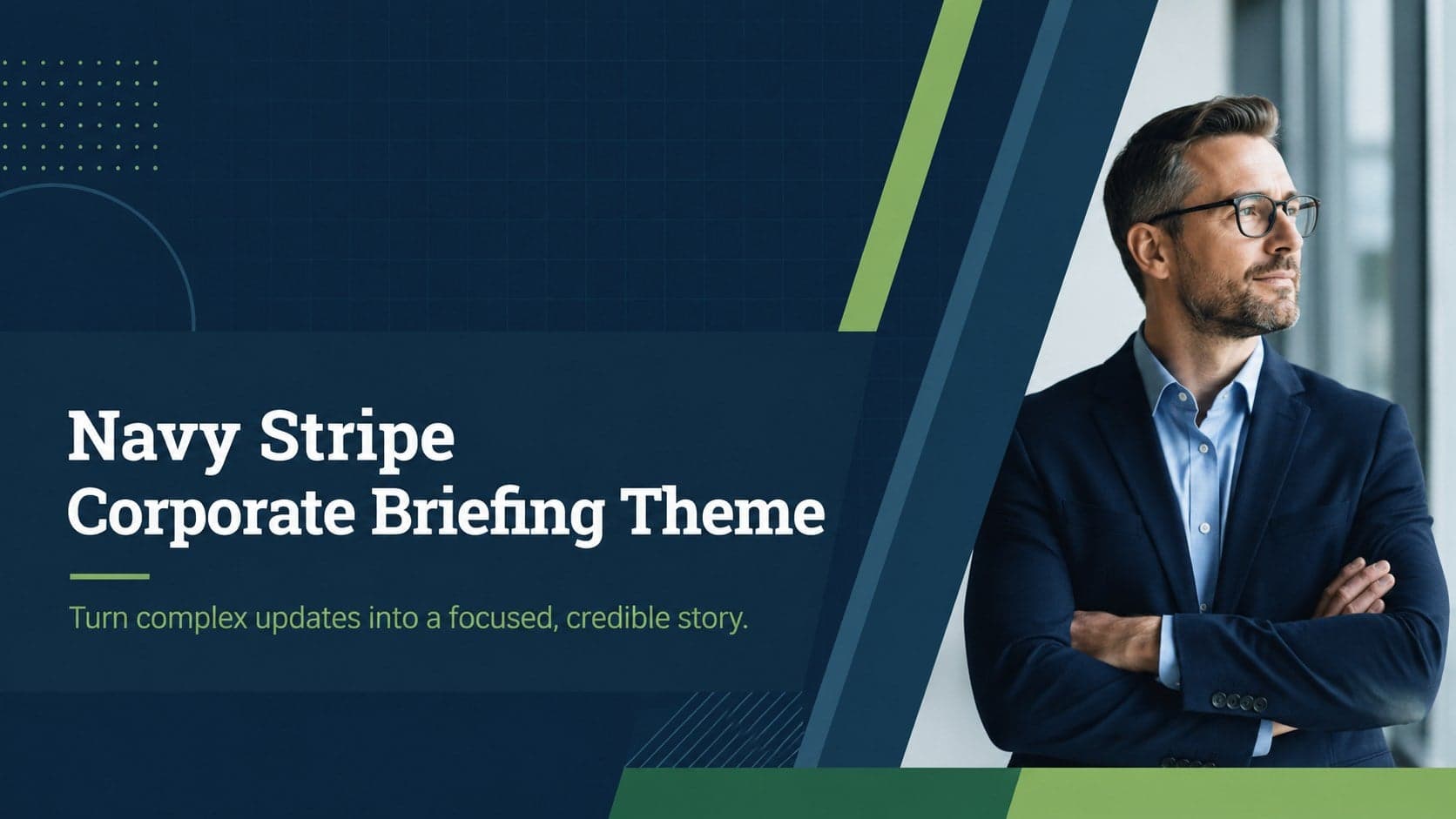
16Use the Navy Stripe Corporate Briefing Theme to present plans, results, and proposals with credible blue-green layouts for PowerPoint and Google Slides.
 5
5Turn customer research into clear decisions with product experience mapping slides in a dark navy and green style for PowerPoint and Google Slides.
 16
16Win stakeholder approval with website launch proposal slides that organize strategy, UX, rollout, and results in editable PowerPoint and Google Slides formats.
 15
15Build clearer campaign plans with an AI marketing strategy deck featuring neon blue-green visuals, editable workflows, data slides, and practical examples.
 15
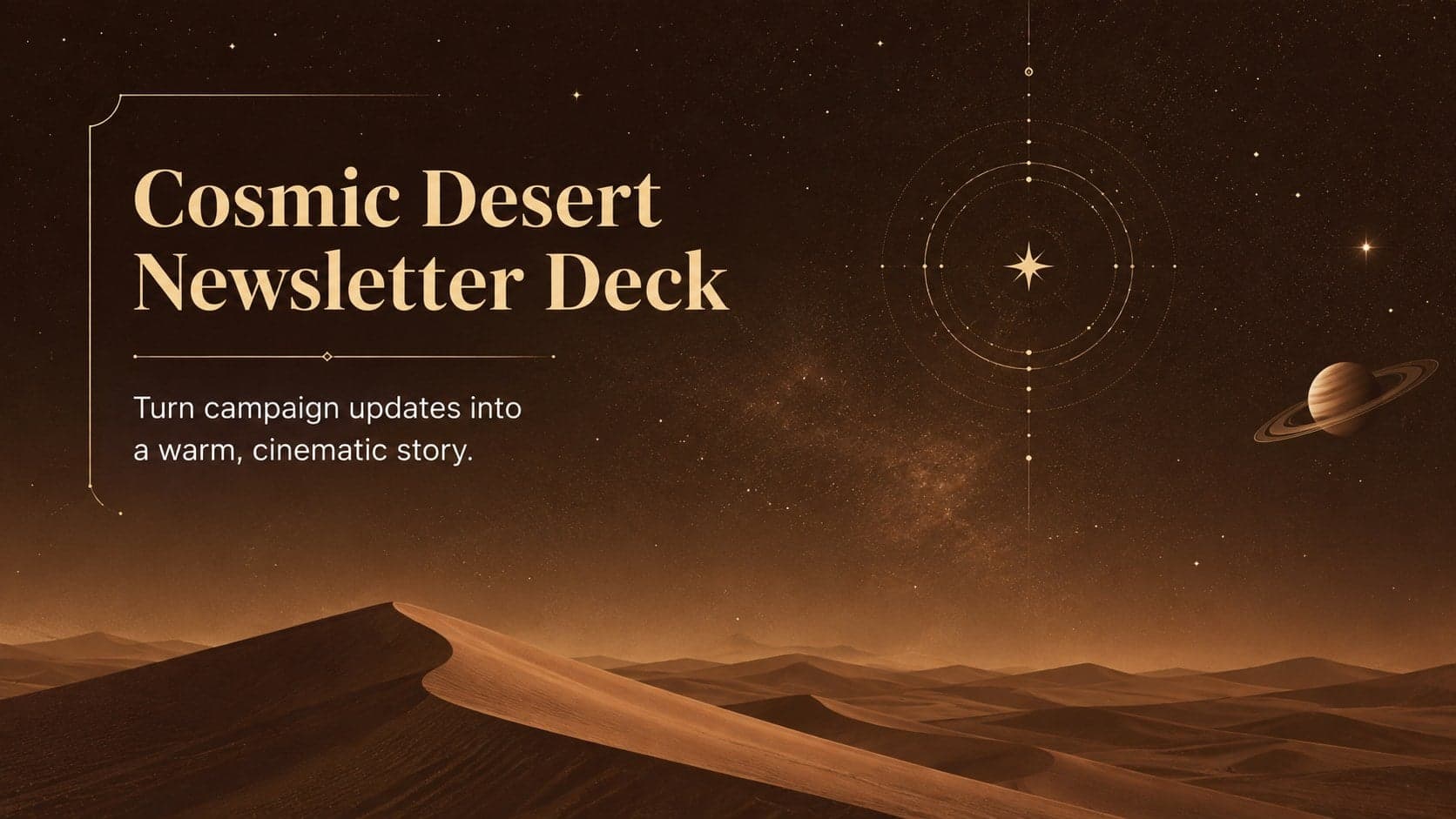
15Build memorable campaign updates with a Cosmic Desert Newsletter Deck, featuring warm beige-brown slides for PowerPoint and Google Slides teams.
 15
15Lead productive urban-tech meetings with a smart city business briefing deck in vivid violet and pink, ready to edit in PowerPoint or Google Slides.
 16
16Build a lively sales story with the Interactive Tech Product Showcase, using colorful illustrated layouts made for PowerPoint and Google Slides.