
 15
15presentation
UFO Day Alien Encounter Deck
Build a bold cosmic story with this UFO Day alien encounter deck, featuring surreal green-and-black layouts for PowerPoint and Google Slides events.
Google SlidesPowerPoint
presentation · English
Build a clear software architecture mapping board for lessons, planning, and technical reviews. Edit blue diagrams in PowerPoint or Google Slides for free.
Design notes
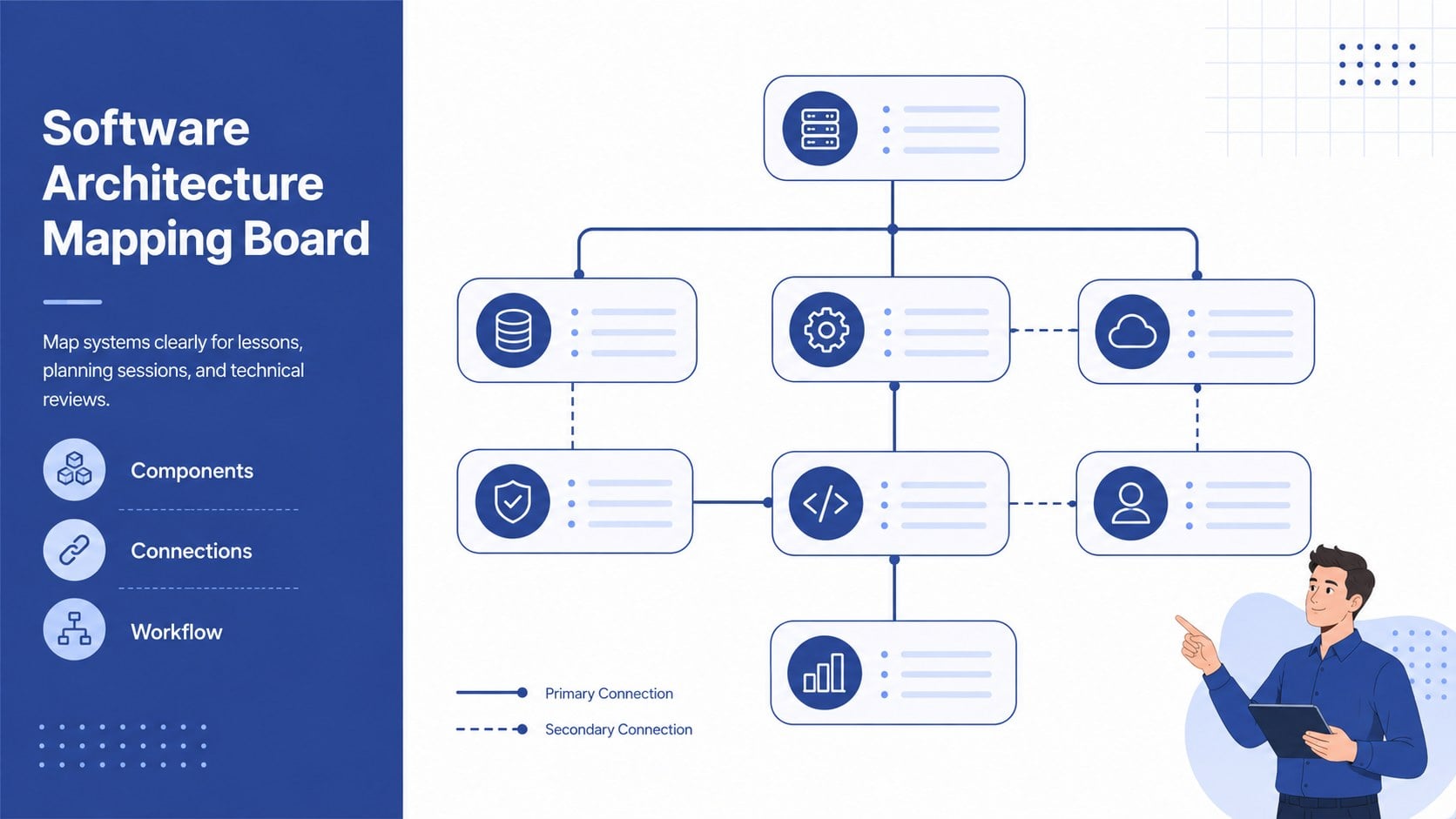
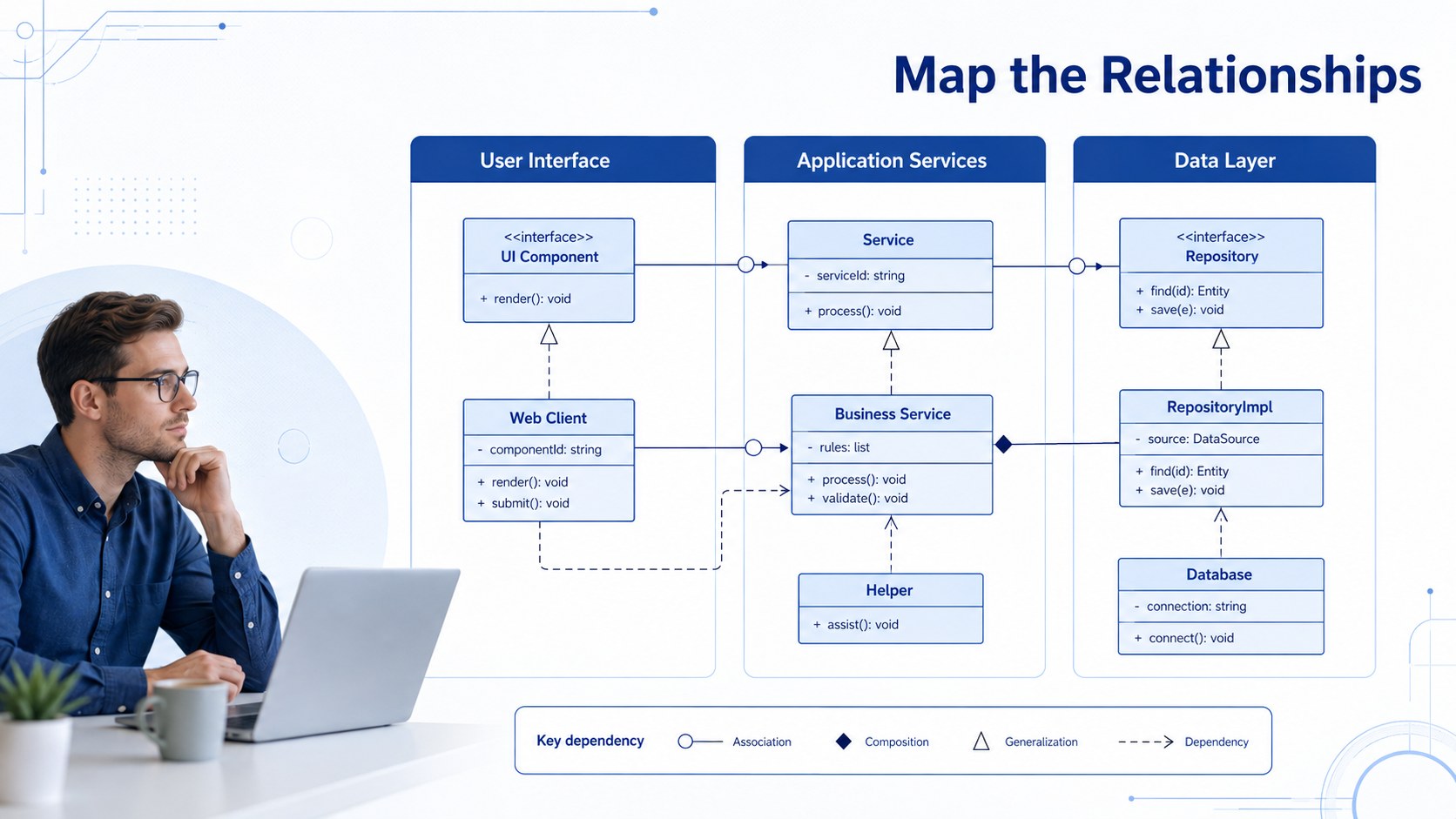
Software architecture mapping board for turning complex systems into clear, easy-to-follow diagrams. Its restrained blue palette, whiteboard-inspired structure, and clean geometric elements help audiences understand how components connect without visual clutter. Use it to explain software relationships, document processes, or frame technical discussions with a consistent professional look.
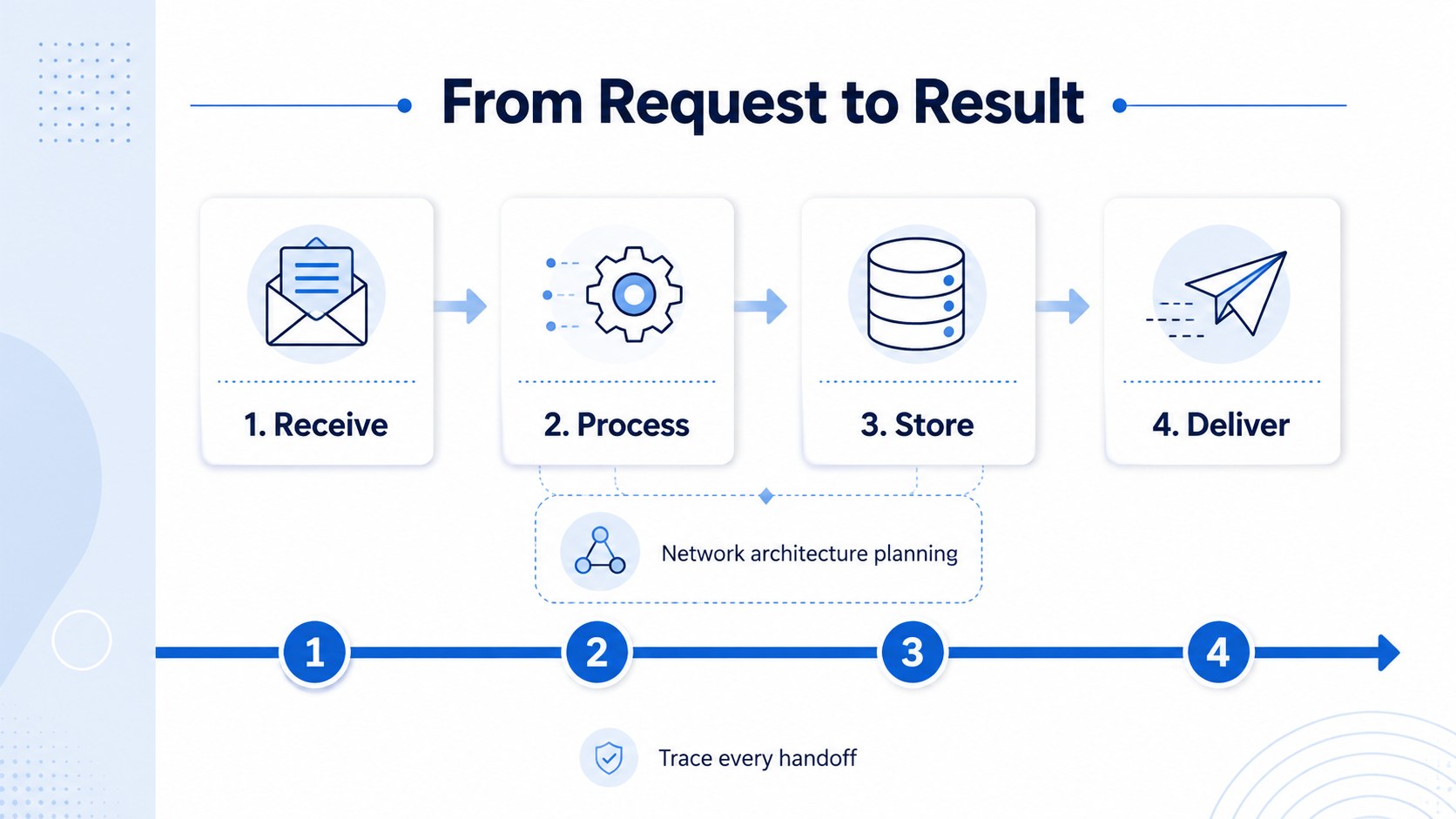
Inside, you’ll find three editable 16:9 slides with flexible spaces for headings, connectors, labels, and system components. The layouts work well for UML relationship diagram slides, architecture overviews, process maps, and team-role diagrams. Adjust colors, typography, shapes, and line paths to match your project, then add transitions when you want to reveal a system step by step.
This deck suits software developers, teachers, project managers, business analysts, and technology consultants. It can support an IT system design presentation, classroom instruction, sprint planning session, or stakeholder review. Download and customize the files in PowerPoint or Google Slides, then share the finished presentation with colleagues, students, or clients.
Perfect for: software architecture review; technical classroom lesson; network planning workshop; project team role mapping; stakeholder systems briefing.
Frequently asked questions
Can I edit this deck in PowerPoint? Yes. The presentation is designed for PowerPoint editing, including text, shapes, connectors, colors, and layout elements. Open the downloaded PPTX file and modify each slide to fit your system.
Practical details
Yes. The presentation is designed for PowerPoint editing, including text, shapes, connectors, colors, and layout elements. Open the downloaded PPTX file and modify each slide to fit your system.
Yes. Upload the PowerPoint file to Google Drive and open it with Google Slides. Review fonts and connector positions after conversion, then make any small alignment adjustments inside the editor.
Yes. Replace the sample labels with databases, APIs, services, teams, workflows, or other components. The blue diagram style is flexible enough for architecture reviews, process documentation, and teaching materials.
The template includes three 16:9 slides: a title board, a relationship-mapping layout, and a structured architecture overview. Each slide can be duplicated or rearranged to build a longer presentation.
Keep exploring
15Build a bold cosmic story with this UFO Day alien encounter deck, featuring surreal green-and-black layouts for PowerPoint and Google Slides events.
 16
16Use the Navy Stripe Corporate Briefing Theme to present plans, results, and proposals with credible blue-green layouts for PowerPoint and Google Slides.
 5
5Turn customer research into clear decisions with product experience mapping slides in a dark navy and green style for PowerPoint and Google Slides.
 16
16Win stakeholder approval with website launch proposal slides that organize strategy, UX, rollout, and results in editable PowerPoint and Google Slides formats.
 15
15Build clearer campaign plans with an AI marketing strategy deck featuring neon blue-green visuals, editable workflows, data slides, and practical examples.
 15
15Build memorable campaign updates with a Cosmic Desert Newsletter Deck, featuring warm beige-brown slides for PowerPoint and Google Slides teams.
 15
15Lead productive urban-tech meetings with a smart city business briefing deck in vivid violet and pink, ready to edit in PowerPoint or Google Slides.
 16
16Build a lively sales story with the Interactive Tech Product Showcase, using colorful illustrated layouts made for PowerPoint and Google Slides.