
 15
15presentation
Astrology Audience Insights Deck
Use this astrology audience insights deck to present zodiac-based segments, behaviors, and campaign findings in polished black-and-gold slides.
Google SlidesPowerPoint
presentation · English
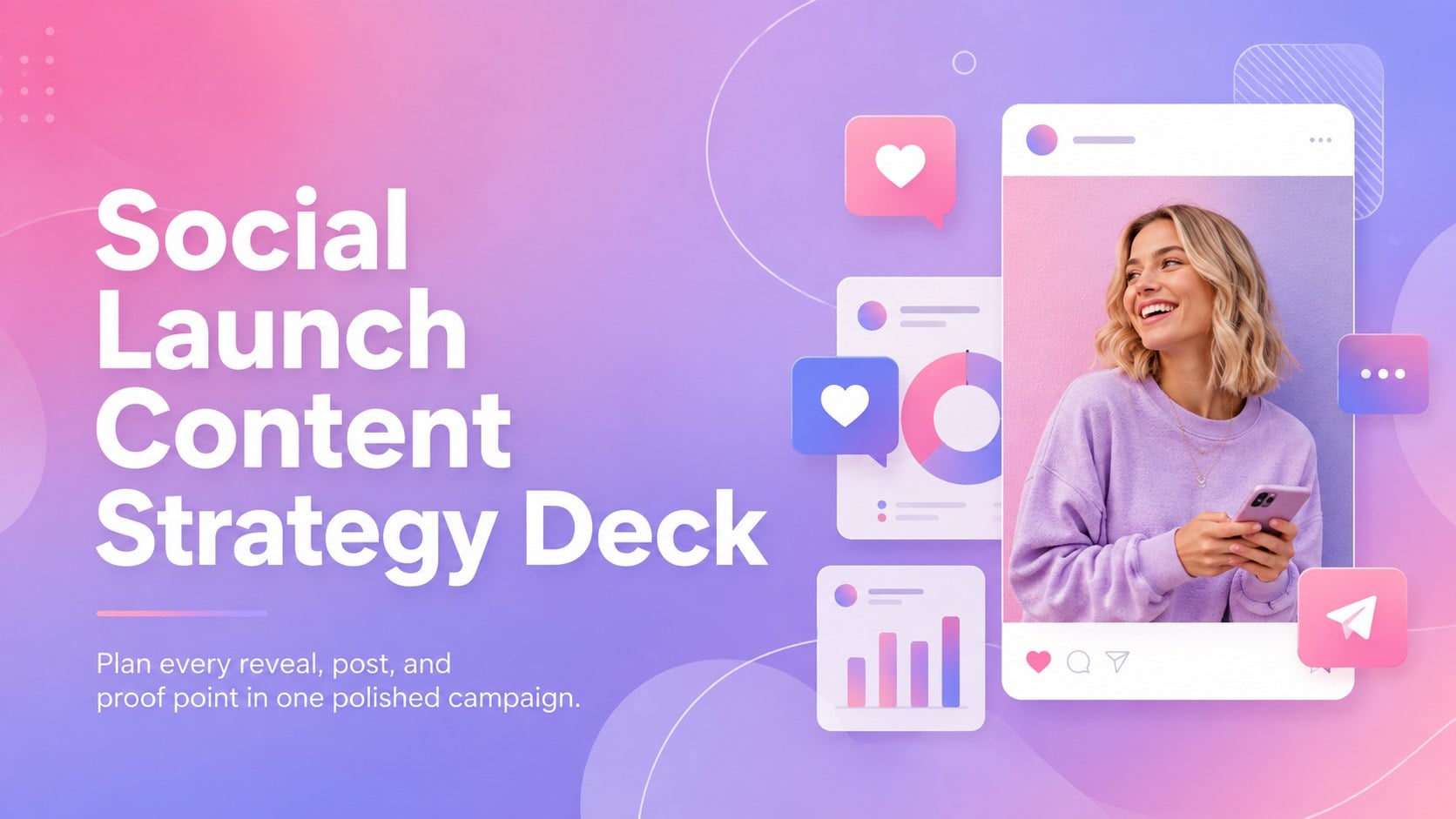
Build a coordinated rollout with this Social Launch Content Strategy Deck, featuring vivid pink-purple gradients for PowerPoint and Google Slides.
Design notes
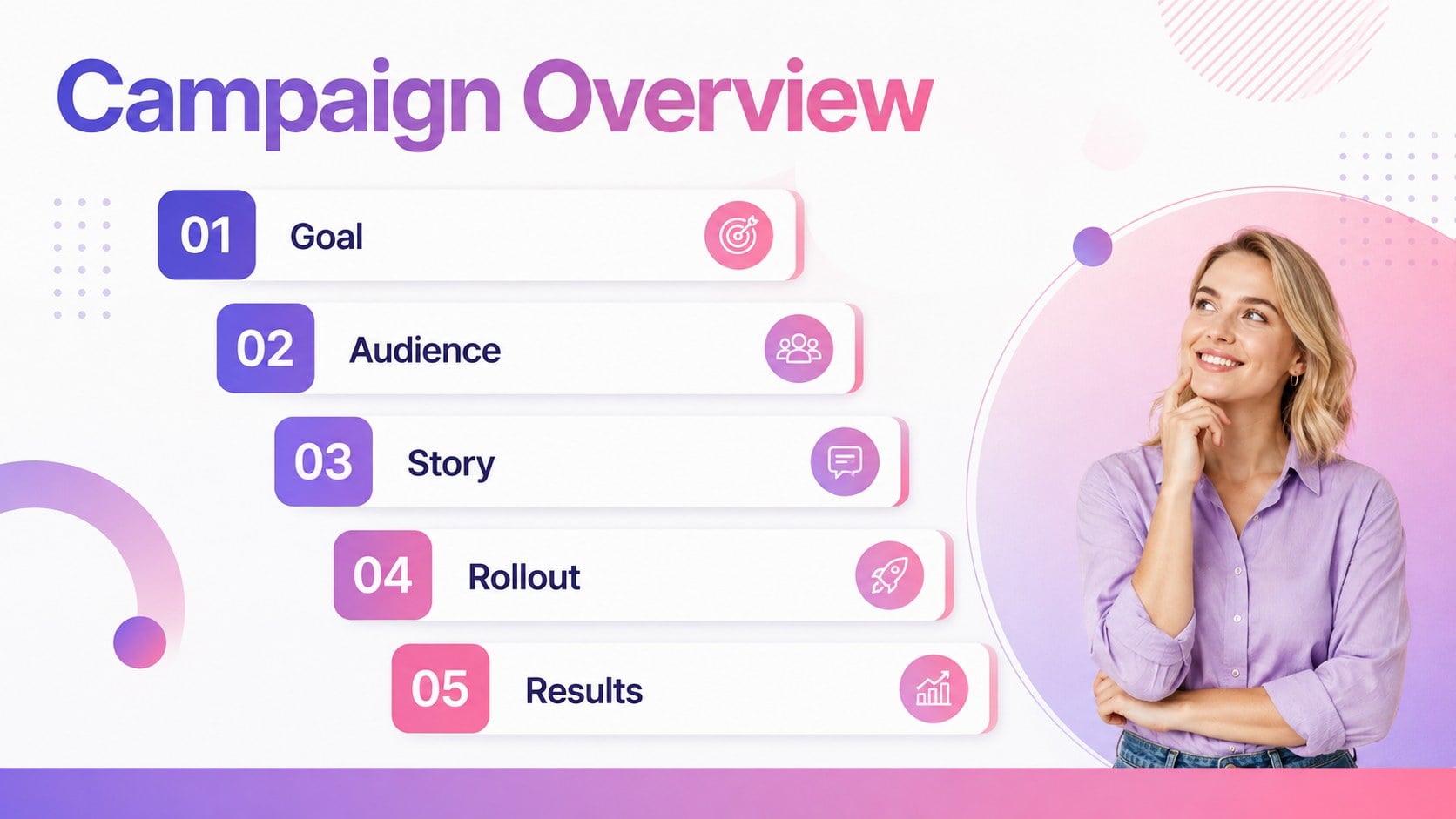
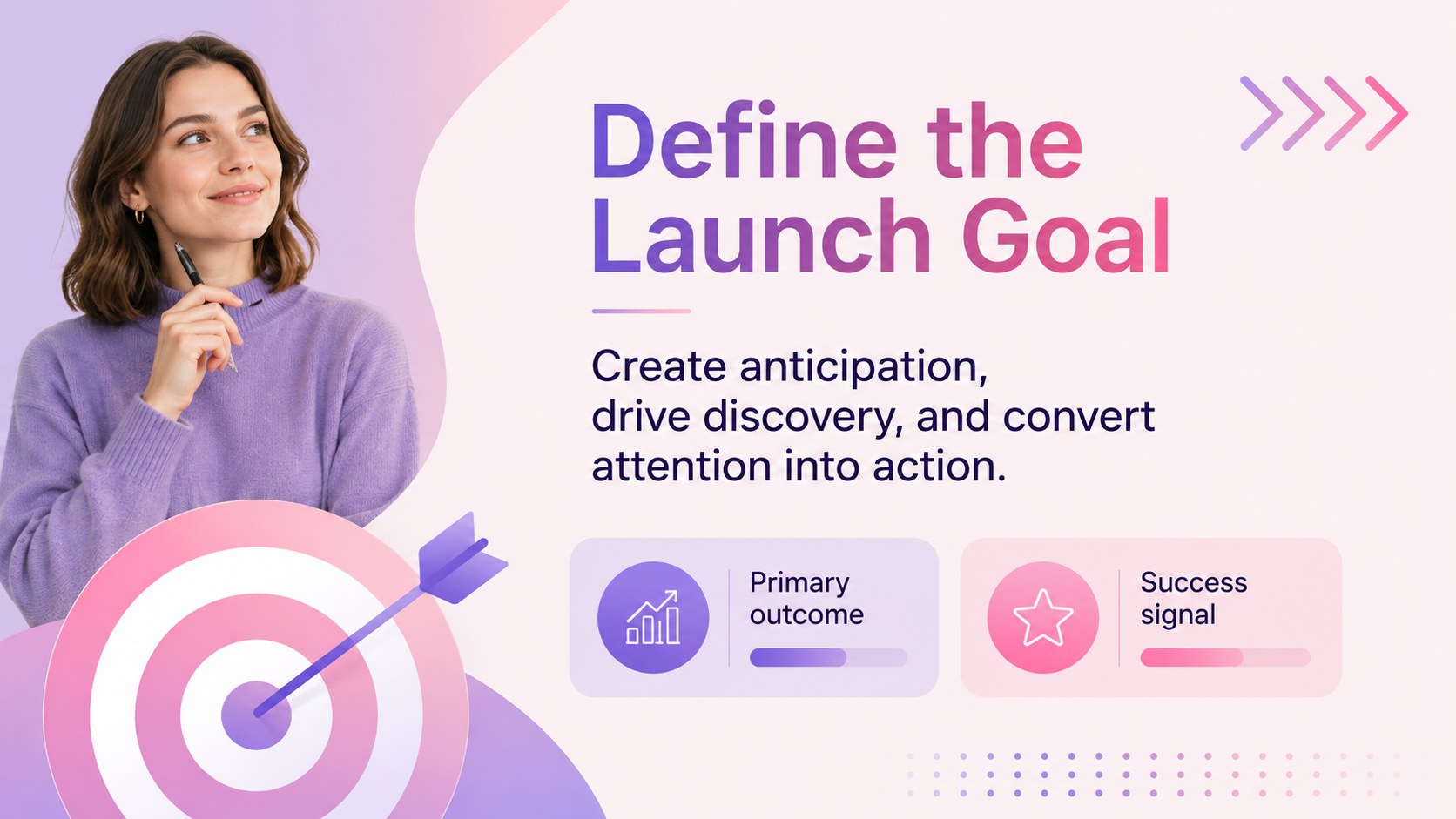
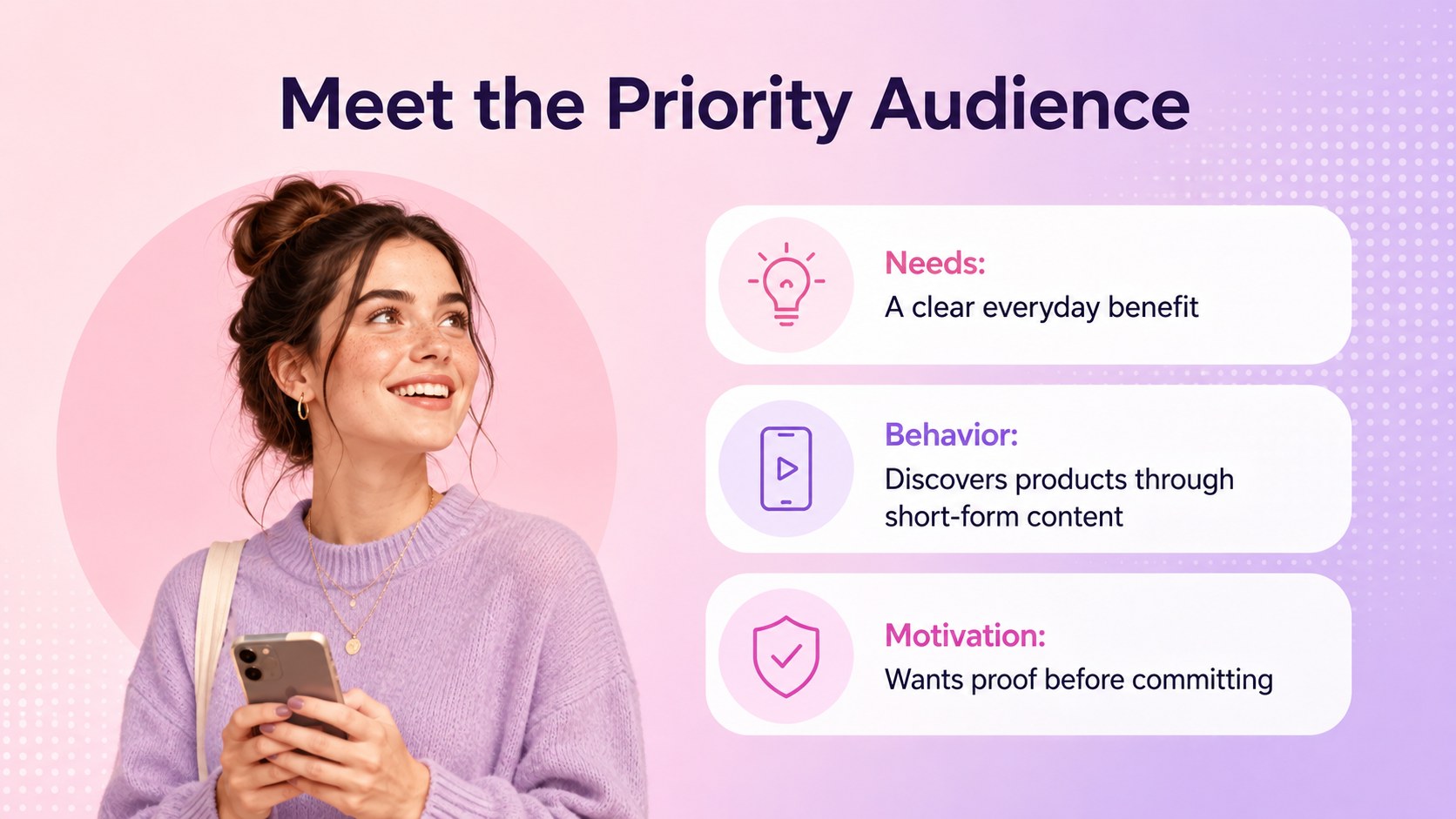
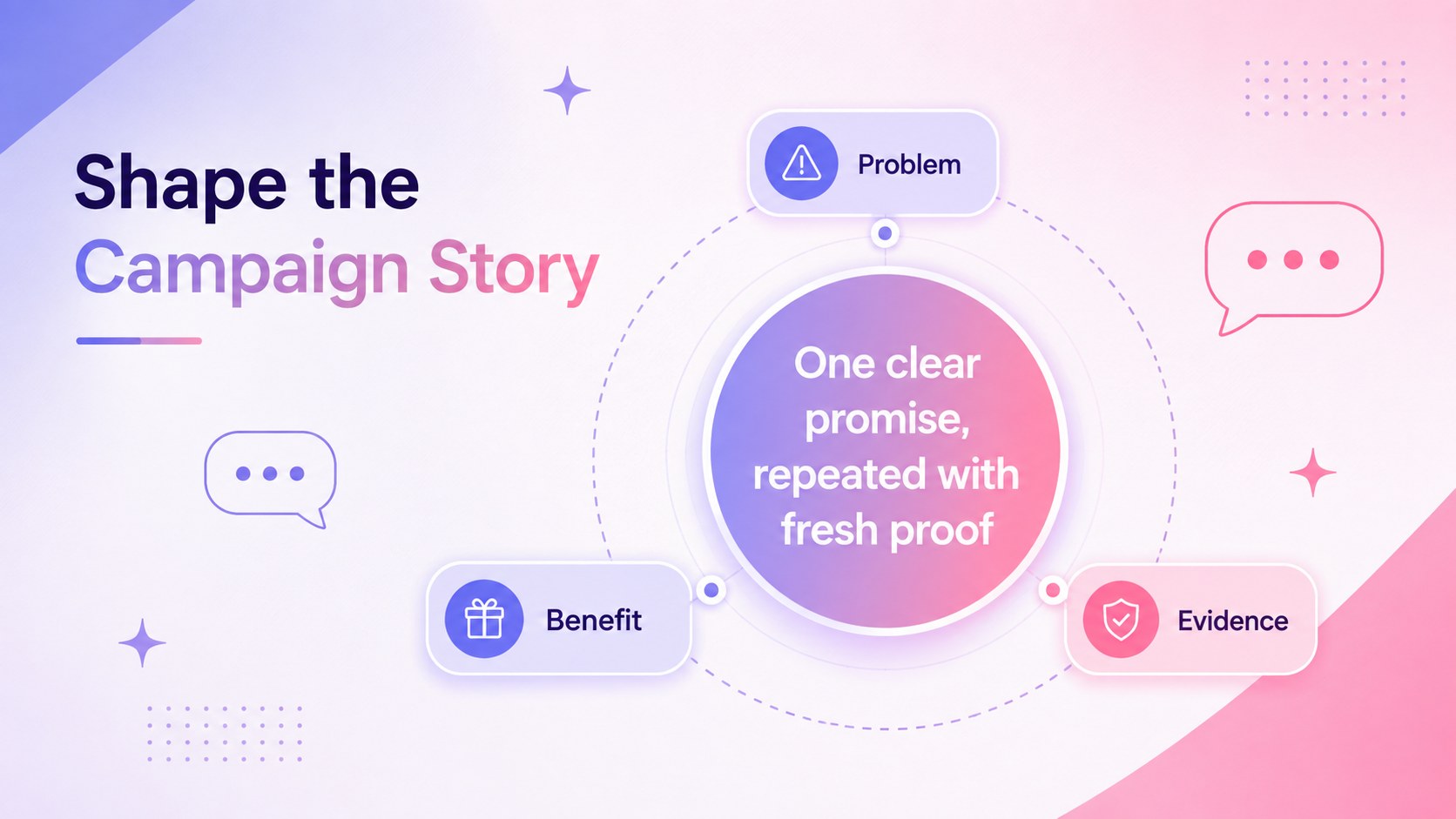
Turn a scattered rollout into a focused campaign with the Social Launch Content Strategy Deck. Designed for marketing teams, founders, agencies, and product managers, this colorful presentation helps connect campaign objectives with the content audiences will see before, during, and after release. Pink and purple gradients, minimalist typography, and energetic layouts keep the story modern without distracting from key decisions.
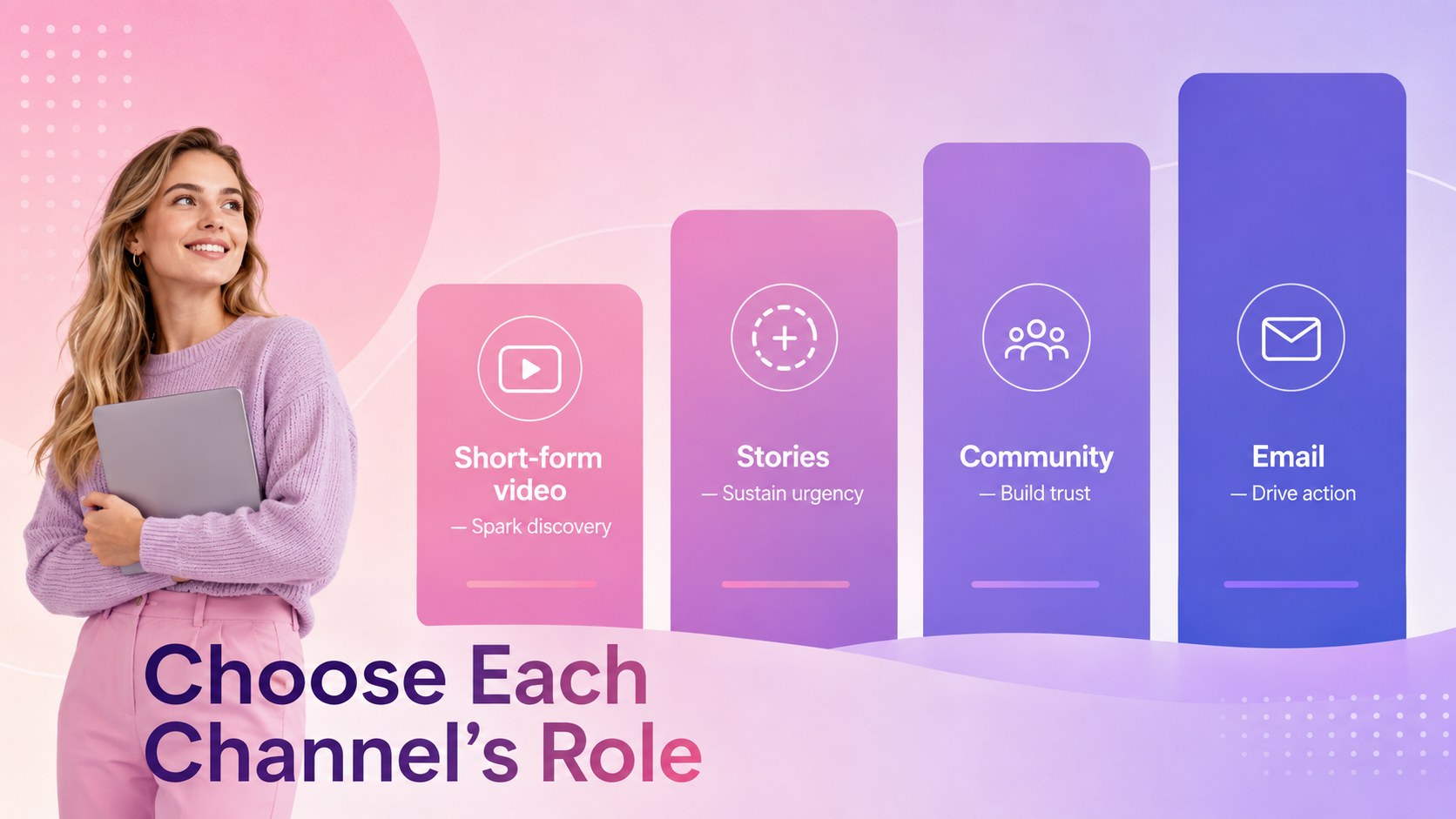
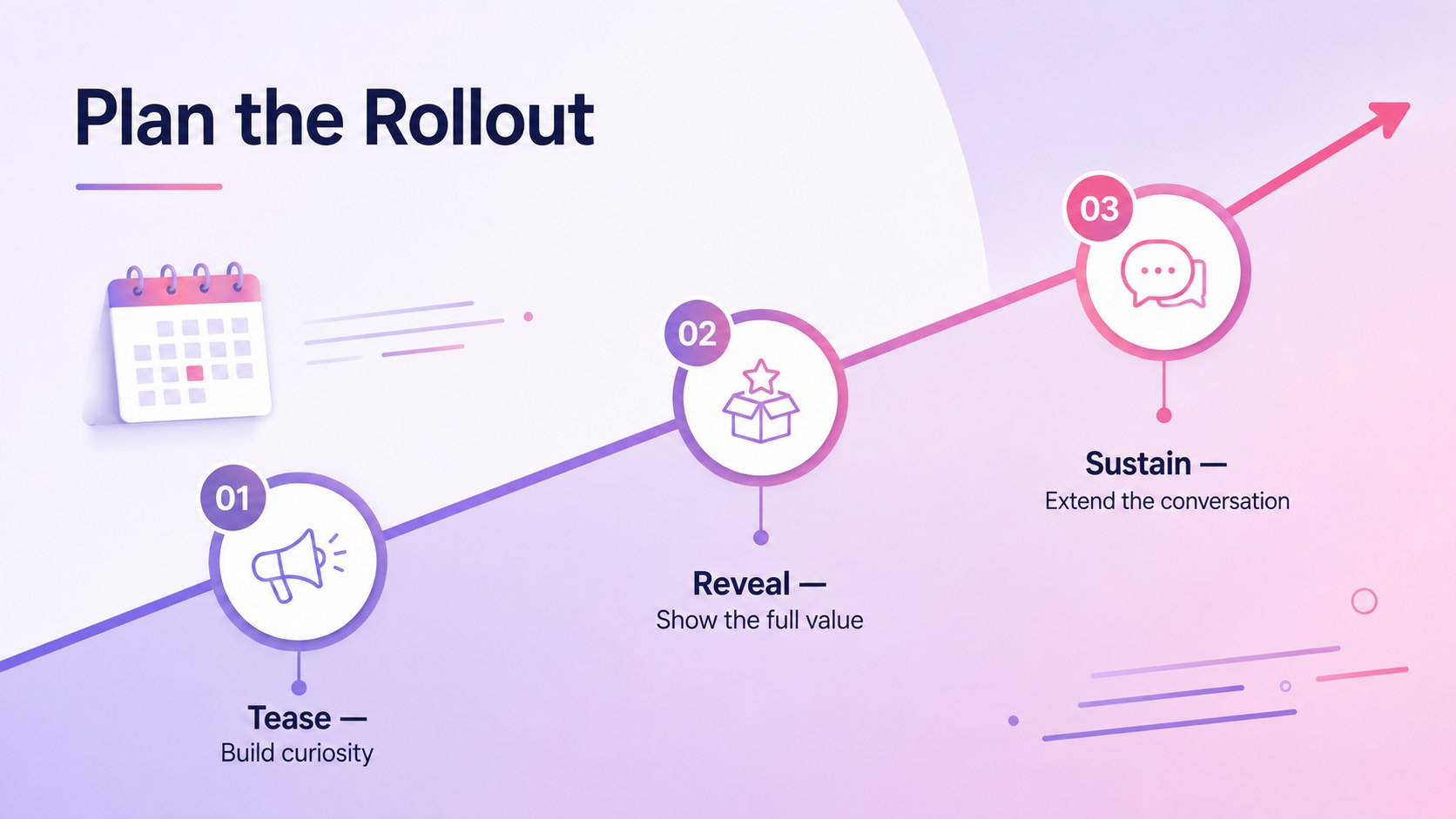
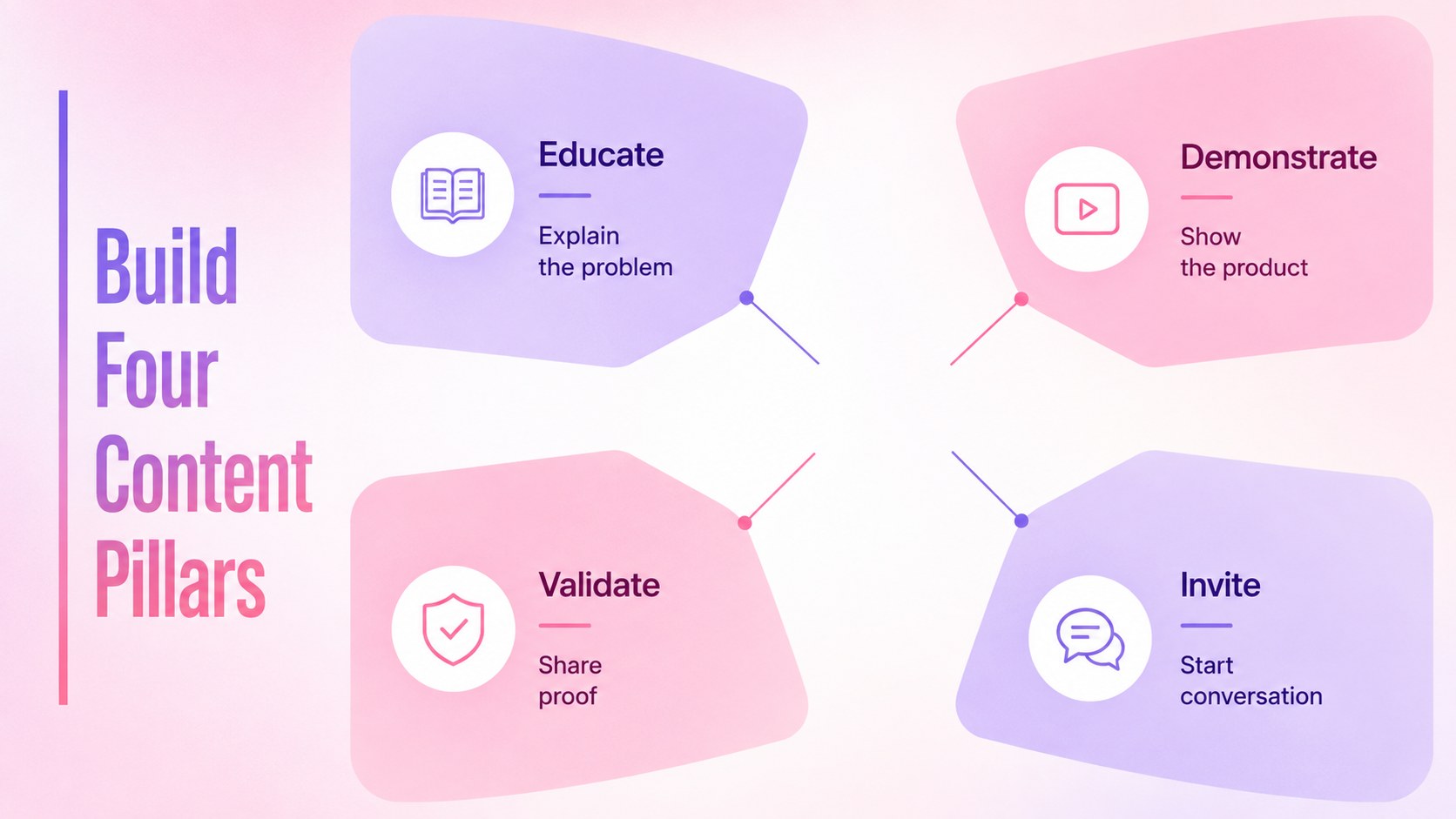
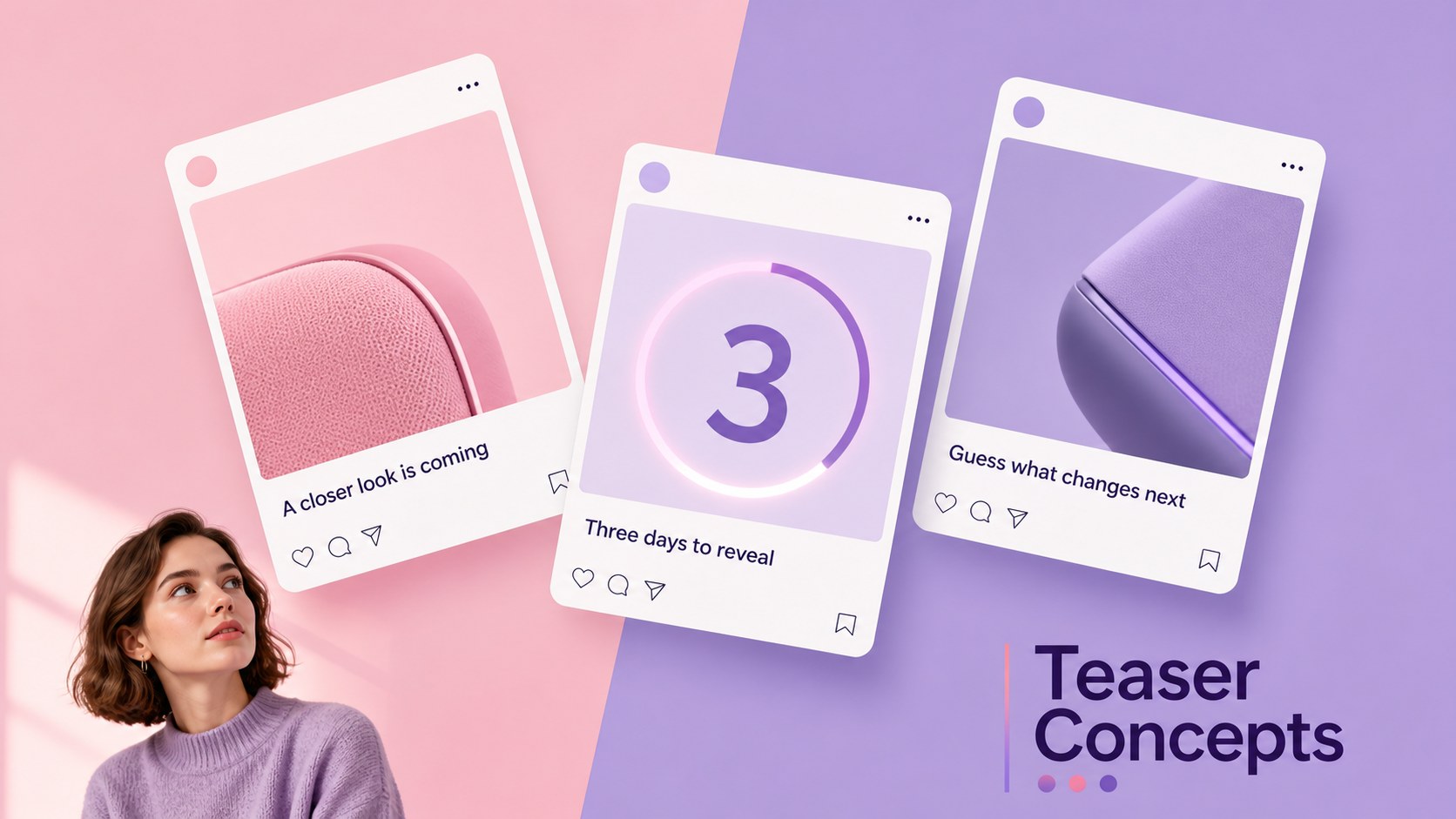
The deck includes space for audience insights, positioning, content pillars, channel priorities, teaser concepts, launch phases, publishing schedules, influencer outreach, and success metrics. Use it as a social media launch campaign template when aligning contributors, or adapt the app launch content calendar slides to organize posts across multiple platforms. A dedicated measurement section also works as social campaign KPI dashboard slides for reporting reach, engagement, conversions, and next steps.
Every 16:9 layout can be edited in PowerPoint or Google Slides. Replace the sample copy, adjust the gradient colors, add product imagery, and tailor charts to your campaign data. The flexible structure supports software releases, consumer goods, creative projects, service announcements, and brand collaborations while preserving a consistent visual identity from planning meeting to results review.
Perfect for: mobile app release campaign; consumer product reveal; social media rollout planning; agency launch proposal; influencer campaign briefing; post-launch performance review.
Frequently asked questions
Can I edit this deck in PowerPoint and Google Slides? Yes. All slide layouts, text areas, colors, shapes, and charts are designed for editing in PowerPoint and Google Slides. Font rendering may vary slightly between platforms, so review the final deck before presenting.
Practical details
Yes. All slide layouts, text areas, colors, shapes, and charts are designed for editing in PowerPoint and Google Slides. Font rendering may vary slightly between platforms, so review the final deck before presenting.
Replace the sample messaging with your positioning, audience insights, channel plan, and campaign dates. Add product screenshots or photography, then adjust the pink and purple gradient accents to complement your brand palette.
Yes. The deck includes layouts for reach, engagement, conversion, and campaign progress. You can replace the sample figures and resize the charts to match the metrics your team tracks.
Yes. Each layout works independently, so you can remove sections that are not relevant or reorder the story around your workflow. Duplicate timeline, calendar, or reporting slides when you need additional detail.
Keep exploring
15Use this astrology audience insights deck to present zodiac-based segments, behaviors, and campaign findings in polished black-and-gold slides.
 14
14Plan a memorable Lunar New Year campaign with the 2036 Dragon Year Celebration Theme, featuring bold red-and-yellow slides for lessons and events.
 15
15Build eerie lessons, campaigns, and story pitches with an undead survival scenario theme featuring editable slides for PowerPoint and Google Slides.
 15
15Build a clear breast cancer awareness bulletin with bold pink-and-red slides for campaign news, screening reminders, impact data, and community updates.
 15
15Shape your publishing concept with an indie magazine startup pitch deck featuring pastel gradients, bold collage layouts, and editable planning slides.
 15
15Build a bold retro-futurist campaign pitch deck for client meetings, with editable strategy layouts and playful pastel Y2K-inspired visuals.
 16
16Build a consistent presence with a social channel identity playbook covering voice, visuals, content formats, publishing rules, and approvals.
 15
15Celebrate online learners with webinar completion certificate slides, featuring editable violet artwork for university events in PowerPoint and Google Slides.