
 15
15presentation
Astrology Audience Insights Deck
Use this astrology audience insights deck to present zodiac-based segments, behaviors, and campaign findings in polished black-and-gold slides.
Google SlidesPowerPoint
presentation · English
Turn competitor metrics into clear decisions with a social channel benchmarking report deck for PowerPoint and Google Slides, styled in blue and purple.
Design notes
Build a clearer picture of your competitive landscape with the Social Channel Benchmarking Report Deck. Designed for structured comparisons rather than dense data dumps, this blue and purple gradient presentation helps teams connect competitor activity with practical marketing decisions. Its restrained typography, clean spacing, and modern visual hierarchy keep attention on the findings.
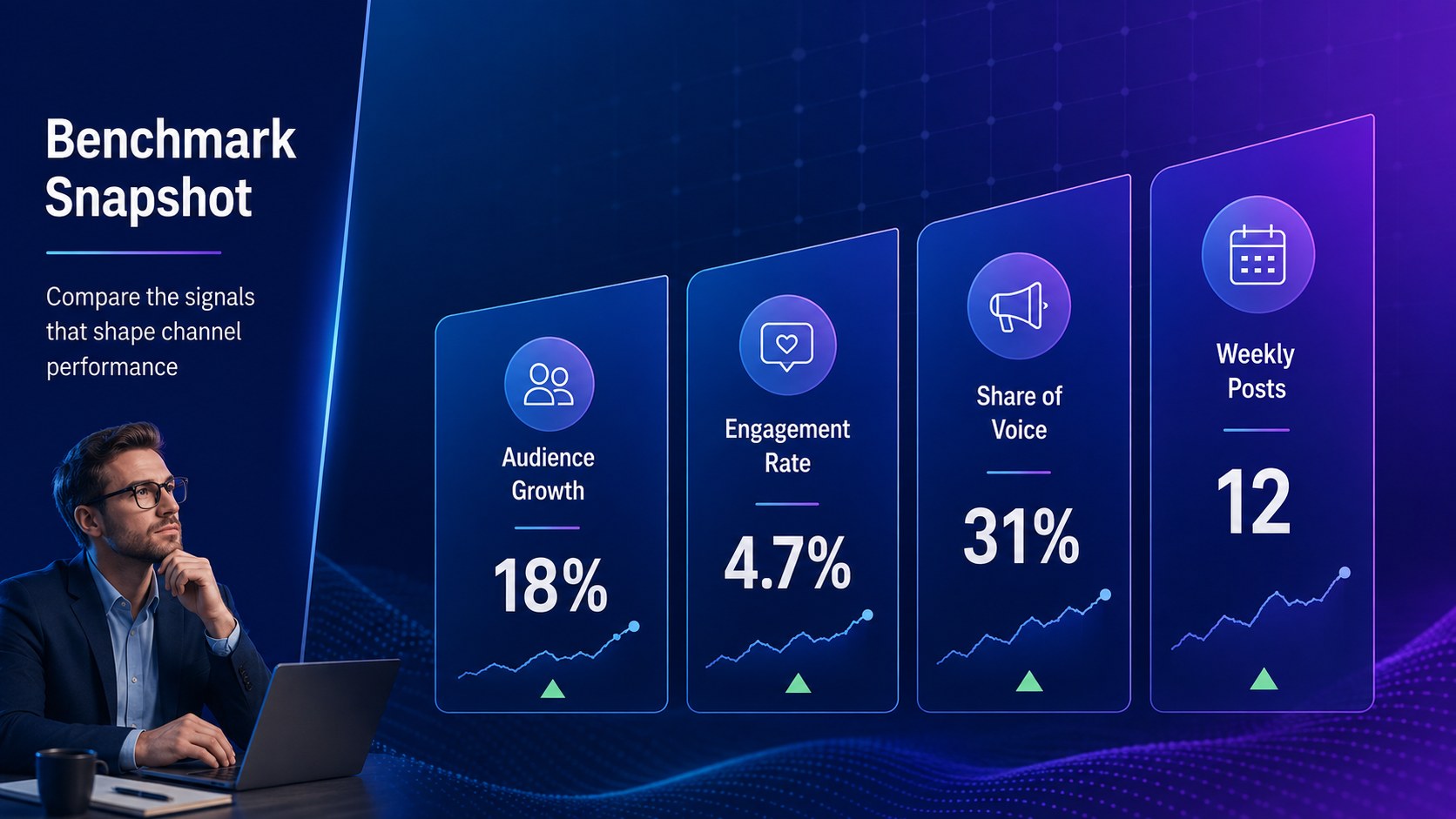
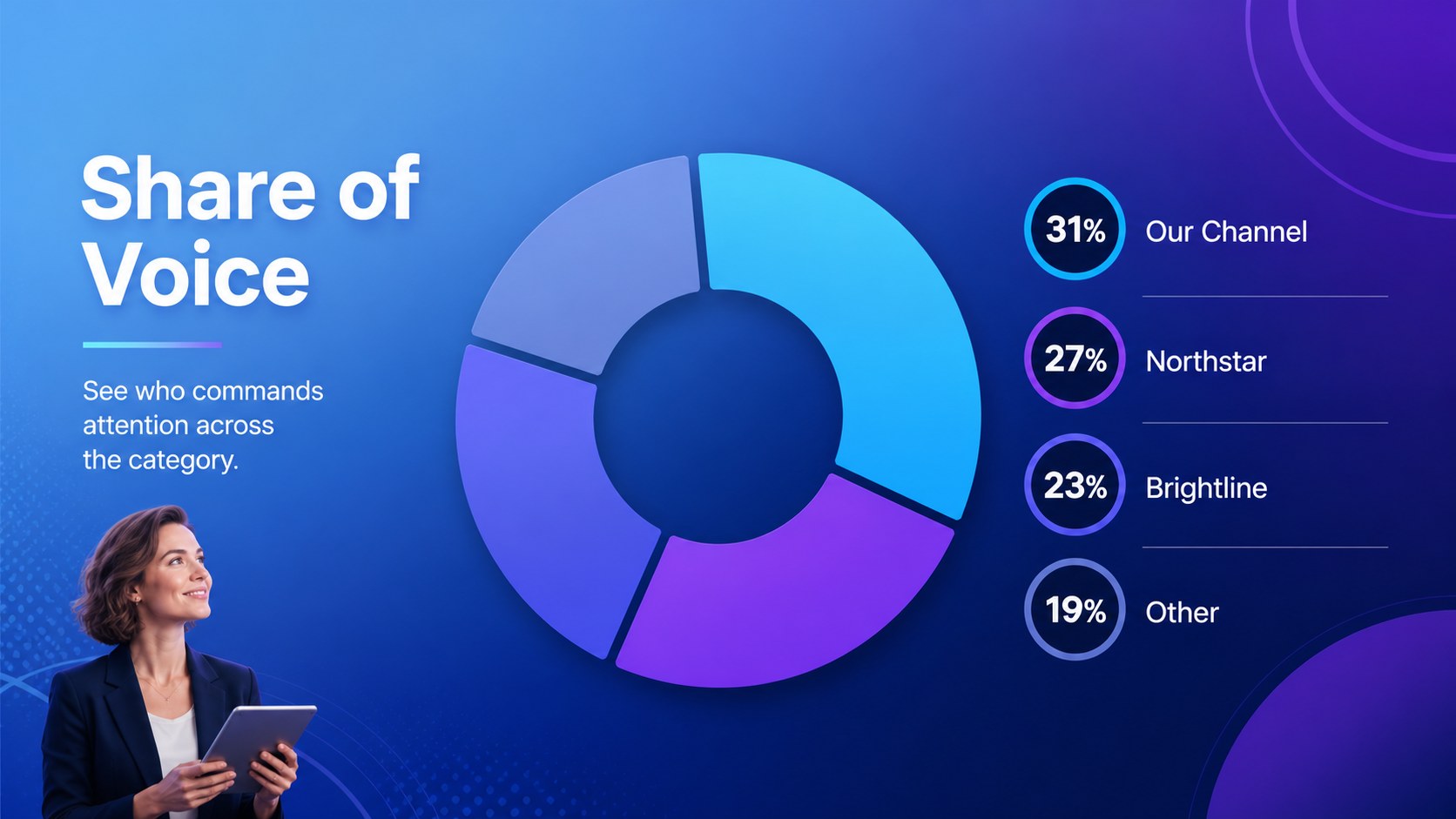
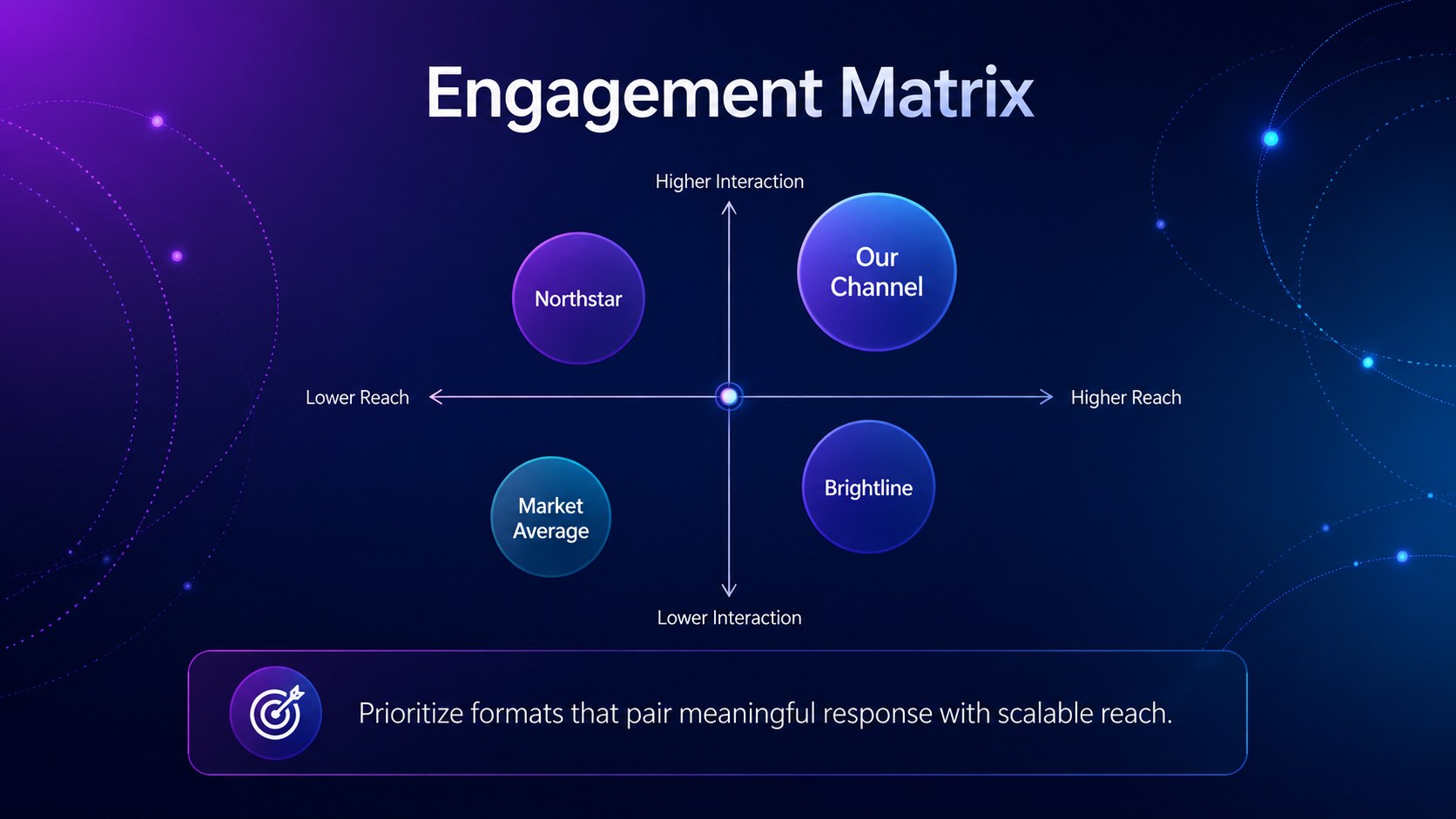
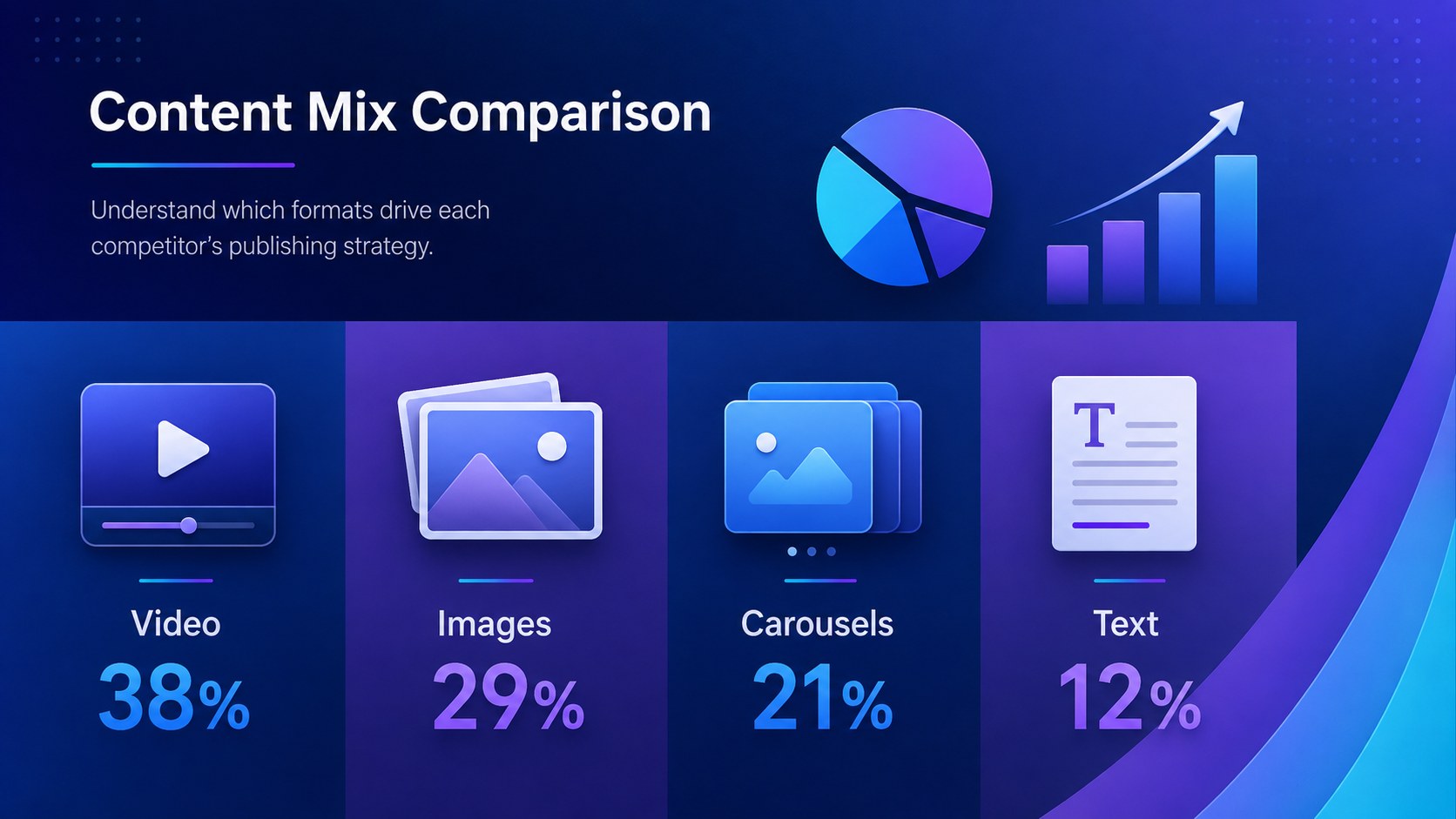
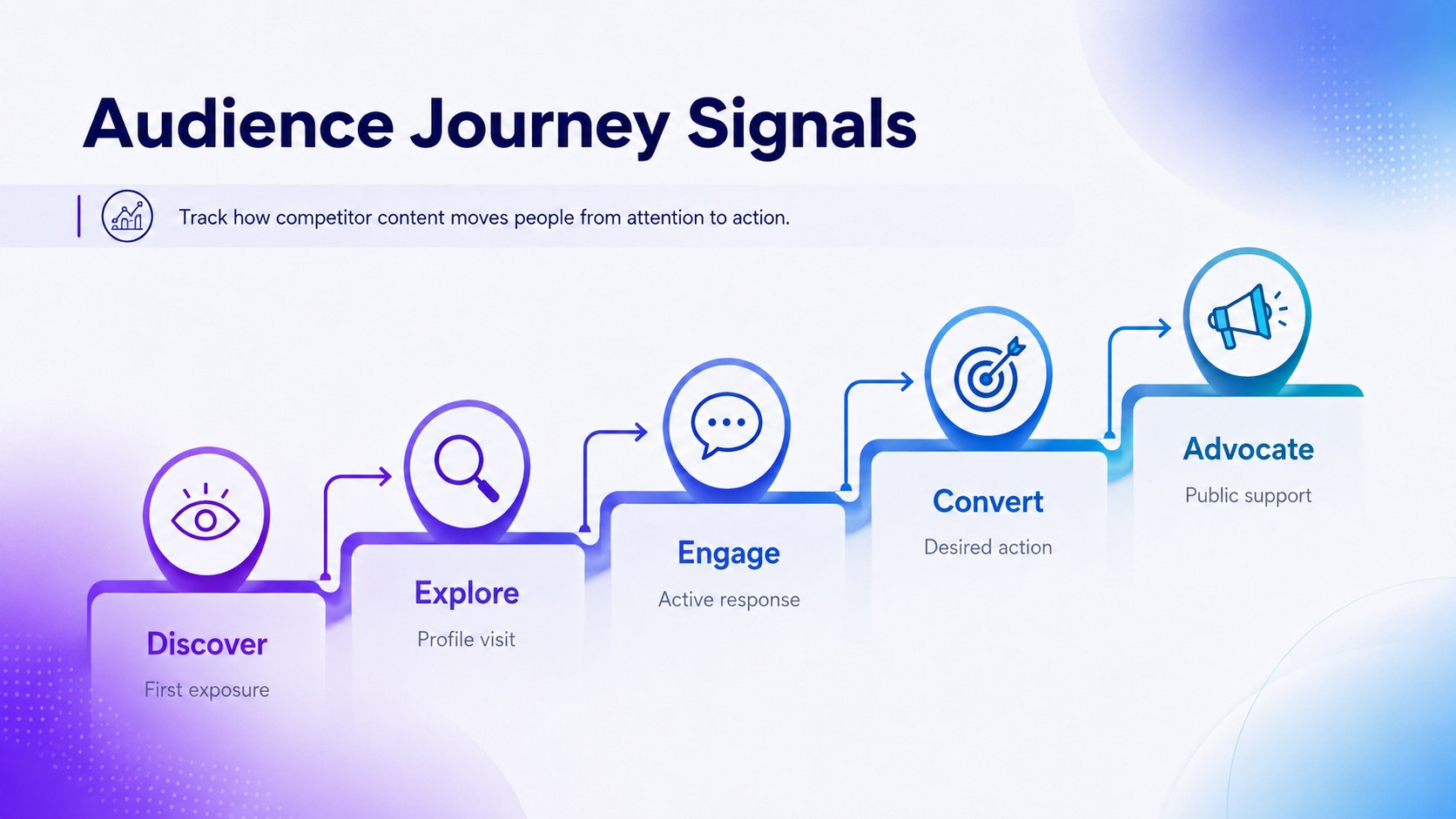
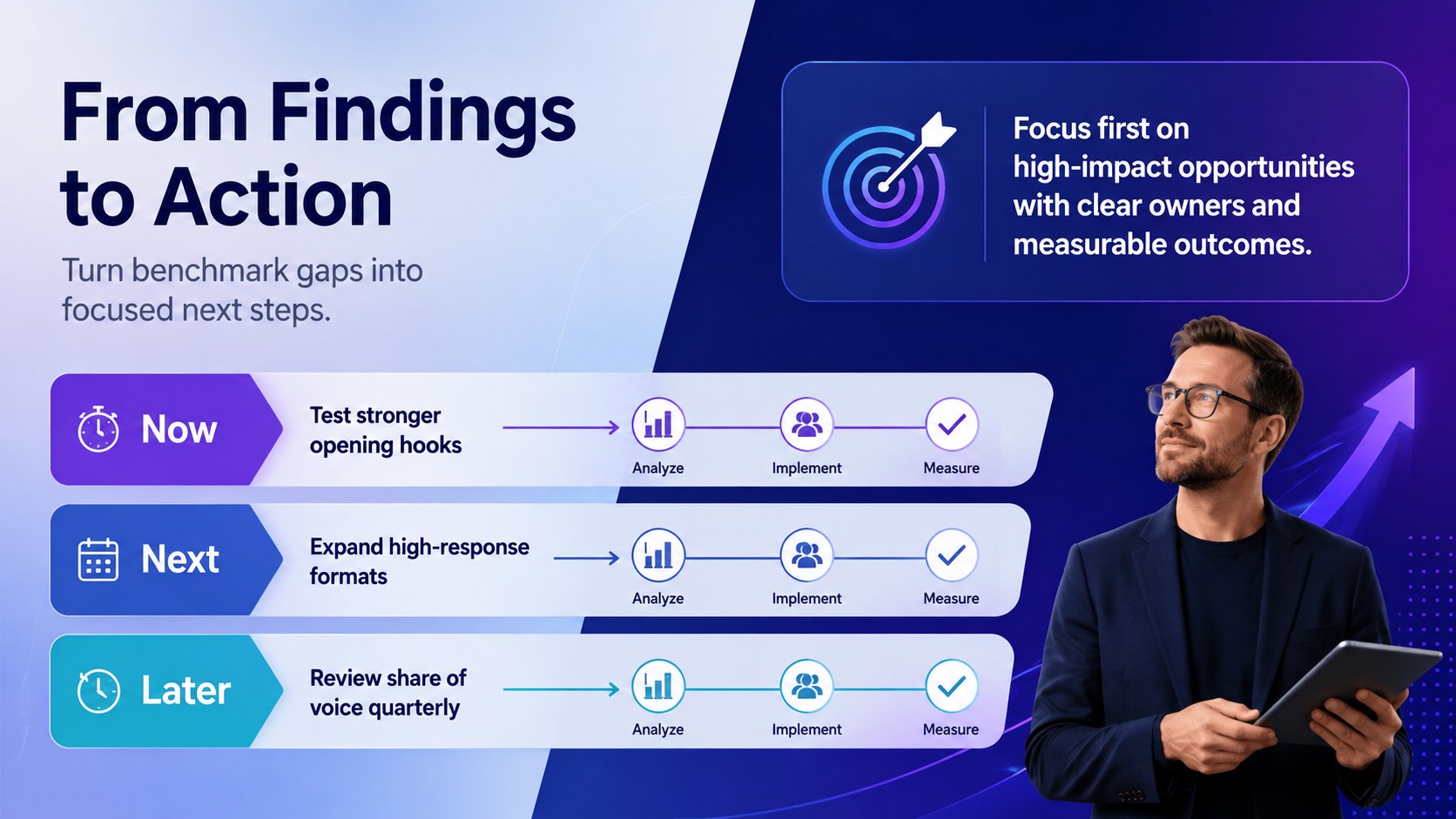
The seven-slide social channel performance comparison deck includes a cover, benchmark snapshot, share-of-voice breakdown, engagement matrix, content-mix analysis, audience journey, and action plan. Adapt the charts, scorecards, labels, and supporting notes to reflect your own channels and metrics. The layouts also work as a share of voice presentation template for reporting visibility across platforms, campaigns, or selected competitor groups. Every slide can be edited in PowerPoint or Google Slides, including colors, type, data, and decorative elements.
Use this deck for quarterly competitor reviews, campaign planning, client reporting, category research, or leadership briefings. It is especially useful for social media managers, digital strategists, marketing analysts, agencies, and brand teams that need to explain engagement rate benchmarks without overwhelming stakeholders. Replace the sample figures with exported analytics, highlight meaningful gaps, and finish with prioritized opportunities your team can evaluate and assign.
Perfect for: quarterly competitor review; agency client reporting; campaign strategy planning; social media audit; leadership marketing briefing.
Frequently asked questions
Can I replace the sample metrics with my own channel data? Yes. Edit the figures, labels, chart values, and comparison categories to match your analytics exports or reporting framework. You can also add or remove competitors without changing the overall visual system.
Practical details
Yes. Edit the figures, labels, chart values, and comparison categories to match your analytics exports or reporting framework. You can also add or remove competitors without changing the overall visual system.
The template is designed for PowerPoint and Google Slides. Text, colors, shapes, charts, and layout elements remain editable in both platforms.
Replace the blue and purple palette with your approved colors, then update the typefaces and graphic accents. Keep strong contrast between backgrounds, labels, and data marks so benchmark results remain easy to scan.
Use consistent measures such as posting frequency, audience growth, engagement rate, content mix, and share of voice. Compare the same reporting period and calculation method for every competitor to avoid misleading conclusions.
Keep exploring
15Use this astrology audience insights deck to present zodiac-based segments, behaviors, and campaign findings in polished black-and-gold slides.
 14
14Plan a memorable Lunar New Year campaign with the 2036 Dragon Year Celebration Theme, featuring bold red-and-yellow slides for lessons and events.
 15
15Build eerie lessons, campaigns, and story pitches with an undead survival scenario theme featuring editable slides for PowerPoint and Google Slides.
 15
15Build a clear breast cancer awareness bulletin with bold pink-and-red slides for campaign news, screening reminders, impact data, and community updates.
 15
15Shape your publishing concept with an indie magazine startup pitch deck featuring pastel gradients, bold collage layouts, and editable planning slides.
 15
15Build a bold retro-futurist campaign pitch deck for client meetings, with editable strategy layouts and playful pastel Y2K-inspired visuals.
 16
16Build a consistent presence with a social channel identity playbook covering voice, visuals, content formats, publishing rules, and approvals.
 15
15Celebrate online learners with webinar completion certificate slides, featuring editable violet artwork for university events in PowerPoint and Google Slides.