
 15
15presentation
Astrology Audience Insights Deck
Use this astrology audience insights deck to present zodiac-based segments, behaviors, and campaign findings in polished black-and-gold slides.
Google SlidesPowerPoint
presentation · English
Build refined portfolios, proposals, and personal stories with a sepia shadow editorial presentation for PowerPoint and Google Slides.
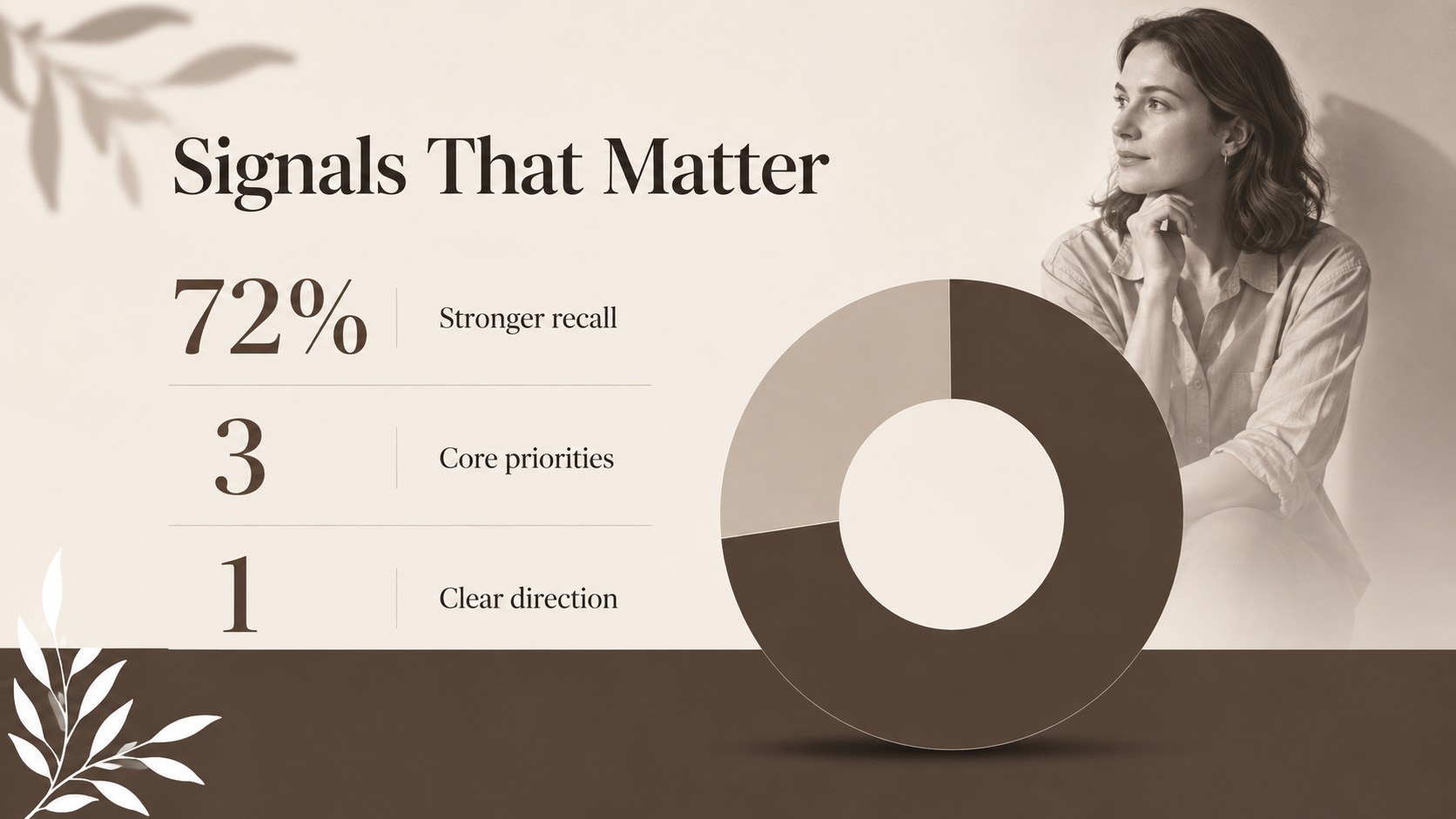
Design notes
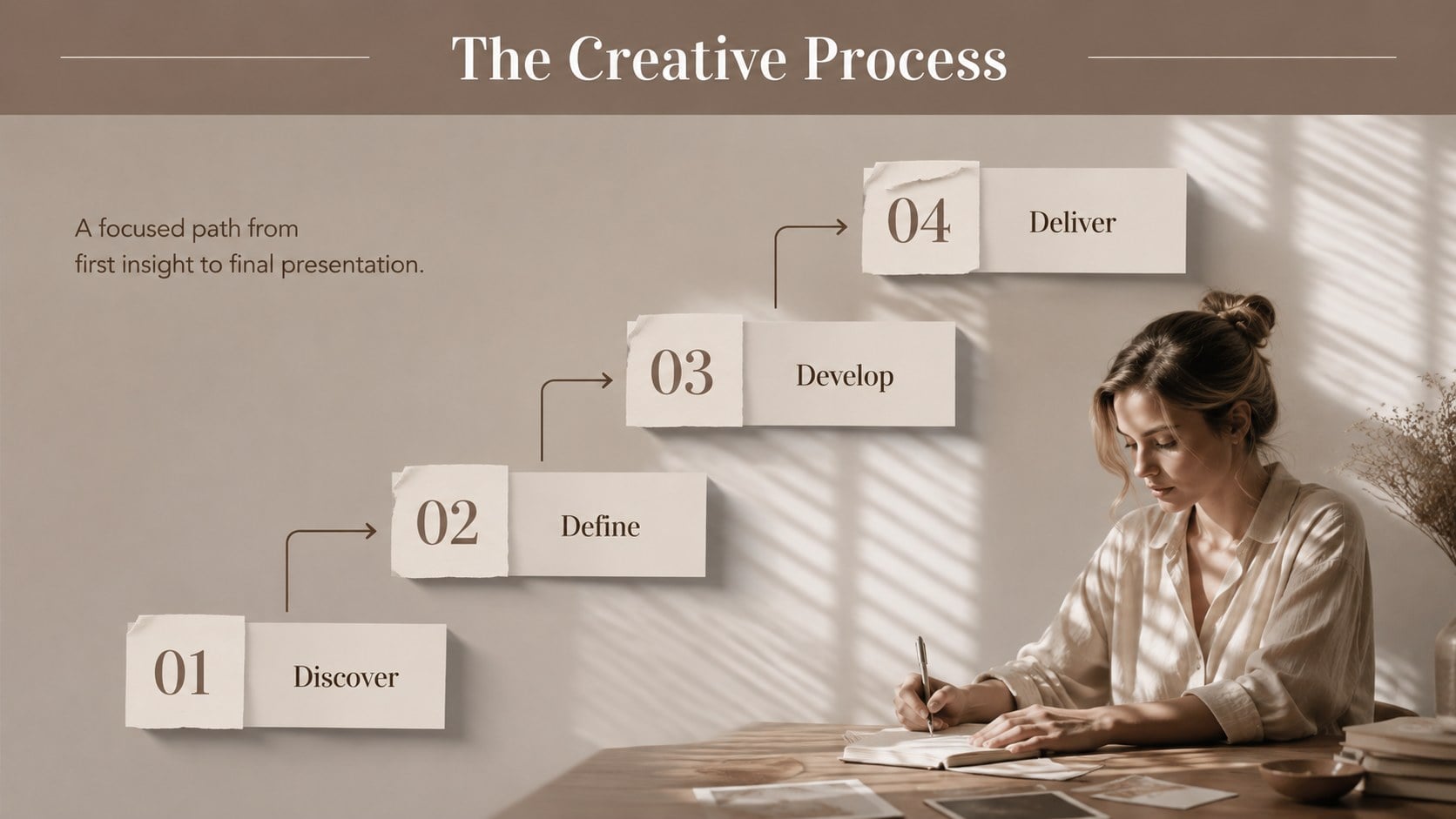
Give thoughtful ideas a sophisticated visual setting with the Sepia Shadow Editorial Presentation. Its warm brown palette, clean white space, soft cast shadows, and elegant editorial typography create a timeless look without making your content feel overly formal. Use it for creative concepts, personal projects, professional proposals, or image-led storytelling in PowerPoint and Google Slides.
The deck includes more than 25 adaptable layouts for opening statements, section breaks, editorial photographs, portfolios, quotes, timelines, comparisons, charts, and closing messages. Structured grids and spacious text areas make this brown and white editorial slide theme easy to scan, while layered frames add depth to important images. Adjust the colors, replace photography, edit the copy, and tailor fonts to suit your project. The design also works especially well as a minimal shadow portfolio slides collection or an elegant neutral proposal presentation.
Creative professionals can use these slides to present fashion concepts, photography selections, campaign directions, interior ideas, and visual research. Students and educators can turn them into polished project reports, while small teams can adapt the layouts for client pitches, planning sessions, and concise business updates. Every slide balances decorative detail with practical content space, helping photographs, evidence, and key messages remain the focus.
Perfect for: creative portfolio review; fashion concept pitch; photography project presentation; client proposal meeting; editorial campaign briefing.
Frequently asked questions
Which presentation platforms support this template? The template is designed for Microsoft PowerPoint and Google Slides. Import or open the appropriate file, then edit the layouts using the standard tools available in either platform.
Practical details
The template is designed for Microsoft PowerPoint and Google Slides. Import or open the appropriate file, then edit the layouts using the standard tools available in either platform.
Yes. Replace the sepia browns, white backgrounds, and accent shades through the theme color controls to update multiple slides efficiently. Check text contrast after making significant palette changes.
Select any image placeholder to insert your own photograph, then crop it to fit the frame. Shadow depth, transparency, and direction can be adjusted through the image or shape formatting panel.
Yes. Its editorial structure works for portfolios, proposals, visual research, project reports, and personal storytelling. Duplicate, remove, or reorder layouts to match the length and purpose of your presentation.
Keep exploring
15Use this astrology audience insights deck to present zodiac-based segments, behaviors, and campaign findings in polished black-and-gold slides.
 14
14Plan a memorable Lunar New Year campaign with the 2036 Dragon Year Celebration Theme, featuring bold red-and-yellow slides for lessons and events.
 15
15Build eerie lessons, campaigns, and story pitches with an undead survival scenario theme featuring editable slides for PowerPoint and Google Slides.
 15
15Build a clear breast cancer awareness bulletin with bold pink-and-red slides for campaign news, screening reminders, impact data, and community updates.
 15
15Shape your publishing concept with an indie magazine startup pitch deck featuring pastel gradients, bold collage layouts, and editable planning slides.
 15
15Build a bold retro-futurist campaign pitch deck for client meetings, with editable strategy layouts and playful pastel Y2K-inspired visuals.
 16
16Build a consistent presence with a social channel identity playbook covering voice, visuals, content formats, publishing rules, and approvals.
 15
15Celebrate online learners with webinar completion certificate slides, featuring editable violet artwork for university events in PowerPoint and Google Slides.