
 15
15presentation
College Essay Thesis Builder Slides
Build stronger academic arguments with a college essay thesis builder featuring guided examples, revision prompts, and editable PowerPoint and Google Slides.
Google SlidesPowerPoint
presentation · English
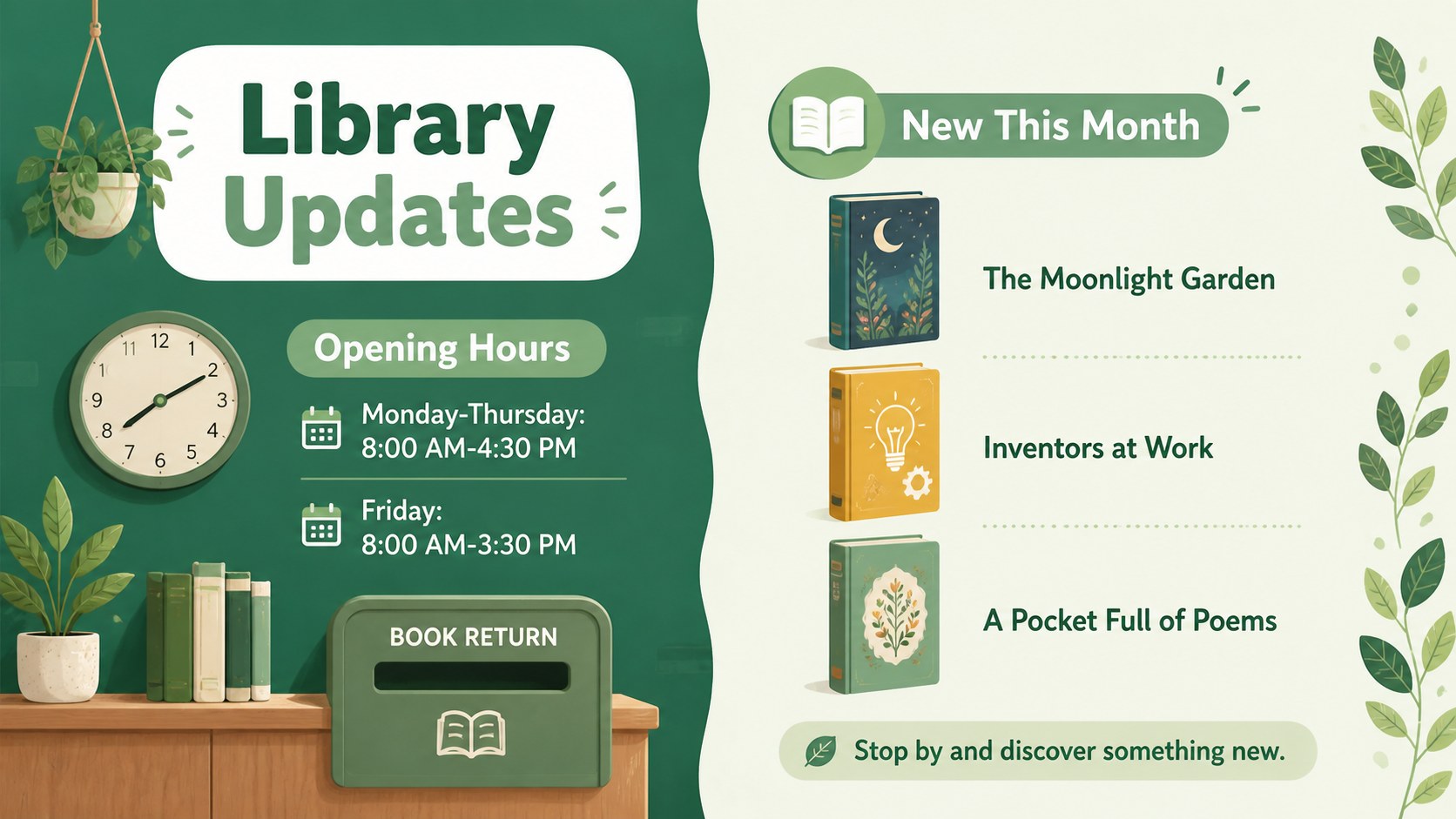
Make every update easier to notice with this school library bulletin kit, featuring editable green illustrated layouts for PowerPoint and Google Slides.
Design notes
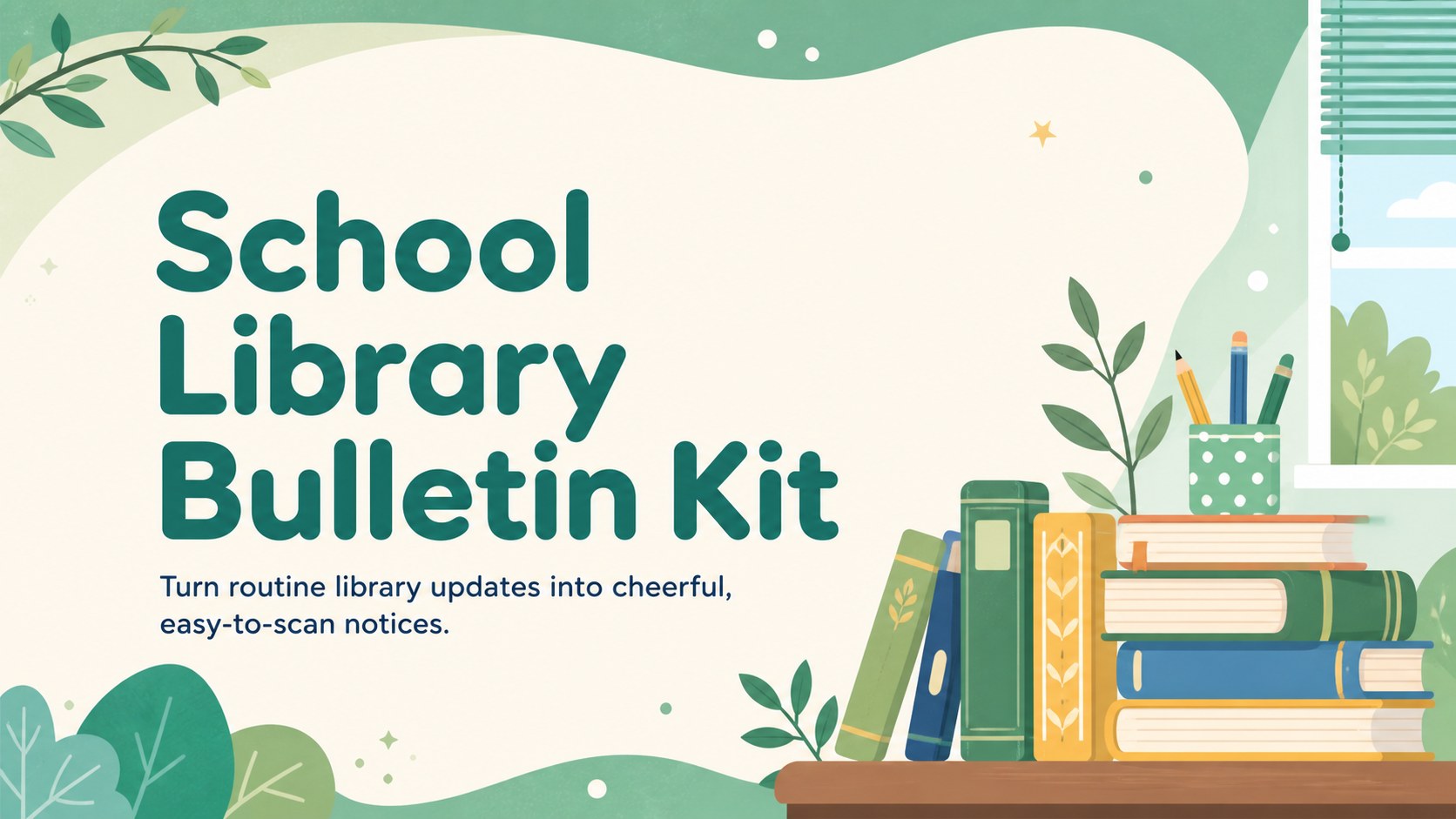
Keep students, families, and staff up to date with a school library bulletin kit designed for lively, approachable communication. The fresh green palette, playful illustrations, and bold rounded typography help important details stand out without making the page feel crowded. Each layout is easy to adapt for different ages, reading programs, and school calendars.
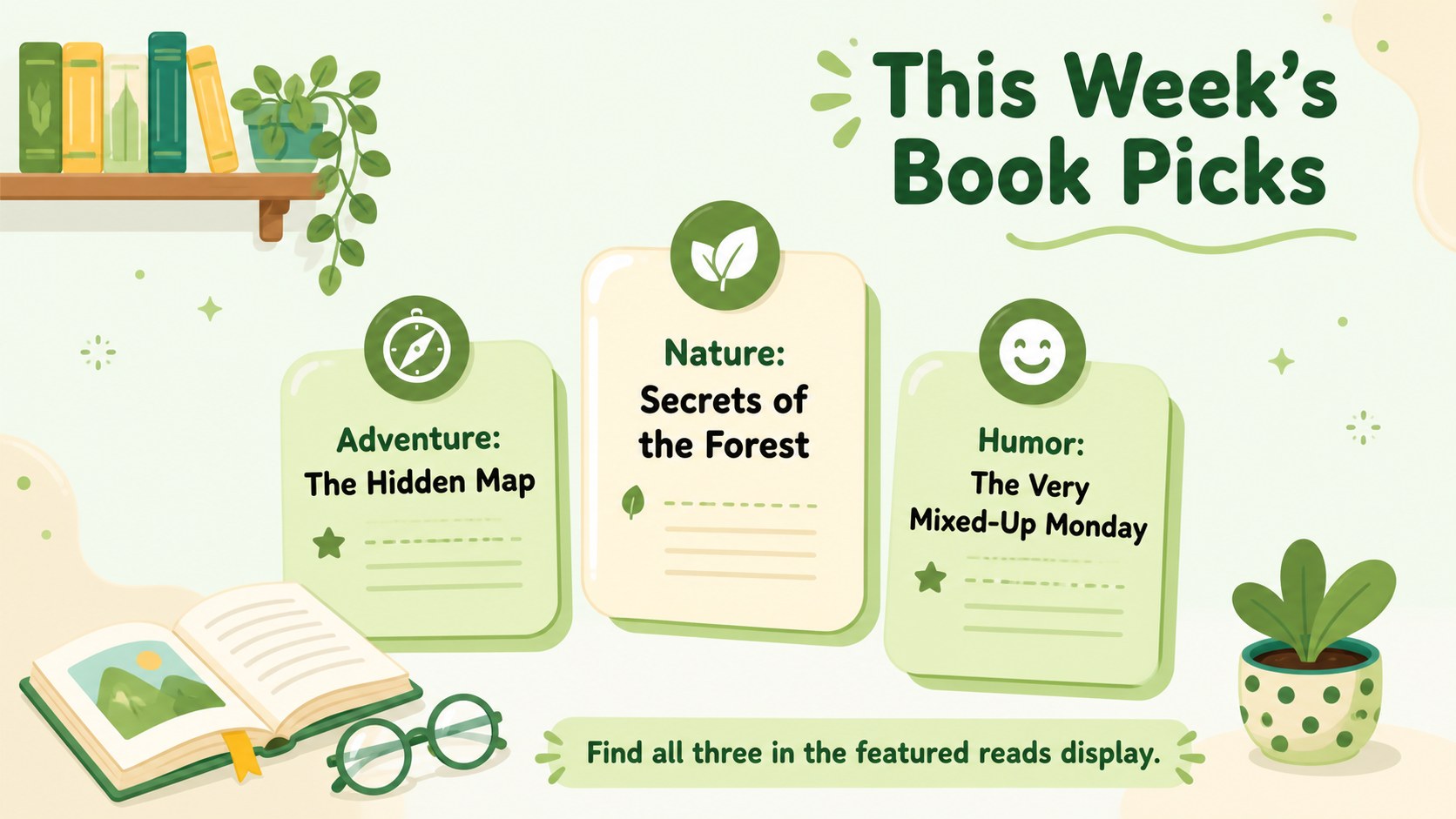
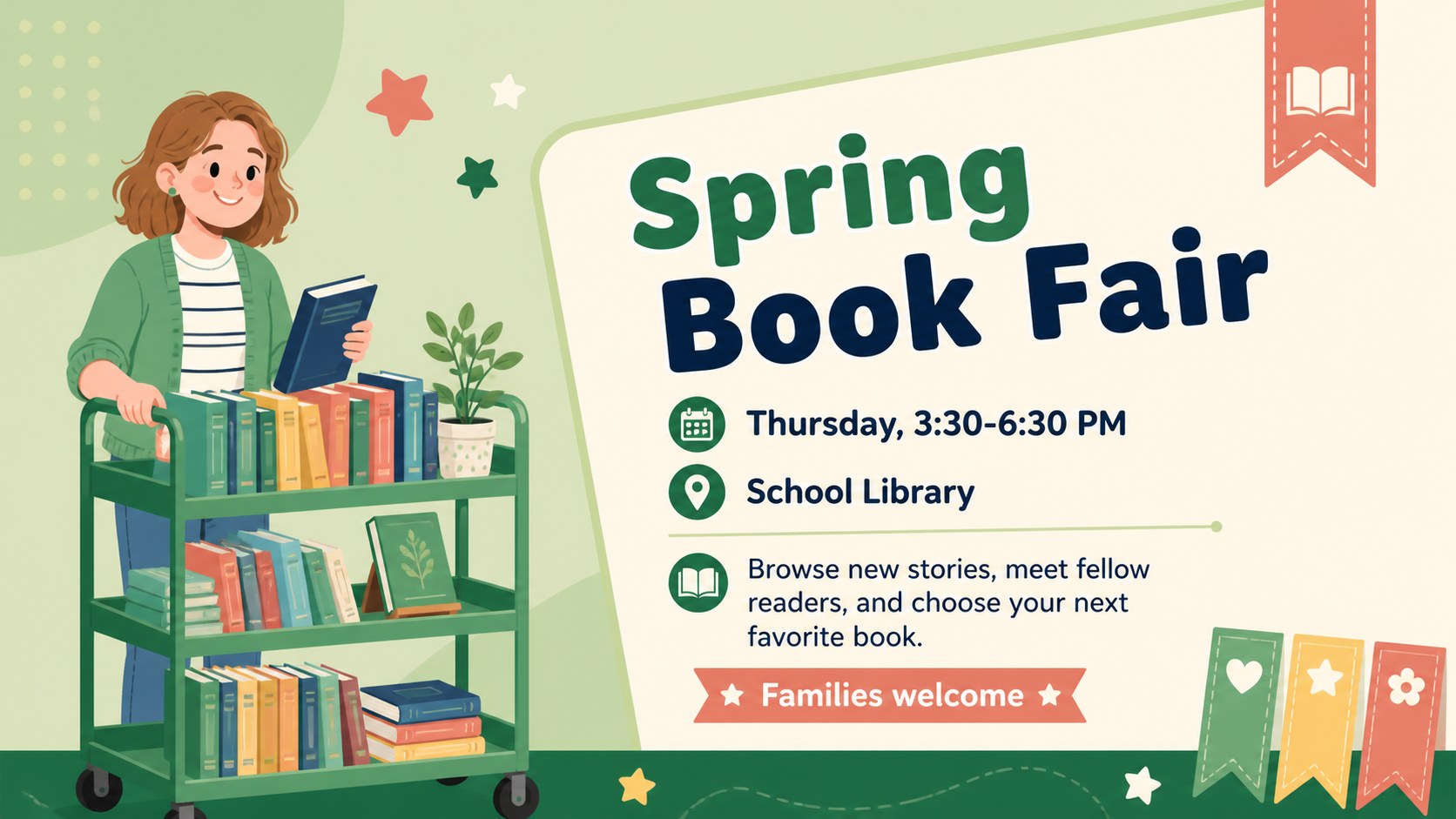
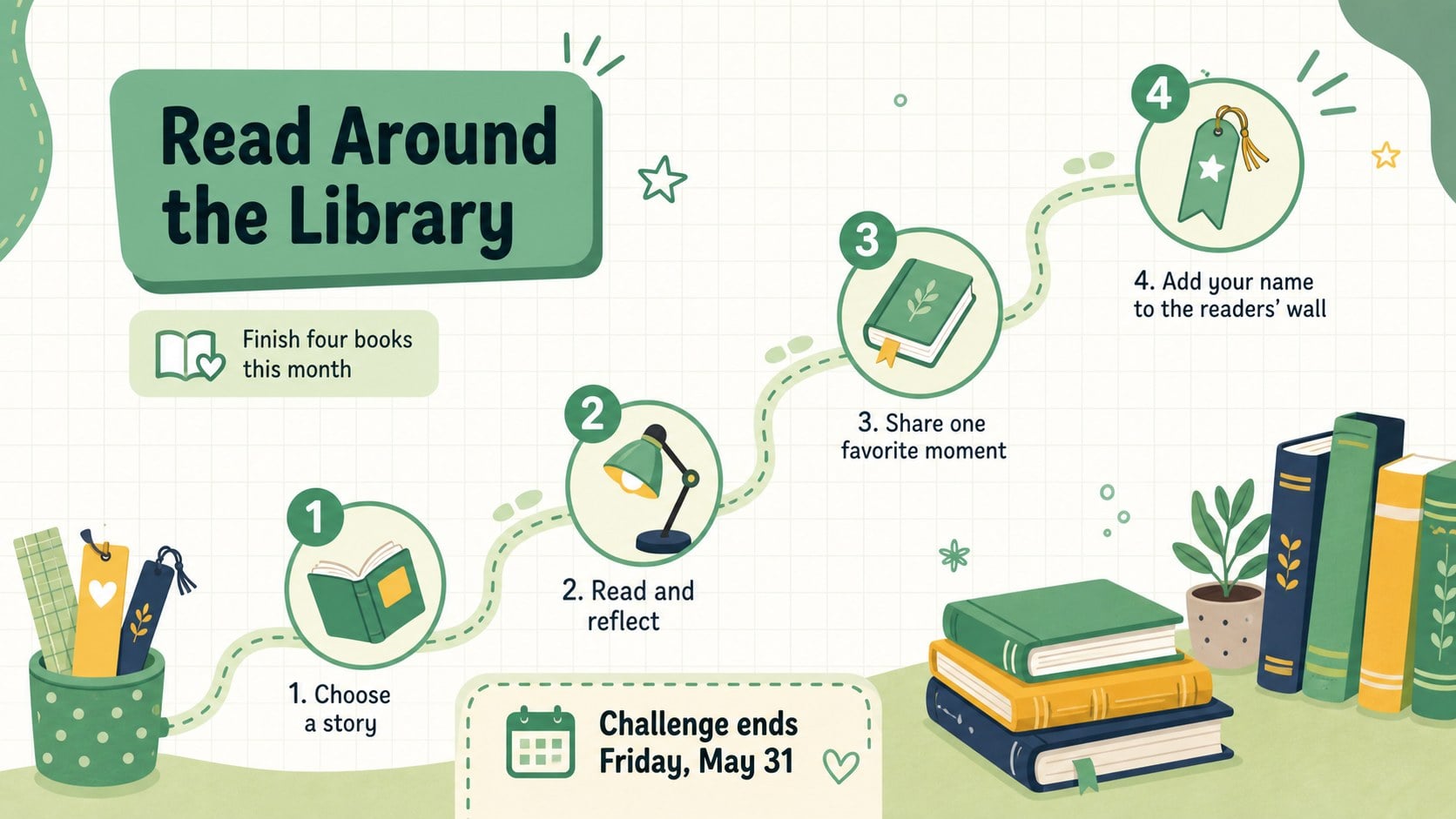
Inside the five-slide set, you will find flexible designs for weekly book recommendations, event reminders, new title highlights, opening hours, and reading goals. Use the layouts as editable library bulletin templates, create school book fair announcement slides, or build a reading challenge poster for students. Clear information blocks leave room for dates, locations, short descriptions, calls to action, and featured book covers.
Made for librarians, teachers, literacy coordinators, and school office teams, the kit works in both PowerPoint and Google Slides. Change the wording, rearrange the sections, update the green accents, and add your own photos or illustrations. Present the notices on classroom screens, include them in a digital school update, or export individual pages for printing and hallway displays.
Perfect for: school book fair promotion; monthly new arrivals update; student reading challenge; library hours notice; weekly book recommendations.
Frequently asked questions
Can I edit the bulletin layouts in PowerPoint? Yes. Open the file in PowerPoint to revise text, move illustrations, change colors, and add book cover images. You can also export a finished notice as a PDF or image for printing.
Practical details
Yes. Open the file in PowerPoint to revise text, move illustrations, change colors, and add book cover images. You can also export a finished notice as a PDF or image for printing.
Yes. Upload the presentation to Google Drive and open it with Google Slides for browser-based editing. Check font spacing after import and substitute a similar rounded font if the original typeface is unavailable.
Yes. Replace the sample copy with details for book fairs, author visits, reading clubs, collection updates, or holiday schedules. The modular text areas can be duplicated, removed, or rearranged.
Yes. Export the selected slide as a high-quality PDF and choose the appropriate scaling in your printer settings. For larger displays, confirm image resolution before printing.
Keep exploring
15Build stronger academic arguments with a college essay thesis builder featuring guided examples, revision prompts, and editable PowerPoint and Google Slides.
 15
15Build an engaging World UFO Day session with this flying saucer history lesson deck, featuring retro green-and-brown slides for PowerPoint and Google Slides.
 14
14Plan a memorable Lunar New Year campaign with the 2036 Dragon Year Celebration Theme, featuring bold red-and-yellow slides for lessons and events.
 15
15Build a thoughtful classroom discussion with this interfaith awareness lesson deck, featuring editable blue-and-white slides for PowerPoint and Google Slides.
 15
15Use this environmental awareness lesson deck to teach climate action through illustrated activities, discussion prompts, and ready-to-edit visuals.
 15
15Build playful lessons and party stories with a kid-friendly zombie celebration theme in purple, green and