
 15
15presentation
UFO Day Alien Encounter Deck
Build a bold cosmic story with this UFO Day alien encounter deck, featuring surreal green-and-black layouts for PowerPoint and Google Slides events.
Google SlidesPowerPoint
presentation · English
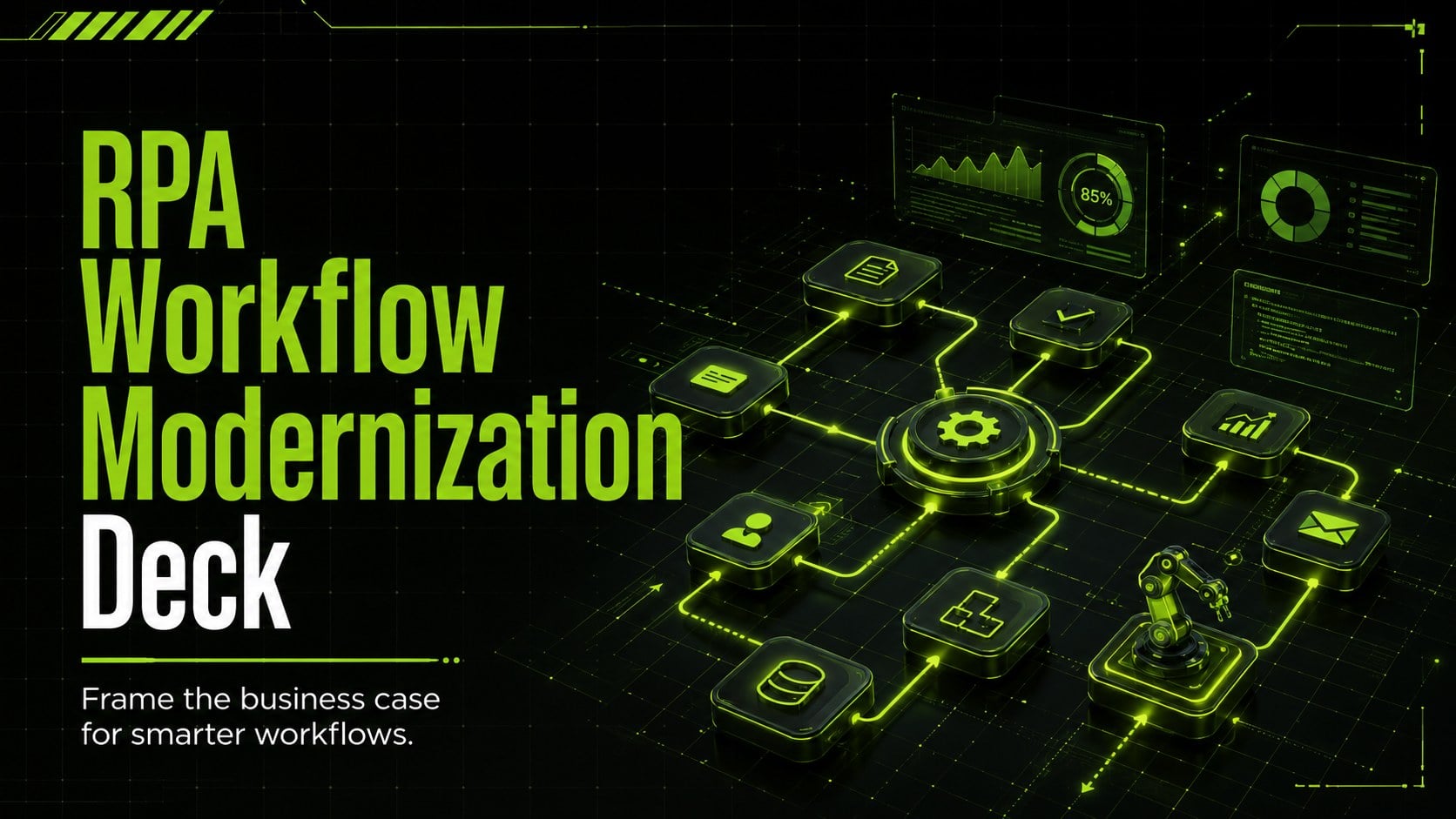
Build a persuasive automation case with this RPA workflow modernization deck, using neon visuals for process goals, ROI, rollout planning, and governance.
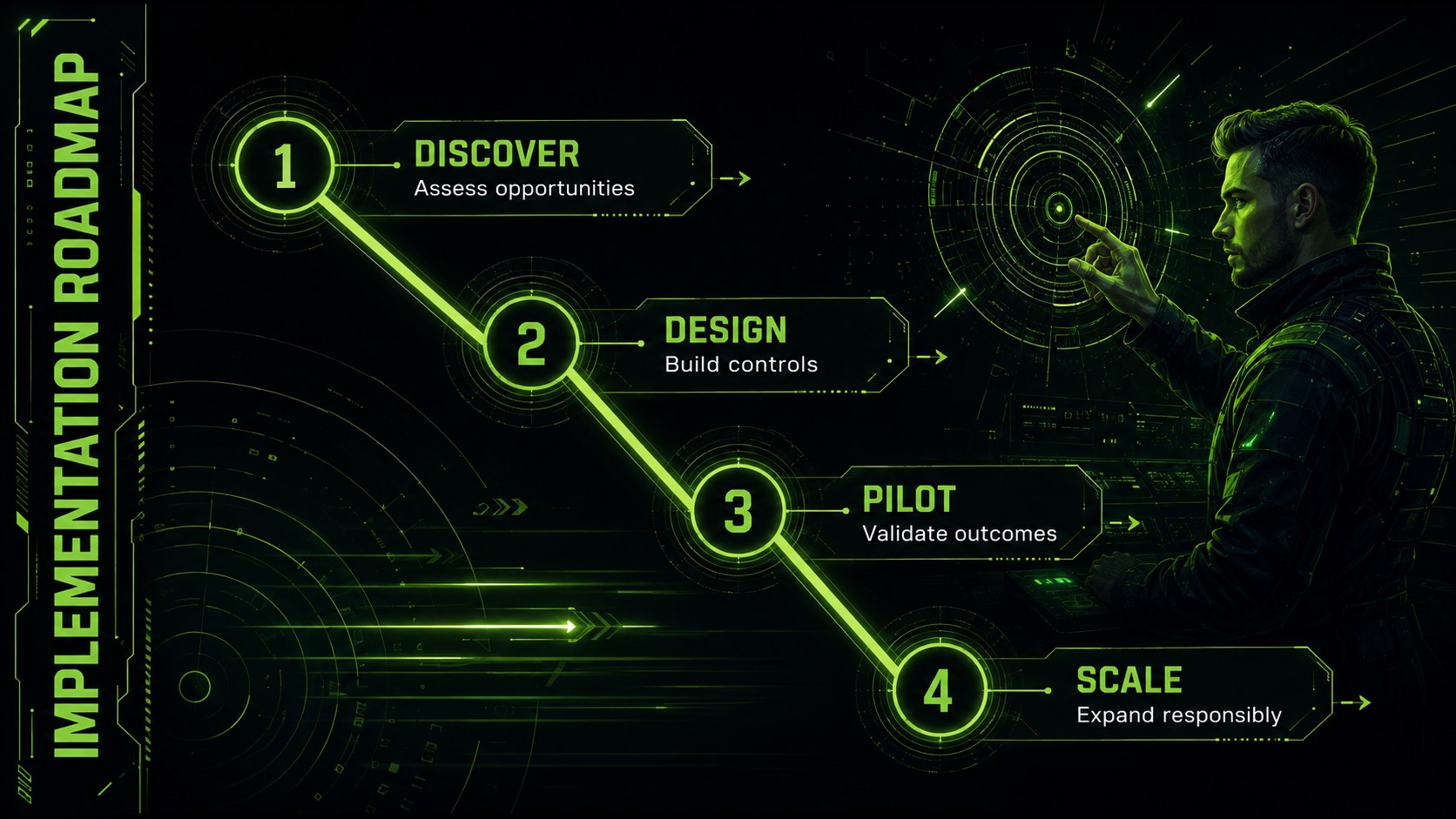
Design notes
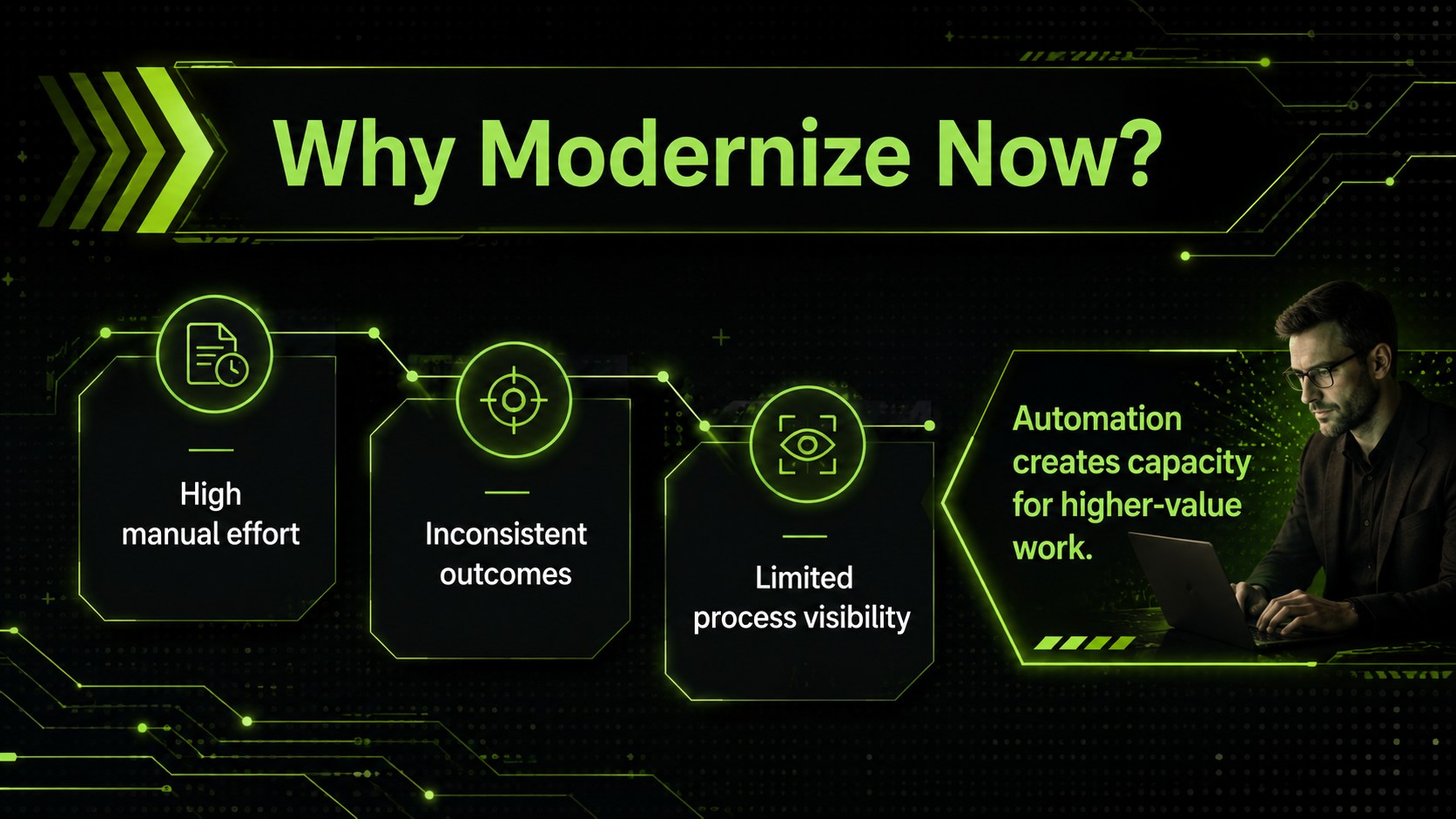
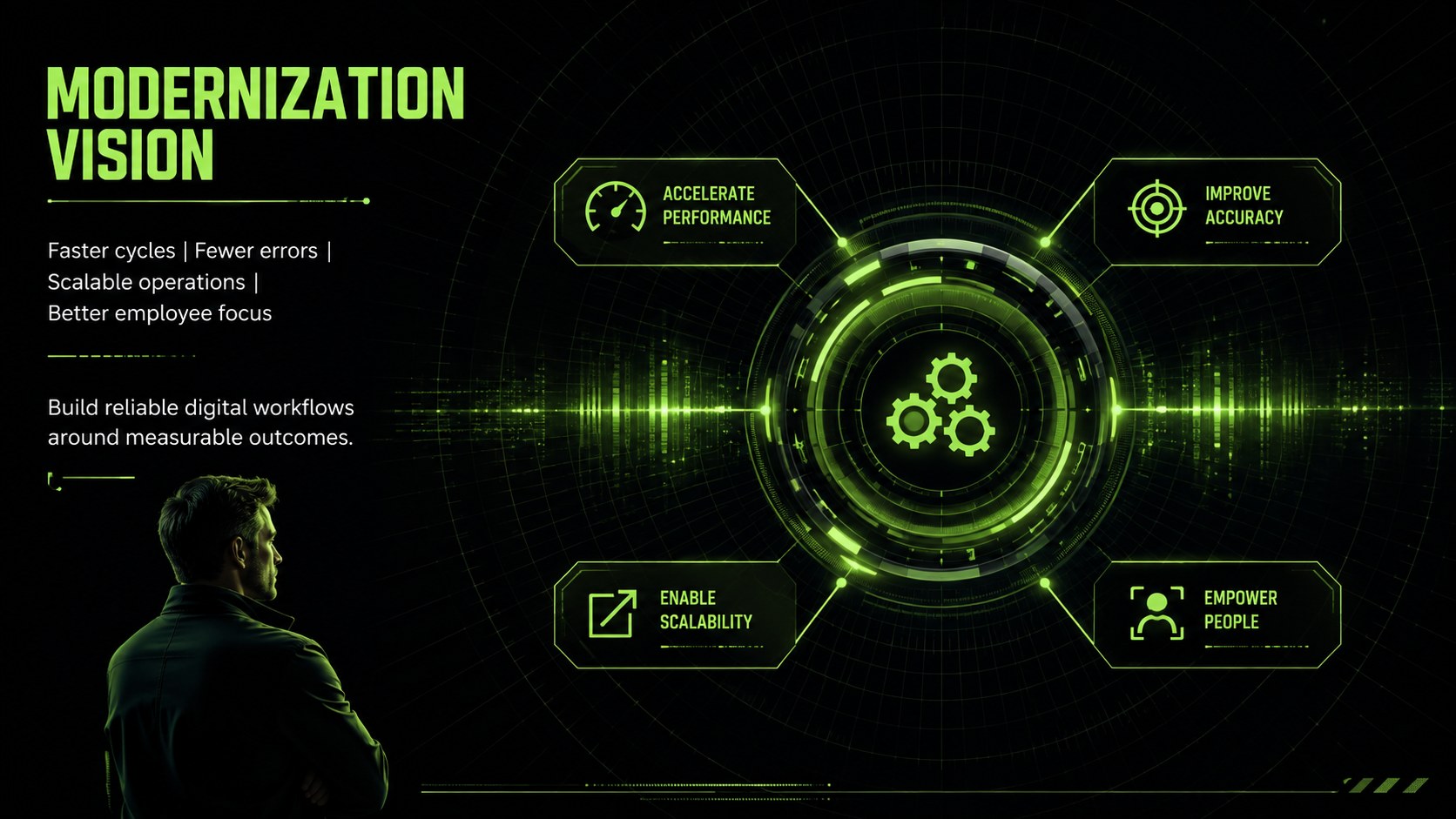
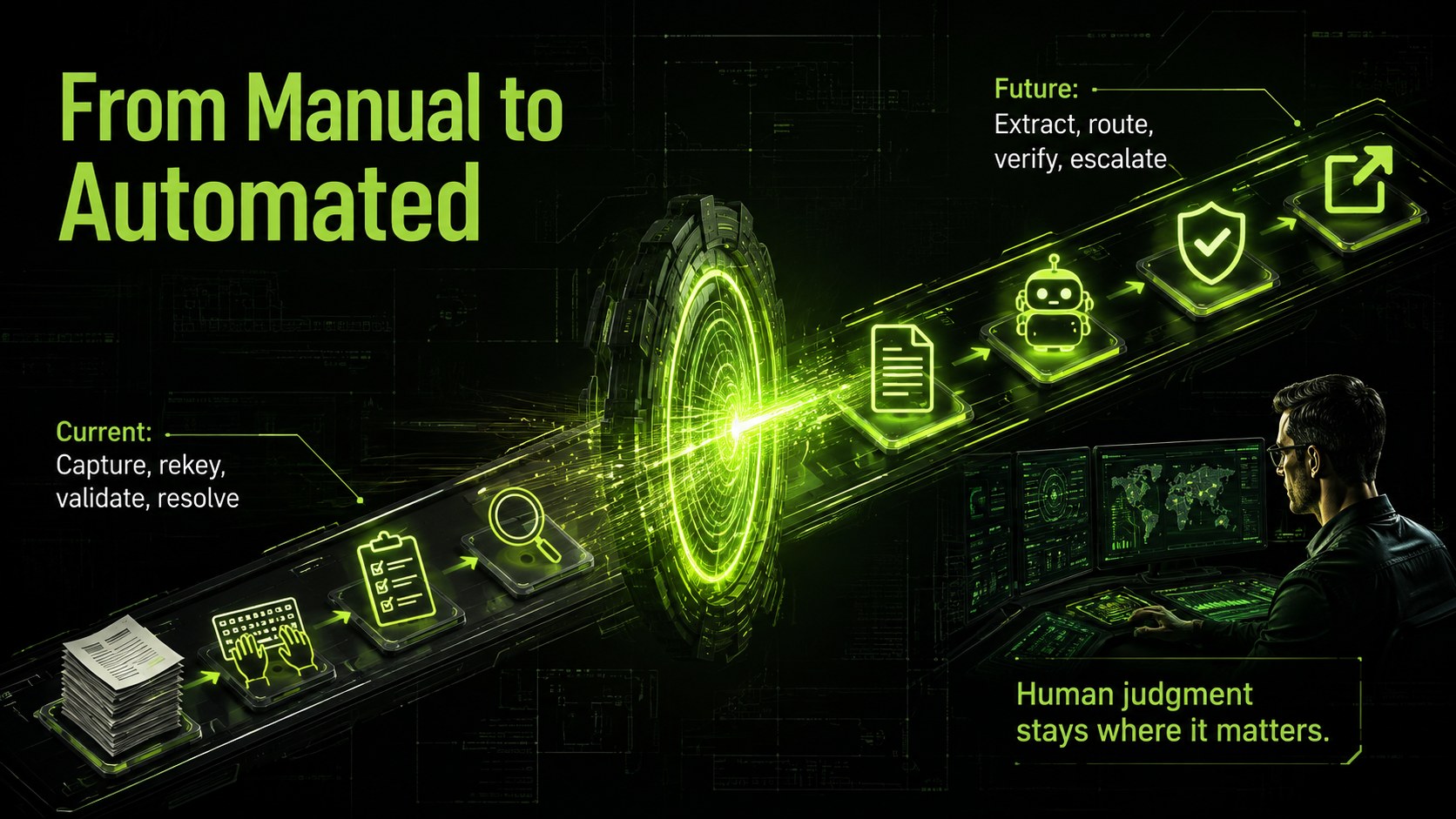
Turn an automation concept into an executive-ready story with this RPA workflow modernization deck. Its futuristic black and neon-green design gives technology proposals a confident visual edge while keeping operational priorities easy to scan. Use it to connect repetitive business tasks with measurable improvements in speed, accuracy, cost, and employee capacity.
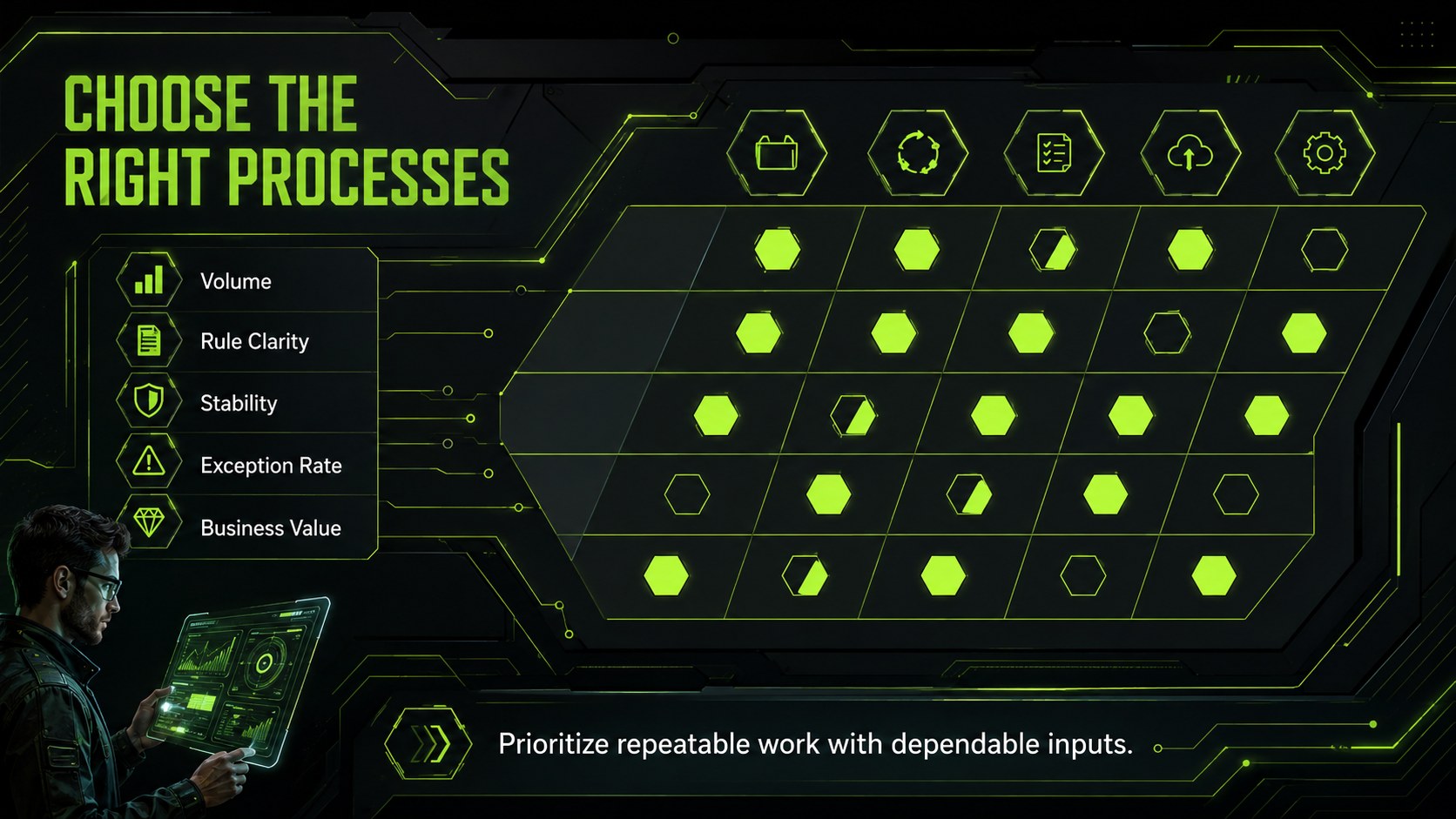
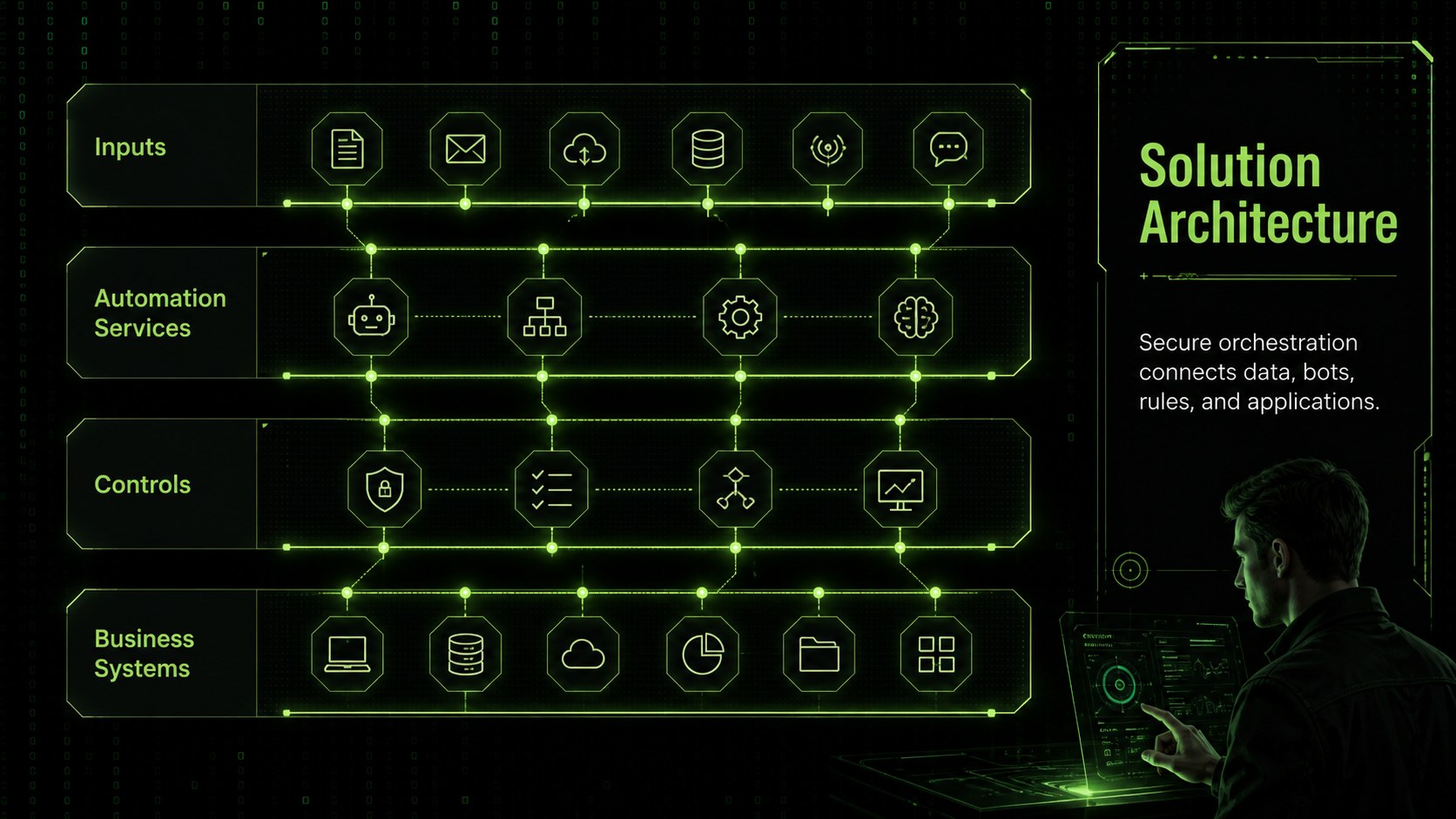
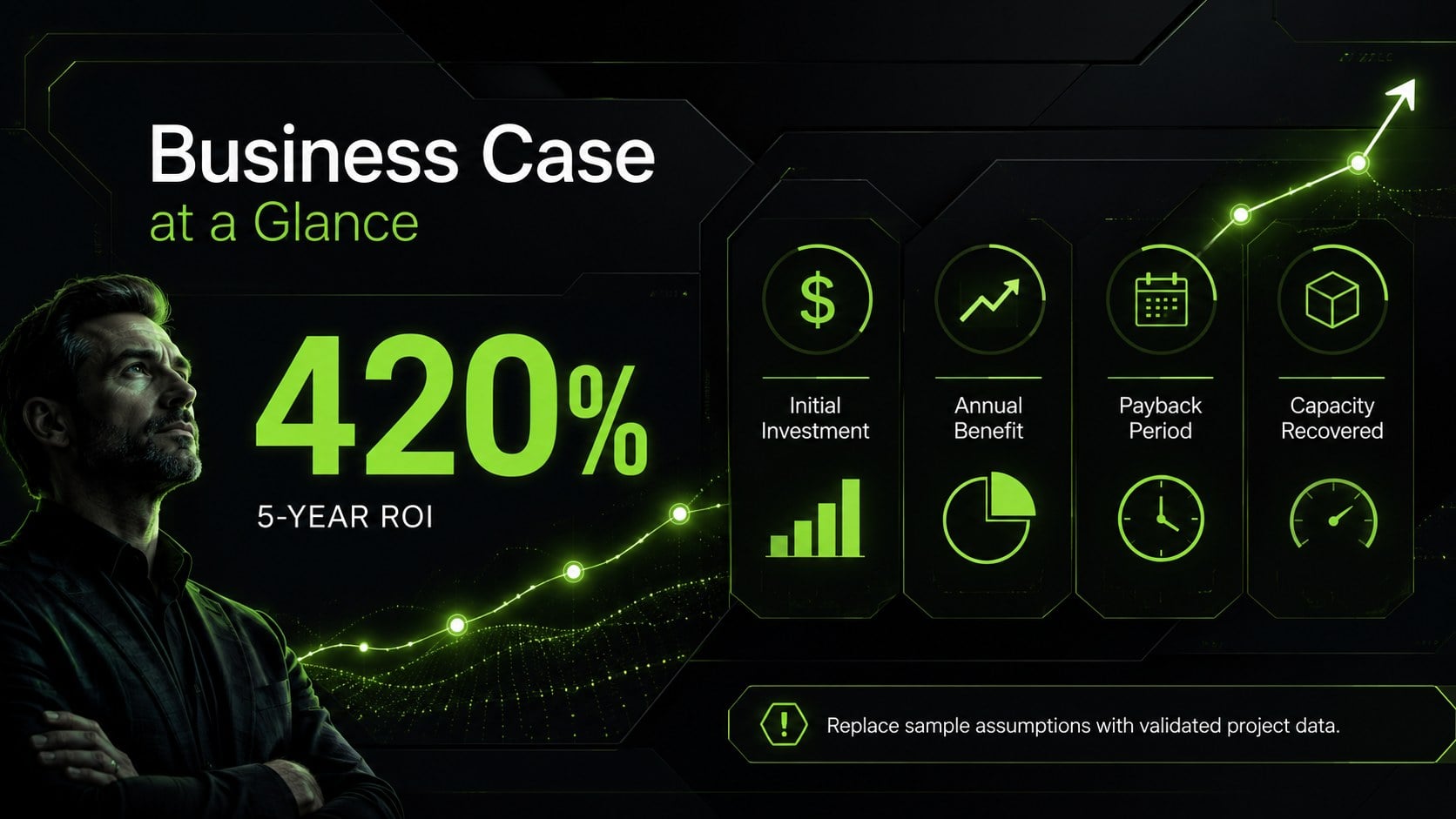
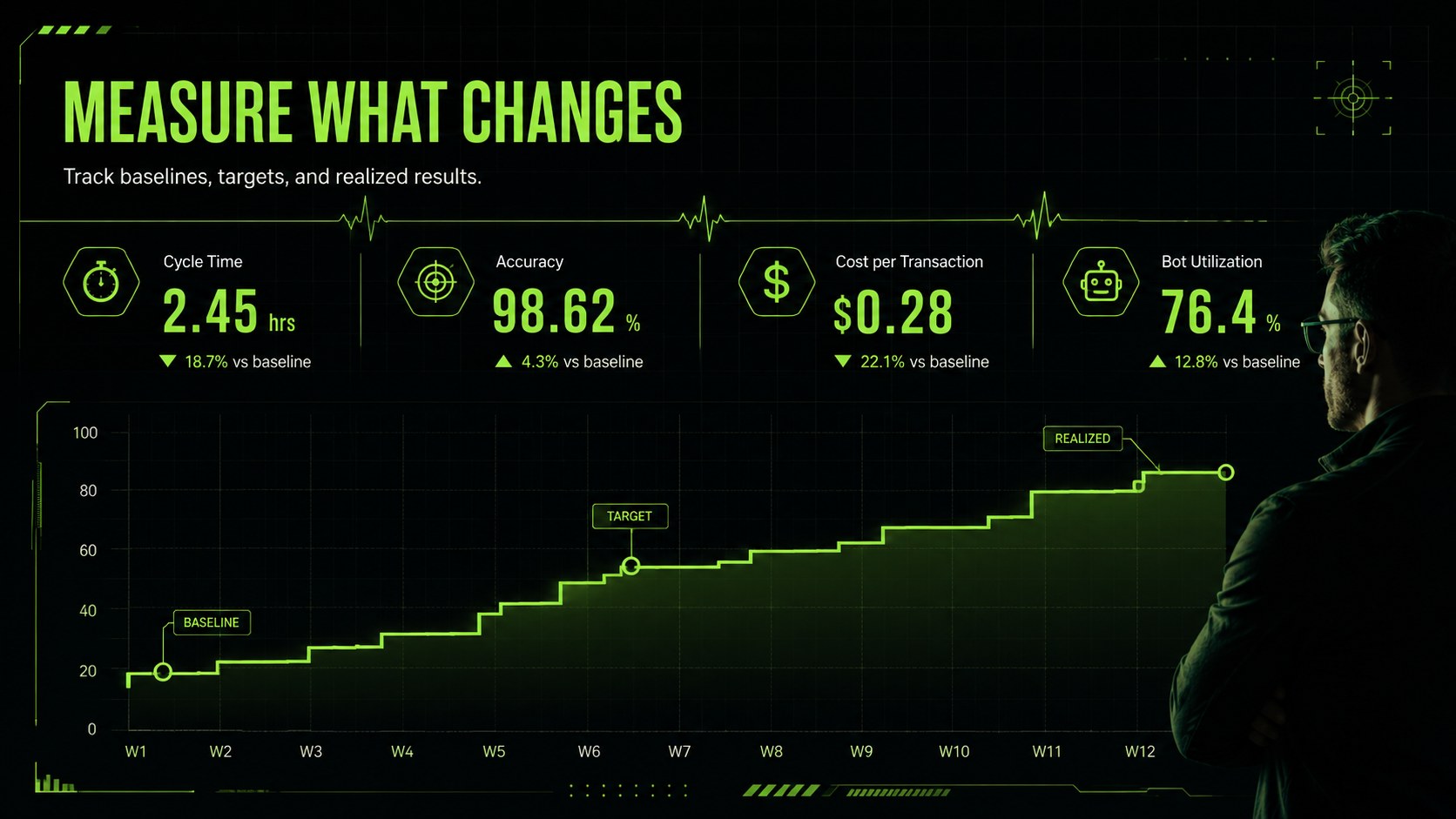
The deck includes layouts for defining the challenge, selecting automation candidates, comparing current and future workflows, explaining solution architecture, and building an automation business case presentation. Additional slides cover projected returns, success metrics, implementation phases, governance, risks, team responsibilities, and pilot results. Charts, process diagrams, timelines, matrices, and editable text areas help you shape an enterprise RPA implementation plan without forcing every idea into the same format.
Designed for transformation leaders, operations teams, IT managers, consultants, product owners, and internal strategy groups, this template works for both early-stage approval meetings and detailed delivery reviews. Adapt the process automation ROI slides to your own assumptions, replace example milestones with real dates, and apply departmental metrics that matter to your stakeholders. Every layout can be edited in PowerPoint or Google Slides, making the deck practical for collaborative planning, leadership briefings, vendor discussions, and cross-functional workshops.
Perfect for: executive automation approval; RPA pilot planning; workflow transformation workshop; automation ROI review; enterprise rollout briefing.
Frequently asked questions
Can I edit this deck in PowerPoint and Google Slides? Yes. The layouts, text, colors, diagrams, and data displays can be edited in PowerPoint and Google Slides. Font availability and animation behavior may vary slightly between the two platforms.
Practical details
Yes. The layouts, text, colors, diagrams, and data displays can be edited in PowerPoint and Google Slides. Font availability and animation behavior may vary slightly between the two platforms.
Replace the sample workflow, metrics, milestones, owners, and risk statements with details from your process assessment. You can also duplicate or remove sections to match the scope of a pilot, department rollout, or enterprise program.
Yes. It provides dedicated structures for costs, expected benefits, performance indicators, phased delivery, governance, and pilot outcomes. Update the example figures with validated assumptions before presenting them to decision-makers.
Yes. Change the green accent, typography, and supporting graphics while retaining the high-contrast black foundation. For accessibility, verify that replacement colors maintain strong contrast for labels, charts, and small text.
Keep exploring
15Build a bold cosmic story with this UFO Day alien encounter deck, featuring surreal green-and-black layouts for PowerPoint and Google Slides events.
 16
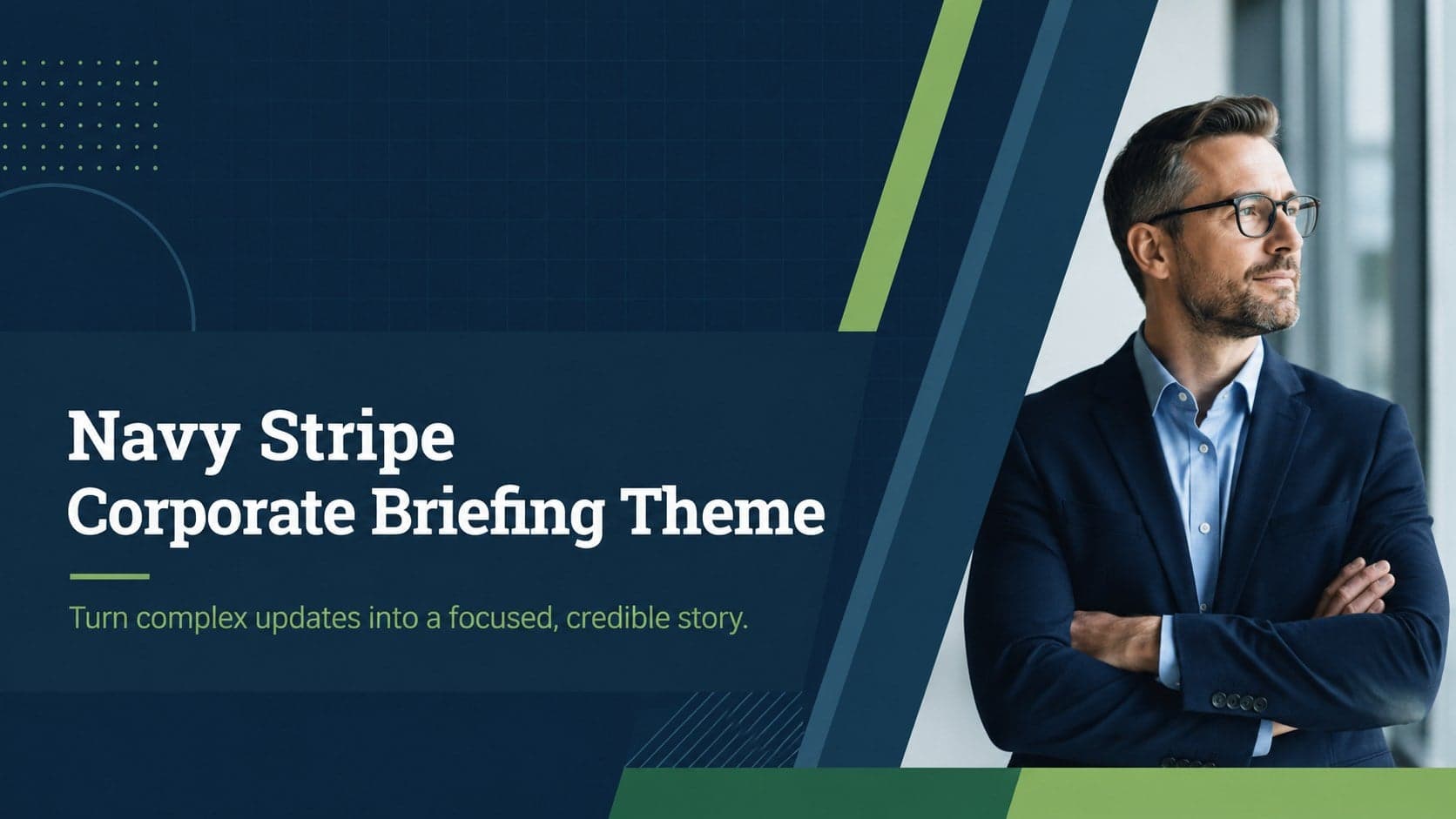
16Use the Navy Stripe Corporate Briefing Theme to present plans, results, and proposals with credible blue-green layouts for PowerPoint and Google Slides.
 5
5Turn customer research into clear decisions with product experience mapping slides in a dark navy and green style for PowerPoint and Google Slides.
 16
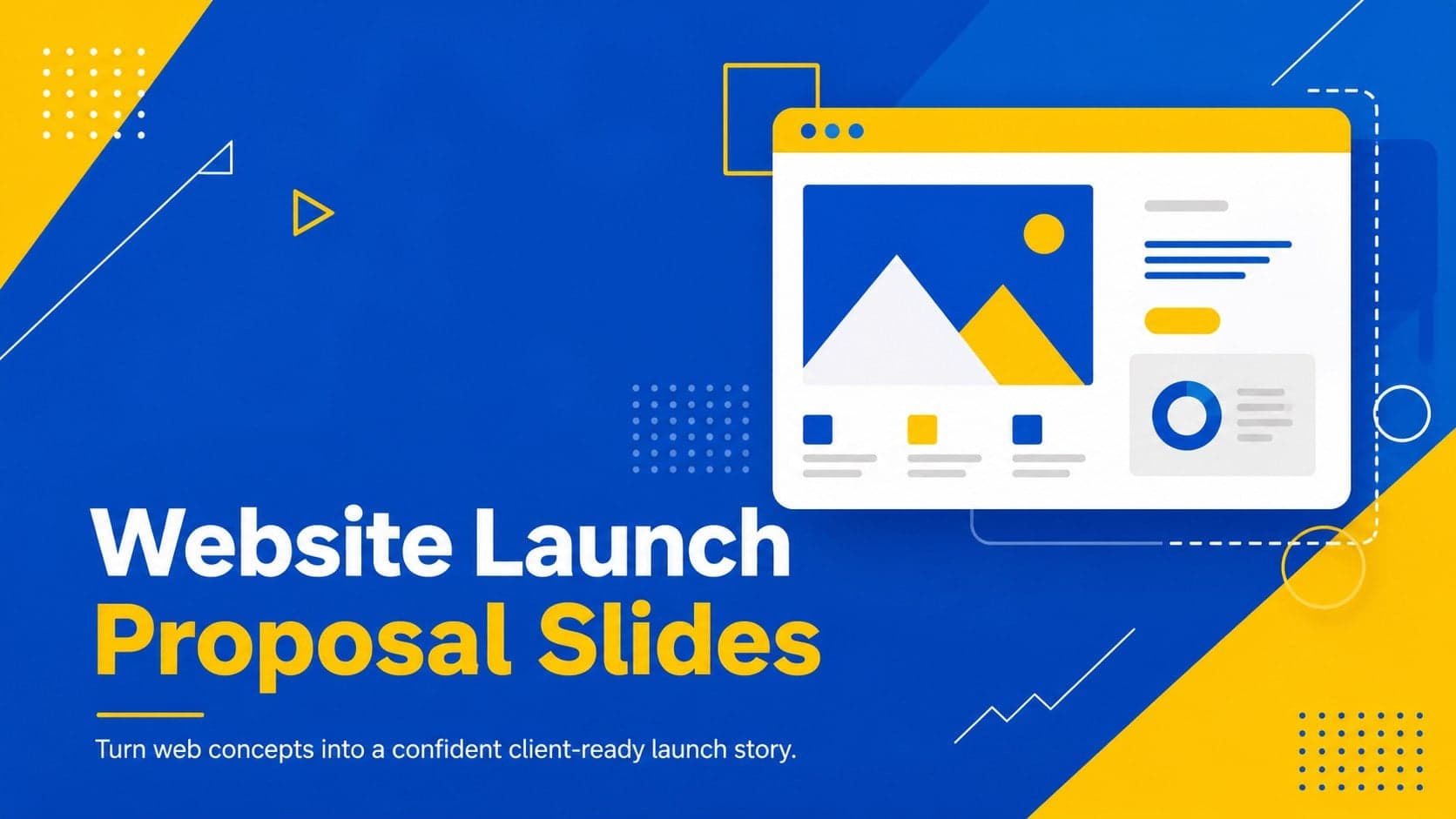
16Win stakeholder approval with website launch proposal slides that organize strategy, UX, rollout, and results in editable PowerPoint and Google Slides formats.
 15
15Build clearer campaign plans with an AI marketing strategy deck featuring neon blue-green visuals, editable workflows, data slides, and practical examples.
 15
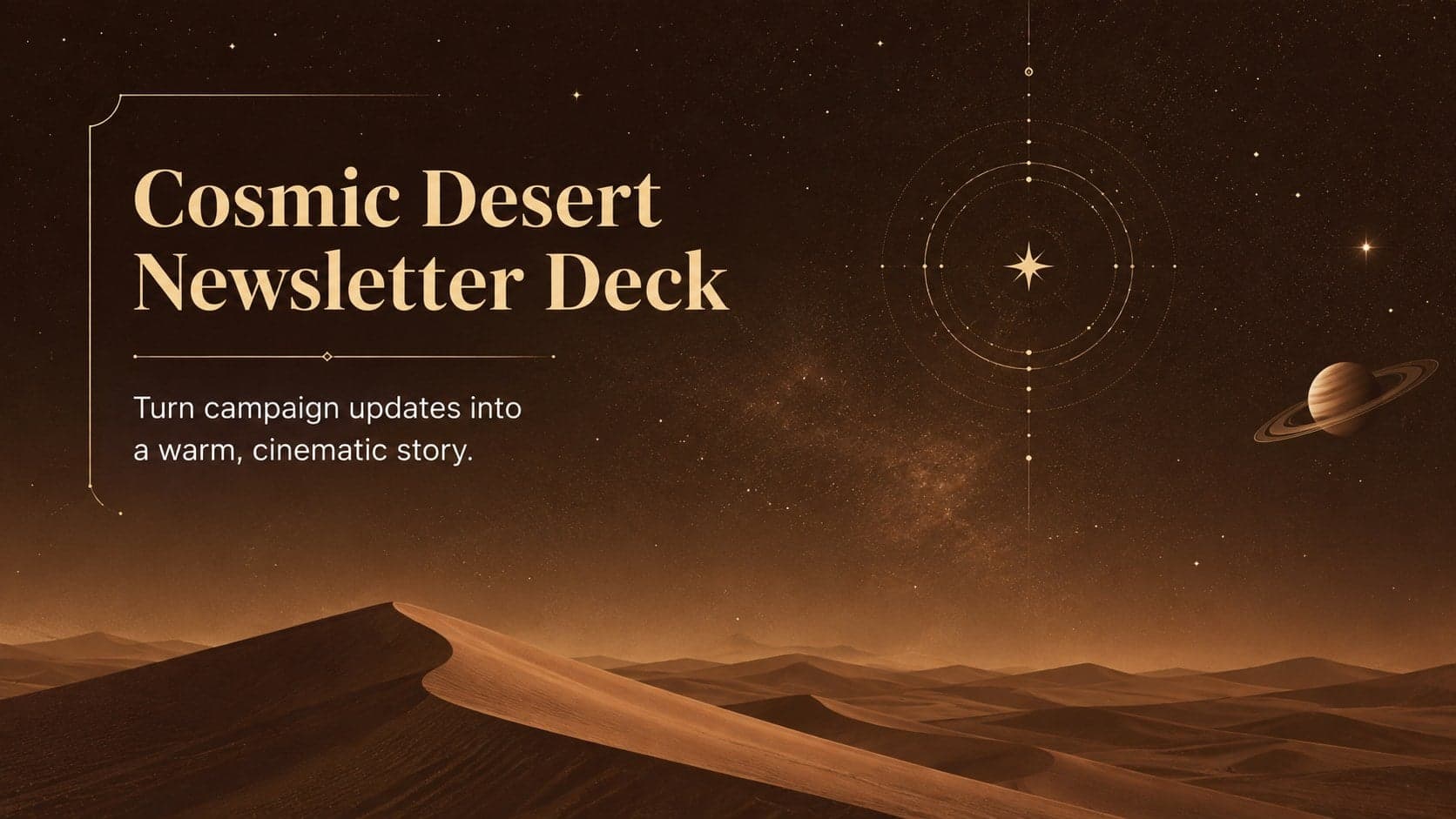
15Build memorable campaign updates with a Cosmic Desert Newsletter Deck, featuring warm beige-brown slides for PowerPoint and Google Slides teams.
 15
15Lead productive urban-tech meetings with a smart city business briefing deck in vivid violet and pink, ready to edit in PowerPoint or Google Slides.
 16
16Build a lively sales story with the Interactive Tech Product Showcase, using colorful illustrated layouts made for PowerPoint and Google Slides.