
 15
15presentation
Astrology Audience Insights Deck
Use this astrology audience insights deck to present zodiac-based segments, behaviors, and campaign findings in polished black-and-gold slides.
Google SlidesPowerPoint
presentation · English
Turn lead data into a clear revenue story with revenue pipeline funnel slides for PowerPoint and Google Slides, styled in green and purple gradients.
Design notes
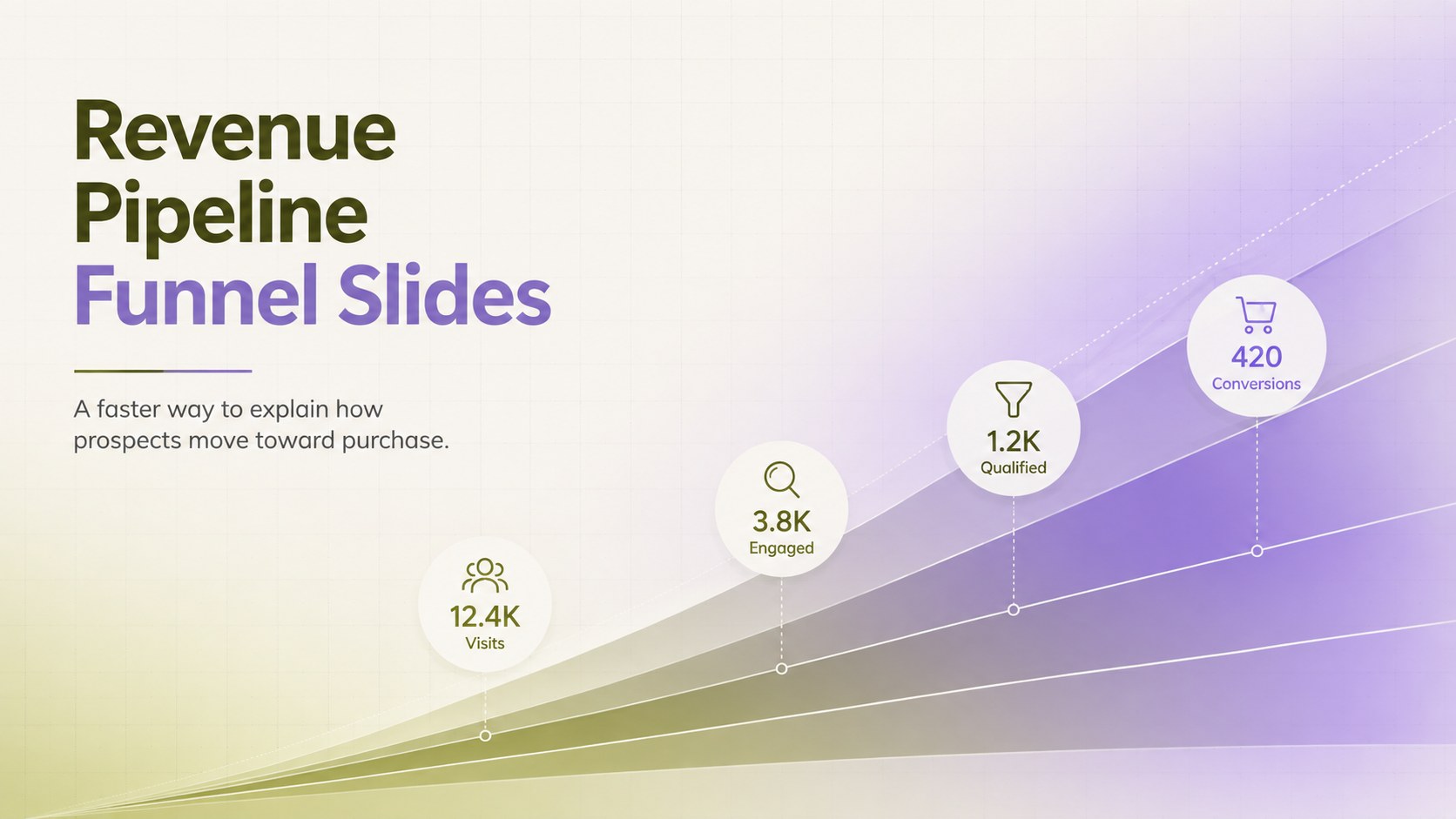
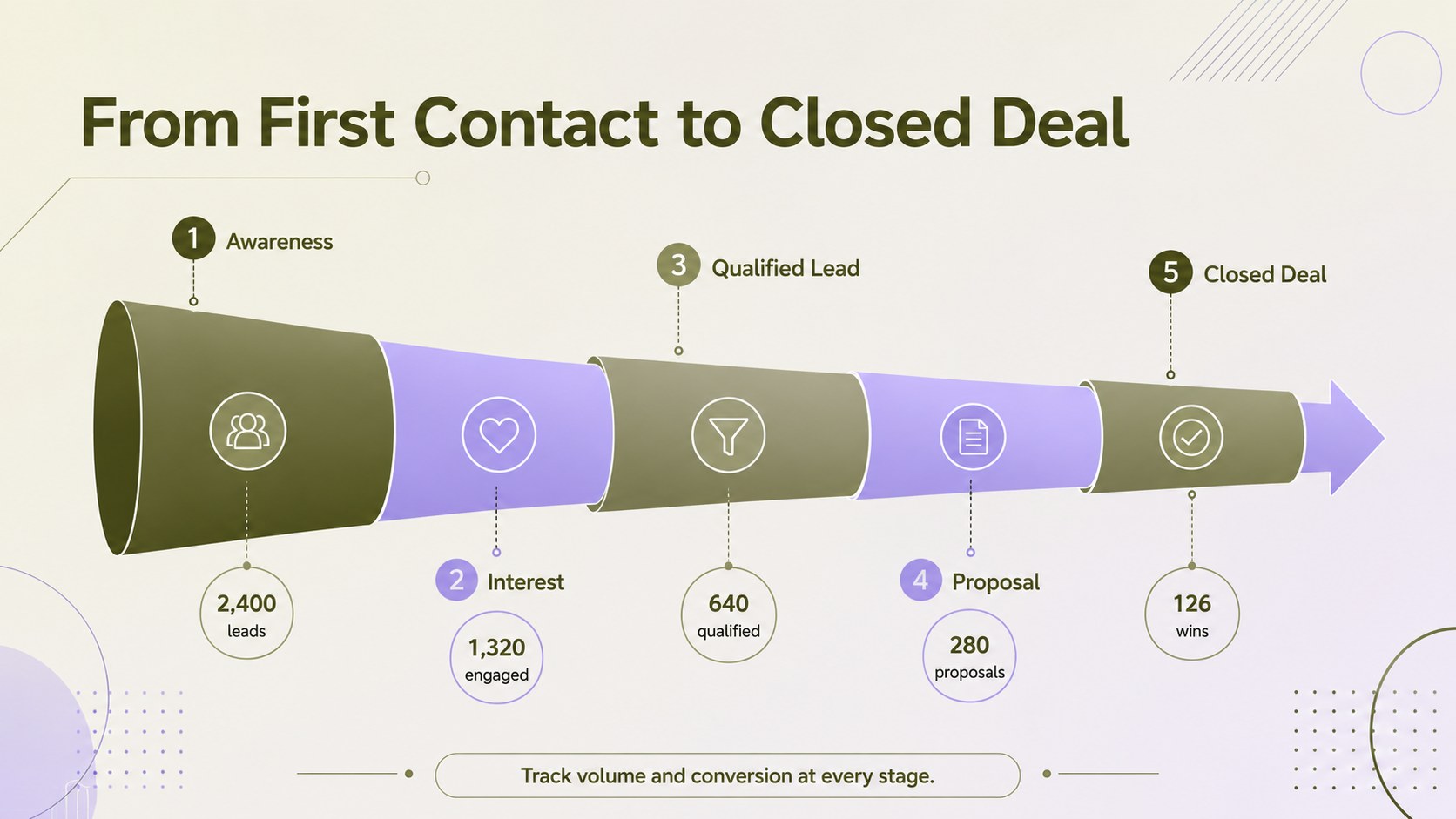
Transform pipeline updates into a focused visual narrative with these revenue pipeline funnel slides. The clean gradient design combines calming green and purple tones with structured layouts that help audiences understand how leads progress from initial awareness to conversion. Use the deck to replace dense tables or lengthy explanations with a polished sales pipeline visualization template that highlights movement, volume, and opportunity.
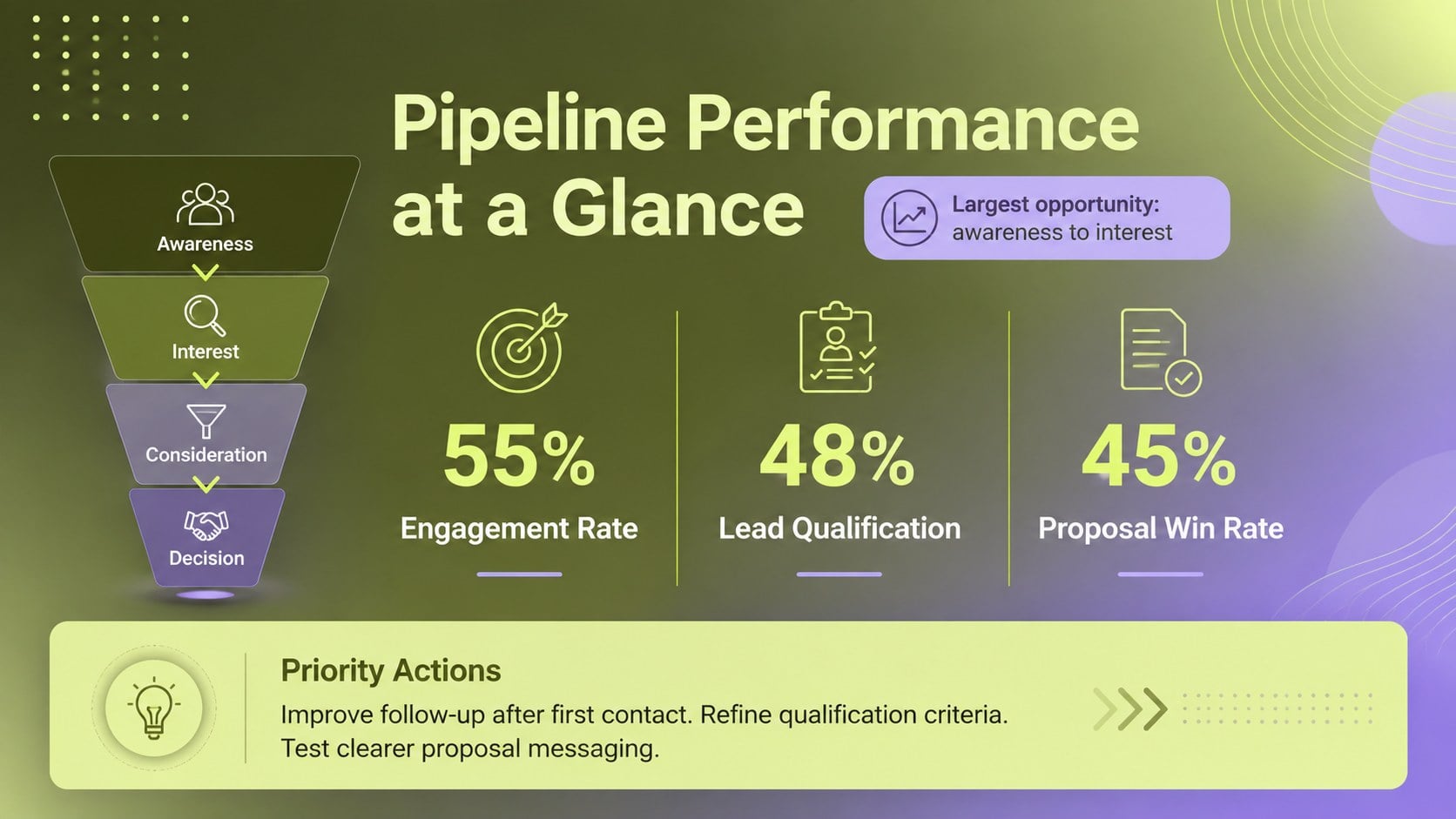
Inside, you will find a strong title slide, a five-stage revenue funnel infographic, and a performance summary layout for presenting conversion rates and recommended actions. Every element can be edited in PowerPoint or Google Slides, including stage labels, percentages, colors, typography, and supporting notes. The layouts are designed to accommodate real sales data while remaining clear enough for quick executive review.
This lead conversion funnel presentation is useful for sales managers, marketing teams, startup founders, consultants, and operations leaders. Apply it to quarterly business reviews, campaign reporting, pipeline planning, customer acquisition discussions, or internal training. It also works as a customer acquisition funnel diagram when you need to connect marketing touchpoints with qualified opportunities and closed deals. The portrait-inspired infographic styling is adapted into a practical widescreen format, giving teams more room for concise commentary without losing the sleek green-and-purple gradient character.
Perfect for: quarterly sales review; lead conversion analysis; marketing campaign report; startup pipeline briefing; customer acquisition planning.
Frequently asked questions
Can I edit each stage of the revenue funnel? Yes. Stage names, values, descriptions, colors, and shapes can be adjusted to match your pipeline structure and reporting needs.
Practical details
Yes. Stage names, values, descriptions, colors, and shapes can be adjusted to match your pipeline structure and reporting needs.
The slides are designed for PowerPoint and Google Slides. You can present them in widescreen format or export finished slides to common sharing formats.
Yes. Replace the gradient colors with your organization’s palette while keeping the funnel hierarchy and text contrast clear.
Use lead counts, stage-to-stage conversion rates, pipeline value, or average time spent at each stage. Short labels and one key metric per level will produce the clearest result.
Keep exploring
15Use this astrology audience insights deck to present zodiac-based segments, behaviors, and campaign findings in polished black-and-gold slides.
 14
14Plan a memorable Lunar New Year campaign with the 2036 Dragon Year Celebration Theme, featuring bold red-and-yellow slides for lessons and events.
 15
15Build eerie lessons, campaigns, and story pitches with an undead survival scenario theme featuring editable slides for PowerPoint and Google Slides.
 15
15Build a clear breast cancer awareness bulletin with bold pink-and-red slides for campaign news, screening reminders, impact data, and community updates.
 15
15Shape your publishing concept with an indie magazine startup pitch deck featuring pastel gradients, bold collage layouts, and editable planning slides.
 15
15Build a bold retro-futurist campaign pitch deck for client meetings, with editable strategy layouts and playful pastel Y2K-inspired visuals.
 16
16Build a consistent presence with a social channel identity playbook covering voice, visuals, content formats, publishing rules, and approvals.
 15
15Celebrate online learners with webinar completion certificate slides, featuring editable violet artwork for university events in PowerPoint and Google Slides.